
 Apply AI in Education Presentation
The Smarter AI Education Presentation Maker
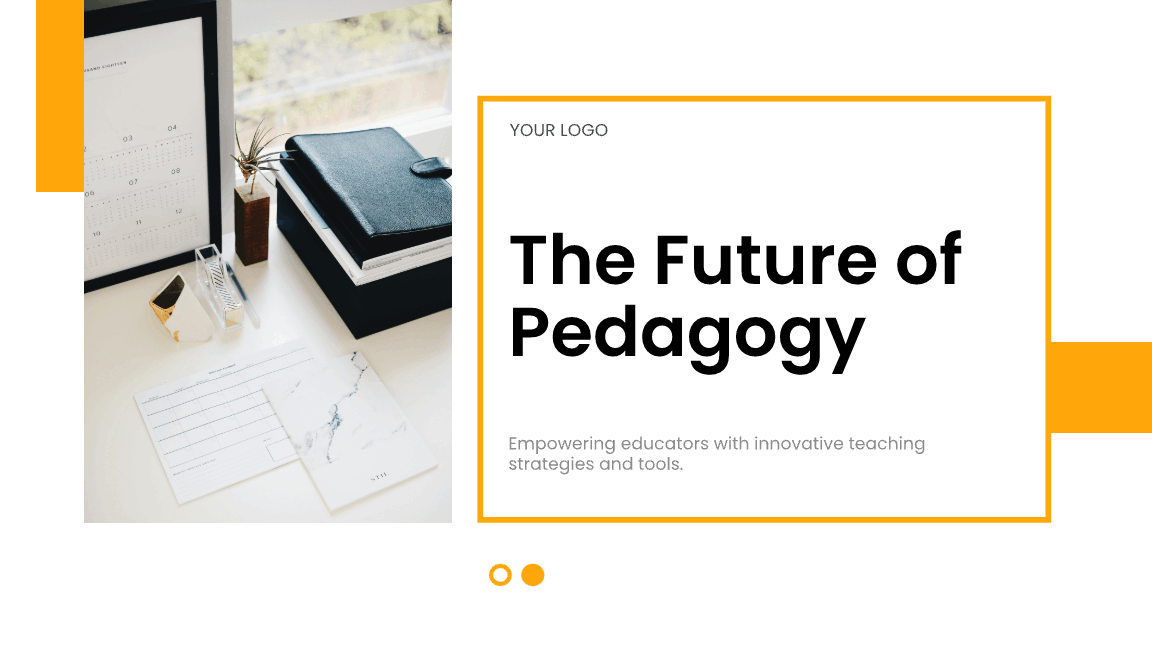
Turn lesson notes, research papers, or a PDF into a presentation draft. Review the content and adapt the examples for your students.
Generate My Lesson Plan for Free
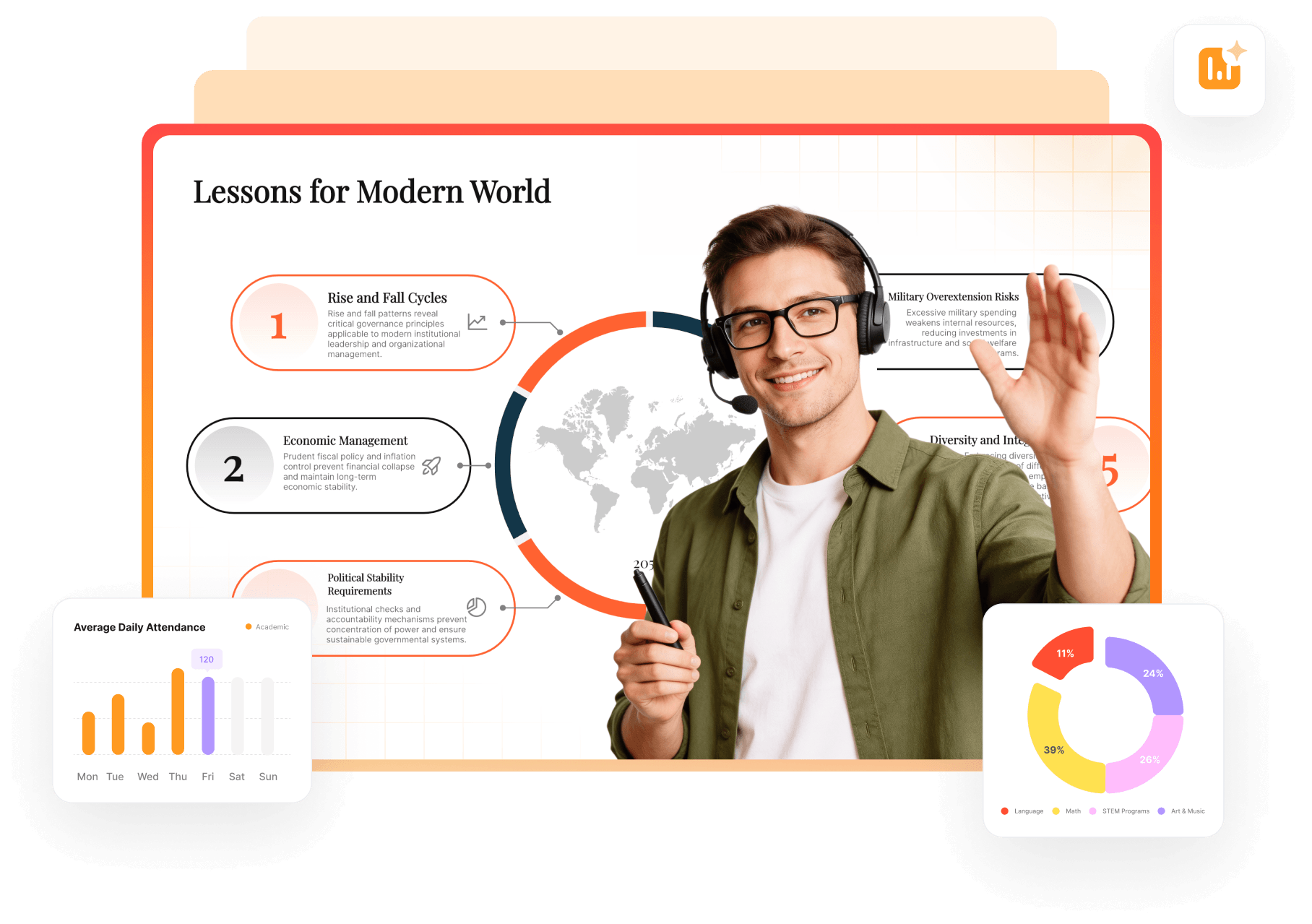
Get Fresh Education Presentation Ideas with AI
Start with your lesson objective and source material. Use a template to organize the draft, then adjust the slides for the topic and age group.
AI Lesson Plan Generator
Use curriculum notes or a PDF as the basis for a structured lesson. Check the sequence, explanations, and source references in the draft.
Smart Presentation Examples
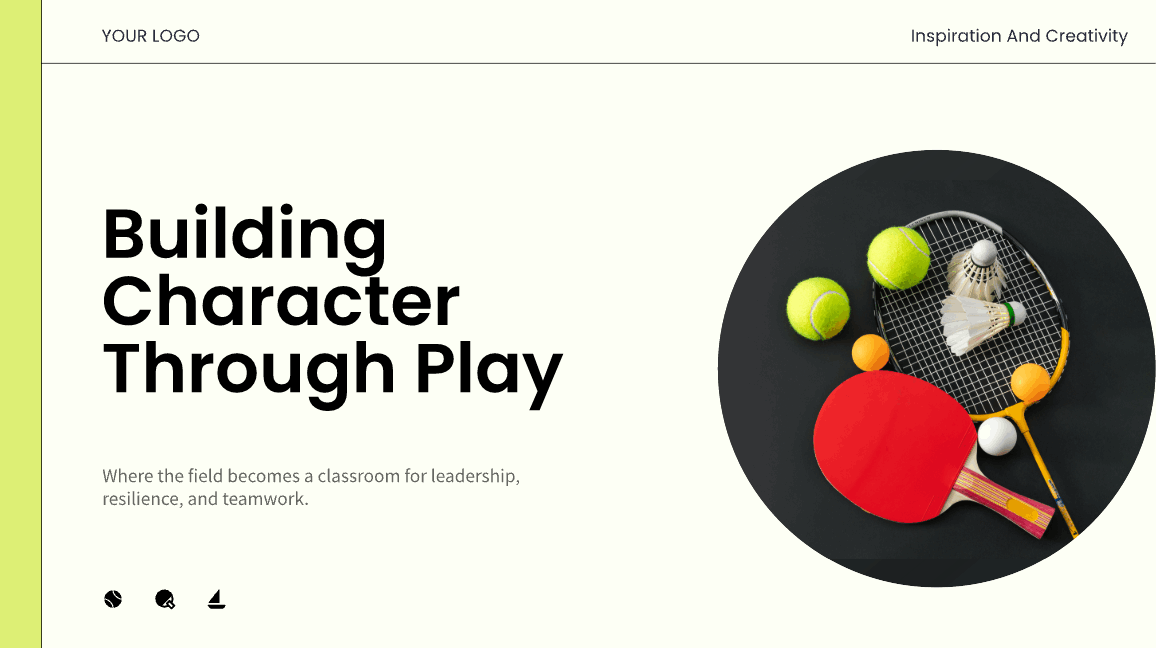
Use layout suggestions to arrange the material, then check text size, contrast, and the amount of information on each slide.
Proven Education Templates
Browse presentation templates for lessons, research talks, and student projects. Check the available download formats and plan requirements before choosing one.
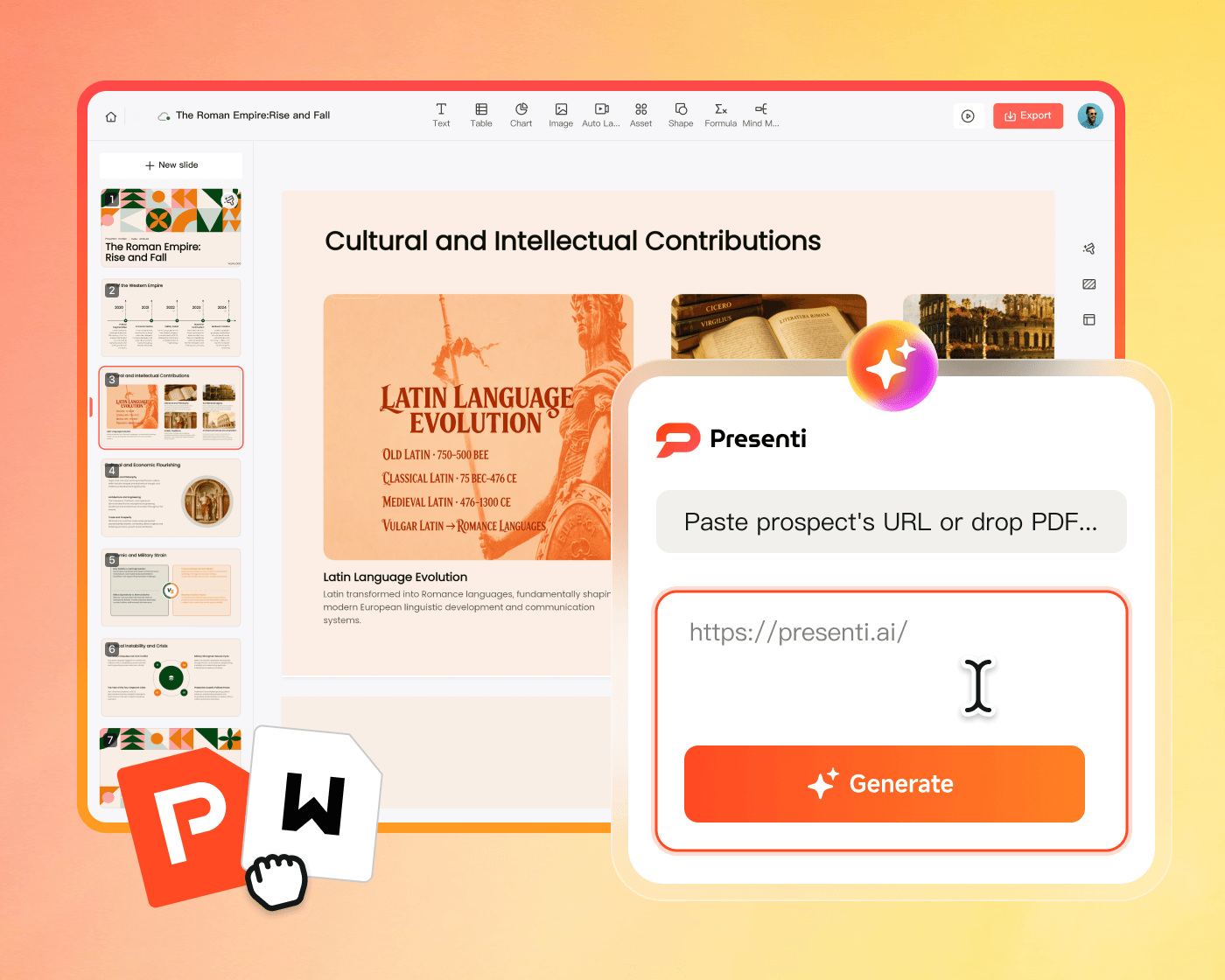
Transform Research into Learning Stories
Turn long articles into engaging lessons. Presenti AI extracts key facts from your files, ensuring your slides are student-ready in seconds.

Convert Links to Slides
Use a supported source link as the starting point for a summary. Compare the outline with the article before building your lesson.

Turn Documents into Decks
Transform textbooks and reports into professional visuals. AI handles the complex design so you can focus on student engagement.

Smart Content Highlights
Let AI identify key conclusions and takeaways. Ensure your narrative is clear, accurate, and perfectly structured for learning.
Consistent School Branding for Every Teacher
Use your institution’s approved logo, colors, and typography. Check the completed slides against its visual guidelines.

Smart School Brand Kits
Apply suitable colors and logos, then review their placement and readability throughout the deck.

Centralized Teacher Hub
A secure workspace to share ideas for teaching presentations. Collaborate with colleagues to build consistent curriculum materials and classroom decks.

Instant Resource Sharing
Keep your team aligned. Use our AI lesson plan generator to update shared syllabi and resources with a single click.
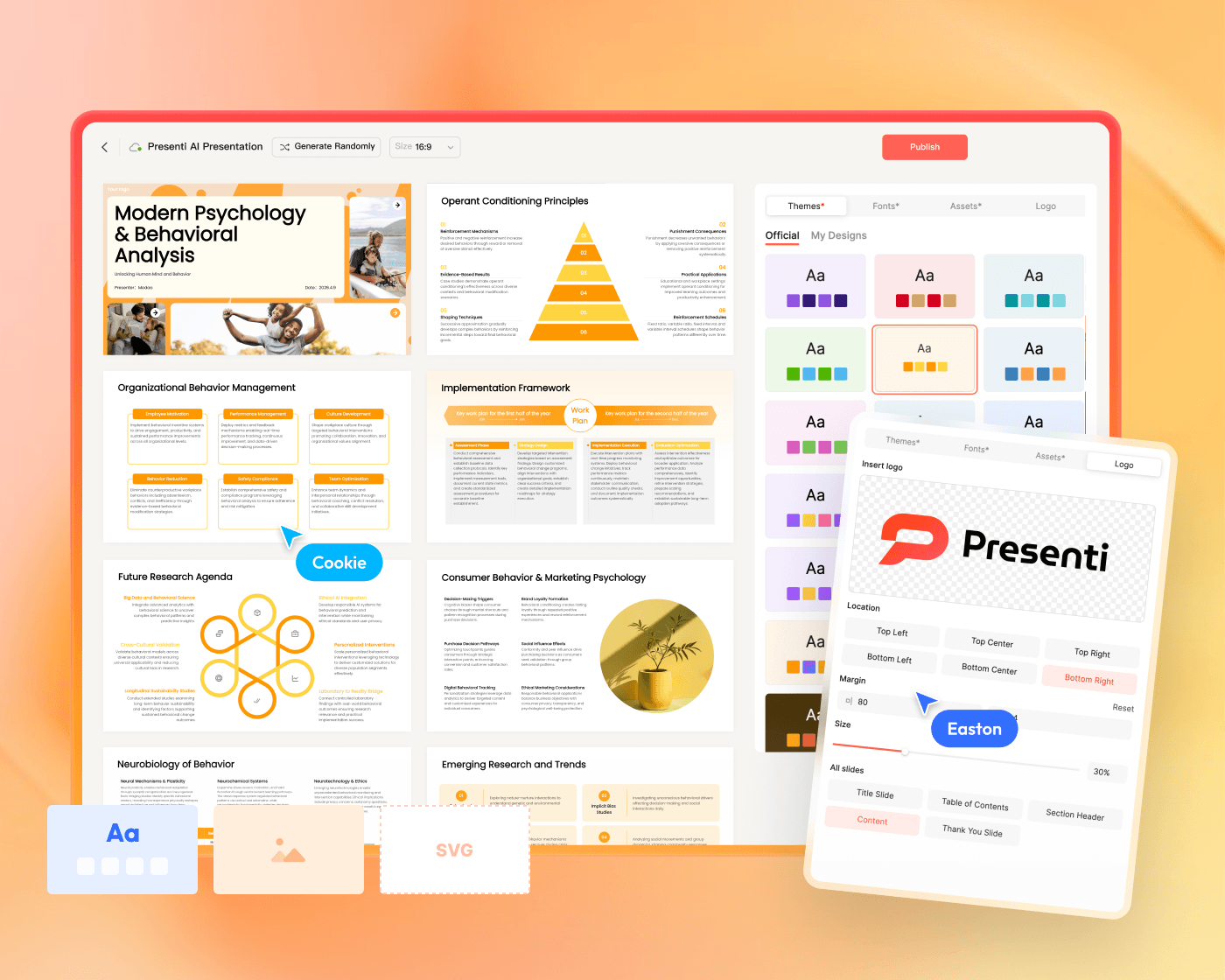
Perfect Your Lesson from Draft to Classroom
Go beyond the first draft. Our intelligent presentation tools help you polish your design and sharpen your message for a truly memorable learning experience.
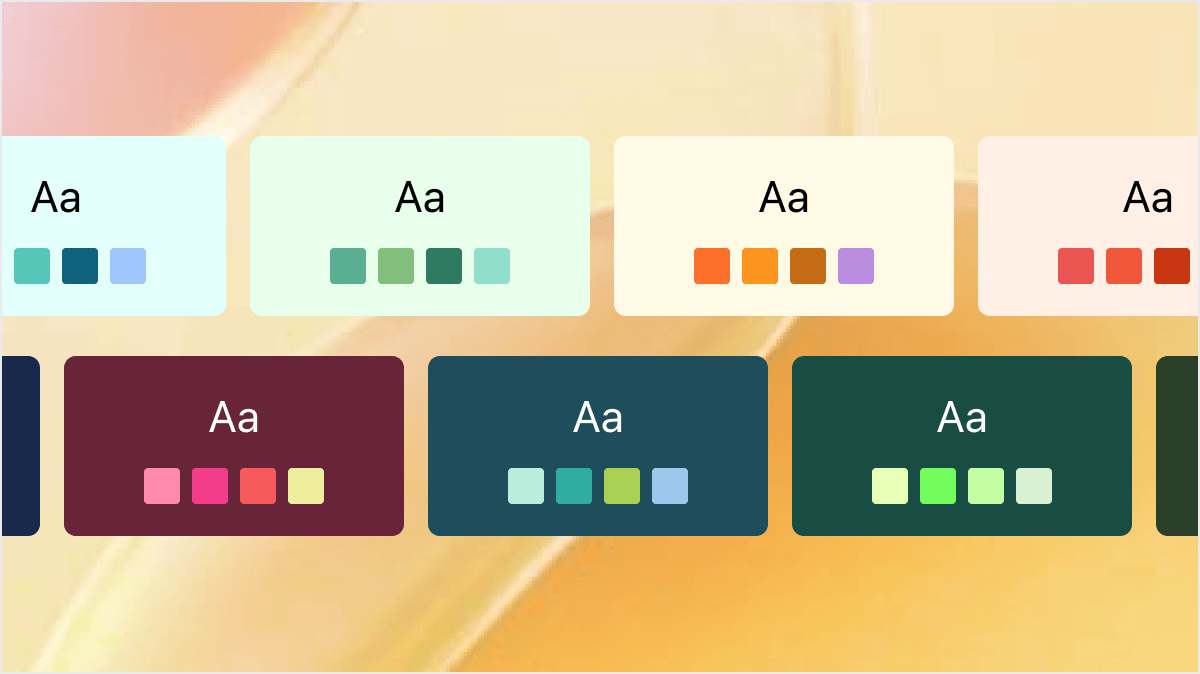
One-Click Professional Styling
Maintain visual clarity for students
- Switch between global academic themes and layouts instantly
- Apply school logos and professional footers to every slide automatically
- Maintain visual balance to reduce cognitive load and improve student focus
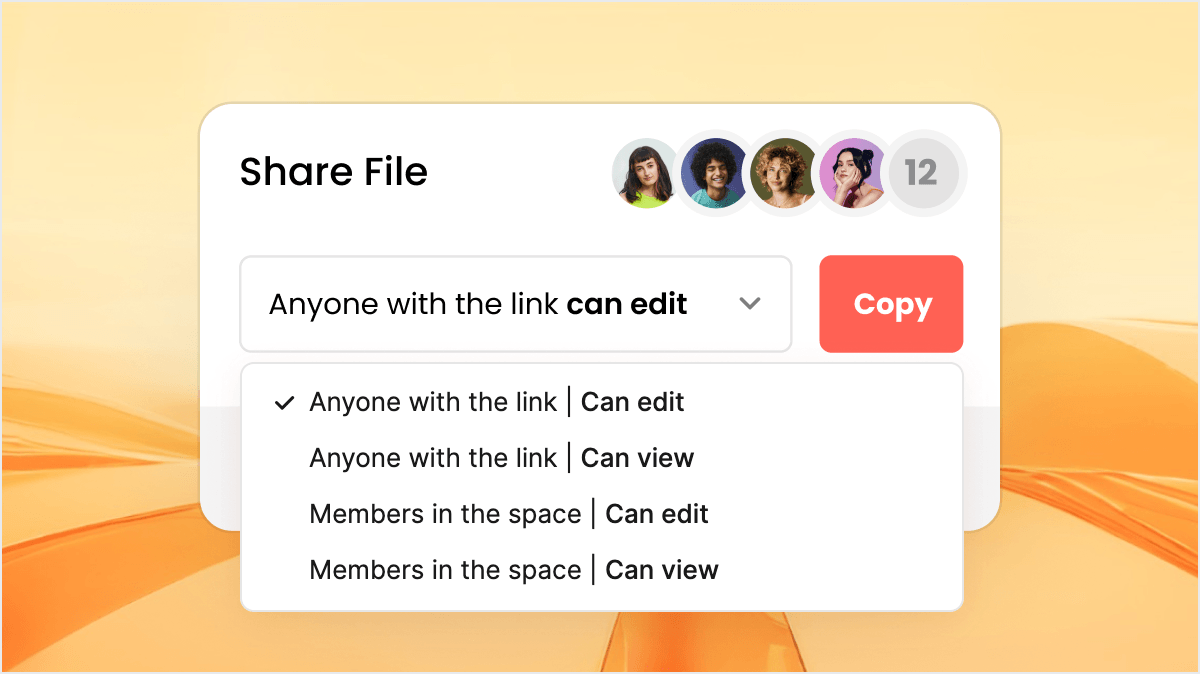
Secure Collaboration and Export
Share links or download as editable .pptx files
- Generate AI speaker notes to guide your classroom performance seamlessly
- Share password-protected links with students for secure review outside of class
- Download fully editable PowerPoint files for offline teaching or LMS uploads
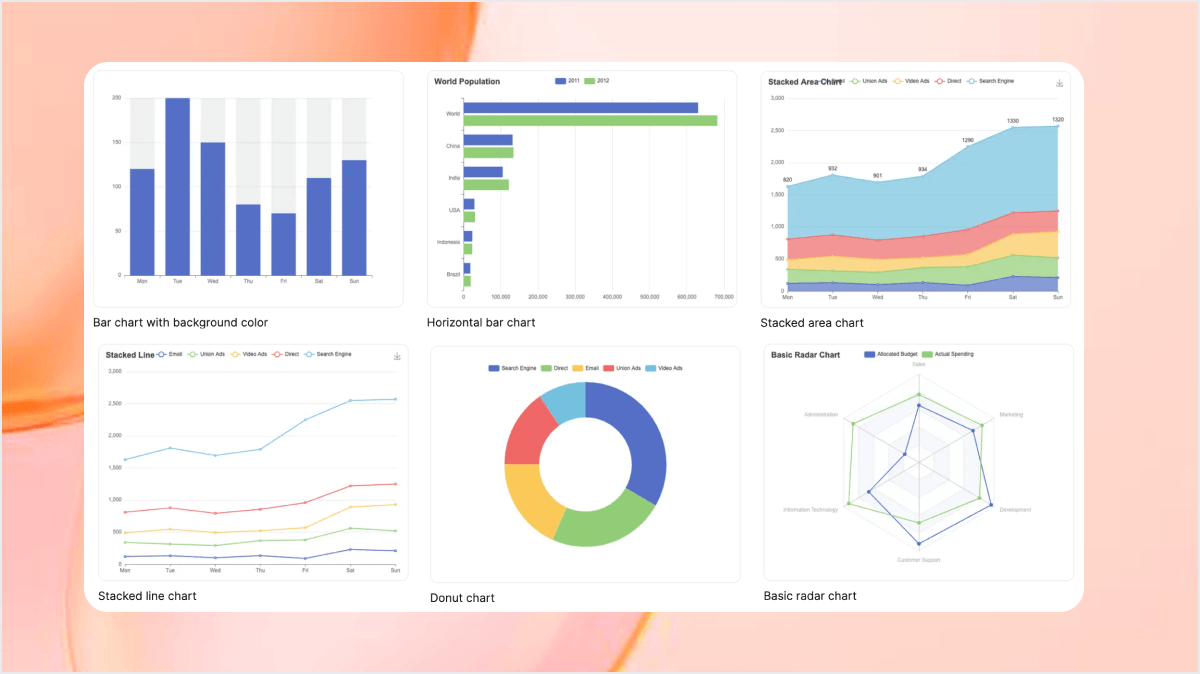
Data-Backed Visual Learning
Turn raw research into clear evidence
- Transform complex data into persuasive and easy to read charts
- Convert mind maps and logic trees into structured slide sequences
- Integrate strategic frameworks like Venn diagrams and SWOT into your story
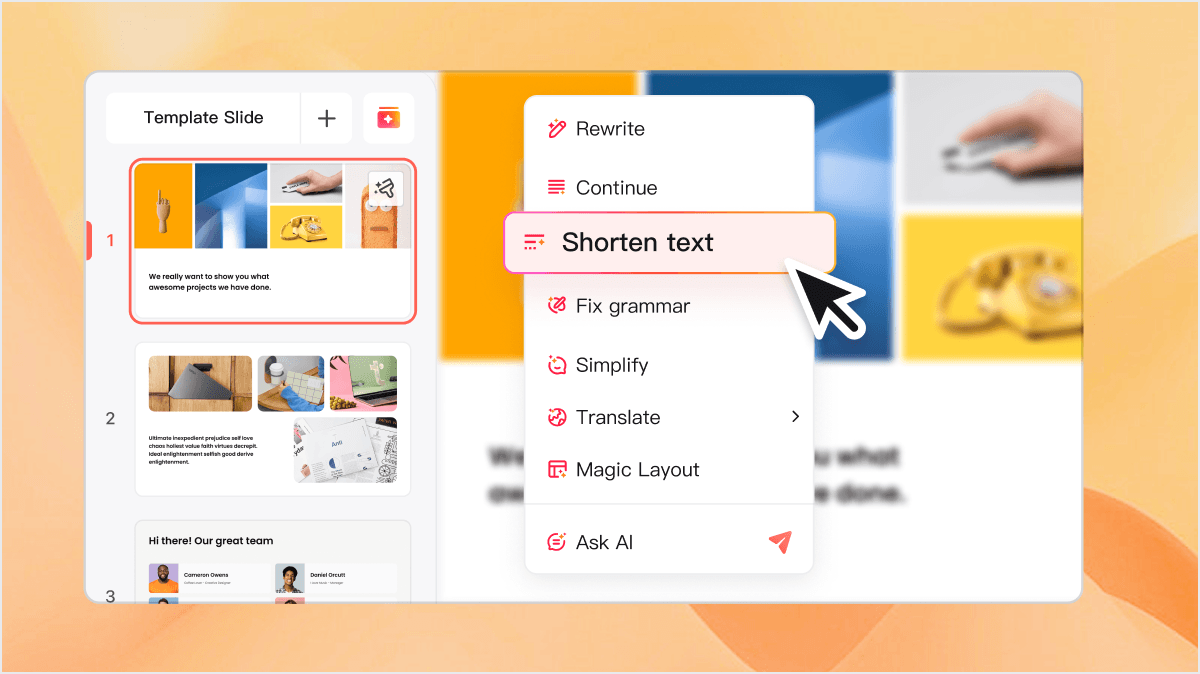
Intelligent Lesson Assistant
Perfect your messaging for any student group
- Refine your copy by expanding or shortening text sections instantly
- Adjust your narrative tone from formal to engaging with a single click
- Generate professional lessons in 40+ languages for global student groups
Built for the Future of Education
Everything teachers and students need to present with clarity

Pro Agent Research
AI fetches authoritative academic data and case studies to bolster your classroom slides.

Smart Logic
Content auto-maps to educational frameworks like Venn Diagrams and Chronological Timelines.

Multi-Source Import
Convert textbooks, research PDFs, or YouTube links into structured lessons instantly.

Academic Rigor
Use consistent layouts and review teaching materials against your institution’s standards.

Lesson Assistant
Rewrite, simplify, or localize academic content directly within the editor to fit student needs.

Native PPTX Export
Download decks as fully editable .pptx files compatible with Microsoft PowerPoint.

Fast Collaboration
Co-author lessons in real-time. Leave comments and iterate with colleagues or students.

Secure Sharing
Protect curriculum IP with password-protected links and access expiration settings.

Multilingual Teaching
Generate classroom content in 40+ languages to support diverse learning environments.
Academic Template Gallery
Start with templates designed for pedagogical excellence and high-engagement learning.



Frequently Asked Questions
Common questions about our AI education presentation tools
Presenti AI can help teachers, researchers, and students create a slide draft from a topic or supported source material. Review the content and adjust the design for lectures, research talks, or class projects.
You can use a supported PDF or Word document as the basis for a presentation draft. Check important facts, quotations, figures, and references against the original document.
Choose a suitable design and check the logo, colors, fonts, and layout against your institution’s guidelines. Review the final deck before sharing it.
You can use Presenti to organize a research presentation draft. Decide which methods and results the audience needs, then check the content against your work and the requirements of the event.
Pro Agent can help find supporting material for your topic. Check the sources, calculations, and explanations before using the slides in a lesson.
Empower Your Classroom with Smarter Design
