





01/06
 AI-Powered Presentation Maker
AI PPT Maker Create Editable Presentations
Presenti helps turn your ideas into a structured presentation draft. Review the content, choose a layout, and refine your slides before sharing.
No credit card required · Free AI presentation tool
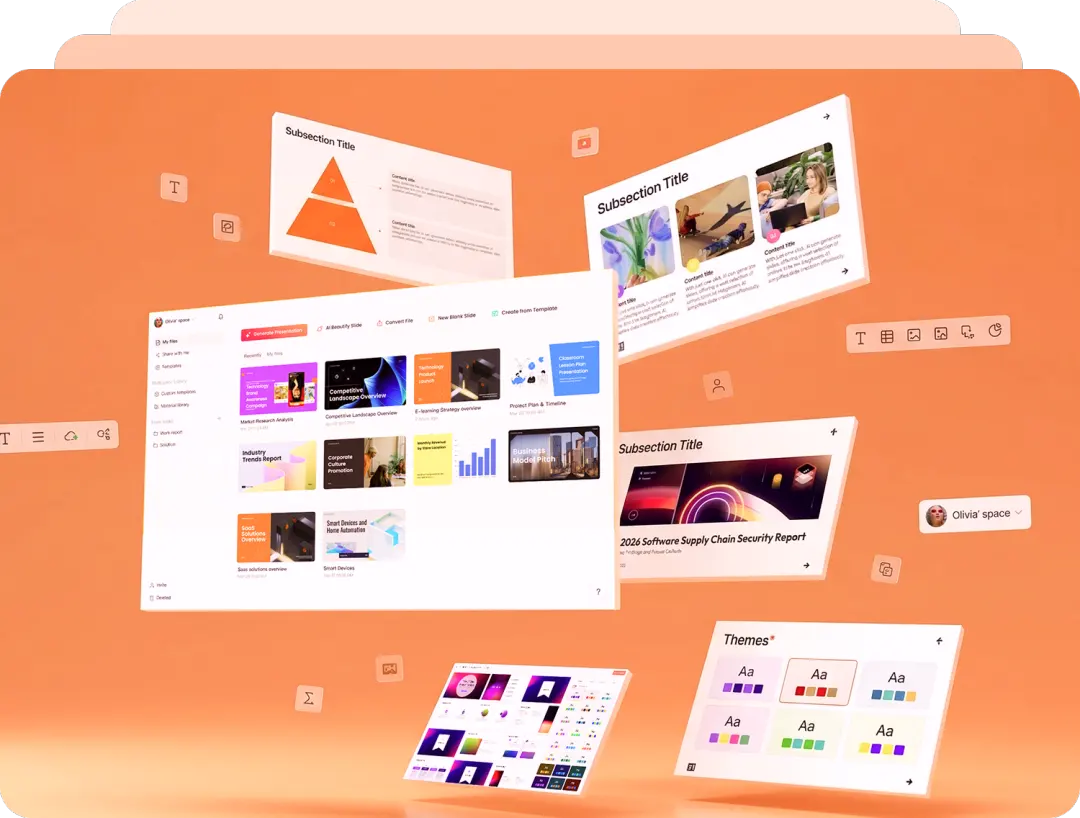
How Our AI PPT Maker Works
Describe your topic, review the generated outline, and customize your presentation draft. Generation time depends on the input, slide count, and selected features.

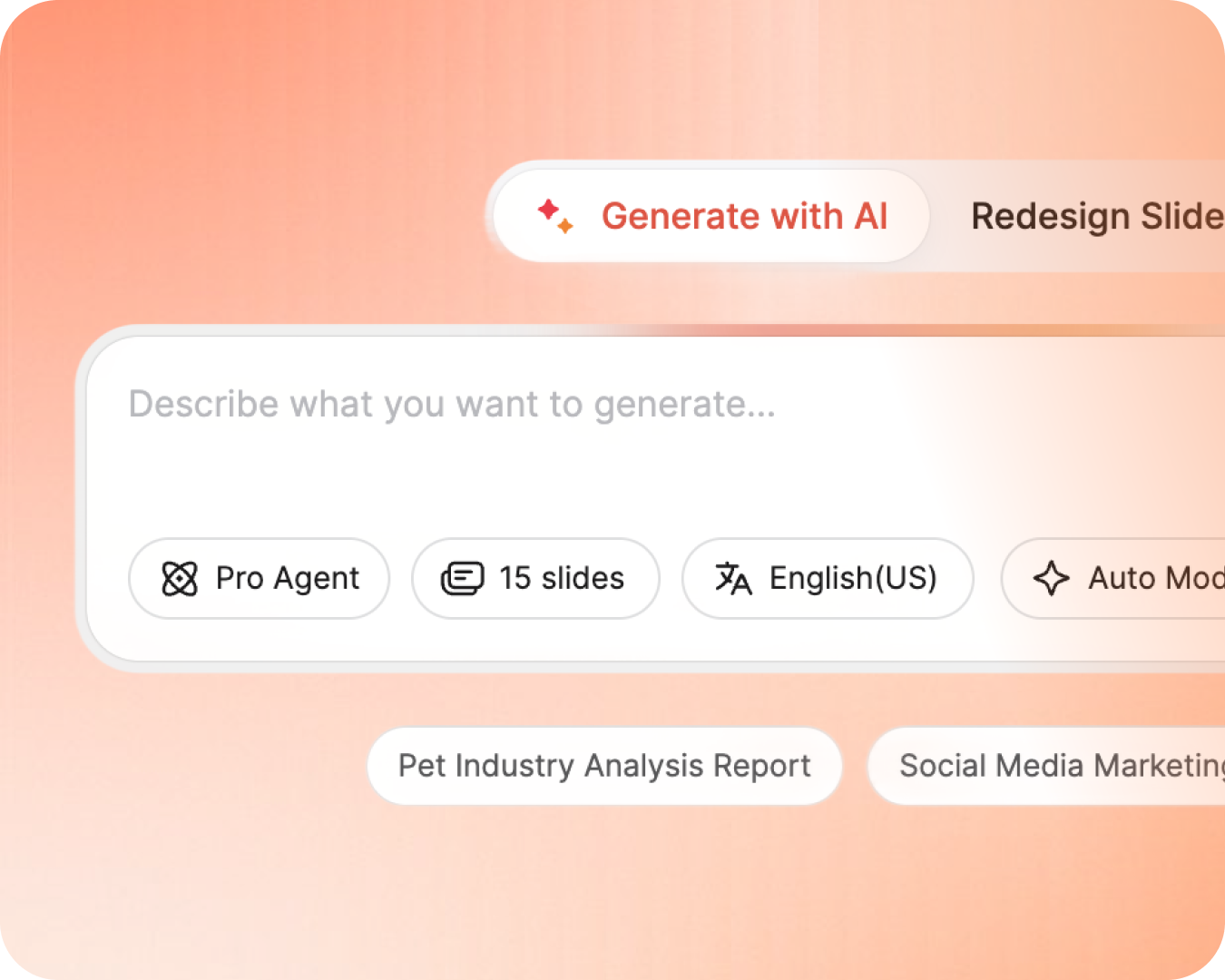

Describe Your Topic
Enter a text prompt, paste a URL, or upload a PDF. Our AI helps organize your content into a presentation outline for you to review.

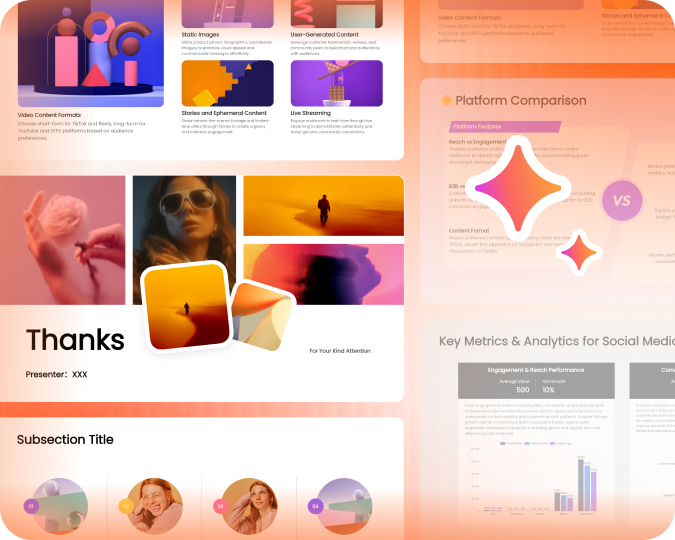
AI Generates Your Deck
Presenti creates a complete, beautifully designed slide deck with professional layouts, charts, and images - like having a PowerPoint designer on your team, powered by AI.
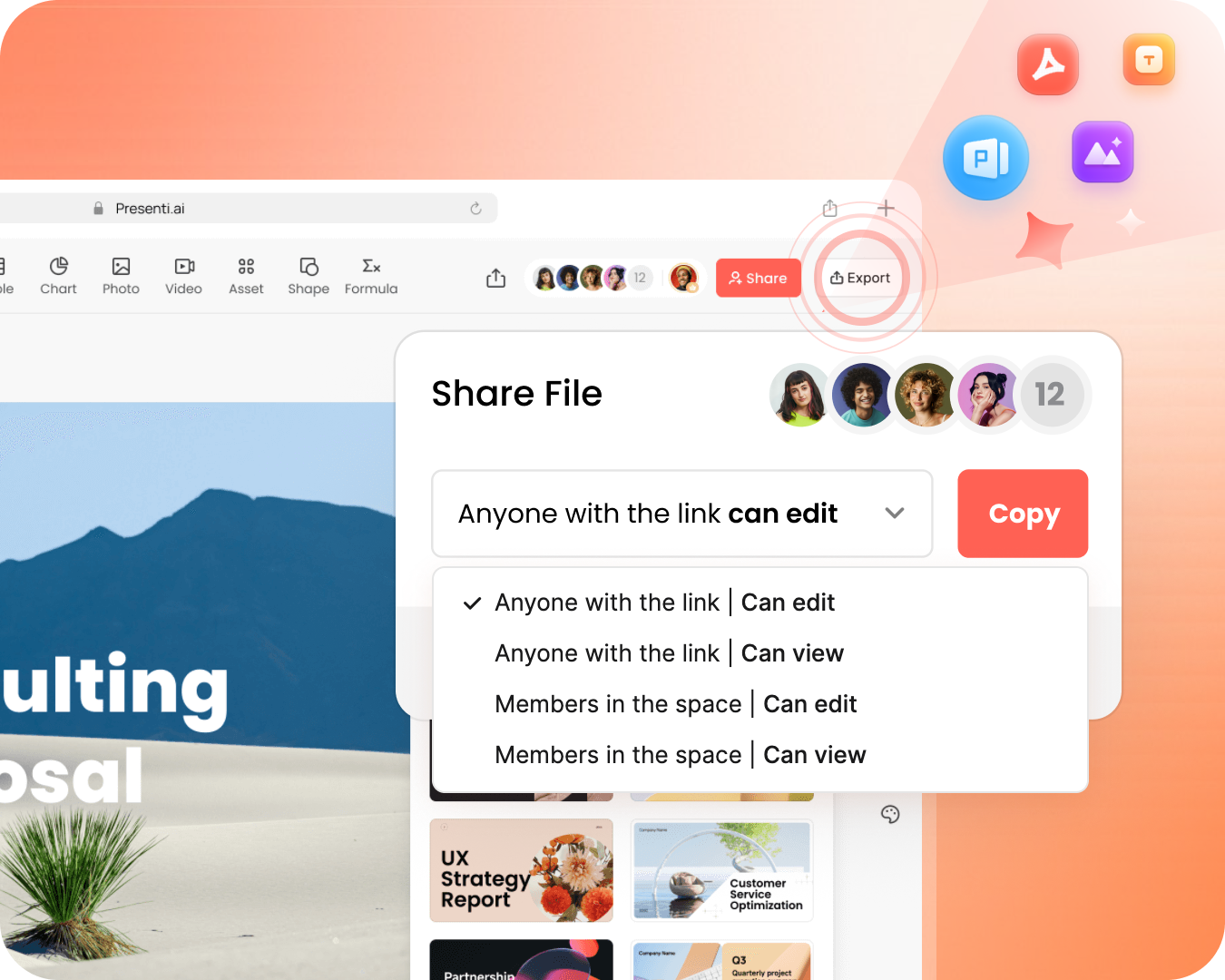

Edit & Export
Fine-tune your AI-generated slides with our intuitive editor, then export as native PowerPoint PPTX, PDF, or share a live link.
Import Your Content. Build a Slide Draft.
Upload a supported file, paste a link, or describe your idea. Presenti helps create a presentation draft that you can review and refine.


Built For Every Presentation Need
Whether you're a founder, marketer, educator, or analyst - our free AI PPT maker and slides generator adapts to your workflow.
Everything You Need in an AI PPT Generator
Presenti combines powerful AI with intuitive design tools so you can focus on your message, not your slides.

Text-to-Presentation AI
Describe your topic and use AI to create a structured slide draft. Review the content and customize the design.

PDF & URL to PPT
Drop a PDF, a Word doc, or paste a web link. Presenti helps extract the key points and organize them into editable slide drafts.

Generate Up to 75 Slides
Create longer decks with eligible plans. Plus, Pro, and Ultra currently support up to 25, 50, and 75 slides per file. See pricing for current limits.

Editable PPTX Export
Download editable PPTX files on eligible plans. Review fonts, charts, and layouts in your presentation software before sharing.

Import & Beautify Drafts
Upload an old, messy PowerPoint draft. Use AI to refine the layout and apply a theme, then review the updated draft.

Strategic Business Models
Go beyond standard designs. Let the AI apply consultant-grade frameworks like SWOT, PEST, and SMART goals to your content automatically.

Data-Driven Visualizations
Turn raw numbers and spreadsheets into persuasive, high-impact charts and infographics with editable charts and layouts you can refine.

Multilingual Pitching
Generate, translate, and localize your presentations in over 40 languages for audiences in different languages. Review terminology and local context before presenting.

Apply Your Brand Style
Apply preferred logos, fonts, and colors with Brand Kit, then review the generated slides for consistency.


Why do teams choose Presenti?
Use this checklist to plan your presentation workflow.
Check feature access, limits, and results in your account.
| Key features |  | What to check |
|---|---|---|
| AI PPT and slide generation | Create a slide draft | Accuracy, sources, and structure |
| Professional design templates | Choose a template | Readability and fit for your content |
| Document and URL import | Use supported inputs | File types, size limits, and extracted content |
| Mind map and audio import | Choose the relevant import | Format support and usage allowance |
| Real-time collaboration | Work on a shared draft | Access permissions and plan requirements |
| Brand kit support | Apply your brand style | Available options and brand consistency |
| PPTX and PDF export | Export on eligible plans | PPTX for editing; PDF for reading |
| Smart charts and data visualization | Build and edit visualizations | Values, labels, sources, and chart type |
| 40+ language support | Generate or translate text | Language availability and local terminology |
| Free plan availability | Start with limited access | Current credits, limits, and paid features |
Create for free with AI |
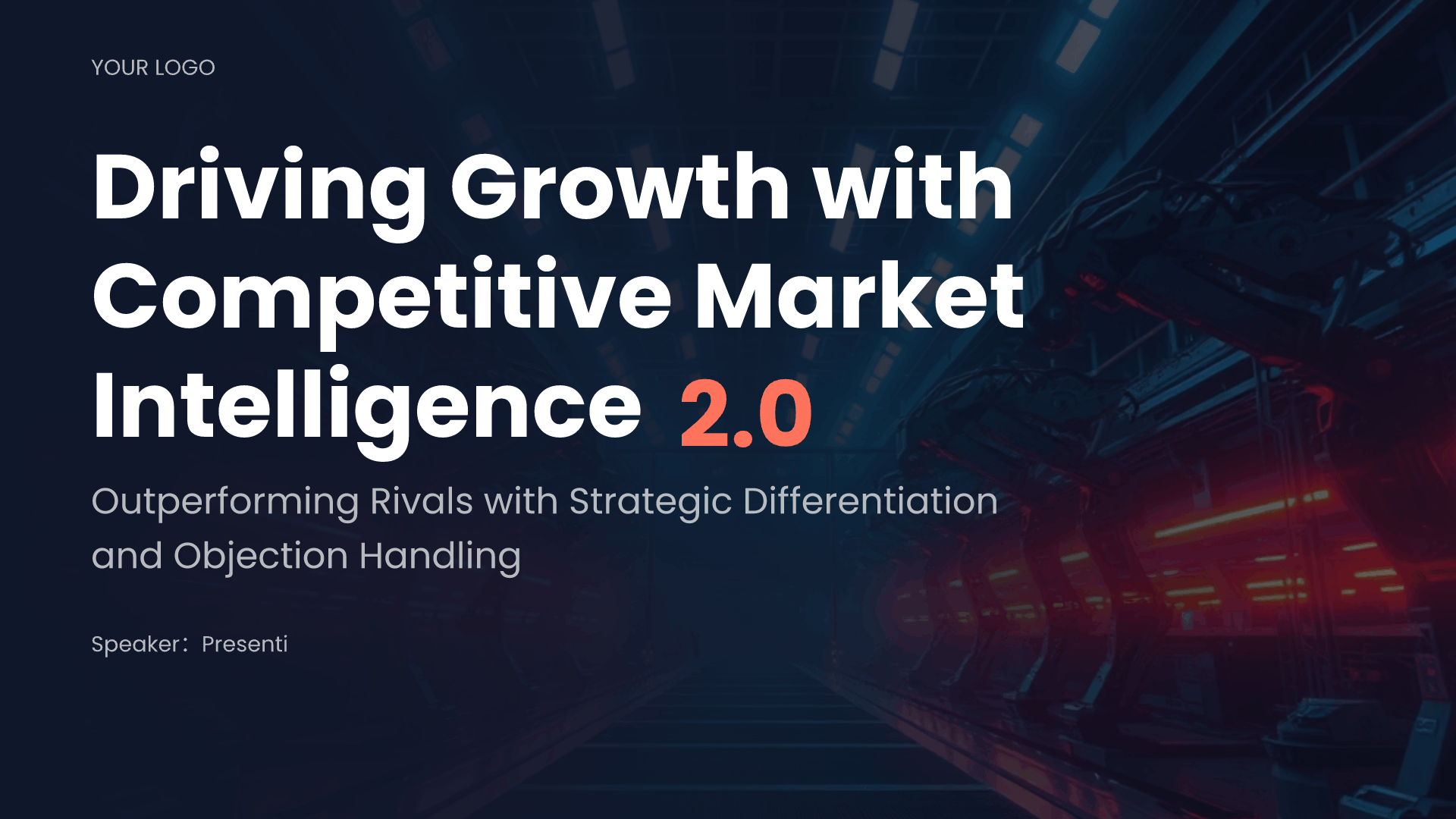
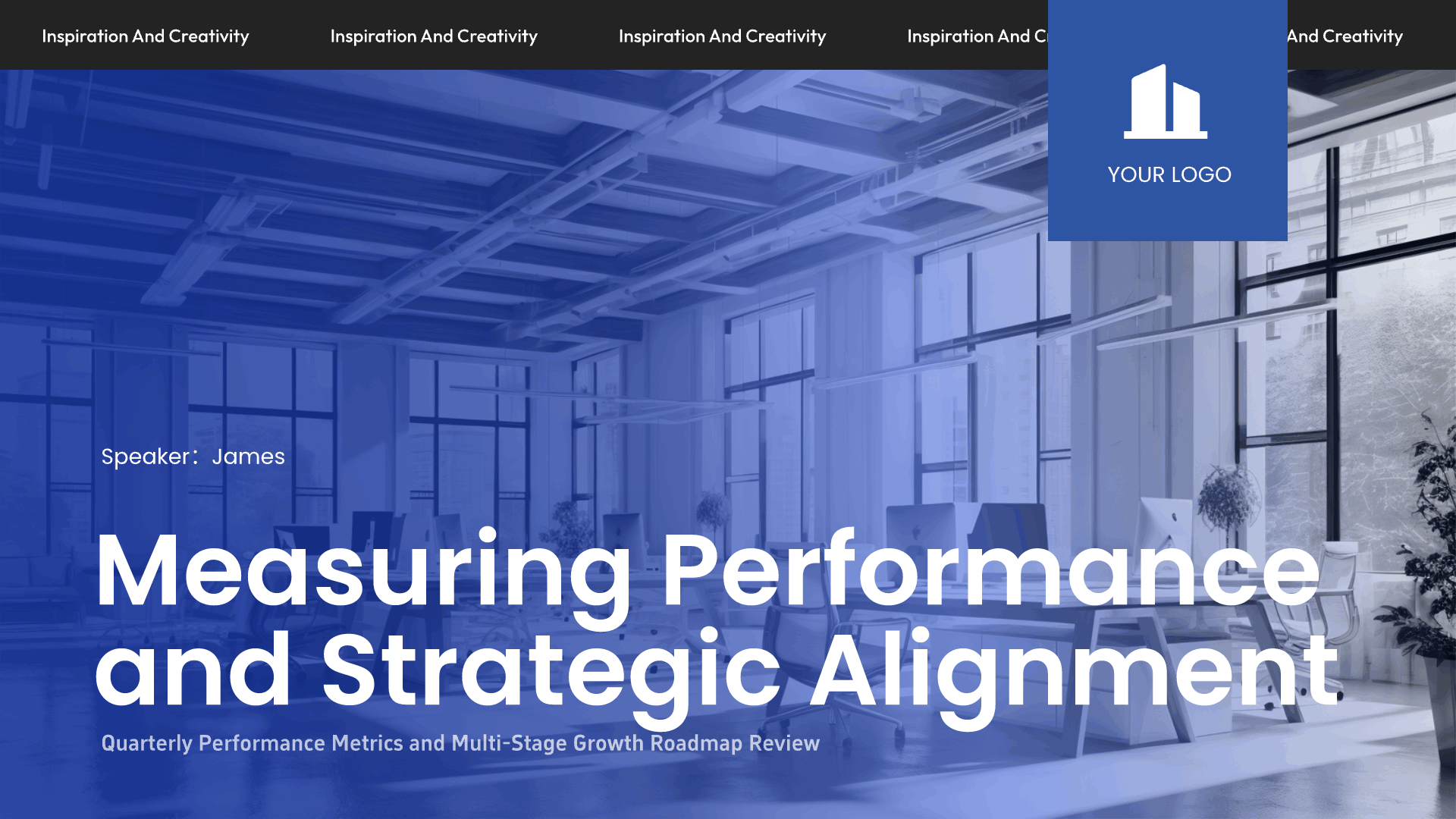
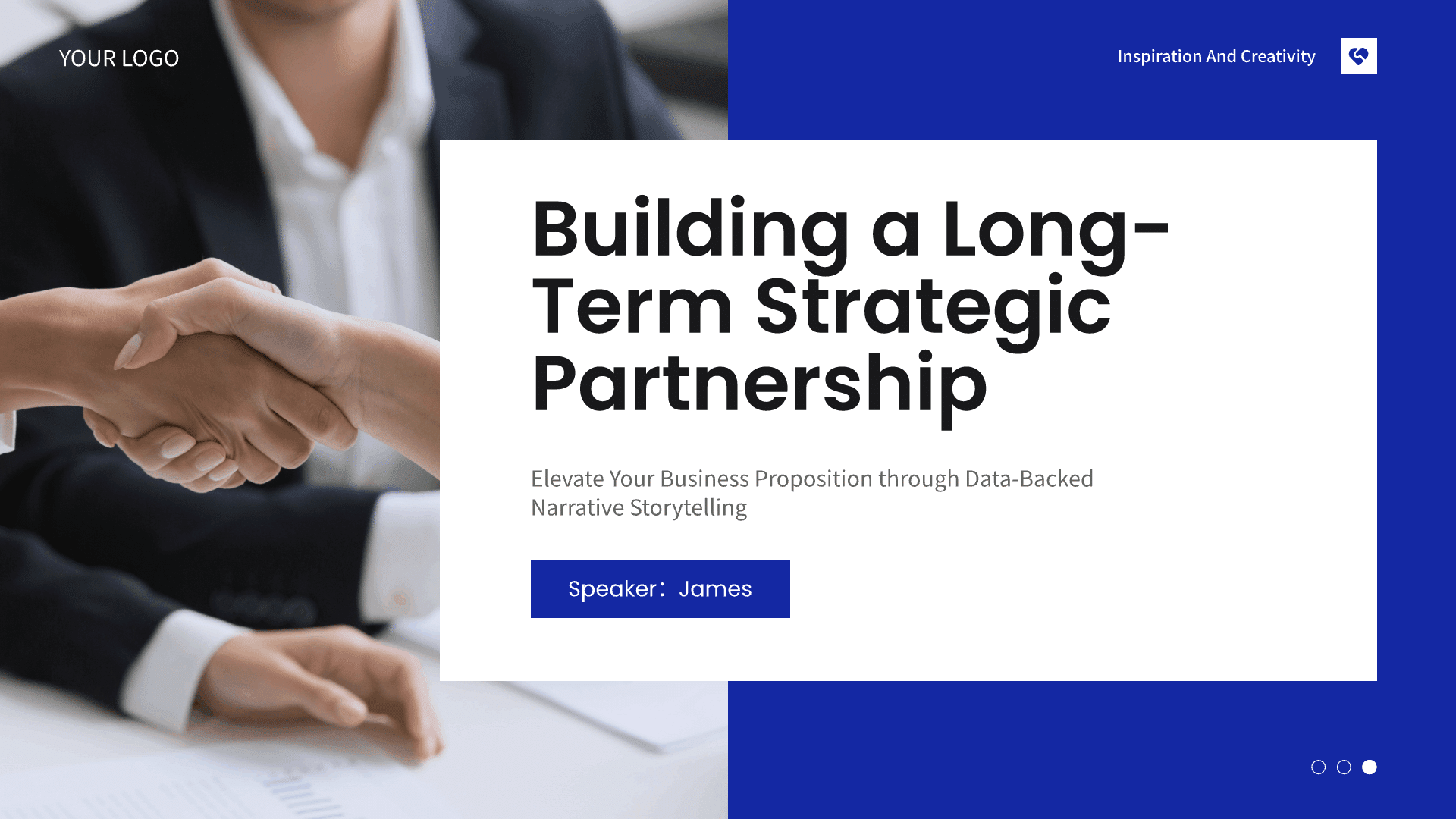
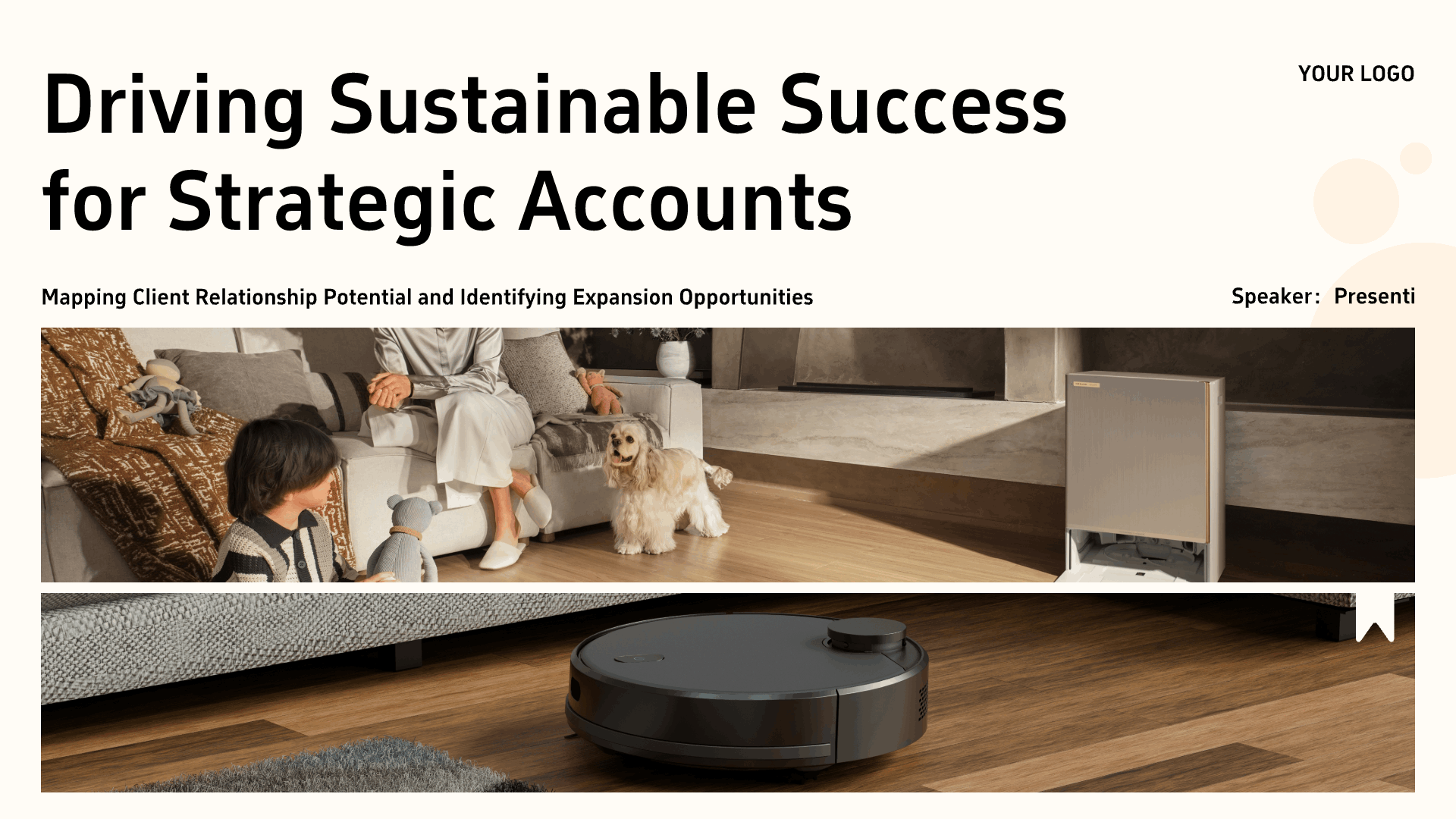
AI PPT Templates for Every Occasion
Start with professionally designed PowerPoint templates — each fully customizable by our AI slides generator to match your brand and content.



Frequently Asked Questions
Everything you need to know about our AI PPT maker and slides generator.
An AI PPT maker uses artificial intelligence to help create presentation drafts. Presenti helps turn text prompts, supported documents, or URLs into structured slides with editable content and layouts. Review the draft before sharing or exporting it.
Type a prompt, upload a supported document, or paste a URL. Presenti helps organize your content into a slide draft that you can edit. Generation time varies with the input, slide count, and selected features.
Presenti offers free access to basic features with a limited amount of AI credits. Paid plans include editable downloads and PPTX/PDF export, with slide limits and monthly allowances that vary by plan. See current plans and pricing and your workspace for the benefits available to your account.
Absolutely. Presenti supports PDF to PPT, Word to PPT, text to PPT, URL to PPT, and even audio to PPT conversions. Our AI analyzes the content structure and automatically generates a well-organized PowerPoint presentation from your source material.
Presenti combines supported document import, slide editing, presentation layouts, and plan-dependent export options. Compare your required formats, slide count, and AI allowances with the current plans to find a fit for your workflow.
Presenti can export presentations as editable PPTX files on eligible plans. Review the exported file in your presentation software before sharing: fonts, charts, and layouts may display differently across applications.
For information about how your content and personal data are handled, see our Privacy Policy and Terms & Conditions.
Yes. Presenti supports real-time collaboration, allowing multiple team members to edit, comment, and iterate on AI-generated presentations simultaneously. It's the ideal auto presentation maker for distributed teams working on shared PowerPoint decks.
Ready To Create Your Next AI Presentation?
Start with a topic or document and create a presentation draft you can review and refine
— no design skills required.
Get Started Free
No credit card required