
A Beautiful.ai alternative for presentation drafts
Get started free
Why choose Presenti for your presentation?
Create a draft from your ideas or existing material, then review the structure, facts and design before presenting. Choose your workflow based on the files you use and the plan features you need.

Create and edit presentations online

Access your saved presentations online

Present directly from the browser

Choose a template for your topic

Generate a draft with AI assistance

Export formats depend on your plan

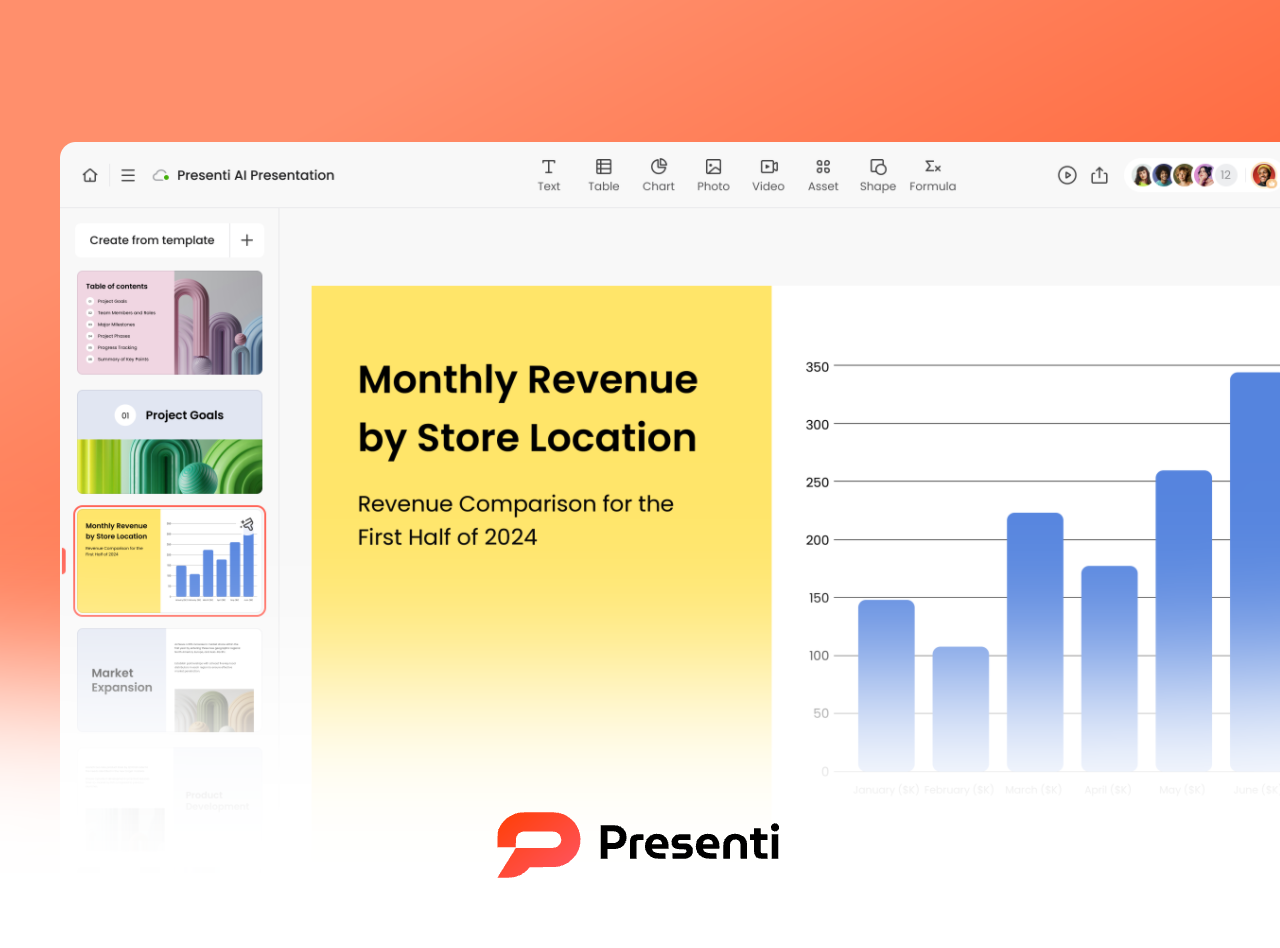
Add charts and review the source data

Add images and visual assets

Review styling across your slides
Compare Beautiful.ai and Presenti AI

What is Beautiful.ai?
Beautiful.ai offers AI presentation generation and Smart Slides that adapt layouts to content. Its plans include image and icon libraries, and the service offers a 14-day trial with billing conditions.
What is Presenti.ai?
Presenti AI creates editable presentation drafts from prompts, outlines and documents. Review the generated structure, customize the slides and check the export options included in your plan.
Presenti vs. Beautiful.ai
User Interface
Design Assistance
Content Generation
Templates
Visual Assets
Input Options
Team Workflow
Support
Free Access
Plans and Pricing

Browser presentation editor
Smart Slide auto-formatting
AI content generation
Smart Slide layouts and themes
Image and icon libraries
Prompt with files or links for context
Live editing on team plans
Help center and contact support
14-day trial; card required

Browser presentation editor
AI-assisted layouts
Generate and edit an outline
Customizable presentation templates
Image and icon assets
Prompt, outline or document
PDF, Word and Markdown
PDF, Word and Markdown
Online sharing and collaboration
Help resources and contact support
Free plan; usage limits apply
Comparison checked on September 17, 2026. Beautiful.ai official product and plan details. Presenti AI credits, export access and paid features depend on the current plan; View current plans and limits. Beautiful.ai’s trial requires a card and converts to a paid subscription unless canceled before the trial ends. A trial is different from an ongoing free plan.
Build and review your presentation in Presenti AI
Draft and edit an outline
Start with a prompt, outline or supported document. Review the proposed sections, remove unsupported details and adjust the sequence before generating your slides.
Choose a presentation template
Select a template that suits your subject and audience. Adapt its colors, typography and visuals to the content you need to communicate.
Review the generated layout
Use the generated layout as a starting point. Check text fit, alignment, data and image choices, and review the deck in the format you plan to present.
Example presentation workflows
Explore typical tasks for different roles. These are illustrative workflows, not customer testimonials or measured performance results.
Marketing
Sales
Supervisor
Teacher
Student
Operation
Product Manager
Designer
Consultant