Creating a professional PowerPoint deck used to be a time consuming task: structuring content, selecting visuals, adjusting layouts, and polishing slides could easily take hours. Nowadays, AI powered presentation tools dramatically streamline this process. With the right tool, you can generate a well designed, logically structured slide deck in minutes.
This guide highlights six AI PPT generation tools designed for developers, educators, business professionals, and project teams across North America and Europe. Whether you’re preparing a product roadmap, a classroom lecture, or a pitch deck, these tools help you build slides faster and more effectively.

Quick comparison: which AI PPT tool fits your workflow?
Use this table to shortlist a workflow before reading the detailed notes. The best choice depends on your starting material, where you need to edit, and the output you must deliver.
| Tool | Best fit | Start with | Where you refine | Output question to check |
|---|---|---|---|---|
| Presenti | Source material to an editable presentation draft | Topic, text, URL, or supported file | Presenti workspace | Which PPTX, PDF, or live-link options are included in your plan? |
| Boardmix | Brainstorming and visual team alignment | Whiteboard, mind map, or outline | Shared canvas | Does the final deck preserve the structure your team approved? |
| Designs.ai | Marketing-led slide content and visual assets | Campaign brief or marketing copy | Designs.ai editor | Which assets and exports are available on your plan? |
| Slidebean | Startup and investor pitch structure | Pitch outline and business metrics | Pitch-deck workspace | Which charts, templates, and exports are included? |
| Zoho Show | Teams already working in the Zoho ecosystem | Existing business content | Zoho Show | Which collaboration, admin, and export controls apply? |
| Pitch | Interactive or data-driven team presentations | Outline, slides, or team content | Pitch workspace | Do you need an online deck, a downloadable PPTX, or both? |
Features, prices, credits, and export limits can change. Check each product’s current plan and documentation before you commit.
What counts as an AI PPT generation tool?
“AI PPT generator” can describe several workflows. A prompt-to-deck tool creates a first outline and slide design from a short brief. A source-to-deck tool starts with notes, a URL, or a document and organizes existing material. An editor add-on works inside PowerPoint or Google Slides. A whiteboard-to-deck tool helps a team structure ideas before turning them into slides. A web-first presentation tool may prioritize online sharing over a native PowerPoint file.
These workflows are not interchangeable. If the deliverable must be edited in PowerPoint, check whether text, shapes, charts, images, fonts, and layouts remain editable after export. A PDF or image can be useful for sharing, but it should not be treated as an editable PPTX.
How we compare AI PPT tools
This editorial comparison focuses on workflow fit and published product capabilities rather than a timed head-to-head test. For each tool, ask the same questions: What can you use as input? Where does the first draft live? How much editing remains? What can you export? What are the free or trial limits? Which permissions, brand controls, and review steps matter for your audience?
- Input: prompt, notes, text, URL, Word file, PDF, or existing deck.
- Structure: audience, purpose, sequence, evidence, and conclusion.
- Editability: text, shapes, charts, images, fonts, and layouts after generation.
- Export: native PPTX, PDF, Google Slides, or web link, including any layout or font changes.
- Review effort: factual checks, data checks, image rights, and presentation rehearsal.
Plan details and product behavior change over time. Verify volatile limits from the relevant official page on the day you choose a tool.
1. Presenti AI (Source-to-Deck AI PPT Workflow)
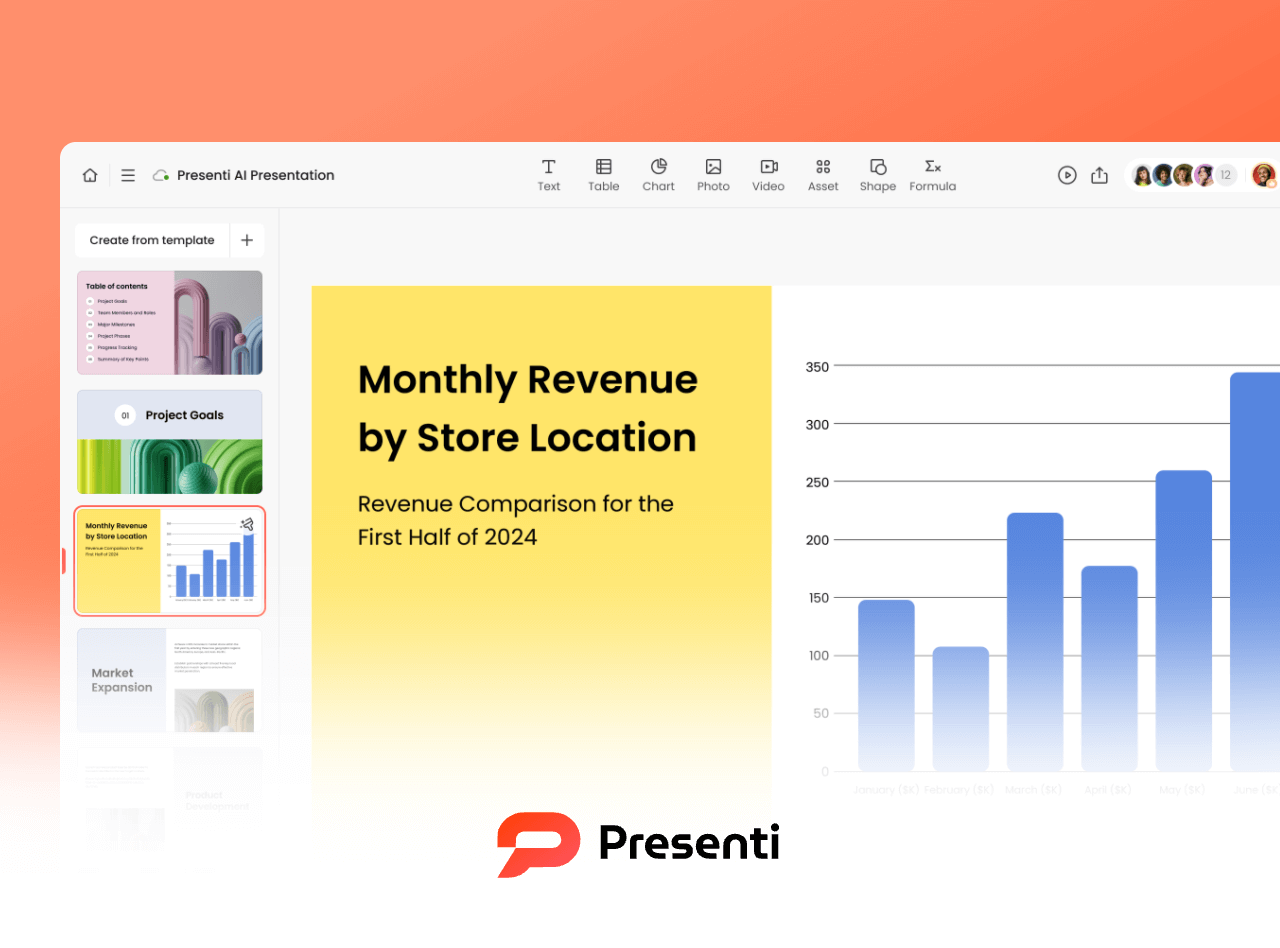
Presenti AI turns a topic, text, URL, or supported source file into a presentation draft that you can review and refine. The workflow moves from source material to an editable draft before you share or export it.
Start with the material you already have, then check the generated structure, wording, visuals, and slide density before delivery. Export options and limits depend on the current plan, so confirm the workspace you will use.
✅ Key Advantages
AI Driven Content Engine
Enter a topic, problem statement, or a set of keywords, and Presenti AI automatically produces a complete slide outline, including cover page, agenda, main sections, and summary slides.
Its built in utilities support:
- Multilingual translation
- Grammar correction
- Content simplification
- Tone adjustments
Custom Brand Templates
Use an available template or adjust the draft to your brand requirements. Check the current workspace and plan for supported template controls.
Useful when a team needs a consistent starting point, followed by a human check of brand details and slide hierarchy.
Real Time Collaboration
Ideal for remote or hybrid teams. Team review and collaboration options depend on the current workspace and plan; confirm the permissions and seat limits before committing.
Extensive Template Library
Template options vary by workspace and plan. Review the current template gallery for the format and visual direction you need.
⚠️ Limitations
- Complex animations or chart customization may require manual editing
- Check fonts, charts, text overflow, and layout after exporting to .PPTX
🔥 Best For
- Business reports, status updates, product demos
- Educators preparing course lectures
- Startups preparing investor decks or roadmap presentations
- Teams requiring fast, consistent slide production
2. Boardmix (Visual Collaboration + AI PPT Generator)
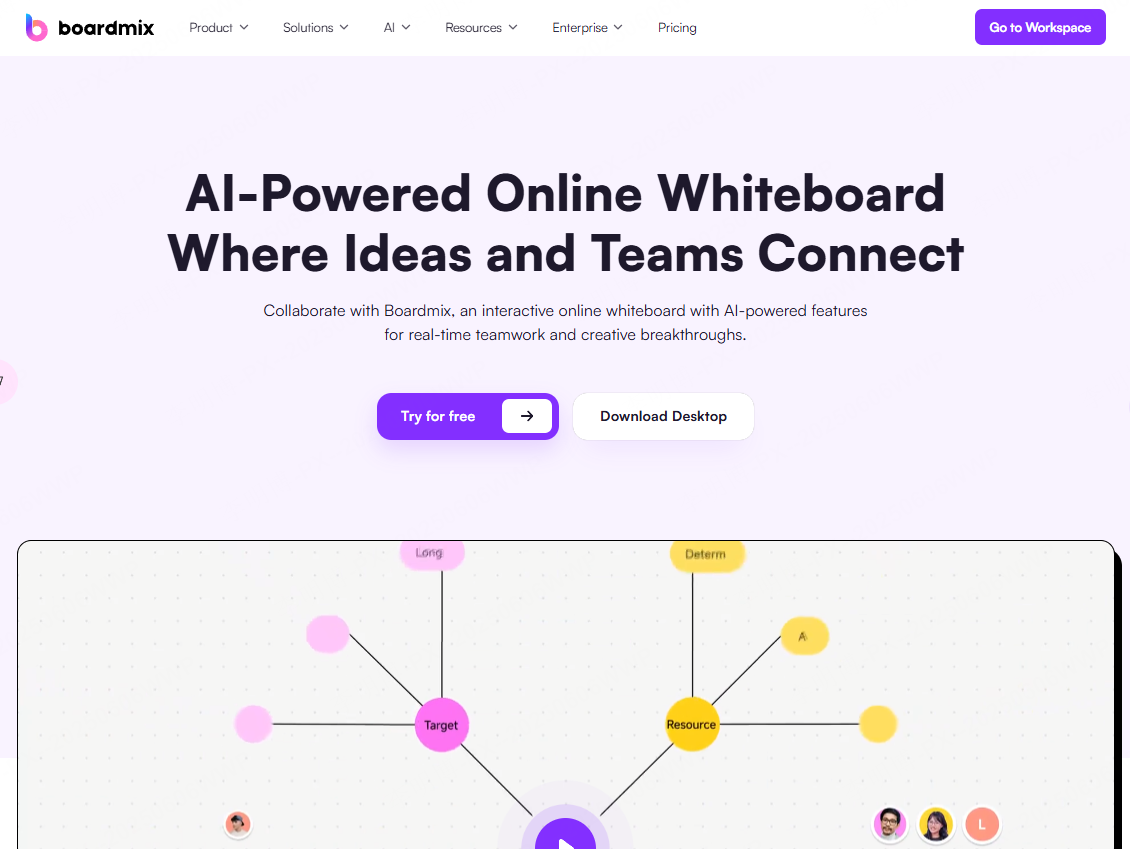
Boardmix is an online collaboration whiteboard equipped with AI powered slide generation. Compared with traditional PPT tools, Boardmix focuses on structuring ideas visually before converting them into presentation slides.
This makes it especially useful for product managers, UX designers, and distributed teams who need to brainstorm, align, and generate output quickly.
✅ Key Advantages
AI Presentation Workflow
Boardmix turns mind maps, bullet points, or keywords into structured slide content with suggested layouts.
Rich Diagramming Tools
Includes:
- Flowcharts
- Mind maps
- Kanban boards
- Sticky notes
- Table elements
Great for workshops or design sprints.
Real Time Collaboration & Comments
Team members can co-edit, annotate, and review slides simultaneously, similar to Miro or Figma.
Infinite Canvas
Great for structuring complex ideas or multi team workflows before exporting to slides.
⚠️ Limitations
- Some users may need time to adapt to the whiteboard style interface
- AI generated content usually requires polishing before finalization
🔥 Best For
- Team brainstorming sessions
- Agile sprint reviews
- UX/UI design storytelling
- Planning workshops and remote collaboration sessions
- Rapid creation of project presentations without heavy design work
3. Designs.ai (Marketing Content and Visual Assets)
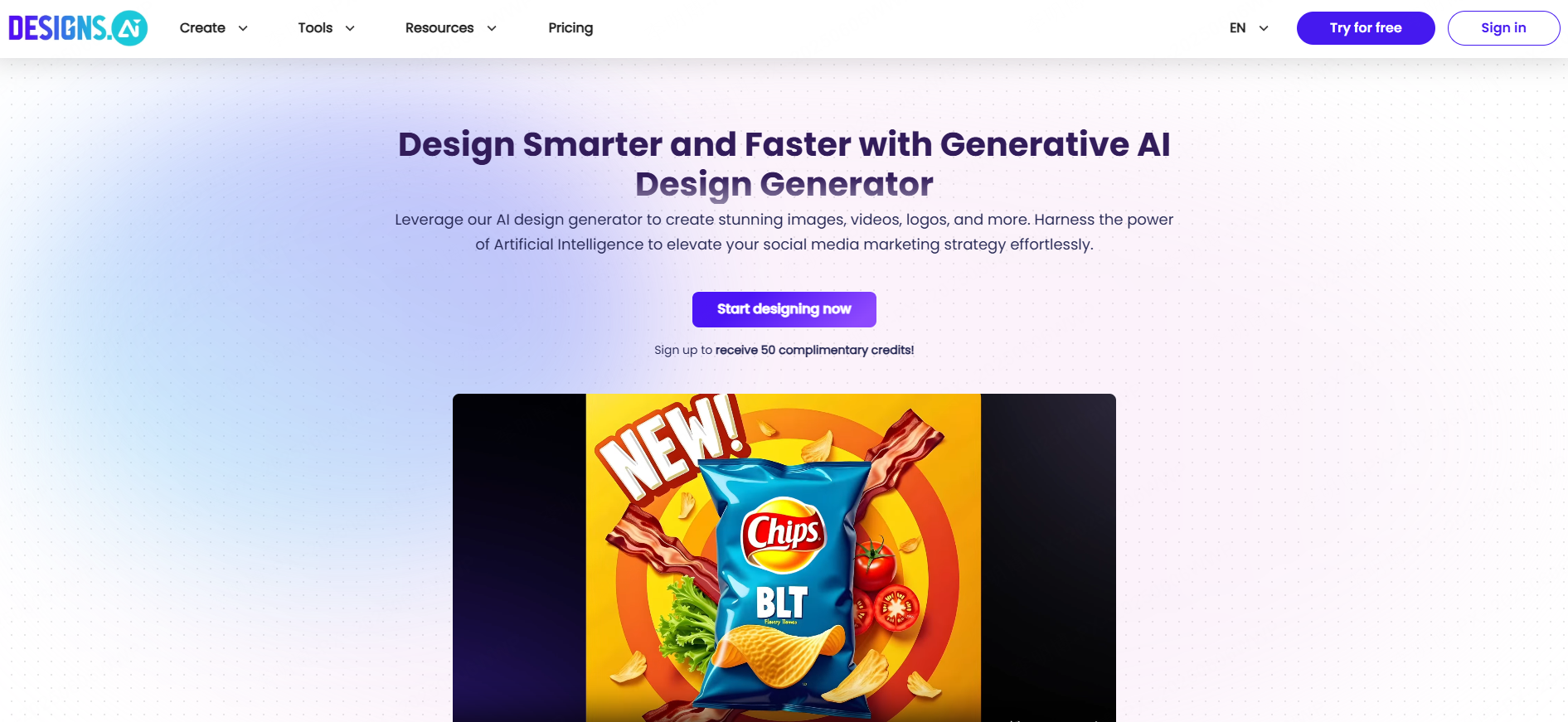
Designs.ai focuses on marketing driven presentations, combining AI generated slide structures with auto generated visuals and copywriting.
✅ Key Advantages
- Automated workflow: slide structure + marketing copy + visual assets
- Integrated stock photo and icon library
- Auto generated slogans, taglines, and persuasive copy
- Marketing assets and visual content; verify current integrations before relying on a specific data source
⚠️ Limitations
- Visual style leans toward corporate design
- Long form slide content occasionally lacks logical depth (manual edits required)
🔥 Best For
- Marketing teams
- Social media performance reports
- New product launch presentations
- Agencies preparing client proposals
4. Slidebean (Pitch Deck Tools for Startups)
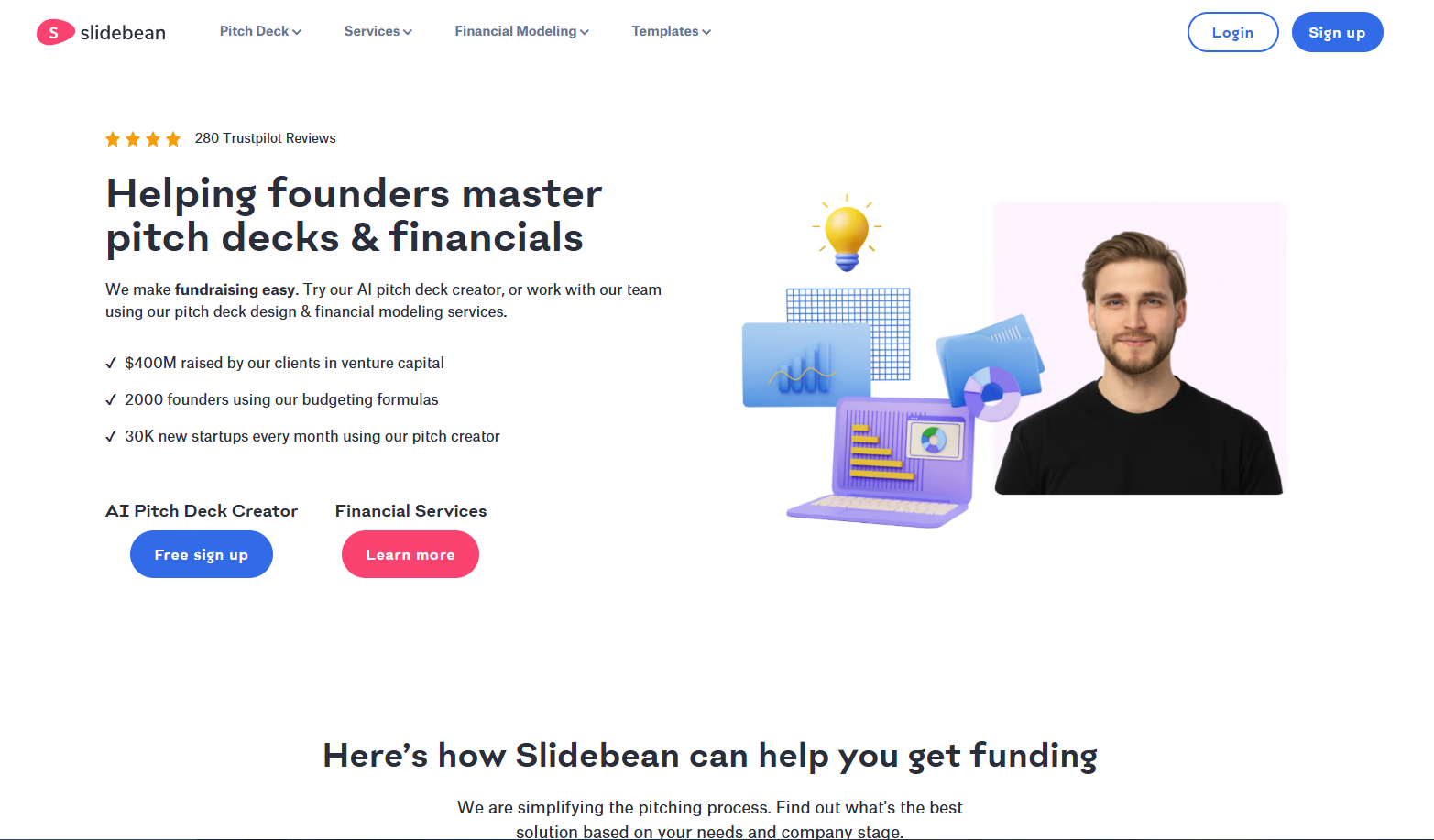
Well known in the startup ecosystem, Slidebean specializes in investor pitch decks. Its pitch-focused workflow helps founders organize the business problem, solution, market, traction, and funding request.
✅ Key Advantages
- Pitch-deck storytelling and startup-focused structure
- Financial data auto converted into professional charts
- Rapid generation of narratives investors expect
- Strong support for recurring revenue models (MRR/ARR)
⚠️ Limitations
- Limited templates outside fundraising and startup use cases
- Plan pricing and export options change; check the current official pricing page before choosing
🔥 Best For
- Seed to Series B pitch decks
- SaaS companies showing subscription metrics
- Financial modeling slides with automated charts
5. Zoho Show (Enterprise Grade PPT Generator)

Zoho Show is an online presentation tool for creating and collaborating on slides. Organizations should assess its available permissions and administration options against their requirements.
✅ Key Advantages
- Team collaboration and permissions depend on the current Zoho Show plan
- Review the current version-history and admin controls
- Integrates directly with Zoho CRM
- Prepare client-specific slides from approved sales information
- For regulated work, verify data handling, permissions, and organizational policy before uploading source material
⚠️ Limitations
- Template range and creative controls may differ from design-first tools
- Simple animation support, minimal creative effects
🔥 Best For
- Enterprise wide document collaboration
- Sales teams preparing personalized proposals
- Healthcare, finance, and industries requiring document compliance
- Teams already using Zoho One ecosystem
6. Pitch (Dynamic, Interactive, Data Driven Presentations)
Pitch provides a workspace for teams to create, review, and share presentations. Check current integrations against the data sources your deck requires.
✅ Key Advantages
- Check which data sources and embeds the current workspace supports
- Industry specific templates with interactive elements
- Interactive elements for online or data-driven presentations
- Perfect for teams needing up to date data visualization
⚠️ Limitations
- Learning curve for interactive components
- Free-plan limits and export options can change; check the current plan details
🔥 Best For
- Product launches
- Consulting teams presenting dynamic KPI dashboards
- High value client proposals with real time data
- Tech companies demonstrating live metrics or prototype workflows
What to check before exporting a generated PPT
- Read every title and bullet for factual accuracy, duplicated ideas, and missing context.
- Confirm the slide order answers the audience’s question in a logical sequence.
- Open the exported file in the app where it will be presented.
- Edit a title, body block, image, chart, and theme element to confirm what is truly editable.
- Check fonts, line breaks, text overflow, image crops, contrast, numbers, and chart labels.
- Remove placeholder text, unsupported claims, and images without the right usage permission.
- Test links, speaker notes, animations, and presenter view when the deck depends on them.
Which AI PPT tool fits your workflow?
Notes, a URL, or a supported document: start with a source-to-deck workflow such as Presenti AI PPT Maker, then review the generated outline. For a text-first workflow, see text to presentation. If the source is a Word or PDF file, use the matching Word-to-presentation or PDF-to-presentation workflow.
Whiteboard-first collaboration: consider Boardmix. Investor storytelling: compare Slidebean’s pitch workflow with your audience’s editing and export requirements. Marketing visuals: check Designs.ai against your brand and asset needs. Interactive or data-driven online sharing: review Pitch’s current collaboration and export options.
For a visual starting point, browse presentation templates. For plan limits and current access, check Presenti pricing.
FAQ
What is the best AI PPT generation tool?
There is no single best choice for every deck. Choose by input, editing environment, output format, collaboration needs, price model, and the review effort you can accept.
Can an AI PPT generator create an editable PowerPoint file?
Some tools export PPTX, but PPTX does not guarantee that every element remains editable. Open the file in PowerPoint and test text, shapes, charts, images, fonts, and layouts before relying on it.
Can I create a presentation from text, Word, PDF, or a URL?
Support varies by product and plan. Check accepted file types and input limits before uploading. Presenti supports source-led workflows for supported text, URLs, and documents; use the dedicated format pages above for Word and PDF tasks.
Are AI PPT generators free?
Some offer free access, credits, or trials, while PPTX export, higher limits, collaboration, or watermark-free output may require a paid plan. Check the current plan page rather than assuming that “free” includes every export.
What is the difference between an interactive web deck and a downloadable PPTX?
A web deck can support links, embeds, live data, or interactive components. A downloadable PPTX is designed for local editing and presenting in PowerPoint. If you need both, verify what survives export and test the final file on the presentation device.
Conclusion
Which AI PPT Generator Should You Choose?
Choose the tool that matches your starting material and the file or workspace you must deliver. Choose Presenti when you have a topic, notes, a URL, or a supported document and want a structured, editable presentation draft to review before sharing. A whiteboard-first workflow, a pitch-deck specialist, an enterprise presentation suite, or an interactive web deck may be a better fit when those are your primary constraints. If you are ready to turn source material into an editable draft, create a presentation with Presenti.