While AI has simplified slide creation, many platforms compromise professional standards by embedding mandatory watermarks on exports. To maintain credibility during a pitch or KPI review, you need tools that prioritize your brand over their own. This guide identifies the top free AI generators for 2026 that deliver clean, watermark-free presentations.
Why a Watermark-Free Presentation Maker is Essential
Before we introduce the list, let’s talk about why "no branding" is a non-negotiable feature. A presentation is often the only visual representation of your ideas that your audience sees. If every slide has a "Made with [App Name]" tag in the corner, it sends a subtle but damaging message that you didn't invest in professional-grade tools.
A watermark-free presentation maker allows your content to stand on its own. It ensures that your company’s brand or your personal identity remains the sole focus of the room. Using a free slide generator no branding means you can walk into any boardroom with confidence, knowing your slides look bespoke and high-end. This isn't just about saving a few dollars; it's about owning your narrative and maintaining a level of polish that "trial version" watermarks simply destroy.
Top 5 AI Slide Deck Generators for a Clean Export
The following tools have been selected because they offer a balance of AI intelligence, design aesthetics, and user-friendly free tiers that won't clutter your slides with unwanted logos.
1. Presenti
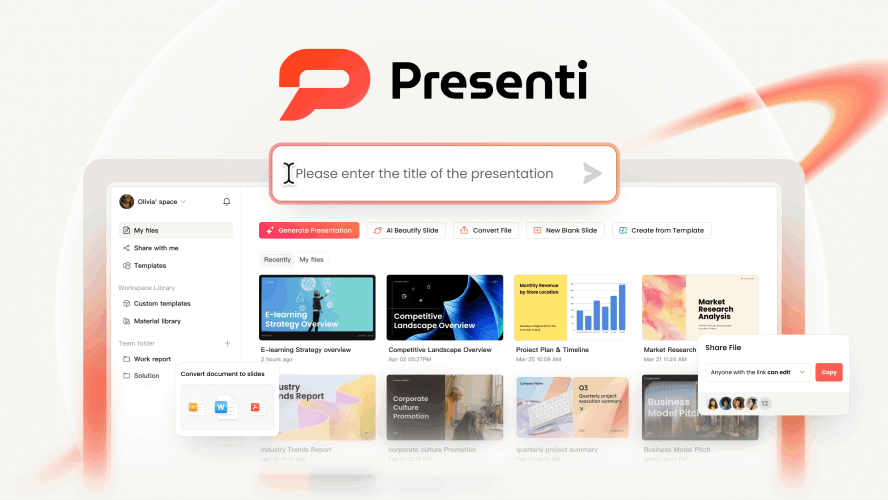
Presenti is designed for users who want to bridge the gap between deep research and visual storytelling. While many AI tools struggle with long-form content, Presenti is built to turn existing, complex documents into structured, professional decks. It is widely recognized as a best free ai slide deck generator because it doesn't just "guess" what you want. Instead, it analyzes what you already have.
Key Features & Capabilities:
- Massive Format Support: Unlike tools that only accept text prompts, Presenti allows you to upload Word documents, PDFs, Markdown files, and even Mind Maps. It handles the heavy lifting of reading your source material so you don't have to.
- Intelligent Narrative Structuring: The AI summarize and identifies the logical flow of your document. It automatically recognizes headers, sub-points, and data evidence, organizing them into a classic "Problem-Solution-Data" narrative.
- One-Click Professional Themes: Presenti offers a variety of clean, modern templates that adapt to your content. You can switch between "Executive," "Creative," or "Academic" styles instantly, and the AI re-aligns all elements perfectly.
- Seamless, Clean Export: It is a true clean free ppt tool. When you finish your draft, you can export to PPTX or PDF without jumping through hoops to remove branding. The result is a deck that looks like it took hours of manual design.
- Editable AI Blocks: Every slide generated is fully editable. You can move text, swap icons, and adjust layouts as if you built it from scratch in PowerPoint.
2. Gamma
Gamma has shifted the paradigm of what a "slide" looks like by using a flexible "card" system that feels more like a modern website.
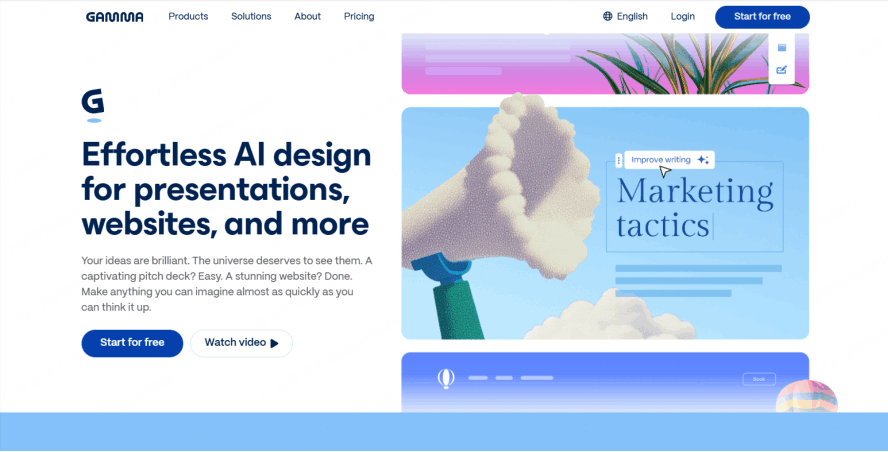
- The Workflow: You type in a topic or an outline, and Gamma builds a cohesive visual story. It is a fantastic watermark-free presentation maker for users who need high-impact visuals fast.
- Why it's popular: It’s incredibly fast. For creative pitches where you want to impress with a sleek, interactive feel, Gamma is hard to beat.
- Visual Flair: It uses AI to pick stunning imagery and layouts that break away from the "boring bullet point" tradition.
3. Canva Magic Design
Canva is a household name for a reason. Their Magic Design for presentations is a powerful free slide generator no branding option for those who love to tweak every pixel.
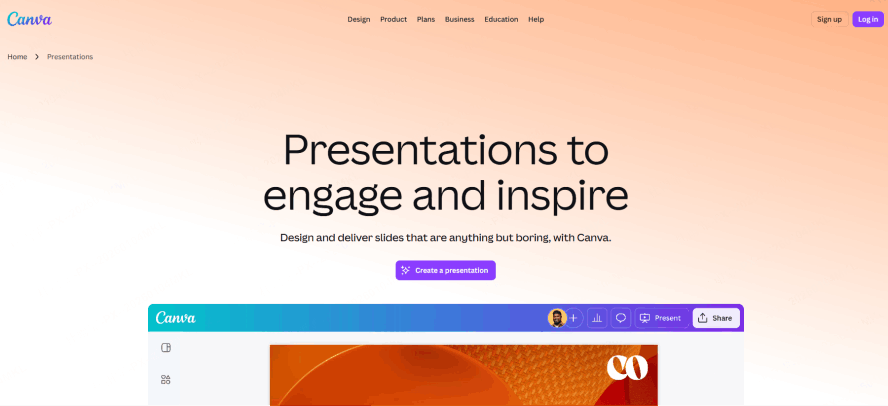
- The Strength: You provide a few keywords, and Canva generates a complete set of slides using its world-class template library.
- Asset Library: Once the AI finishes, you have millions of free icons, photos, and fonts at your fingertips. As long as you stick to the "Free" assets, your export remains clean and professional.
4. Slidesgo
For those who need their AI-generated deck to look like a classic corporate PowerPoint, Slidesgo is the answer. They have combined their years of template expertise with an AI engine that plugs directly into common presentation workflows.
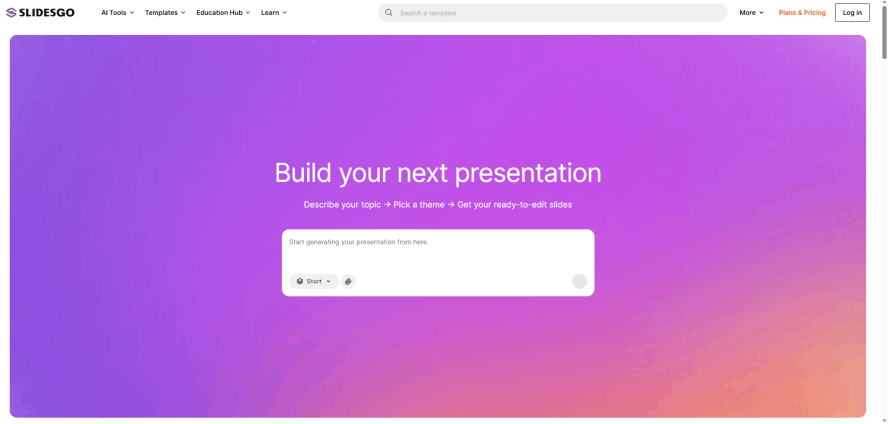
- The Experience: It’s a solid clean free ppt tool that follows standard business layouts. This is perfect for students or corporate employees who need to follow a traditional structure.
- Integration: It generates the theme and the text simultaneously, making it easy to sync with Google Slides for further editing.
5. Plus AI
Plus AI lives inside Google Slides as an add-on, making it a great best free ai slide deck generator for people who don't want to learn a new interface.
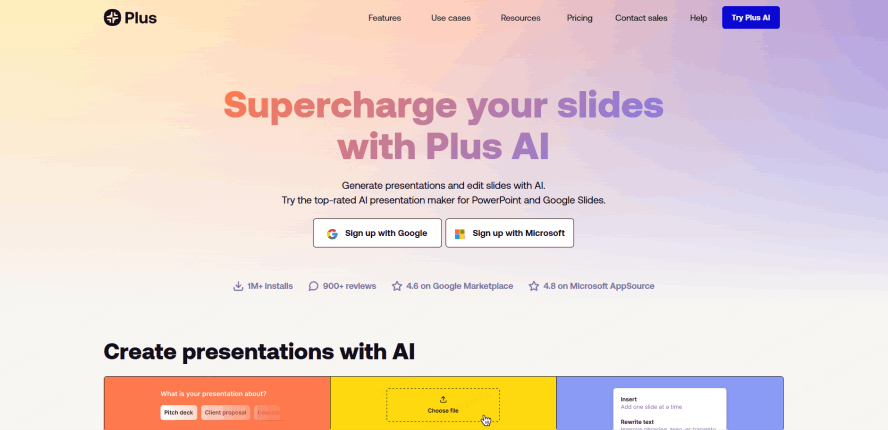
- The Feature: It helps you build individual slides or entire decks within your existing Google Workspace.
- Efficiency: Because it lives where you work, it’s the easiest tool for teams who need to collaborate on an AI-generated draft in real-time. It acts as a professional, watermark-free presentation maker that saves you from the "blank slide" syndrome.
How to Choose the Right Tool for Your Project
Selecting the best free ai slide deck generator depends heavily on your starting point.
If you are starting with nothing but an idea, a tool like Gamma or Canva is excellent because their AI is trained to generate creative layouts and text from a simple sentence. They are built for quick inspiration and visual "wow" factors.
However, if you are a professional starting with actual content like a 20-page market research PDF, a detailed project plan, or a set of academic notes, you need a tool that specializes in logic and conversion. This is where Presenti is unbeatable. Its ability to act as a free slide generator no branding for document-to-PPT transitions saves you hours of summarizing and manual re-typing. It takes the "work" out of the work.
For those who are already deeply embedded in the Google ecosystem, using a clean free ppt tool like Plus AI or Slidesgo ensures that you don't have to worry about file compatibility issues when you go to present.
Maximizing the Quality of Your AI-Generated Slides
Even with the best free ai slide deck generator, the "Garbage In, Garbage Out" rule still applies. To get a deck that truly looks like it was made by a human designer, follow these professional tips:
- Refine Your Input: Instead of saying "Marketing PPT," try "A 10-slide pitch deck for a sustainable fashion brand targeting Gen Z, focusing on ethical sourcing." The more context you provide, the better the AI chooses images.
- Use High-Quality Document Inputs: If you are using Presenti to convert a file, ensure your document has clear headings. The AI uses these headers as "anchors" to create new slides and maintain a logical flow.
- The 5/5/5 Rule: Once the watermark-free presentation maker gives you the draft, check for text density. Try to have no more than 5 words per line and 5 lines per slide. AI can sometimes be wordy; use the "simplify" feature to cut the fluff.
- Audit the Visuals: AI sometimes picks generic icons. Spend two minutes swapping out the AI-chosen images for actual photos of your team or specific data charts to add authenticity to your clean free ppt tool output.
Conclusion
Finding the best free ai slide deck generator is the ultimate shortcut to better productivity in 2026. By leveraging a watermark-free presentation maker like Presenti, Gamma, or Canva, you can bridge the gap between having a complex idea and delivering a professional-grade presentation.
Don't let manual formatting or distracting watermarks hold your career back. Start using a free slide generator no branding today to ensure your message is heard loud and clear. Whether you’re converting complex reports with a clean free ppt tool or designing a creative pitch from scratch, the power of AI is ready to help you present with confidence.