In an age where information is consumed more visually than ever, multimedia presentations have become essential tools for effective communication. Whether you're presenting in a classroom, a corporate meeting, or an online webinar, using diverse presentation media can significantly enhance your message. This step-by-step guide will walk you through the process of crafting a compelling multimedia presentation, complete with practical examples and best practices.
What is a Multimedia Presentation?
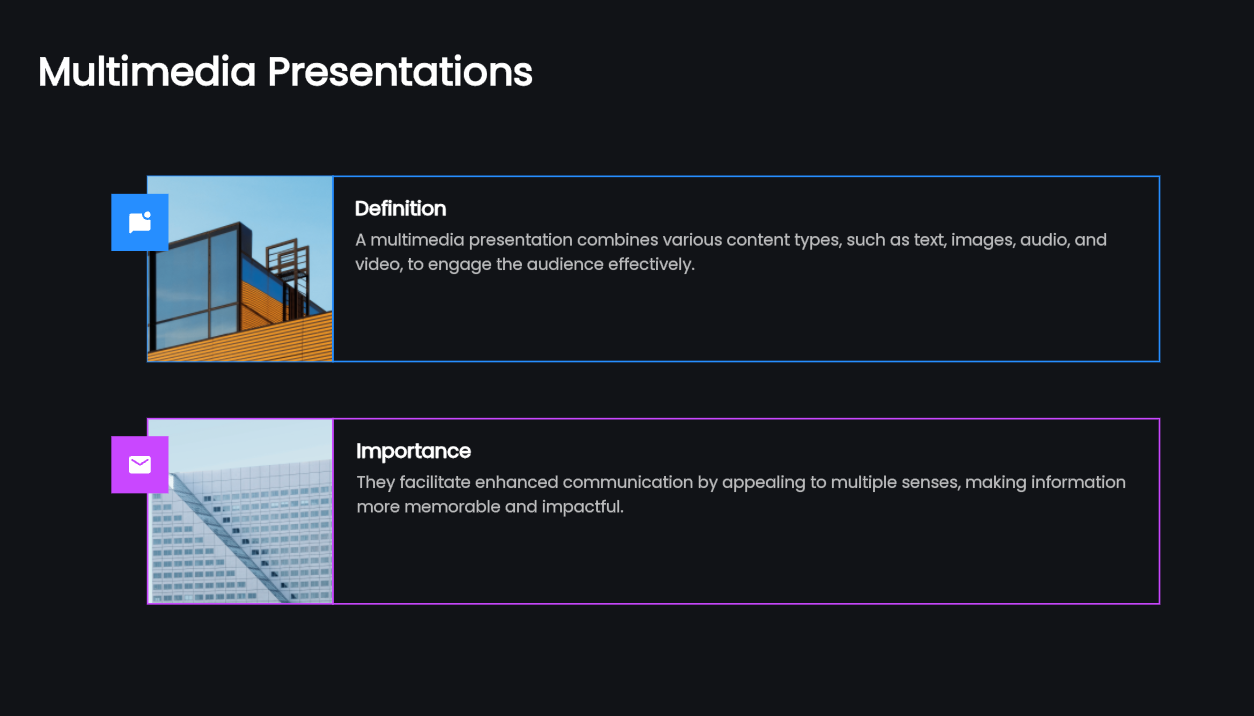
A multimedia presentation integrates different types of content, such as images, text, video, audio, and animations, to enhance the audience's experience. Unlike traditional presentations that rely solely on text or static images, multimedia presentations engage multiple senses, making the information more memorable and impactful. For instance, incorporating multimedia examples, such as short video clips or interactive elements, can help illustrate complex concepts and keep your audience's attention.
Key Components of Multimedia Presentations
To create an effective multimedia presentation, consider the following essentials:
- Diverse Presentation Media: Use a mix of content types—text, visuals, audio, and video—to explain the material in complementary ways. This variety keeps the audience engaged and helps convey your message more clearly.
Clear Structure: Organize your content logically. Begin with a compelling introduction that captures attention, then present the main points convincingly, and finally, wrap up with a strong summary that reinforces your message. This structure assists your audience in following along and retaining information effectively.
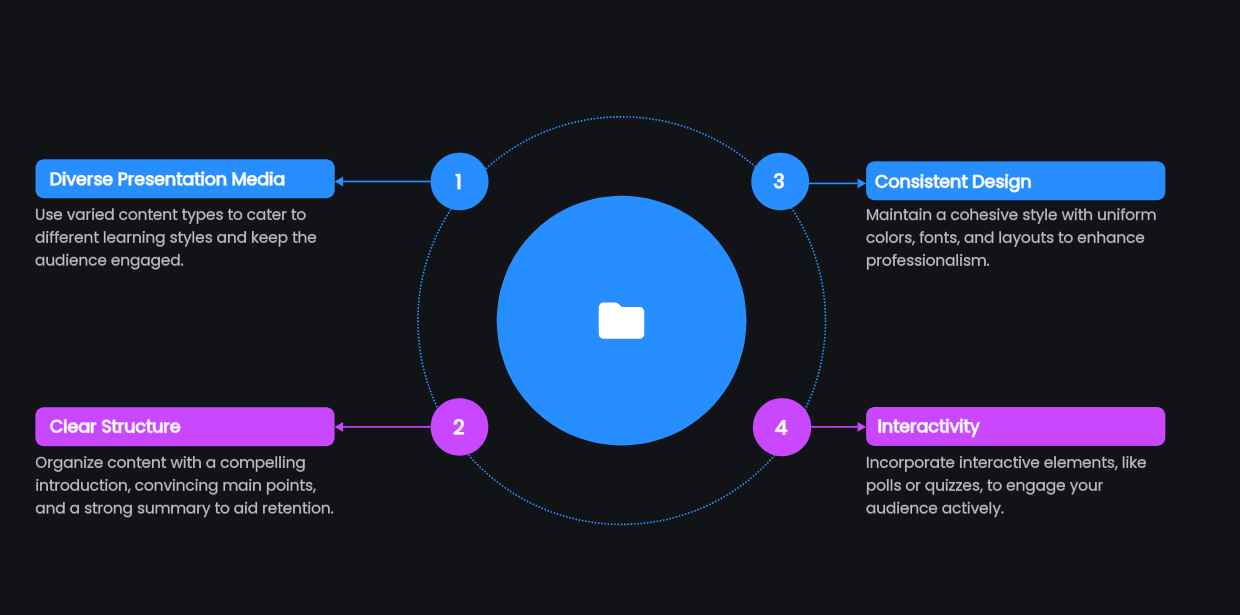
- Consistency in Design: Maintain a consistent style throughout your presentation. Use a uniform color scheme, font, and layout to create a cohesive look that enhances professionalism.
- Interactivity: Incorporate interactive elements, such as polls or quizzes, to engage your audience actively. This interaction can be a powerful way to reinforce key points and maintain interest.
How to Create a Multimedia Presentation with AI
Presenti AI can help draft the presentation’s structure and visual layout. For media playback, use the insertion options actually available in your editor or final presentation software, and test the result in the intended delivery format.

Steps to Create a Multimedia Presentation with AI:
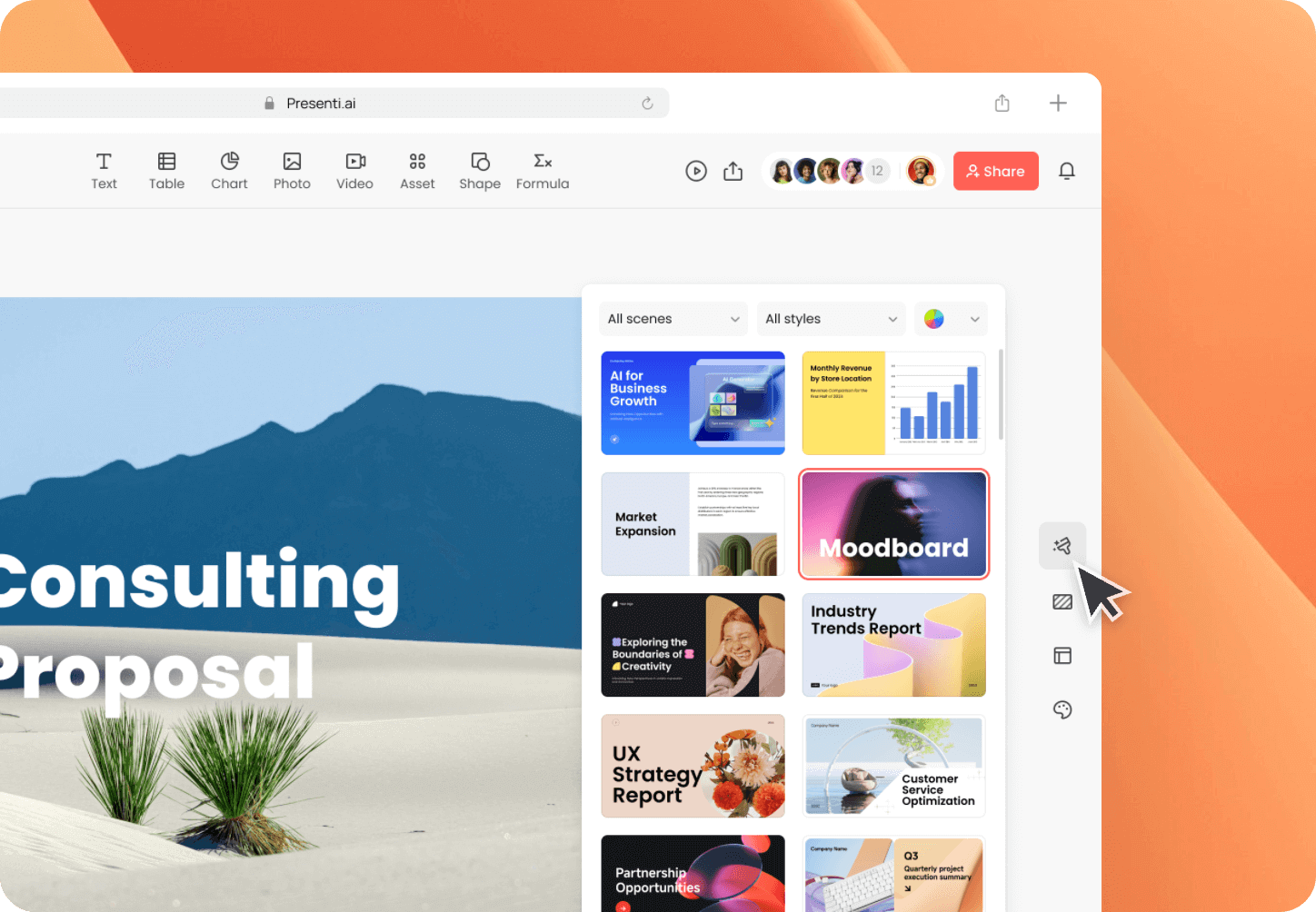
- Choose Presenti AI: Start by selecting Presenti AI as your multimedia presentation tool. This platform offers a user-friendly interface with AI-driven features that streamline the design and content creation process.
Select a Template: Choose a presentation template with enough room for your media, captions and explanation. Try it with the actual content before building the remaining slides.
- Gather Your Content: Compile multimedia examples that support your message. This could include high-resolution images, engaging video clips, and relevant audio snippets. Ensure that all content is of high quality and aligns with your presentation theme.
- Incorporate Your Media: Insert images and add audio or video using the options supported by your presentation software. Test playback in the format and on the device you will actually use; a PDF export will not behave like a live slide deck.
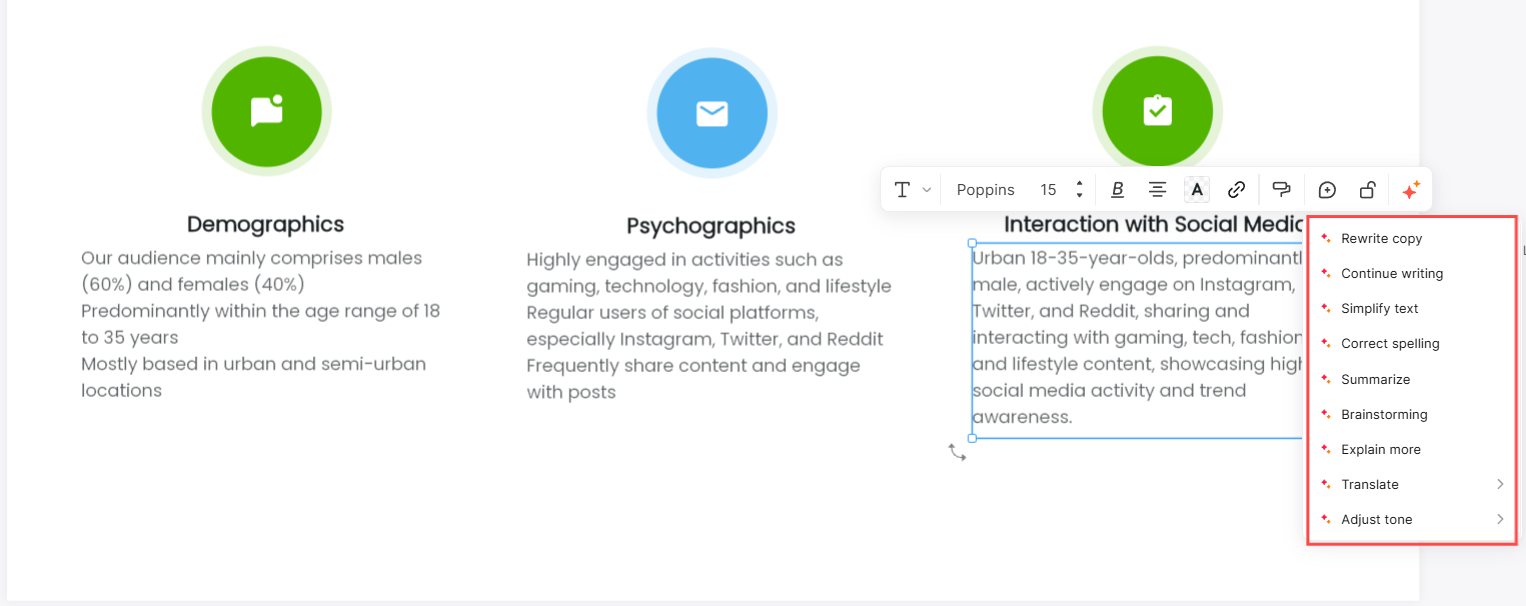
- Utilize AI Features: Leverage the AI capabilities of Presenti AI to suggest design adjustments and content improvements. The AI can help optimize your slides for clarity and engagement, then check that each media element supports the point of the slide.
Edit and Refine: After assembling your content, take time to review and refine your presentation. Ensure that transitions between different media types are smooth and that the overall flow of information is coherent.
Tips for an Effective Multimedia Presentation
To maximize the effectiveness of your multimedia presentation, follow these essential tips:
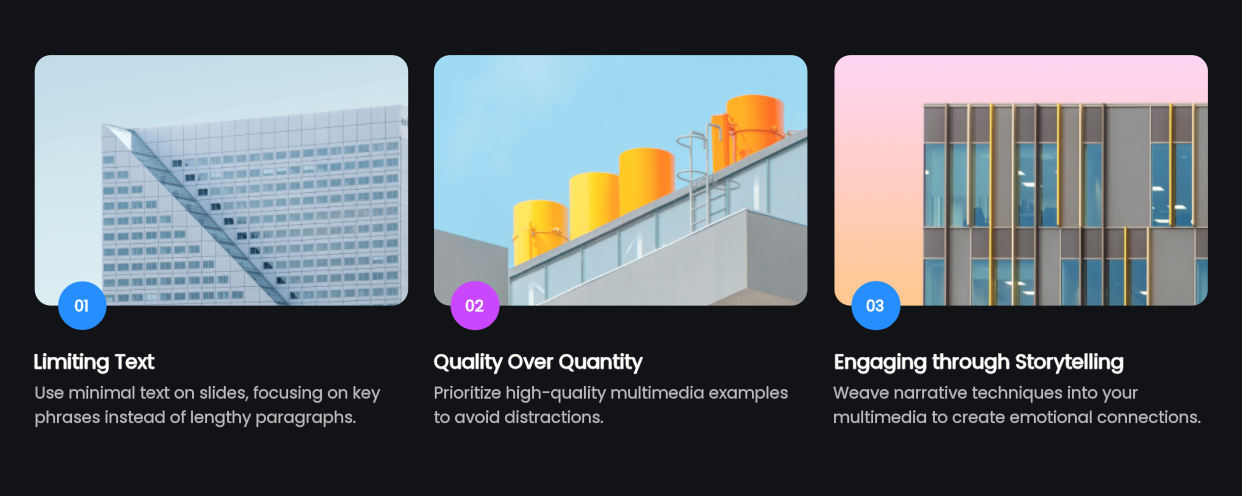
- Limit Text: Use minimal text on slides. Aim for key phrases or bullet points rather than long paragraphs. This allows your audience to focus on your spoken presentation while still grasping the main ideas.
- Quality Over Quantity: Choose high-quality multimedia examples. Whether it's images or videos, ensure they are clear and relevant. Poor-quality media can distract and detract from your message.
Engage with Storytelling: Use storytelling techniques to weave your multimedia examples into a narrative. This helps create an emotional connection with your audience and makes your points more relatable. For instance, if you're discussing a product, share a customer success story that highlights its benefits through engaging visuals and audio.
- Rehearse: Practice your presentation multiple times. Familiarize yourself with the flow of multimedia elements so you can transition smoothly between different types of presentation media. Rehearsing also helps you manage timing, ensuring you allocate appropriate time for each segment.
- Solicit Feedback: Before your final presentation, consider sharing it with a trusted colleague or friend for constructive feedback. They can provide insights into areas that may need improvement or clarification. This external perspective can help you refine your content and delivery.
- Plan for Technical Issues: Always have a backup strategy ready for potential glitches. Ensure that you have offline copies of your multimedia files and consider having a backup device ready. Familiarize yourself with the presentation setup in advance to avoid surprises.
Design a demonstration that survives a playback failure
Imagine a training slide showing how a technician checks a device before use. A short video may reveal the order of the actions better than a paragraph. Decide what the audience must learn from it: where the indicator is, what condition to look for and when to stop. Do not rely on the soundtrack to carry the only explanation of those points.
Prepare a second version of the slide with three still frames from media you are allowed to reuse. Add a brief caption to each frame and retain the same sequence as the video. These frames are the fallback for a failed connection or a PDF handout; they are not a claim that a moving procedure can always be understood from pictures alone. If motion is essential to the instruction, arrange another way to demonstrate it.
Match the response to the failure. If an online clip will not load, switch to an approved local copy only if you have one and the playback software supports it. If the picture plays but the room has no sound, use captions and explain the steps aloud. If the file will not play at all, show the still-frame version and state what the audience is missing rather than spending the session repeatedly pressing Play.
For a PowerPoint delivery, Microsoft recommends MP4 video encoded with H.264 and AAC audio in its supported-media guidance. Check the relevant platform and test on the presentation computer; a familiar file extension alone is not a playback test. W3C’s accessible-media guidance also helps you plan captions, transcripts and descriptions according to the content.
Use Presenti to organize the explanation and supporting visuals, then add or verify media in the software you will actually present from. Do not assume that an exported PPTX or PDF preserves every online interaction. Keep the fallback beside the original demonstration so switching does not break the lesson’s sequence.
Final Thoughts
Crafting a multimedia presentation can transform the way you communicate your ideas. By utilizing diverse presentation media and integrating multimedia examples effectively, you can create a dynamic and engaging experience for your audience. With tools like Presenti AI, the process becomes not only easier but also more enjoyable. Remember to keep your design consistent, engage your viewers with interactivity, and practice your delivery. With these strategies in place, you'll be well-equipped to captivate your audience and leave a lasting impression. Start exploring the potential of multimedia presentations today, and elevate your communication skills to new heights!