You can turn Word content into a PowerPoint file without buying a dedicated converter. The clearest no-cost route is to build the slides in free presentation software. If you already have desktop PowerPoint, outline import is another option that does not require a separate conversion service.
Online tools may offer a free allowance, but access to drafting does not automatically mean free PPTX export. Check the output you need before spending time on a full document.
Choose by the work you need done
| Route | What “free” means | What you do yourself |
|---|---|---|
| LibreOffice Writer and Impress | Free, open-source desktop software | Select the content, create the slides and adjust their layout |
| PowerPoint outline import | No separate converter charge when you already have the required desktop app | Prepare the outline and finish the slide design |
| An online AI allowance | A limited account offer; generation and export conditions may differ | Confirm current access, then review the draft and output |
For a short meeting update, manual transfer may be all you need. For a long report, the harder task is deciding what to leave out. Paying for conversion does not make that decision disappear.
A free manual route with LibreOffice
LibreOffice includes Writer for documents and Impress for presentations, and supports Microsoft Office formats. You can use it to prepare slides from your Word content without purchasing an Office license.
- Open the Word document in Writer and identify the sections you want to present.
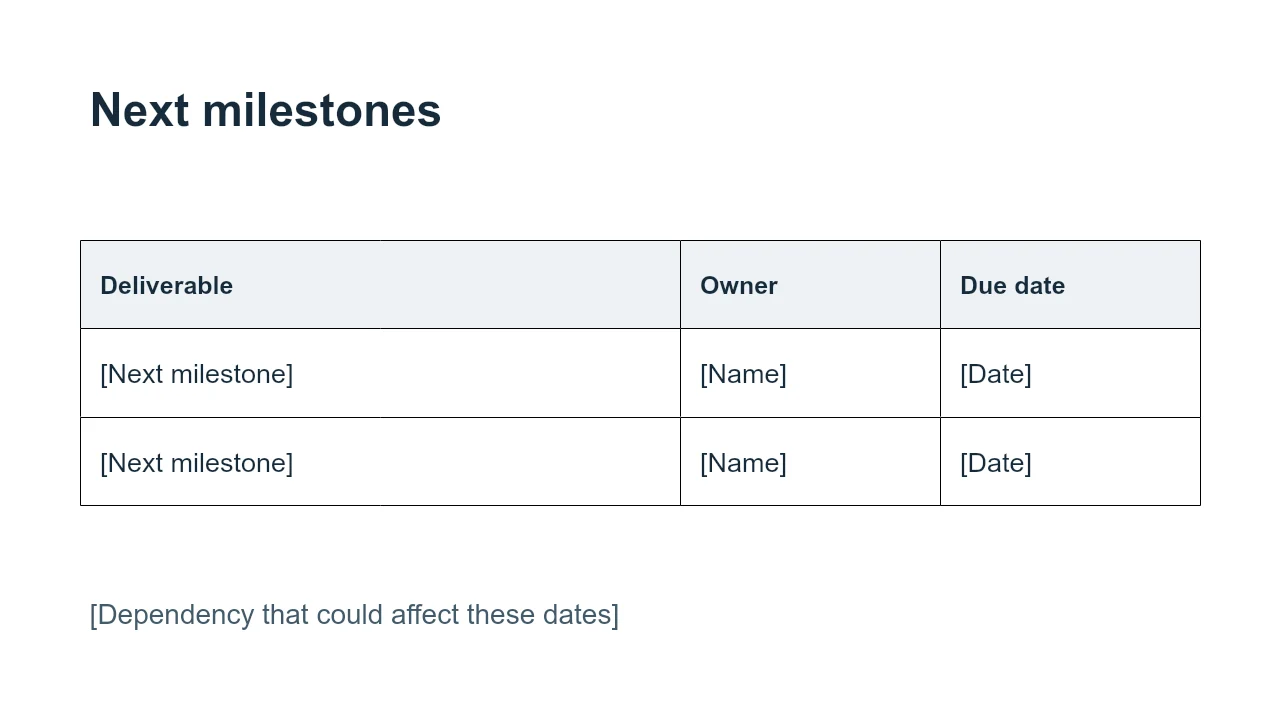
- Open the blank project-update presentation in Impress, or create a new presentation.
- Replace each slide’s prompts with your own material. Paste short passages as text and add visuals separately so you can control their position.
- Use File → Save As and select a PowerPoint PPTX format when that is the file your recipient needs.
Keep an editable original as well as the PPTX copy. Then reopen the PPTX and inspect the fonts, charts and spacing. File-format support does not promise identical rendering in every version of every application. LibreOffice’s Office compatibility guidance describes the supported document types.
This route is manual by design: it gives you a way to make a deck at no software cost, not an automatic summary of the Word file.
If you already have desktop PowerPoint
Use the native Word-outline import guide. A prepared hierarchy can save retyping, but you still need to arrange the content into readable slides. Do not call a paid Office application universally free simply because its import command has no separate fee.
Older tutorials may also recommend Word for the web’s Export to PowerPoint command. Microsoft’s current support page marks that feature as being deprecated. It is not a route to rely on when the command is missing from your account.
Before using a free online converter
Find out whether the tool accepts a Word file directly. A service that first converts Word to PDF and then PDF to slides is doing something different from a tool that builds a new outline from the text. The Word-to-presentation tools guide compares document import, outline import and manual template workflows so you can choose the amount of rewriting and control you need.
Next, confirm that the free allowance covers the operation you need: document import, generation and editable PPTX download. A browser preview, a PDF download and an editable PowerPoint are not interchangeable. If an offer is a trial, check whether it requires a card and whether it renews.
The Presenti Word-to-presentation page provides the product entry point. Look at the current account and export conditions before choosing it for a particular deadline. For an explanation of what AI conversion can change, read how to keep structure and meaning during Word-to-PowerPoint conversion.
Use a short, non-sensitive file for your first attempt. That lets you check the actual output before uploading a full report. A relevant test is whether you can edit the title, keep the correct units beside a number and move an image without rebuilding the slide.
Start with a reusable outline
Download the Word project-update outline and the matching blank slide template. Replace the prompts with your own status, evidence, open issue and requested decision. No client names or performance results are supplied because those must come from your work.
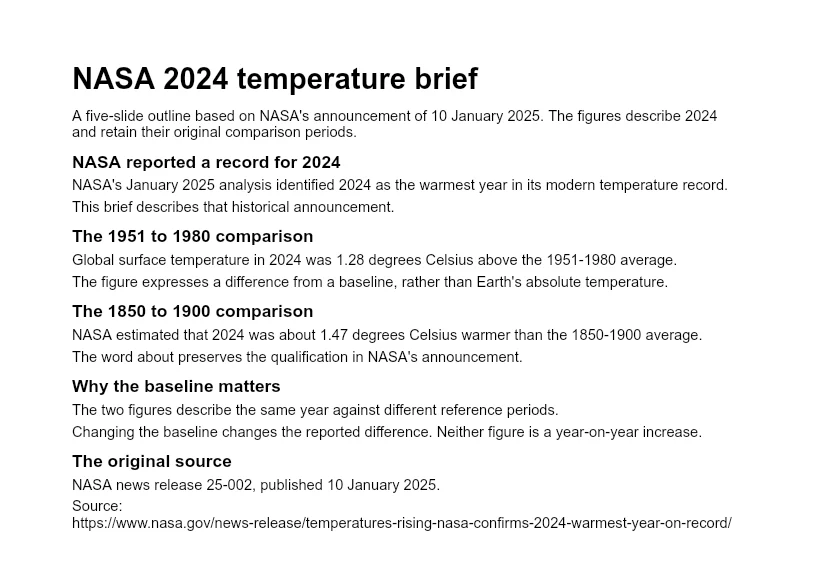
If you want to examine a completed example before drafting your own, the NASA temperature reference deck is an editorial example built from a cited public announcement. It shows a possible structure; it is not a benchmark of any conversion service.