
A polished PowerPoint presentation can significantly elevate your message, whether you're preparing a business report, a thesis defense, a marketing pitch, or a job application portfolio. Yet many people struggle to find templates that are both visually appealing and practical. The good news? There are plenty of high quality free PPT template resources and intelligent tools available today. With the right selection, anyone can quickly create a presentation that looks professional and communicates with impact.
This comprehensive guide walks you through how to choose great templates, introduces the most useful categories, and recommends reliable download platforms, including AI powered PPT generation tools that are transforming the way people create presentations.
1. How to Choose a High Quality PPT Template
Many users grab the first free PPT template they find online, only to end up with a presentation that looks generic or unprofessional. In reality, truly high quality PPT templates share several key characteristics:
(1) A Clear Visual Style that Matches the Scenario
Different presentation contexts require different visual tones:
- Business Reports:
Favor clean layouts, minimal visual noise, and professional typography. Data charts should be clear and intuitive. - Academic Presentations or Thesis Defense:
Structure and logic are crucial. Templates should present findings, methods, and conclusions in a clear, organized manner. - Resume & Portfolio Presentations:
Aim for a balance of personality and professionalism. The template should highlight personal strengths without overwhelming the content.
A template aligned with your scenario ensures the audience receives your message effectively.
(2) Clean Layout, No Visual Distractions
A well designed template supports your content; it should never compete with it. Avoid overly decorative backgrounds, excessive animations, or complex elements that draw attention away from your message. Simplicity enhances professionalism.
(3) Practical Charts and Harmonized Color Palettes
High quality templates often include:
- Predesigned charts and infographics
- Consistent color systems
- Organized content sections
These elements save time and help maintain visual coherence across your slides.
2. Recommended Categories of Free PPT Templates
Presentation needs vary across different scenarios. Below are popular categories of free PPT templates, each suitable for a specific purpose.
(1) Free Templates for Work Reports
These templates emphasize clarity, logic, and professionalism. They are ideal for internal corporate reports, performance reviews, and project summaries.
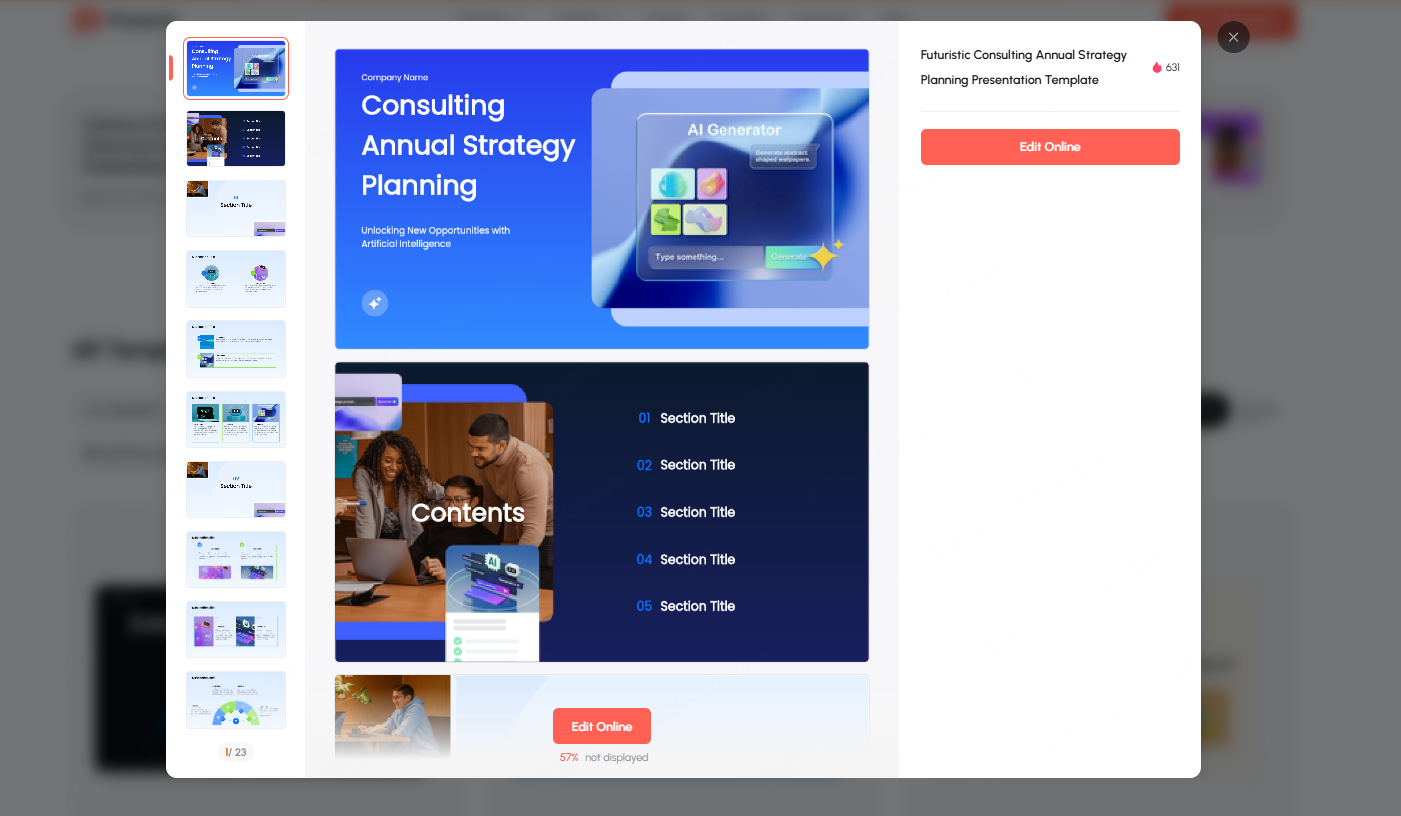
- Blue Corporate Template:
A gradient of dark and light blue conveys maturity and stability, perfect for quarterly reviews or strategy briefings.
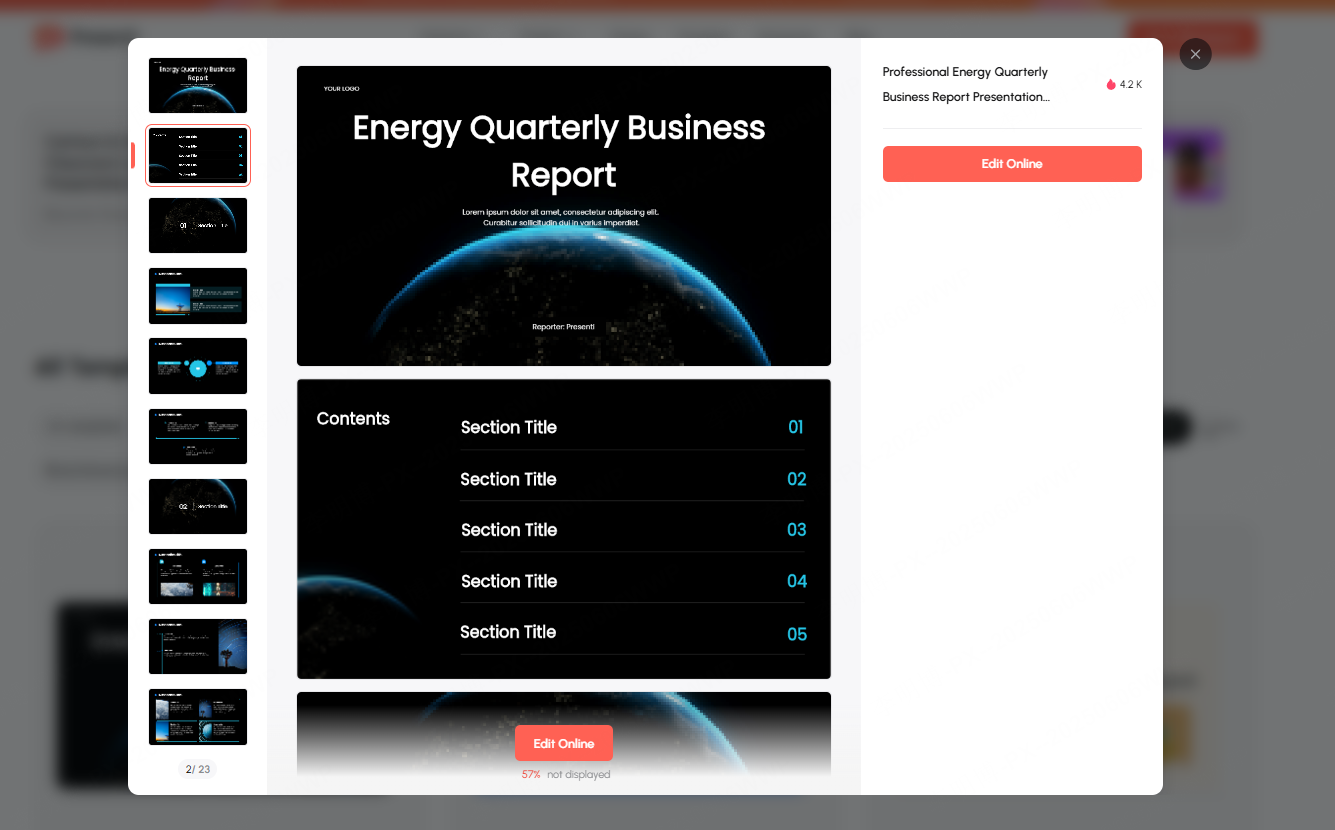
- Minimalist Black and White Template:
Strong contrast and clean typography create a modern, sophisticated look, ideal for executive meetings or management presentations.
(2) Free Templates for Business Presentations
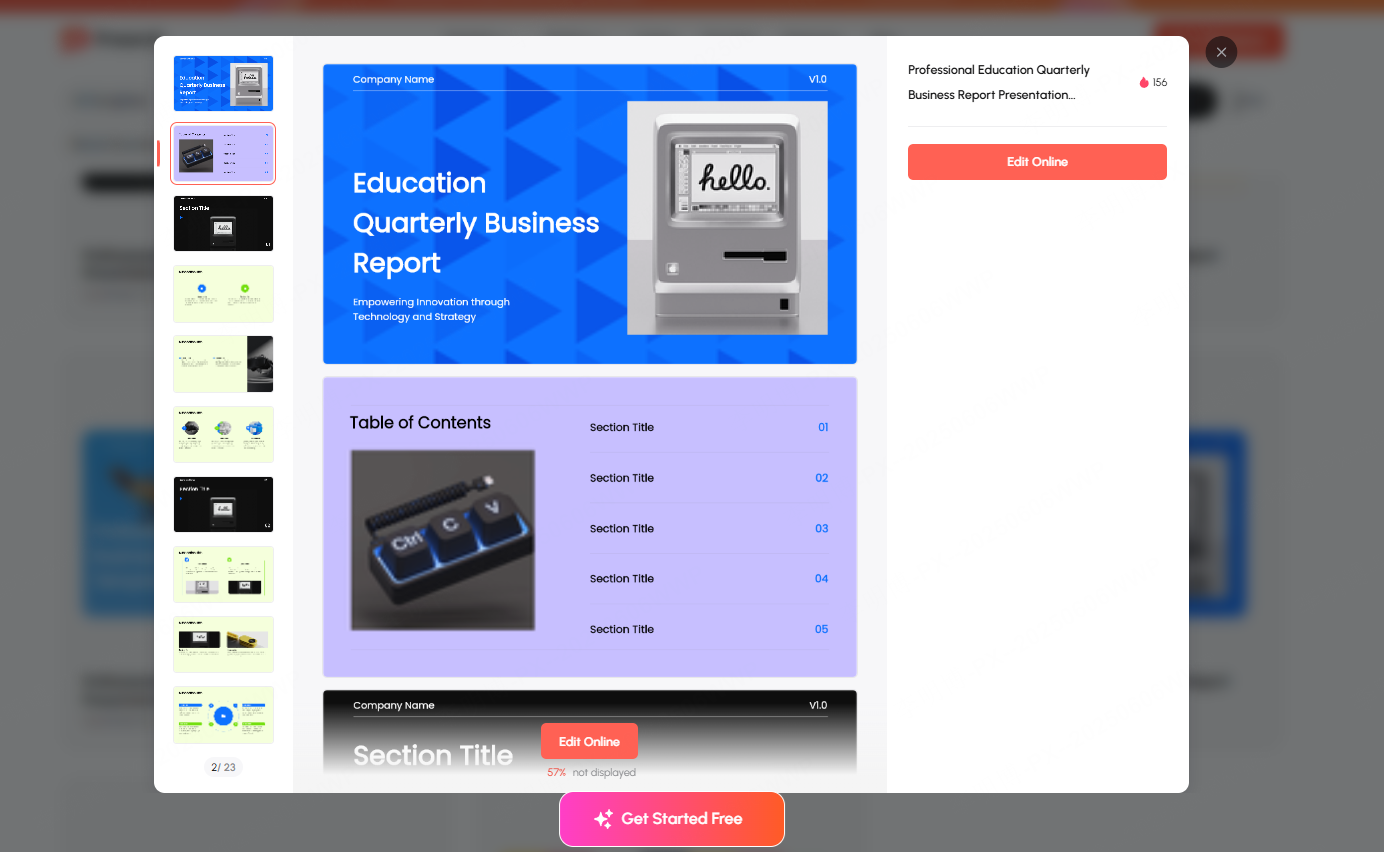
These templates usually include structured layouts, clean design elements, and data focused graphics. They're best for investor pitches, product roadmaps, and client proposals.
(3) Free Templates for Marketing & Promotional Presentations
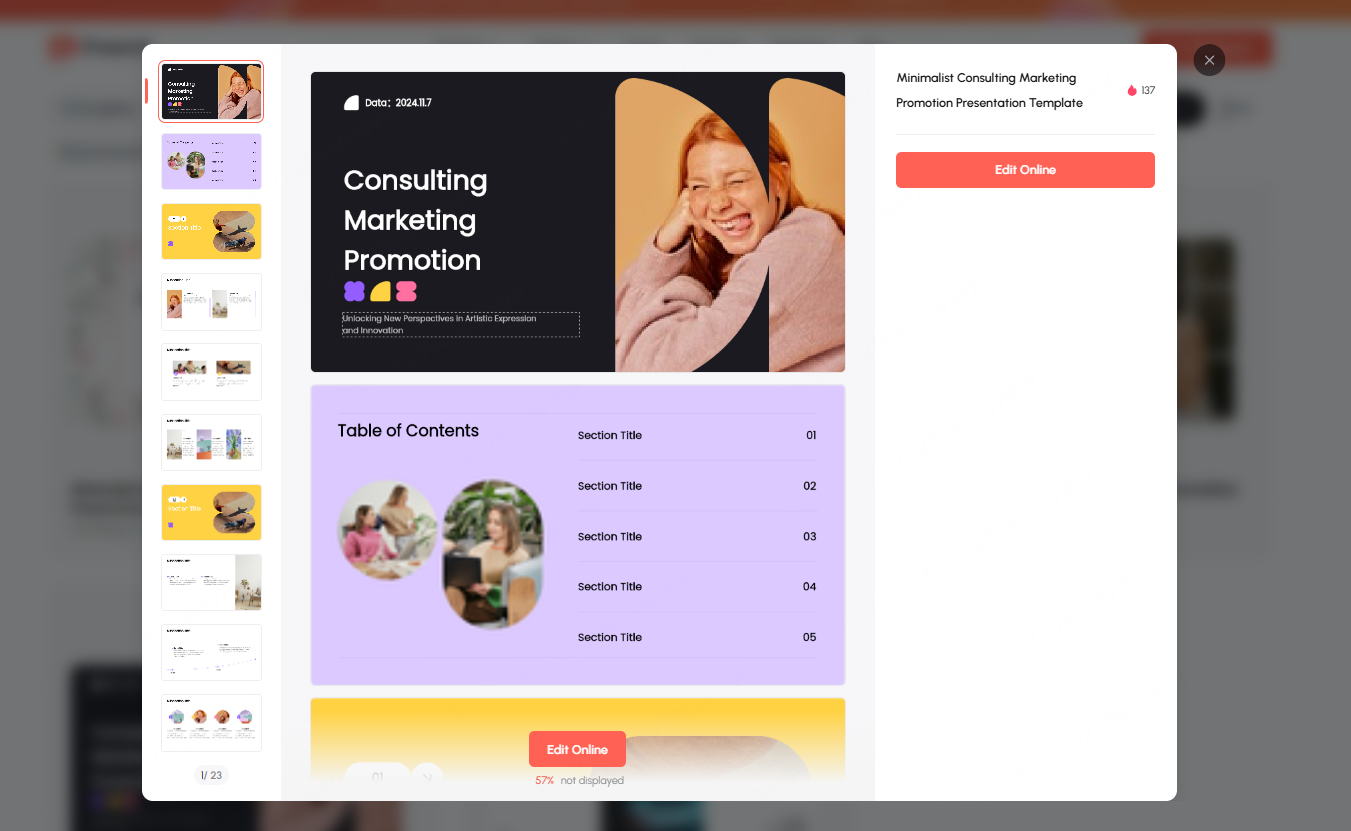
Marketing presentations require templates that are visually striking and brand driven. These often include:
- Bold color themes
- Creative layouts
- Eye-catching graphics
Perfect for marketing plans, campaign overviews, or product launches.
(4) Free Templates for Educational Slides
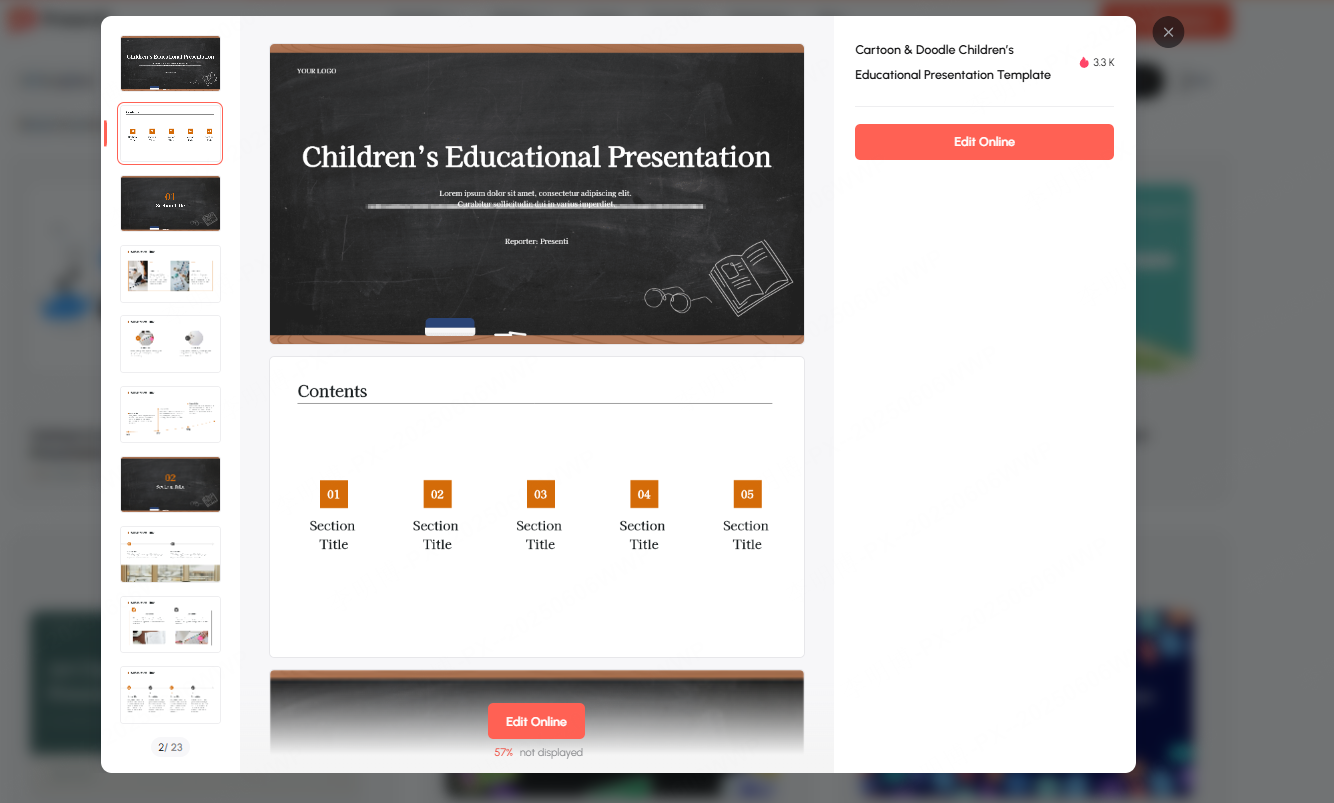
Educational templates work best when they feature:
- Clear structure
- Balanced visual hierarchy
- Interactive or illustrative elements
Great for lectures, training sessions, online courses, and classroom materials.
(5) Free Templates for Thesis Defense & Academic Presentations
Thesis defense slides must be logical, concise, and academic in tone. Templates with predefined structure help presenters organize research topics, methodologies, data interpretation, and conclusions more effectively.
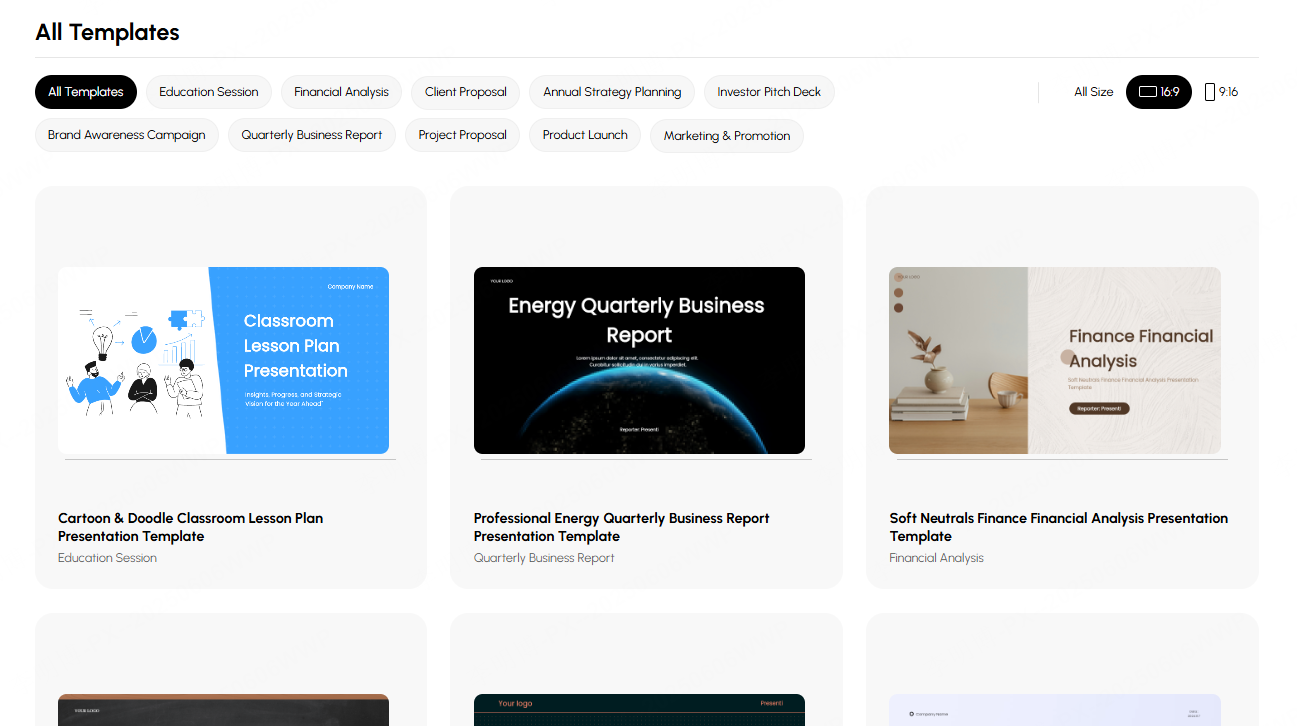
Most of these templates can be found within the Presenti AI Template Community, which offers well designed, frequently updated PPT templates covering a wide range of styles and professional needs.
3. Recommended Sources to Download Free PPT Templates
Not all template libraries are created equal. Here are the most reliable and commonly used free PPT download sources:
(1) PPT Template Resource Websites
These platforms offer large collections of ready made templates, perfect for users who need a professional design quickly.
- SlideModel
A premium quality platform offering editable charts, diagrams, and business oriented templates. - Microsoft Office Template Gallery
The official repository from Microsoft, known for its clean, standardized, and professional templates.
(2) Online Design Platforms
These platforms allow you to design and edit PPTs in the browser. They are flexible, intuitive, and ideal for users who want creative freedom.
- Canva
Young, modern design style with abundant templates; supports real time teamwork. - Slidesgo
Known for its vibrant, modern templates, especially popular in education and marketing contexts.
(3) AI Powered PPT Generation Tools
AI tools are rapidly rising in popularity because they can create entire PPTs automatically based on your input.
- Presenti AI
A professional AI powered PPT generator that supports:- One click PPT creation from text or topic
- Automatic design enhancement
- Export to PowerPoint/WPS
- Multi scene templates: business reports, academic defense, teaching materials, marketing decks, and more
Presenti AI significantly streamlines the creation process, making it ideal for users who frequently produce presentations.
- Autoppt
An AI driven tool that transforms your text or documents into complete presentations with customizable styles.
These AI tools are ideal for anyone who wants to avoid searching for templates manually and prefers fast, automated generation.
4. Important Notes When Using Free PPT Templates
Even with so many resources available, keep the following in mind to ensure professional output:
(1) Check Copyright and Usage Rights
Not all free templates allow commercial use. Some are restricted to personal or educational use. Always review licensing terms before using a template in:
- Public presentations
- Corporate projects
- Marketing materials
Avoid potential legal issues by confirming usage permissions.
(2) Customize Content Thoughtfully
Templates provide structure, but they should not dictate your content. Always adapt:
- Layout
- Color scheme
- Chart types
- Section flow
Ensure the final output reflects your objectives and storytelling logic.
(3) Avoid Overreliance on Templates
Templates enhance visual appeal, but the true core of any presentation remains:
- Clear logic
- Compelling content
- Strong delivery
Choose templates that support clarity rather than distract with overly complex visuals or flashy animations.
Conclusion
If you often struggle with making PowerPoint slides, leveraging free PPT template resources can help you quickly find a style that suits your needs, whether for business reports, academic defense, or resume presentations. And for even greater efficiency, tools like Presenti AI enable instant, intelligent PPT generation with visually appealing and practical results.
With the right templates and smart tools, anyone can create professional, beautiful, and effective presentations, no design experience needed.








