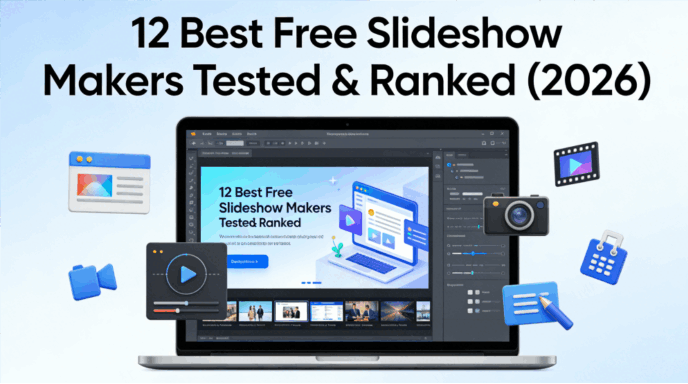
Stop wasting hours aligning text boxes. In 2026, a great presentation should move as fast as your ideas. We stress-tested over 30 platforms to find the tools that actually deliver on their "AI promise" without forcing you to upgrade. Here are the 11 best free slideshow makers to use this year.
Our Testing Methodology: How We Ranked Them
To keep this free ppt alternatives ranked list objective, we put every tool through the same "Stress Test." We took a messy 5-page Word document and a raw PDF report and tried to turn them into a professional 10-slide deck. We evaluated:
- AI Intelligence: Can it actually understand context, or does it just copy-paste text?
- Design Flexibility: Can you customize the AI’s output easily?
- Export Options: Is your work trapped behind a paywall, or can you download it?
- Collaboration: How easy is it to share and edit with a team in real-time?
12 Best Free Slideshow Makers for 2026
1. Presenti
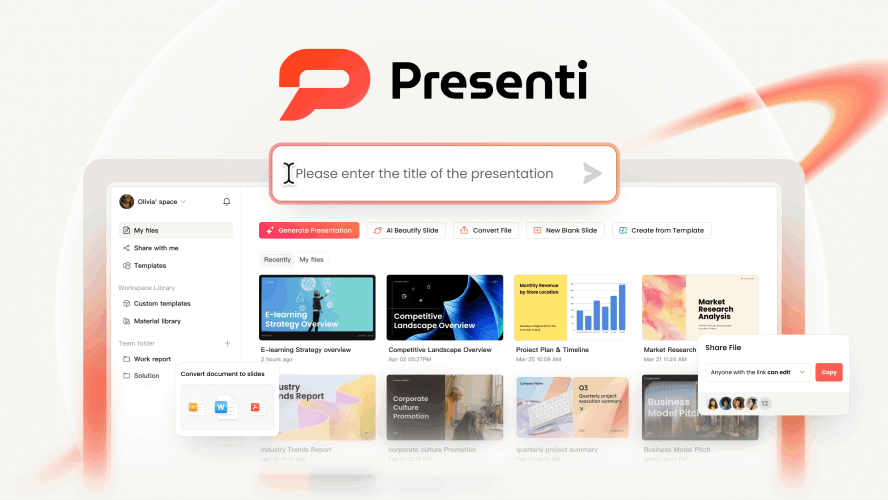
If 2026 has a "gold medalist" in productivity, it’s Presenti. While many tools focus on just "making things pretty," Presenti solves the biggest headache of all: the transition from raw data to a structured narrative. It is arguably the leader among no-cost slideshow tools for professionals who deal with heavy documentation.
Presenti isn't just a slide editor; it’s an intelligent converter. Its "Document-to-Deck" engine is the most sophisticated we’ve tested. You can feed it a complex PDF, a Markdown file, or even a chaotic brainstorming note, and it will output a logically structured, visually stunning presentation in under 60 seconds.
Key Features:
- Multi-Format Support: Unlike competitors that only take text prompts, Presenti handles Word, PDF, and Mindmaps with ease.
- AI "Beautify" Function: Have an old, ugly PPT from 2022? Upload it, and Presenti’s AI will re-theme and re-layout the entire thing to 2026 standards.
- Smart Content Expansion: If your bullet points are too brief, the AI suggests relevant data points and imagery to fill the gaps.
The Free Version:
Presenti offers a very generous "Free-to-Play" model. You get substantial AI credits upon registration, and unlike many others, it allows for high-quality exports without intrusive watermarks. For anyone looking for the best free slideshow makers that actually deliver professional results, this is the starting point.
2. Canva
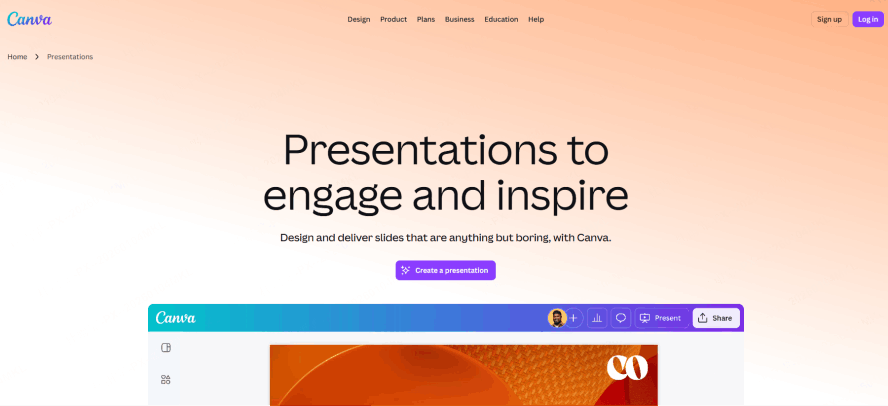
Canva remains a juggernaut in 2026. It has successfully integrated "Magic Design" into its workflow, making it a top contender in any free presentation software comparison.
Best For:
Users who want total creative control and access to the world’s largest library of stock assets.
The Pros:
Canva’s strength lies in its "Magic Media" (AI image and video generation). If you need a slide to look like a high-end fashion magazine, Canva’s templates are unbeatable. The collaborative "Whiteboard" feature also allows teams to brainstorm before jumping into slides.
The Caveat:
While it is one of the best free slideshow makers, many of the best templates and "one-click" AI features are now locked behind the "Pro" subscription. You might find yourself constantly clicking on icons only to see the "Crown" symbol.
3. Gamma
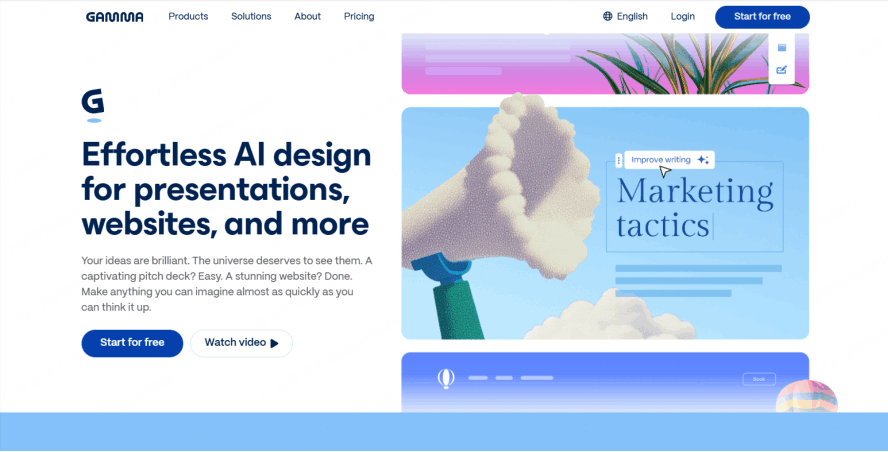
Gamma has changed the definition of what a "slide" is. It moves away from the traditional 16:9 box and treats presentations more like interactive webpages.
Best For:
Remote meetings and "async" presentations where the viewer scrolls through the content.
The Pros:
Its AI is incredibly fast. You type a one-sentence prompt, and it generates a "site-like" presentation. It’s one of the most innovative no-cost slideshow tools because it feels entirely fresh.
The Cons:
If you need to export to a traditional PowerPoint file to present offline, the formatting often breaks. It’s a tool built for the browser, not the boardroom projector.
4. Google Slides
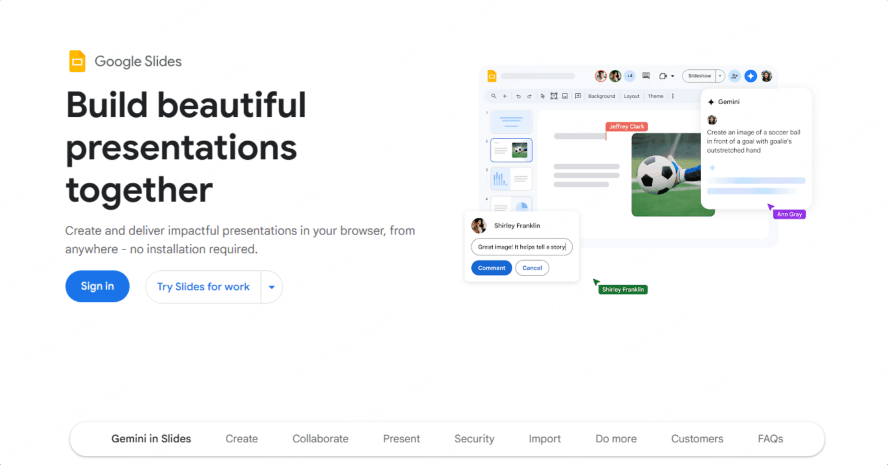
You can’t have a free ppt alternatives ranked list without the king of cloud collaboration. In 2026, Google Slides has finally integrated "Duet AI" more deeply, though it still feels a bit basic compared to Presenti.
Best For:
Pure, 100% free collaboration with no strings attached.
The Pros:
It is completely free. There are no "credits" to worry about. If you need to work with five people on a deck simultaneously, Google Slides is still the smoothest experience.
The Cons:
The design capabilities are stuck in the past. To make a Google Slide look "2026-cool," you have to do 90% of the work manually.
5. Beautiful.ai
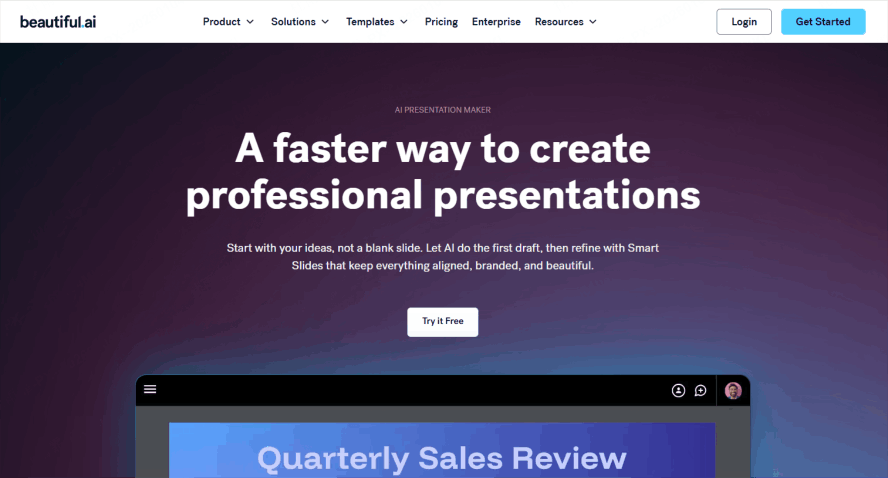
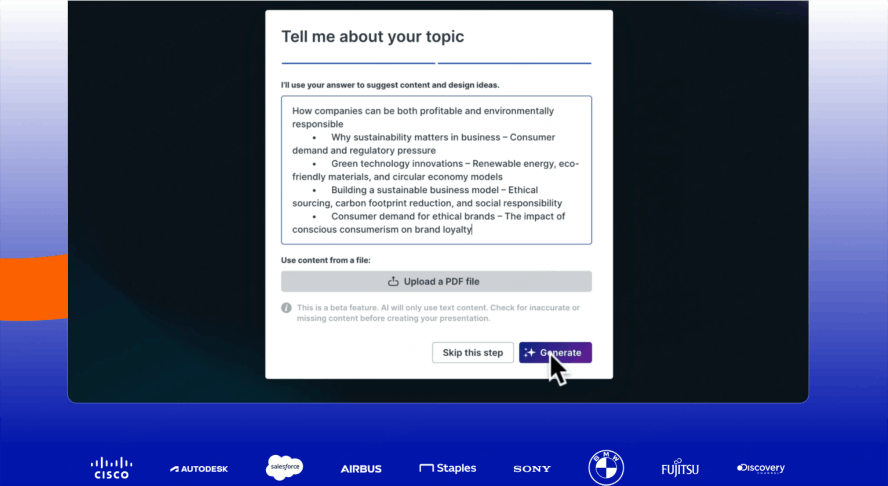
Beautiful.ai uses "Smart Slides" technology. You don't move elements; you add content, and the slide reorganizes itself automatically.
Best For:
People who "aren't designers" but need their slides to look perfectly aligned.
The Pros:
It prevents you from making "ugly" slides. The constraints are its best feature. It’s consistently ranked as one of the best free slideshow makers for data-heavy business decks.
The Cons:
The free tier is quite restrictive regarding the number of decks you can maintain.
6. Prezi
Prezi survived the "AI revolution" by doubling down on its signature zooming transitions.
Best For:
High-energy keynotes where you want to show the "big picture" and then zoom into the details.
The Pros:
In our free presentation software comparison, Prezi stands out because it isn't linear. It’s a canvas. If your presentation is about a journey or a map, Prezi is the best choice.
7. Visme
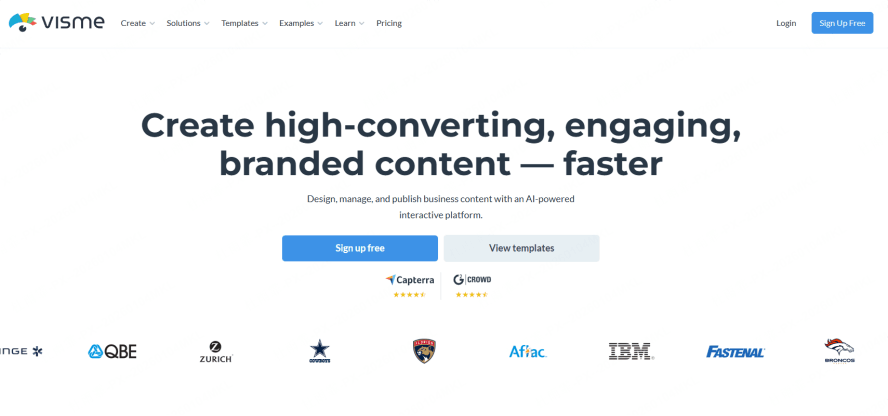
Visme is like Canva’s more serious, data-driven cousin. It’s built for people who need to turn boring Excel sheets into interactive charts.
Best For:
Infographic-style presentations and annual reports.
The Pros:
The library of interactive widgets (progress bars, data counters) is unmatched. It’s a strong contender for the best free slideshow makers in the educational and data science sectors.
8. Adobe Express
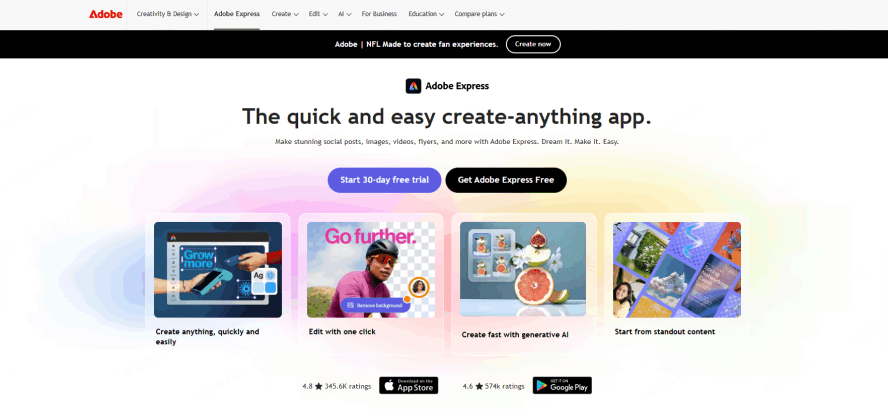
Adobe Express is the "lite" version of Creative Cloud. In 2026, its Firefly AI integration allows for incredible text-to-image effects directly on your slides.
Best For:
Influencers and marketers who need their slides to be "shareable" on social media.
The Pros:
The animation presets are professional-grade. It makes your slides feel like a motion graphic video.
9. Pitch
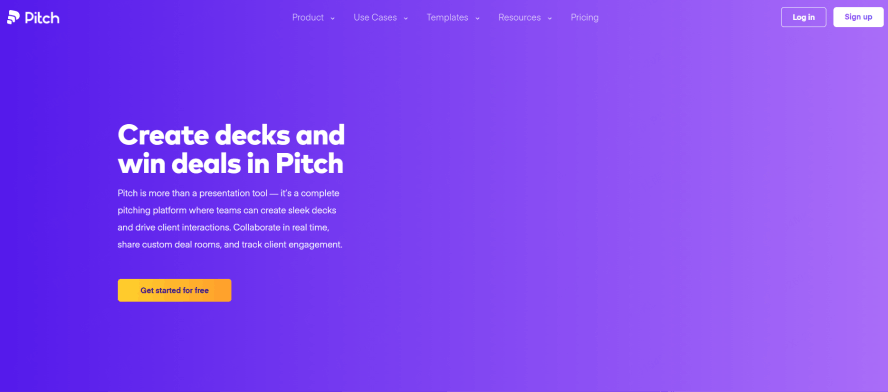
Pitch focuses on the "workflow" of a team. It’s sleek, dark-themed by default, and feels very "tech-startup."
Best For:
Design-forward teams who find PowerPoint too "corporate."
The Pros:
It offers great integration with tools like Slack, HubSpot, and Google Analytics, allowing you to pull live data into your slides.
10. Zoho Show
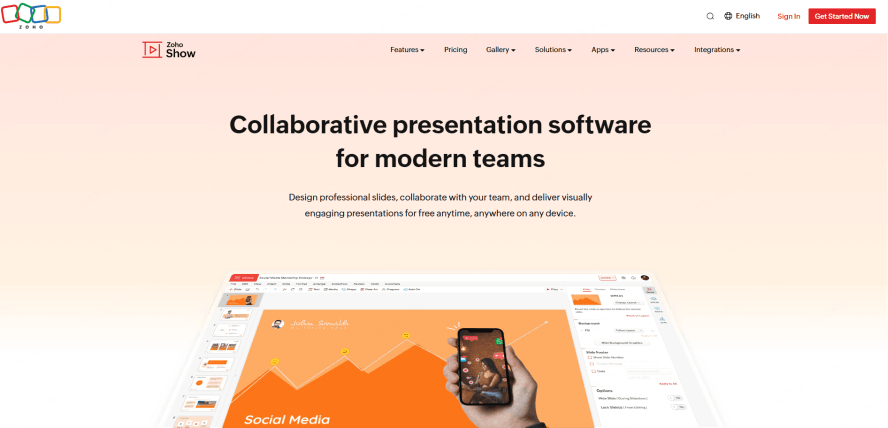
Zoho Show is a hidden gem in the world of no-cost slideshow tools. It is part of the Zoho ecosystem but works perfectly as a standalone app.
Best For:
Users who want a familiar PowerPoint-style interface but without the Microsoft price tag.
The Pros:
It is surprisingly feature-rich for a free tool. It supports Apple TV and Android TV broadcasting, which is a rare find in free versions.
11. Genially
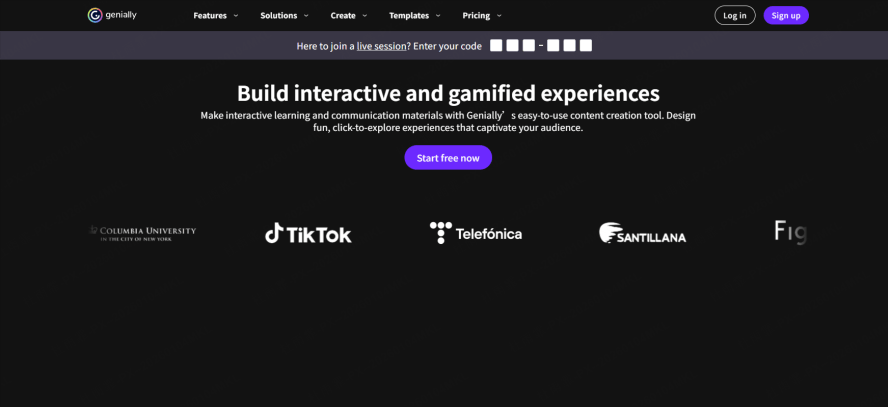
Genially is where presentations meet video games. You can create clickable hotspots, escape rooms, and interactive quizzes within your slides.
Best For:
Teachers and corporate trainers who need to keep their audience awake.
The Pros:
It’s the most "fun" tool on this list. If you want your audience to click on things rather than just look at them, Genially is the winner.
Which One Should You Choose?
When looking at this free presentation software comparison, the "best" tool depends on your starting point:
| When looking at this free presentation software comparison, the "best" tool depends on your starting point: | ||
|---|---|---|
| If you have... | Use this tool... | Why? |
| A raw document/PDF | Presenti | Best AI transformation logic. |
| Just an idea | Gamma | Fastest prompt-to-deck speed. |
| A need for icons/photos | Canva | Largest asset library. |
| Complex data/charts | Visme | Superior data widgets. |
| A team of 5+ editors | Google Slides | Most stable collaboration. |
What Makes a "Best" Slideshow Maker Now?
To stay ahead, you shouldn't just look for any no-cost slideshow tools. You need to look for features that define the 2026 era:
- Contextual AI: We are past the era of "Text-to-Slide." The best tools, like Presenti, now understand intent. They know that a "Financial Audit" needs a different tone and layout than a "Creative Moodboard."
- Asset Generation: In 2026, you shouldn't be googling for "transparent PNG of a robot." Your slideshow maker should generate that image for you using built-in DALL-E or Midjourney integrations.
- Dynamic Interactivity: Static slides are dying. The best free slideshow makers now offer "live" components—polls, live data feeds, and clickable navigation—that keep the audience engaged.
- Cross-Platform Harmony: You might start a deck on your laptop, tweak it on your phone during a commute, and present it via a web link. High-tier free ppt alternatives ranked here all support this fluid movement.
Conclusion
The landscape of digital storytelling has shifted. While Microsoft PowerPoint remains the "old guard," the new generation of best free slideshow makers is defined by intelligence and speed.
If you want a tool that does the heavy lifting for you—especially if you already have your content sitting in a Word doc or PDF—Presenti is our top recommendation for 2026. It bridges the gap between raw information and professional design better than any other platform we tested. For those who need pure design flair, Canva and Adobe Express are your best bets. If you're looking to break the mold entirely, Gamma and Genially offer the most futuristic "web-first" experiences.
Regardless of your choice, this free presentation software comparison proves one thing: in 2026, your ideas are no longer limited by your design skills. Pick a tool, upload your thoughts, and let the AI build your stage.