Creating a professional, high quality presentation no longer needs to be a time consuming design task. With modern AI presentation makers, you can turn an idea, outline, or dataset into polished slides in just a few steps.
From intelligent layout suggestions to automated content generation and data visualization, AI powered tools are reshaping how teams build presentations for work, education, and product communication.
In this guide, we review 10 of the best AI presentation tools for 2026, focusing on real world usability, design quality, and productivity gains. Whether you are a project manager preparing stakeholder updates, an educator building course materials, or a developer pitching a technical solution, these tools can dramatically speed up your workflow.

1. Presenti AI
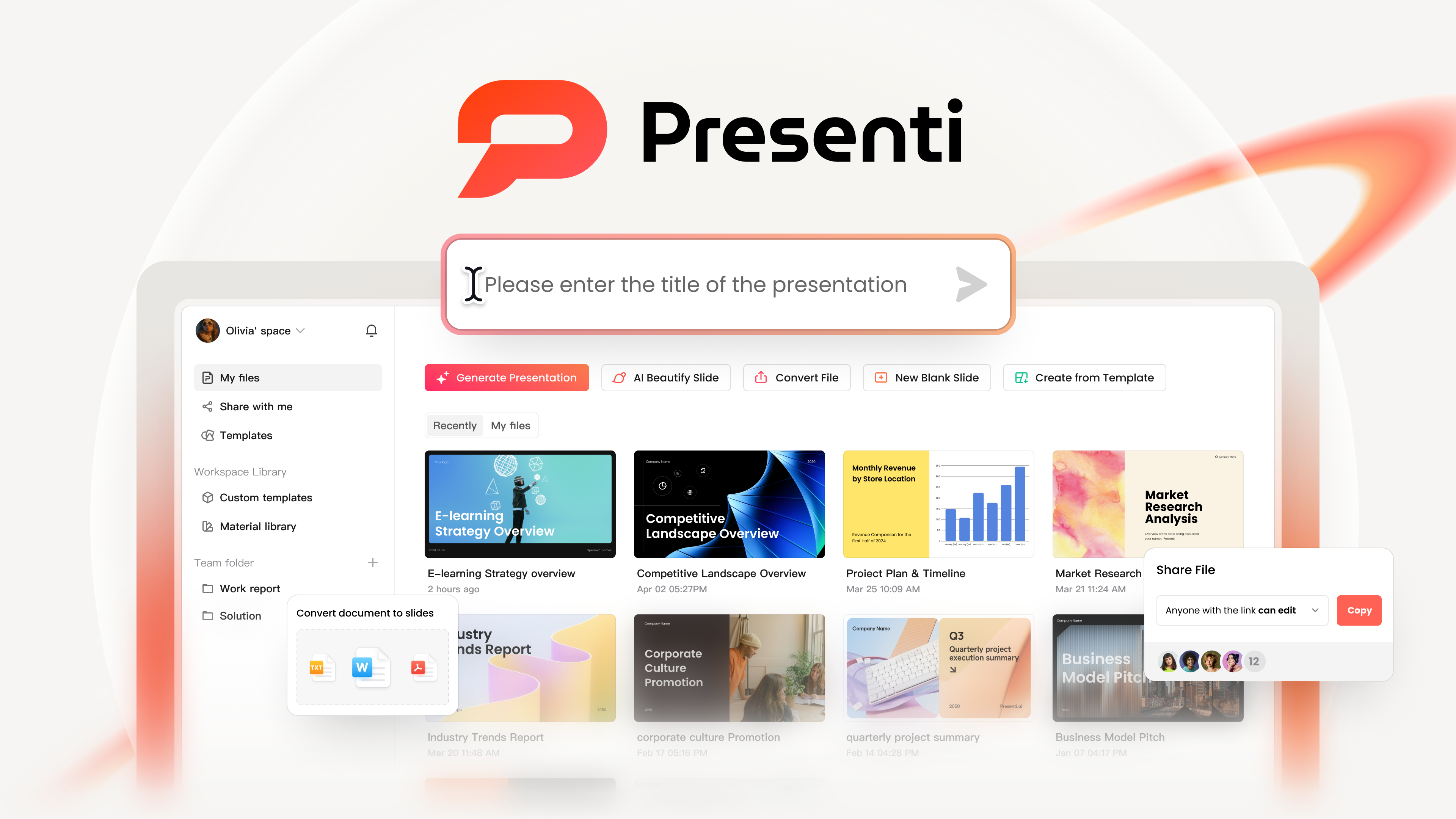
Presenti AI is an all in one AI presentation platform designed to handle content creation, layout, and visual design in a single workflow. It significantly reduces the time required to build professional presentations while maintaining a clean and structured slide hierarchy.
Intelligent Content Generation
By entering a topic, keywords, or existing text, Presenti AI analyzes the context and automatically generates a clear slide structure. It identifies key themes and maps them to appropriate slide layouts, helping users move from raw ideas to a complete presentation outline quickly.
Extensive Template Library
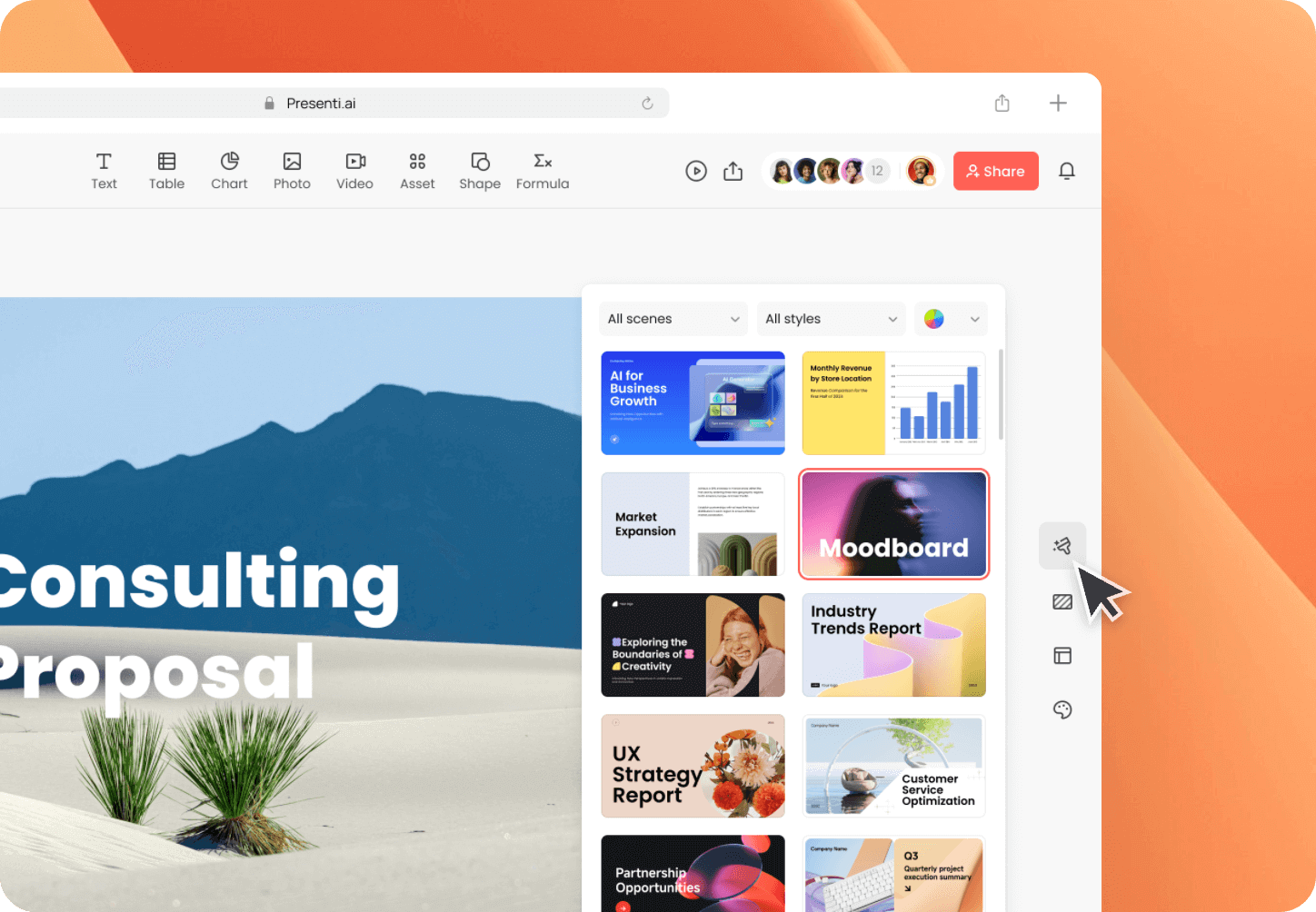
Presenti AI includes a large collection of professionally designed templates tailored to common business and educational scenarios. These include weekly reports, quarterly reviews, project updates, training decks, and executive summaries.
Templates are designed with modern typography, balanced spacing, and consistent visual language that can be adapted to your organization’s presentation guidelines.
One Click Template Switching
Users can switch between different design styles without changing the underlying content. This is particularly useful when adapting a presentation for different audiences, such as internal teams versus external stakeholders.
Smart Layout Optimization
The platform automatically adjusts text blocks, images, and charts to maintain visual balance. Review the suggested layout for crowding, alignment, and the relative importance of each element.
Multimedia Support
Use relevant images and visual assets to explain the content. If a project requires audio or video, check the editor and export format for the playback behavior you need.
2. Visme
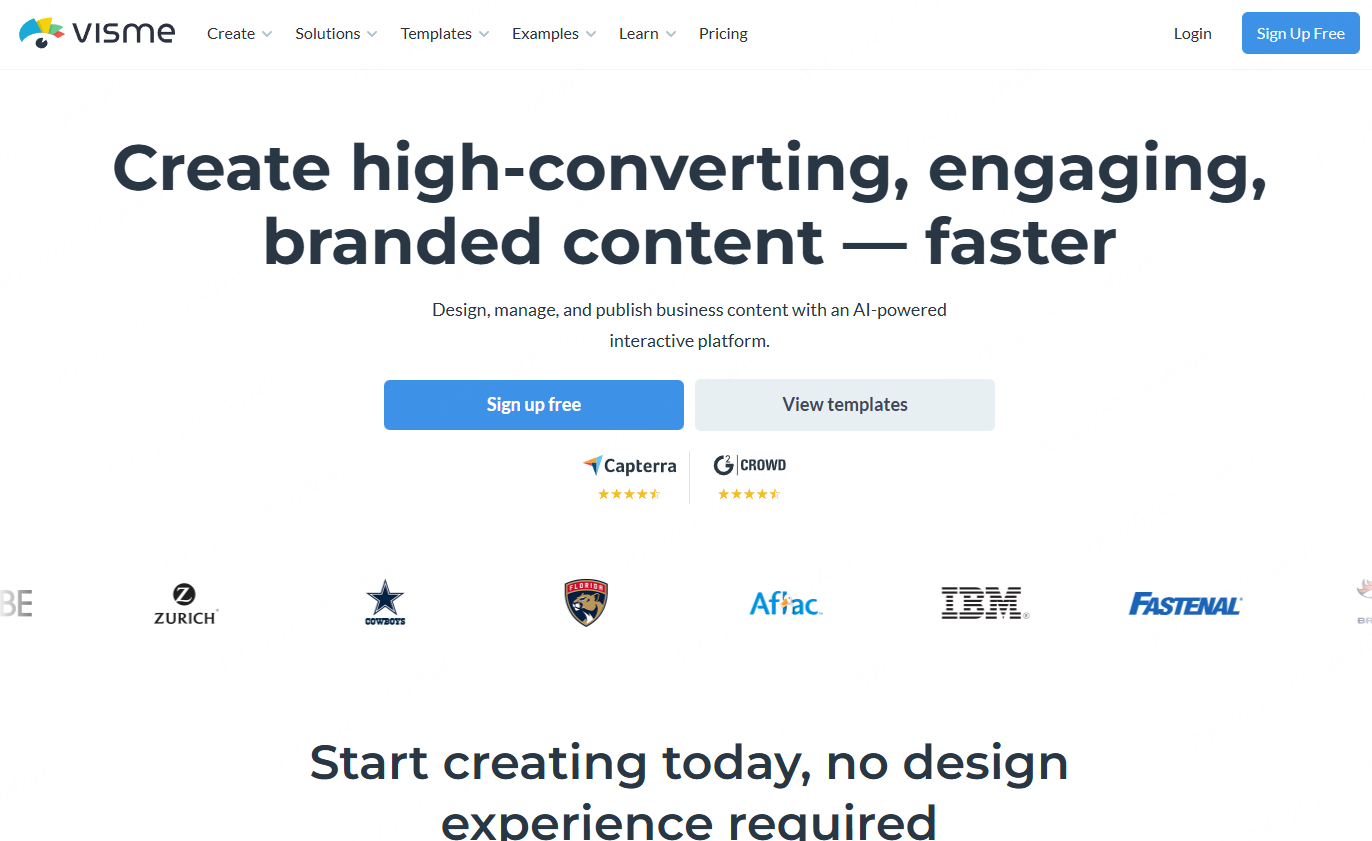
Visme is a comprehensive online design tool with strong AI features, widely used for presentations, infographics, reports, and marketing assets.
AI Assisted Layout and Design
Visme uses AI to optimize layouts for text, images, and data, ensuring visual consistency across slides. The system helps maintain professional design standards even for users without a design background.
Interactive and Creative Templates
The platform offers a wide range of templates with support for animations, embedded links, dynamic charts, and interactive elements. These features are especially useful for marketing presentations and educational content.
Data Visualization Capabilities
Visme can automatically generate charts, maps, and infographics from data, making it suitable for data driven storytelling.
3. Gamma
Gamma combines AI drafting with card-based presentation design. It is an option to consider when a team wants to share a deck online and also produce a downloadable file.
Import and Export
Gamma’s free plan lists PDF and PPTX import, with export to PDF, PPTX, PNG, and Google Slides. Compare the exported file with the online presentation, especially when cards contain dense text or interactive media.
Team Review
Use a shared brief and agree who owns the final content. Check access permissions, branding requirements, and the format reviewers need before choosing a plan.
4. Synthesia
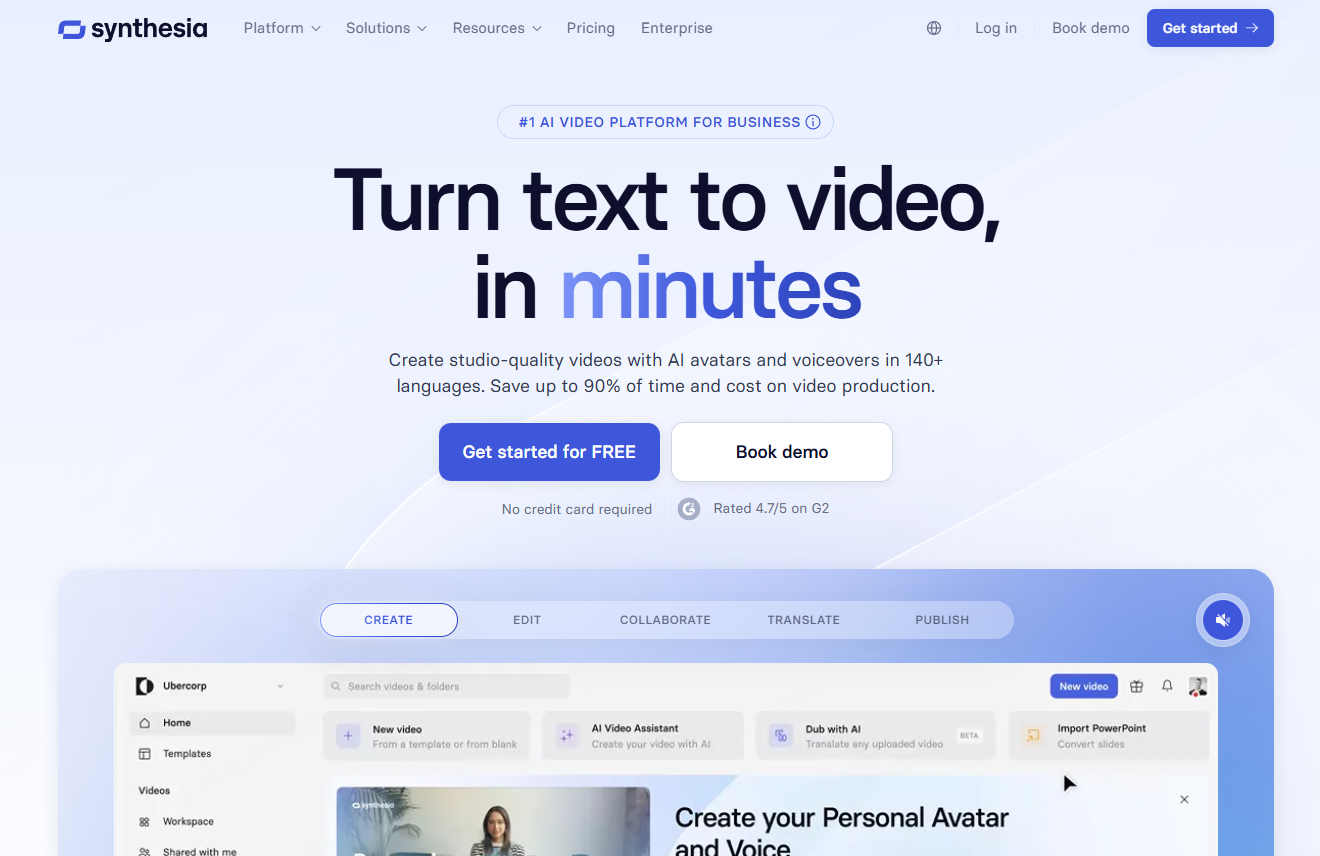
Synthesia is a unique AI powered platform designed for creating video based presentations with virtual presenters.
AI Virtual Presenters
Users can select from a variety of AI avatars and generate voice narration with realistic facial expressions. This is particularly useful for training, onboarding, and explainer presentations.
Automated Visual Matching
The platform automatically matches backgrounds, animations, text, and video elements to maintain visual coherence across slides.
Dynamic Video Content
Synthesia is well suited for presentations that need to explain complex processes, workflows, or data changes through animated visuals.
5. Haiku Deck
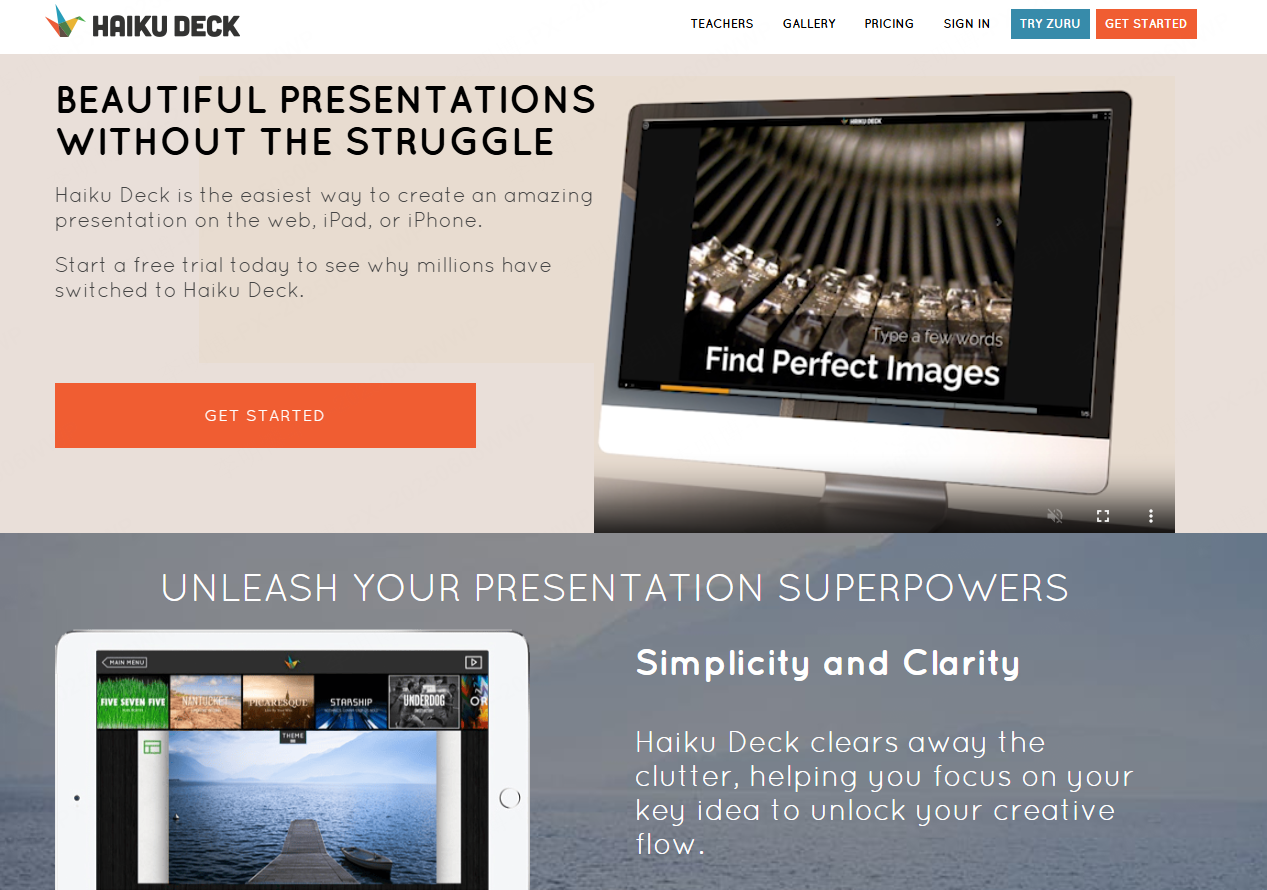
Haiku Deck is designed for users who value simplicity, clarity, and strong visual impact.
AI-Assisted Image Selection
Haiku Deck’s Zuru feature suggests images for your content and arranges them into slides. You can also supply your own visuals.
Clean Design Themes
Use a consistent theme, then review contrast, font size, and text fit on each slide. A coordinated layout still needs to be checked on the presentation screen.
Bring Your Own Charts
Prepare charts from your source data and add them to the presentation. Choose the chart type yourself and check its labels and values; do not assume the tool will make that decision accurately.
6. Powtoon
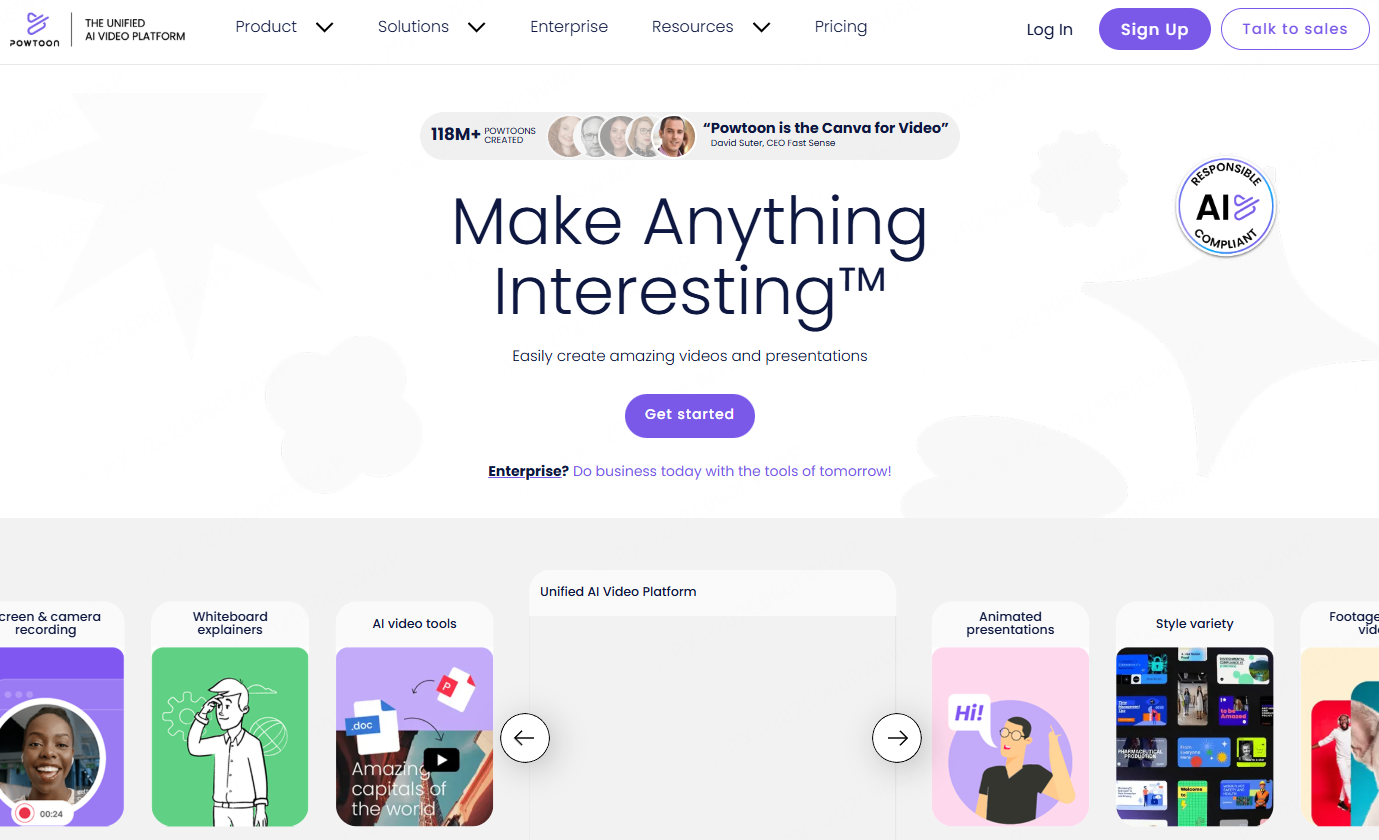
Powtoon combines animation with AI powered presentation creation, transforming static slides into engaging animated stories.
AI Driven Animation Suggestions
Based on slide content and structure, Powtoon recommends suitable animations and transitions.
Automated Animated Templates
Users can input basic content and let AI generate an animated presentation structure, reducing manual design work.
Customizable Visual Effects
Powtoon offers flexible customization options for animations, scenes, charts, and video elements, making it popular for marketing and explainer presentations.
7. Piktochart
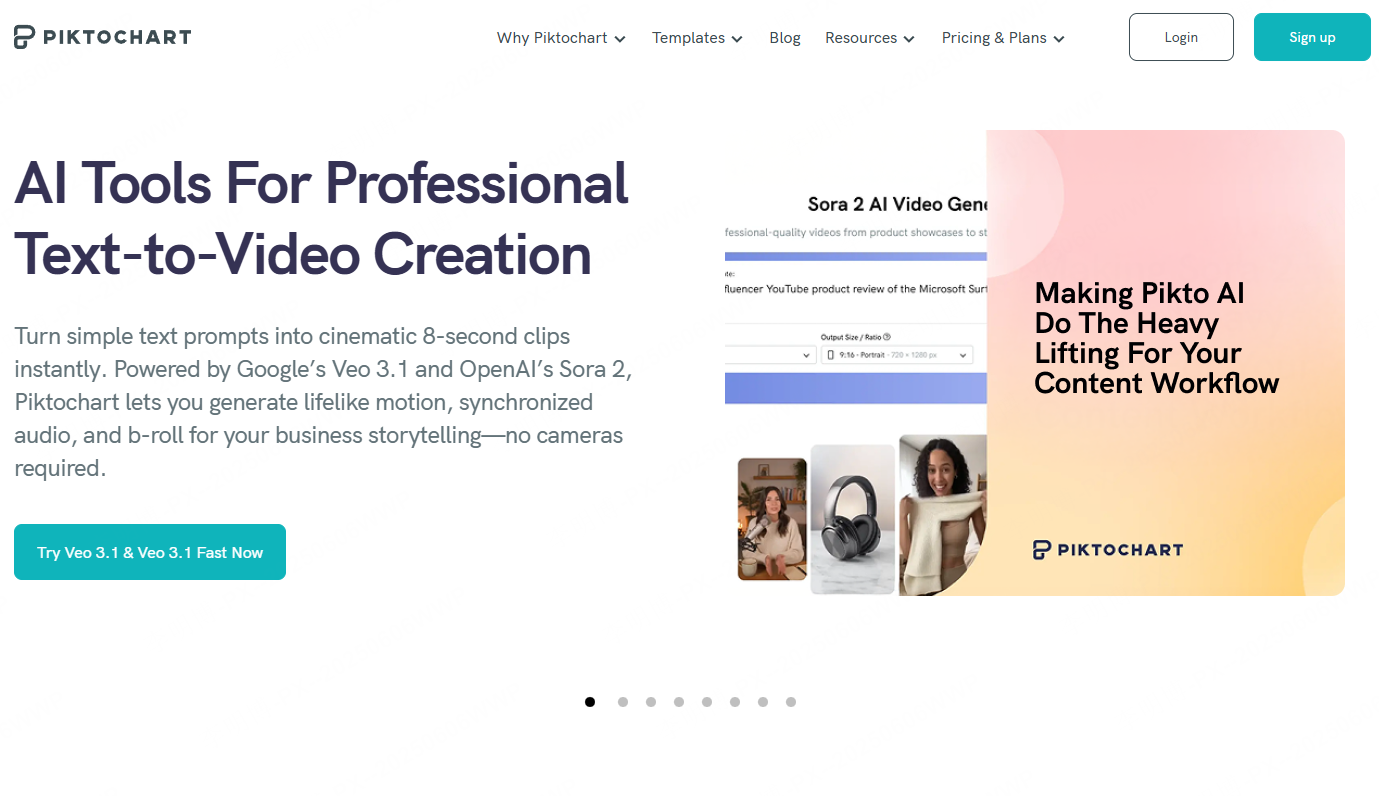
Piktochart is well known for data visualization and infographic based presentations.
Charts and Infographics
Choose a chart that fits the comparison you want to show, then check the values, labels, scale, and legend.
Consistent Visual Styling
Use consistent colors, fonts, and layouts across the slides, and customize designs to suit the content.
Drag and Drop Editing with Collaboration
The platform supports intuitive drag and drop editing and real time collaboration, making it suitable for team based workflows.
Interactive Data Visuals
In addition to static charts, Piktochart supports interactive and animated data representations.
8. Beautiful.ai
Beautiful.ai focuses on slide layouts that adjust as content changes. It is worth evaluating for teams that want a consistent visual structure across business presentations.
Drafting and File Handoff
The provider documents AI generation, PowerPoint import, and editable PowerPoint export. Test the particular charts and objects your team needs to revise after export.
Trial and Team Requirements
The standard 14-day trial requires a payment card and renews into payment unless canceled before expiry. Compare team features and brand controls against the way your organization reviews and shares decks.
9. Figma Slides
Figma Slides is a presentation option for teams already working in a visual design workflow. Evaluate it when product examples, design assets, and shared slide editing are central to the project.
Keep Design and Message Together
Use approved design assets and a consistent set of slide layouts. Give each slide a clear takeaway so detailed product visuals do not obscure the argument.
Check the Delivery Workflow
Before adopting it, try a representative presentation with the people who will edit and present it. Confirm access permissions, required export formats, font behavior, and any interactive elements on the delivery device.
10. Slidebean

Slidebean is widely used in business contexts, especially for startup pitches and investor presentations.
AI Based Layout and Design
Users input text and data, and AI automatically selects layouts, fonts, color schemes, and element placement.
Brand Customization
Templates can be customized to match brand identity, including fonts, colors, and visual components.
Real Time Collaboration and Sharing
Teams can collaborate online and share presentations via links or exported files for feedback and live presentations.
Final Thoughts
AI presentation tools have evolved beyond simple design helpers. In 2026, they act as intelligent assistants that handle structure, visuals, and data storytelling.
Among the tools reviewed, Presenti AI stands out for its balance of content generation, design automation, and customization. However, each platform serves different needs, from animated storytelling to data heavy reporting.
Choosing the right AI presentation maker depends on your workflow, audience, and presentation goals. With the right tool, creating impactful slides becomes faster, more consistent, and far more scalable.