Free PPT generators have become essential tools for professionals, educators, and startup teams who need to create presentations quickly without sacrificing quality. Whether you are preparing a project update, a technical walkthrough, a lesson plan, or a pitch deck, modern AI powered PowerPoint generators can significantly reduce the time spent on structure, design, and formatting.
This guide compares eight presentation workflows, from AI drafting to slide editing and animated content. For additional options, see our presentation tool overview. Check the input and delivery requirements for the type of project you need to create.
1. Presenti AI
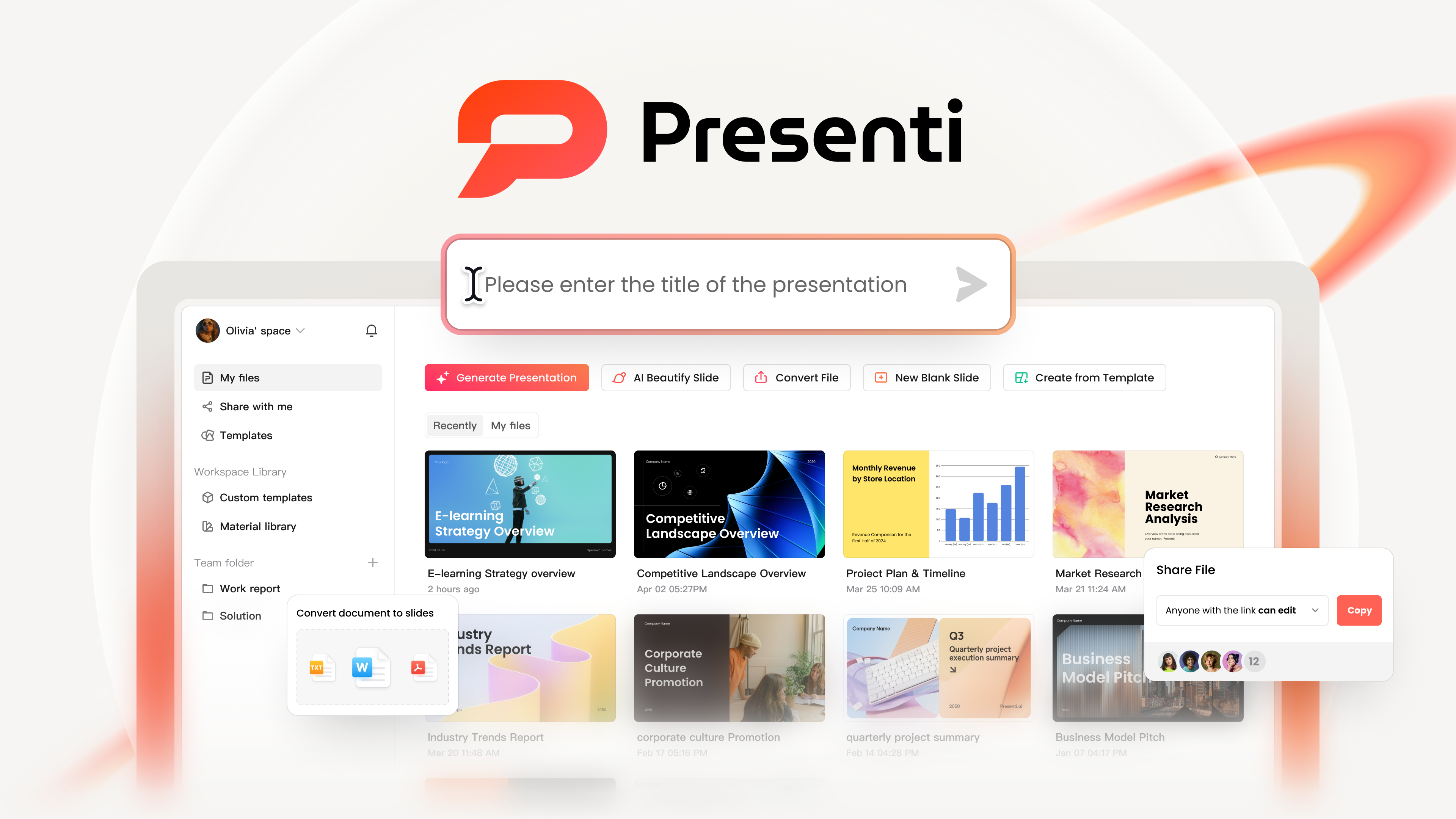
Presenti AI is an AI presentation generator designed to turn ideas into structured presentations in minutes. It understands input intent, generates logical slide outlines, and automatically applies layouts, color schemes, and templates without requiring design skills.
Why it stands out
As a presentation drafting tool, Presenti AI supports multiple input formats including plain text, documents, and web links. It can also directly convert Word and PDF files into editable presentations, which dramatically simplifies the creation process for reports, proposals, and lesson materials.
Free plan features
Presenti’s free plan has limited AI credits and includes Markdown/XMind input. Paid plans add Word/PDF/TXT input and editable PPTX/PDF export. Check the allowance and output you need before starting.
Use a short draft to evaluate the workflow, then decide whether the plan includes the import, editing, and export features required for your project.
2. Boardmix
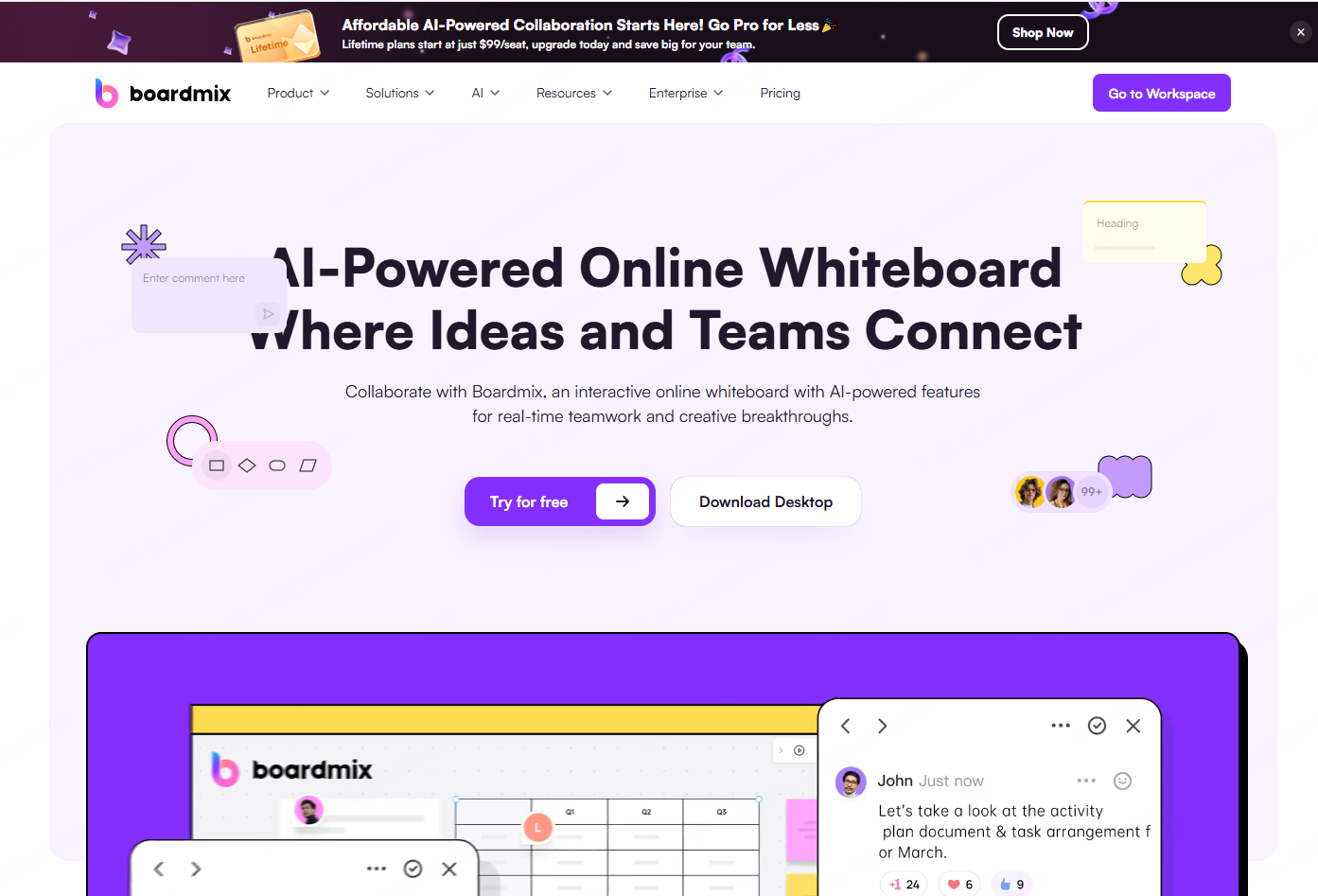
Boardmix is a free PPT generator that combines presentation creation with real time collaboration. It allows teams to co edit slides, adjust layouts, and add visual elements simultaneously.
Why it stands out
Boardmix is particularly effective for teams that value collaborative ideation. It includes built in tools such as mind maps, flowcharts, and diagrams, enabling users to move seamlessly from brainstorming to finalized slides. The templates are clean, modern, and suitable for professional environments.
Free plan features
The free version includes basic templates, live collaboration, and standard formatting controls such as fonts and colors. It supports a smooth end to end workflow from concept development to slide delivery, making it a strong choice for distributed teams and project planning sessions.
3. MagicSlides
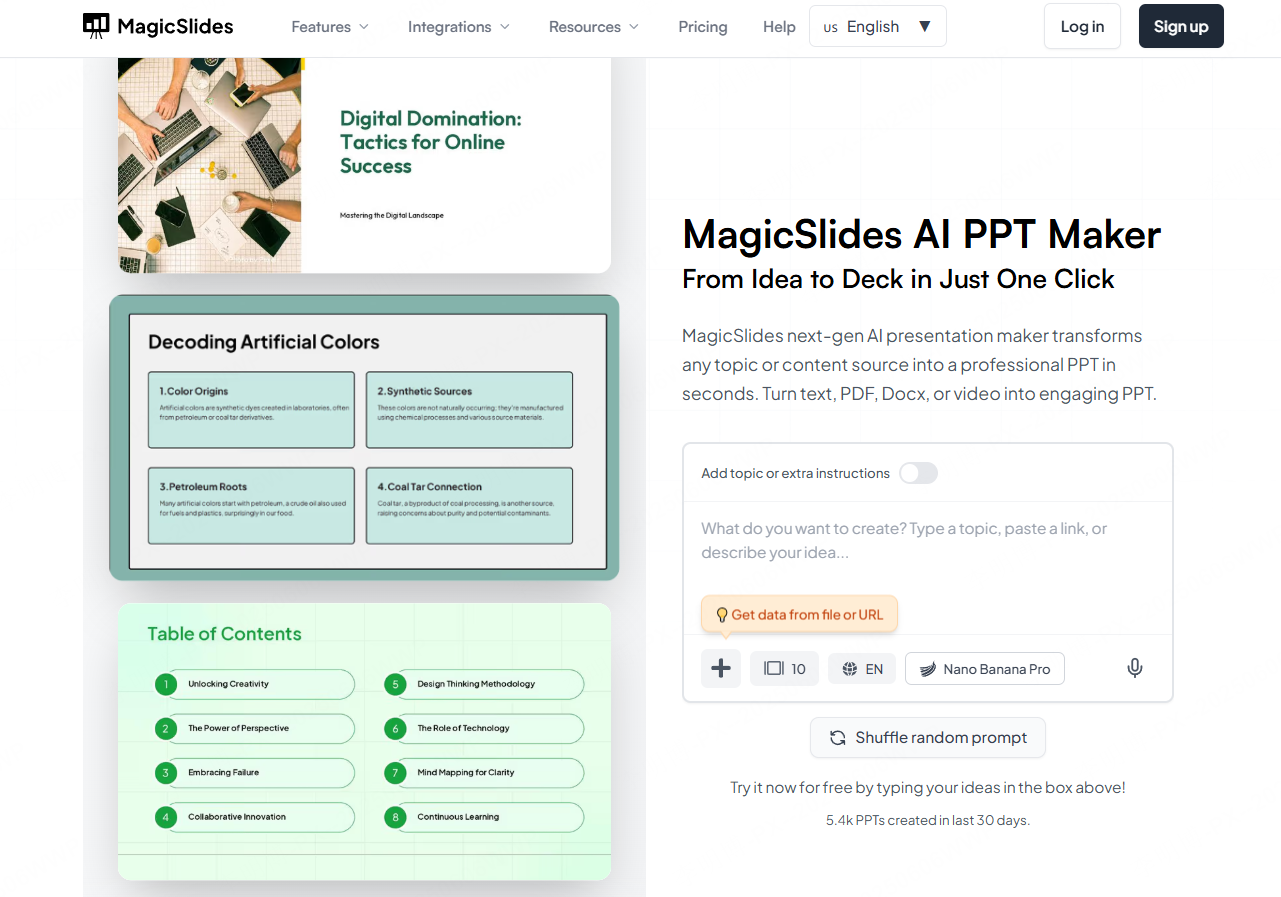
MagicSlides is an AI powered free PowerPoint generator built for users working within the Google Workspace ecosystem. It can transform text, PDFs, and even videos into structured slide decks with relevant images.
Why it stands out
For teams already using Google Docs and Google Slides, MagicSlides integrates smoothly into existing workflows. Educators can also benefit from converting lecture videos into visual teaching materials.
Free plan features
Check MagicSlides’ current free allowance, supported sources, slide limits, and export terms. If you plan to convert video material, confirm the supported link type and input-length limit.
4. Prezi
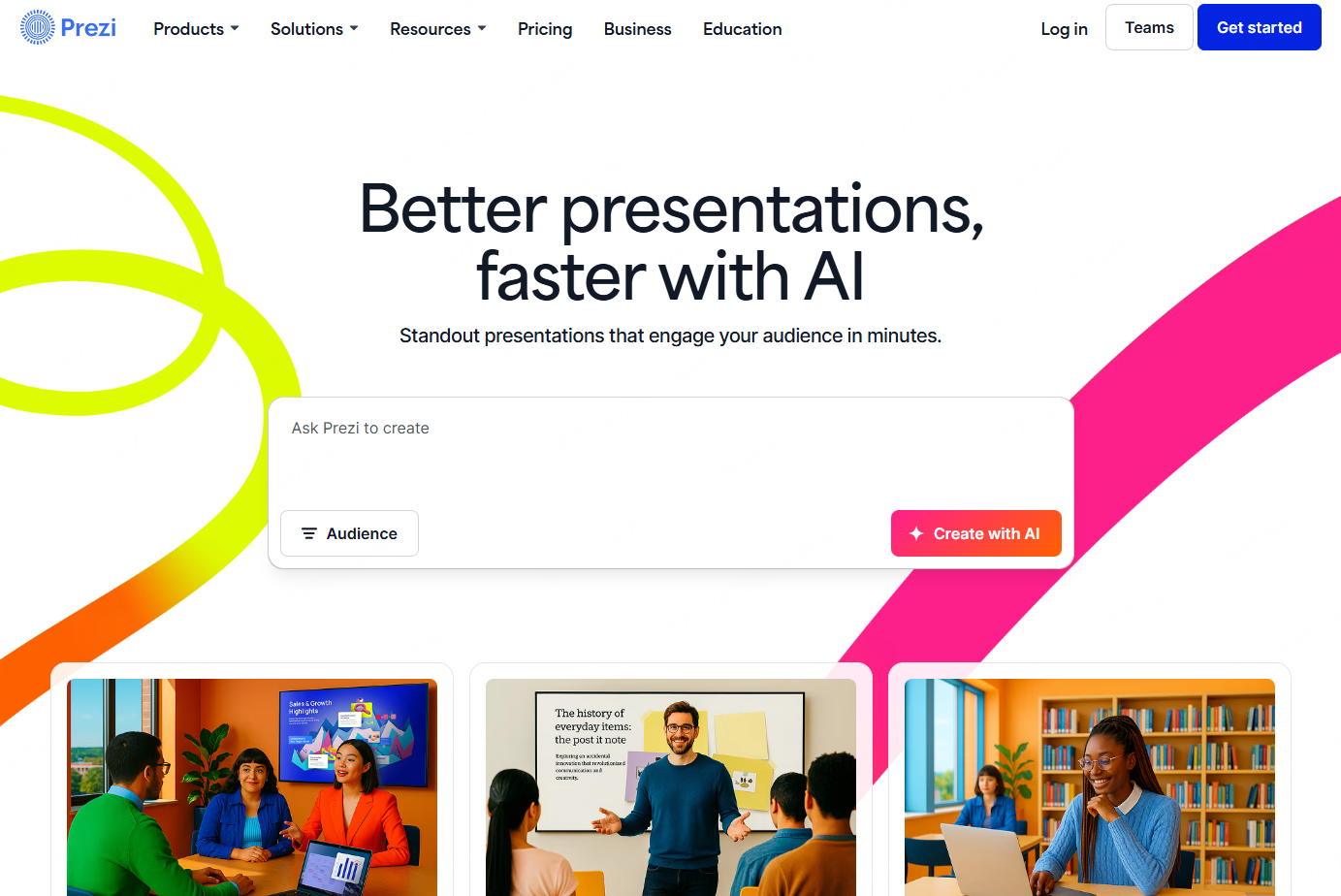
Prezi is a distinctive free PPT generator known for its dynamic zooming and spatial storytelling approach. Instead of linear slides, it presents content on a canvas that guides the audience visually through key ideas.
Why it stands out
Prezi works well for keynote presentations, product storytelling, and conceptual overviews where visual flow matters more than traditional slide structure. The motion based transitions help audiences follow complex narratives.
Free plan features
The free version provides access to core motion features but includes restrictions on storage, templates, and exports. It is best suited for experimenting with dynamic presentation styles rather than delivering formal business decks.
5. Haiku Deck
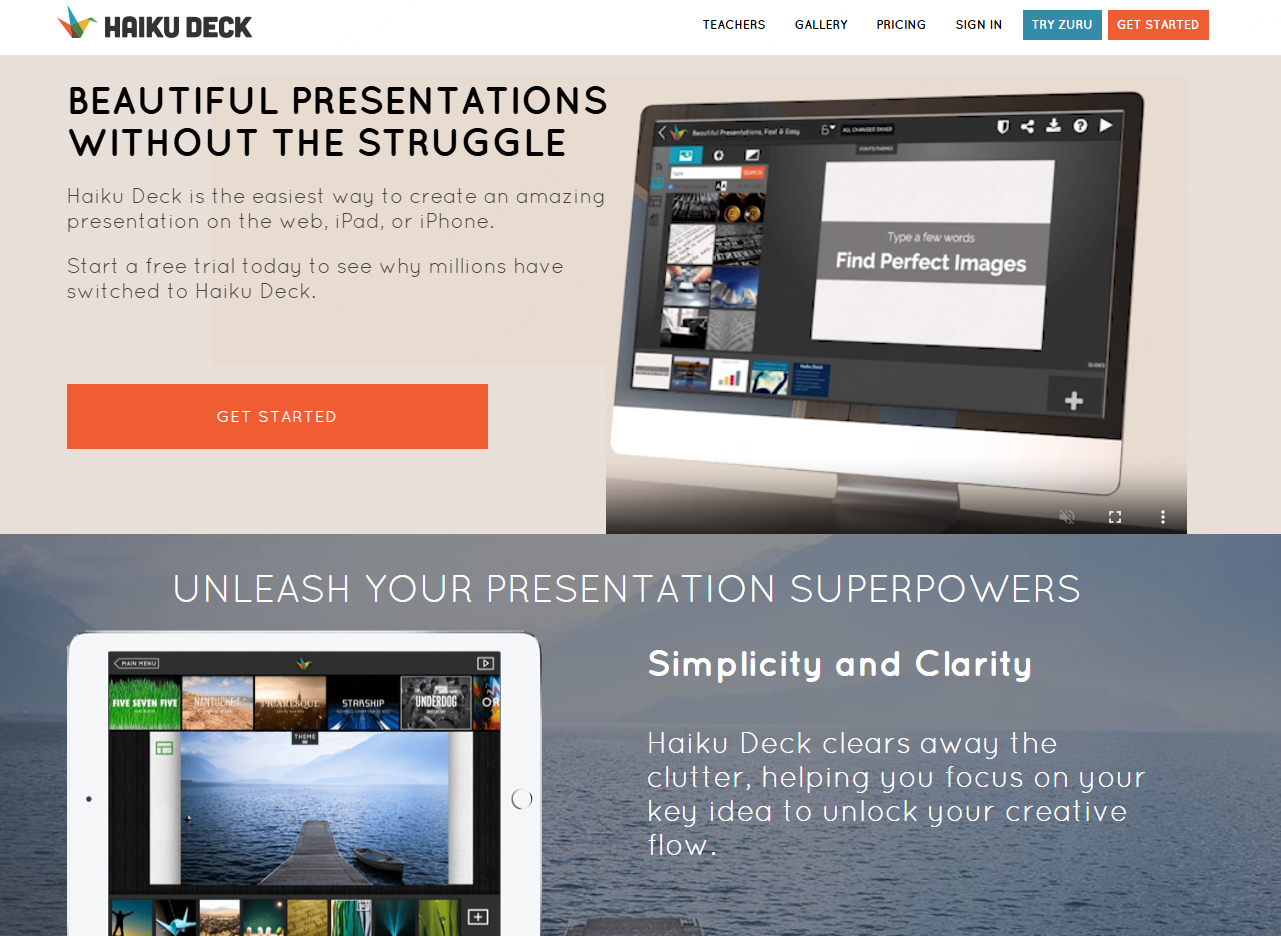
Haiku Deck emphasizes simplicity and visual clarity. This AI assisted free PPT generator focuses on clean templates and high quality images to produce polished slides with minimal effort.
Free plan features
Check Haiku Deck’s current access and subscription terms before relying on free editing or export. Test the template style with your own images and short text.
6. Powtoon
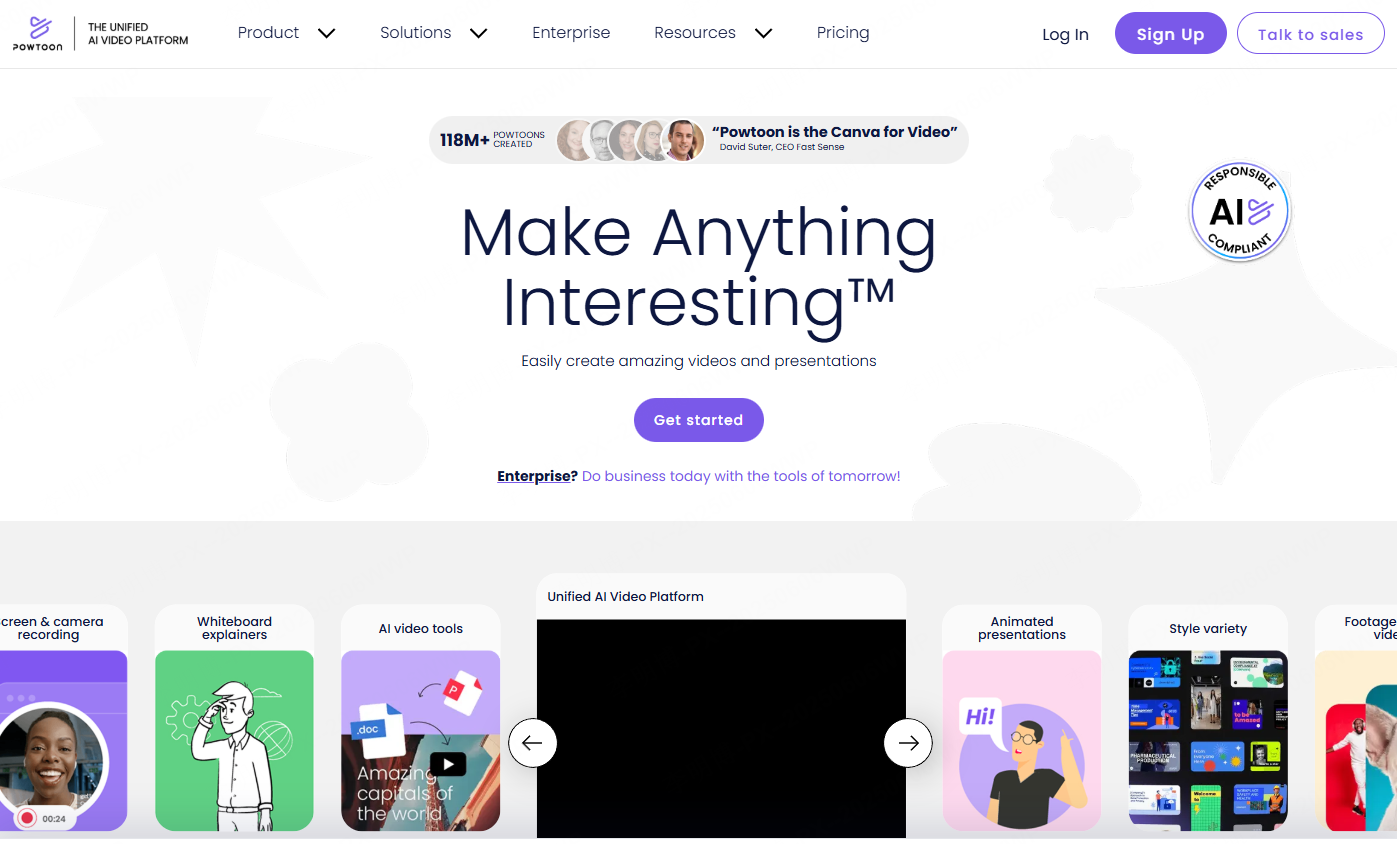
Powtoon is an animation focused free PPT generator designed to bring slides to life. It offers animated templates that turn text and images into engaging motion presentations.
Why it stands out
Powtoon is especially useful for educational content, onboarding materials, and product explainers. Animated elements help capture attention and improve message retention.
Free plan features
Check Powtoon’s current free access, branding, sharing, and download options. A video or hosted animation is a different deliverable from an editable PowerPoint deck.
7. SlideModel
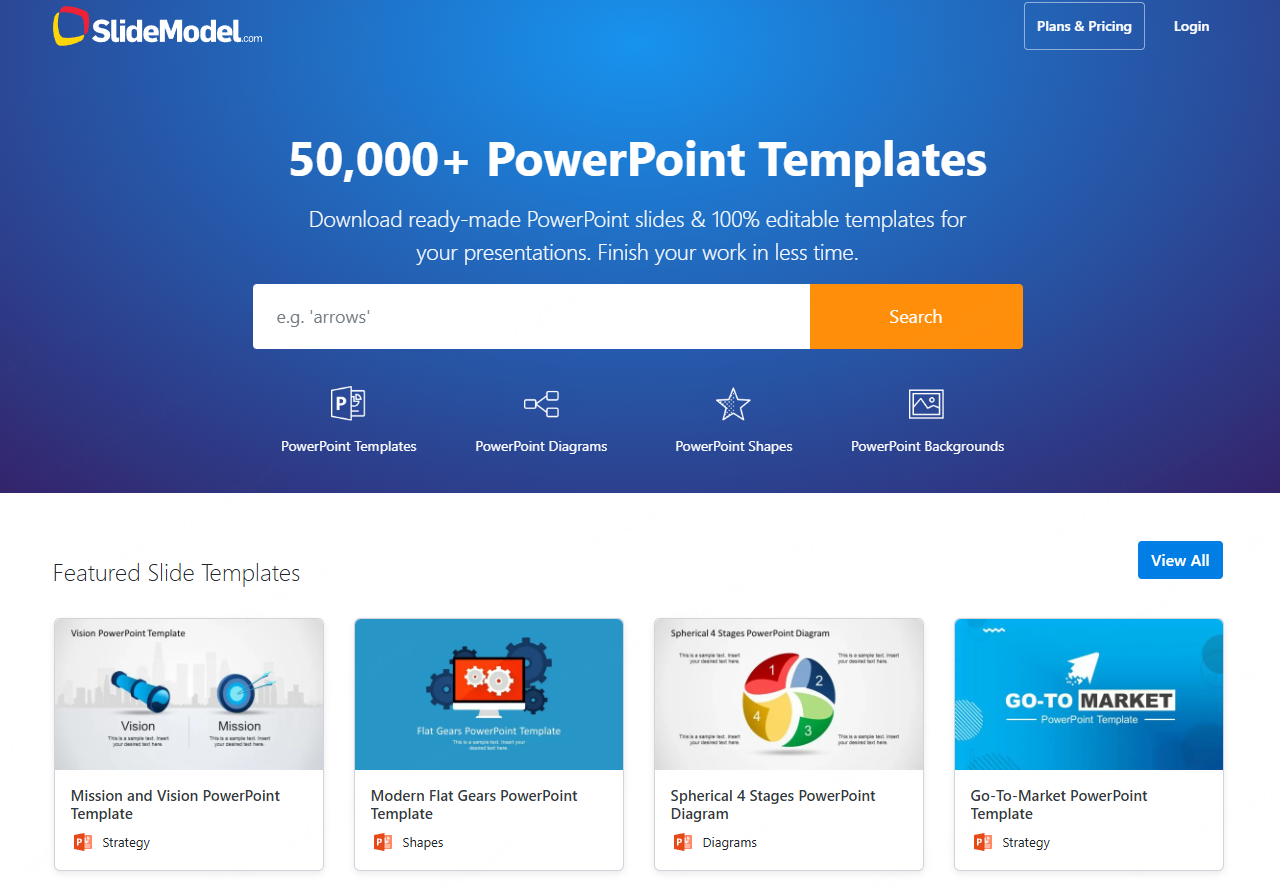
SlideModel offers presentation templates for different business uses, with paid collections and selected free resources.
Why it stands out
All templates are created by professional designers following business presentation standards. This makes SlideModel particularly effective for data driven reports, strategy decks, and investor presentations.
Free plan features
Check the selected template’s access, file format, and usage terms. For users who value structure and visual consistency, this library significantly speeds up slide creation.
8. Venngage
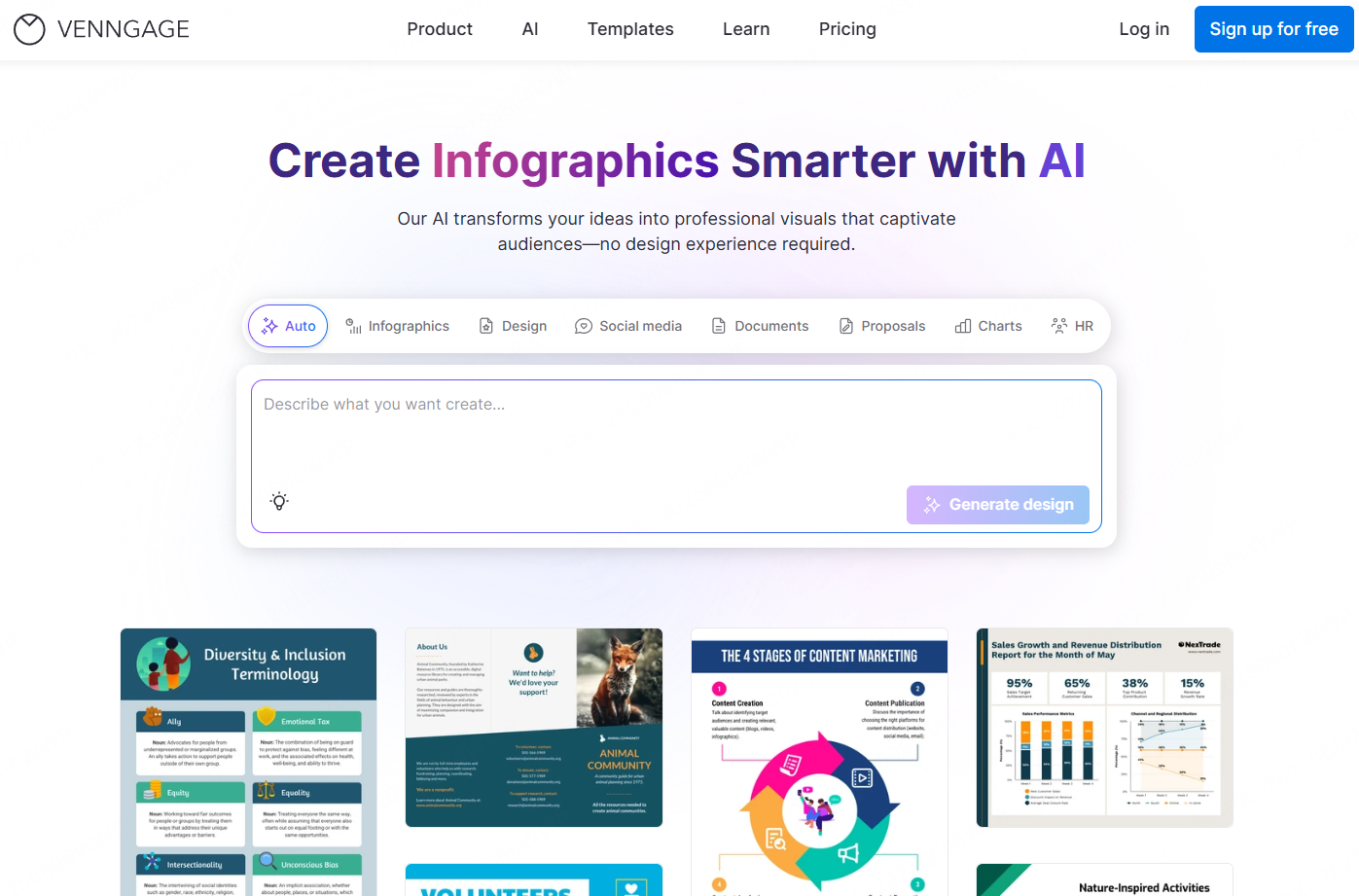
Venngage is a free PPT generator that specializes in data visualization and information design. It transforms complex data into clear, visually appealing slides.
Why it stands out
Venngage excels at charts, diagrams, and infographic style layouts. It is well suited for analytics reports, research summaries, and educational presentations that require clarity and precision.
Free plan features
The free version supports basic templates, chart editing, and color customization. Compared to other tools, Venngage offers strong visualization capabilities even at the free tier, making it ideal for data focused presentations.
Final Thoughts
Each tool on this list addresses different presentation needs. Some prioritize AI driven speed, others focus on collaboration, animation, or data visualization. Whether you are a developer preparing a technical overview, a project manager delivering a status update, or an educator designing course materials, there is a free PowerPoint generator that fits your workflow.
Choosing the right tool depends on how you balance speed, design control, collaboration, and visual storytelling. With the options above, you can identify a workflow that fits both the task and your budget.