When you see AI generate a polished PowerPoint deck in seconds, it often feels almost magical. Behind the scenes, however, the process follows a clear technical workflow.
This article breaks down how AI generates PowerPoint presentations, explains the core technologies involved, and walks through five practical AI PowerPoint tools you can use. By the end, you will understand both the logic behind AI generated slides and how to apply these tools to double your presentation efficiency.
1. The Core Logic Behind AI Generated PowerPoint Slides
Although AI generated presentations appear effortless, the underlying workflow is structured and predictable. Once you break it down, the process becomes easy to understand.
1.1 Step by Step Workflow
Most AI PowerPoint generators follow four key stages:
Input analysis → Structure generation → Design adaptation → Content enhancement
First, the AI analyzes your input, whether it is a short prompt, an outline, or a full document.
Next, it builds a logical slide structure, including sections and slide hierarchy.
Then, it applies suitable layouts, visual styles, and formatting.
Finally, it enhances the content by refining text, adding visuals, and improving clarity.
In simple terms, AI acts as both a content organizer and a design assistant.
1.2 Key Technologies Powering AI Presentations
Several core technologies work together to make AI generated PPTs possible:
- Natural Language Processing (NLP) enables the AI to understand your intent and content.
- Generative models, including AIGC systems similar to GPT, create and refine slide text.
- Design recommendation models ensure layout consistency and visual balance.
By combining language understanding with automated design logic, AI can transform raw text into structured, presentation ready slides.
2. How to Generate PowerPoint Slides Using AI
Once you understand the logic, the next question is practical:
How do you actually use AI to generate a PowerPoint presentation?
Below is a hands on guide to five widely used AI PowerPoint tools, each suited to different professional needs.
Tip: A comparison table at the end of this section helps you quickly choose the right tool.
2.1 Presenti AI

Presenti AI focuses on professional and enterprise level presentations. It works especially well for corporate reports, academic defenses, and technical documentation.
You can input anything from a short outline to a long form document, and the platform converts it into a structured, polished presentation. It also supports one click visual optimization, making it easy to produce clean, professional slides without manual design work.
Key Features
- One click theme and layout switching
- Large template library for business, academic, and corporate use
- Real time collaboration with comments and version history
- Export formats include PPTX, PDF, and images
- PPTX files remain fully editable in Microsoft PowerPoint
Typical Use Cases
- Business proposals and executive reports
- Academic presentations with structured references
- Technical teams summarizing complex documentation
Ease of Use
The interface is intuitive and beginner friendly. Even users with no design background can generate complex charts and layouts with minimal effort.
Pricing
- Free plan supports document upload, text based generation, and collaboration
- Paid plans unlock advanced templates and enterprise customization
How to Use It
- Open the Presenti AI website and sign in
- Select the AI presentation generation option
- Enter text prompts or upload documents such as Word or PDF files
- Choose a template and generate slides
- Refine layout, visuals, and wording using AI tools
- Export or collaborate with your team
2.2 DeckRobot
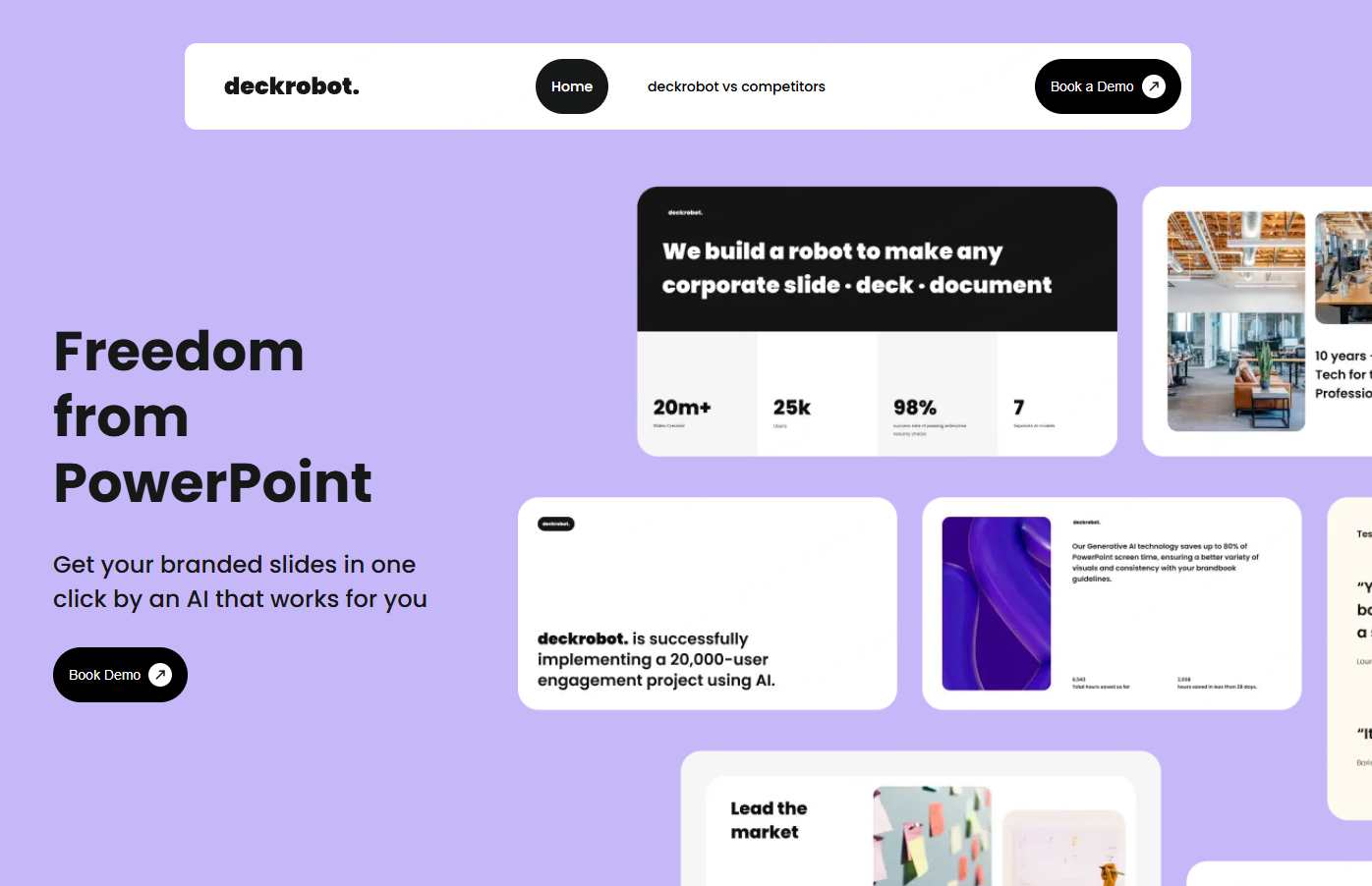
DeckRobot is an AI PowerPoint add in designed for users who work directly inside Microsoft PowerPoint. It is especially useful for maintaining brand consistency and speeding up internal reporting.
Key Features
- Automatically generates slide outlines from documents
- Optimizes text formatting and layout
- Applies brand aligned design styles
- Produces draft presentations within minutes
Use Cases
- Corporate reports such as financial or operational updates
- Team collaboration within PowerPoint
- Educators preparing lecture slides quickly
Ease of Use
Because it runs inside PowerPoint, the learning curve is minimal. Generated slides can be edited freely using standard PowerPoint tools.
Pricing
- Free version offers limited templates
- Paid plans support advanced branding and enterprise features
2.3 Boardmix
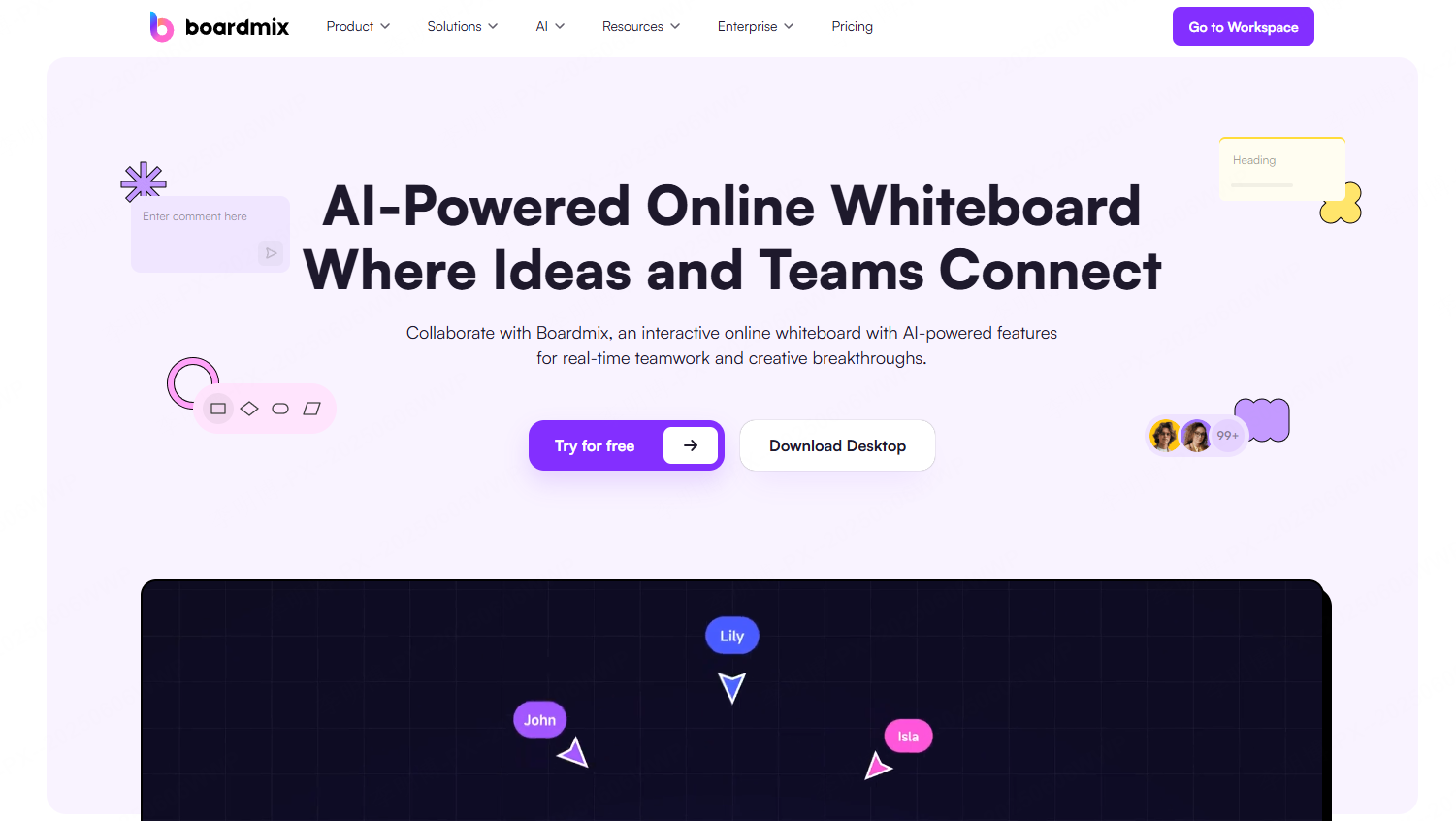
Boardmix is an online collaborative whiteboard that supports AI assisted presentation creation. It is particularly effective during brainstorming and early stage planning.
Key Features
- AI generated flowcharts and mind maps for presentations
- Seamless integration of documents and visuals
- Real time collaboration across devices
- Export to PPTX and other formats
Use Cases
- Team brainstorming sessions
- Product managers creating workflows and diagrams
- Educators organizing complex concepts visually
Ease of Use
Drag and drop elements make it accessible to beginners. Collaboration features allow teams to refine content together in real time.
Pricing
- Free plan with limited storage and collaborators
- Paid plans support larger teams and advanced templates
2.4 Slidebean
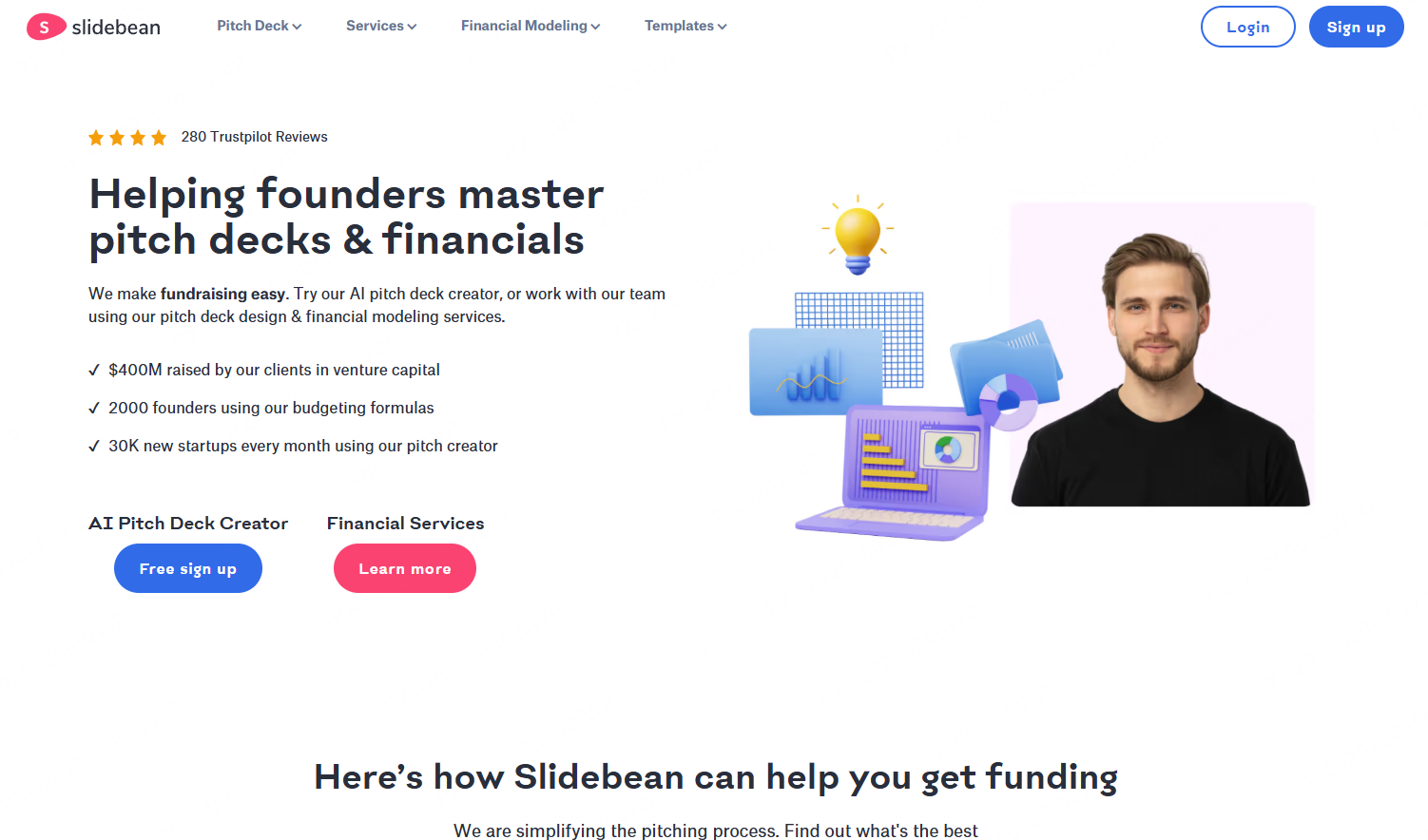
Slidebean is an AI powered presentation tool designed for speed and visual quality. It is popular among startups and individuals who want polished slides fast.
Key Features
- AI generated slide structure from key points
- Automatic layout, font, and color selection
- Online editing with simple drag and drop controls
Use Cases
- Startup pitch decks
- Project presentations
- Marketing and product overviews
Ease of Use
No design experience is required. Users focus on content while the AI handles layout decisions.
Pricing
- Free plan with basic features
- Paid plans unlock premium templates and high resolution exports
2.5 Sendsteps.ai
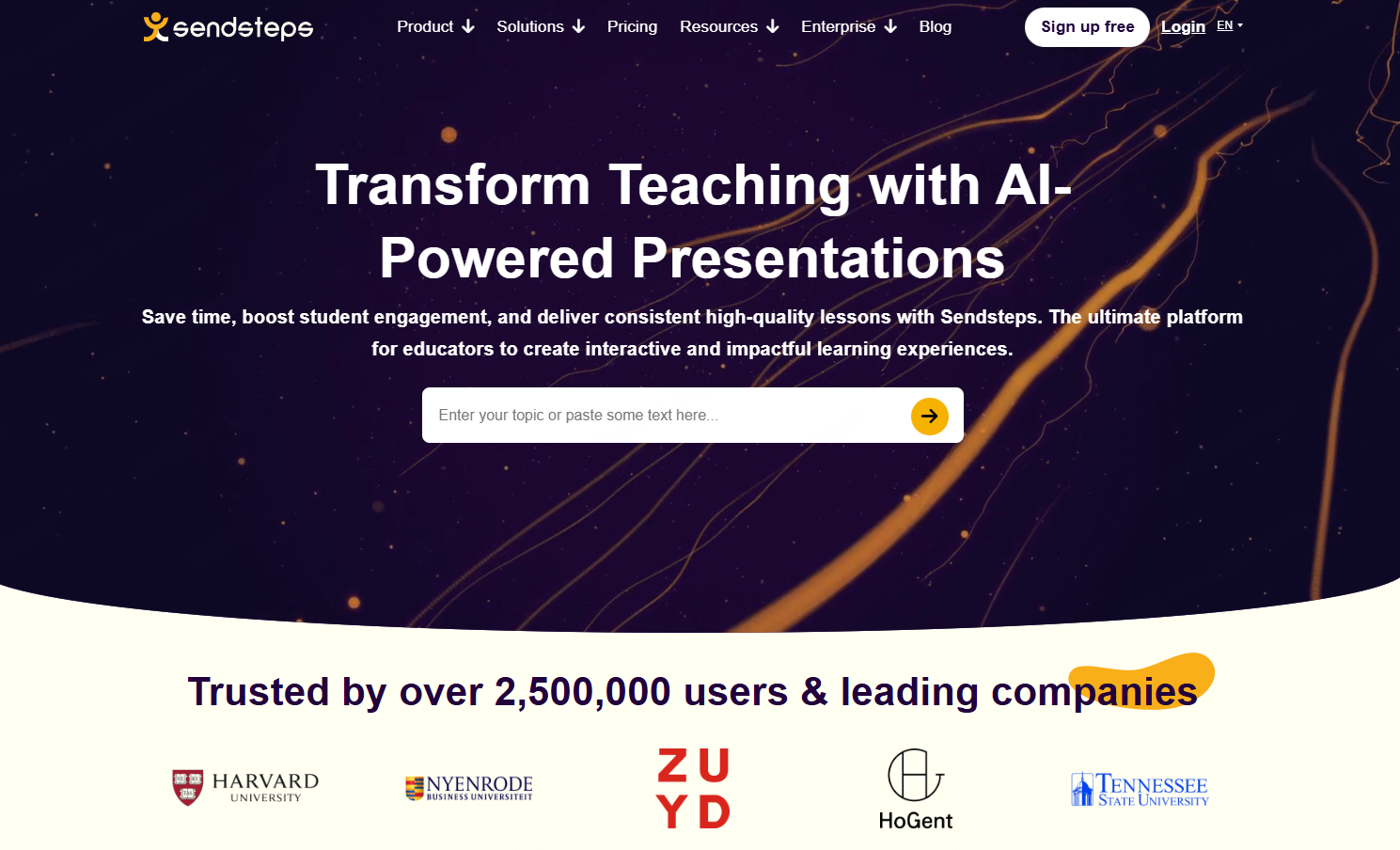
Sendsteps.ai specializes in interactive AI generated presentations. It integrates polls, quizzes, and live audience interaction into slide decks.
Key Features
- AI generated interactive slides
- Built in polls, Q&A, and quizzes
- Real time audience engagement via QR codes
- Post presentation interaction analytics
Use Cases
- Conference presentations
- Classroom teaching and training sessions
- Corporate workshops and internal training
Ease of Use
The interface is clean and focused on interaction. Audience participation requires no installation, only a browser.
Pricing
- Free plan with limited interactive elements
- Paid plans offer advanced analytics and interaction options
3. Limitations of AI Generated PowerPoint Presentations
Despite their efficiency, AI PowerPoint tools are not without limitations.
Manual Review Is Still Required
AI follows structured rules. It does not always catch logical inconsistencies or incorrect data. Always review generated slides carefully, especially for business or academic use.
Creative Ceiling
Many tools rely on similar templates. As a result, presentations may look alike unless users customize visuals and structure.
Copyright Considerations
Some AI generated images may not be licensed for commercial use. Always verify image usage rights before using slides in marketing or public facing materials.
4. Three Common Questions About AI Generated PPTs
Q1: Can people tell a presentation was made by AI?
Sometimes. AI generated slides can feel formulaic. Minor adjustments to layout, wording, and visuals usually make them look fully human created.
Q2: How can I get better results from AI tools?
Be specific. Clear instructions such as color preferences, chart types, and branding details lead to better output.
Q3: Is it safe to upload sensitive data?
This depends on the tool. Some platforms support private or on premise deployment, which is safer for confidential information.
Conclusion
AI PowerPoint generation is no longer experimental. It is a practical productivity tool for teams, educators, project managers, and developers.
By understanding how AI generates presentations and choosing the right tools, you can significantly reduce preparation time while maintaining professional quality.
With proper review and customization, AI generated slides can match, and sometimes exceed, manually designed presentations.