Good slide design helps the audience see what matters. This guide covers practical PowerPoint design ideas: choosing a theme, simplifying text, using space, and adding visuals that support your message.
The Importance of Creative PowerPoint Design Ideas
Presentations should be dynamic experiences that engage the audience, not just a series of slides filled with text and images. Relevant visuals can clarify relationships and make an explanation easier to follow. You can craft a compelling story that guides your audience toward your desired conclusion by thoughtfully combining your narrative, visuals, and data.
Effective design enables you to communicate your ideas clearly and persuasively, allowing you to connect with your audience and present your vision. Unfortunately, many individuals find presentations tedious due to uninspiring and cluttered slides. Even the most critical content can fall flat if the design fails to capture attention.
Start with the point you want each slide to make. Then choose the layout and visual elements that make that point easiest to understand.
Essential PowerPoint Design Ideas for Beginners
Creating an effective presentation involves more than just inserting text and images. Here are some essential PowerPoint design ideas to help you craft engaging slides.
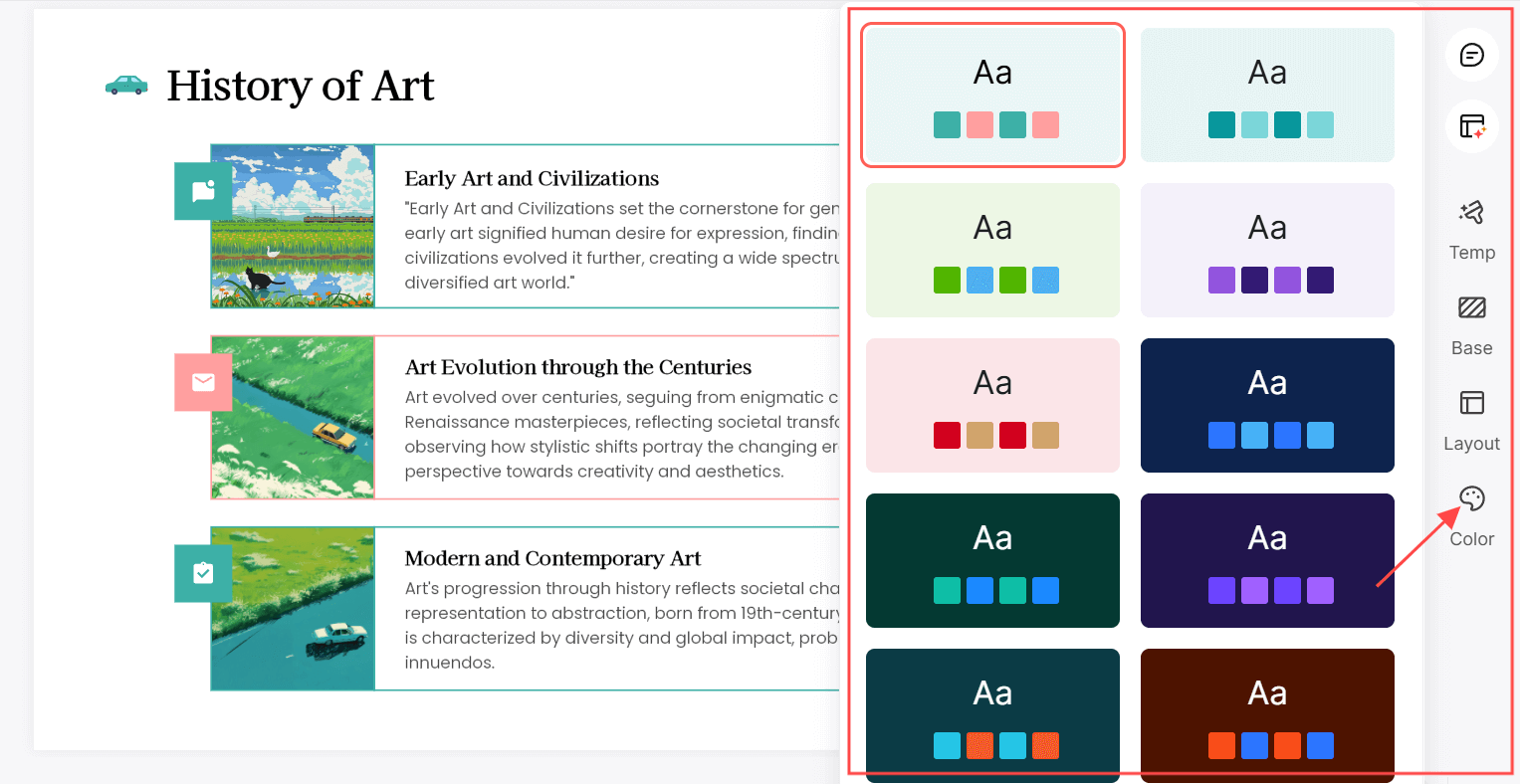
- Choose a Cohesive Theme: Start by selecting a consistent theme that reflects your message. It includes colors, fonts, and styles. A good PowerPoint designer tool like Presenti.ai can provide a unified look that makes your presentation feel professional and organized.
- Incorporate Visuals: Think outside the box with your layout. Use unique slide arrangements, playful icons, or creative transitions to add charm to your presentation. These small touches can make your slides more inviting.
- Limit Text and Emphasize Visuals: Aim for clarity by using bullet points and short phrases rather than lengthy paragraphs. Pair your text with relevant images or graphics to reinforce your message. Choose visuals that explain something the text alone does not.
- Utilize White Space: Don't overcrowd your slides. Effective use of white space helps draw attention to key elements and makes your content easier to digest. It creates a clean, professional appearance.
- Add Engaging Animations: Use animations sparingly to highlight important points. Subtle transitions can keep your audience focused without being distracting.
- Test Different Layouts: Don't hesitate to try different layouts for your slides. A PowerPoint designer tool can provide suggestions based on your content, helping you find the best arrangement for maximum impact.
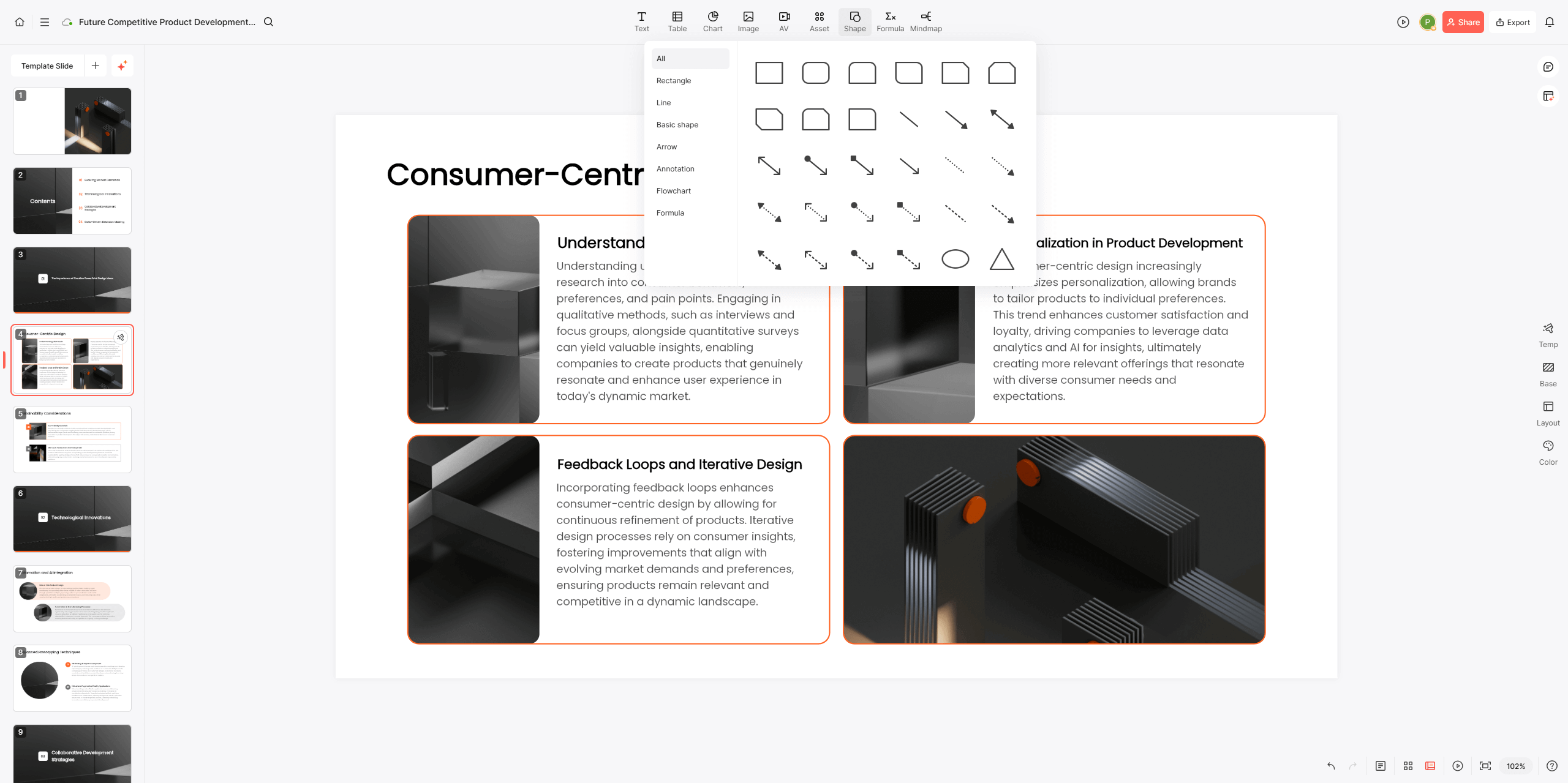
Preview the deck as a whole after trying these ideas. Check that the fonts, colors, and spacing remain consistent and that each slide has a clear focus.
PowerPoint Design Styles to Try
- Minimalism: Clean, simple designs can help reduce distraction. Concentrate on a single main idea for each slide to maintain your audience's attention.
- Bold Typography: Large, bold fonts can make a statement. Use them to emphasize key messages.
- Vibrant Colors: Bright, eye-catching colors can energize your presentation. Be sure to maintain contrast for readability.
- Interactive Elements: Incorporate interactive features like polls or quizzes to engage your audience actively.
- Infographics: Present data visually with infographics. They are an effective way to summarize information and keep your audience engaged.
Final Thoughts
To enhance your presentations, consider using the PowerPoint designer tool Presenti.ai. This tool offers smart design suggestions based on your content, helping you create visually appealing slides quickly. Embrace these PowerPoint design ideas and watch your audience become more engaged with your message!