
Creating a professional PowerPoint presentation takes more than placing text on slides. Clear structure, visual consistency, and readable data presentation all play a major role in how your message is received. For teams that prepare presentations regularly, relying on scattered templates and manual formatting quickly becomes inefficient.
A dedicated PPT resource platform helps solve this problem by combining ready made templates, visual assets, and intelligent editing tools in one place. Presenti AI is designed with this workflow in mind. It provides a centralized environment where users can build polished presentations efficiently, without requiring advanced design experience.

1. What Makes a Complete PPT Resource Platform
A strong PPT platform is not defined by templates alone. It should support the full presentation lifecycle, from initial structure to final visual refinement.
PowerPoint Template Library
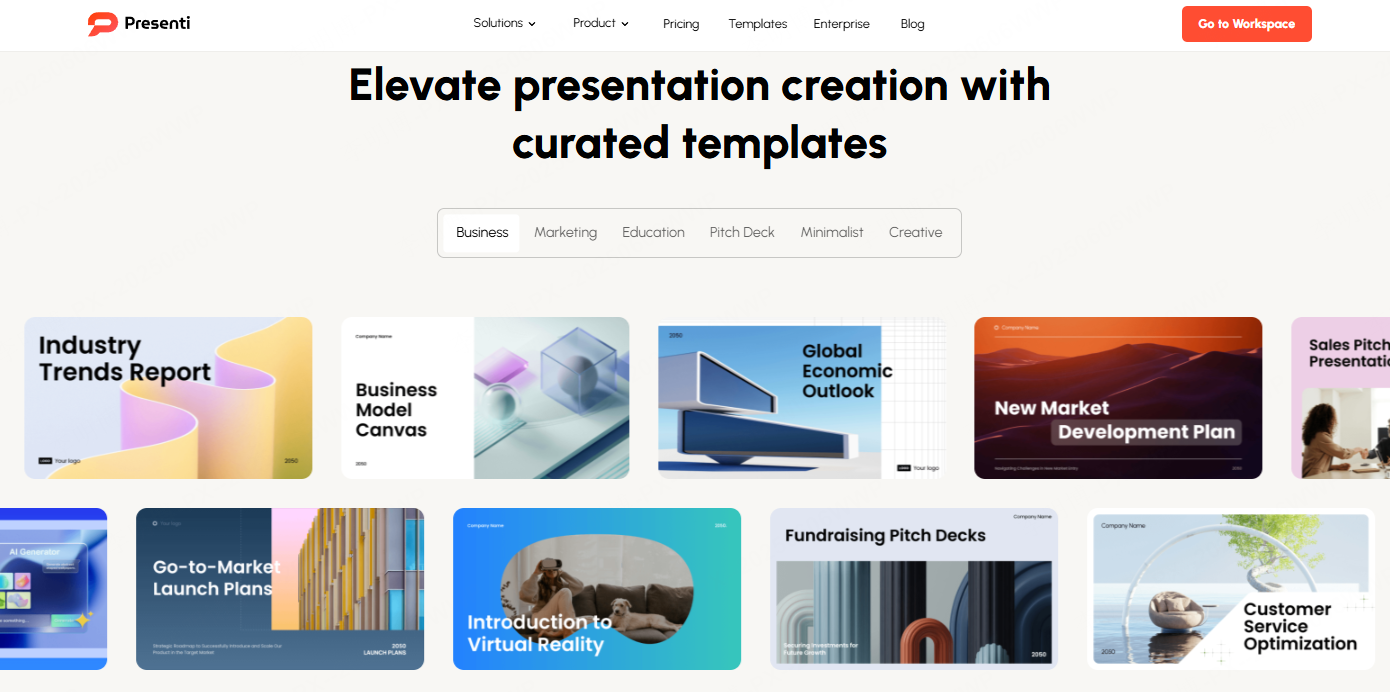
Presenti AI offers a large collection of professionally designed PowerPoint templates that cover common use cases such as business reporting, education, technology briefings, marketing plans, and project updates.
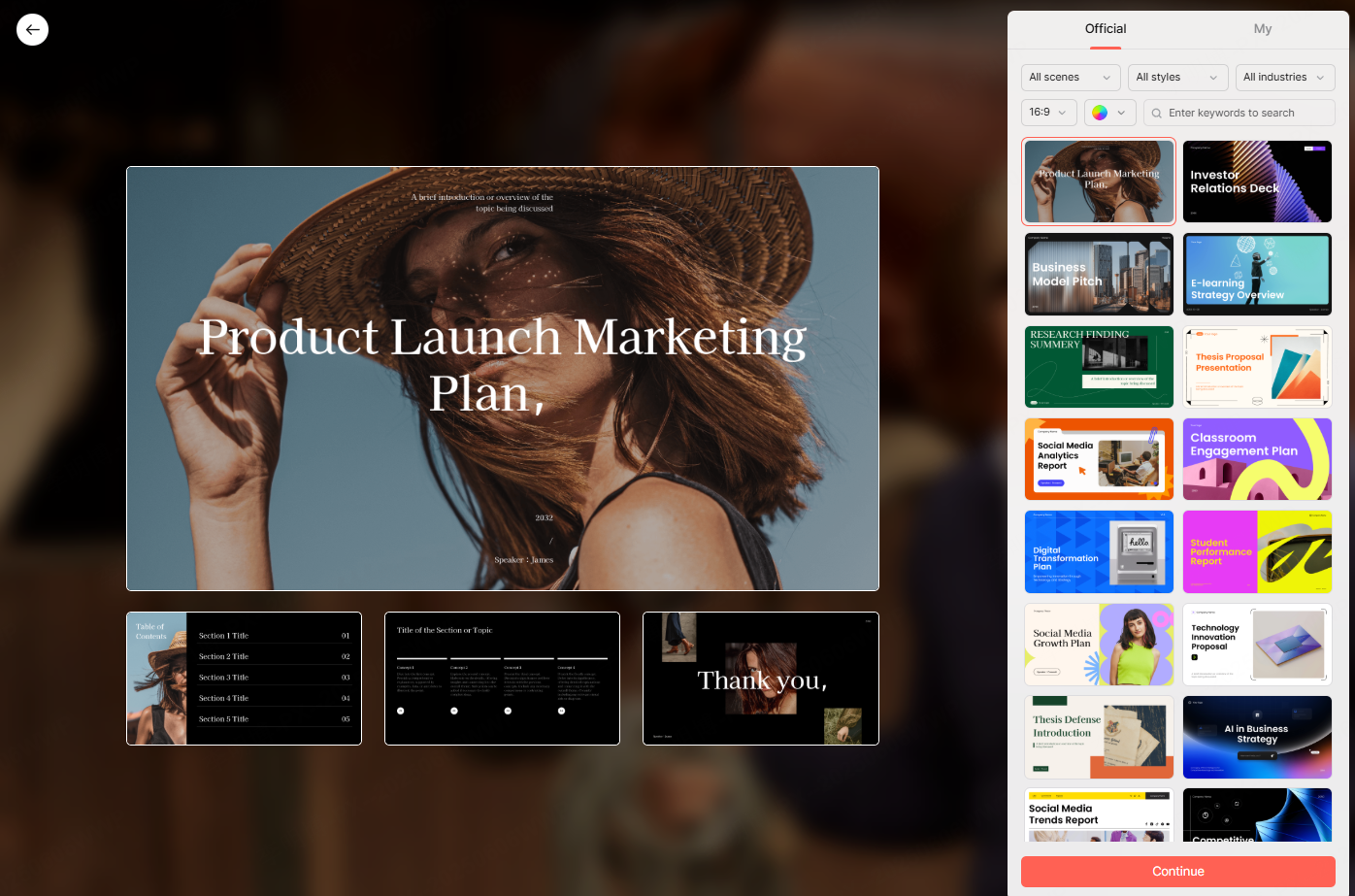
Templates are organized by scenario, visual style, and color theme. This structure allows users to quickly narrow down options instead of browsing hundreds of files manually. Once a template is selected, it can be applied across all slides to maintain a consistent visual language.
For teams that care about branding and readability, this consistency is often more valuable than decorative design.
Visual Assets for Slides
Strong visuals help audiences understand information faster. Presenti AI includes a curated set of images, illustrations, and vector graphics optimized for presentation use.
These assets work well for:
- Executive summaries
- Training materials
- Product introductions
- Educational slides
The visuals are designed to support content rather than distract from it. This approach aligns well with professional and academic presentation standards used in North America and Europe.
Built in Chart and Data Visualization Tools
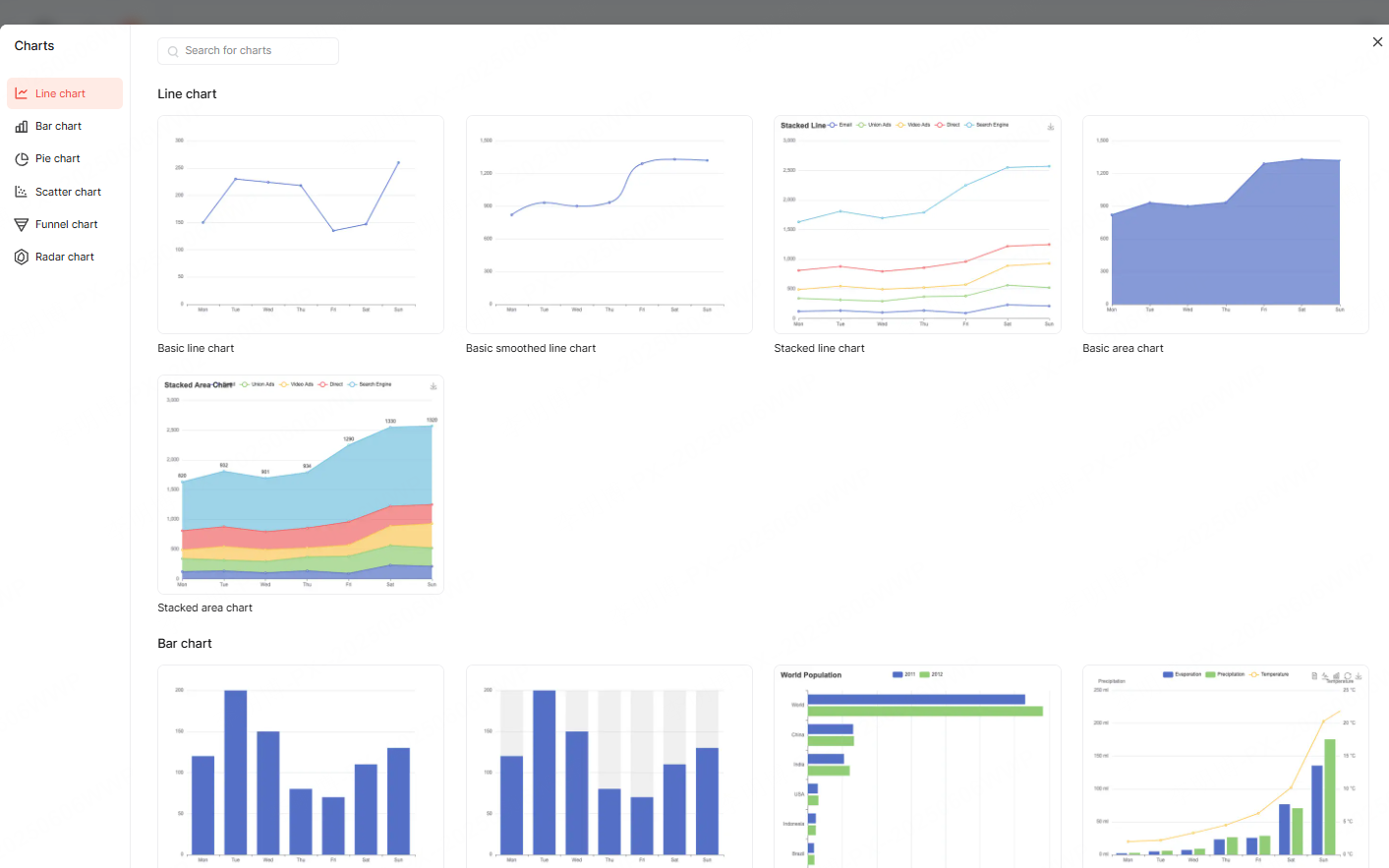
Data heavy presentations often fail because charts are difficult to read or poorly structured. Presenti AI addresses this by offering editable chart templates such as bar charts, line charts, and pie charts.
Users can input data directly and convert it into clean, readable visuals. Chart styles can be adjusted to match the overall theme of the presentation, including colors, fonts, and labels.
This feature is especially useful for project managers, analysts, and educators who need to communicate trends and comparisons clearly.
Slide Backgrounds and Visual Structure
Slide backgrounds influence how content is perceived. Presenti AI provides a range of background options, including solid colors, gradients, and image based designs.
Users can adjust brightness, transparency, and overlays to ensure text remains readable. Backgrounds can be paired with templates to maintain visual balance across different slide types.
Flexible Slide Layouts
Different content requires different layouts. Presenti AI offers multiple predefined layouts that support text focused slides, visual heavy slides, and mixed content formats.
Layouts can be changed at any stage, allowing users to adapt the structure as content evolves. This flexibility helps prevent overcrowded slides and improves audience comprehension.
Professional Color Schemes
Color consistency improves both aesthetics and usability. Presenti AI includes professionally designed color palettes that can be applied across the entire presentation.
Using a unified color scheme reduces manual adjustments and helps reinforce brand identity or presentation tone.
2. How to Use PPT Resources Effectively
Having access to resources is only valuable if they are easy to use. Below is a practical workflow for building presentations efficiently with Presenti AI.
Selecting and Applying Templates
Start by identifying the purpose of your presentation. Choose a template based on scenario, visual style, and color preference.
Once selected, apply the template to all slides to establish a consistent foundation. If the direction of the presentation changes later, the entire template can be replaced without rebuilding each slide manually.
This approach works well for team projects where multiple contributors edit the same deck.
Adding and Editing Images
Visuals can be replaced or refined at any time.
Presenti AI integrates royalty free image libraries such as Pexels, allowing users to search for high resolution images directly within the editor. Custom images can also be uploaded when needed.
Images can be cropped, resized, and adjusted to fit the slide layout. Simple enhancements help align visuals with the overall tone of the presentation without requiring external design tools.
Creating and Refining Charts
To add a chart, enter or paste data into the chart editor. Choose a chart type that matches the message you want to convey.
Styles can be customized to improve clarity, including color contrast and label placement. Once finalized, the chart can be positioned within the slide and resized to match surrounding content.
This process helps ensure data supports the narrative instead of overwhelming the audience.
Adjusting Backgrounds and Layouts
Different slides serve different roles, such as cover slides, agenda slides, and content slides.
Users can select background styles appropriate for each slide type and fine tune layout spacing as needed. Predefined layout options make it easier to align text and visuals cleanly.
Applying a global color scheme ensures the entire presentation remains visually coherent.

3. Practical Tips for Faster PPT Creation
Beyond templates and assets, Presenti AI includes features that reduce repetitive work and improve content quality.
Refining AI Generated Outlines
AI generated outlines provide a starting structure, but they should be reviewed and adjusted. Users can add or remove sections, reorganize content, and refine slide titles to better match their goals.
This manual refinement step often results in clearer and more focused presentations.
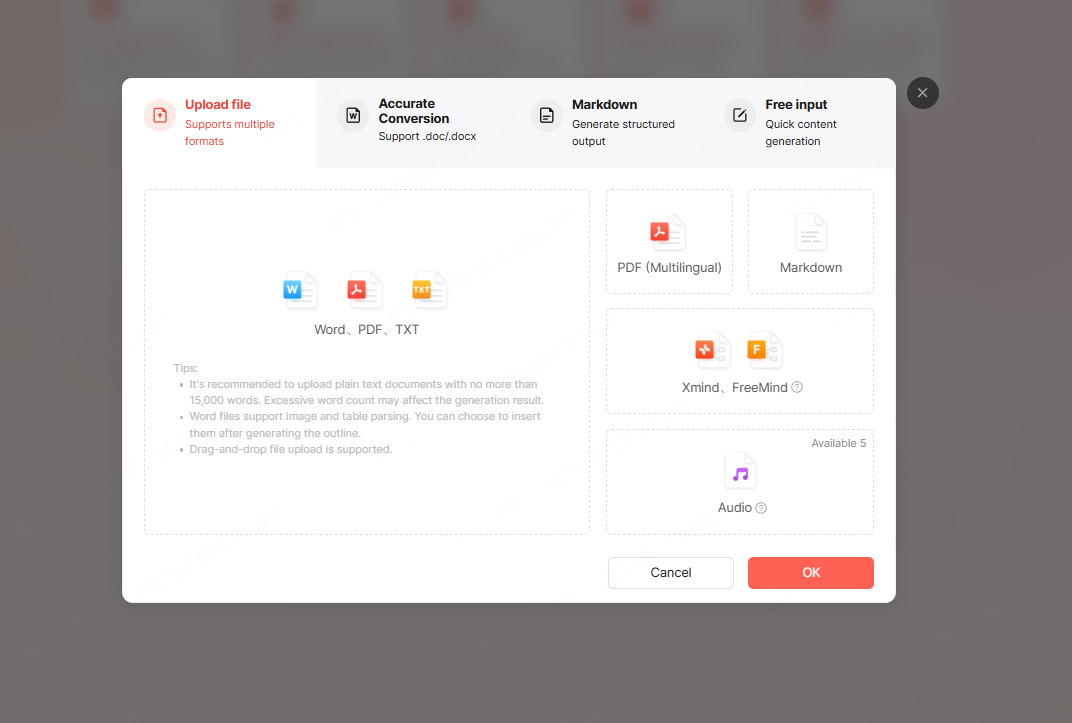
Converting Existing Files into PPT
Presenti AI supports importing common file formats, making it easier to reuse existing materials.
This is particularly useful for:
- Training documentation
- Project reports
- Product specifications
- Academic papers
Instead of rebuilding content from scratch, users can convert documents into structured slides and then refine the layout.
Improving Text with AI Assistance
In addition to layout support, Presenti AI includes AI powered text tools that help with rewriting, summarizing, correcting, and translating content.
These tools are best used as editing assistants rather than final decision makers. Reviewing and adjusting AI suggestions ensures the tone remains natural and appropriate for the audience.
Conclusion
A well designed PPT resource platform helps teams focus on communication instead of formatting. By combining templates, visual assets, charts, and intelligent editing tools, Presenti AI supports a more efficient approach to presentation creation.
For professionals who prepare presentations regularly, this centralized workflow reduces friction, improves consistency, and saves time across projects.








