A project change request presentation should show the difference between the approved plan and the proposed change. Give the decision-maker the current commitment, the requested addition, its consequences and a clear choice. A new requirement is not approved merely because it appears on the latest slide.
With the impact assessment agreed by the relevant owners, you can use Presenti to organize the change brief into a slide draft. Include assumptions and approval status in the input. They are part of the request, not details to remove during summarisation.
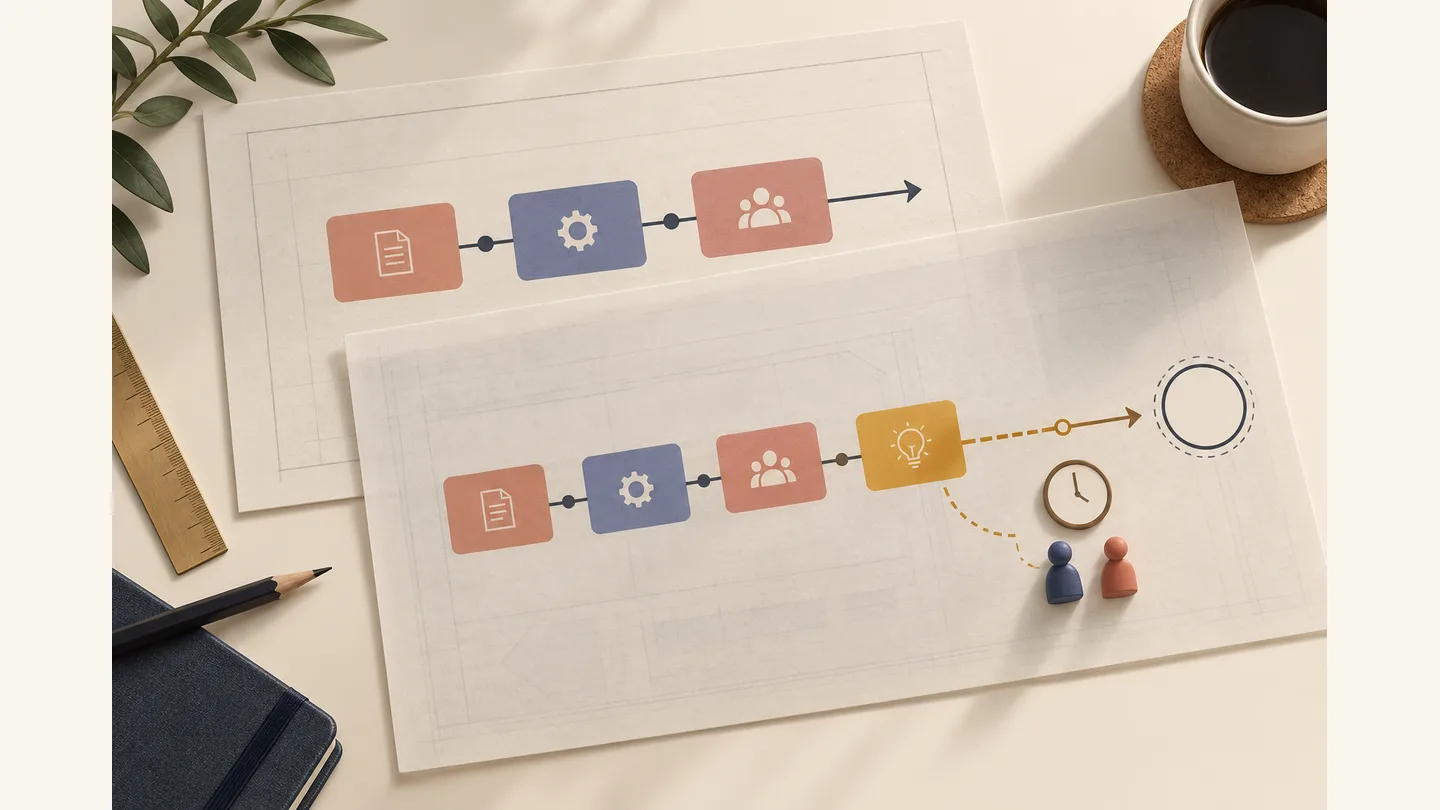
Open with the approved baseline
Suppose a team is delivering an internal booking pilot. The agreed scope includes a booking form, email confirmations and a weekly utilization report. The planned pilot launch is at the end of week six, and the approved budget is $40,000. A sponsor now asks for single sign-on before the pilot starts.
These are fictional planning figures used throughout this example. The team’s estimates are teaching assumptions, not prices or delivery promises for an actual integration.
The opening slide should state what is already committed and what is being requested. Put the baseline version or approval reference beside the scope so participants can check it. If the current plan has already changed, reconcile that record before comparing it with a new proposal.
Microsoft’s guidance on evaluating project changes covers impact on requirements, funding and dates, alongside the authority needed to approve a request. The deck should follow the project’s actual approval rules. A generic template cannot decide who has that authority.
Show the incremental impact, not just a new total
In the example, the technical owner estimates that adding single sign-on will require $8,000 beyond the approved budget and ten working days beyond the current schedule. The estimate assumes that the identity configuration, test accounts and reviewer availability are ready when needed. Those assumptions should sit beside the estimate.
| Item | Approved plan | Proposed change | Result if approved |
|---|---|---|---|
| Scope | Booking form, email confirmations, weekly report | Add single sign-on | Existing scope plus the integration and its agreed acceptance work |
| Budget | $40,000 | Estimated addition of $8,000 | $48,000 estimated total |
| Pilot launch | End of week six | Estimated ten-working-day extension | End of week eight on the example’s five-day calendar, assuming no holidays or resource conflicts |
| Dependencies | Current pilot prerequisites | Identity configuration, test accounts, integration review | Estimate must be reconsidered if a dependency is late |
The addition is 20% of the original budget: $8,000 ÷ $40,000. That percentage is context, not an automatic approval rule. Nor is a ten-day effort estimate necessarily a ten-day launch delay. Here, the example explicitly assumes the extra work extends the launch path. In a real plan, show the dependencies and available capacity that support the schedule impact.
Avoid presenting an exact new date when the team has only supplied a duration and unconfirmed prerequisites. If an actual date is required, calculate it on the project calendar with the schedule owner.
Make the ten-day extension visible as a sequence
Here is one illustrative breakdown consistent with the example’s ten-day extension. Assume the added work starts after the baseline launch point, the prerequisites are ready, each stage starts as soon as its predecessor finishes, and there are no holidays. The durations below are constructed to explain the schedule, not an estimate for a real single sign-on project.
- Integration: five working days. It must finish before testing starts.
- Testing: three working days. It follows integration and must finish before the final review.
- Review and acceptance: two working days. It follows testing and must finish before the pilot launches.
- Handover documentation: four working days in parallel. In this example, another available person can prepare it from agreed specifications while integration begins; it requires no additional work after testing.
The dependent launch sequence lasts 5 + 3 + 2 = 10 working days. Adding all four task durations gives 14, but that is not 14 elapsed days because the documentation runs alongside the sequence. Nor does the sum establish a labour cost: that requires resource assignments and rates, not just durations. Keep the original $8,000 estimate attributed to its owner rather than deriving a day rate from this illustration.
On the impact slide, draw the three dependent stages in one row and the documentation beneath the first four days. This shows why completing the documentation one day earlier does not advance the launch under these assumptions. If test accounts arrive three working days late and integration cannot start without them, the same sequence finishes after 13 working days instead of 10. Do not retain the week-eight forecast without rechecking the revised calendar.
Microsoft’s explanation of the critical path describes how linked tasks and available slack determine which changes move the finish date. For a real request, ask the schedule owner to confirm the dependencies and parallel capacity before including this view. If the source brief contains only the original ten-day total, Presenti should not invent this breakdown; add it to the brief only as this labeled illustration or replace it with a verified project schedule.
Present choices that can actually be approved
“Accept or reject” can conceal a useful middle option. For this request, compare three approaches, using the same basis for each:
| Option | What changes | Main consequence | What needs confirmation |
|---|---|---|---|
| Add the integration before launch | Keep all current deliverables and add single sign-on | Estimated $48,000 total and a ten-working-day extension | Dependencies, review capacity and approval for the change |
| Keep the current pilot; plan integration afterwards | Retain the approved pilot scope; assess a separate follow-up release | The baseline launch stays the planning reference | Whether the existing access arrangement remains acceptable and whether later integration creates additional work |
| Trade scope within the pilot | Assess replacing or deferring another deliverable | Cost and date effects are not yet estimated | Which deliverable can move, its dependencies and a revised estimate |
The third option is not automatically “same budget, same date.” Removing a report does not prove that the same people or time can be transferred to an integration. Mark an unestimated option as unestimated, and ask for an impact assessment if it remains attractive.
The second option also needs a condition. If the new requirement is mandatory for the pilot to operate, deferring it may be impossible. The presentation should surface that fact rather than keep a convenient but unusable choice in the table.
A six-slide change request structure
- The decision requested. Identify the change, the recommended option and the date by which a decision is needed.
- The current commitment. Show approved scope, budget and milestones with the baseline reference.
- The reason for the request. Explain who needs the change and what happens if it is deferred. Distinguish a mandatory requirement from a preference.
- The impact. Show the additions to cost, schedule, work and dependencies. Attribute estimates to the responsible owners.
- The alternatives. Compare viable choices and the unresolved question for each.
- The decision record. Leave clear fields for the actual decision, conditions, decision-maker and date.
Put technical design details and estimate breakdowns in an appendix. The main sequence should still explain the consequence without requiring the approver to inspect every task. A before-and-after scope view is often clearer than a general project roadmap with the new requirement hidden among existing work.
Handle uncertainty and late information in the meeting
If a dependency changes during the meeting, show which part of the recommendation it affects. For example, missing test accounts may invalidate the ten-day extension. Record the need for an updated estimate instead of defending an obsolete number.
A conditional decision should be equally specific. “Proceed if the technical owner confirms the estimate and the sponsor approves the budget addition” is different from “Approved.” Do not colour both statuses green or remove the conditions from the final slide.
After the meeting, keep the request version that was discussed and link the recorded decision to it. Update the delivery plan only through the project’s agreed change process. A revised presentation alone does not tell the team which scope, date or budget is now authoritative.
Use a drafting brief that preserves the decision boundary
Paste the reviewed brief into Presenti to organize it into an editable slide draft. Include the project's baseline, estimates and assumptions in the source text; a topic such as “change request” would leave too much of the business case unspecified.

Create a six-slide presentation for a fictional internal booking pilot change request. Approved scope: booking form, email confirmations, weekly utilization report. Approved budget: $40,000. Planned launch: end of week six. Requested addition: single sign-on before pilot launch. Technical-owner estimate: $8,000 additional cost and ten working days extending the launch path, assuming identity configuration, test accounts and reviewer availability are ready. Use a five-day working week with no holidays only for this example. Compare adding now, retaining the current pilot and assessing a later release, and trading scope subject to a new estimate. Do not assign a cost or date to the unestimated trade. Keep mandatory requirements, assumptions and approval conditions visible. Leave the actual decision and approver fields unfilled; do not invent an approval.
Review the resulting draft for quiet changes in meaning: “estimated” becoming “confirmed,” a conditional option becoming a promise, or an unfilled decision becoming an approval. Those edits matter more than the choice of theme. The finished deck should make the request easier to assess while preserving the original commitments.