

Modern teams rely heavily on slide decks, whether it's for product demos, classroom instruction, project updates, or technical documentation. If you’re looking for reliable free PPT generation tools that can help you produce polished presentations with minimal effort, this guide walks you through ten of the best options available.
We tested each tool from the perspective of speed, design flexibility, collaboration, and AI quality, so you can choose the one that matches your workflow.
1. Understanding Free PPT Generation Tools

1.1 What “Free PPT Tools” Actually Mean
Most free PPT generation tools adopt a freemium model: essential features are free, but exporting to PPTX without watermarks, unlocking premium templates, or generating unlimited slides may require a subscription.
Typical free tier limitations include:
- Limited number of projects
- Watermarked exports
- PDF only downloads
- Restricted AI credits
Before adopting a tool, check whether the free features meet your baseline needs such as exporting, sharing, or AI based generation.
1.2 How to Choose the Right Tool
First, decide whether you need AI first automation or template first control:
- AI powered PPT generators work best for tight deadlines, proposal drafts, brainstorming, or turning long documents into structured presentations.
- Template driven tools are ideal for users who want more design precision, visual consistency, or brand alignment.
Some platforms provide both, AI to draft slides and templates for finishing touches.
2. Tested: 10 Free PPT Tools Worth Using
We evaluated ten tools and categorized them by their strengths: AI generation, template depth, or collaboration features.
2.1 Best Free AI Powered PPT Generators
1) Presenti AI
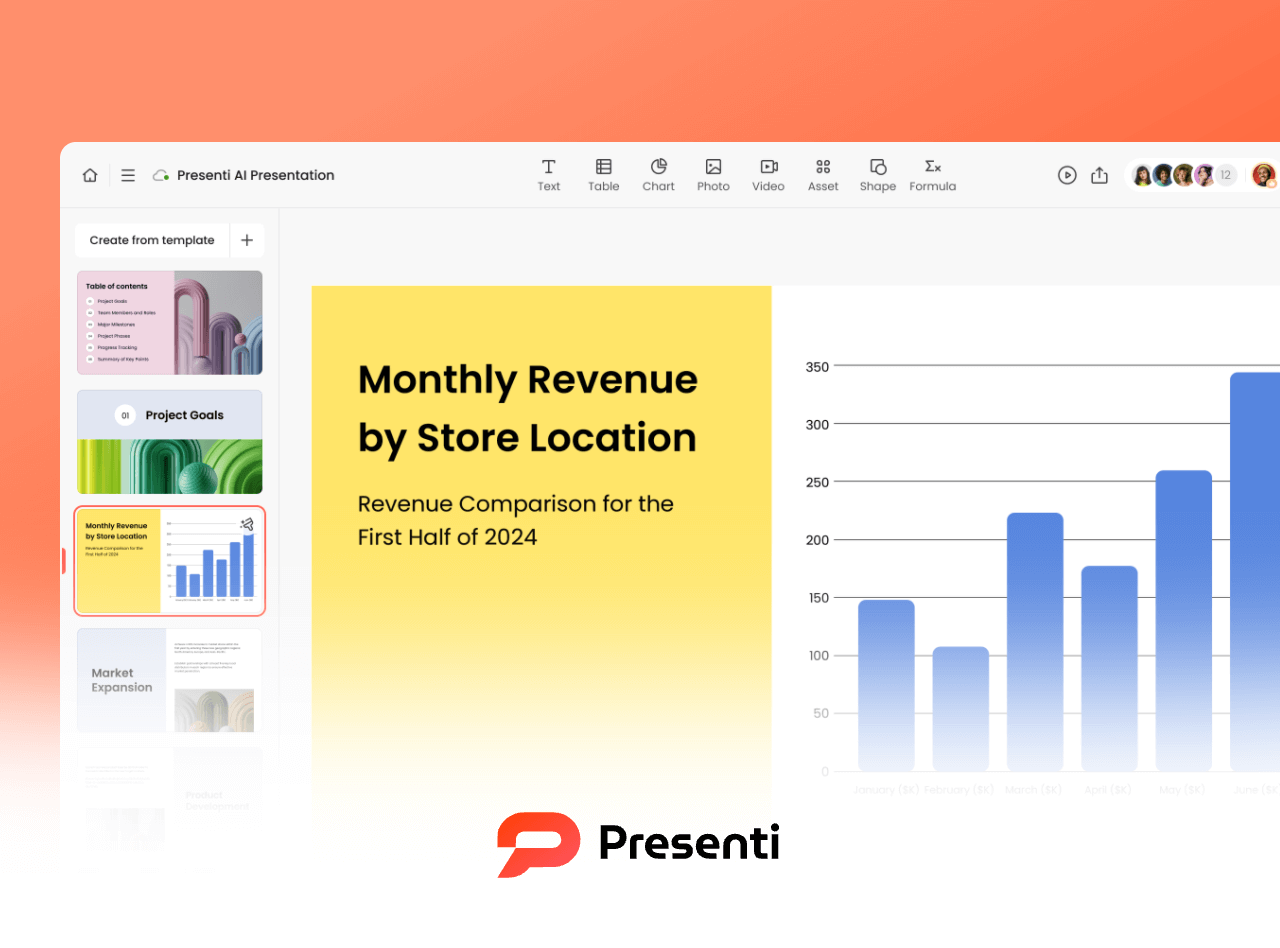
Presenti AI stands out among free AI PPT generators thanks to its strong semantic understanding and library of industry ready templates. It handles business terminology, technical descriptions, or conversational text with ease.
Free Features:
- Unlimited AI slide generation (within free AI credit limits)
- Full access to editable templates
- Free content and layout editing
Best For:
Professionals who need fast, industry specific presentations: marketing teams, educators, consultants, and tech leads.
2) Boardmix
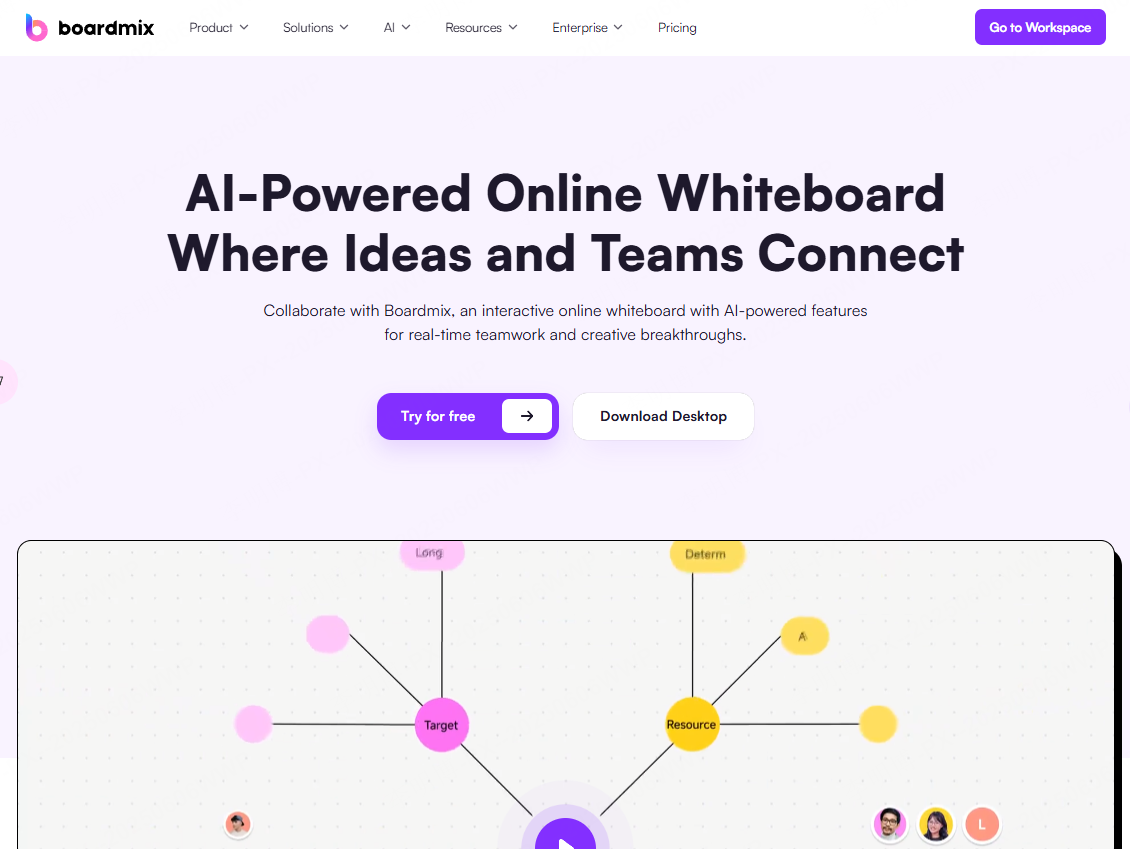
Boardmix combines AI slide generation, mind mapping, and flowcharts within a single workspace ideal for users who want to brainstorm and build a deck in the same file.
Free Features:
- AI PPT creation
- Core editing tools
- Up to 3 projects and 100MB storage
Best For:
Users who sketch workflows or outline ideas first, project managers, students, product teams.
3) SlidesAI
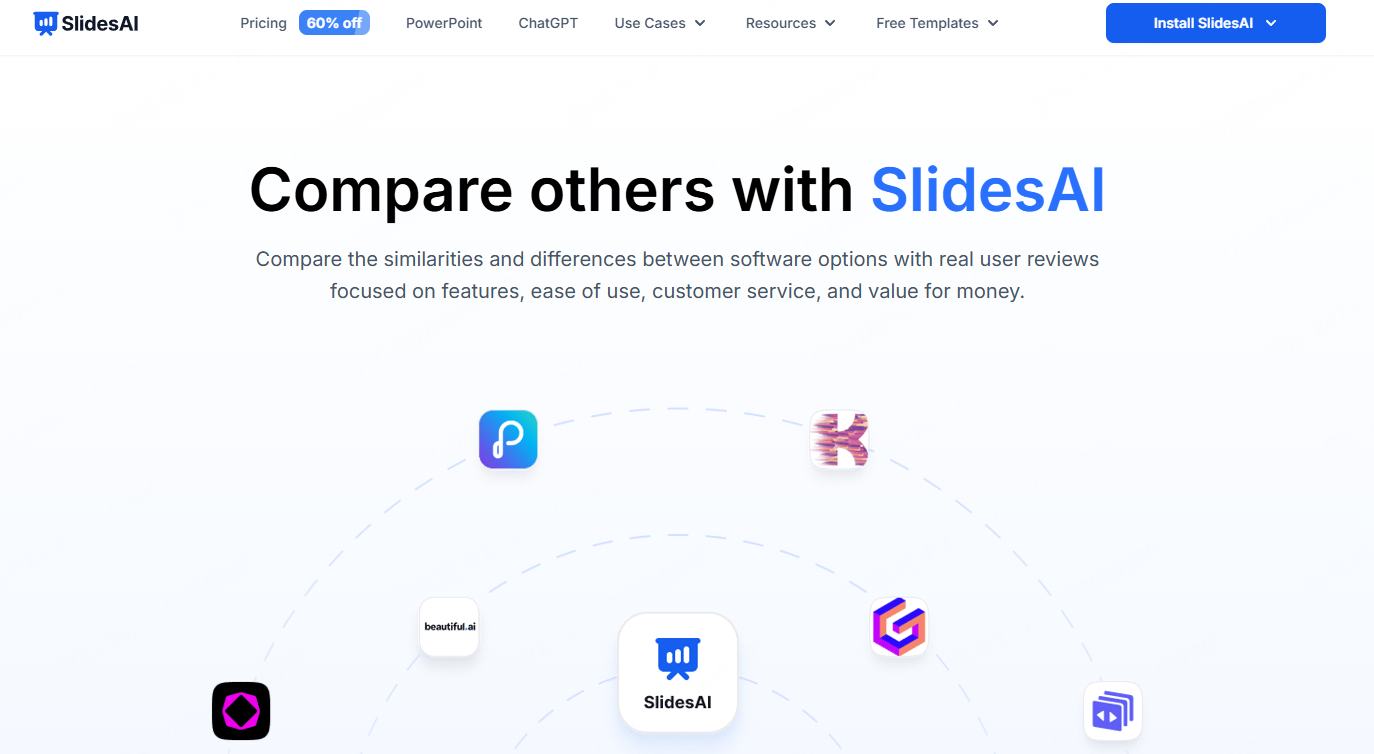
If your team works heavily in Google Workspace, SlidesAI is a perfect companion. It seamlessly converts text into Google Slides with minimal formatting work.
Free Features:
- AI slide generation inside Google Slides
- Up to 3 free projects
- PDF export (PPTX requires upgrade)
Best For:
Teams using Google Slides daily for documentation, training, or lightweight presentations.
4) Beautiful.ai

Beautiful.ai focuses on intelligent design. It auto adjusts layouts, spacing, and color themes so your slides look “designed by a pro.”
Free Features:
- Auto design layouts
- Up to 3 projects with 10 pages each
Best For:
Users who want fast + visually polished slides without manual formatting.
2.2 Template Driven PPT Tools with Free Libraries
5) Canva
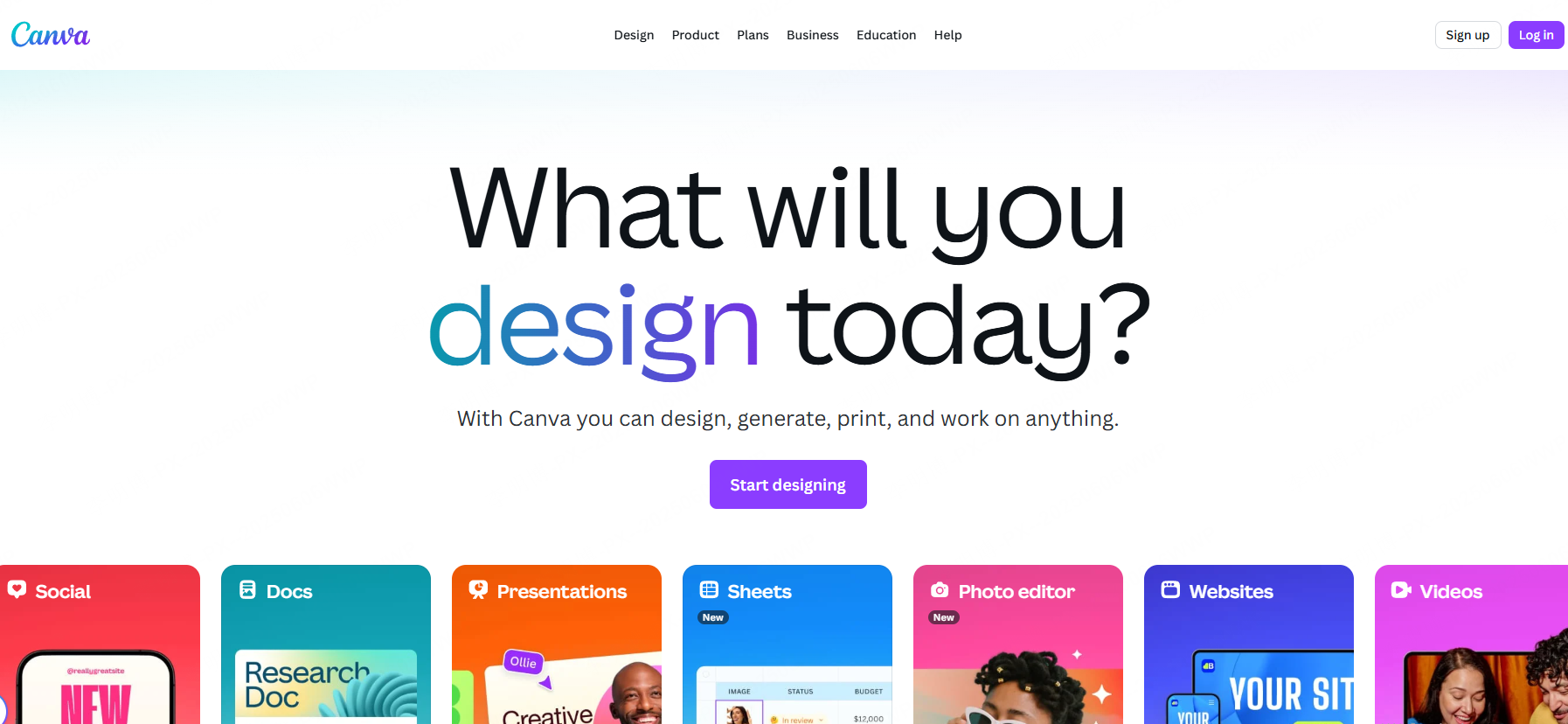
Canva offers one of the largest template libraries online, great for polished visual slides, social media content, or branded decks.
Free Features:
- Thousands of templates
- Multi device editing
- PDF export
Best For:
Beginners and non-designers who need stylish decks quickly.
6) Haiku Deck
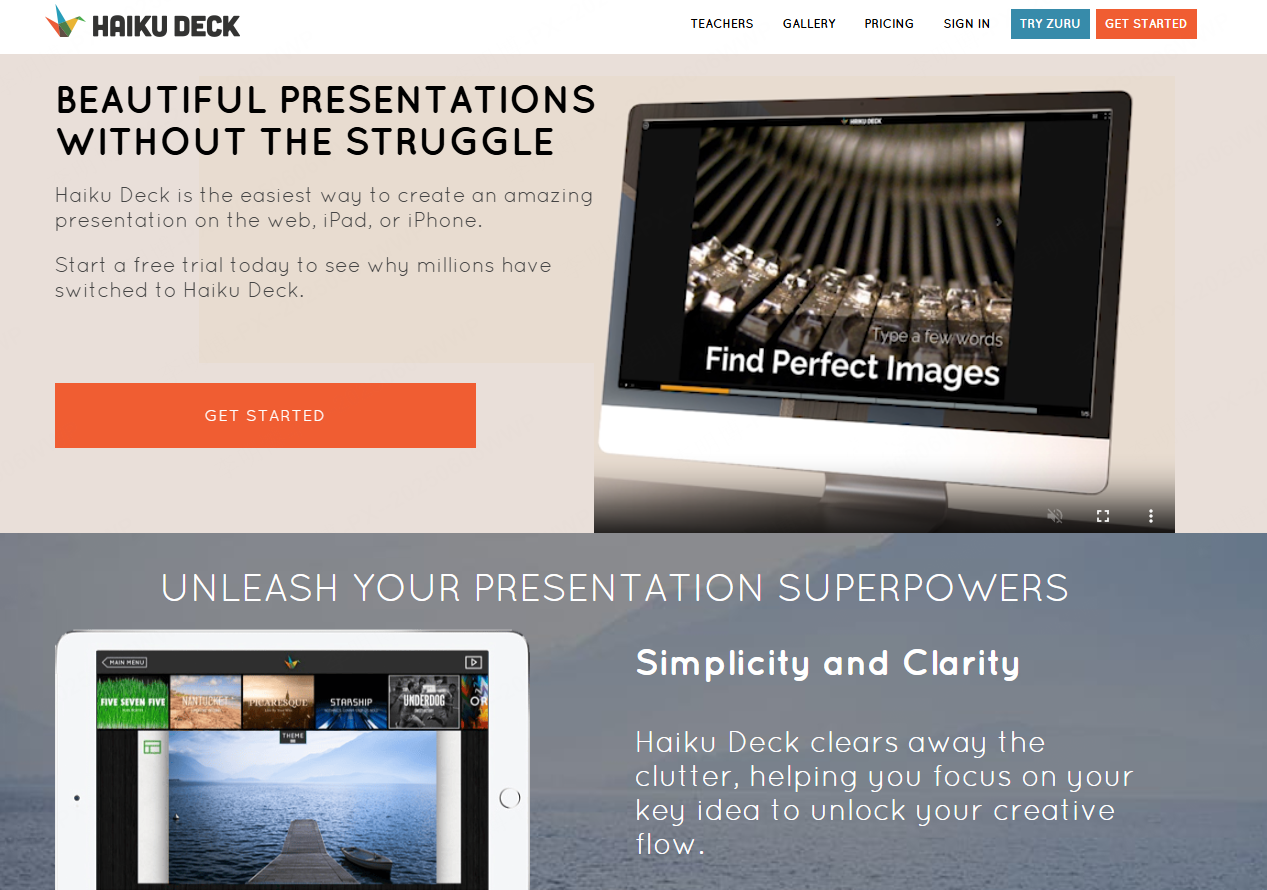
Haiku Deck focuses on simplicity. Its templates emphasize minimalism, readability, and strong visuals.
Free Features:
- Unlimited projects
- Minimalist templates
- PDF export with light watermark
Best For:
Anyone who wants simple, clean, low effort presentations, great for classroom teaching or quick pitches.
7) Piktochart
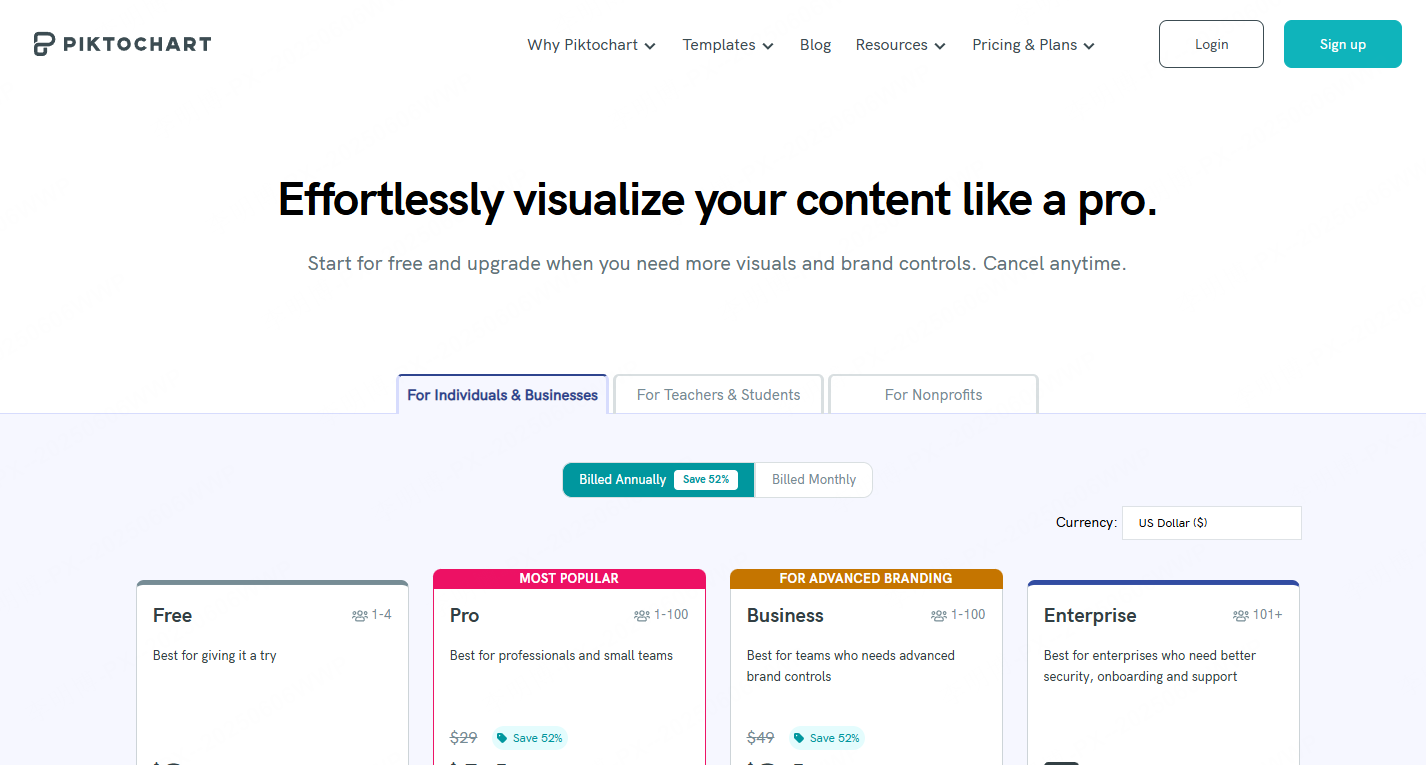
Piktochart is ideal for data heavy presentations. Its infographic style layouts make charts, metrics, and process diagrams visually digestible.
Free Features:
- Chart and data visualization templates
- Up to 3 projects
- PDF export
Best For:
Educators, analysts, marketing teams, and technical communicators.
2.3 PPT Tools Focused on Collaboration & Productivity
8) Pitch
Pitch is a collaboration first presentation tool. Real time editing, version history, and modern UI make it perfect for teams.
Free Features:
- Real time co-editing
- Up to 3 projects
- Export to PPTX and PDF (no watermark)
Best For:
Startup teams, remote workers, agile product teams.
9) Zoho Show

Zoho Show provides a smooth multi device editing experience, great for users who switch between desktop and mobile.
Free Features:
- Unlimited projects
- Full editing tools
- PPTX & PDF export
Best For:
Professionals who edit slides across laptops, tablets, and phones.
10) Prezi
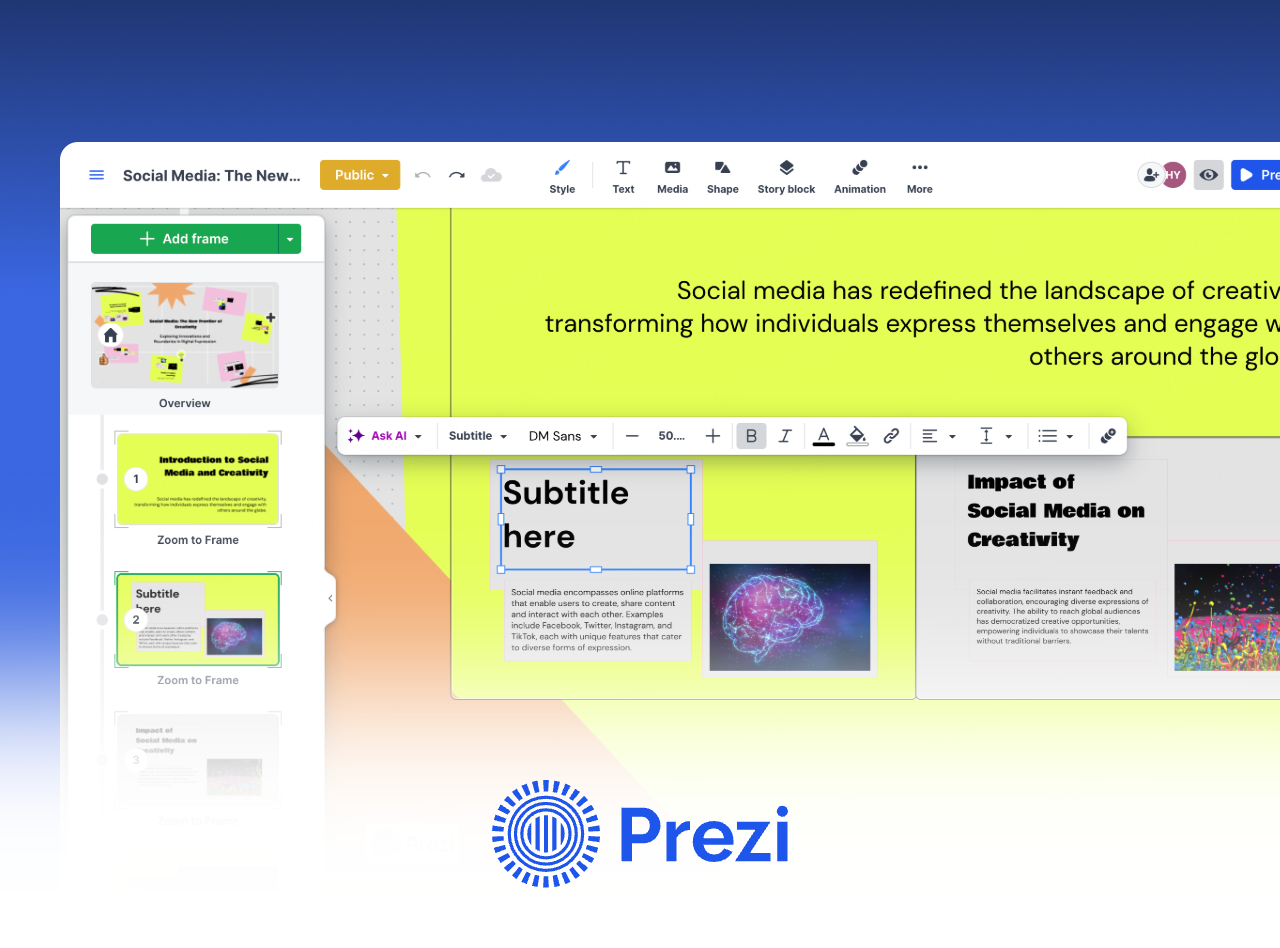
Prezi is well known for its zooming and motion based storytelling format. Presentations feel more dynamic than traditional slide decks.
Free Features:
- 1 project, 100MB storage
- Motion based presentation editor
- Shareable presentation links
Best For:
Educators, speakers, and trainers who want more engaging presentation flows.
3. How to Choose the Best Free PPT Generator
Here are quick recommendations based on your priorities:
| Priority | Recommended Tools |
|---|---|
| Fastest output | Presenti AI, Haiku Deck |
| Best design quality | Beautiful.ai, Canva |
| Best for data visualization | Piktochart |
| Best for team collaboration | Pitch, Zoho Show |
| Best for storytelling | Prezi |
free tools include some limitations, so try the free version first to ensure it fits your workflow.
Conclusion
From AI powered generators like Presenti AI to minimalist design tools like Haiku Deck or team collaboration platforms like Pitch, there’s a free PPT tool for every workflow. These platforms help educators, developers, project managers, and business teams build professional, on brand, and visually consistent presentations without paying a cent.









