
Finding free PowerPoint templates online is easy. Finding high quality, professional templates that actually save time is much harder. For product managers, educators, developers, and technical teams, presentation slides are not just visual aids. They are communication tools. Poor design slows down delivery and weakens your message. Well designed templates do the opposite.
This guide introduces 10 reliable websites offering free PowerPoint templates, covering business, education, technical documentation, and training scenarios. Each platform is reviewed based on usability, template quality, customization flexibility, and real world practicality.
1. Presenti AI

Presenti AI is an all in one online presentation platform designed for users who need to create professional slides quickly and efficiently. It combines AI powered generation with a large and frequently updated template library.
Instead of starting from a blank slide, users can generate complete presentations by entering a short prompt or importing existing content.
Pros
One click AI generation
Presenti AI automatically generates slide outlines, structured content, layouts, and visual elements. It supports Word, PDF, Markdown, and TXT to PPT conversion, significantly reducing manual work.
Beginner friendly interface
The editor is clean and intuitive. No design background is required, making it suitable for first time users and non-designers.
Fully web based
No installation is required. Presenti AI works directly in the browser with cloud storage and real time syncing across devices.
Real time collaboration
Presentations can be shared via links for team collaboration, live editing, and online presentation delivery.
Flexible export options
Slides can be exported as PPTX or PDF files for offline use.
Cons
The free version covers basic needs. Advanced features and higher export limits require a paid plan.
2. Slidenest
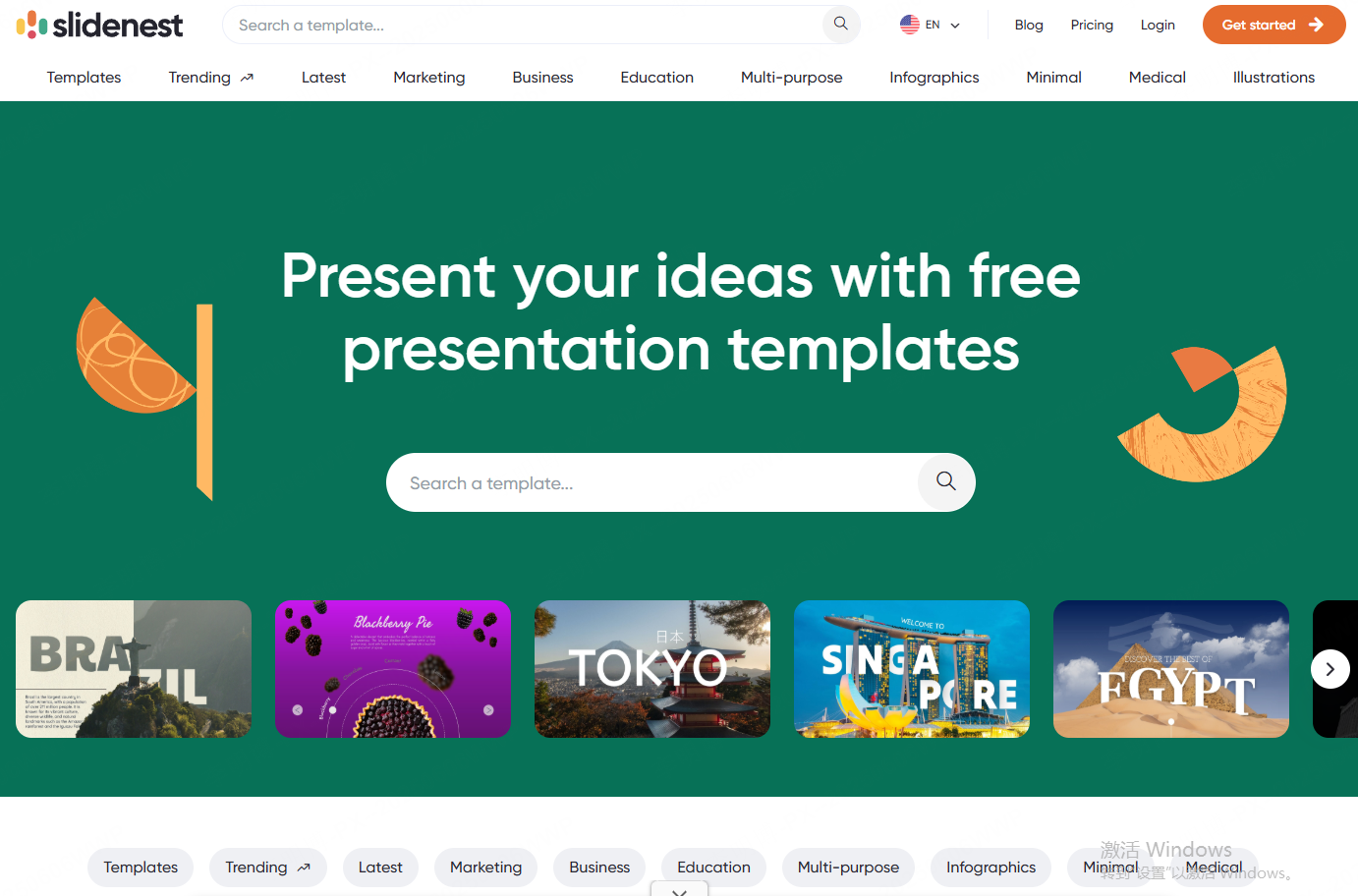
Slidenest curates free PowerPoint templates created by professional designers from around the world. The platform focuses on clean, modern design for business and technical presentations.
Templates are well documented, including layout structure, color usage, and design logic.
Pros
- Simple and intuitive navigation
- High quality templates across business, tech, and seasonal themes
- No account required for downloads
- All elements are fully editable in PowerPoint
Cons
Templates are downloaded as ZIP files, which must be extracted before use.
3. Slidesgo

Slidesgo is one of the most visually engaging template platforms available. It offers hundreds of free templates across education, marketing, healthcare, and corporate use cases.
The site emphasizes creativity while maintaining functional slide structures.
Pros
- Large selection of visually distinctive templates
- Advanced filtering by category, color, and tags
- Interactive previews before download
- Helpful customization tutorials included
- Free downloads without immediate registration
Cons
- Attribution is required for free templates
- Registered free users are limited to 10 downloads per month
4. SlidesCarnival
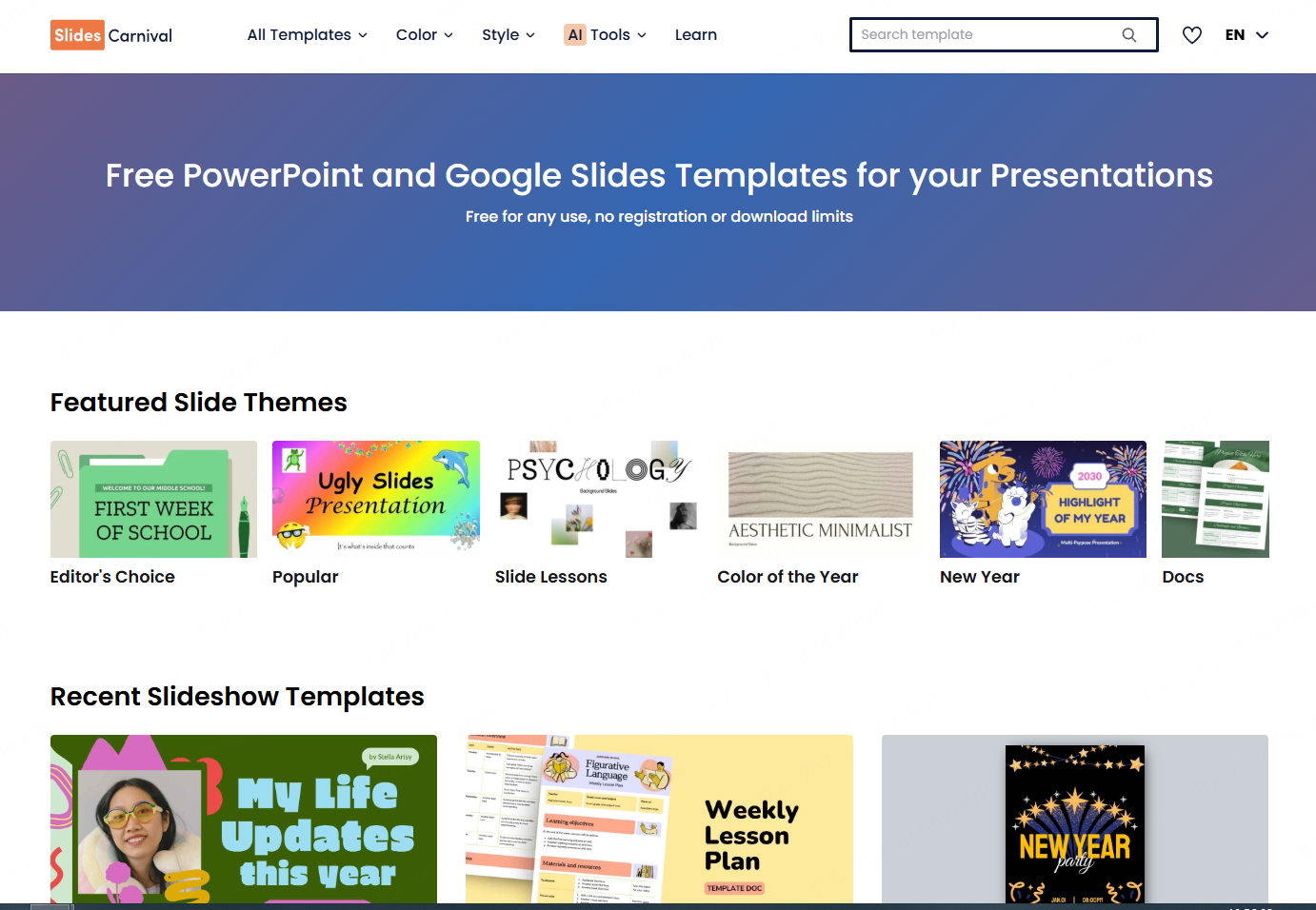
SlidesCarnival provides free PowerPoint templates suitable for both personal and commercial use. The platform is particularly popular among educators and startup teams.
Each template typically includes 35 to 40 slides, plus icons and graphic elements.
Pros
- Completely free for commercial use
- Easy search by theme, style, or color
- Clear explanations for each template
- No registration required
Cons
Design styles are relatively minimal and may not suit users seeking complex visuals.
5. AllPPT.com
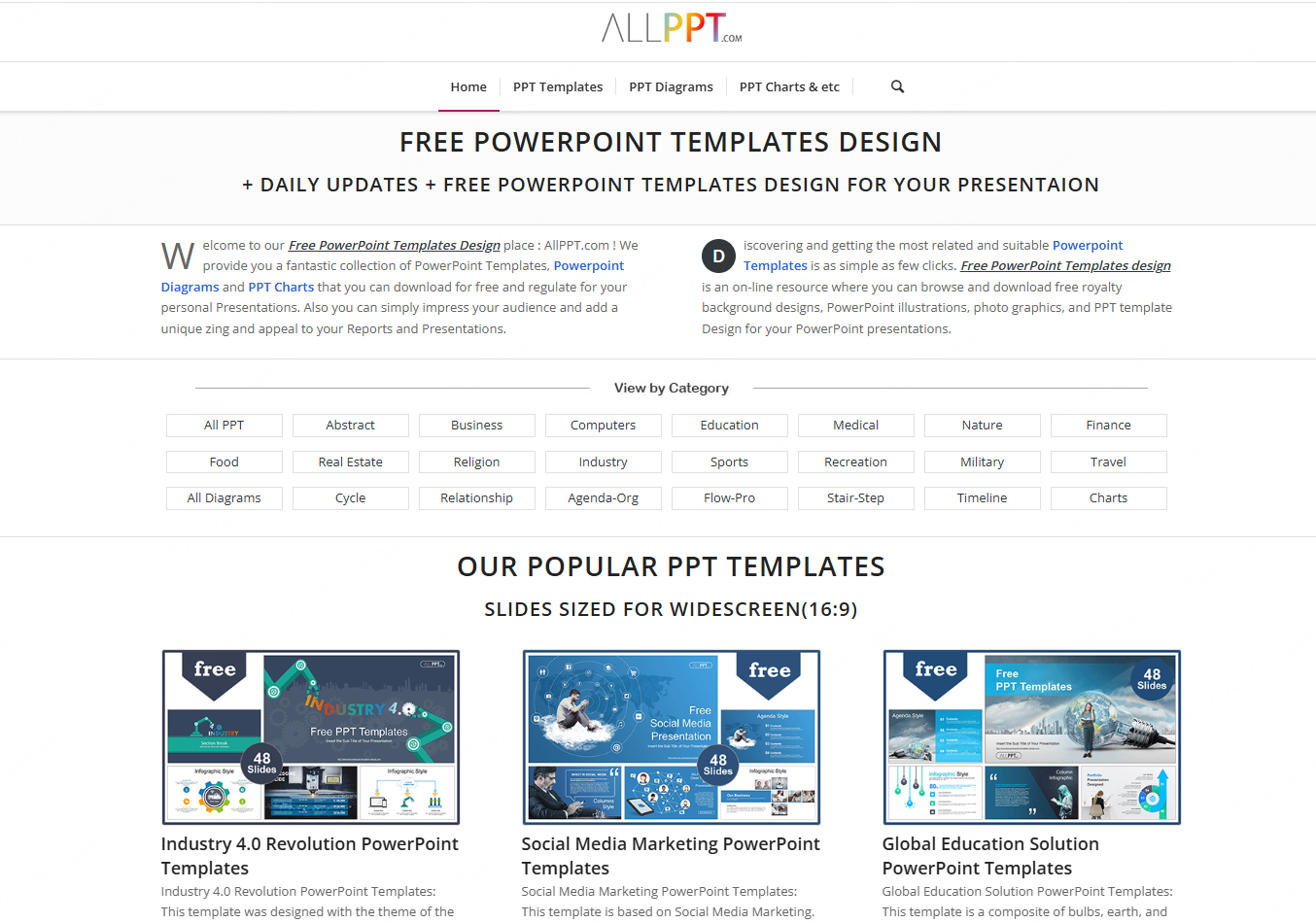
AllPPT.com offers a broad collection of free PowerPoint templates, charts, graphics, and diagrams. Templates are categorized by industry, making it easy to locate relevant designs.
Pros
- Direct PPTX downloads without registration
- Clear categorization for fast browsing
- Compatible with Microsoft PowerPoint 2007 and later
Cons
- Advertisements may distract from browsing
- Download buttons are not always easy to find
6. Showeet

Showeet focuses on free templates for business and educational presentations. Instead of rigid categories, it relies on tags and keywords for discovery.
Pros
- Detailed preview pages
- Regular template updates
- Free downloads without registration
Cons
Templates are downloaded as ZIP files and require extraction before use.
7. Presentation Magazine
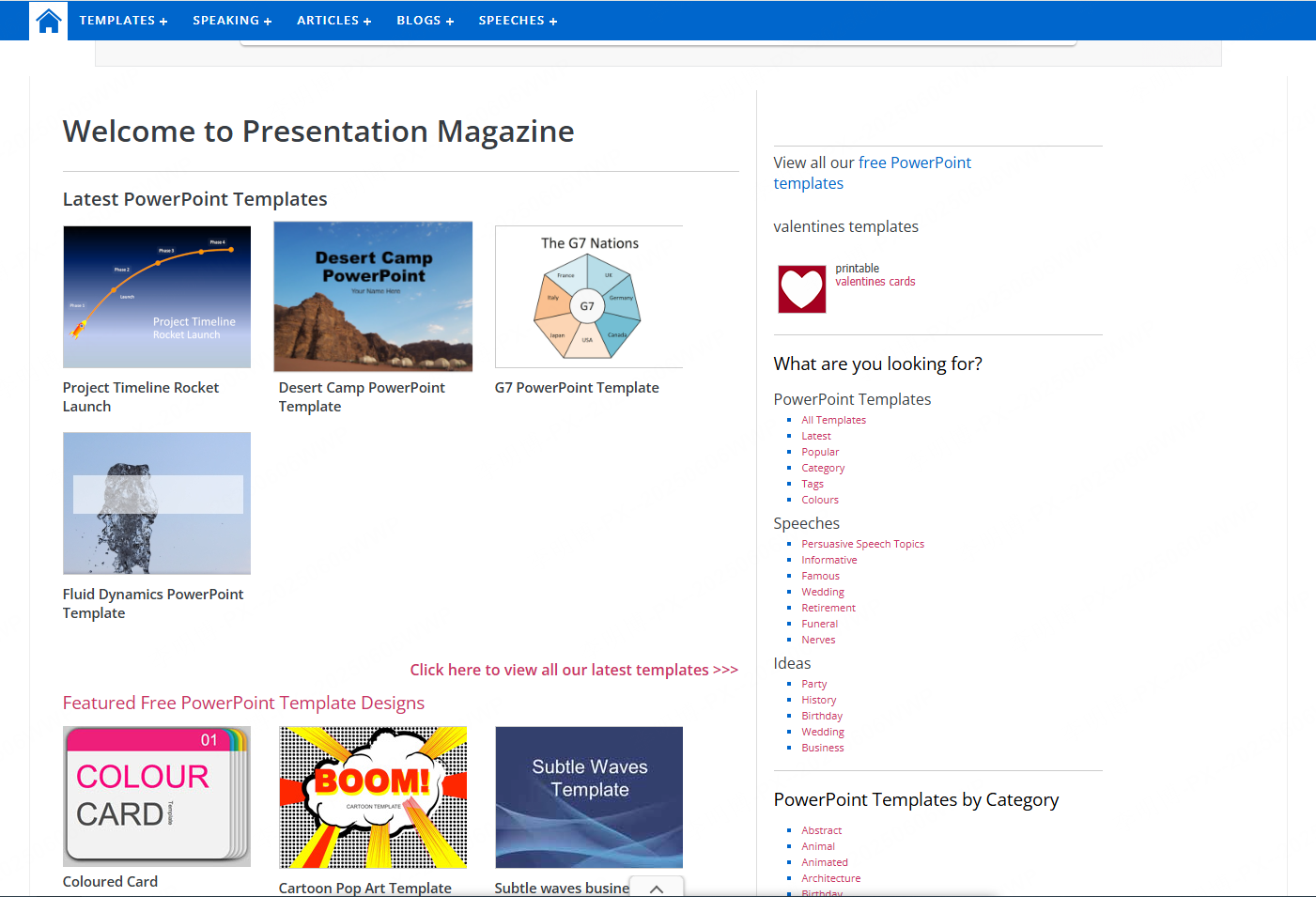
Presentation Magazine hosts over 50,000 PowerPoint templates, including static and animated designs. The interface is basic but functional.
Pros
- Massive template library
- Regular content updates
Cons
- Categories are located at the bottom of pages, reducing usability
- Limited slide previews
- Designs are often basic, with fewer than 10 slides per template
8. FPPT.com

FPPT.com provides more than 2,000 free PowerPoint templates organized by categories such as business, maps, and diagrams.
Pros
- Download counters help identify popular templates
- No registration required
Cons
- Limited category variety
- No slide previews before download
- Ads delay downloads
- ZIP extraction required
- Fewer slides per template
9. ActivePresenter
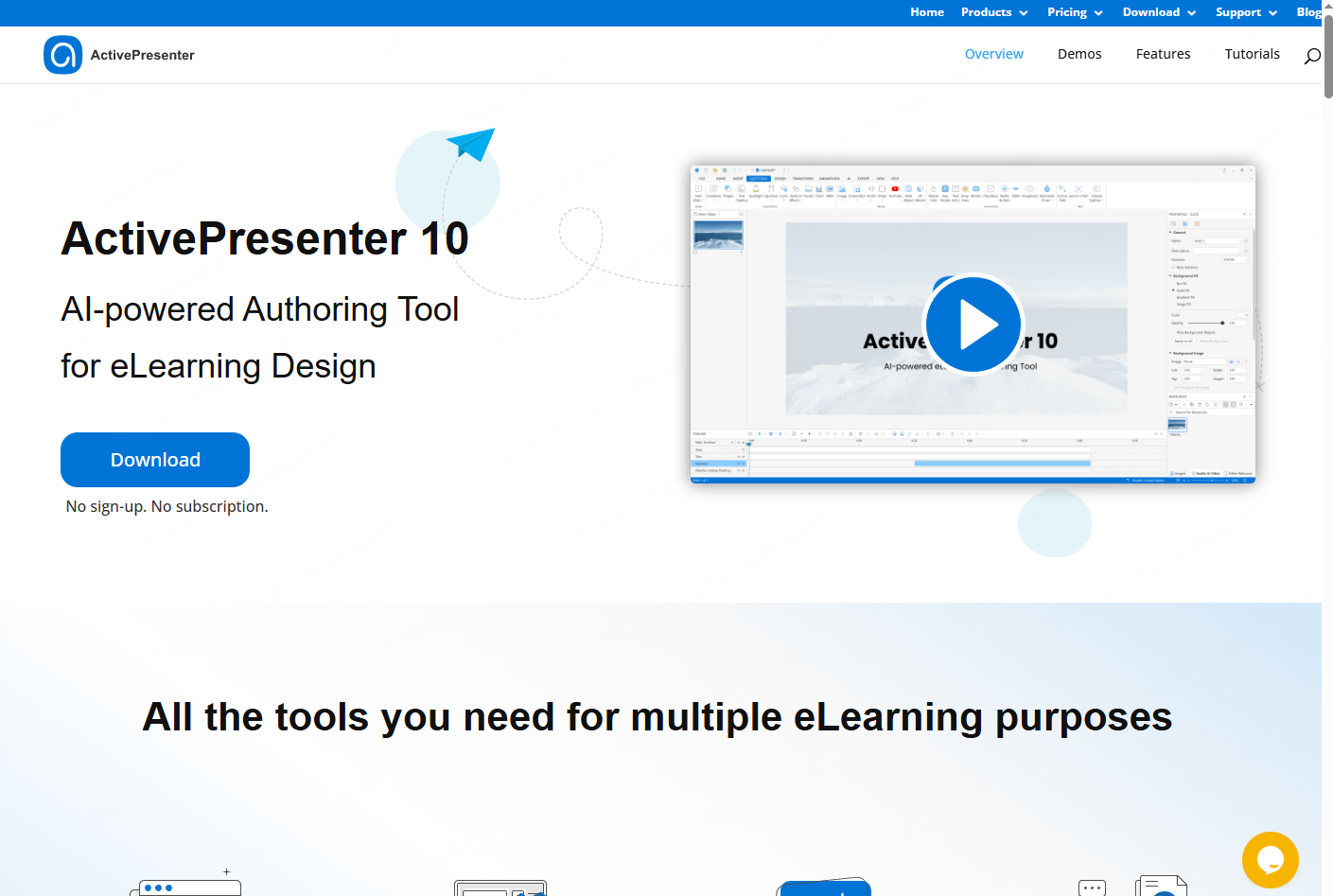
ActivePresenter is a powerful presentation and eLearning tool with built in templates for instructional and business use. It supports interactive content creation.
Pros
- Templates for multiple presentation scenarios
- High customization flexibility
- Strong support for interactive elements
Cons
- Steeper learning curve for beginners
- Some advanced features are restricted to paid versions
10. Prezi
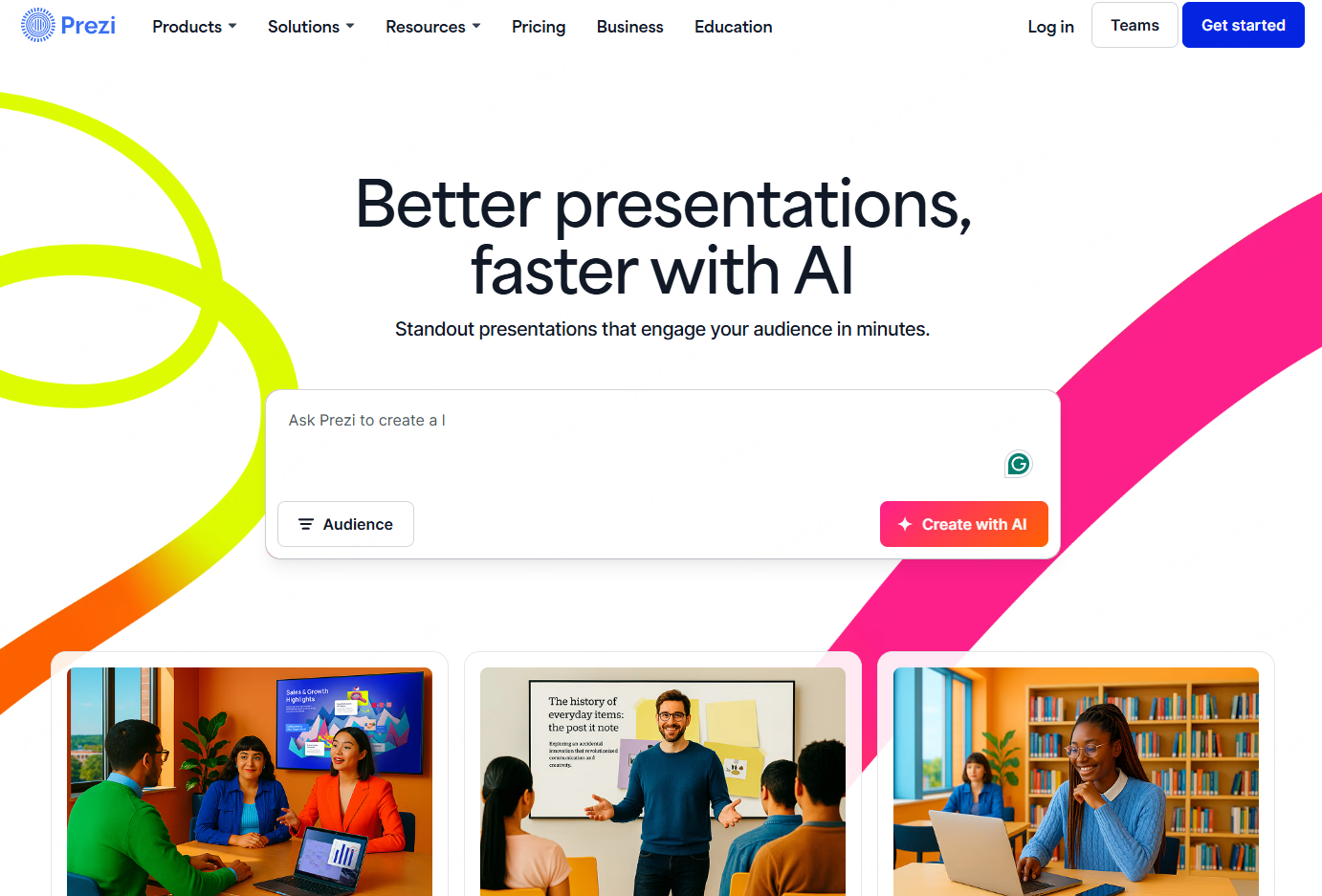
Prezi takes a different approach to presentations by using zooming and motion based storytelling. It is ideal for creative pitches and narrative driven presentations.
Pros
- Non-linear presentation style
- Wide selection of modern templates
- High customization freedom
Cons
- Requires time to learn for traditional slide users
- Online dependency limits offline flexibility
- Premium templates require a paid subscription
Final Recommendation
Choosing the right presentation tool can significantly improve productivity and communication quality. Free templates are useful, but tools that combine automation, design intelligence, and collaboration offer far greater value.
Among all options listed, Presenti AI stands out for users who want to move fast without sacrificing quality. Its AI driven workflow, cross device access, and collaboration features make it particularly suitable for technical teams, educators, and project managers working under tight deadlines.









