
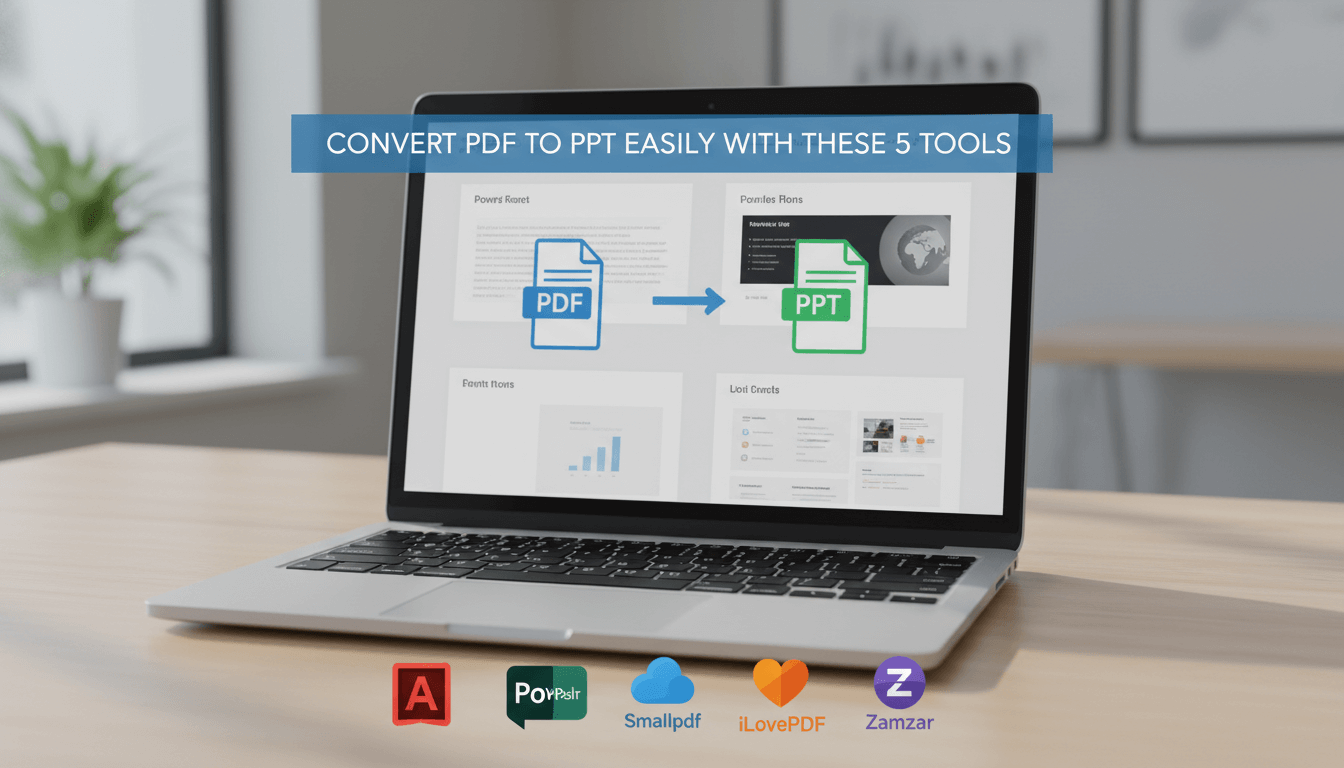
In modern work and learning environments, PDF files are everywhere. Reports, research papers, training materials, and product documentation are often shared in PDF format. However, when it comes to presenting this information, teams usually need editable PowerPoint slides. Manually rebuilding a presentation from a PDF is time consuming and error prone. That is why reliable PDF to PowerPoint conversion tools have become essential for educators, project managers, developers, and technical teams.
In this guide, we review five proven PDF to PPT converters that help users quickly transform static PDFs into editable, presentation ready slides. We also walk through practical workflows and explain which tools work best for different use cases.
1. Presenti AI

Presenti AI is an AI powered PDF to PowerPoint tool designed for users who want speed, flexibility, and professional design quality. Instead of simply converting pages one by one, Presenti AI analyzes document structure and rebuilds content into clear, well organized slides.
This makes it especially suitable for educators, startup teams, consultants, and professionals who need polished presentations without advanced design skills.
Key Features
AI powered document structure analysis
Presenti AI reads the logical structure of a PDF, identifies headings, key points, and supporting content, then converts them into a coherent slide outline.
Automatic layout and visual design
The tool automatically adjusts slide layouts based on content type. Text, images, icons, and tables are placed in visually balanced formats that follow modern presentation standards.
Multiple generation modes
Users can choose from several conversion strategies:
- Convert directly from original content
- Reorganize content for clearer presentation flow
- Summarize and refine key points
- Expand and enhance content for richer explanations
Online presentation and sharing
Generated slides can be presented, shared, or exported directly, making collaboration fast and simple.
How to Convert PDF to PPT with Presenti AI
- Visit the Presenti AI website and sign in
- Open the dashboard and select “Import File to Generate PPT”
- Upload your PDF file
- Review the AI generated outline and select a generation mode
- Choose a presentation template
- Generate the full PowerPoint file
- Edit, customize, and export or share the final slides
Before generation, users can manually adjust the outline to improve accuracy. After generation, every slide remains fully editable, including layout, text, and visual elements. This flexibility allows teams to create customized, high quality presentations for multiple scenarios.
2. Adobe Acrobat Pro DC
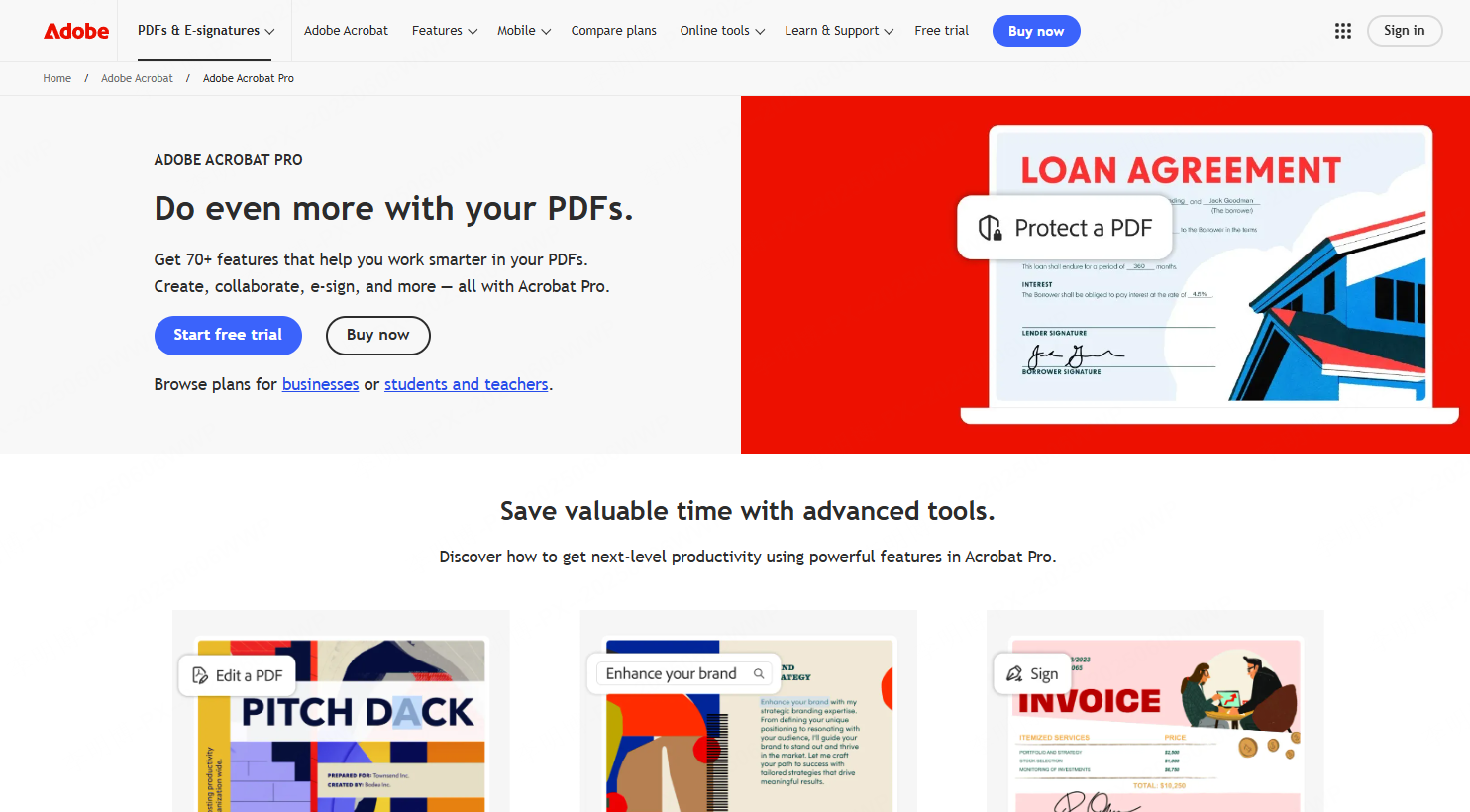
Adobe Acrobat Pro DC is a professional grade PDF editing and management solution widely used across enterprises and educational institutions. Its PDF to PowerPoint export feature is reliable and accurate, especially for structured documents.
Why Choose Adobe Acrobat Pro DC
- Direct PDF editing and creation
- High quality PDF to PPT conversion
- Batch processing support
- OCR technology for scanned documents
- Secure file storage and sharing through Adobe Document Cloud
How to Convert PDF to PPT with Adobe Acrobat Pro DC
- Open your PDF file in Adobe Acrobat Pro DC
- Go to the Tools menu and select “Export PDF”
- Choose Microsoft PowerPoint as the output format
- Adjust page range and conversion settings if needed
- Click Export to start the conversion
- Save and edit the resulting PowerPoint file
Adobe Acrobat Pro DC is ideal for users who already rely on Adobe’s ecosystem and need consistent, enterprise level document handling.
3. Smallpdf
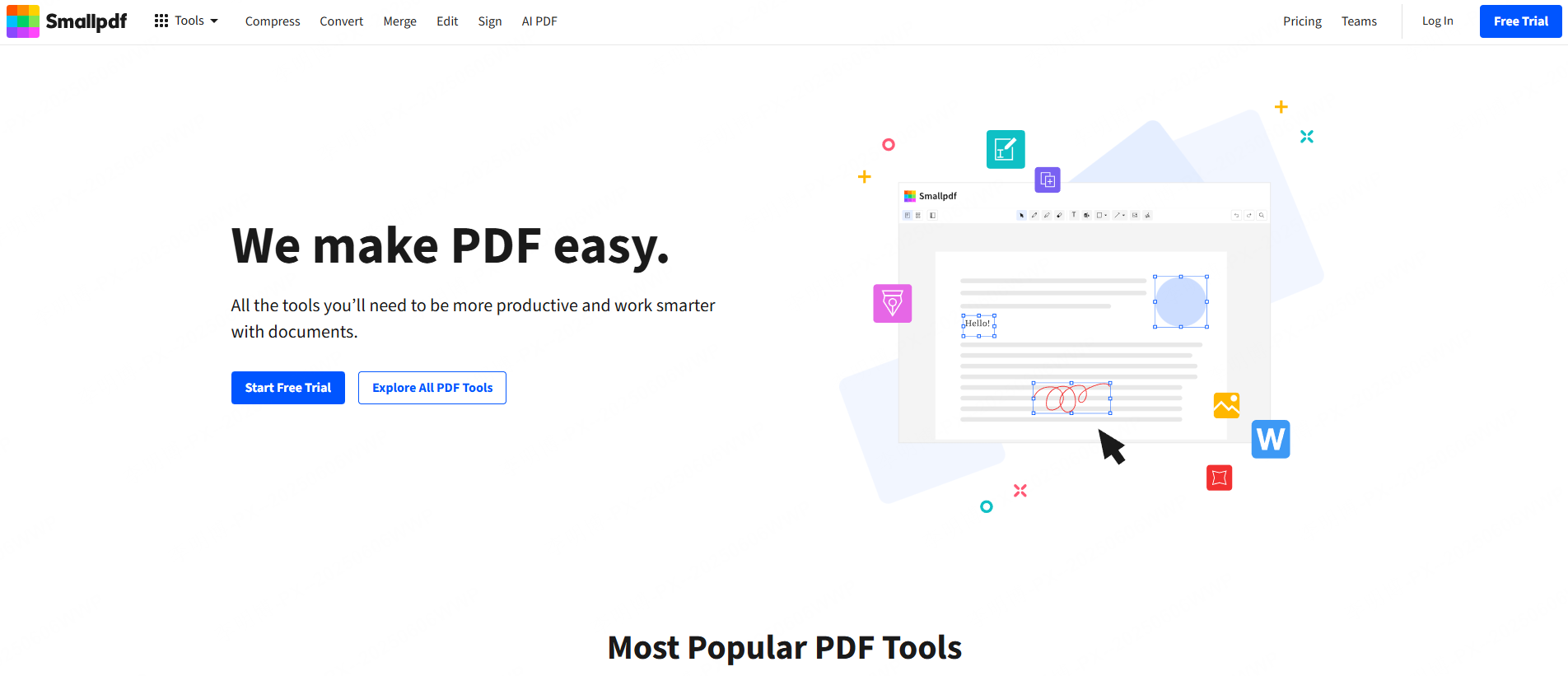
Smallpdf is a popular web based PDF tool known for its simplicity and fast processing speed. It works directly in the browser and requires no software installation.
Key Advantages
- Clean and intuitive interface
- Fast online conversion
- Strong layout and formatting retention
- Cross platform compatibility
- Secure file handling and automatic deletion
How to Convert PDF to PPT with Smallpdf
- Open the Smallpdf website
- Select the PDF to PPT conversion tool
- Upload your PDF file
- Wait for the conversion to complete
- Download the PowerPoint file
- Open the file in PowerPoint for further editing
Smallpdf is a strong option for users who need quick conversions without advanced customization.
4. iLovePDF
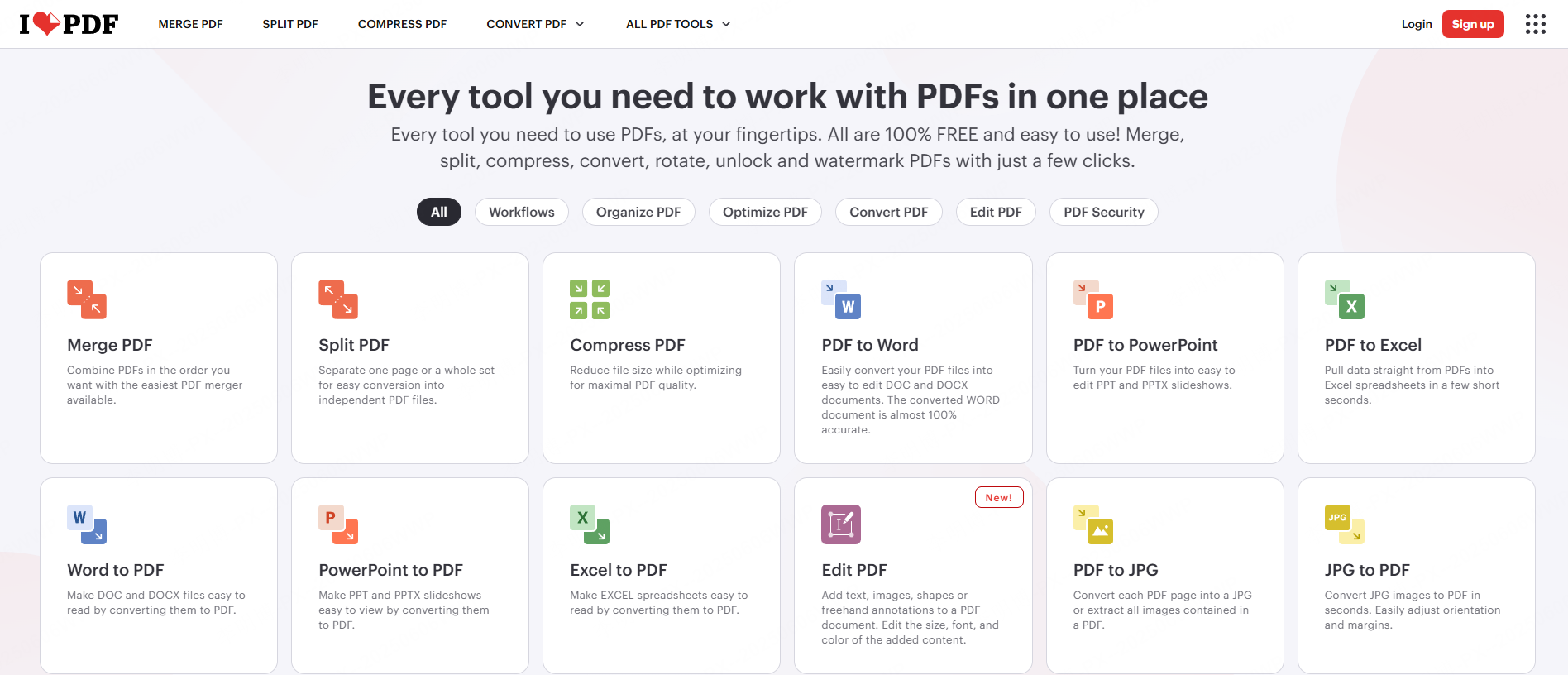
iLovePDF is a versatile online PDF toolkit that supports multiple file conversions, including PDF to PowerPoint. It focuses on speed and ease of use.
Why Use iLovePDF
- Simple step by step workflow
- Fast conversion speed
- Good preservation of original formatting
- No complex configuration required
How to Convert PDF to PPT with iLovePDF
- Visit the iLovePDF website and choose PDF to PPT
- Upload your PDF file
- Start the conversion process
- Download the converted PowerPoint file
- Edit the slides as needed in PowerPoint
This tool works well for everyday office tasks and educational use cases where simplicity matters most.
5. Zamzar
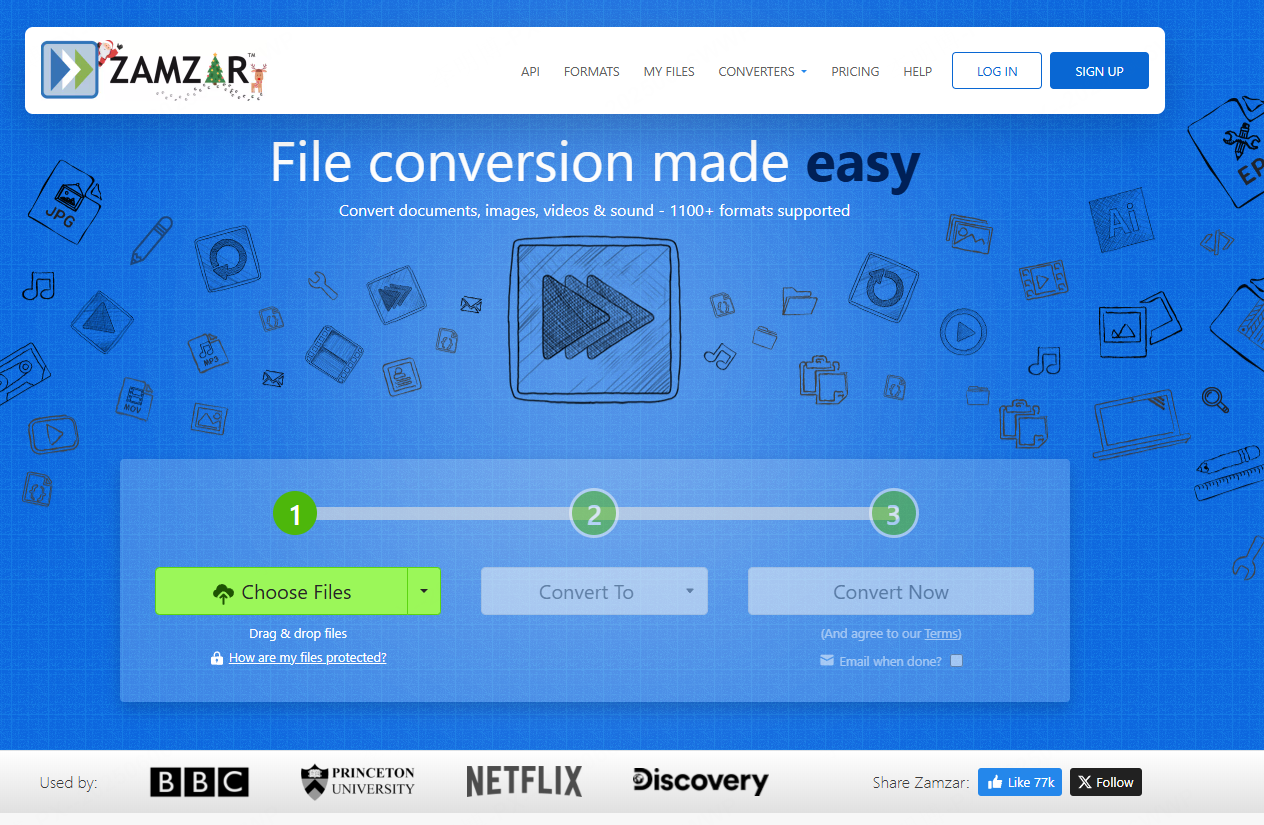
Zamzar is a long standing online file conversion platform that supports a wide range of formats, including PDF to PowerPoint.
Key Benefits
- Supports many file formats
- Clear and simple conversion process
- No advanced technical knowledge required
How to Convert PDF to PPT with Zamzar
- Go to the Zamzar website
- Upload your PDF file
- Select PowerPoint as the output format
- Enter your email address
- Start the conversion
- Download the converted file via email link
Zamzar is suitable for users who occasionally need file conversions across different formats.
How to Choose the Right PDF to PowerPoint Tool
When selecting a PDF to PPT converter, consider the following factors:
- Conversion accuracy: Does the tool preserve structure and formatting?
- Editing flexibility: Can you easily modify slides after conversion?
- Design quality: Are layouts presentation ready?
- Workflow efficiency: Does it save time compared to manual rebuilding?
- Security requirements: Is your data handled safely?
For users who want fast, professional slide creation with minimal effort, Presenti AI stands out. For enterprise document workflows, Adobe Acrobat Pro DC remains a strong choice. For quick online conversions, Smallpdf, iLovePDF, and Zamzar all provide reliable options.









