AI presentation tools can turn a prompt or source material into a draft. These seven options serve different design and collaboration needs. Compare them with the same short brief, then check the editing and export steps required for your final presentation.
1. Presenti AI
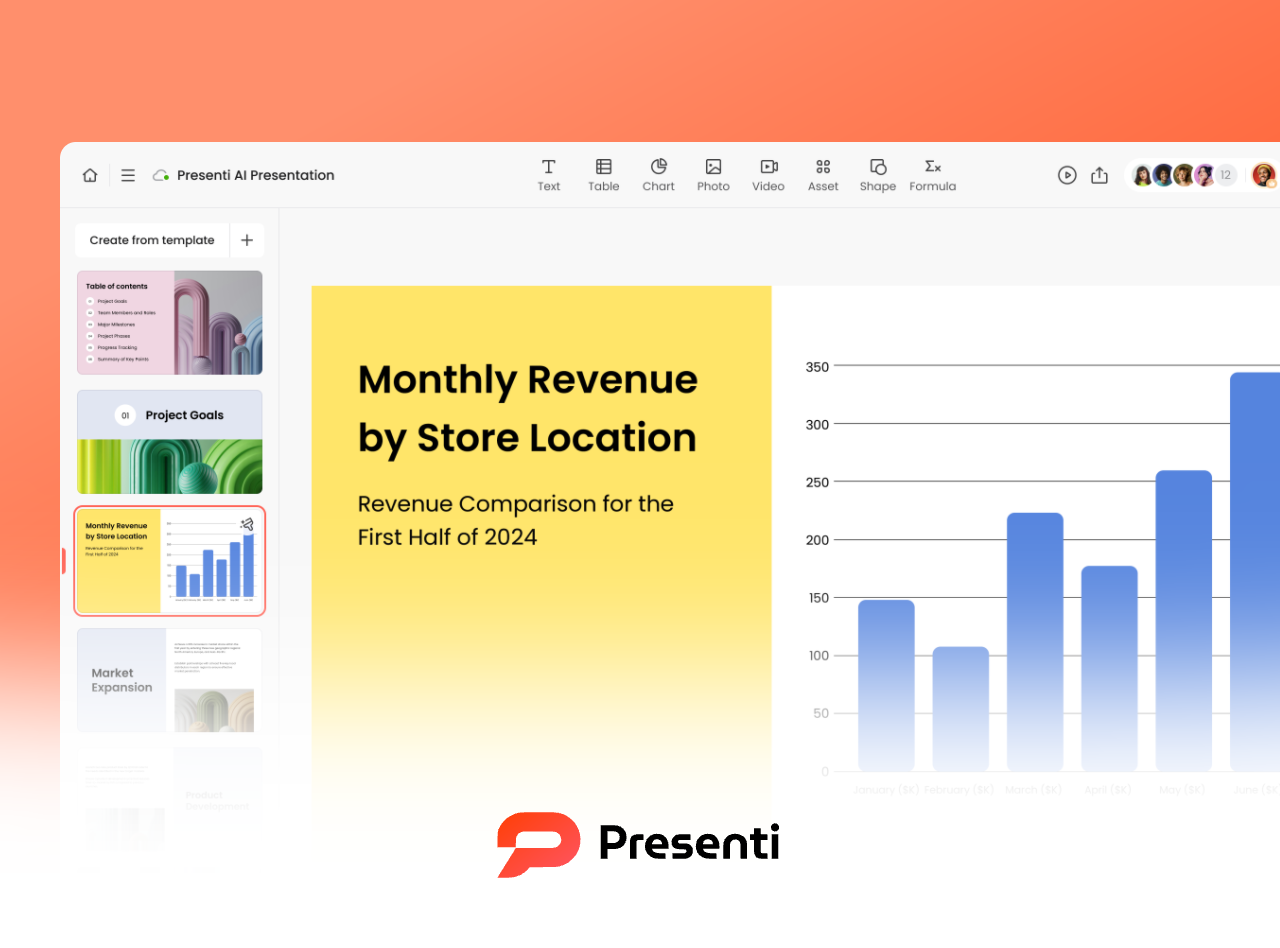
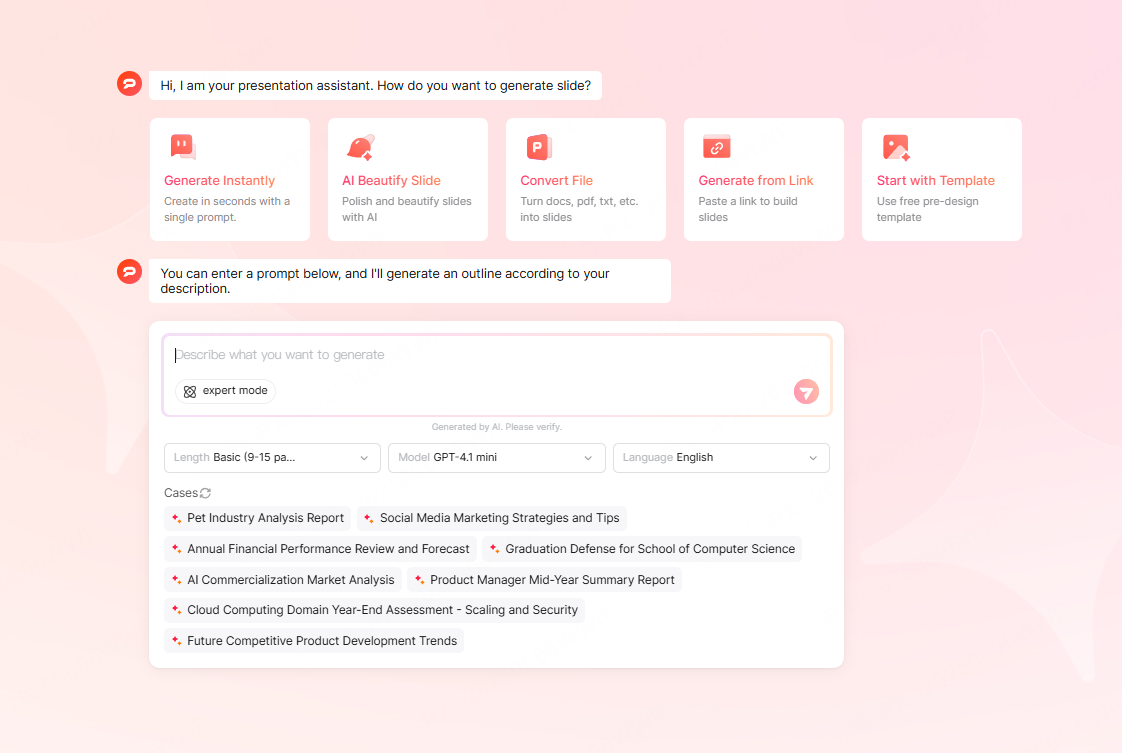
Presenti AI offers topic-based drafting, supported file imports, slide editing, and an existing-slide improvement workflow. Review the generated outline and content before choosing how to refine the deck.
Key Features
- Fast Smart Generation: Simply input text or upload files such as .doc, .txt, .xmind, or .md, and the AI proposes a structure and slide layouts based on your content.
- Industry Ready Templates: Covers business, education, marketing, training, and more, with styles you can adapt to the presentation.
- AI Editing Assistant: Optimize text, adjust layout, fix structure, and refine style using the available editing controls.
- Smart Beautification Tool: Upload an existing PPT and let the AI enhance templates, align layouts, and unify colors and branding.
What to Check
Try a short outline and a representative source file. Check the outline order, factual accuracy, text fit, and editable export. Presenti’s free plan has limited AI credits; Word/PDF/TXT imports and PPTX/PDF exports are listed on paid plans.
Best For
Business proposals, course lectures, internal reports, marketing plans, and any scenario where speed and professional quality are required.
2. boardmix
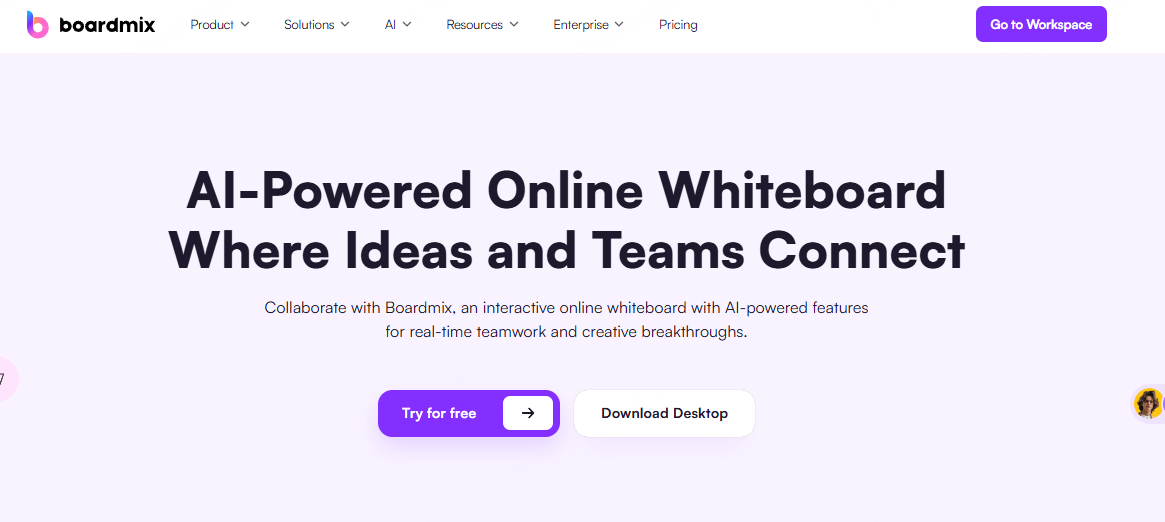
boardmix combines AI presentation generation with real time collaborative whiteboarding. It uniquely links brainstorming activities (like mind maps and flowcharts) directly with automated PPT creation.
Key Features
- Team Collaboration Workflow: Multiple users can edit the board simultaneously, and the presentation workflow should be checked separately from board editing.
- Cross Device Sync: Check which devices support your editing workflow and whether your plan includes version history.
- Interactive Presentation Path: Set a presentation route so content appears in the exact order you want, and confirm the available audience-feedback options.
What to Check
For a team project, compare the brainstorming board with the presentation you can create from it. Confirm how updates reach the slides and which collaboration controls your account includes.
Best For
Team brainstorming, departmental presentations, and remote collaboration where real time interaction is essential.
3. Canva Magic Design
Canva Magic Design integrates AI generation with one of the world’s largest design libraries, making it an ideal option for visually appealing presentations.
Key Features
- AI Matched Templates: Suggests designs from a topic or brief; choose the one that suits your content.
- Rich Media Support: AI pairs fonts, icons, photos, and layout elements beautifully.
- One Click Optimization: Instantly adjust colors, spacing, and layout to maintain a clean, professional look.
What to Check
Try a brief with both text and images, then inspect the design and the PowerPoint export. Check which assets require a paid plan before using them in the final deck.
Best For
Marketing decks, event planning, brand presentations, and users who prioritize aesthetics.
4. Prezi Next
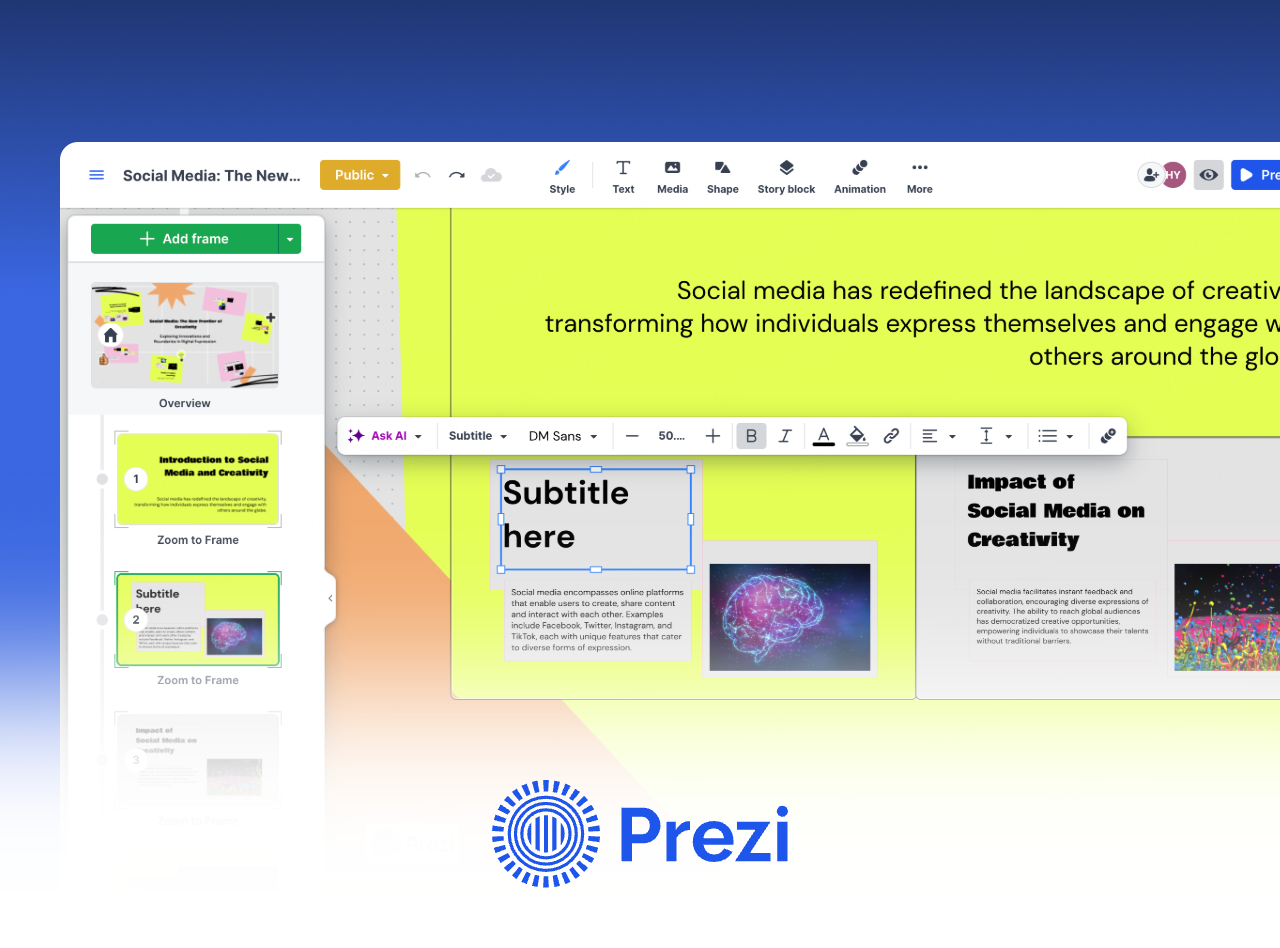
Prezi Next specializes in dynamic, non linear presentations using zoom based storytelling, great for engaging audiences.
Key Features
- Zoom Navigation: Smoothly transition between macro and micro content levels.
- Smart Path Planning: Plan the order in which the audience will see each section.
- Interactive Annotations: Check the feedback options available for the way you plan to share or deliver the presentation.
What to Check
Build a short sequence and rehearse its navigation. Use zoom movement where it explains a relationship; reduce it when it distracts from the content or makes the presentation harder to follow.
Best For
Public speaking, product roadmaps, storytelling driven presentations.
5. Simplified
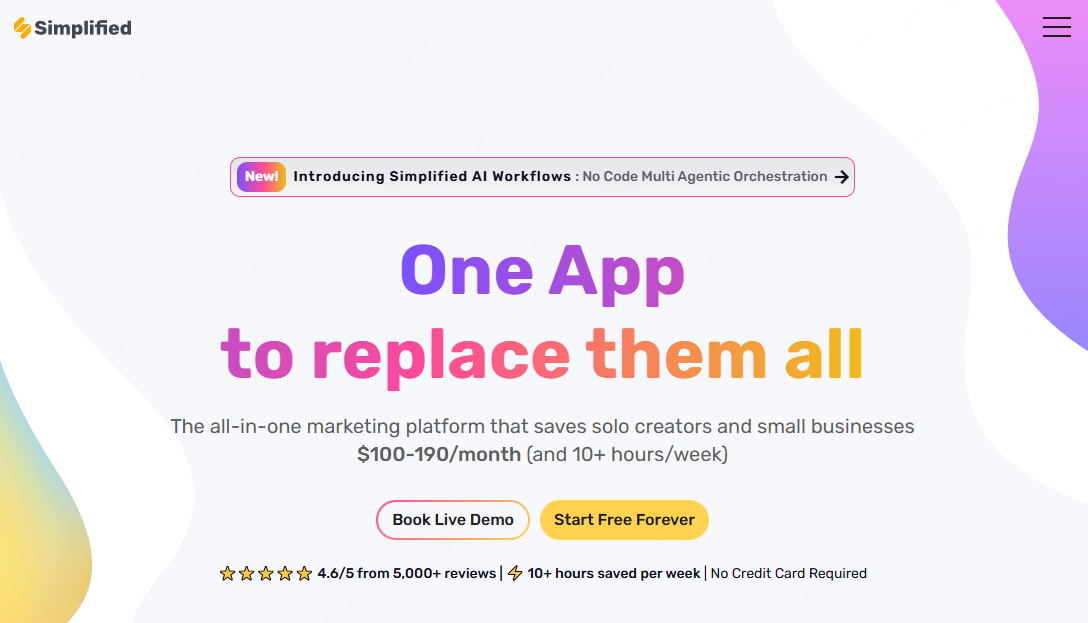
Simplified is an option to evaluate for turning written content into a presentation draft. Check supported input formats and the export requirements for your project.
Key Features
- Multi Format Conversion: Check supported file types; prepare a text outline from a transcript or script if direct import is unavailable.
- Unified Visual Style: Automatically matches fonts, colors, and layout.
- Cross Platform Export: Confirm the available export formats and whether they suit your intended channel.
What to Check
Try a short, non-sensitive transcript or outline and check whether the draft preserves the intended meaning. Confirm the current plan’s generation and export limits before committing to the tool.
Best For
Content creators, marketers, and anyone needing rapid PPT output from unstructured materials.
6. Piktochart
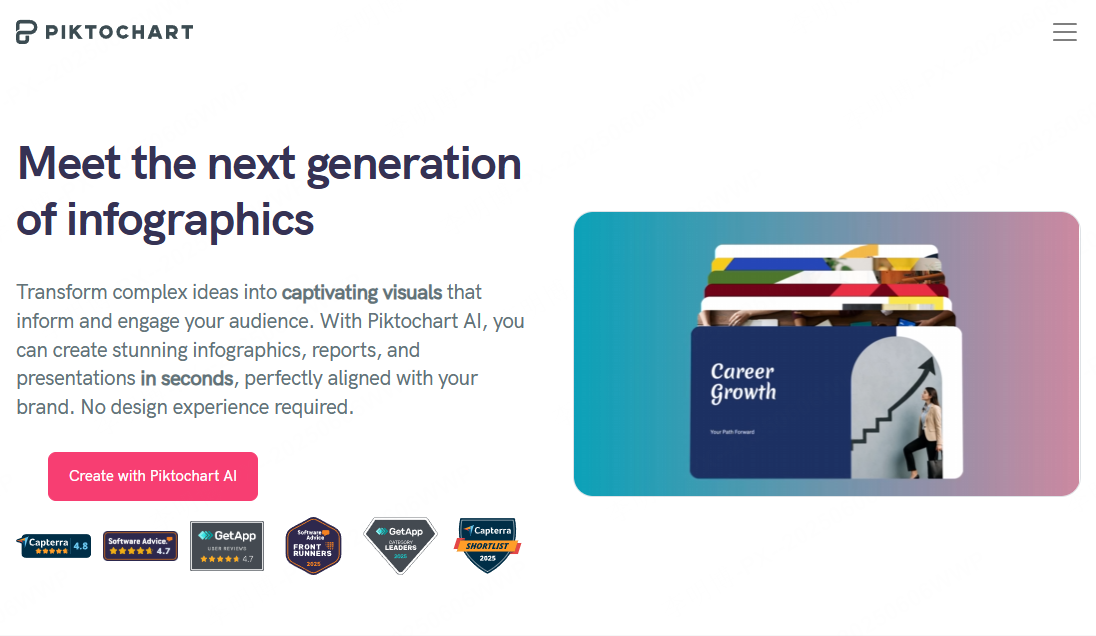
Piktochart is known for its concise interface and wide template selection across business, education, and creative use cases.
Key Features
- AI Draft Creation: AI generates clean slide structures with placeholders and data charts.
- Beginner Friendly Editing: Drag and drop editing makes customization easy.
Best For
Quick work reports, school presentations, and small business product demos.
7. Visme
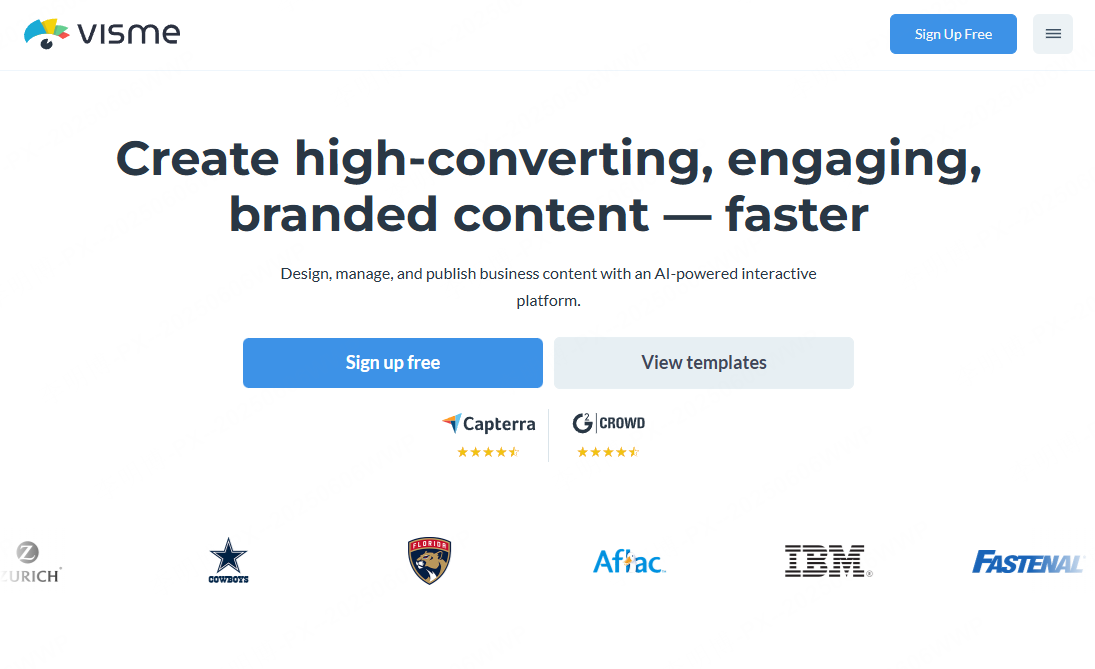
Visme combines strong design capability with advanced interactive elements.
Key Features
- Built In Animations & Interactions: Explore the available animation and interaction controls; check which survive file export.
- Brand Kit Integration: Set a logo and brand colors once, AI applies them across the deck.
- Multi Device Editing: Check editing support on the devices you intend to use.
Best For
Product launches, training materials, marketing presentations, and high impact visual storytelling.
Conclusion
Choose a tool around the work you need to complete: drafting a report, developing a visual story, or reviewing a deck with a team. Evaluate the output with your own source material, and include revision and export in the comparison.