

In the fast paced digital environment, professionals, students, and educators all need a quick and convenient way to create high quality presentations. Traditional desktop office software often requires installation, updates, and a learning curve that slows productivity. Fortunately, online PPT generators have transformed this workflow. These web based tools allow you to create visually appealing, well structured presentations directly in your browser, no installation, storage space, or device limitations involved.
If you're looking for powerful, easy to use solutions for creating presentations anytime and anywhere, this guide introduces 7 of the best online PPT generators, each offering AI powered creation, templates, collaboration features, and lightning fast editing.
1. Presenti AI: The Best One Click AI PPT Generator for Users
Presenti AI is one of the most beginner friendly and efficient online PPT generators available today. With its one click AI creation, Chinese interface, and powerful automated formatting features, it delivers a smooth, intuitive workflow for anyone who needs an attractive PPT quickly.
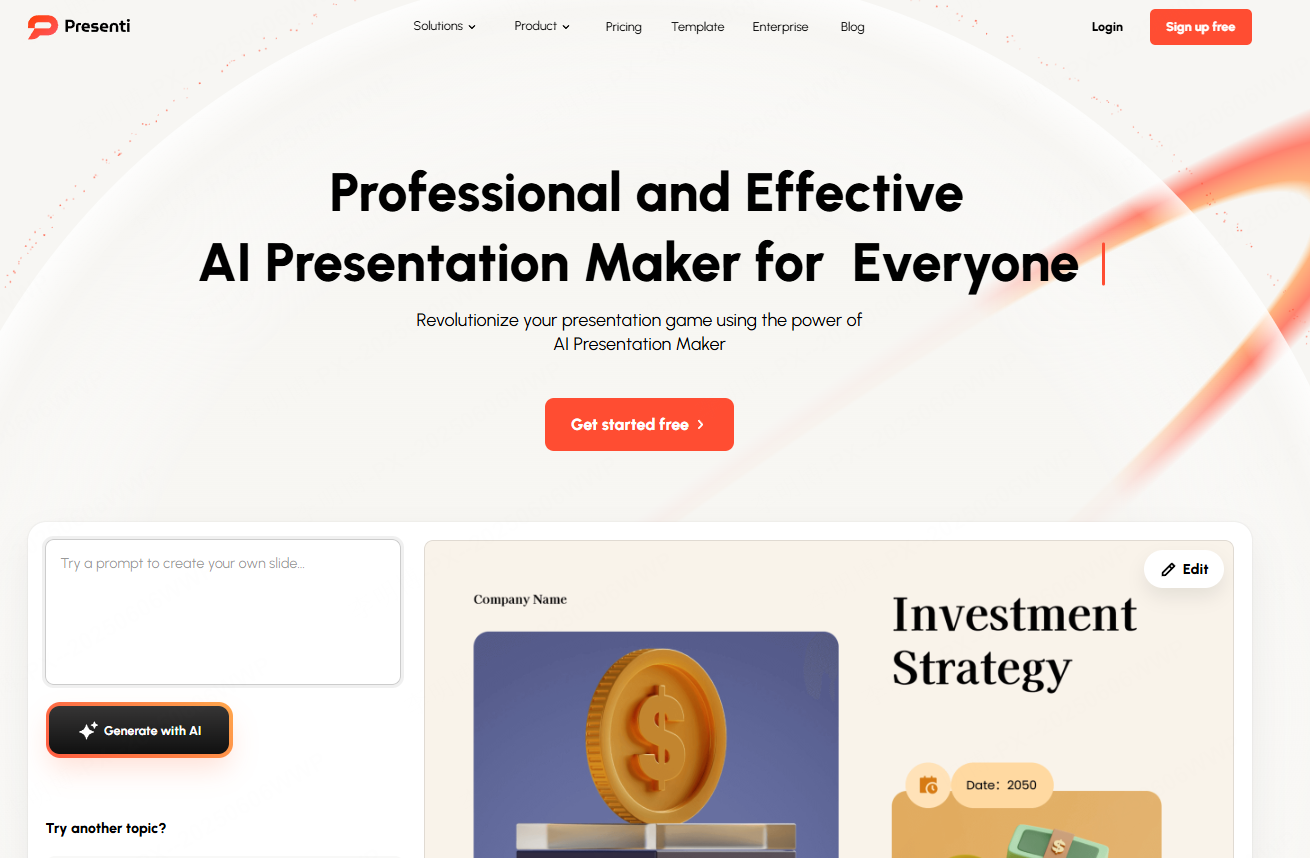
Key Features:
- AI one click generation for full PPT outlines and slides
- Accepts text input, document uploads, and URL pasting
- Automatically chooses templates, color palettes, layout structures, and images
- Large library of templates for business reports, thesis defense, product pitches, interviews, and more
- 100% online workflow with no software download needed
- Export to PPT or PDF anytime
How to Use:
- Open the Presenti AI website and log in.
- Select "Smart PPT Generator" and enter your topic or paste your content.
- AI produces a complete outline with key points for each slide.
- Choose a template and let the system format visuals automatically.
- Make adjustments online and collaborate with teammates in real time.
2. Boardmix: Turn Whiteboards, Mind Maps, and Notes Into Slides Instantly
Boardmix is more than a whiteboard tool, it’s also a versatile online PPT generator. Whether you're brainstorming, creating flowcharts, or organizing thoughts, Boardmix can convert your structured content into presentation slides with one click. It's ideal for team meetings, teaching, planning sessions, and proposal drafts.
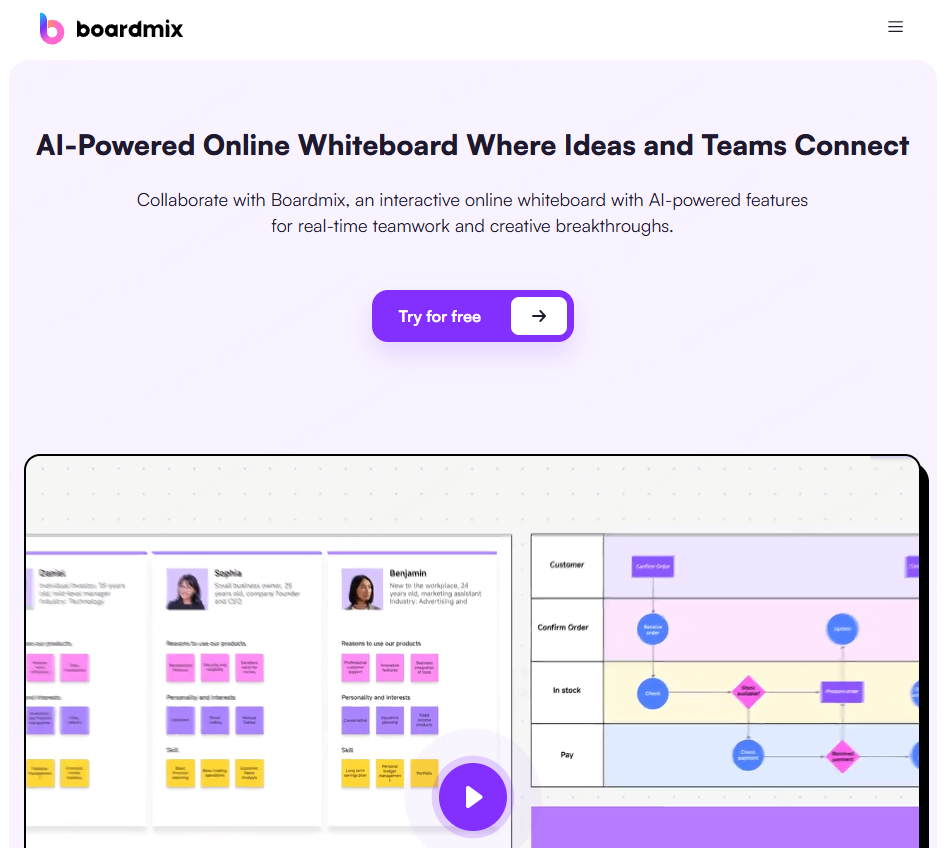
Key Features:
- Supports text, mind maps, flowcharts, Kanban boards, and more
- One click conversion into professional PPT slides
- AI powered layout and image recommendations
- Real time team collaboration and coediting
- Export to PPT/PDF or present online
How to Use:
- Log in to Boardmix and open the workspace.
- Select “AI Generated Presentation Outline.”
- Enter a topic or upload a document.
- Choose a template, then let AI format and apply visuals.
- Edit collaboratively and export when finished.
3. Visme: Best for Data Visualization and Professional Visual Storytelling
Visme specializes in visual communication. If your presentation requires charts, graphics, data storytelling, or complex visual layouts, this tool stands out with its drag and drop interface and rich charting library.
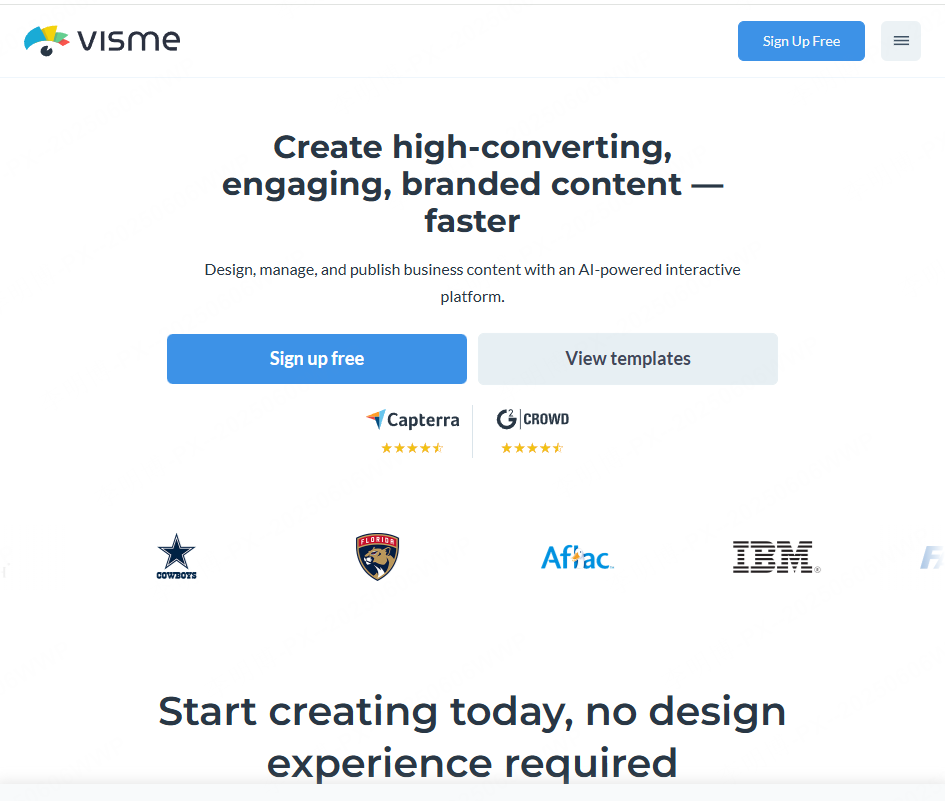
Key Features:
- Hundreds of templates: presentations, infographics, reports, and more
- Drag and drop editor suitable for beginners
- Extensive chart, diagram, and data widget options
- Browser based with autosave and instant sharing
- Export to PPT or PDF
How to Use:
- Log in and choose a presentation template.
- Insert charts, upload data, and customize visuals.
- Preview slides online and refine layouts.
- Export as PPT or share via link.
4. Pitch: A Modern, Collaborative PPT Generator for Teams
Pitch has become a favorite for startups, remote teams, and businesses that rely on fast collaboration. Its modern templates and smooth online editing experience make it ideal for pitch decks, investor presentations, and product launches.

Key Features:
- Real time coediting, commenting, and approval workflows
- Sleek, minimalist templates suitable for corporate use
- Online first platform, no installation required
- Export to PPT or share with a link
How to Use:
- Create a Pitch account and join your workspace.
- Select "New Presentation" and choose a template.
- Edit slides collaboratively and assign tasks.
- Present online or export slides anytime.
5. Tome.app: Generate Full PPTs From a Single Command
Tome is designed for users who don’t want to write content manually. Simply provide a topic or instruction, and its AI engine generates a full narrative, slide structure, and visual suggestions, perfect for quick concept drafts or creative storytelling.

Key Features:
- One sentence input produces full presentations
- AI driven structure, text, and image recommendations
- Modern, minimalist slide design
- Fully online with instant presentation mode
How to Use:
- Open Tome and select “Start with AI.”
- Enter a topic or instruction.
- AI generates slides, content, and layout.
- Customize visuals or present instantly.
6. Gamma.app: Interactive, Card Style Presentations Beyond Traditional Slides
Gamma introduces a fresh, modern presentation experience with its card style layout and interactive elements. Ideal for educators, online workshops, livestreams, and content creators, it brings a dynamic feel to presentations.

Key Features:
- Converts text into interactive slides
- Supports buttons, polls, and Q&A interactions
- Card-based navigation with fluid transitions
- Online editing and sharing
How to Use:
- Log in and click “Create with AI.”
- Enter your content or import existing text.
- AI generates interactive card style slides.
- Present online or export to PDF.
7. Beautiful.ai: Best for Automatic Layouts and Professional Visuals
Beautiful.ai focuses on solving the biggest challenge of presentation design, layout and formatting. Its design first AI ensures every slide looks clean, balanced, and professionally arranged.

Key Features:
- Automatic, intelligent layout adjustment
- Consistent design across all slides
- Large library of icons, images, and color themes
- Smooth online editing and exporting
How to Use:
- Log in and choose “Create a Presentation.”
- Select a theme (business plan, product intro, finance report, etc.).
- Enter content and let AI adjust the layout automatically.
- Export or share a presentation link.
Conclusion: Which Online PPT Generator Is Right for You?
All seven tools offer unique strengths, whether it's one click AI creation, deep customization, visual storytelling, or real time teamwork. The best part? They all work completely online, allowing you to create stunning presentations without downloading any software.
- For fastest generation: Presenti AI / Tome
- For teamwork:com / Boardmix
- For data visualization: Visme
- For interactive storytelling: Gamma
- For design perfect slides:ai
With these tools, making professional quality PPTs is easier, faster, and more flexible than ever. Try one today and elevate your presentation workflow instantly.









