

Creating professional and visually appealing PowerPoint presentations no longer requires hours of manual design work. With the rise of AI powered PPT generators, both students and professionals can now build polished presentations in minutes. These tools automate everything from outlining and layout design to image generation and content polishing, making the entire process fast, intuitive, and accessible even for beginners.
This comprehensive guide introduces what AI PPT creation is, the best free tools you can use, and a step by step tutorial to help you produce high quality slides effortlessly.
1. What Is AI Powered PPT Creation?
AI generated PPTs refer to presentations automatically produced with the help of artificial intelligence. Traditionally, creating a PPT involved outlining content, browsing templates, arranging layouts, selecting color palettes, and designing charts manually. AI compresses this multi hour workflow into just a few minutes.
Key capabilities of AI tools include:
● Automatic Outline Generation
Provide a topic or a set of keywords, and the AI instantly creates a clear, logical structure for your presentation. This helps beginners stay organized from the start.
● Intelligent Layout and Design
AI selects optimal layouts, fonts, and color schemes that match your theme, ensuring professional visual consistency without design skills.
● Built in Chart & Graphic Creation
Upload your data, and the system automatically generates charts, diagrams, and visuals tailored to your content.
● Content Optimization
AI can rewrite titles, refine text, and summarize long paragraphs to make your message more concise and impactful.\
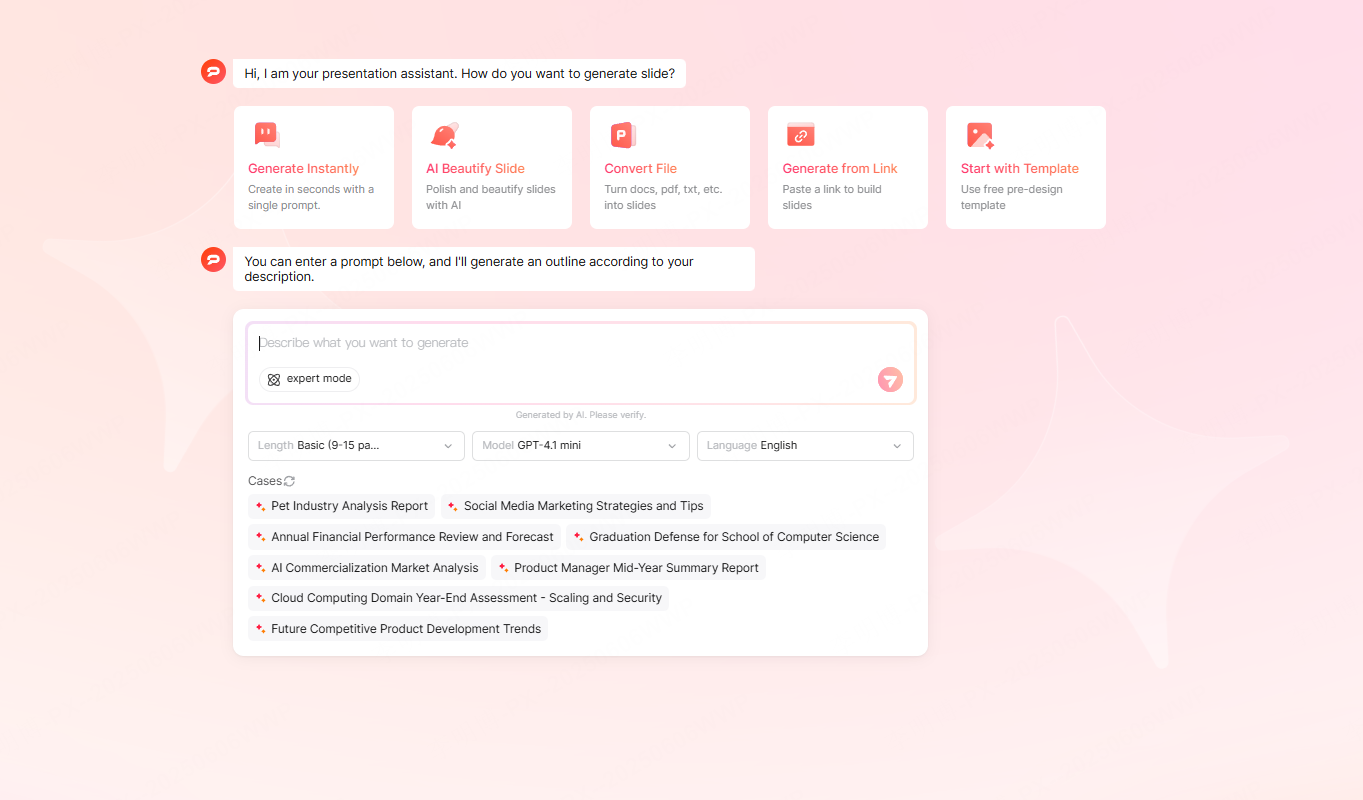
In short, AI PPT tools deliver speed, accuracy, and simplicity. They remove the tedious parts of slide creation so users can focus on the quality of their ideas, not the formatting.
2. The Best Free AI PPT Tools to Try
Choosing the right AI PPT generator can significantly improve your workflow. Here are several widely recommended free tools suitable for different needs:
- Presenti AI
One of the most popular AI PPT creators for international users.

Key Features:
- Generates complete slide decks from simple keywords
- One click beautification and smart layout
- Clean, modern, professional design styles
Free Plan:
Includes a trial version that covers most daily presentation making needs.
Best For:
Anyone who needs a high quality PPT within minutes, for meetings, school projects, or urgent reports.
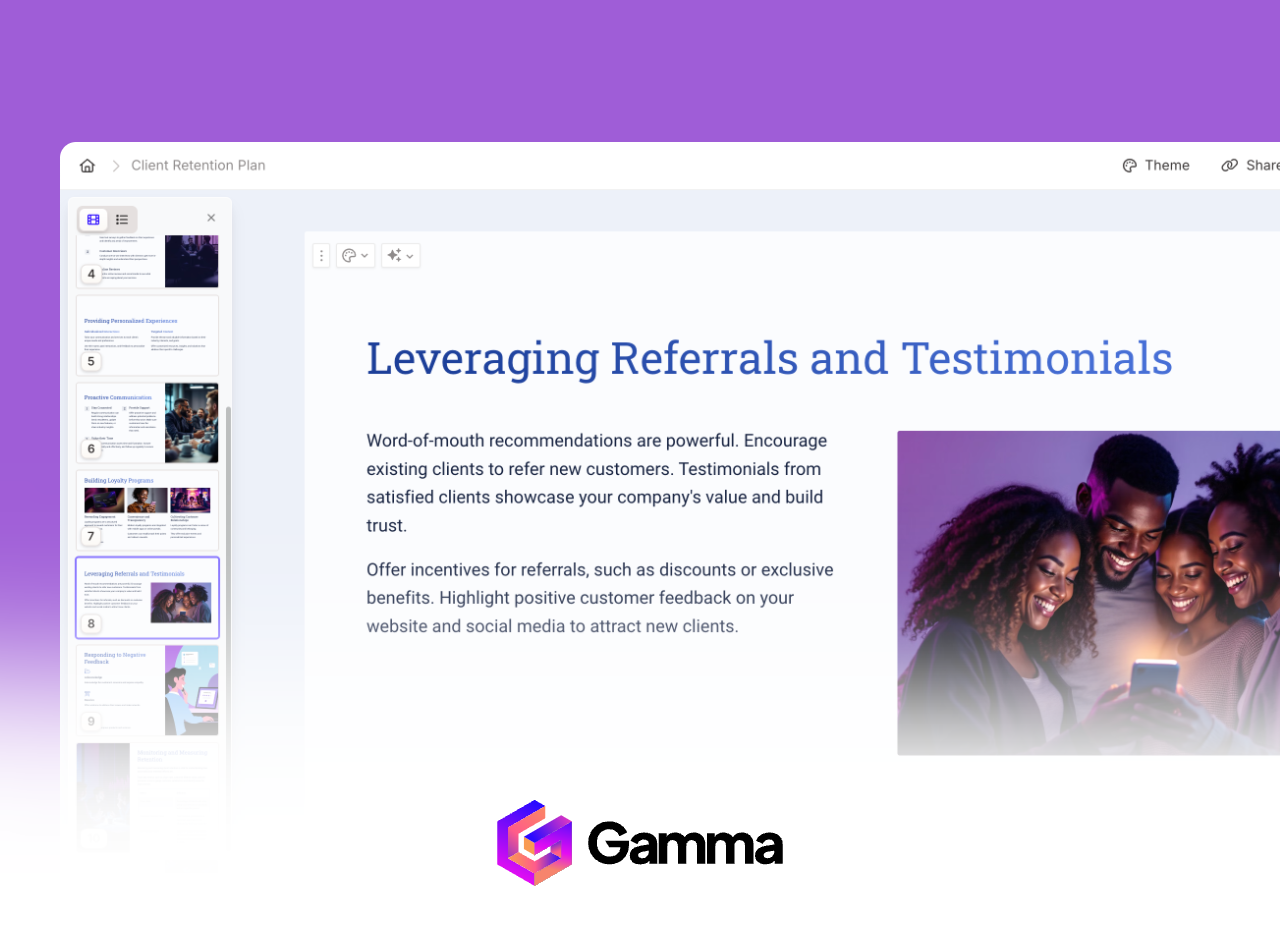
- Gamma
A favorite among English speaking users who require collaboration friendly, web based presentations.
Key Features:
- Card style, web native presentations that feel modern and lightweight
- Built in collaboration for teams
- Great for remote work
Free Plan:
Offers free credits for light or occasional usage.
Best For:
Remote teams, online proposals, and minimalistic business reports.
- Canva AI
Perfect for users who value creativity, aesthetics, and design flexibility.
Key Features:
- Massive template library with drag and drop editing
- AI generated slides that can be fully customized
- Great for marketing, design showcases, and creative storytelling
Free Plan:
Basic features are free; premium assets require a subscription.
Best For:
Creative presentations, pitch decks, marketing visuals, and academic defenses that require strong visual appeal.
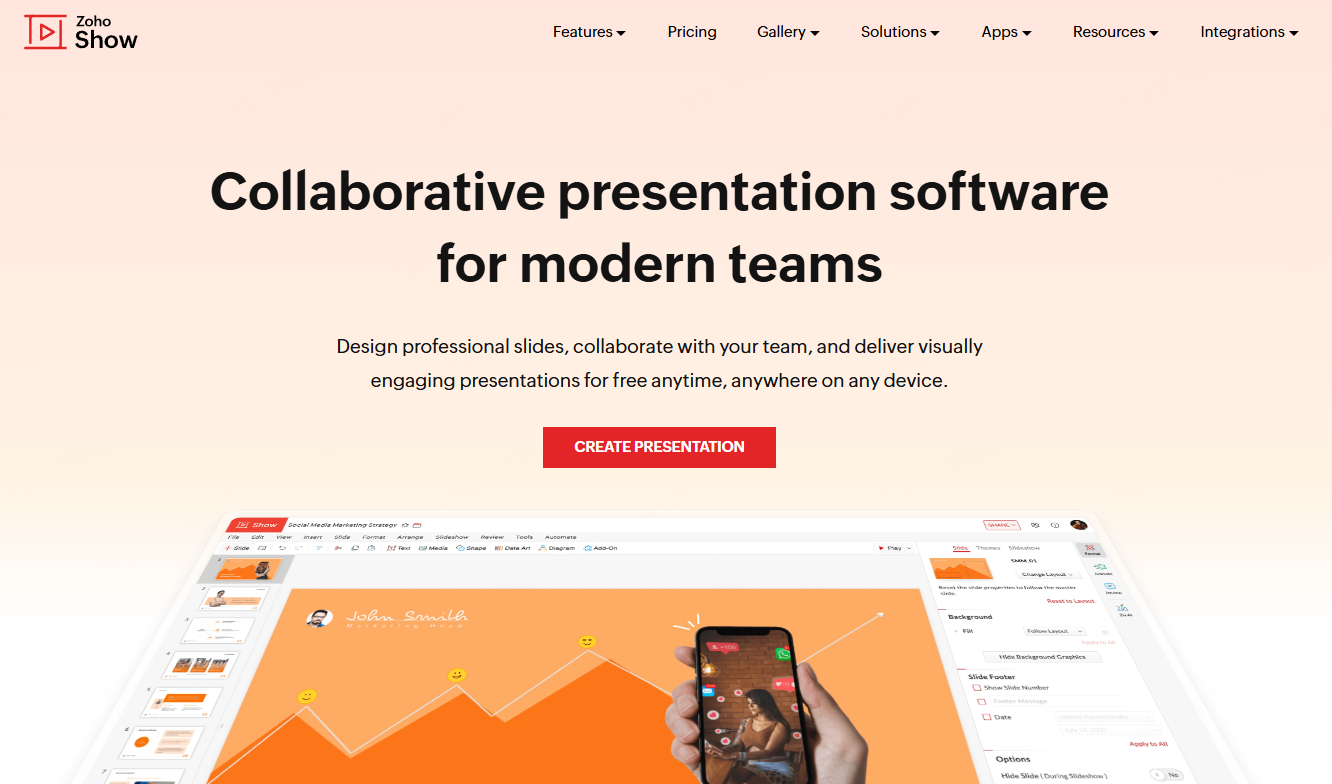
- Zoho Show + Zia AI
Ideal for users familiar with the Zoho ecosystem or teams that rely on collaborative workflows.
Key Features:
- Generates outlines and design recommendations through Zia AI
- Offers cloud based team editing
- Excellent for business reports and quick slide optimizations
Free Plan:
Zoho Show is free to use online; most Zia AI features are available in the basic version.
Best For:
Enterprise teams, online coediting, and users who want smart suggestions during presentation creation.
3. Step by Step Tutorial: How to Create a PPT with AI
Although each AI tool works differently, the workflow is generally similar, enter your topic, choose a template, generate slides, then refine the details. Below is an example using Presenti AI.
Step 1: Enter Your PPT Topic
After signing in, choose “Smart PPT Generation” and type your topic, such as:
- Marketing Strategy Report for 2025
- Annual Performance Review
- Graduation Thesis Defense
The AI will analyze your keywords and produce a structured outline, which you can edit before generating the slides.
Step 2: Choose a Template
Templates determine the overall style and audience impression. Common options include:
- Business Style: For reports and executive meetings
- Academic Style: For research presentations and dissertations
- Minimalist Style: For internal sharing or lightweight demos
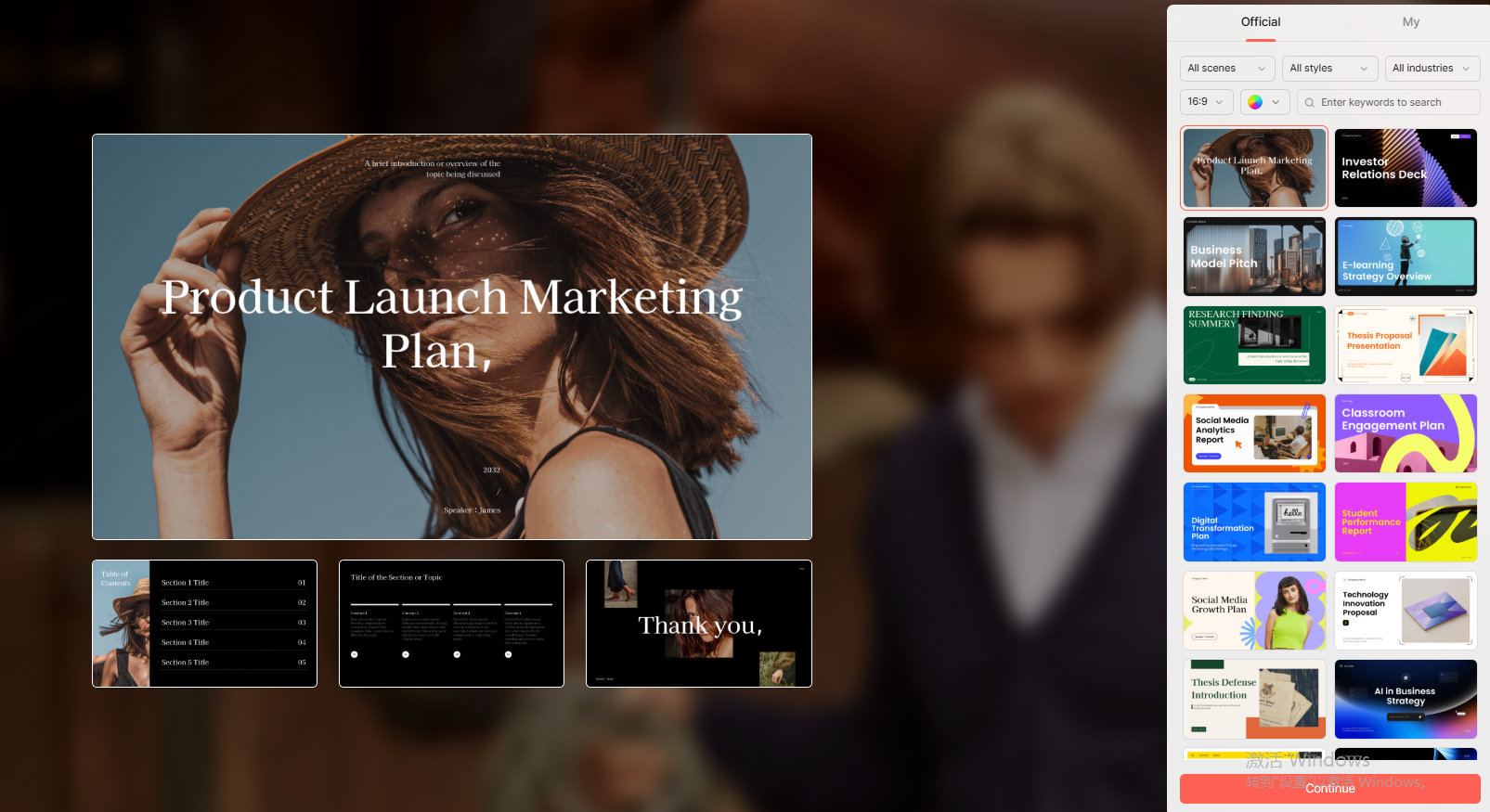
Step 3: Auto Generate Your PPT
With one click, the system outputs a complete draft PPT including:
- A logical outline (e.g., market insights, competitor comparison, strategy roadmap)
- Page appropriate layouts
- Visual assets such as icons, illustrations, and charts
- A consistent color palette
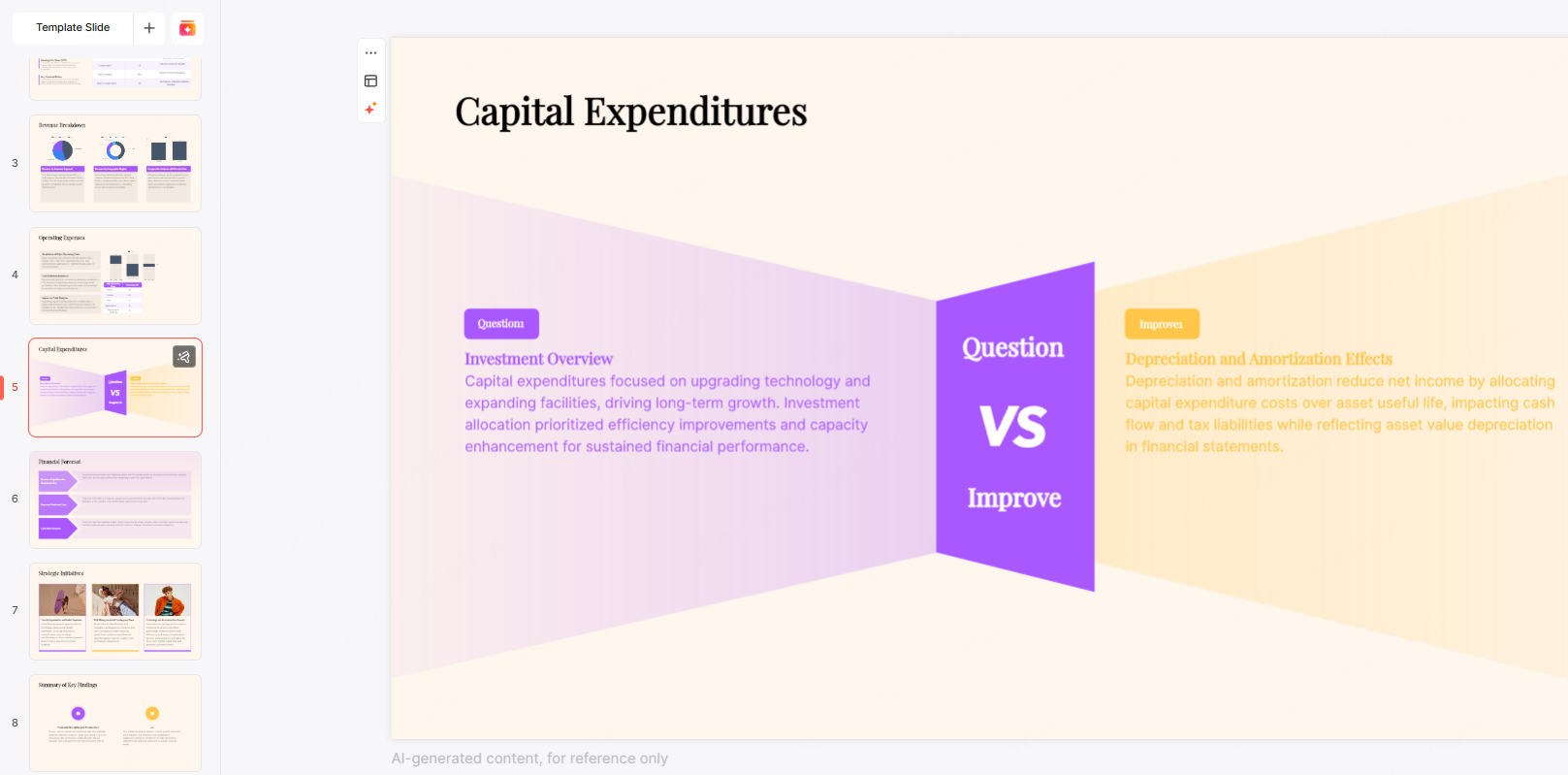
Step 4: Customize and Polish
AI handles around 80% of the work, but human adjustments ensure precision and personality. Suggested refinements include:
- Editing content for accuracy
- Replacing graphics with your own data
- Adjusting layouts for clarity
- Enhancing the design with alternative themes or accent colors
In 5 to 10 minutes, you’ll have a well designed, presentation, ready slide deck.
4. AI PPT Creation vs. Manual Design: Efficiency Comparison
Manual PPT Creation
- Requires 3 to 5 hours on average
- Involves manual outlining, template hunting, layout adjustments, and visual design
- Easily extends to a full day with revisions
AI PPT Creation
- Takes only 3 to 5 minutes
- Automatically generates outlines, visuals, and layouts
- Requires only minor edits after generation
Quality Levels
AI ensures that the presentation looks consistent and polished, handling framework, styling, and layout, while you contribute the insights and accuracy.
Conclusion
AI powered PPT creation is becoming the new standard for professionals and students alike. If you’re searching for a free, efficient, and easy to use tool, Presenti AI is an excellent option to try. By letting AI handle the structure and design, you can focus entirely on your message and deliver beautiful, professional slides in a fraction of the time.








