AI generated PowerPoint presentations are rapidly becoming the preferred choice for people who need polished, professional slides in a fraction of the usual time. Compared with traditional manual design, AI tools can automatically build presentation structures, format slides, improve visual design, and even generate graphics,all within minutes. Whether you are a student preparing a research report, a professional presenting a project proposal, or an educator building course materials, AI powered PPT creation offers a fast, reliable, and high quality solution.
This article explores how different user groups can benefit from AI generated presentations, how AI enhances workflow efficiency, and what limitations to keep in mind. It also includes top AI PPT tools and a quick FAQ section for anyone new to this technology.
Students: Perfect for Academic Presentations and Thesis Defense
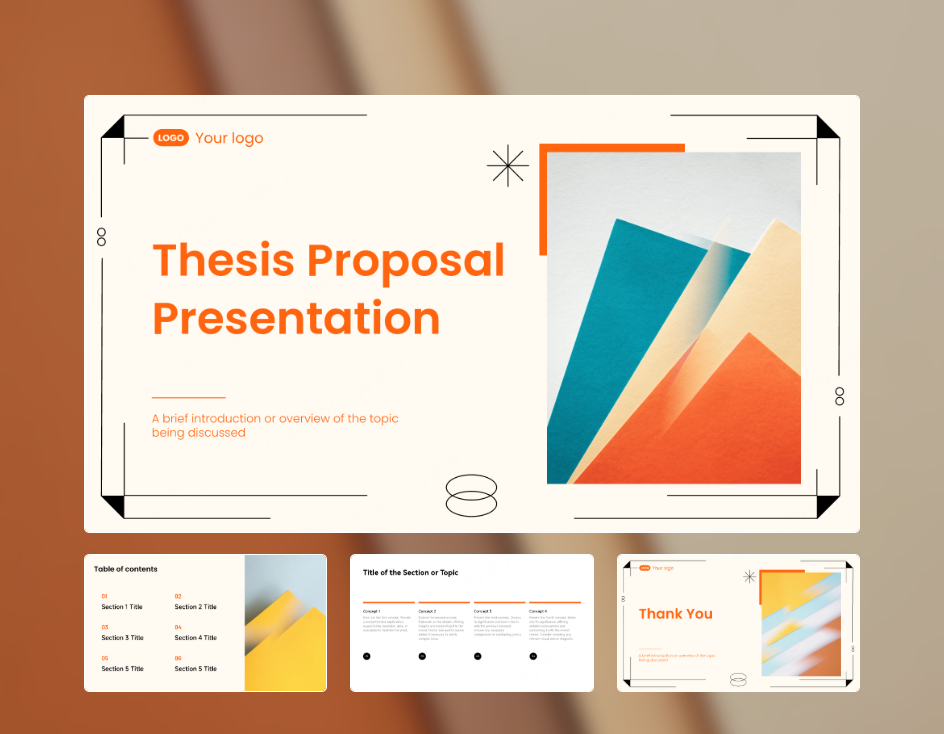
For students, the biggest challenges in PPT creation often include tight deadlines, limited design skills, and layout inconsistencies. Preparing a visually appealing presentation often consumes excessive time, time that should be spent improving the report’s logical flow, argument quality, and delivery.
AI PPT generators solve these problems by offering:
✔ Faster Presentation Structure Building
- Instantly creates a clear slide outline based on your thesis, chapter summary, or bullet points.
- Offers multiple templates suitable for different disciplines such as science, literature, business, and engineering.
✔ Automatic Formatting and Visual Enhancements
- Harmonizes fonts, spacing, and color schemes for a more professional look.
- Suggests background images, icons, and color palettes tailored to the topic.
✔ Smart Chart and Image Generation
- Converts data into charts automatically.
- Provides relevant images from built in libraries to strengthen your key points.
With AI handling layout and visual design, students can focus their time on refining research ideas and preparing for delivery rather than fighting with formatting.
Professionals: Ideal for Work Reports, Client Proposals, and Internal Reviews
In the workplace, PPTs are essential tools for communication, weekly reports, quarterly reviews, strategy proposals, and client pitches. Yet most employees are not designers, which leads to:
- Rushed, last minute slide creation
- Inconsistent branding across teams
- Cluttered layouts and lack of visual appeal
AI presentation tools help professionals overcome these common issues.
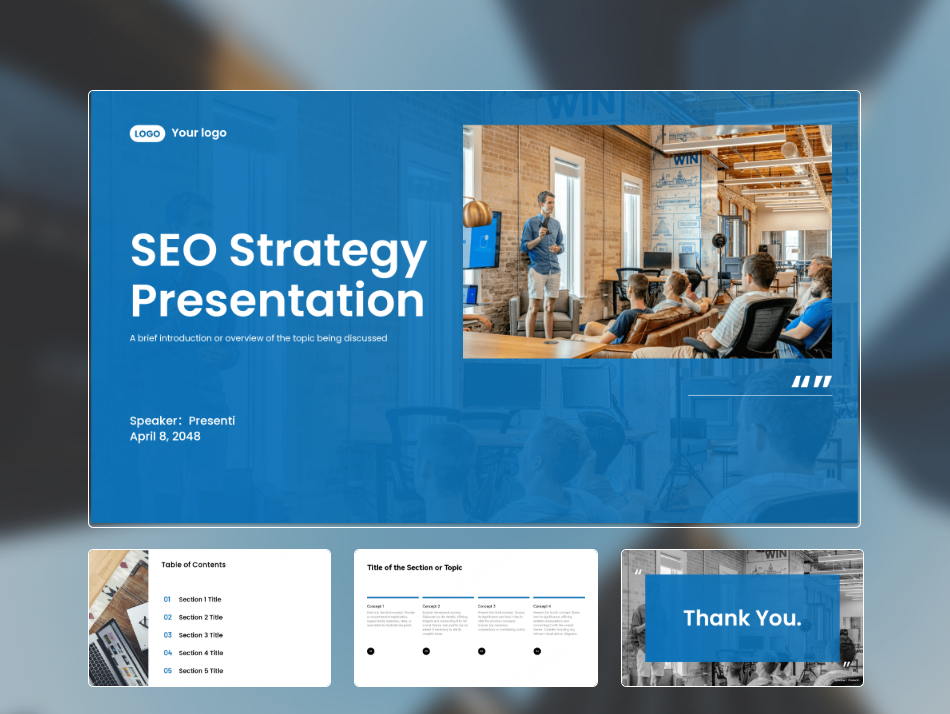
✔ Create Full Presentations in Minutes
- Simply input a topic, outline, or text.
- AI instantly produces a complete slideshow including structure, layout, and relevant visuals.
✔ Ensure Corporate Branding Consistency
- Automatically applies brand colors, fonts, and layout standards.
- Supports importing custom company templates for unified professional identity.
✔ Improve the Clarity of Complex Data
- AI creates charts, flow diagrams, and visual elements that simplify communication.
- Smart layout suggestions make slides easy to follow, increasing the impact of your message.
For busy employees, AI PPT generation is a game changer, saving hours per week and improving overall presentation quality.
Teachers or Trainers: Enhancing Course Materials and Lecture Slides
Educators rely heavily on presentation slides for lessons, workshops, and public talks. However, preparing high quality teaching materials is time consuming, especially when content must be frequently updated.
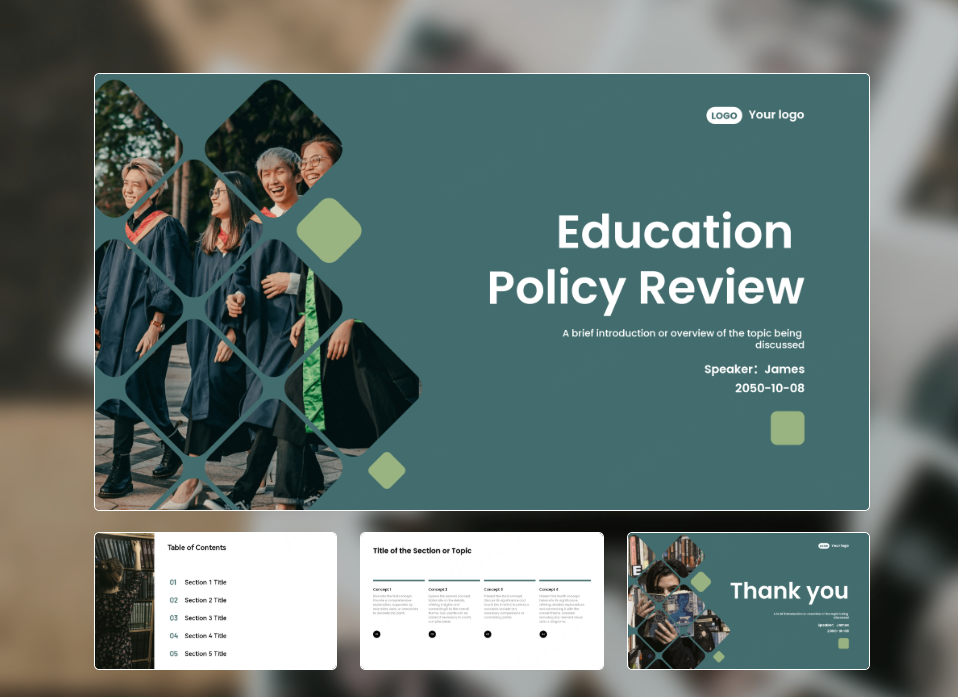
AI PPT tools provide educators with:
✔ Rapid Courseware Creation
- Generate full lessons from syllabus outlines, keywords, or text summaries.
- Access to a wide selection of education, specific presentation templates.
✔ Smart Visual Suggestions
- Automatically integrates diagrams, photos, icons, and charts.
- Supports readable layouts designed to increase student engagement.
✔ Effortless Content Updates
- Modify text or add new topics, AI automatically regenerates layouts.
- Version control features help teachers maintain multiple iterations.
As a result, educators can keep their teaching materials visually appealing, professional, and always up to date, without spending endless hours on manual editing.
Additional Use Cases: AI PPTs Across More Fields
Beyond students, office workers, and teachers, AI PPT generators are transforming workflows in many other areas.
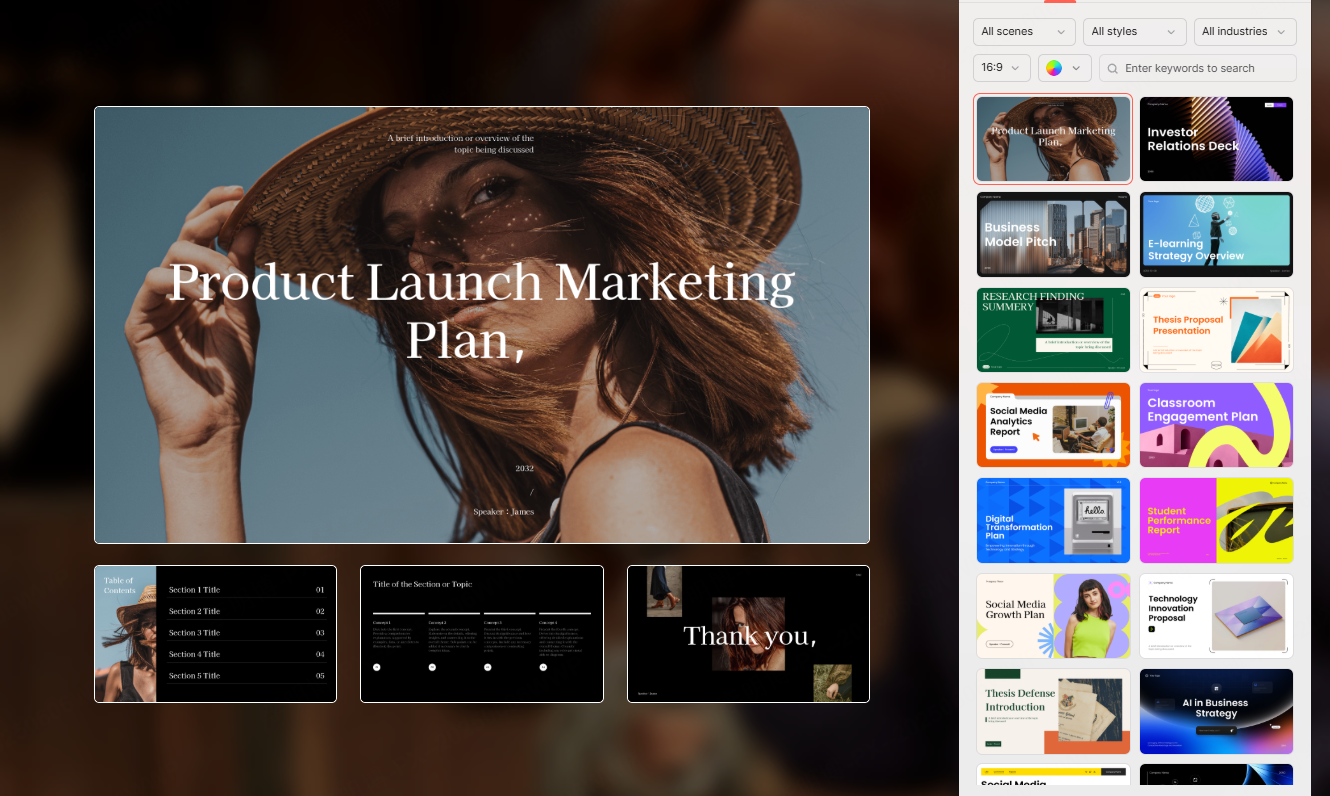
✔ Entrepreneurs & Investors (Pitch Decks)
- Instantly convert business plans into polished pitch decks.
- Auto generated charts make financial data more digestible.
- Professional templates help convey business value clearly to investors.
✔ Marketers & Sales Teams
- Create visually compelling product launch slides or client proposals.
- AI converts text into high impact visual elements such as icons, illustrations, and infographics.
✔ Freelancers & Job Seekers
- Build standout resumes, portfolios, or self intro slides.
- Templates aligned with various industry styles help users present themselves professionally.
✔ Consultants & Corporate Trainers
- Generate consistent training materials across different topics.
- Quickly update slides to match new trends or client requirements.
Advantages and Limitations of AI Generated PPTs
Advantages
⭐ Saves significant time
AI can create a complete presentation in minutes, much faster than manual design.
⭐ Professional design without design skills
Unified typography, color schemes, balanced spacing, and visually appealing layouts.
⭐ Smart content enhancement
AI inserts charts, icons, and relevant images to simplify information and enhance storytelling.
⭐ Highly adaptable for multiple scenarios
Suitable for academic, business, training, and creative use cases.
Limitations
While powerful, AI PPT tools still have a few drawbacks:
⚠ Requires human refinement
Complex or highly technical content should be edited manually to ensure accuracy.
⚠ Limited advanced creativity
For presentations requiring unique branding or unconventional design, human designers may still be necessary.
⚠ Output depends on input quality
Unclear or poorly structured text will produce weaker slides.
Top AI PPT Generation Tools to Try
Here are some of the most popular AI PPT tools, each serving different needs:
1. Presenti AI
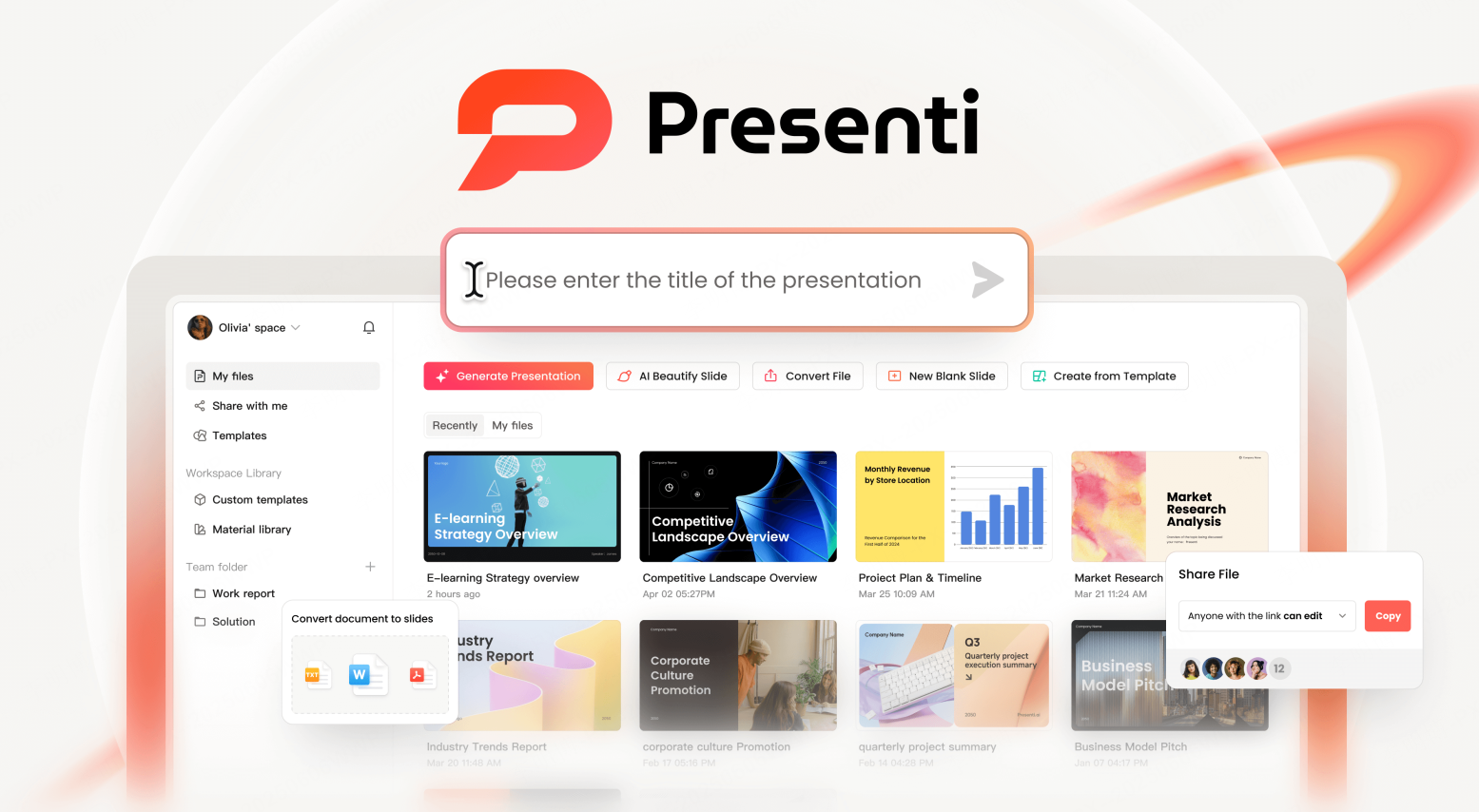
A powerful friendly AI presentation tool ideal for education, business, and proposals.
Key Features:
- Strong language understanding
- Large template library
- One click beautification and smart layout
2. Boardmix

An all in one whiteboard and AI generator, perfect for teamwork.
Key Features:
- Convert mind maps and whiteboard content into PPT
- Real ime collaboration
- PPT/PDF export
3. Gamma
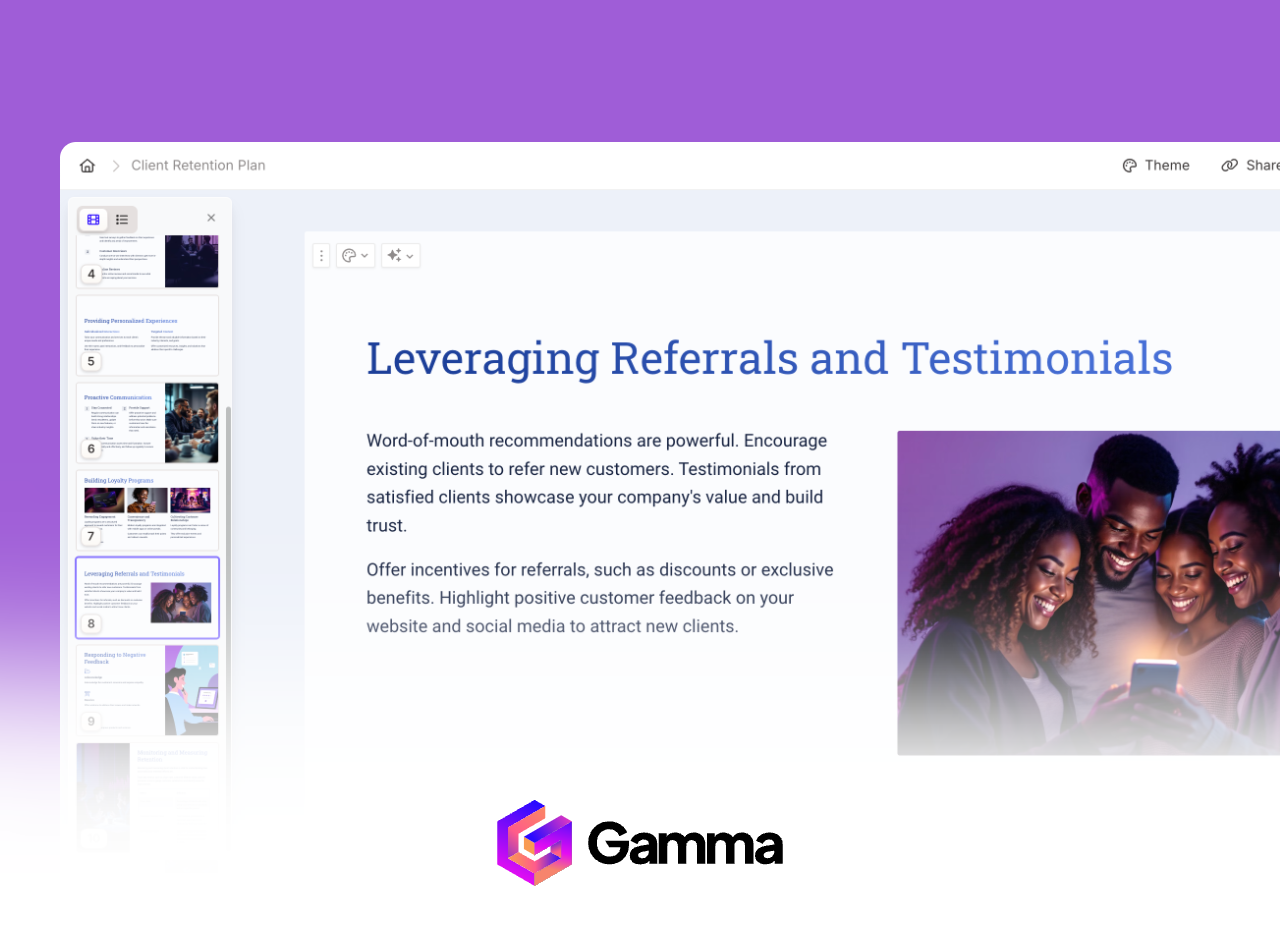
A globally popular AI presentation builder known for simplicity and modern design.
Key Features:
- One sentence PPT generation
- Sleek, minimalistic layouts
- Supports exporting to PowerPoint and Google Slides
4. Beautiful.ai
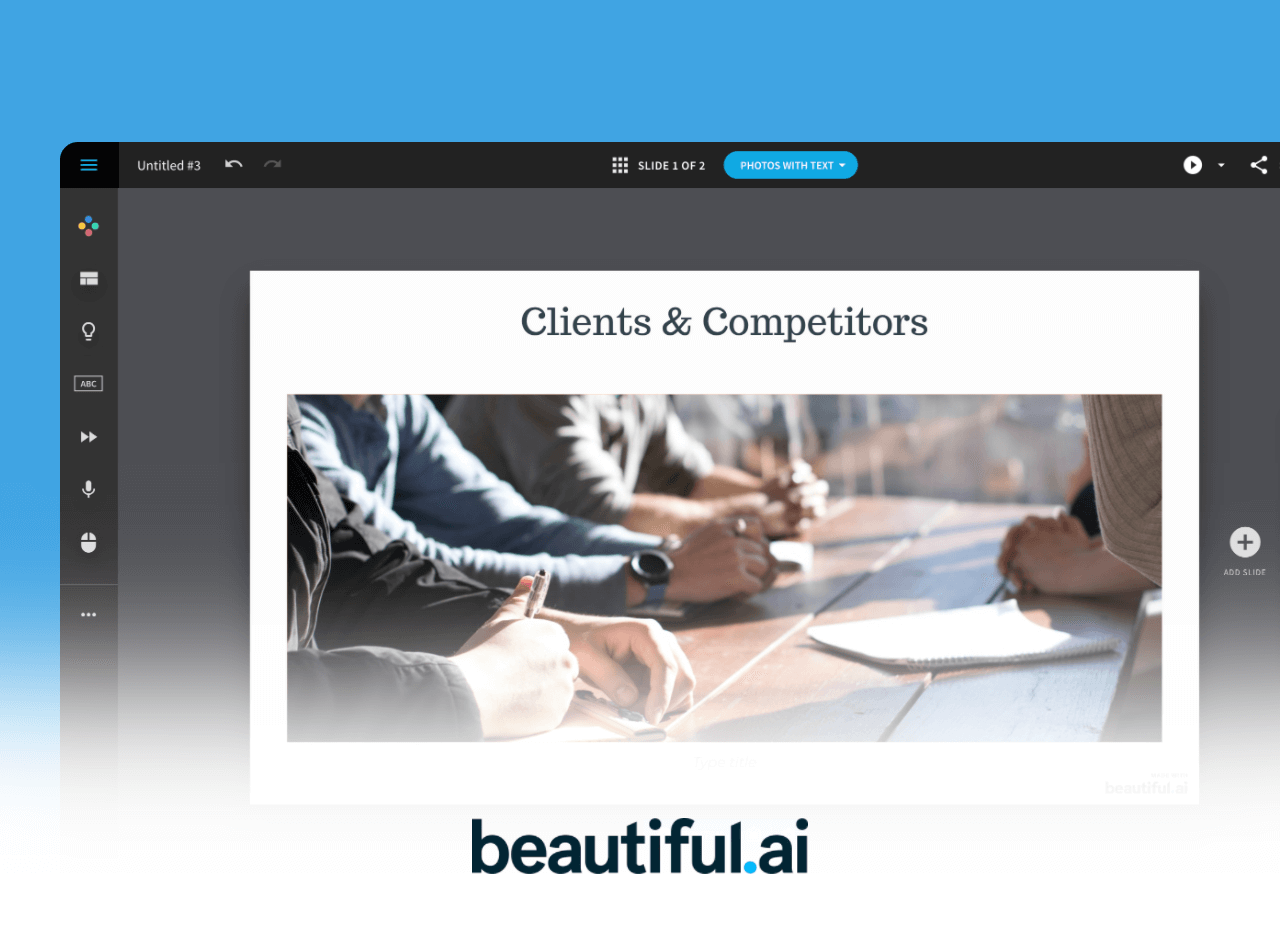
A design first AI tool with a smart auto layout engine.
Key Features:
- Smart Slide dynamic formatting
- Brand consistency tools
- Professional animations and templates
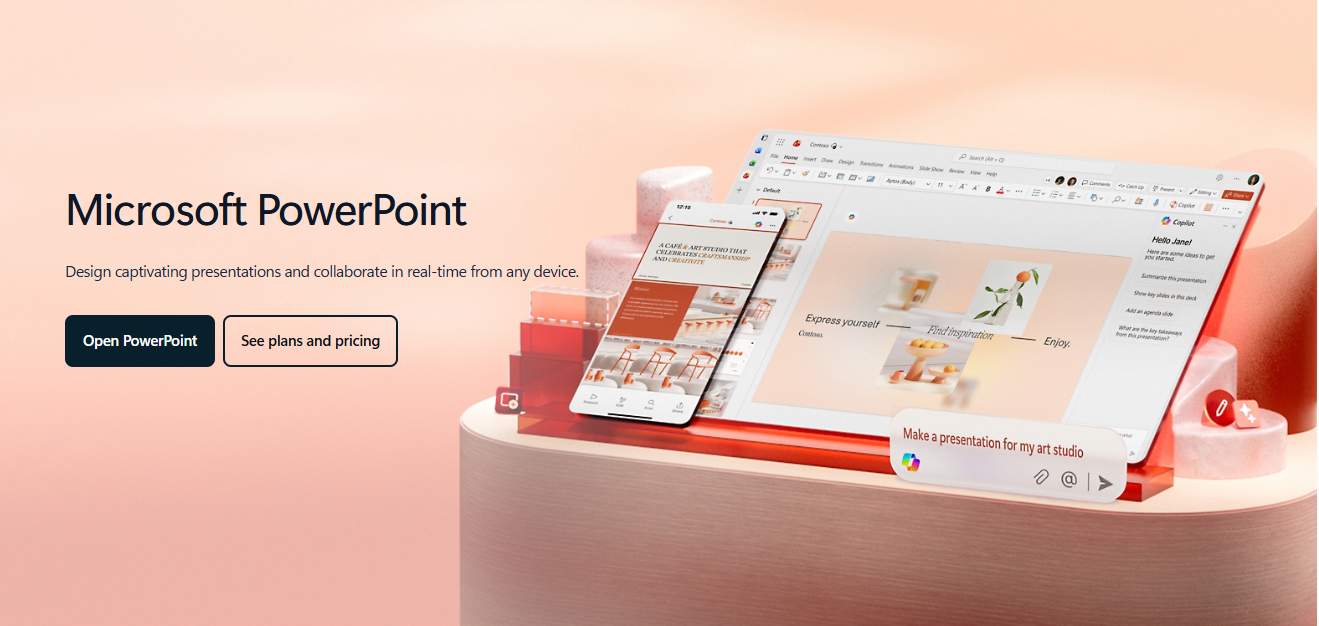
5. Microsoft Copilot Pro for PowerPoint
Deeply integrated into Microsoft 365 for enterprise users.
Key Features:
- Pulls content from Word, Excel, etc.
- Advanced data visualization
- Enterprise security and presentation coaching
FAQ: Frequently Asked Questions
1. Can AI generated PPTs replace manual slide creation?
Not entirely. AI handles layout, visuals, and basic content well, but human refinement is still needed for deep, complex, or specialized topics.
2. Are AI generated slides suitable for thesis defense or public speeches?
Yes. They are useful for most presentation scenarios, but always double check technical details and sensitive information.
3. Who benefits most from AI PPT generators?
Students, professionals, educators, trainers, entrepreneurs, freelancers, marketers, basically anyone who needs slides frequently.
4. What should I pay attention to when using AI tools?
- Provide clear and structured input
- Edit and refine the output
- Choose tools based on your scenario
5. What is the future of AI PPT creation?
AI will become more intelligent, offering:
- Deeper content analysis
- Narrative optimization
- Personalized design styles
- Fully automated “content + visuals” generation
Conclusion
AI generated PPT tools are redefining how people create presentations. They save time, improve visual quality, eliminate formatting stress, and make high quality slides accessible to everyone, even without design skills. While manual refinement is still needed for complex topics, AI + human editing provides the perfect balance of efficiency and personalization.
Whether you are preparing for a class presentation, a business pitch, or a full training session, AI generated PPTs empower you to deliver professional, engaging, and persuasive slides effortlessly.