Creating a polished PowerPoint presentation is a core skill for professionals across industries. Whether you are preparing a project update, pitching a product, teaching a class, or presenting research findings, the right presentation tool can significantly improve both efficiency and clarity.
Presentation tools support different tasks: drafting an outline, editing a detailed deck, collaborating with a team, or involving a live audience. This guide describes those workflows. Tome Slides and the insufficiently identified Uplift entry are retained as historical context and are not current recommendations here.
1. Presenti AI
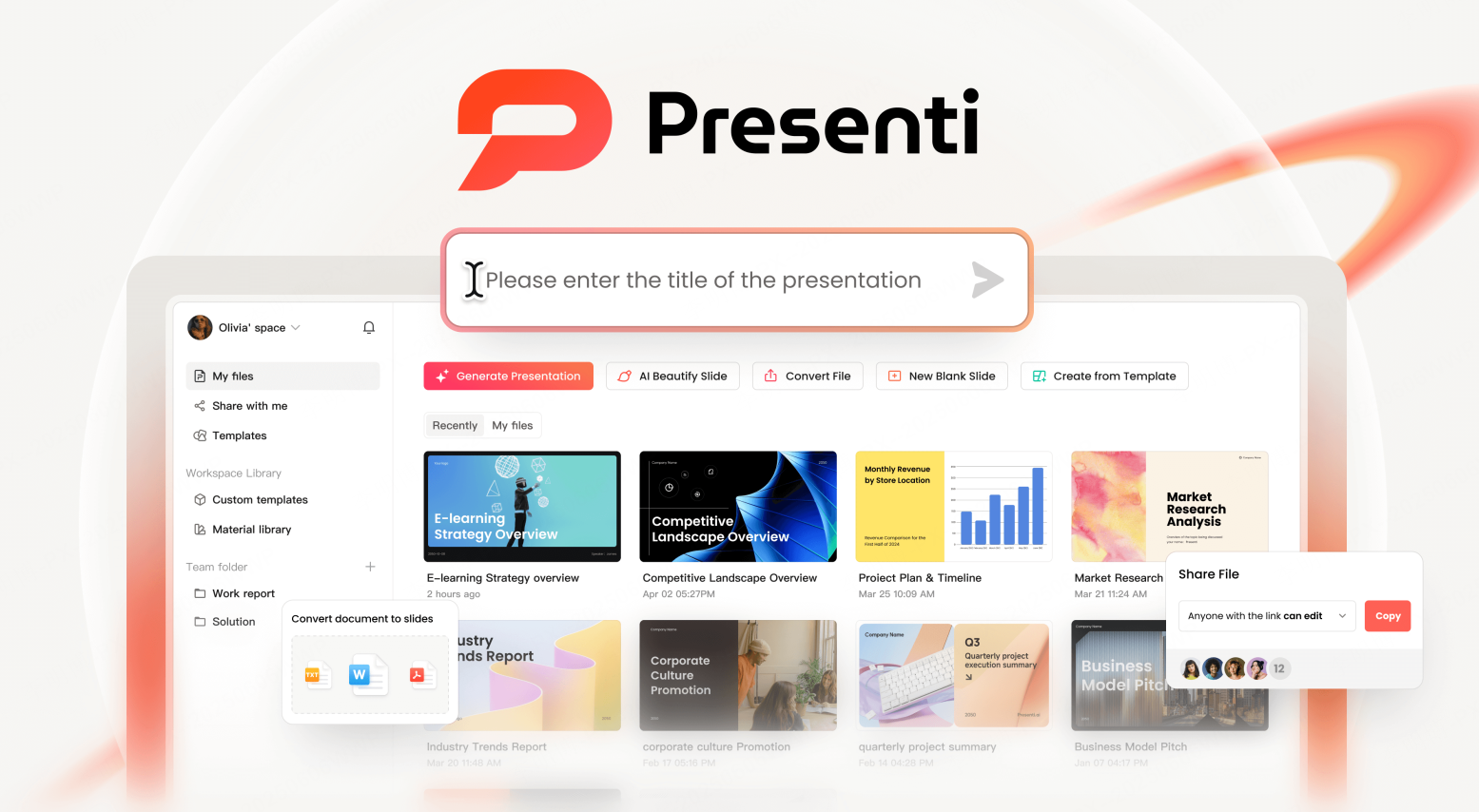
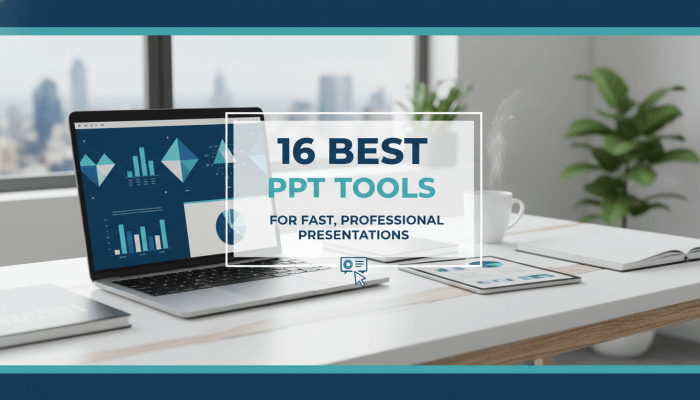
Presenti AI is an AI powered presentation creation platform designed to automate the entire workflow from content input to visual design. By combining natural language processing with deep learning models, it converts text, documents, and structured data into fully designed slide decks within minutes.
Key Features
- Generate structured outlines from text prompts or uploaded documents
- Import Word, PDF, XMind, and other formats with intelligent content extraction
- AI driven layout, content refinement, and grammar correction
- Custom brand templates with logos, colors, and typography
- Cloud based storage with real time multi device collaboration
Best Use Cases
- Business presentations and executive reports
- Product launches and sales decks
- Educational materials and training sessions
- Research and academic presentations
Why It Stands Out
Presenti combines outline generation, template selection, and slide editing. Compare a typical draft with your source material, then check export eligibility and the editing work needed to finish the deck.
2. Boardmix
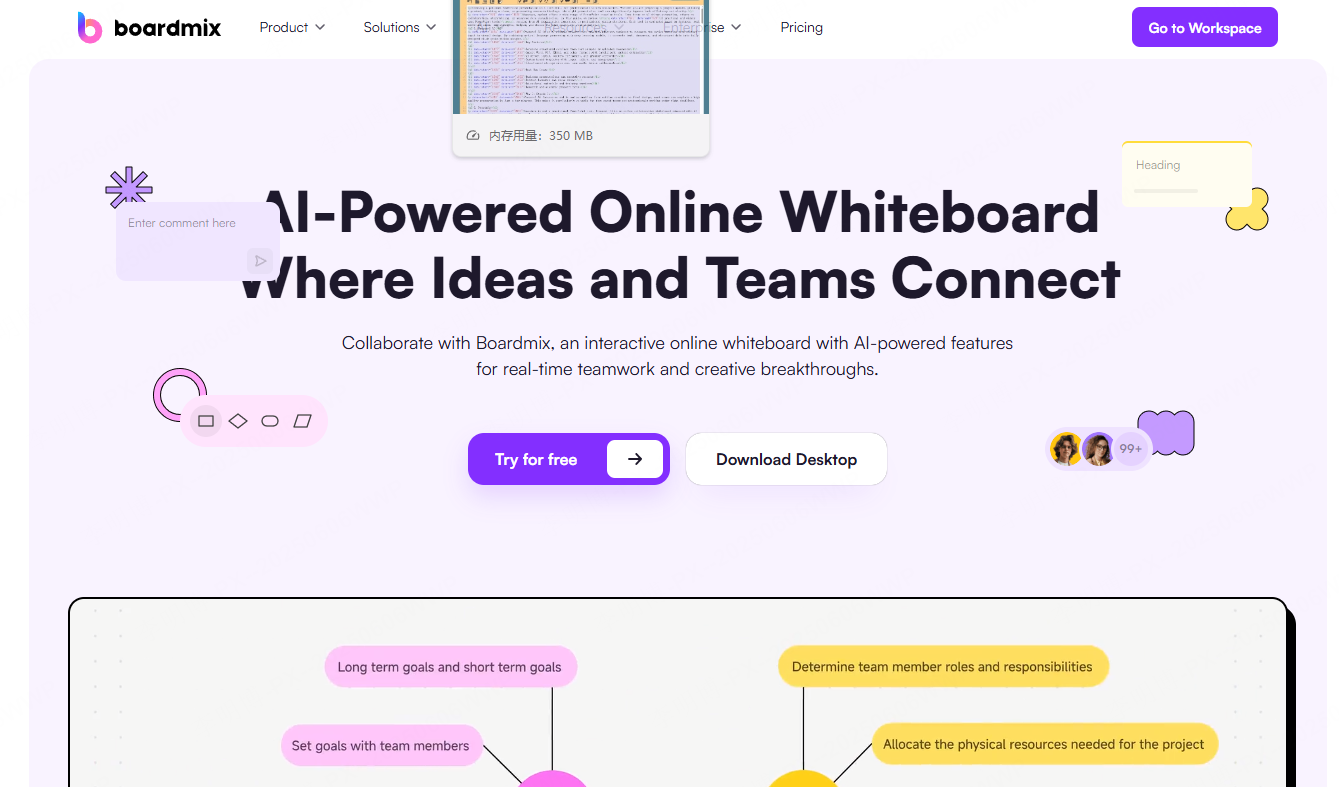
Boardmix is not a traditional PowerPoint tool. Instead, it is an online collaborative whiteboard enhanced with AI powered presentation generation. It excels at transforming brainstorming sessions and visual thinking into structured slide decks.
Key Features
- Infinite canvas for ideation and content organization
- One click AI generation of presentations from board content
- Flexible page layouts with diagrams, flowcharts, and charts
- Built in presentation templates and PPT export
Best Use Cases
- Team brainstorming and workshops
- Product planning and strategy sessions
- Converting raw ideas into presentation ready content
Why It Stands Out
Boardmix bridges the gap between ideation and presentation. Teams can collaborate freely, then quickly convert insights into a clean, structured slide deck without starting from scratch.
3. Gamma
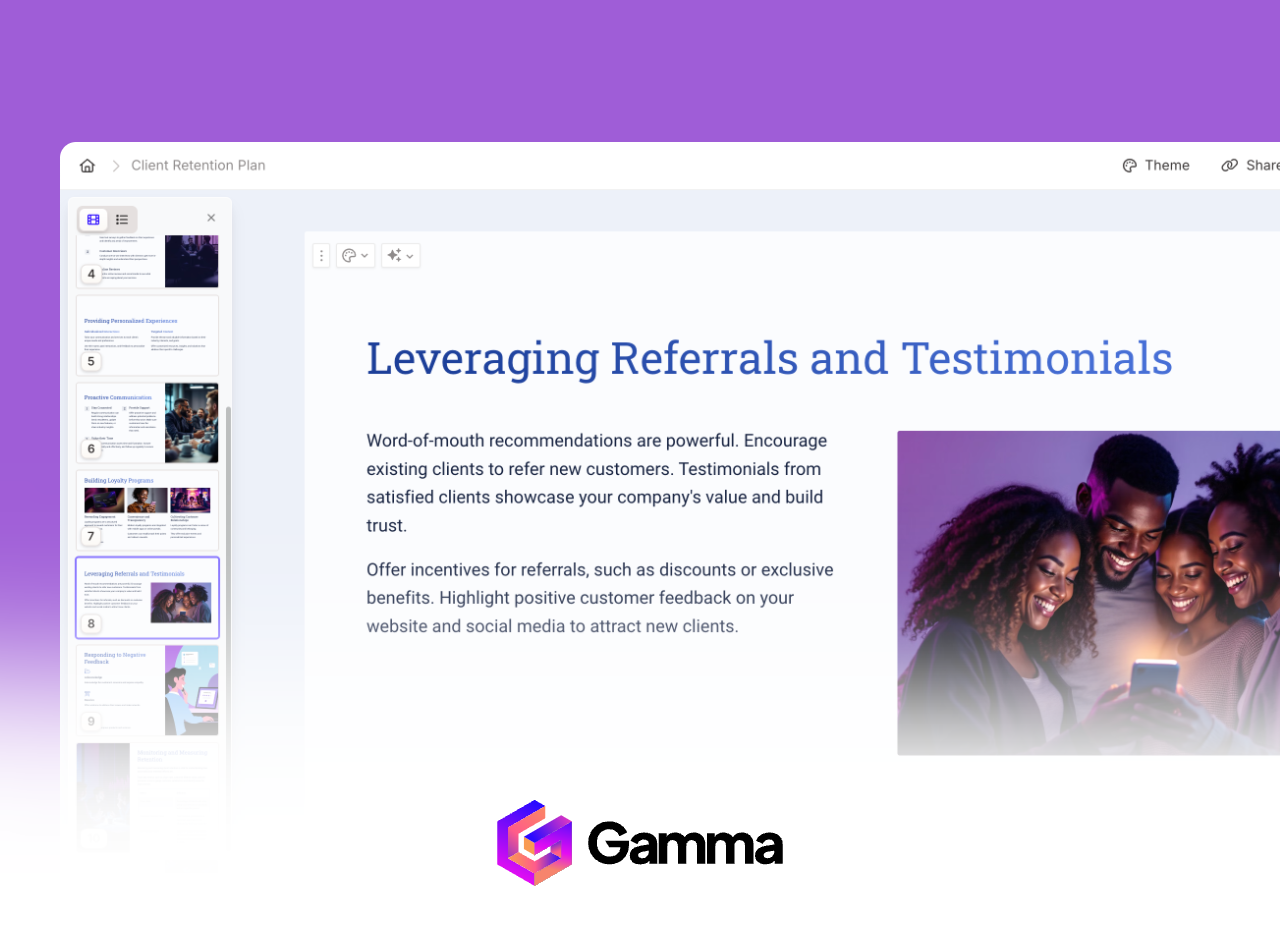
Gamma is a conversational AI presentation tool that emphasizes interaction and speed. Users create presentations through natural language prompts and refine content through ongoing dialogue with the AI.
Key Features
- Prompt based outline and content generation
- Real time layout and design adjustments via chat
- Export to PowerPoint, PDF, or PNG formats
Best Use Cases
- Business reports and internal updates
- Startup pitch decks
- Educational presentations
Why It Stands Out
Gamma’s conversational workflow reduces friction. It allows users to iterate quickly while maintaining modern, clean visual styles.
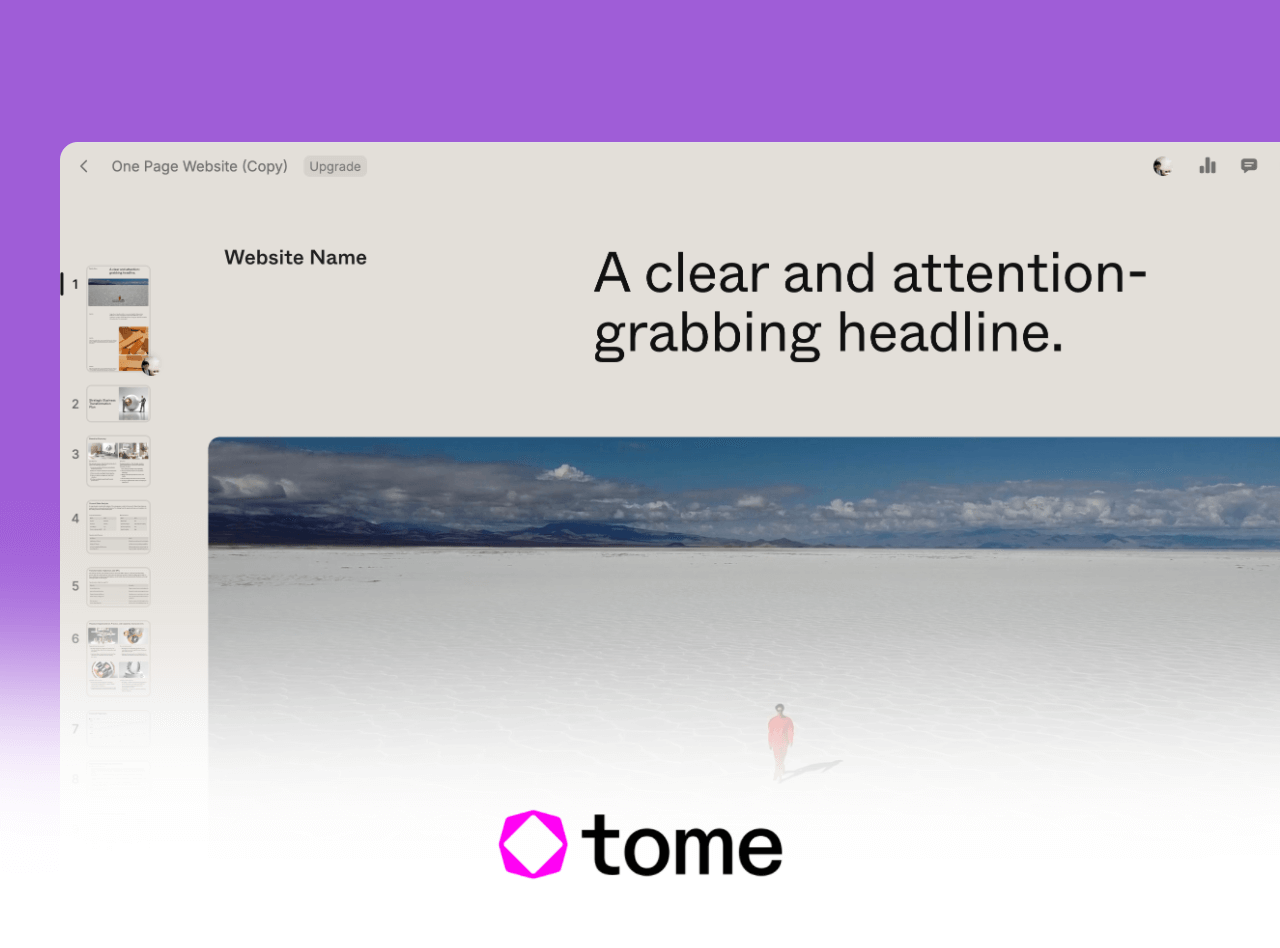
Tome Slides: discontinued presentation service
Tome Slides was discontinued on April 30, 2025 and is no longer available for new presentations. If you have saved PDFs, text, or images, use those materials to build a new deck in an available tool. This does not restore an inaccessible Tome project.
5. Canva AI Presentations
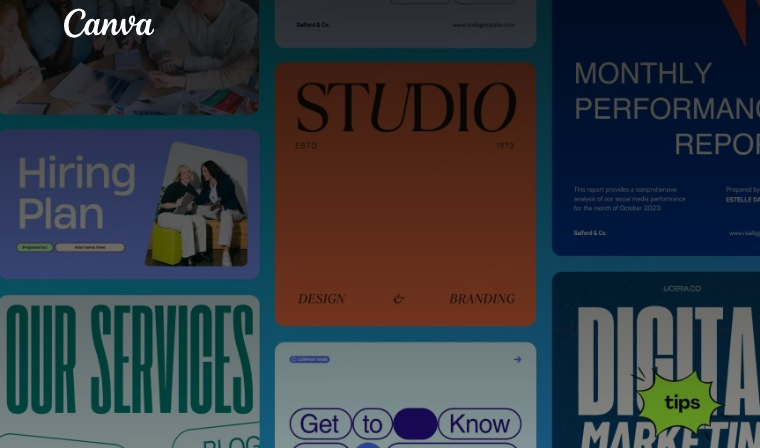
Canva AI Presentations builds on Canva’s well known design ecosystem. It combines an extensive template library with AI driven layout recommendations, lowering the design barrier for non designers.
Key Features
- Thousands of professionally designed templates
- AI assisted layout and color recommendations
- Drag and drop editor with real time team collaboration
- Brand kit synchronization for enterprise users
Best Use Cases
- Marketing presentations
- Training materials
- Personal portfolios and resumes
Why It Stands Out
Canva prioritizes accessibility. Users can produce visually polished presentations without prior design experience.
6. Beautiful.ai

Beautiful.ai uses AI design rules to maintain visual consistency. As users add content, layouts automatically adjust based on alignment, contrast, and spacing principles.
Key Features
- Automatic application of design best practices
- Dynamic slide layouts that adapt to content changes
- Brand style configuration for enterprise teams
Best Use Cases
- Financial reports and quarterly updates
- Investor presentations
- Corporate strategy reviews
Why It Stands Out
Beautiful.ai delivers consistent visual quality. Even beginners can create professional looking slides without manual layout adjustments.
7. Decktopus AI
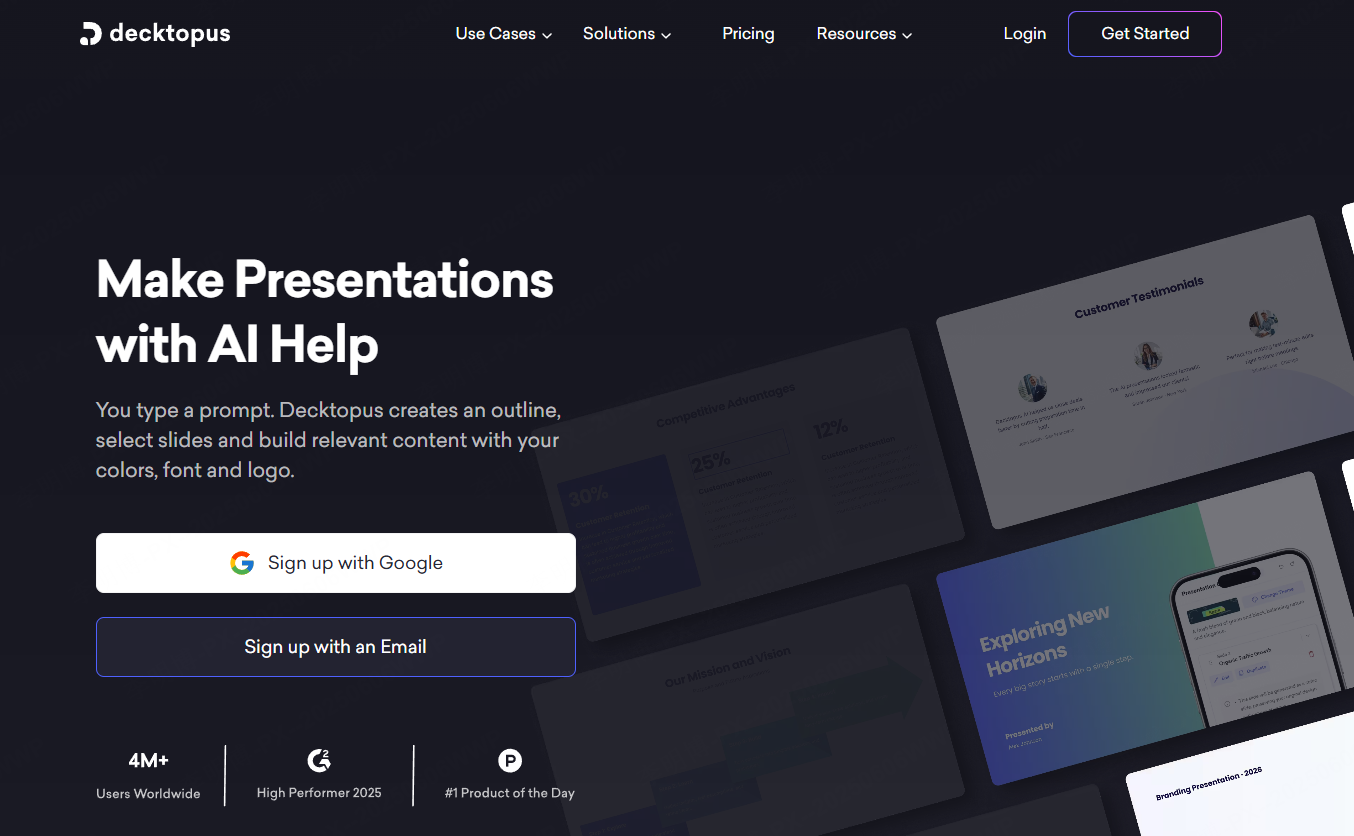
Decktopus AI is optimized for sales and marketing presentations. It generates content structures tailored to commercial scenarios and recommends charts and visuals aligned with business goals.
Key Features
- AI generated content frameworks for sales decks
- Smart chart and visual recommendations
- Automatic speaker notes tailored to audience profiles
Best Use Cases
- Sales proposals and client pitches
- Case study presentations
- Webinars and demos
Why It Stands Out
Decktopus focuses on conversion oriented storytelling, helping teams align message, visuals, and delivery.
8. Prezi
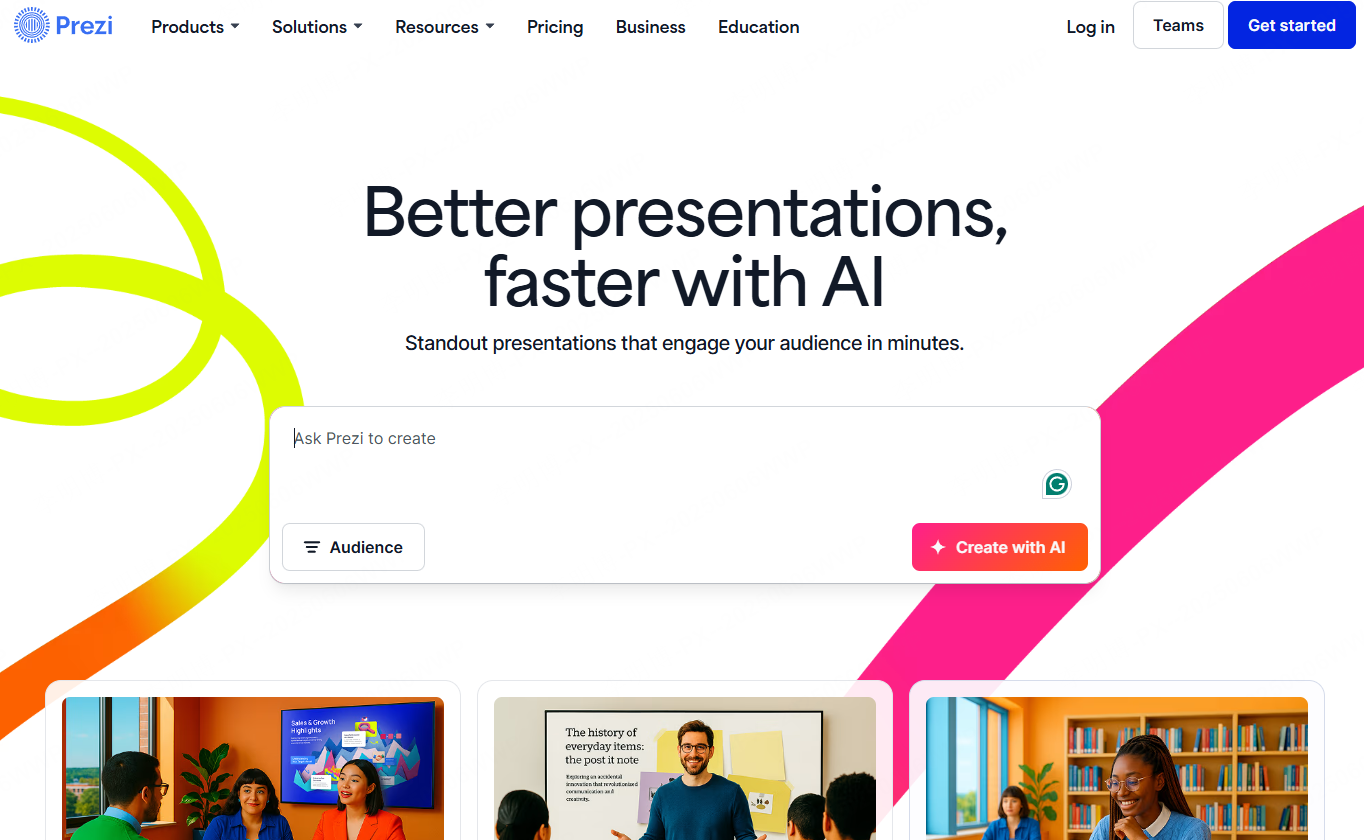
Prezi offers a non linear presentation experience using zooming and motion paths. It breaks away from traditional slide by slide formats and creates immersive visual journeys.
Key Features
- Infinite canvas with dynamic zoom transitions
- AI assisted outline and structure generation
- PowerPoint import and cross device collaboration
Best Use Cases
- Conference talks and keynote presentations
- Product launches
- Creative storytelling presentations
Why It Stands Out
Prezi delivers strong visual impact and is ideal for presentations that need differentiation and audience engagement.
9. Visme
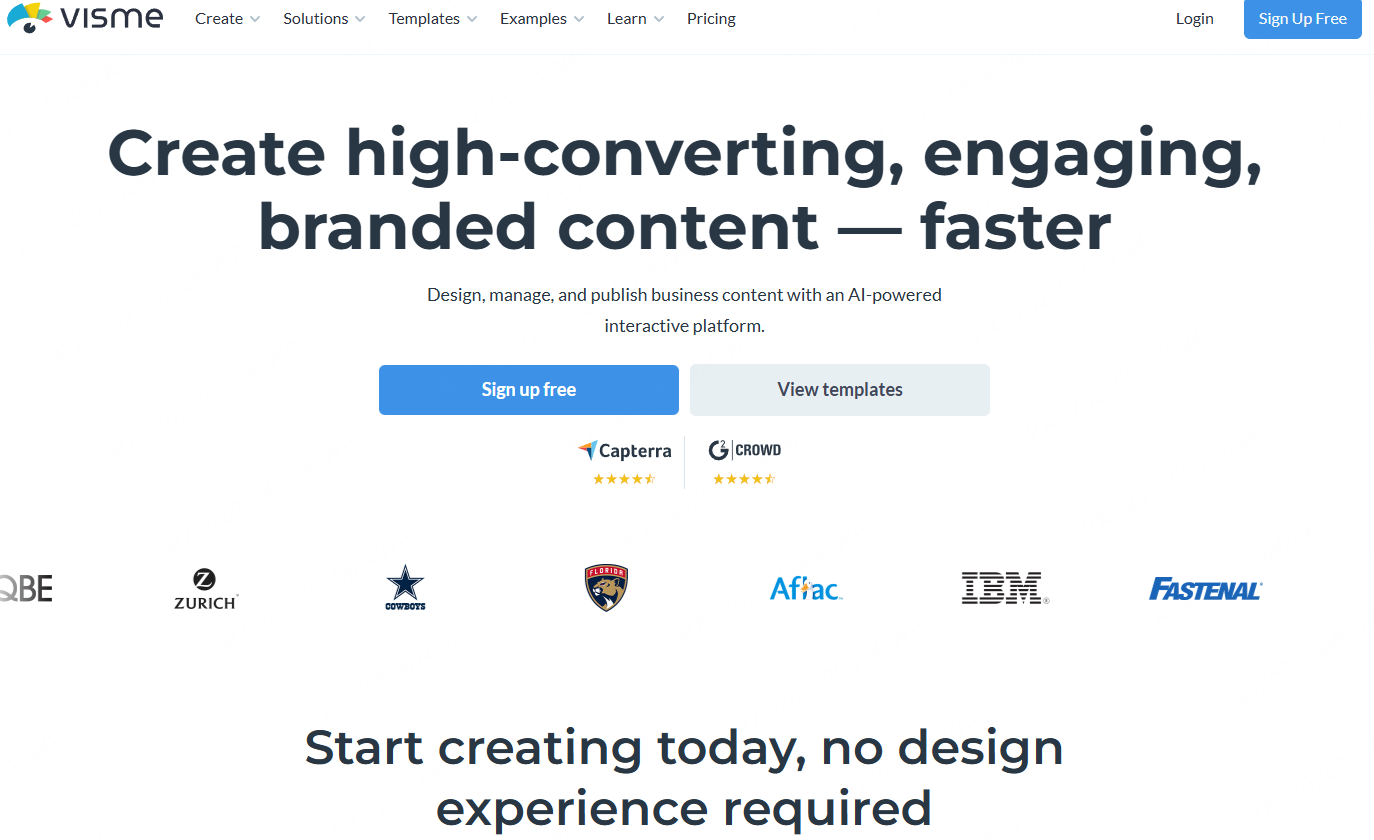
Visme is a comprehensive visual content platform with strong data visualization capabilities. It is particularly effective for presentations that rely on charts, dashboards, and interactive elements.
Key Features
- Data-visualization options to assess for your source data
- Automatic layout optimization based on content
- Support for video, 3D assets, and interactive media
Best Use Cases
- Annual reports and investor updates
- Research presentations
- Product documentation
Why It Stands Out
Visme combines presentation design with data storytelling, making it suitable for analytical and data heavy content.
10. SlidesAI
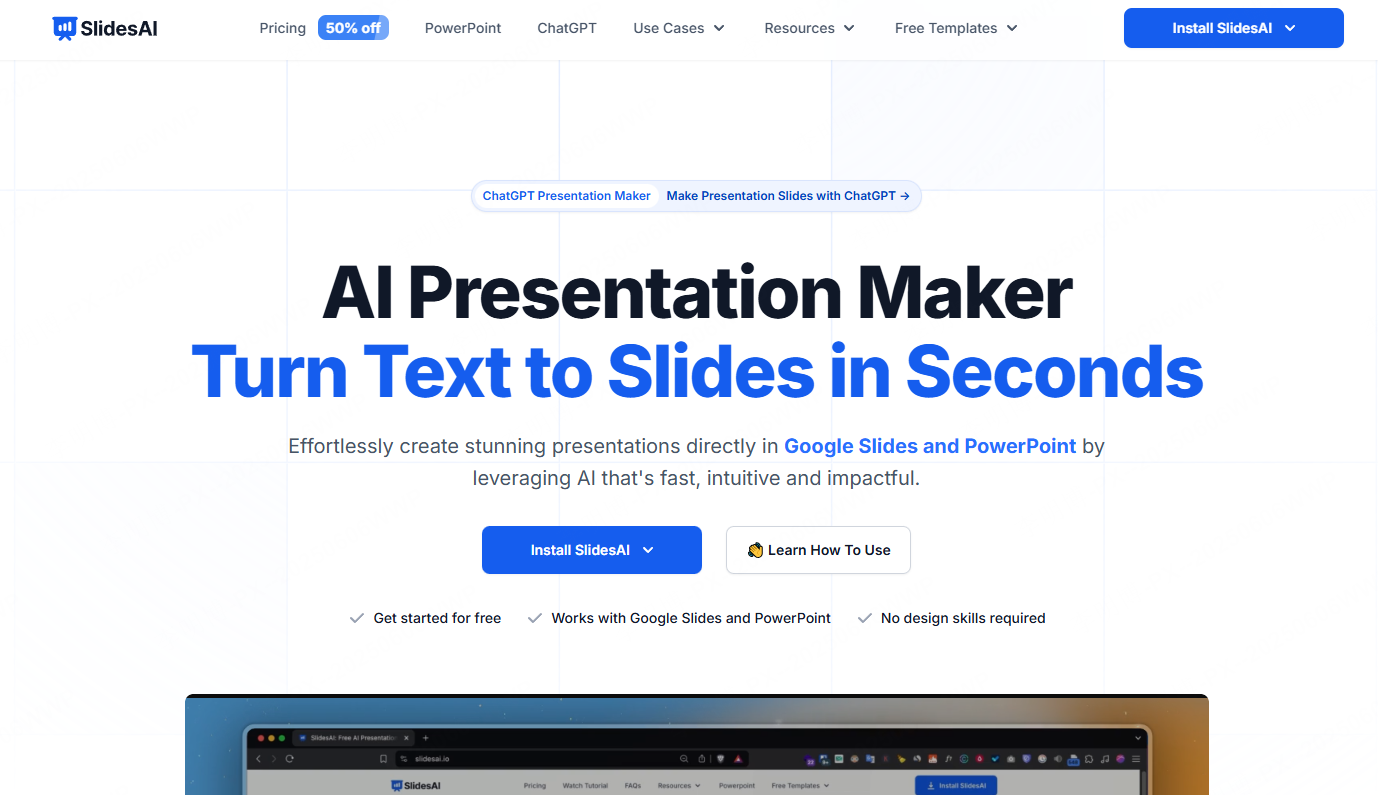
SlidesAI is designed for academic and text heavy presentations. It converts structured text into clean, well organized slide decks with minimal manual effort.
Key Features
- Generate slides from Markdown or text input
- Automatic theme and layout switching
- Grammar checking with built in language tools
Best Use Cases
- Academic defenses and lectures
- Press briefings
- Cross border business proposals
Why It Stands Out
SlidesAI significantly reduces preparation time for content driven presentations while maintaining clarity and accuracy.
11. Sendsteps

Sendsteps focuses on interactive presentations. It integrates audience engagement features directly into slide creation and delivery.
Key Features
- AI generated presentations from text or voice input
- Real time audience Q&A and feedback
- Plan time to respond to audience input
Best Use Cases
- Conferences and large events
- Live training sessions
- Online education
Why It Stands Out
Sendsteps enhances audience retention through interaction, making presentations more dynamic and responsive.
12. Kroma
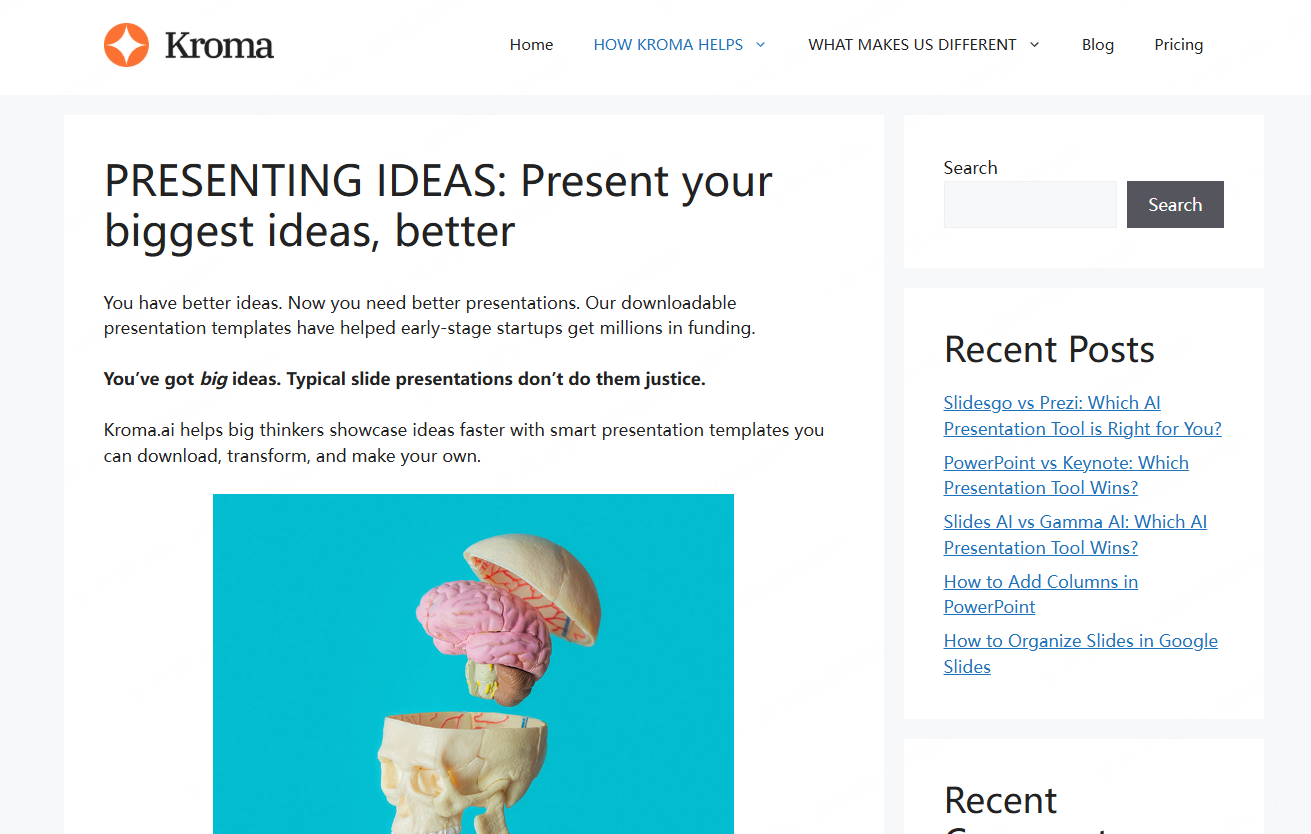
Kroma’s current product site describes presentation drafting from prompts, URLs, and text documents, with browser editing and PPTX, PDF, and JSON export. Review the generated deck against your source material and the file requirements of your team.
Key Features
- Drafting from prompts, URLs, or text documents
- Browser-based presentation editing
- PPTX, PDF, and JSON export
Best Use Cases
- Startup fundraising
- Financial reporting
- Consulting proposals
Why It Stands Out
Evaluate Kroma with a representative business brief, checking the proposed structure, editability, and exported file.
13. Zoho Show
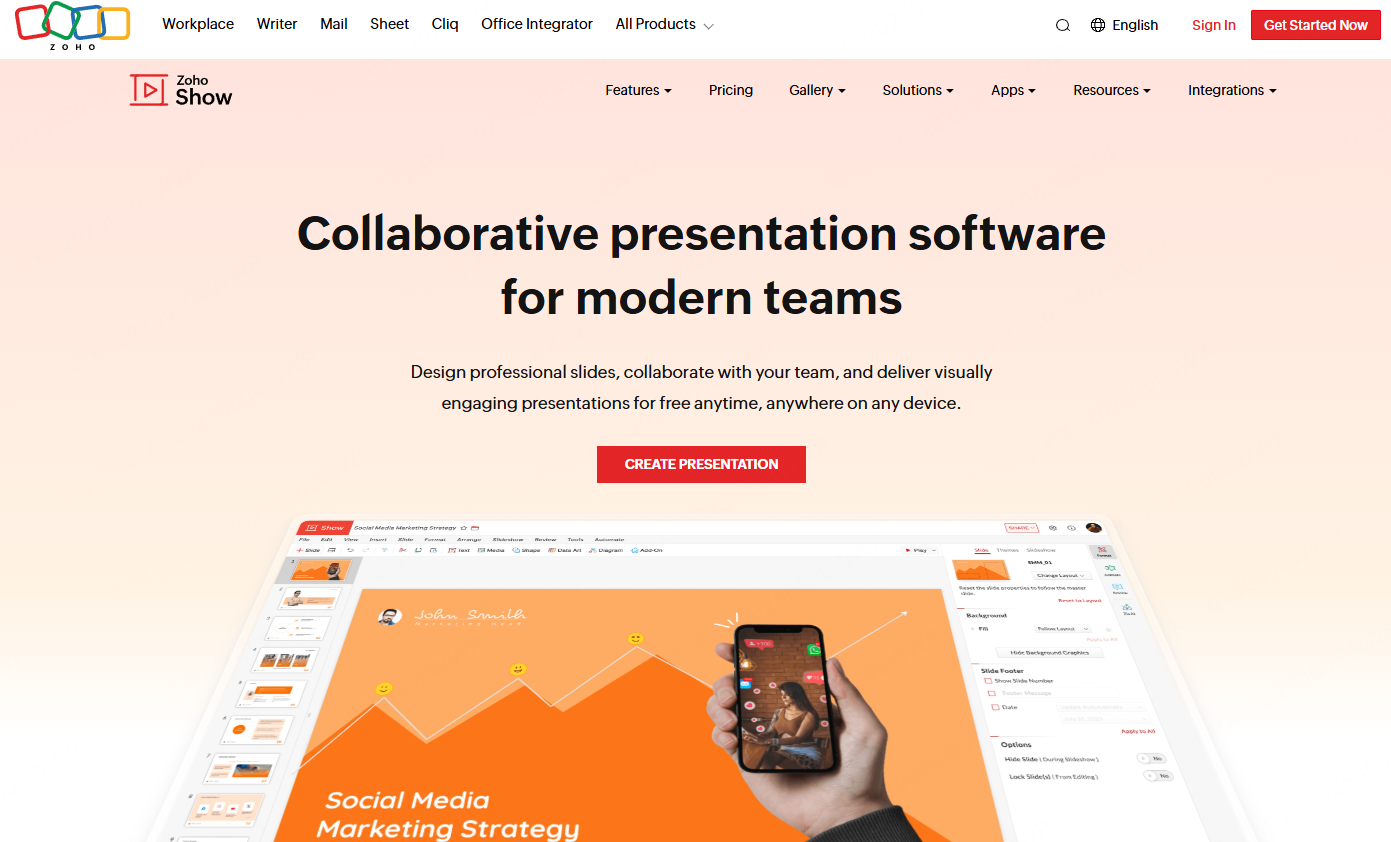
Zoho Show is a cloud based presentation tool with strong collaboration and enterprise integration capabilities.
Key Features
- Real time multi user editing and comments
- AI assisted outline and copy suggestions
- Integration with Zoho CRM and productivity tools
Best Use Cases
- Internal team updates
- Client presentations
- Remote meetings
Why It Stands Out
Check Zoho Show’s collaboration, administration, and data-handling requirements against your organization’s needs.
14. Slidesgo
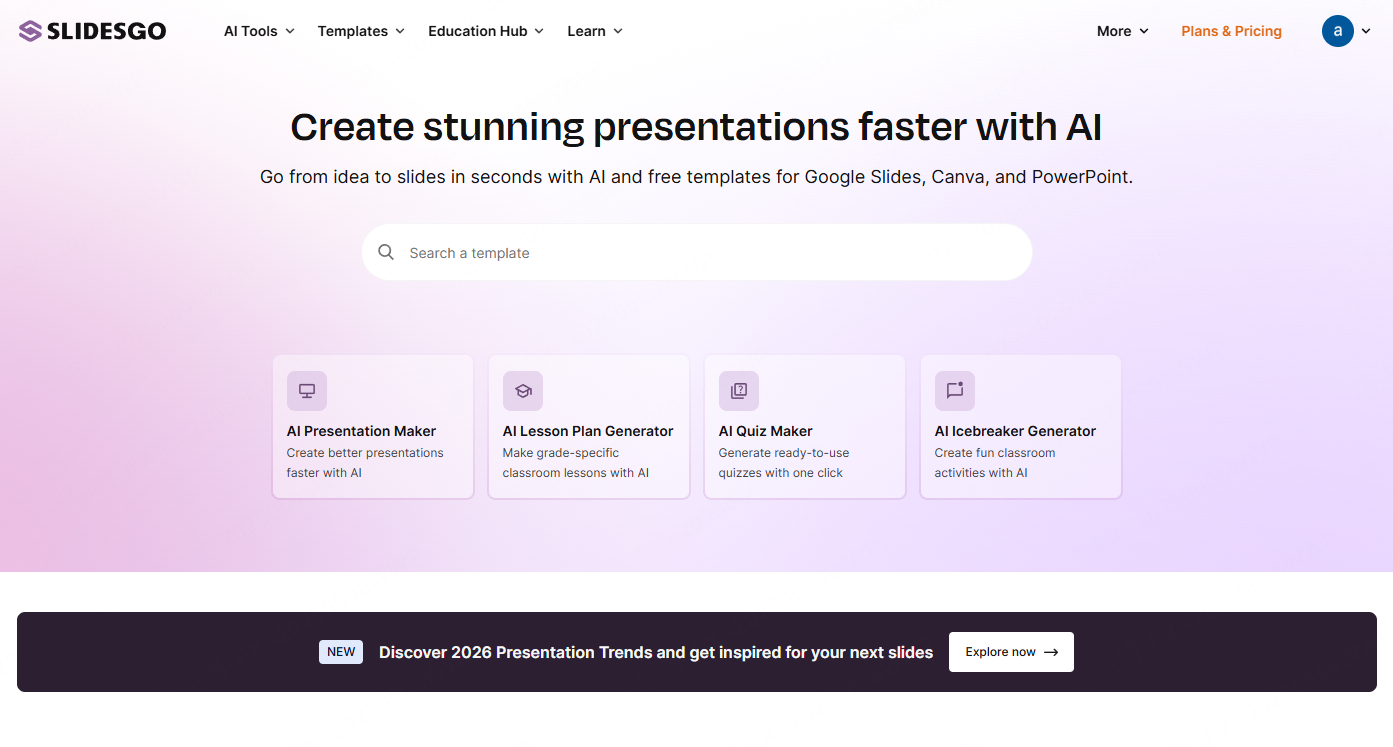
Slidesgo is known for its extensive free template ecosystem. It supports multiple presentation platforms and offers flexible customization options.
Key Features
- Editable presentation templates
- Integration with Google Slides and PowerPoint
- One click color and style adjustments
Best Use Cases
- Student projects
- Small business presentations
- Personal portfolios
Why It Stands Out
Slidesgo offers strong value through high quality free templates and broad compatibility.
15. Pitch
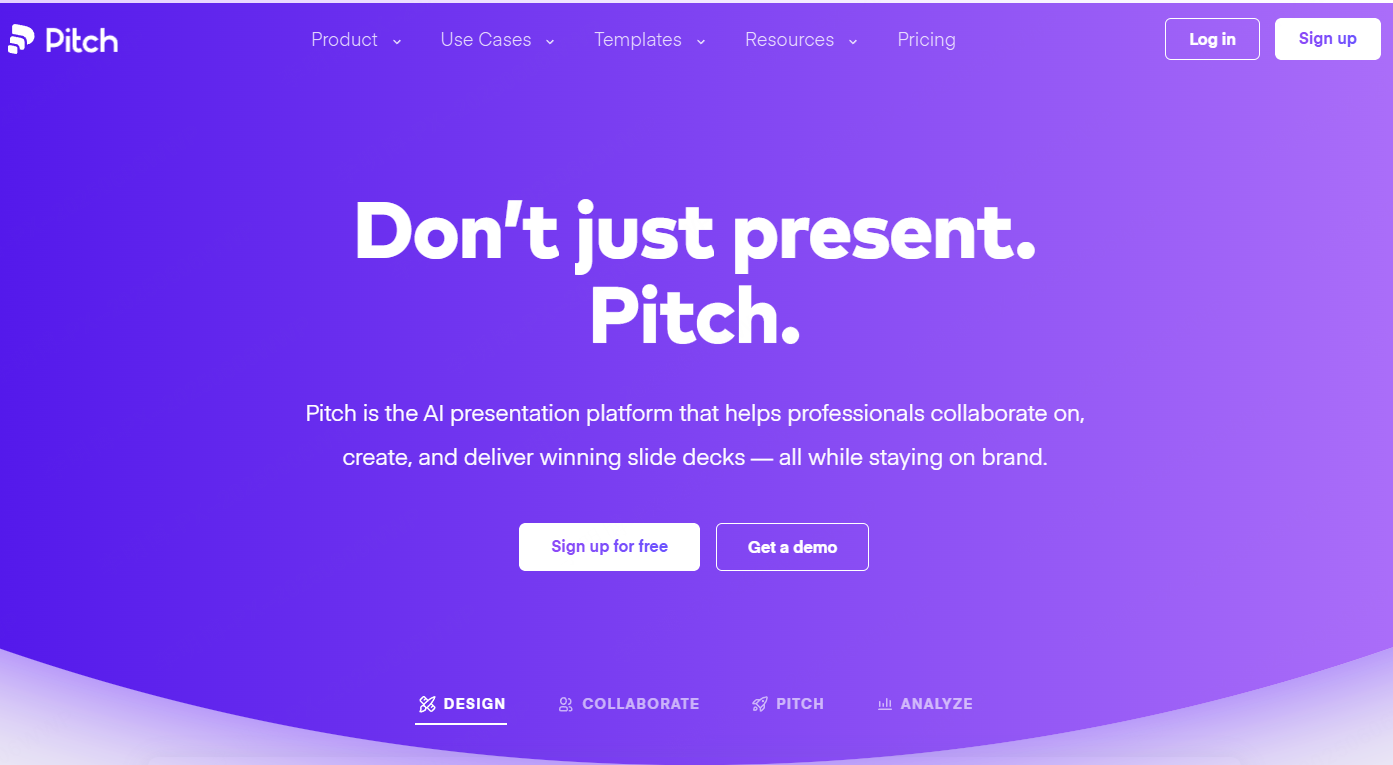
Pitch is a team focused presentation platform built for collaboration and speed. It supports real time editing and seamless data integration.
Key Features
- AI assisted template recommendations
- Live collaboration with shared cursors
- Integration with Notion and Google Sheets
Best Use Cases
- Cross functional team updates
- Agile project reviews
- Product demos
Why It Stands Out
Pitch emphasizes teamwork and consistency, making it ideal for growing organizations.
16. Uplift — Historical Entry

The earlier list identified this product as Uplift. The exact current service and its capabilities have not been established; this section and screenshot are historical context, not a recommendation to sign up or buy.
Key Features
- Earlier description: templates for finance, healthcare, and technology
- Earlier description: chart and case-study resources
- Earlier description: presentation-design resources
Best Use Cases
- Executive briefings
- Industry conferences
- Consulting presentations
Why It Stands Out
For industry-specific presentations, use a currently available editor and verified template source, then review the content for the intended audience.
Conclusion
Choose by the task: AI drafting, detailed slide editing, team planning, or audience participation. Use a representative outline to test the editing and export workflow. The historical entries in this list should not be treated as current options.
By selecting a tool that aligns with your workflow, you can significantly improve presentation quality while reducing preparation time.