

In the information heavy workplace, a well structured presentation is often the difference between being understood and being ignored. Whether you are leading a product review, teaching a class, pitching a startup, or reporting project results, your slides need to be clear, professional, and visually consistent.
However, creating a polished PowerPoint deck from scratch takes time. Writing content, designing layouts, aligning visuals, and formatting charts can easily consume hours or even days. This is where AI powered presentation tools change the workflow entirely.
AI PPT software makes it possible to generate high quality presentations with minimal effort. With the right tool, you can move from idea to finished slides in minutes. In this guide, we will walk through how Presenti AI works, how to download and use it, and why it is a practical choice for professionals and educators in North America and Europe.

What Is AI PPT Software?
AI PPT software refers to presentation tools that use artificial intelligence to automate slide creation. Instead of manually designing every slide, users provide input such as a topic, outline, or source document. The system then generates a complete PowerPoint presentation with structured content, consistent layouts, and professional design choices.
These tools combine natural language processing, design rules, and layout optimization to reduce repetitive work. The goal is not to replace human creativity, but to remove friction from the presentation building process.
Presenti AI is a focused example of this category. It is designed specifically for real world presentation scenarios such as business reporting, education, marketing, and project documentation. Even users with no design background can produce slides that look polished and presentation ready.
Introducing Presenti AI
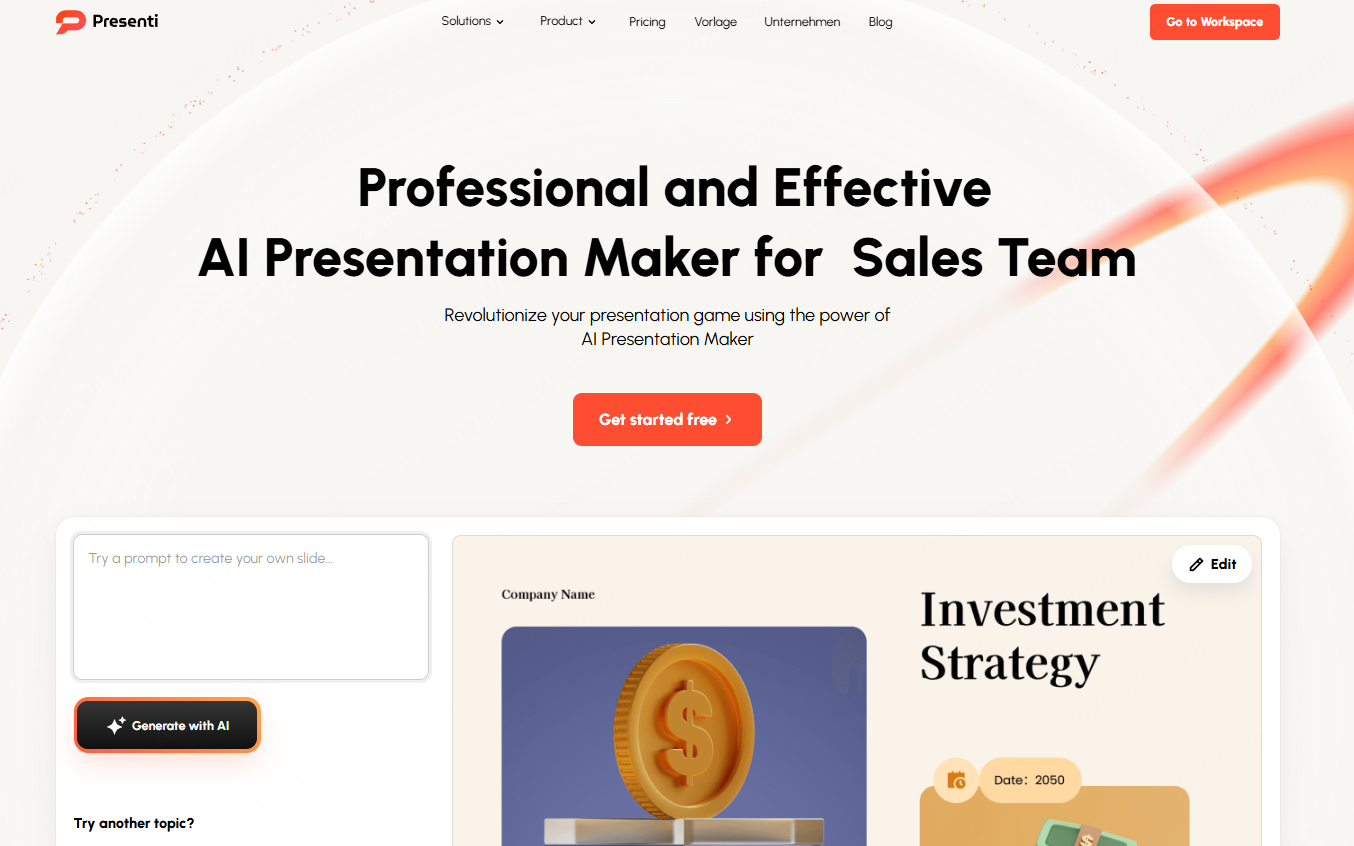
Presenti AI is an intelligent PPT generator built for speed, clarity, and usability. It combines AI content generation with design automation to help users create high quality PowerPoint presentations quickly.
Unlike generic design tools, Presenti AI is optimized for presentation workflows. It understands slide structure, hierarchy, and visual balance. The interface is straightforward, making it accessible for beginners while still powerful enough for experienced professionals.
For teams that regularly create presentations, Presenti AI helps standardize output quality while reducing production time.
Key Features of Presenti AI
One Click PPT Generation
With Presenti AI, users can generate a complete presentation by entering a topic or short outline. The system automatically creates a logical slide structure, writes initial content, and applies a consistent visual style.
This feature is especially useful for time sensitive scenarios such as last minute meetings, internal reviews, or fast paced project updates.
Create PPT from Existing Files
Presenti AI supports importing multiple file formats, including:
- Word documents
- PDF files
- Markdown files
- TXT files
- Mind map files
After upload, the AI analyzes the content and converts it into a structured PowerPoint presentation. This allows users to reuse existing documentation instead of rebuilding slides manually.
For project managers and educators, this feature significantly reduces duplication of work.
Large Template Library
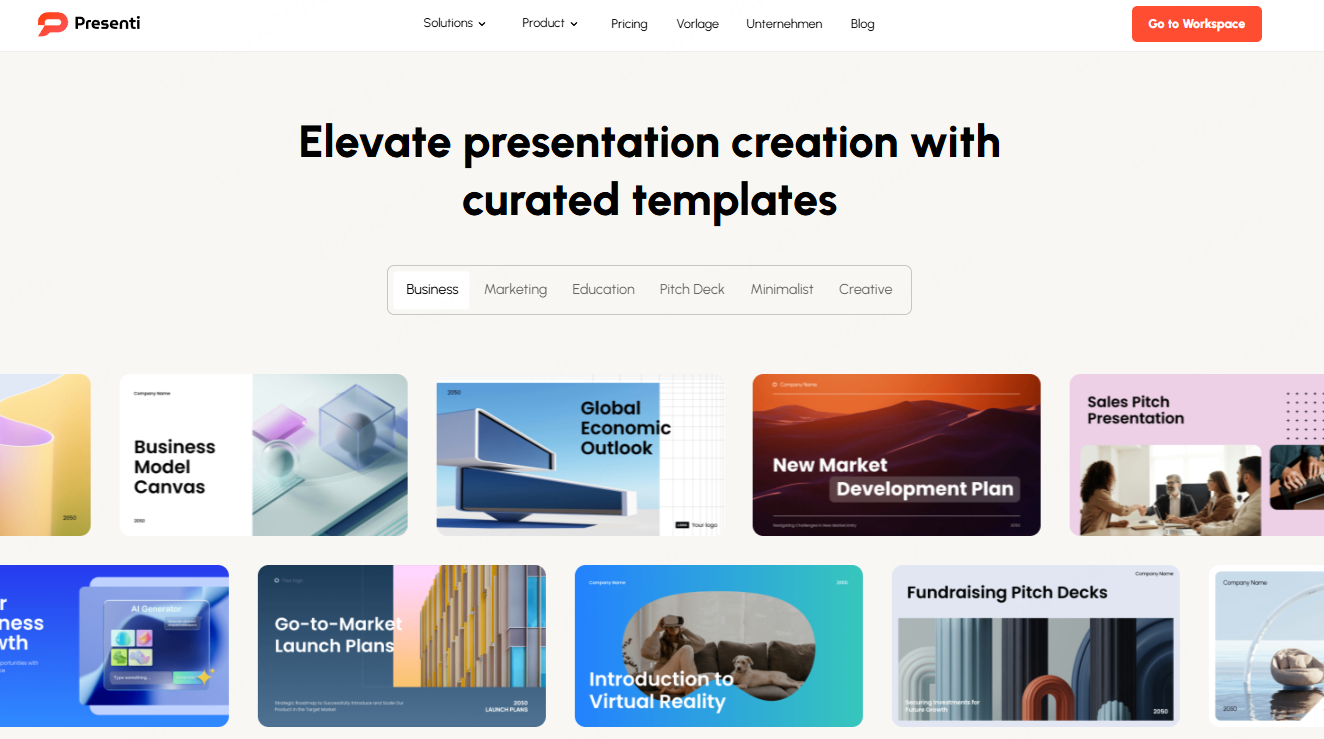
Presenti AI includes a broad collection of professionally designed templates covering common presentation scenarios such as:
- Business reports
- Training and education
- Corporate branding
- Startup pitch decks
- Marketing campaigns
- Academic presentations
Each template is designed with modern visual standards in mind. Users can select different design styles and color themes to match their brand or audience expectations.
Intelligent Layout Optimization
One of the most valuable features is automatic layout optimization. Presenti AI adjusts spacing, alignment, font hierarchy, and visual balance across slides.
Even when users add or modify content, the system maintains a clean and readable layout. This ensures presentations look professional without manual formatting effort.
How to Download and Use Presenti AI
Step 1: Download Presenti AI
Presenti AI is available as both a web based application and a desktop client. It supports Windows and macOS. Users can choose the version that fits their workflow.
After installation, simply register or sign in to begin using the platform.
Step 2: Access the Official Website
You can also access Presenti AI directly through its official website at https://presenti.ai/. First time users can create an account or log in with an existing one.
The web version requires no local installation and works well for distributed teams.
Step 3: Create a New Presentation
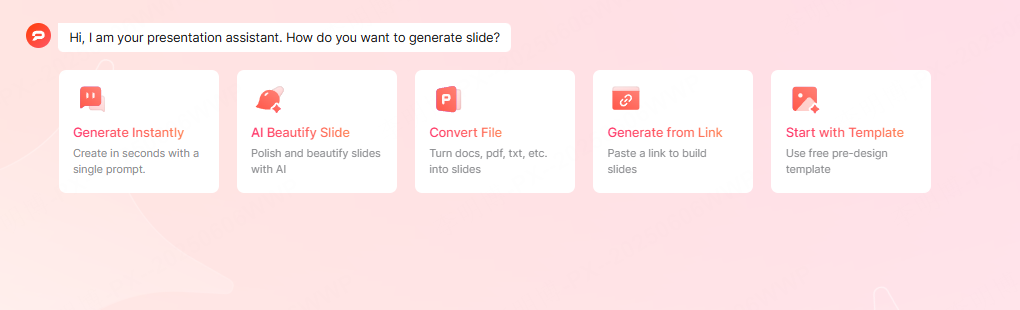
Once logged in, the dashboard provides multiple ways to create a presentation:
- AI generated presentation from a topic
- Import a document to generate slides
- Select a template and start editing
Each option is designed to support different working styles.
AI Generated Presentation Example
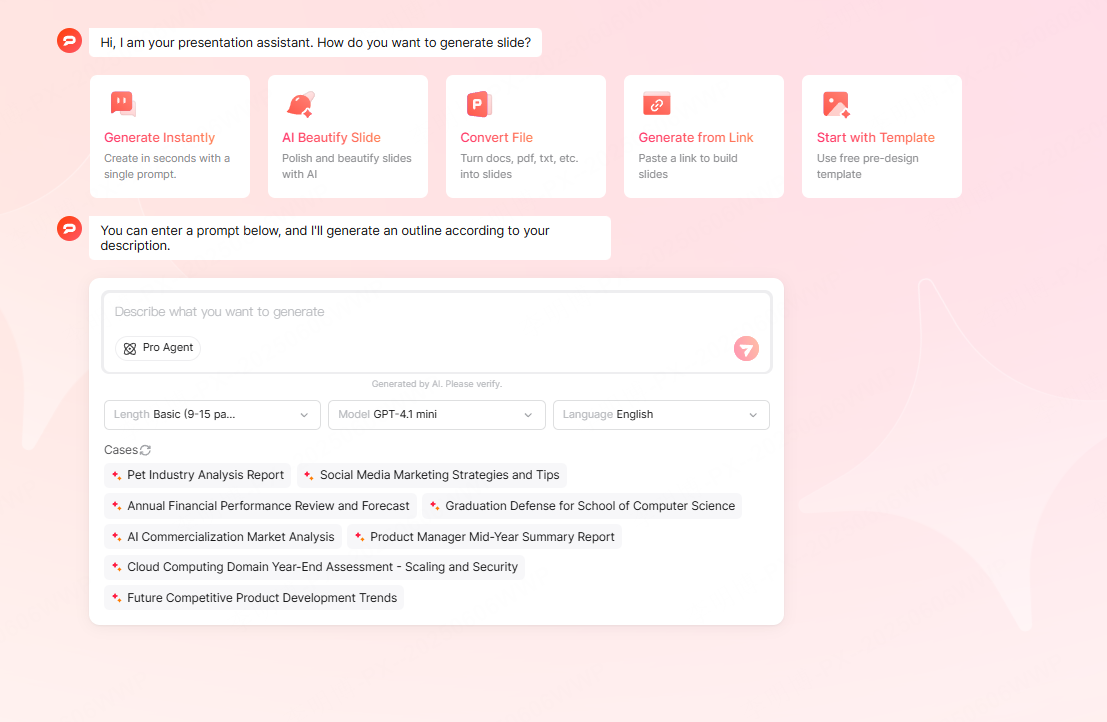
For example, if you enter a topic such as “2026 Marketing Strategy Review,” Presenti AI will generate a structured outline including market analysis, competitive landscape, strategic goals, and execution plans.
This approach is ideal for business reviews and strategic planning sessions.
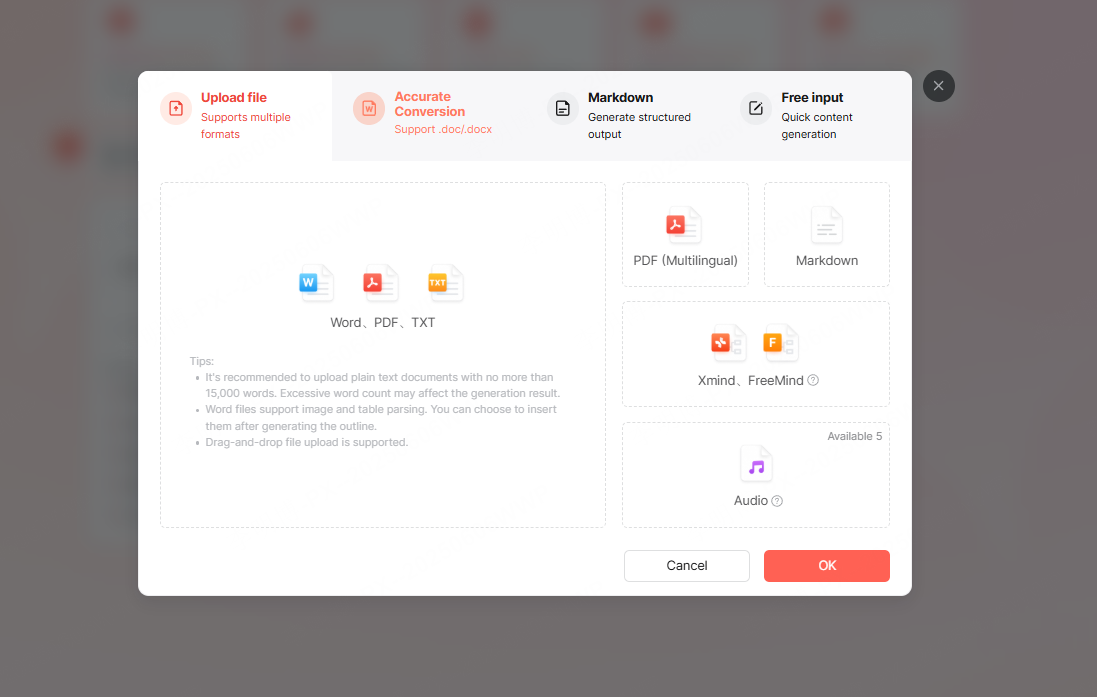
Import File to Generate Slides
Users can upload a Word document, Markdown file, PDF, or plain text content. Presenti AI converts the material into slides with logical segmentation and visual consistency.
This is particularly useful for turning reports or lesson plans into presentations.
Template Based Creation
If you prefer more control over structure, you can select a template first. Presenti AI offers templates across different industries and presentation purposes, with multiple color themes and layout styles.

Customizing and Editing Your Presentation
After generating slides, users can customize the presentation to meet specific requirements. This includes adjusting content, adding images or charts, and refining slide order.
Presenti AI automatically optimizes layout as changes are made, but manual adjustments are also supported. The AI can help polish slide text for clarity and professional tone, making the final output more effective for presentation.
For teams, real time collaboration allows multiple users to edit the same presentation simultaneously. Changes are visible instantly, improving coordination and review efficiency.
Exporting and Sharing Your Slides
Once editing is complete, presentations can be exported in common formats such as PPTX and PDF. This ensures compatibility with standard presentation tools and sharing platforms.
Presenti AI also supports collaborative workflows, making it easy to share presentations with colleagues or stakeholders. Advanced features such as animations and data visualization can be explored to enhance engagement when presenting.
High Quality PPT Templates for Common Use Cases
Presenti AI offers templates designed for practical scenarios often seen in professional and academic environments.
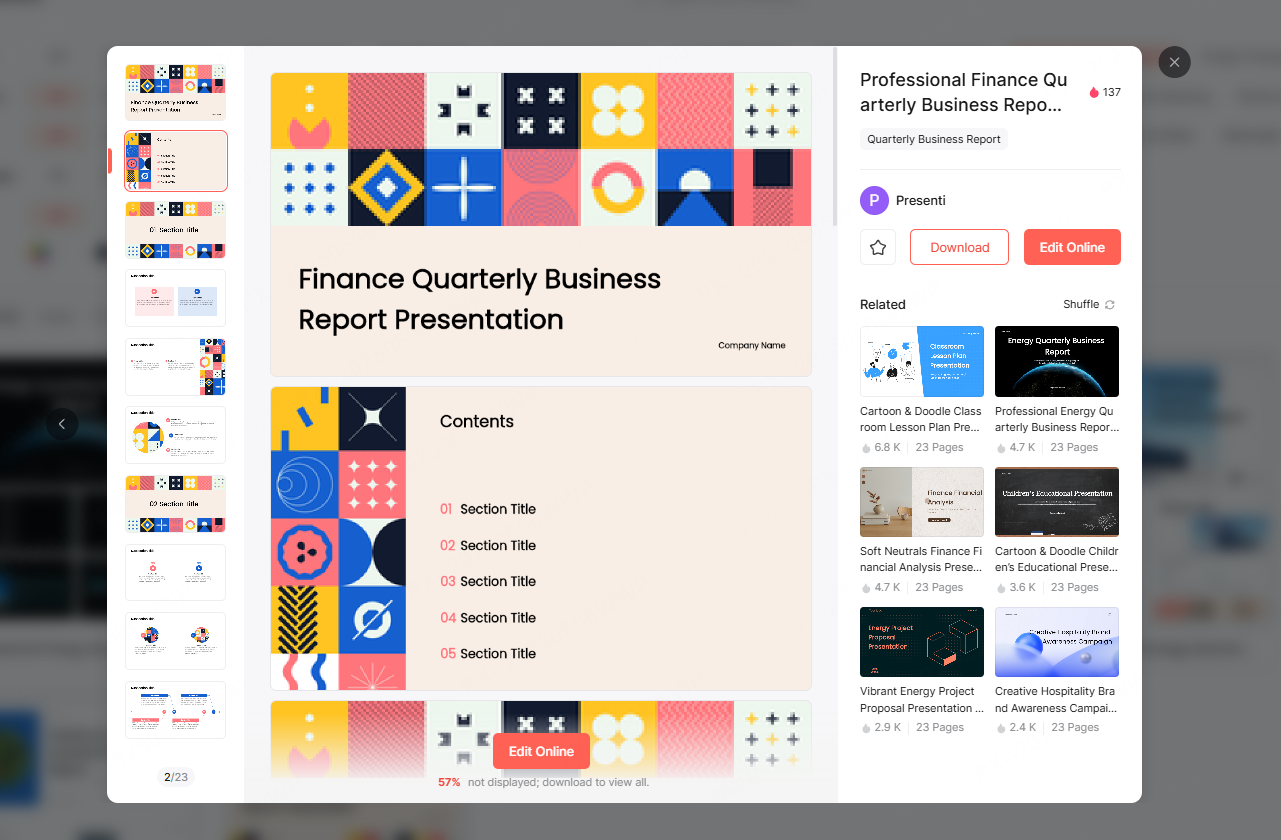
Business Reports
These templates are suitable for quarterly reviews, annual summaries, and project updates. They focus on clear data presentation and structured messaging.
Education and Training
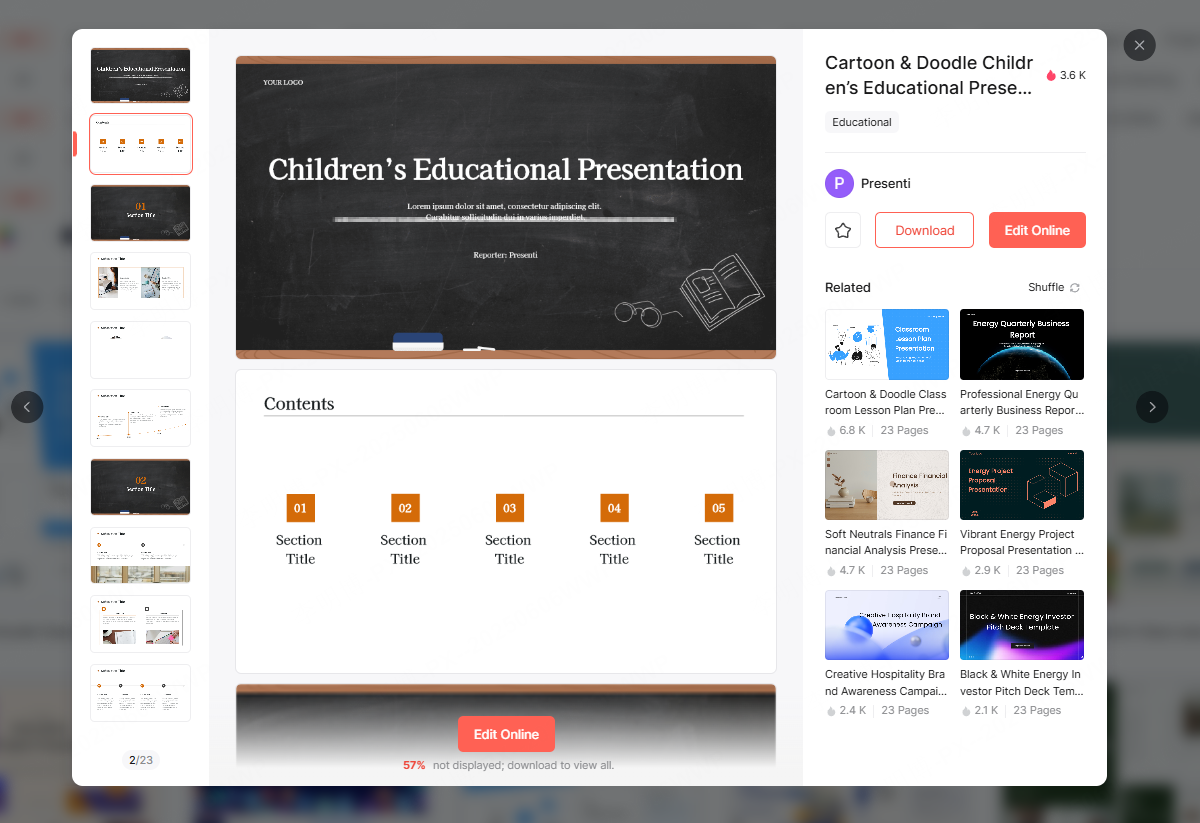
Education focused templates are designed for lectures, workshops, and training sessions. The layouts emphasize readability and logical progression of ideas.
Corporate Branding
Corporate templates help companies present their brand, services, and values consistently. They are useful for internal communication as well as external presentations.
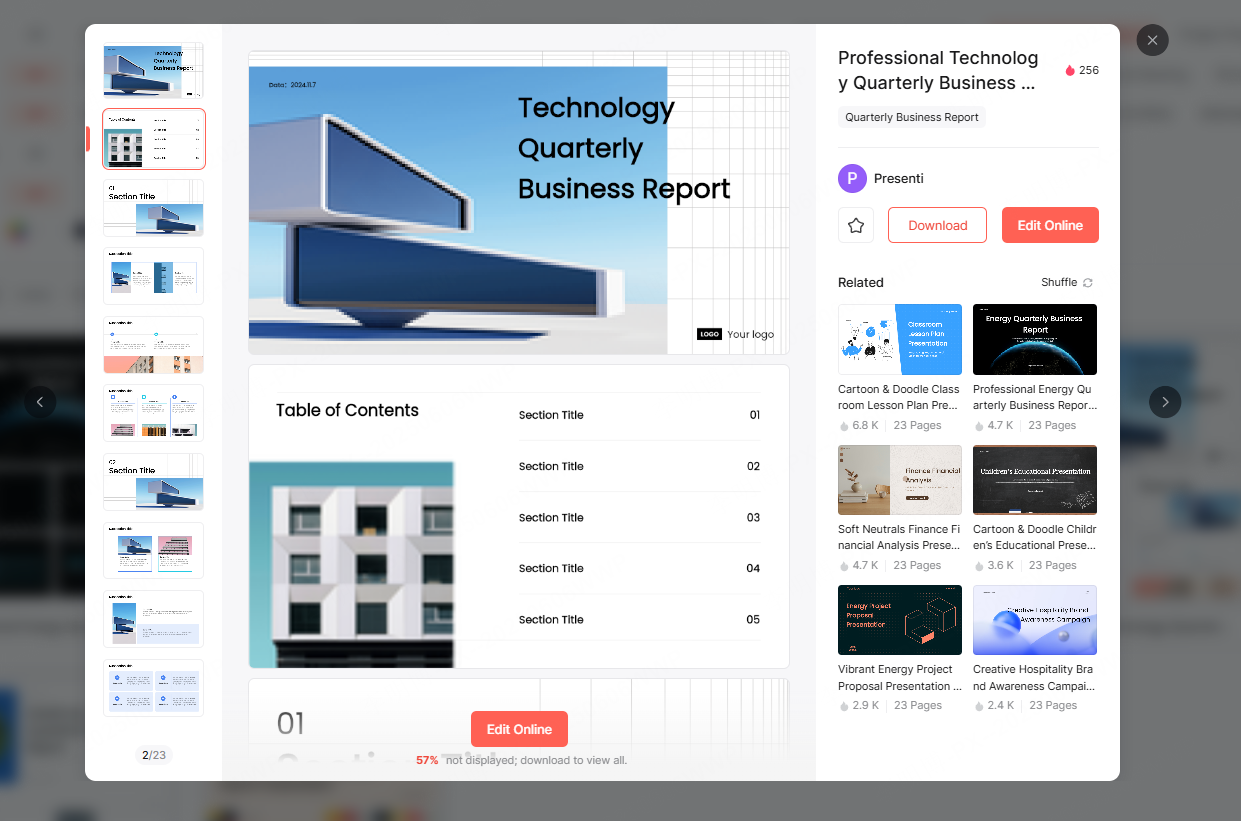
Business Plans and Pitch Decks
Startup founders and entrepreneurs can use structured templates for market analysis, competitive positioning, and financial projections.
Marketing and Promotion
Marketing templates focus on storytelling, visual impact, and campaign structure. They are well suited for product launches and promotional strategies.
Each template can be customized with different design styles and color schemes to align with brand identity.
Why Use Presenti AI for PPT Creation?
Using Presenti AI allows professionals to focus on message and strategy instead of formatting details. It reduces production time, improves consistency, and lowers the barrier to creating professional presentations.
Whether you are preparing a corporate report, teaching a class, or pitching an idea, Presenti AI helps you present information clearly and confidently.
By combining AI driven content generation with intelligent design, Presenti AI turns presentation creation into a faster and more enjoyable process.








