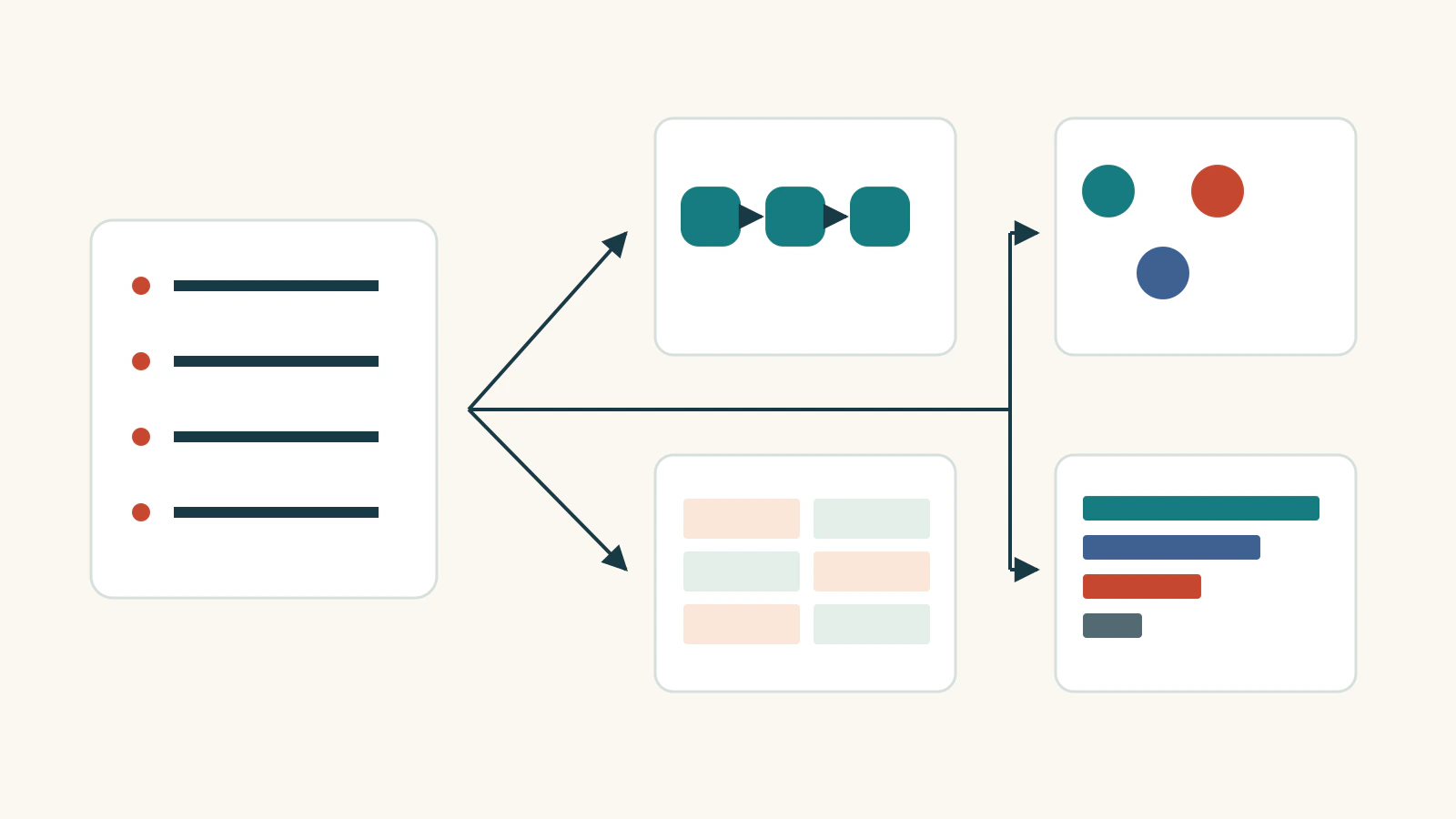
The most useful alternatives to bullet points are layouts that reveal a relationship: a sequence for steps, groups for related information, a table for comparisons, or a chart for measured values. Choose the relationship first. Turning every bullet into a colorful box can leave the audience with the same reading problem in a larger space.
Start with the text you already have. Identify what connects the items, then choose a form that makes that connection easier to see. If you use AI-assisted slide layout tools to explore a different arrangement, compare the draft with your source. A polished layout still needs your judgment: an arrow, a position, or a missing label can change the meaning.
The examples below use ordinary workshop-planning material. Each begins with a complete source list, so you can see what changes and what must stay. The people, rooms and counts are illustrative.
Choose the relationship before the layout
Ask what a listener needs to understand about the items. Are they actions performed in order? Details belonging to different work areas? Alternatives compared on the same criteria? Values whose relative size matters?
A flow diagram implies progression. Equal-sized panels imply comparable groups. A chart gives values a visual scale. Those implications are useful when the source supports them. They can also introduce an argument the source never made.
You do not need to decorate the whole deck in one visual style. A process can use steps, a decision can use a table, and the final packing instructions can remain a list. Keep the typography and colors consistent while letting the structure follow the content.
1. Use a sequence when the actions happen in order
Suppose a photography workshop begins with this exercise:
- Choose one photograph from the supplied set.
- Write one sentence describing what you notice.
- Show the photograph and sentence to a partner.
- Revise the sentence after hearing the partner's question.
These are connected actions. The participant needs a photograph before writing about it, and the revision depends on the partner's response. Four numbered steps make that order visible:
Choose a photograph → Write an observation → Discuss with a partner → Revise the sentence.
Put the short action above each step and the remaining instruction below it. “Choose a photograph” still needs “from the supplied set”; “Revise” still needs the partner's question. Shortening the labels does not justify losing those conditions.
Use evenly spaced steps when you are showing order alone. Do not stretch the discussion stage to suggest it takes longer unless you have assigned durations. Likewise, numbered steps are not a timeline: they tell people what comes next, without claiming when each action begins or how long it lasts.
2. Group related details without inventing a process
A different slide collects arrangements for the same workshop:
- Mina hosts the welcome table.
- The welcome table opens at 9:00.
- Jules prepares the room.
- The room has 40 chairs.
- Sam leads the paper-plane activity.
- The activity needs 24 kits.
The list mixes responsibilities, a start time and quantities. A designer might turn it into three attractive panels labeled Welcome, Room and Activity, then connect them with arrows. Even if every word survives, the new drawing suggests that these are consecutive stages.
The source does not establish that order. Room preparation could happen before the welcome table opens. The arrows might also suggest a dependency: complete Mina's work before Jules can begin, then let Sam proceed. Neither claim appears in the notes.
Use three separate groups instead:
| Work area | Person and responsibility | Detail to retain |
|---|---|---|
| Welcome table | Mina hosts | Opens at 9:00 |
| Room | Jules prepares | 40 chairs |
| Paper-plane activity | Sam leads | 24 kits needed |
On the slide, each work area can become a small panel with its person and detail beneath it. Space separates the panels; arrows do not connect them. All six original facts remain, and the grouping makes it easier to find who handles each area.
Do not force a matching number into every panel. The first group has a time, the second a chair count, and the third a kit requirement. Those are different kinds of information. They do not belong on a shared numeric scale, and 40 chairs does not prove that 40 people are attending.
If the audience later needs a setup schedule, obtain the actual start times and dependencies. That would support another slide. A layout should expose the relationships you know, not fill gaps by making the information look more orderly.

3. Use a table when people must compare alternatives
Now imagine choosing between two possible workshop rooms. The source notes say:
- Room A seats 24 people.
- Room A has movable chairs.
- Room A has a projector.
- Room B seats 40 people.
- Room B has fixed rows of seats.
- Room B's display equipment is not confirmed.
Two paragraphs make the audience remember Room A while reading Room B. A comparison table keeps the corresponding details next to one another.
| Criterion | Room A | Room B |
|---|---|---|
| Seating | 24 people | 40 people |
| Arrangement | Movable chairs | Fixed rows |
| Display | Projector | Not confirmed |
Keep the criteria in the same order for both options. Write “Not confirmed” rather than leaving the cell blank or using a cross, which might imply that Room B has no display.
For a proposed activity with 20 participants working in small groups, Room A's movable chairs may make it a useful option to investigate. That is a judgment based on a stated activity, not proof that the room is suitable in every respect. Availability, access needs and equipment operation still need confirmation.
A table also makes an honest non-decision possible: the team can see which missing fact prevents a choice. It does not need a winner badge or a made-up score to be useful.
4. Use a chart when the numerical difference matters
Consider this fictional preference count. Thirty people each selected one activity:
- Drawing: 12 people.
- Model making: 9 people.
- Coding: 6 people.
- Photography: 3 people.
A horizontal bar chart shows the relative sizes more directly than four separate number cards. Put the activities beside the bars and the exact counts at their ends. Start the scale at zero, use the same scale for every bar, and identify the unit as people choosing an activity.
The counts add to 30. Keep “one choice per person” beside the chart because it explains what that total means. Label the data as illustrative; do not present it as a survey of Presenti users or a published finding about student interests.
A fitting title is “Drawing was the most selected activity in this example.” “Drawing is the most effective activity” would introduce an outcome the preferences did not measure. The chart also cannot tell you whether the same people would attend on a particular date.
Use a plain table instead when the audience mainly needs to look up exact values. A chart earns its space when seeing the comparison helps the discussion. Neither format needs extra icons whose size or number accidentally competes with the data.
5. Keep the bullets when the items are independent
Some information works well as a list:
- Bring a notebook.
- Bring a water bottle.
- Bring one printed photograph.
These are things to bring, not a process, comparison or measurement. A short heading such as “Bring with you” and three readable lines complete the job. Numbering them could suggest an order or priority that does not matter.
Pictures might help younger readers recognize the items, but they should accompany clear labels. A decorative icon is not an improvement if the audience must guess whether a rectangle means a photograph, a notebook or a phone. Leave enough space between the lines and stop there.
Carry the meaning into the new slide
When you try a new layout, keep the original notes beside it. Read each source item and locate its meaning on the slide. Pay particular attention to owners, units, times, unknowns and conditions; those details are often lost when labels become shorter.
Then explain the slide aloud. Can you follow a real sequence, find a responsibility, compare the options or read the measured difference without correcting the picture? If you have to say “the arrow does not really mean that,” change the arrow. If the new diagram adds nothing to a useful short list, keep the list.