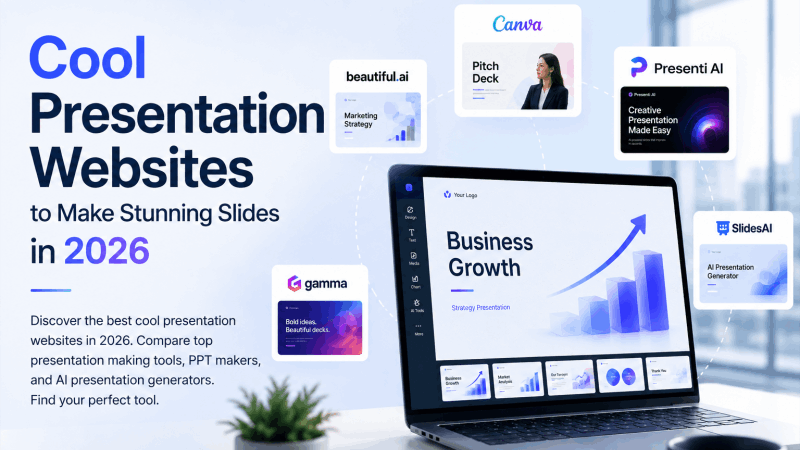
Finding genuinely cool presentation websites takes longer than it should. You search, land on a list from three years ago, and half the tools have either shut down, pivoted to something else, or quietly buried their best features behind an enterprise paywall. This guide is current, honest, and focused on what actually matters: which presentation making tools produce work worth showing, and which ones are worth your time in 2026.
Whether you need a full PPT maker for professional decks or a creative platform for something more visual and distinctive, every tool here earns its place.
What Makes a Presentation Website Worth Using?
Before the list, it helps to define what “cool” actually means in practical terms. A genuinely impressive presentation website does at least three things well.
It produces output that looks designed. Not template-stamped, not generic — actually designed, with visual hierarchy, intentional color, and coherent typography applied consistently across every slide.
It reduces friction between your ideas and your finished deck. The best tools get out of the way. They handle the structural and aesthetic decisions that slow non-designers down, so you spend your energy on the message rather than the margins.
It fits into real workflows. A presentation tool that only outputs a web link, or requires a $40/month subscription to export a file, or locks the best templates behind an enterprise plan is not a cool tool. It is a frustrating one. The best platforms deliver professional output at accessible price points with export formats that work in the real world.
With those benchmarks in place, here are the presentation websites worth knowing in 2026.
The Best Cool Presentation Websites in 2026
1. Presenti AI
Best overall presentation making tool for professional slide decks
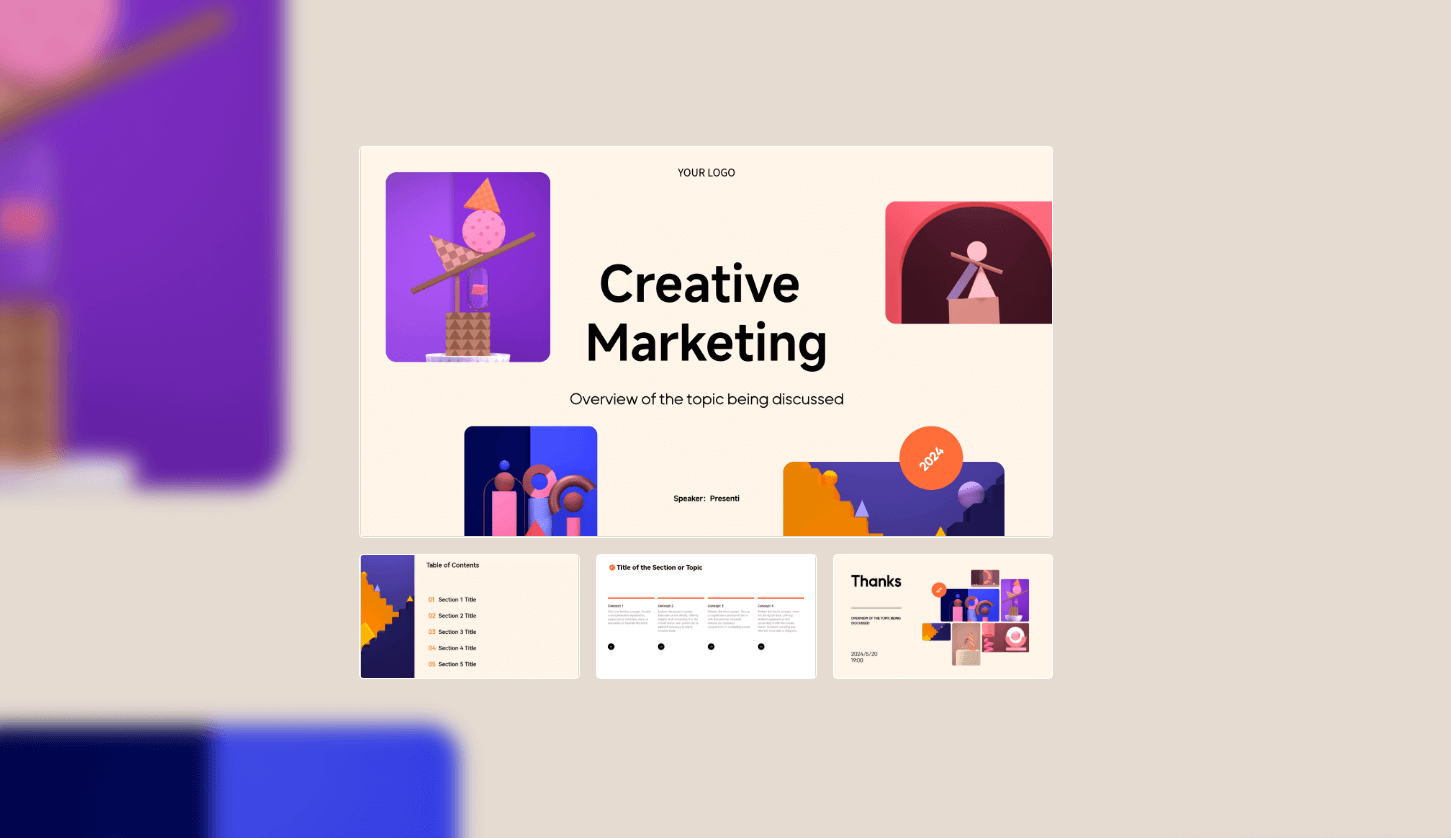
Presenti AI is the strongest all-around choice for anyone who needs professional, export-ready slides without a design background or hours of manual work. The workflow is genuinely fast: provide a text prompt, upload a Word document, drop in a PDF, or paste a Markdown file, and the AI generates a complete, professionally designed slide deck in under three minutes.
What separates Presenti from most competitors is structural intelligence. The AI does not just format bullet points onto slides. It reads your content, identifies the narrative arc, assigns appropriate layout types to each slide based on what the content is doing, and maintains visual consistency from the title slide through the closing. The result feels designed rather than auto-assembled.
The free plan includes full PPTX and PDF export with no watermarks, a template library spanning business reviews, investor pitch decks, educational content, and marketing presentations, and an in-browser editor for post-generation refinement. No credit card required to start.
Key features:
- Text, Word, PDF, and Markdown input
- AI-powered narrative structuring across slides
- Hundreds of professional templates across multiple contexts
- Free PPTX and PDF export without watermarks
- Slide-native in-browser editor
Best for: Business professionals, startup founders, educators, anyone who needs polished slides fast.
Pricing: Free tier with full export. Paid plans for higher volume.
2. Canva
Best for visually rich, design-heavy presentations
Canva built its reputation as the design tool for non-designers, and the presentation module delivers on that premise. The asset library is enormous — millions of photos, icons, illustrations, and design elements — and the Magic Design AI feature generates slide concepts from a text prompt using that library intelligently.
The output has genuine visual quality. Canva presentations look polished in a way that most PowerPoint decks simply do not, because the design defaults are better and the template quality is higher. The drag-and-drop editor is intuitive, and the collaborative features work well for teams building decks together.
The trade-off is content depth. Canva’s AI is stronger on visual design than on content structuring. Generated slides often need meaningful rewriting to match your actual message. Think of Canva as a design layer you bring your content to, rather than a tool that generates the content and the design together.
Key features:
- Magic Design AI for slide generation
- Massive stock photo, icon, and illustration library
- Real-time collaboration and commenting
- Brand kit for consistent team presentation design
- PDF and PPTX export
Best for: Marketing teams, designers, creative professionals, and anyone for whom visual impact is the primary concern.
Pricing: Free tier with substantial access. Pro plans from $15/month.
3. Gamma
Best for web-native, link-shared presentations
Gamma rethought what a presentation could look like if it were designed for screens rather than projectors. Its card-based format stacks content vertically and transitions with smooth animations, producing output that feels more like an interactive web page than a traditional slide deck.
For presentations shared via link — investor memos, product overviews, internal documentation, sales one-pagers — Gamma’s format works beautifully. The AI generation from text prompts is fast and the visual quality is high.
The limitation worth knowing upfront: PPTX export requires a paid plan, and the free tier places a Gamma watermark on PDF exports. If your workflow ends in a file someone opens in PowerPoint, Gamma’s free tier will not meet that need. If your workflow ends in a shareable URL, it is among the coolest presentation websites available.
Key features:
- AI generation from text prompts
- Smooth scroll-based card format
- Collaboration and commenting tools
- Shareable links with view analytics
- Limited PPTX export on paid plans
Best for: Content shared via link, internal documentation, lightweight pitches, product overviews.
Pricing: Free tier with limited AI credits. Paid plans from $10/month.
4. Beautiful.ai
Best for enterprise teams with strict brand standards
Beautiful.ai’s Smart Slides technology automatically adjusts layout as you add or remove content, keeping slides proportional and well-spaced without manual intervention. The visual output quality is consistently high, and the brand kit features allow enterprise teams to lock design variables so every deck built by any team member looks like it came from the same design system.
The AI generation layer is less sophisticated than newer entrants. Beautiful.ai is stronger at design consistency than at content generation. For teams that already know what they want to say and need a tool that ensures it always looks right, the platform delivers reliably.
Key features:
- Smart Slides that auto-adjust layout as content changes
- Brand kit and team template locking
- Analytics on presentation views and slide-level engagement
- PowerPoint export
- Real-time collaboration
Best for: Enterprise marketing teams, sales organizations, and any team that needs brand-locked design consistency across many presenters.
Pricing: Plans from $12/month. No meaningful free tier.
5. Prezi
Best for visually distinctive, non-linear storytelling
Prezi remains one of the most visually distinctive cool presentation websites available, and its 2026 version is meaningfully stronger than earlier iterations. The core concept has not changed: instead of advancing through a linear sequence of slides, presenters navigate a single large canvas by zooming in and out of different content areas.
The spatial structure is genuinely engaging for certain content types. When the relationships between ideas are as important as the ideas themselves, showing those relationships through visual proximity and zoomed navigation communicates something that a linear slide sequence cannot replicate. The 2026 AI canvas generation from text prompts significantly reduces the time required to build a Prezi compared to earlier versions where everything was constructed manually.
Key features:
- Spatial canvas navigation with zoom-based transitions
- AI-powered canvas generation from text prompts
- Video presentation mode with face-in-frame recording
- Real-time collaboration
- Analytics on audience engagement
Best for: Sales presentations, conference talks, educational content where visual relationships between concepts matter.
Pricing: Free tier available. Plus plans from $7/month.
6. Pitch
Best presentation making tool for startup pitch decks
Pitch was designed specifically for the startup ecosystem, and its 2026 AI features reflect that focus. The generation engine understands investor narrative conventions — problem, solution, market, traction, team, ask — and structures content accordingly when given a prompt that follows that arc. The template library skews strongly toward tech and startup aesthetics, which is a strength if that context matches yours.
The collaboration and version control features are among the best in this category. Founding teams working on a deck together benefit from real-time co-editing, comment threads tied to specific slides, and version history that lets you roll back to any previous state. The analytics on who viewed the deck and for how long are genuinely useful when sending to investors.
Key features:
- Investor narrative AI structuring
- Real-time collaboration with version history
- View analytics per recipient
- Strong startup-focused template library
- PDF and PPTX export
Best for: Startup founders, venture-backed teams, business development professionals.
Pricing: Free tier available. Pro plans from $25/month.
7. Tome
Best for narrative-driven, story-first presentations
Tome built its reputation on narrative intelligence. The AI understands that a presentation is not a collection of slides — it is an argument, a story, or a journey — and structures generated content accordingly. For pitch decks, product stories, and thought leadership content where the arc matters as much as the individual points, Tome produces unusually coherent first drafts.
The output format is a hybrid between a presentation and a scrollable document, which works better in some contexts than others. PDF sharing is strong. Traditional slide-by-slide presenting is less natural given the format. Teams that share presentations as documents rather than deliver them in front of a live audience will find Tome’s strengths most directly useful.
Key features:
- Narrative-aware AI generation
- Embedded video and media support
- Data visualization with connected data sources
- PDF export and shareable links
- Real-time collaboration
Best for: Founders, product marketers, content creators who prioritize narrative quality over visual flexibility.
Pricing: Free tier available. Pro plans from $16/month.
8. Genially
Best for interactive, self-paced presentation experiences
Genially specializes in interactivity that goes well beyond what standard slide tools support. Hover effects that reveal additional content, click-to-expand sections, embedded audio and video, branching navigation paths where different choices lead to different content — these are the features that make Genially genuinely distinctive among cool presentation websites.
The platform is particularly strong for self-paced content: training modules, interactive proposals, gamified educational experiences, and marketing content that audiences explore rather than receive passively. A Genially presentation can function as an interactive document that lives on a web page indefinitely, accumulating views and engagement long after it was originally created.
Key features:
- Hover and click interactivity on any element
- Branching navigation and conditional content paths
- Gamification elements including points, badges, and timers
- Embedded video, audio, and external content
- Analytics on which interactive elements audiences engage with
Best for: Training teams, marketing departments, educators building self-paced learning experiences.
Pricing: Free tier with Genially branding. Pro plans from $7.49/month.
Cool Presentation Websites Comparison Table
| Tool | Best For | AI Generation | Free PPTX Export | No Watermark Free | Interactive Features | Starting Price |
|---|---|---|---|---|---|---|
| Presenti AI | Professional slide decks | Excellent | Yes | Yes | No | Free |
| Canva | Visual-heavy design | Good | Yes | Yes (paid) | Limited | Free |
| Gamma | Link-shared documents | Good | Paid only | No | Limited | Free |
| Beautiful.ai | Brand-consistent teams | Moderate | Yes | Yes | No | $12/mo |
| Prezi | Non-linear storytelling | Good | No | Yes | Navigation-based | Free |
| Pitch | Startup pitch decks | Good | Yes | Yes | No | Free |
| Tome | Narrative content | Excellent | Limited | Yes | Limited | Free |
| Genially | Interactive content | Moderate | No | No | Excellent | Free |
How to Choose the Right Presentation Making Tool
The right tool depends on three questions that cut through the feature noise.
What format does your output need to be in? If the answer is a .pptx file that opens in Microsoft PowerPoint or Google Slides, your realistic options are Presenti AI, Canva, Beautiful.ai, and Pitch. Tools like Gamma, Prezi, and Genially are stronger in their native formats and weaker when forced into file-based export workflows.
Where is your content coming from? If you are starting from an existing document — a report, a brief, a research summary, a set of meeting notes — Presenti AI is the only tool on this list that accepts Word, PDF, and Markdown uploads and converts them directly into slides. Every other tool requires you to start from a prompt or build from scratch. For professionals with existing content, that difference represents an hour of saved work per presentation.
Who is your audience and how will they experience the presentation? A live boardroom presentation needs different design conventions than a self-paced training module or a link-shared investor memo. Live presentations need strong slide structure and clear visual hierarchy. Self-paced content needs interactivity. Link-shared content needs web-native polish. Match the tool’s native format to the context in which your audience will actually experience the work.
Frequently Asked Questions About Presentation Making Tools
Which presentation website is completely free to use?
Presenti AI, Canva, Gamma, Prezi, Pitch, Tome, and Genially all offer free tiers. The distinction is what the free tier includes. Presenti AI’s free plan covers full PPTX export with no watermarks, which most competitors reserve for paid plans.
What is the best PPT maker for non-designers?
Presenti AI handles every design decision automatically — layout, typography, color, whitespace — so non-designers get professional output without needing design knowledge. Canva is a strong alternative if you prefer a drag-and-drop editing environment with more manual control.
Are AI presentation tools accurate with facts and data?
AI tools generate structurally sound and visually coherent presentations. Factual accuracy always requires human review. Any slide containing specific data points, statistics, or proprietary information should be verified against your source material before the presentation goes to any audience.
Can I use these tools for free without a credit card?
All tools on this list allow account creation without a credit card. Free tier limitations vary by platform, but the fundamental workflow is accessible without payment on every option listed.
Find the Right Tool, Build Better Presentations
The best cool presentation websites in 2026 are not the ones with the most features. They are the ones that close the gap between the content you have and the slides your audience needs to see, with the least friction and the highest output quality.
For most professionals, that points to Presenti AI as the starting point. The input flexibility, AI quality, free PPTX export, and zero-watermark policy on the free tier make it the most practical choice for day-to-day presentation work. For specialized needs — visual design emphasis, startup pitches, interactive self-paced content — Canva, Pitch, and Genially each excel in their specific lanes.
The tools exist. The output quality is higher than it has ever been. The barrier between your ideas and a professional slide deck has never been lower. Pick the right presentation making tool for your context and spend your energy on the story you need to tell.
Try Presenti AI free today — no credit card required, no watermarks, no learning curve. Upload a document or write a prompt and generate your first professional deck in minutes.