
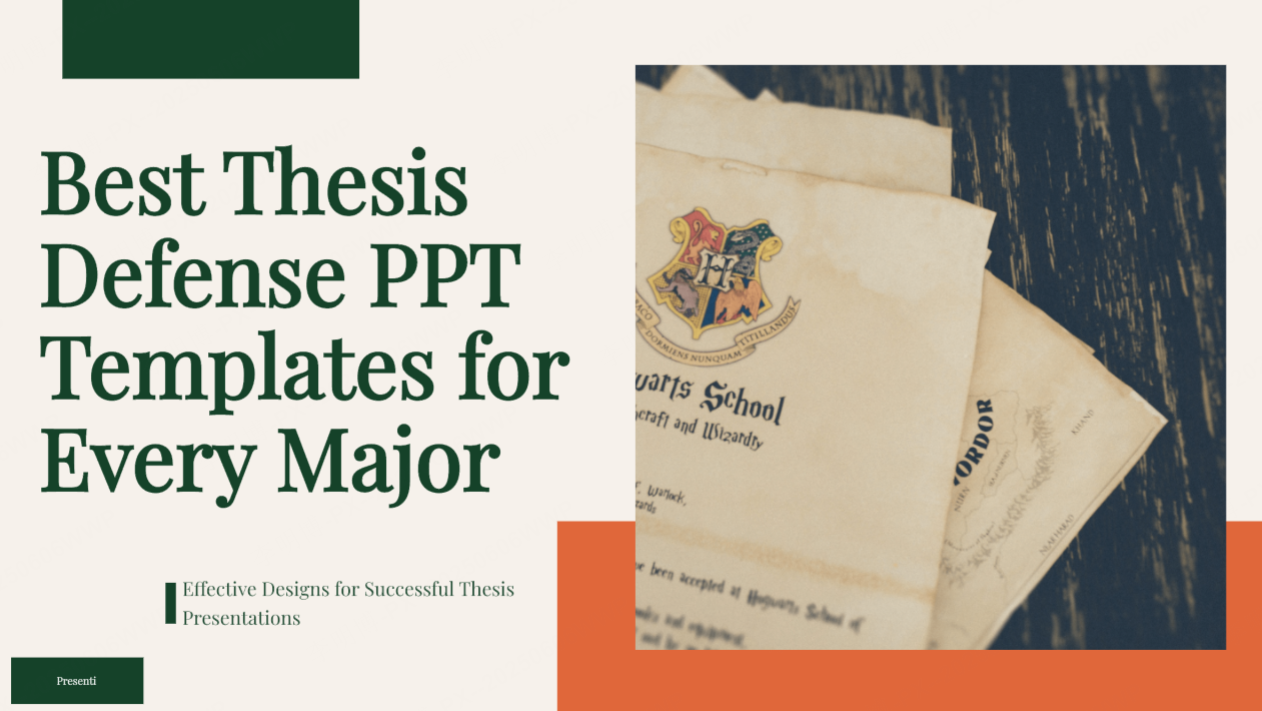
Preparing for a thesis defense is one of the most important stages of a student’s academic journey. Beyond the quality of your research, the clarity and professionalism of your presentation play a major role in making a strong impression on examiners. A well designed thesis defense PowerPoint template helps you communicate ideas logically, highlight key findings effectively, and maintain a confident presence throughout the session.
This comprehensive guide introduces a curated collection of high resolution, fully editable thesis defense PPT templates tailored for various academic fields. Whether you are studying engineering, humanities, medicine, or the arts, you will find templates that match the visual tone and presentation requirements of your discipline.
1. Core Elements of an Effective Thesis Defense PPT
A strong thesis defense presentation does more than display research, it enhances your storytelling and showcases your academic professionalism. Keep these three core principles in mind when selecting or designing your template:
(1) Clear Structure: Logic Creates the First Impression
A well organized flow helps professors follow your narrative effortlessly. Each section should be concise, with 1 to 3 slides per topic to avoid overwhelming your audience.
A recommended structure:
- Cover Page
- Table of Contents
- Research Background
- Research Methods
- Experiments / Project Process
- Results & Analysis
- Conclusion & Future Outlook
This flow allows reviewers to grasp your research journey quickly, from the initial problem to your final insights.
(2) Professional Visual Design: Appearance Reflects Competence
Your reviewers focus on clarity and readability, not fancy decorations. A polished, minimalistic design will always outperform a cluttered layout.
Best practices include:
- Unified fonts: Use modern sans serif fonts such as Roboto, Open Sans, or Source Han Sans.
- Effective color schemes: 1 primary color + 1 secondary color + 1 accent color.
- Proper spacing: Adequate white space reduces visual overload and increases readability.
- Consistent layout: Keep headings, icons, and data visualizations aligned across slides.
(3) Concise and Impactful Content
The goal is high information density, not long paragraphs.
- Use short sentences and keywords.
- Replace long descriptions with charts, infographics, icons, and images.
- Highlight your core contributions on the conclusion slide to ensure your research value stands out.
2. Thesis Defense PPT Templates for Different Majors
Students from different areas require different presentation styles. Modern AI powered PPT platforms such as Presenti AI allow you to choose from categorized templates that match the tone of your academic field. These templates can be edited directly online or downloaded for offline customization.
(1) Engineering & Science Templates

Style Features:
- High technology visual elements
- Clear logical structure
- Data driven layouts
Suitable for:
Mechanical Engineering, Computer Science, Electronic Information, Civil Engineering, Physics, Chemistry
Visual highlights:
- Dark blue or grey themes
- Geometric shapes or tech line elements
- Emphasis on charts, process diagrams, and algorithms
(2) Humanities & Education Templates
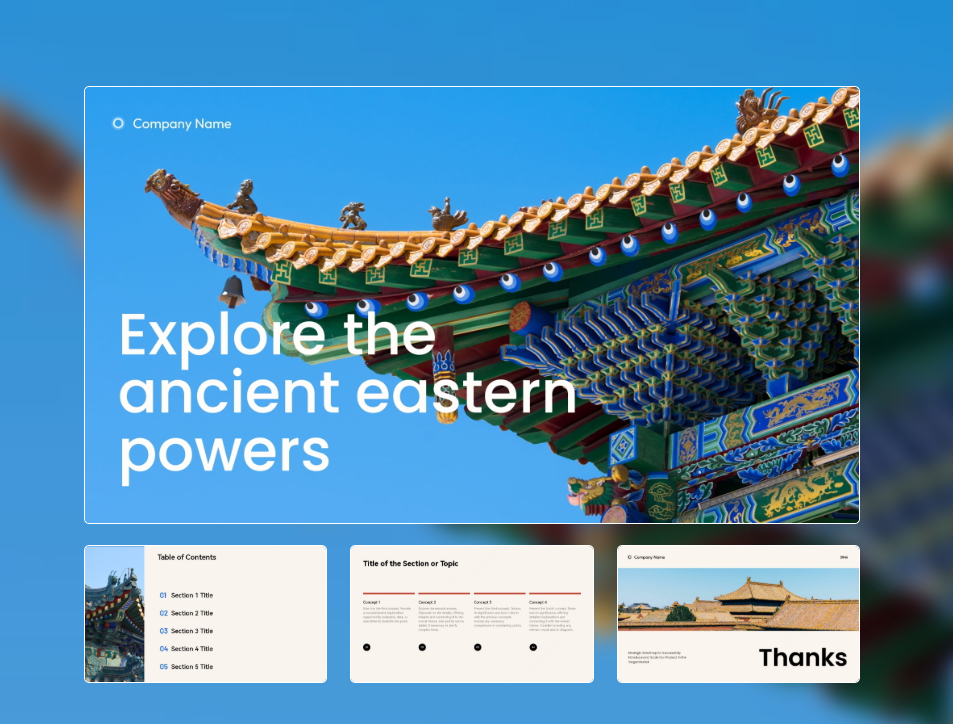
Style Features:
- Clean and elegant
- Warm, soft color palettes
- Text friendly layout
Suitable for:
Literature, Education, Journalism, History, Sociology
Visual highlights:
- Light backgrounds
- Simple blocks for storytelling
- More space for descriptions, quotes, and narrative flow
(3) Medical & Nursing Templates

Style Features:
- Clarity + precision
- Strong sense of professionalism
- Emphasis on procedural logic and data
Suitable for:
Clinical Medicine, Nursing, Pharmacy, Public Health
Visual highlights:
- Blue, green, and white color themes
- Medical icons, anatomy graphics, and flowcharts
- Balanced mix of visuals and textual explanations
(4) Art & Design Templates

Style Features:
- High creativity
- Strong visual impact
- Portfolio friendly layout
Suitable for:
Visual Communication, Fashion Design, Animation, Environmental Art
Visual highlights:
- Bold colors
- Creative layouts and transitions
- Space to showcase artworks, mood boards, and design concepts
3. How to Choose the Most Suitable Thesis Defense PPT Template
With thousands of templates available online, choosing the right one can feel overwhelming. Here are key things to consider:
(1) Align with your discipline
- Science majors need structured, data heavy slides.
- Humanities majors benefit from clean layouts with clear typographic hierarchy.
- Medical students require diagrams and process flows.
- Art students need templates with strong visual emphasis.
(2) Consider the expectations of your faculty
Some departments prefer minimalistic templates, while others encourage creative expression. Review previous thesis defenses in your department to understand the norm.
(3) Match the style to your research topic
A template should visually reflect your content, for example:
- AI or engineering: cool, technological theme
- Social science: warm and structured
- Environmental research: green or earth-tone palettes
- Art and design: bold and expressive visuals
4) Ensure the template is fully editable and high resolution
Editable templates allow you to freely modify color schemes, fonts, icons, and layouts to fit your defense requirements.
Platforms like Presenti AI provide HD resources that can be customized and synchronized across devices without losing quality.
4. Customizing Your Own Template: Creating a Unique Defense PPT
If you want your thesis defense PPT to stand out, consider designing a personalized template using Present AI’s “Custom Template” feature. Instead of adjusting an existing layout slide by slide, you can build a complete presentation style from scratch.
Step 1: Create a Custom Template
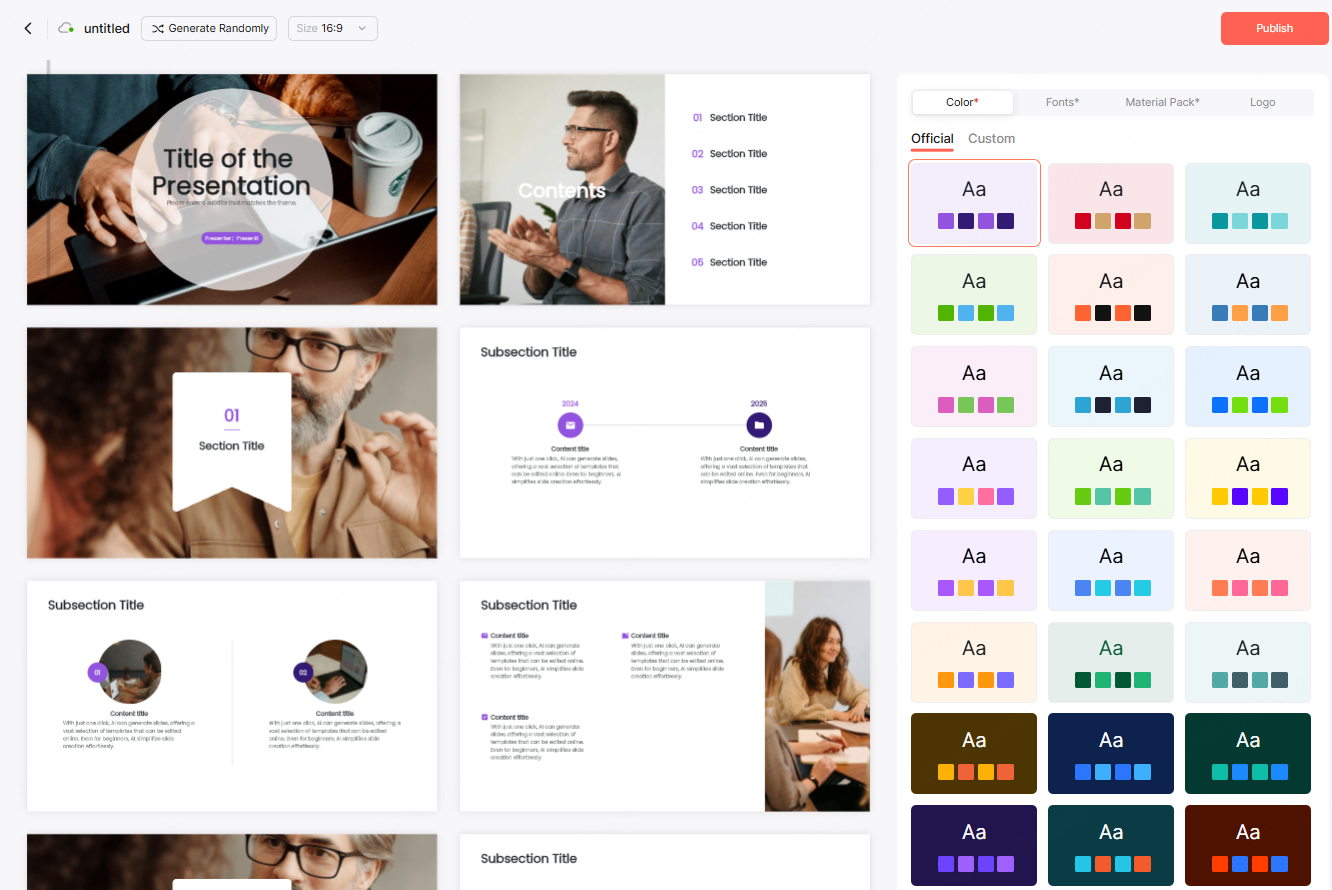
- Log in to Present AI
- Select Custom Template on the workspace sidebar
- Generate sample layouts to accelerate your design process
- Choose between 16:9 (landscape) or 9:16 (vertical)
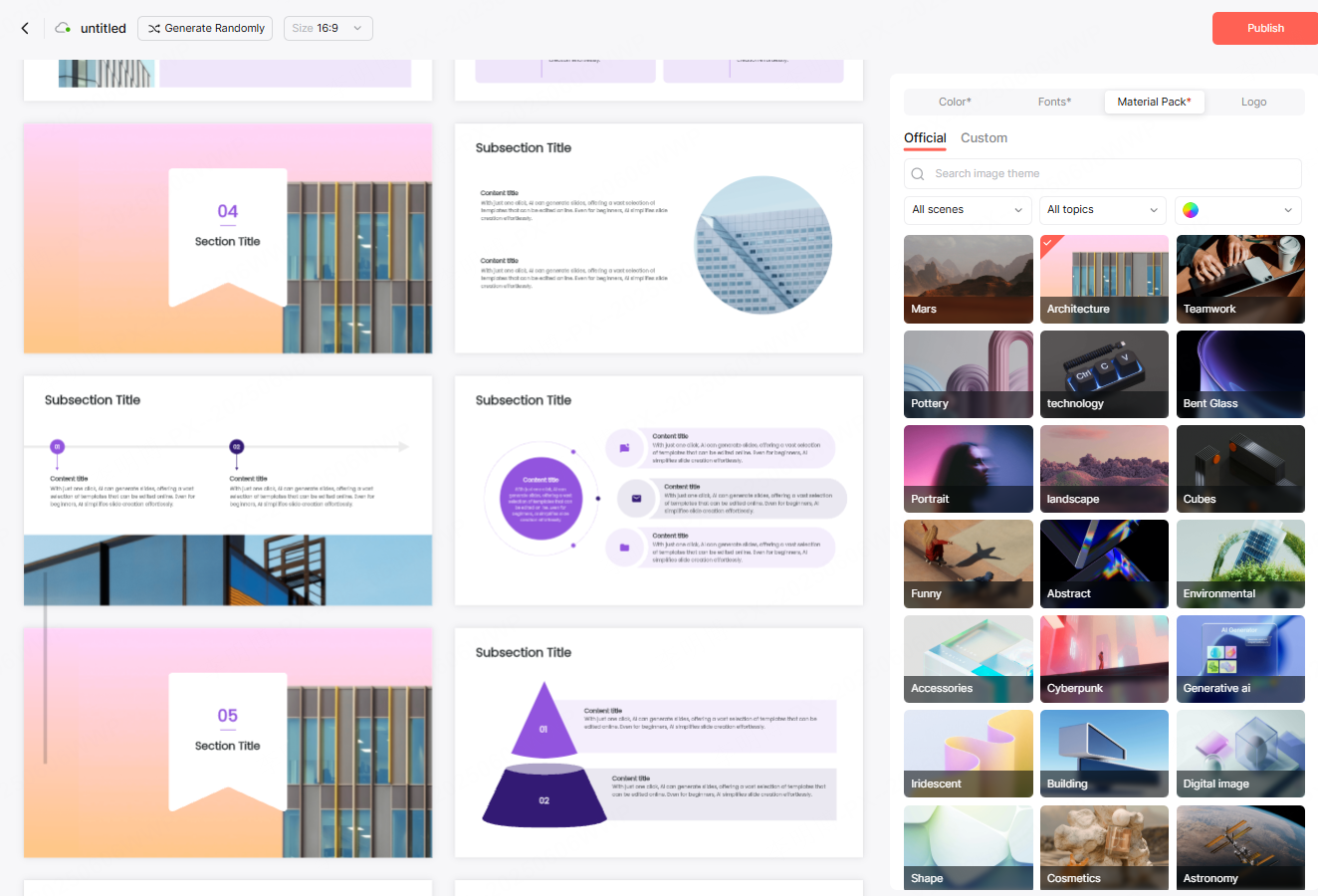
Step 2: Choose Color Palette, Fonts & Materials
- Apply recommended color schemes or upload your own brand palette
- Import custom fonts
- Replace images using built in libraries categorized by theme and tone
Step 3: Fine Tune Visual Details
You can modify:
- Title page decorations
- Chapter dividers
- Content page layouts
- Background images
- Footer elements, logos, and global styles
Batch tools allow you to update:
- Fonts
- Colors
- Icons
- Images
with one click across all slides.
Step 4: One Click Generate & Publish
After setting everything up:
- Generate your personalized template
- Publish it for future use
- Apply it instantly to new projects or presentations
This approach ensures consistency across your academic or professional projects.
Conclusion
A high quality thesis defense PPT is more than a requirement, it is an opportunity to present your research professionally and leave a strong impression on your committee. By choosing the right template and refining your content with thoughtful design principles, you can make your defense smoother, clearer, and more impactful.
With tools like Present AI, students can quickly create polished, editable, and visually compelling presentations that showcase both academic ability and aesthetic sense. A well designed template helps you stand out and ensures your research story is communicated with confidence and clarity.









