Start a presentation by giving people a reason to follow the next few minutes. That reason might be a question they want answered, a decision they need to make, or a change they need to understand. It does not have to be a surprising statistic or a clever story.
Prepare three things together: the words you will say, the first slide people will see, and the sentence that takes them into your first substantive point. An opening can sound polished on its own and still fail to lead anywhere.
Once those pieces fit, you can use Presenti to turn your opening and outline into a presentation draft, then edit the slides around what you intend to say. The examples below use invented classroom and workplace situations to show how the three pieces work together.
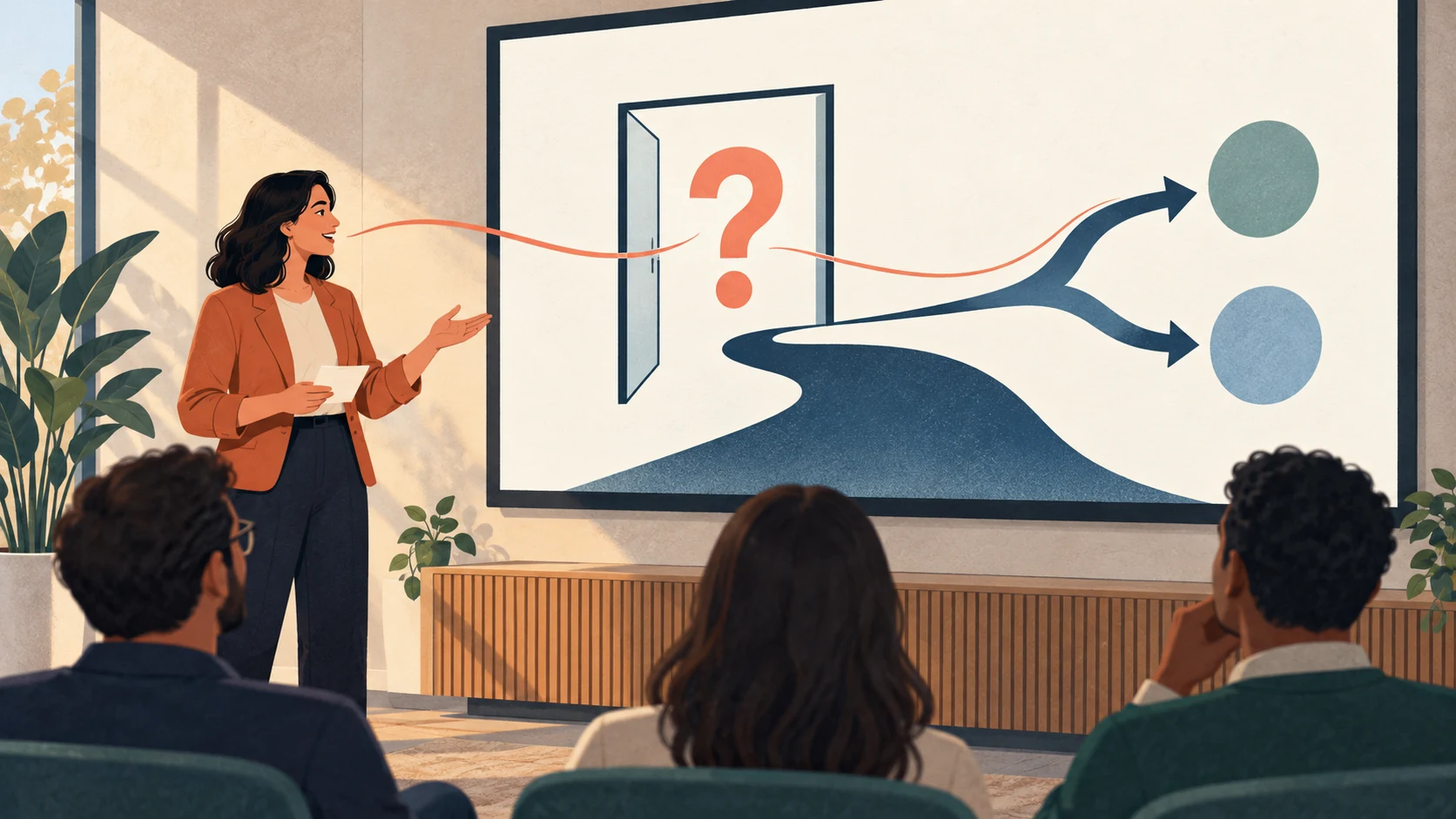
Start with the audience’s next question
Before writing your first line, finish this sentence: “After this talk, these people should be able to…” Explain a concept, choose an option, or act on a project risk are useful answers. “Know more about my topic” is too broad to guide an opening.
Then consider what the audience already knows. Classmates may need a concrete example before a definition. A manager reviewing a proposal may want the request immediately. Colleagues in a regular update may already know the background and need to hear what has changed.
A brief greeting or introduction can still come first. If the group does not know you, give your name and the role relevant to this talk. If everyone works with you daily, there is little reason to spend the opening explaining your biography.
Classroom example: make the concept visible
Situation: You are explaining how a narrator’s point of view affects a story. Your classmates know what a narrator is, but you want them to notice how perspective changes a reader’s judgment.
What you say:
“A student walks into class after the bell. The teacher thinks: late again. The student thinks: I finally made it. We have one event, but two different starting points for a story. Today I’ll show how changing the narrator changes what a reader knows and how that reader judges the same action. I’ll use this one classroom scene, first from the teacher’s position and then from the student’s, before we look at what each version leaves out.”
What the first slide shows: Use the title “One event. Two viewpoints.” Beneath it, show a simple classroom doorway with two short captions: “Late again.” and “I finally made it.” Put the small subtitle “How a narrator shapes a story” below the title. There is no need to project the whole spoken paragraph.
The bridge into the body: “Let’s begin with the teacher’s version and notice what we can—and cannot—know from that position.” Then move to the first short passage.
The opening gives the class a specific difference to examine. You can pause between the two viewpoints without demanding an answer or a show of hands. If you do invite a response, ask something narrow, such as which version makes them more sympathetic to the student, and allow time to use the answer.
Work proposal example: state the decision first
Situation: A team receives requests through email, chat, and meetings. You want approval to try one shared request queue. The people in the meeting understand the current process; they need to evaluate the proposed change.
What you say:
“I’m asking us to try one shared request queue for two weeks. At the moment, a request can arrive in email, chat, or a meeting, and it is not always clear who has picked it up. The pilot would give each new request a named owner and a visible status. I’ll show the proposed workflow, what changes for the team, and how we would decide whether to keep it. Today’s decision is whether to run the pilot and who will own it.”
What the first slide shows: Make the title the request: “Approve a two-week request-queue pilot.” Add one line below it: “One place to log a request, an owner, and its status.” A small “Decision today” label is more useful here than a dramatic image about workplace chaos.
The bridge into the body: “Let’s follow one request through the current process, then the proposed queue, so you can see exactly what would change.” The next slide compares that same request in both workflows.
This is a direct opening without a rhetorical hook. It respects the audience’s need to understand the proposal before debating it. It also avoids announcing savings that the pilot has not established. The trial period and ownership question make the request concrete; they do not prove that the change will work.
Progress update example: give the status without suspense
Situation: A website content handover is planned for Friday. The writing is complete, but the required review has not happened. You need the group to resolve that dependency.
What you say:
“Friday’s content handover is at risk because the final review is still outstanding. The writing is complete, and the pages are ready for that review. What we need today is a reviewer and a time slot, or agreement to move the handover. I’ll briefly show what is finished, explain what the review still needs to cover, and take you through the two scheduling options. The main question is how we resolve the review, rather than whether more writing is needed.”
What the first slide shows: Use “Friday handover: review still needed” as the title. Under it, use two concise labels: “Writing complete” and “Final review pending.” Keep the action visible: “Confirm reviewer and time today.” Avoid an unexplained green status badge.
The bridge into the body: “Here is the finished content and the specific review step between us and handover.” Show the completed work and the outstanding dependency together.
A recurring update does not need to recreate the project’s origin story. Lead with the change and its consequence, then provide enough detail for the group to respond. If the news is good, use the same clarity: say what is complete and what that allows the team to do next.

Repair an opening that does not connect
Replace the unrelated joke with a relevant observation
Suppose the request-queue proposal starts with: “I promise this meeting will be shorter than the line for coffee.” Even if it gets a laugh, it gives the audience no reason to consider the proposal. You then have to start the presentation again.
A more useful first line would be: “When a request arrives in chat, how do we know who owns it?” Follow it immediately with the situation and your proposed pilot. You do not have to ask the room to answer; the question can introduce the problem you are about to demonstrate. Keep a joke when it belongs to the subject and suits the room, not simply because openings are supposed to be entertaining.
Replace an unsupported number with something you can show
“Almost every project fails because of poor communication” sounds urgent but raises questions about the source, the meaning of failure, and whether the claim applies here. Adding an invented percentage only makes the problem harder to defend.
For the proposal example, show how a request can pass between channels without an assigned owner. If you have a real, relevant measurement, state what it measures, the period it covers, and where it comes from. If you do not, a clearly framed problem or proposed test can carry the opening without a statistic.
Rehearse through the first transition
Practice the opening with the actual first two slides. Stopping after the first polished paragraph hides the awkward moment when you need to advance the slide and begin explaining. Say the bridge sentence, change the slide, and continue into the first example or piece of evidence.
For a ten-minute talk, try an opening of roughly thirty to forty-five seconds as a starting point. Adjust it to the setting: a familiar team may need less context, while an unfamiliar concept may need more. If the opening takes too much of the talk, cut background before cutting the sentence that states the purpose.
You can also prepare a shorter version for an interrupted meeting. The proposal could become: “I’m asking for a two-week shared-queue pilot. I’ll show what changes and the decision we need today.” Then use the same bridge into the workflow. Your opening should still work when you have less time than expected.
Build the slide draft around the opening
Before creating a draft, write down the audience, the purpose of the talk, your spoken opening, the exact first-slide wording, and the first section you will enter. Keep the full script separate from the short text intended for projection.
Use that material with your outline in Presenti, then edit the resulting draft. Check whether the first slide supports what you are saying and whether the next slide arrives where your bridge sentence promises. A question about point of view should lead to a passage; a pilot request should lead to the proposed change; a status update should lead to the work and dependency.
You do not need the most memorable sentence in the room. You need an opening that makes the next sentence—and the rest of the presentation—worth following.