As artificial intelligence continues to reshape how we work and communicate, AI PPT has emerged as one of the most talked about tools in modern productivity workflows. AI powered presentation generators are changing how people create slides, moving PowerPoint from a manual design task into an intelligent, automated process. Online AI PPT tools are not just faster alternatives to traditional slide creation. They represent a new generation of content production, where structure, design, and visuals are generated intelligently based on your intent. For educators, project managers, developers, and technical teams, AI PPT offers a smarter way to turn ideas into polished presentations.
This guide explains what AI PPT is, how it works, its core features, real world use cases, and the best free tools available.
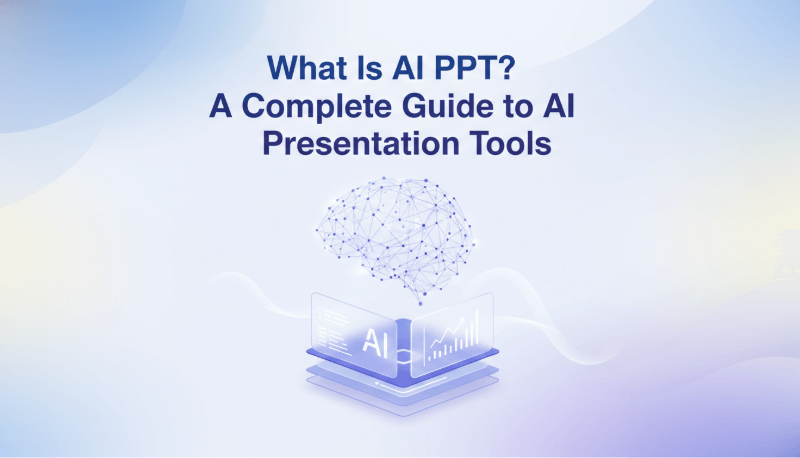
1. What Is AI PPT?
Traditional PowerPoint creation is time consuming and often stressful. Users must plan the outline, write slide content, select templates, adjust layouts, and fine tune visual elements. This process requires both design skills and significant time investment.
“AI PPT” is an informal term for tools that use AI to help draft or design presentations; it is not a single file format or product. These tools can simplify parts of the workflow. Instead of starting from a blank slide, users input a topic, a short description, or raw content. The system automatically generates a complete presentation with a clear structure, consistent design, and professional visual style.
The defining feature of AI PPT is simple:
You provide the brief. AI drafts slides for you to review.
You do not need design experience. You do not need to manually format slides. In many cases, you do not even need a detailed outline. The AI handles structure, layout, visuals, and formatting automatically.
Key Benefits of AI PPT
- Time savings
Reduce manual formatting and asset searching. Create a usable first draft in minutes. - Lower learning curve
No design background required. Beginners can produce visually polished slides. - Improved professionalism
AI can propose a structure and visual hierarchy; review the sequence and consistency against your message. - Flexible and efficient workflow
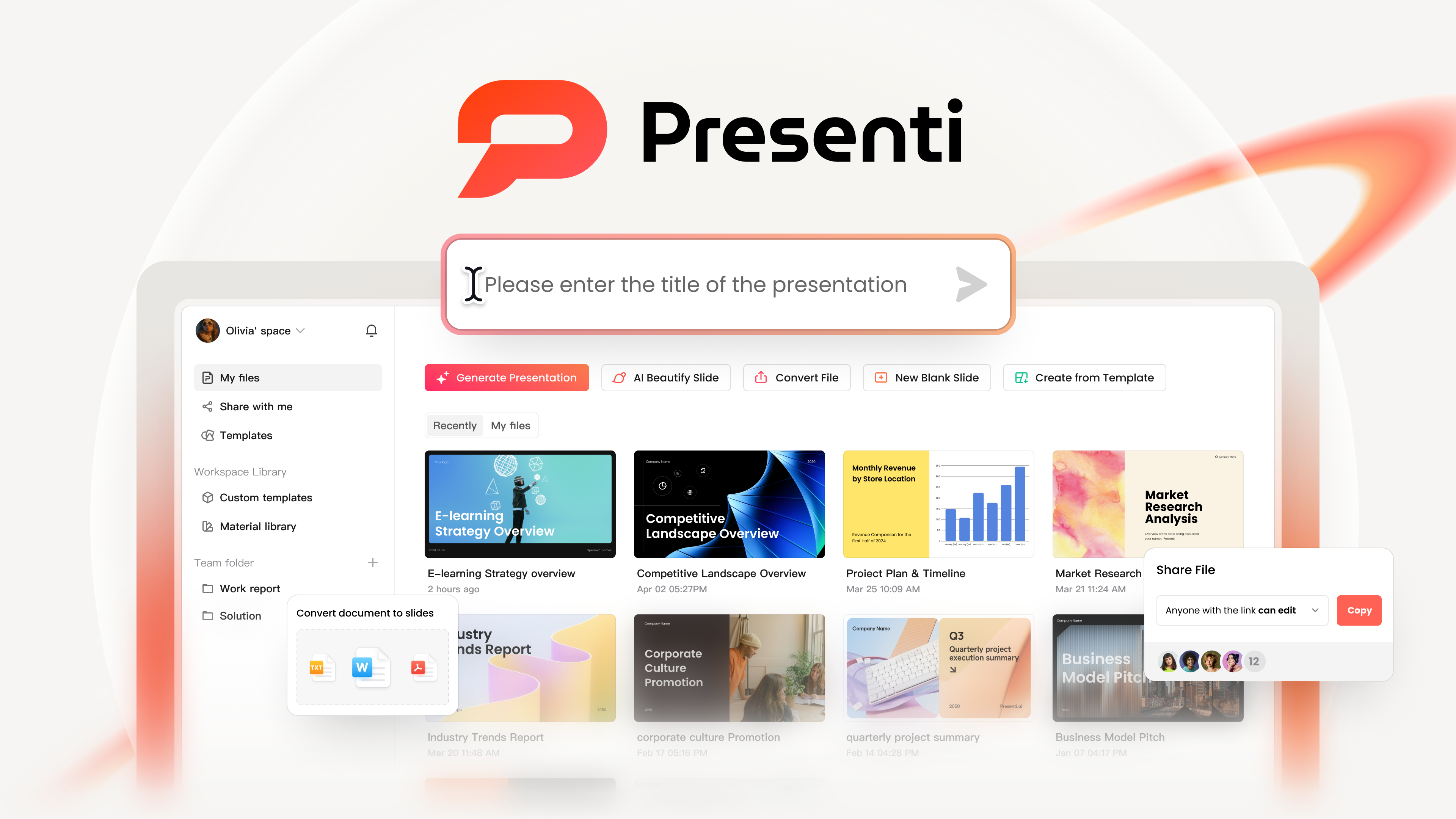
Browser-based editing supports online work and collaboration where the selected tool and plan provide it.
2. Core Features That Make AI PPT Powerful
AI PPT tools stand out because they combine multiple intelligent capabilities into one workflow. Their value depends on how well they handle your source material and the revisions you need.
One Click Outline and Content Generation
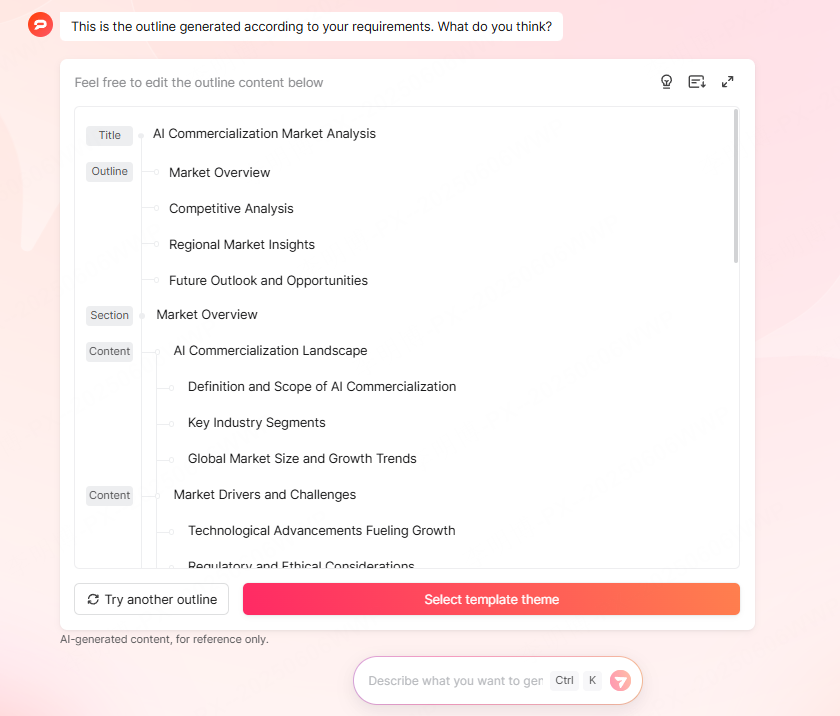
By entering a presentation topic or brief description, AI automatically generates a logical slide outline and relevant content. This eliminates the most time consuming step: figuring out what each slide should say.
Large Template Library with Multiple Styles
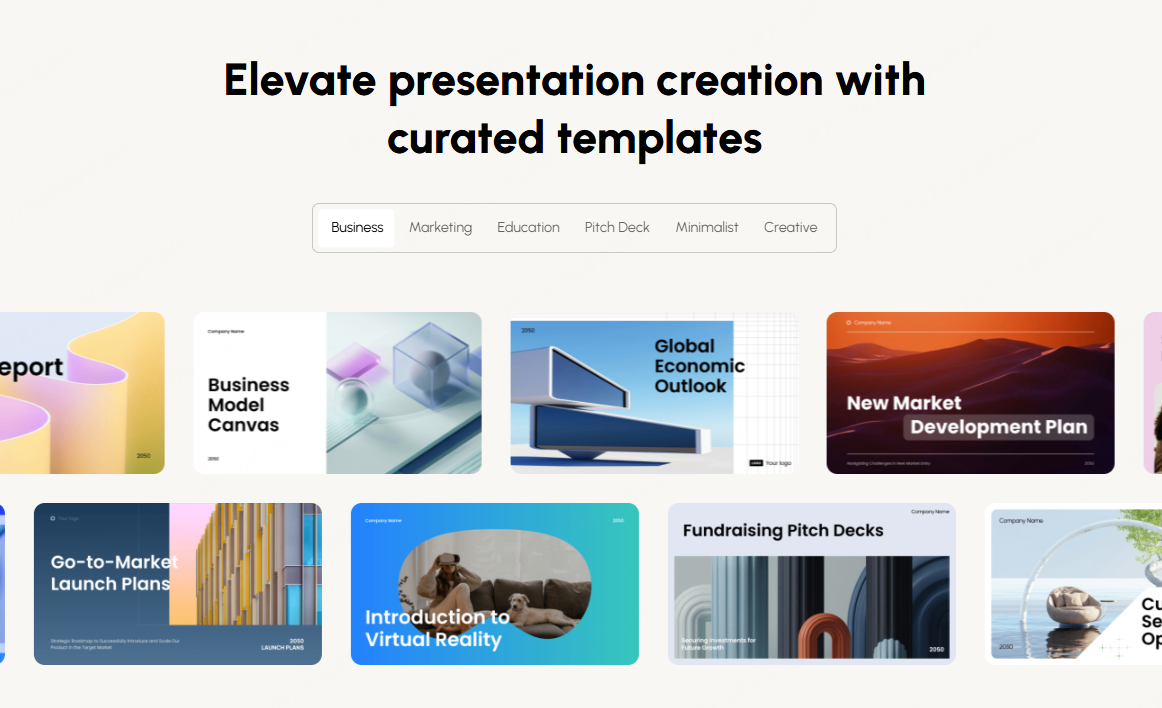
Most AI PPT platforms offer a wide range of templates, including business, education, marketing, technology, and product presentations. Users can switch styles instantly without rebuilding content.
Intelligent Visual Asset Matching
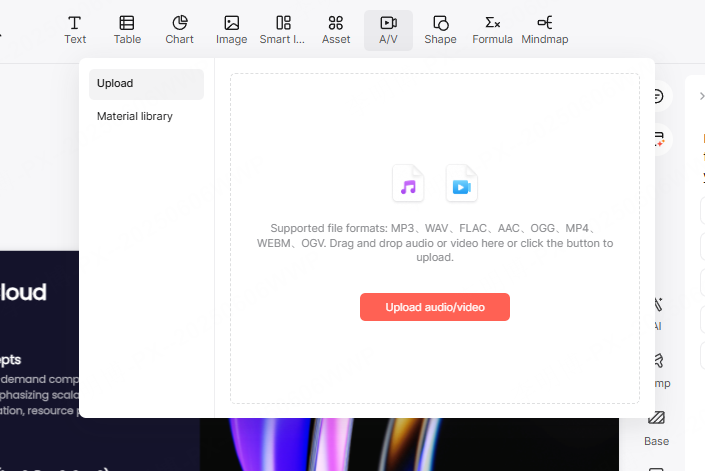
AI PPT tools include built in libraries of images, icons, and charts. The system recommends visuals based on slide content, ensuring relevance and consistency across the presentation.
Automatic Layout and Visual Optimization
AI automatically adjusts spacing, alignment, font hierarchy, and image placement. This prevents common issues like cluttered slides or inconsistent visual balance.
Online Editing and Real Time Preview
No software installation is required. Users can edit presentations directly in the browser with instant preview, making iteration fast and intuitive.
Multilingual Input Support
Many AI PPT tools support both English and other major languages, making them suitable for global teams and international presentations.
Cloud Storage and Cross Device Sync
Projects are saved automatically in the cloud, allowing users to continue editing from different devices without losing progress.
3. AI PPT vs Traditional PowerPoint Creation
Content Organization
- Traditional PowerPoint
Manual outline creation and slide by slide content writing. - AI PPT
Enter a topic or key points and generate a structured draft instantly.
Template Access
- Traditional PowerPoint
Users can choose built-in themes or import other templates. - AI PPT
Built in template libraries with instant style switching.
Layout and Design
- Traditional PowerPoint
Manual alignment, spacing, and formatting adjustments. - AI PPT
Automatic layout optimization using AI design rules.
Visual Consistency
- Traditional PowerPoint
Manual color and image selection often leads to inconsistency. - AI PPT
Coordinated color schemes and relevant visuals generated automatically.
Production Speed
- Traditional PowerPoint
Time depends on the source material, design requirements, and amount of editing. - AI PPT
Drafting can be automated; include revision and export checks when comparing total time.
Collaboration
- Traditional PowerPoint
File copies can cause version conflicts; supported cloud workflows also allow coauthoring. - AI PPT
Real time online collaboration with multiple editors.
4. Who Should Use AI PPT?
Students and Educators
- Quickly create lecture slides, lesson materials, and academic presentations.
- Improve clarity and visual engagement without spending hours on design.
Early Career Professionals
- Produce weekly reports, project updates, and presentations efficiently.
- Use AI generated structure to improve communication and confidence.
Content Creators and Educators
- Transform knowledge into visual content for tutorials and courses.
- Use presentations as professional visual assets for online audiences.
Business and Marketing Teams
- Build pitch decks, proposals, and strategy presentations faster.
- Maintain consistent brand style while increasing output speed.
Presentation Designers and Template Creators
- Use AI as a creative assistant and idea generator.
- Reduce time spent on initial drafts and focus on refinement.
5. Popular Free AI PPT Tools Worth Trying
Presenti AI
- AI presentation tool with a limited free drafting allowance; editable PPTX/PDF export is listed on paid plans.
- Supports English and Chinese input.
- Suitable for students and professionals creating everyday presentations.
MindShow
- Offers basic template selection and structured slide generation.
- Provides limited free daily usage with registration.
- Best for business reports and internal presentations.
Gamma
- Strong English content generation and slide structuring.
- High quality templates with built in visuals.
- Drag and drop editing with automatic transitions.
- Free exports include a platform watermark.
Tome Slides: discontinued presentation service
Tome Slides was discontinued on April 30, 2025 and is no longer available for new presentations. If you have saved PDFs, text, or images, use those materials to build a new deck in an available tool. This does not restore an inaccessible Tome project.
Final Thoughts
Moving from manual slide creation to AI powered presentations is more than a productivity upgrade. AI PPT acts like a design partner that works around the clock, helping you save time, improve quality, and communicate ideas more effectively.
If you regularly create presentations for teaching, reporting, pitching, or documentation, AI PPT can dramatically change your workflow. With just a topic or idea, you can generate polished, professional slides in minutes.
Explore these AI PPT platforms, experiment with their features, and experience how intelligent presentation creation can simplify your work and elevate your results.