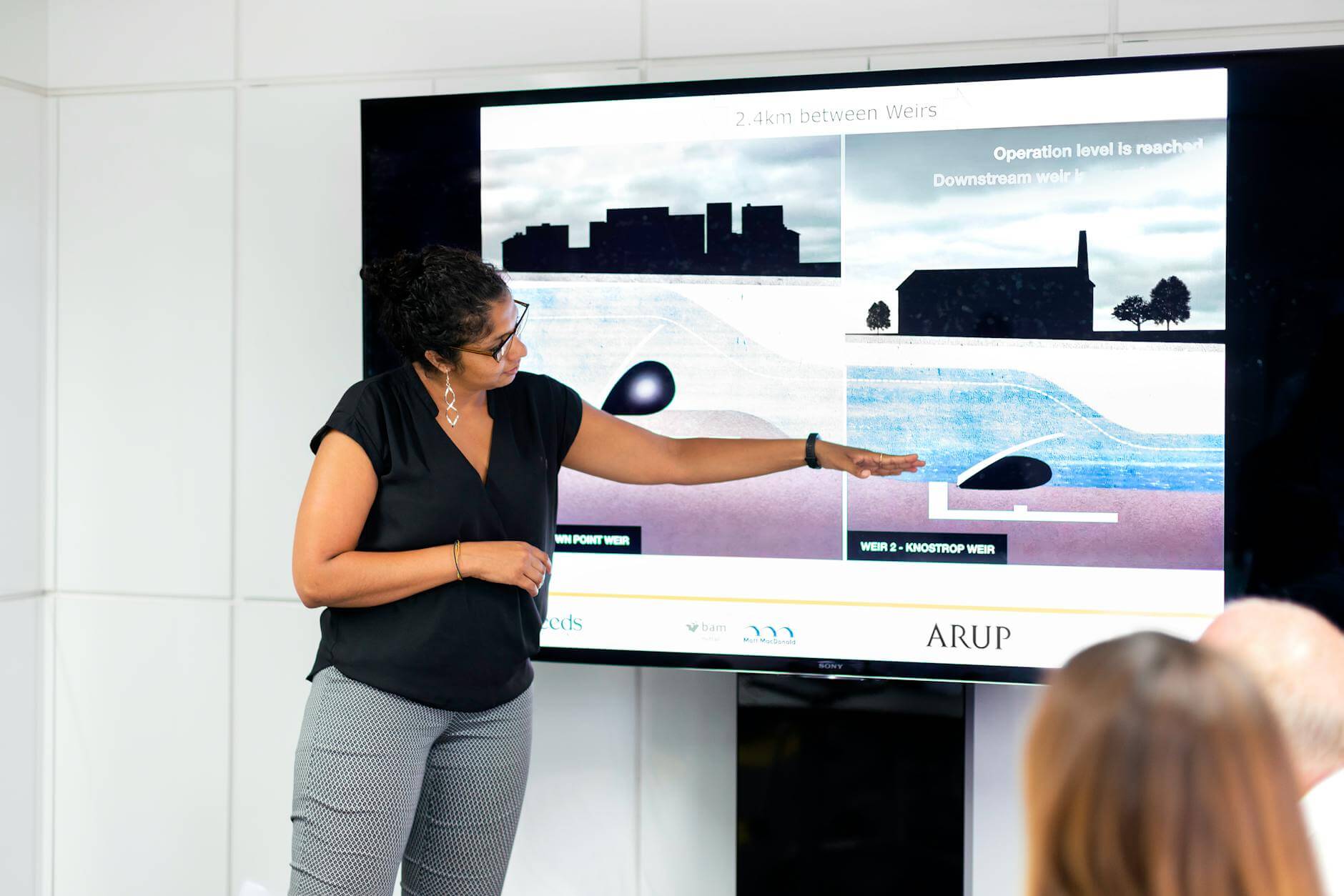
Creating an effective marketing presentation is essential for communicating ideas, capturing audience interest, and driving sales. Imagine you’re preparing for a product launch or a sales pitch, and your goal is to keep the audience engaged while delivering a clear, impactful message. But crafting that perfect presentation often requires a balance between clarity, visuals, and audience interaction—things that can be time-consuming to achieve on your own.
However, AI presentation makers, like Presenti AI, can make a difference. Presenti AI helps users structure, visualize, and enhance presentations, providing an editable starting point for the message and design. Let’s explore how to craft a high-quality marketing presentation, boost engagement, and discover how AI can simplify the entire process.
What Makes a Marketing Presentation Effective?
A marketing presentation needs more than just information; it has to be clear, visually engaging, and interactive. These qualities help make the presentation memorable and impactful, which is especially important in marketing where grabbing attention is key.


Make Your Presentation Clear, Visual, and Interactive
A well-organized marketing presentation can help simplify complex ideas, highlight key points, and guide your audience through a story that resonates.
- Clear Communication: Your audience should understand the main points at a glance. Avoid clutter and keep each slide focused on a single idea.
- Strong Visual Appeal: Good visuals make your presentation engaging and easy to follow. Images, charts, and graphs enhance understanding.
- Interactive Elements: Adding Q&A, polls, or feedback options encourages audience participation and keeps them actively engaged.
How Should You Structure a Marketing Presentation?
A strong structure makes your presentation easier to understand and keeps the audience focused. The typical flow involves starting with an engaging introduction, presenting organized information in the main slides, and wrapping up with a memorable conclusion.
Steps to Create an Effective Structure
When designing a presentation, it helps to think of it as a story with a beginning, middle, and end. Here’s a simple guide:
- Start with an Attention-Grabbing Introduction: Use a bold statement or relevant story to captivate your audience right from the beginning.
- Organize Key Points into Clear Sections: Divide your presentation into distinct sections, each focused on a specific part of your message, like product benefits or campaign goals.
- Conclude with a Strong Call-to-Action: Wrap up by summarizing the main points and encouraging the audience to take the next step, like signing up or scheduling a demo.
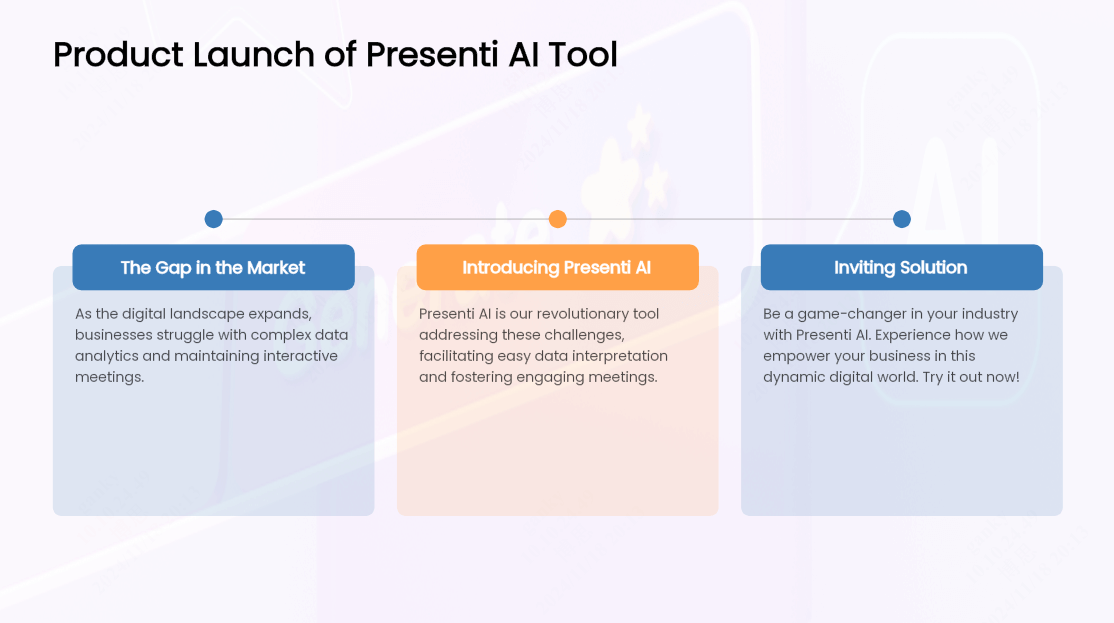
Example: A Product Launch Structure
For a product launch, you might open with a powerful statement about the market need, then explain how your product solves this problem, and finish with an invitation for the audience to try it out. This format keeps the audience’s attention and ensures your message is clear and convincing.
Which Visuals and Graphics Make Presentations Engaging?
Visuals are key to an effective presentation, as they help simplify complex information and keep the audience engaged. However, not every team has easy access to quality visuals or design elements, which can lead to slides that feel flat or cluttered.
Visuals That Can Help Your Audience Follow the Message
To make your presentation more engaging, include a mix of visuals that support your message:
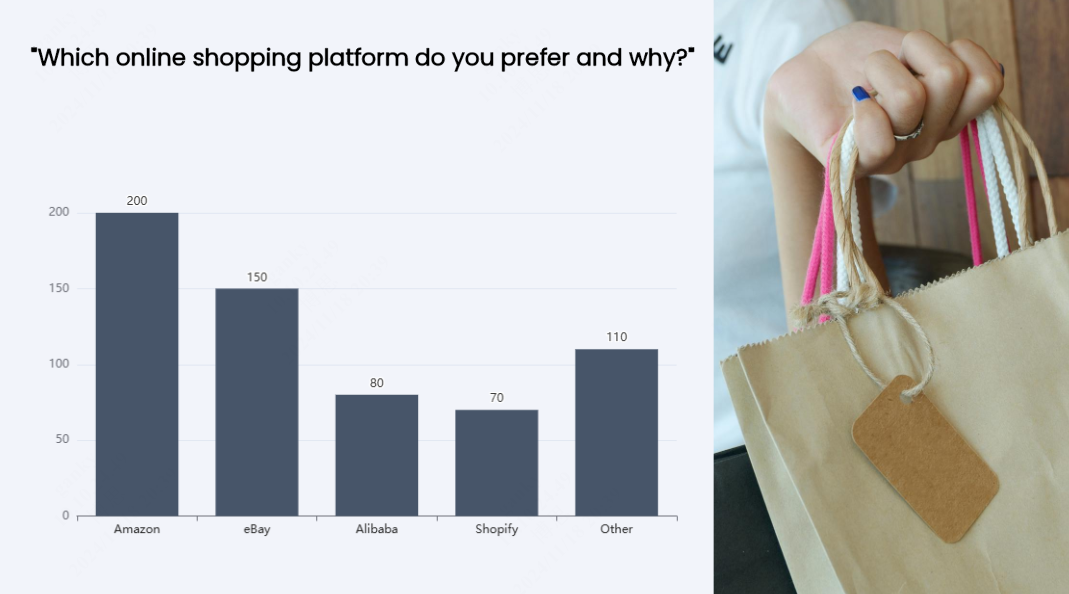
- Data Visualizations: Use charts and graphs to represent numbers or statistics clearly.
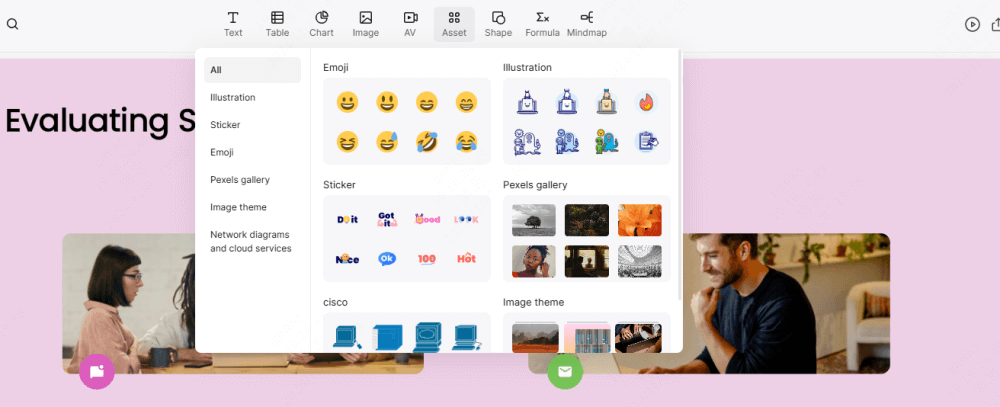
- High-Quality Images: Add professional images that support and enhance your key points.
- Icons and Infographics: Visual symbols and infographics simplify information and make your slides more dynamic.
In marketing presentations, visuals create a memorable experience for the audience. By breaking down data into graphs or adding photos of your product in action, you make your content more relatable and easier to understand, which helps with both retention and engagement.
How Do Interactive Elements Increase Audience Participation?
Adding interactive elements can make your presentation feel more dynamic and engaging. Interaction encourages the audience to participate, which can lead to a more memorable experience and a stronger connection with the content.
Interactive Elements You Can Use
Here are a few ways to invite participation and support the discussion:
- Polls and Surveys: Polls give the audience a chance to voice their opinion, making the presentation feel collaborative.
- Q&A Sections: Allowing time for questions helps clarify points and keeps the audience engaged.
- Slide Animations: Subtle animations can reveal information gradually, but they do not replace opportunities for the audience to respond.
Example of Using Interactivity:
Let’s say you’re pitching a new product to potential clients. Starting with a poll on what they look for in a product can help tailor the rest of your presentation to their interests. You could then use animations to transition between features and finish with a Q&A to address their specific questions.
Use Presenti AI for Your Marketing Presentations
Presenti AI can turn a campaign brief into a content outline and an editable slide draft. Choose a template, then revise the wording and layout for the actual audience. The amount of work saved depends on the source material and the corrections the draft needs.
Key Benefits of Presenti AI
Using Presenti AI provides several advantages for marketers who want to create effective presentations quickly:
- Content Generation: Enter keywords, and Presenti AI generates content ideas and structures the slides based on your input.
- Quick Content Structuring: Generate a clear structure with minimal input.
- Formatting and Layout: Use the proposed arrangement as a starting point, then check whether each slide gives the main message enough space.
- Automatic Design Adjustments: Use suggested layouts as a starting point, then check alignment, contrast, and consistency.
- Template Choices: Select a design with space for the evidence your campaign needs, such as a product demonstration, calendar, or comparison chart.
- Sharing for Review: If you share the presentation by link, check the recipient's access and agree where feedback will be collected. Do not assume that a shared link gives every recipient editing access.
A shared template can make the draft more consistent, but it cannot decide whether a campaign claim is justified. Compare numbers with their source, distinguish targets from results, and make sure the closing request matches the audience's authority.
How to Generate a Presentation on Presenti Quickly?
Creating a presentation on Presenti AI is easy, thanks to its intuitive process. Here’s a quick step-by-step guide:
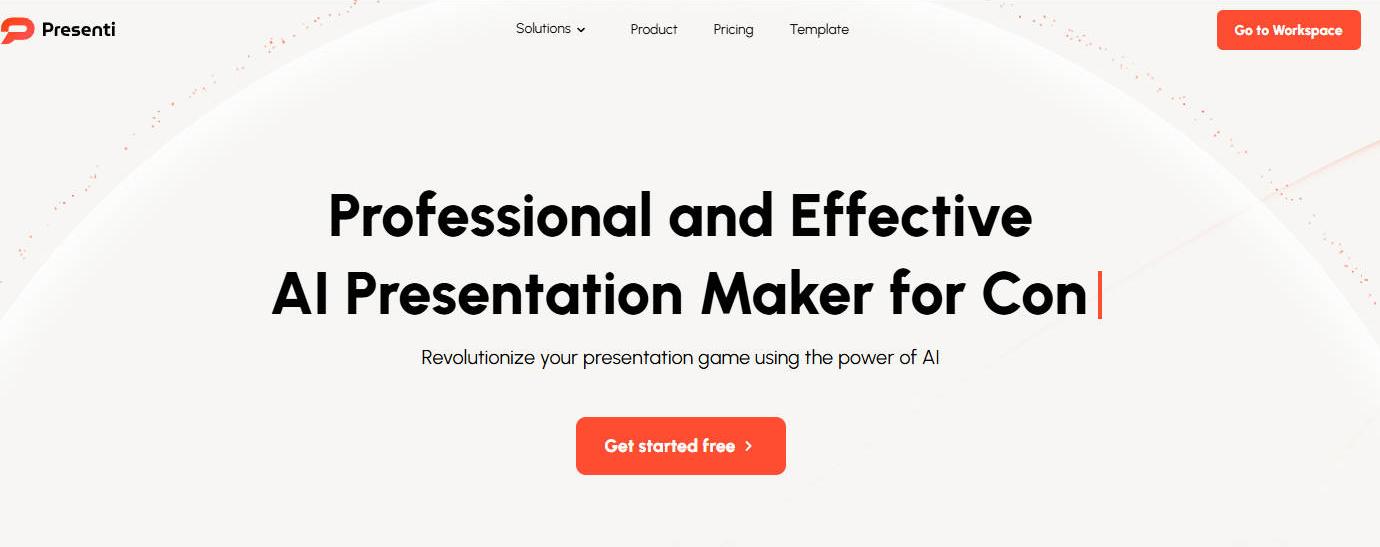
- Start a New Project
Log into Presenti AI, and select the type of presentation you want to create, like a product pitch or campaign overview.
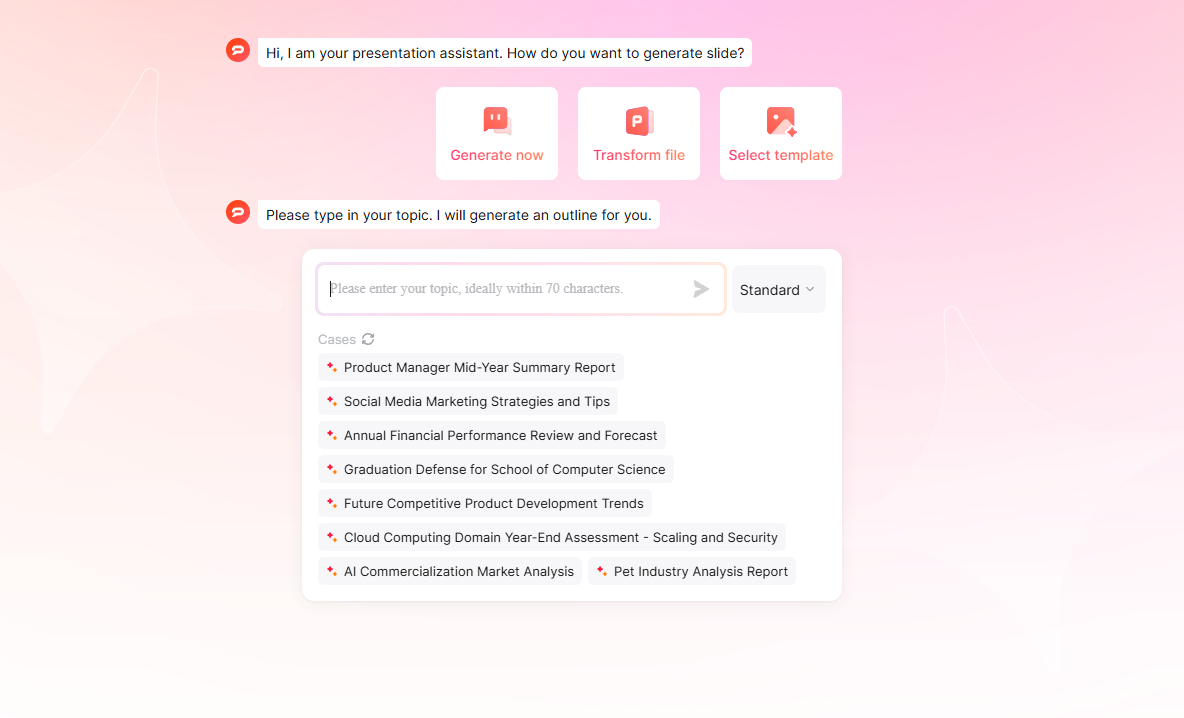
- Input Your Key Points
Enter your main ideas or points. The AI will organize these into a clear structure, saving time and providing a strong foundation.
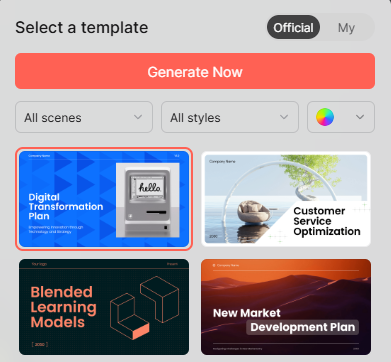
- Choose the Right Template
Presenti AI offers various templates tailored to different themes. Pick one that aligns with your message and audience.
- Add Visuals and Interactive Elements
Add relevant images and icons, then plan where to pause for questions or feedback. Choose visuals that explain the message rather than simply decorate the slide. The guide to choosing business presentation images compares photography, illustrations, and vector resources, with notes on checking the selected asset’s license.

- Export and Share for Collaboration
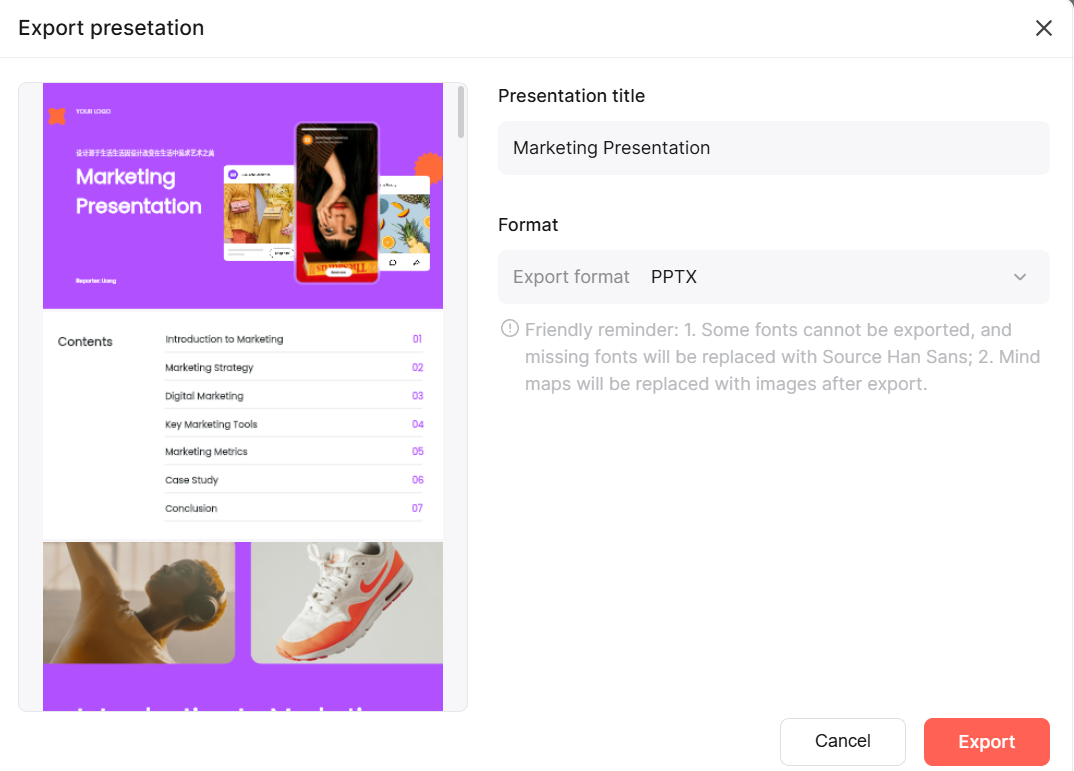
After reviewing each slide for accuracy, share it with a link online, or export your presentation in your preferred format, ready for sharing or presenting.
5 Marketing Presentation Examples and What to Include
A great marketing presentation can look different depending on the industry, as each has unique needs and goals. Here are five examples from various sectors to illustrate how marketing presentations can be tailored to suit specific objectives, audiences, and strategies.
1. Tech Industry: Product Launch Presentation
In the tech industry, a product launch presentation often focuses on introducing new software, an app, or a device. Key elements include showcasing unique features, demonstrating the product’s usability, and emphasizing how it solves a specific problem for users.
Essential Components:
- Feature Demonstrations: Show screenshots, videos, or live demos that highlight the product’s functionality.
- Problem-Solution Format: Begin by addressing a common problem in the industry, then explain how the product resolves it.
- Interactive Q&A Session: Allow time for a Q&A where potential users can ask about features or technical specs.
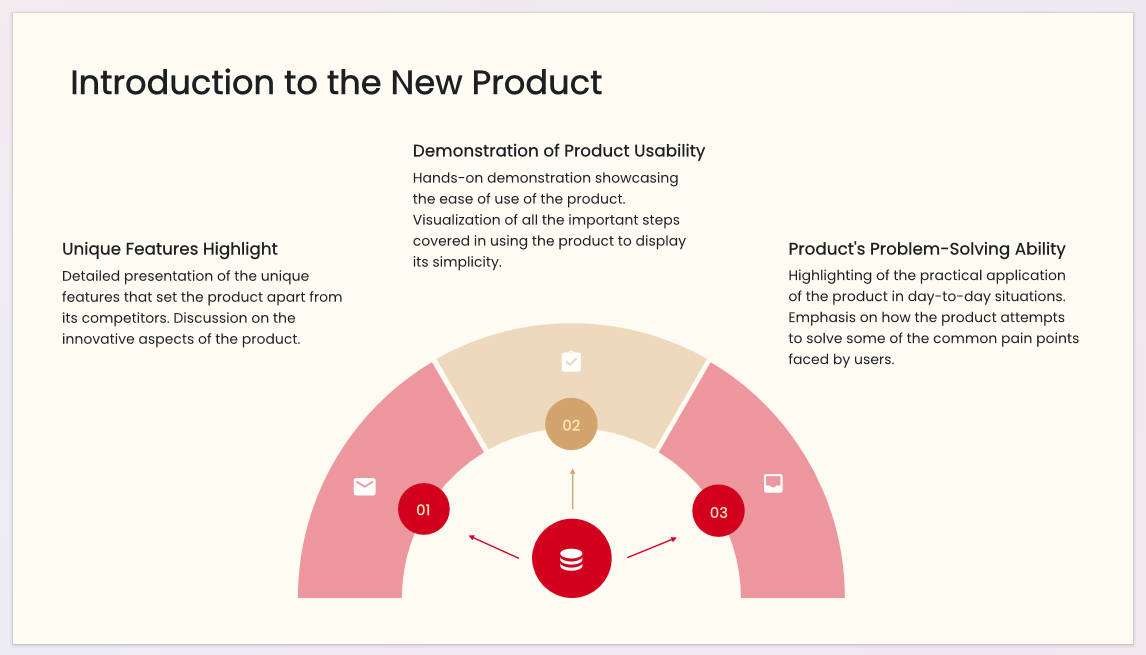
Example sequence: For a fictional appointment-booking app, show the booking problem, the actual booking flow, the launch scope, and an invitation to a demonstration. A customer-facing deck should explain the available experience; an internal launch review also needs owners, support readiness, and unresolved dependencies. Do not mix those two audiences on every slide.
2. Healthcare: Patient Education Campaign
For healthcare organizations, a marketing presentation may center around educating patients on a new treatment or health initiative. The goal here is to simplify complex medical information, making it easy for patients or providers to understand.
Essential Components:
- Data Visualizations: Use charts and graphs to explain clinical results, treatment outcomes, or health benefits.
- Educational Content: Break down complicated medical terms or procedures into easy-to-follow language and visuals.
- Call to Action: Encourage providers to share the presentation with patients, or suggest a follow-up consultation for more information.
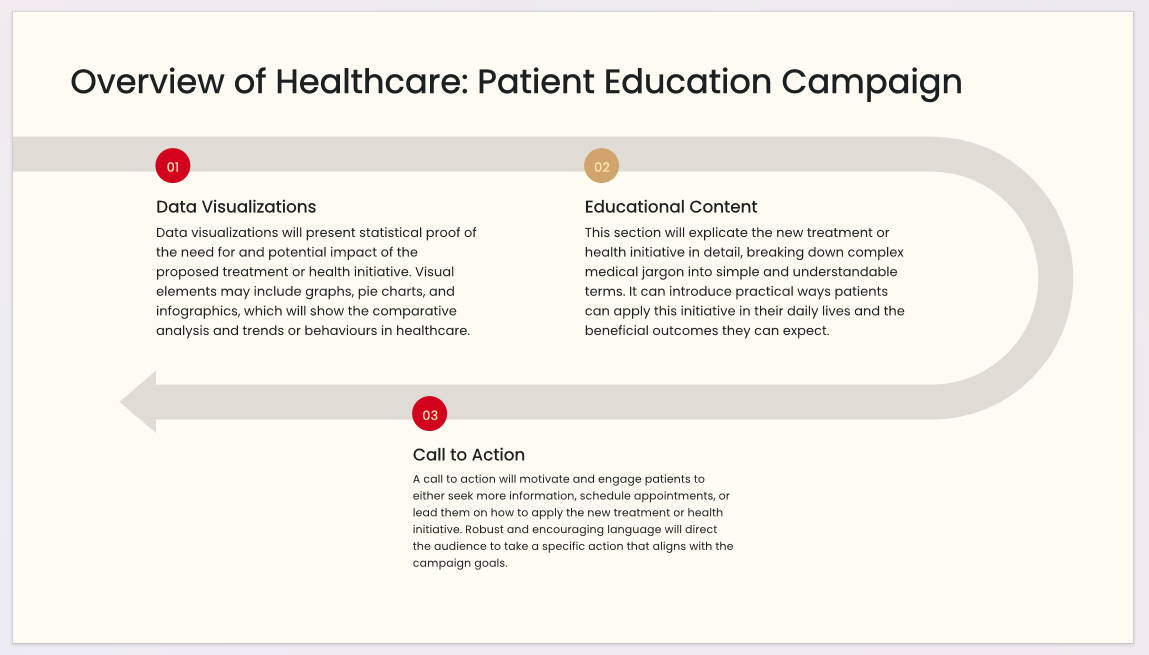
Example sequence: An approved patient-information campaign might explain who the information is for, the question it addresses, the professionally reviewed explanation, and where to ask for individual guidance. Keep evidence and its limitations together; use only approved claims and have the relevant clinical team review the material. A persuasive layout is not evidence that a treatment is appropriate for a particular person.
3. Retail: Seasonal Campaign Planning
In retail, marketing presentations often focus on campaign strategies for upcoming seasons, like back-to-school or holiday shopping. The presentation should address target demographics, product placements, and promotional offers.
Essential Components:
- Target Audience Insights: Include data on customer preferences, buying behavior, and trends.
- Promotional Calendar: Show a timeline of promotional events, discounts, and in-store displays.
- Visual Examples: Display mood boards or sample product layouts to convey the campaign’s aesthetic
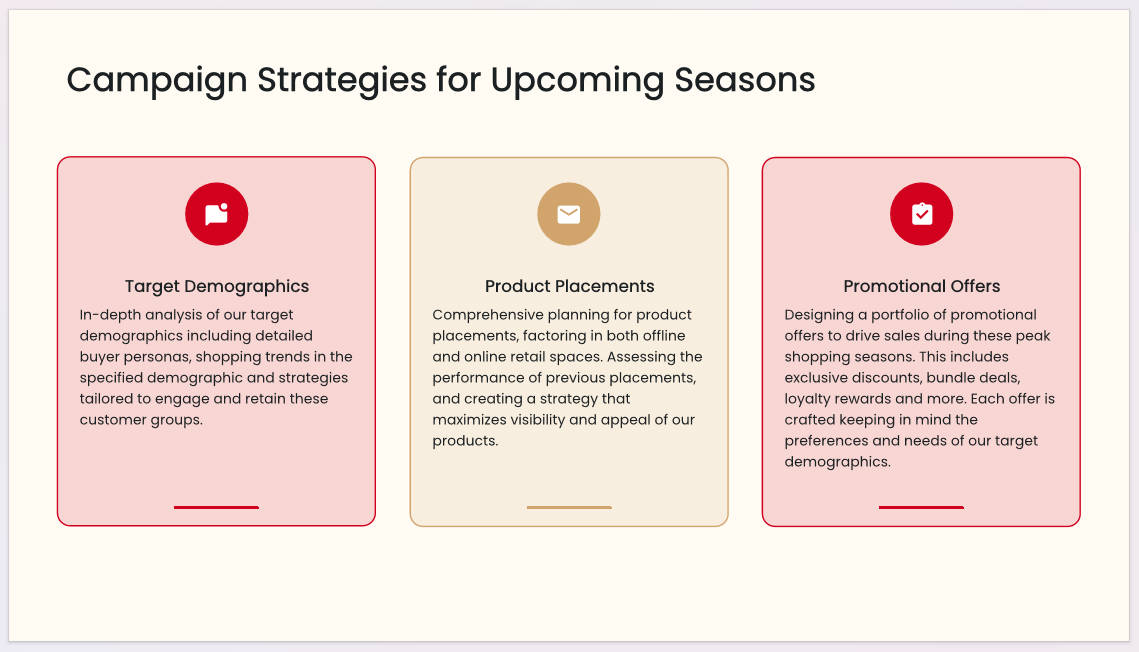
Example sequence: For a fictional back-to-school campaign, start with the shopper group, show the promoted range, map the offer dates to store and online placements, and request approval for the proposed spend. Place a target and an actual result in separate columns. If inventory is not confirmed, show it as a dependency rather than promising an offer the store may not be able to fulfill.
4. Education: Enrollment Growth Strategy
For educational institutions, presentations may aim to boost enrollment or promote new programs. These presentations are usually shared with prospective students or their parents and emphasize the unique benefits of attending the institution.
Essential Components:
- Program Highlights: Showcase unique programs, extracurriculars, and academic achievements.
- Student Testimonials: Include quotes or short video clips from current students sharing their experiences.
- Engagement Tools: Use interactive features like polls to understand what students are looking for in a school.
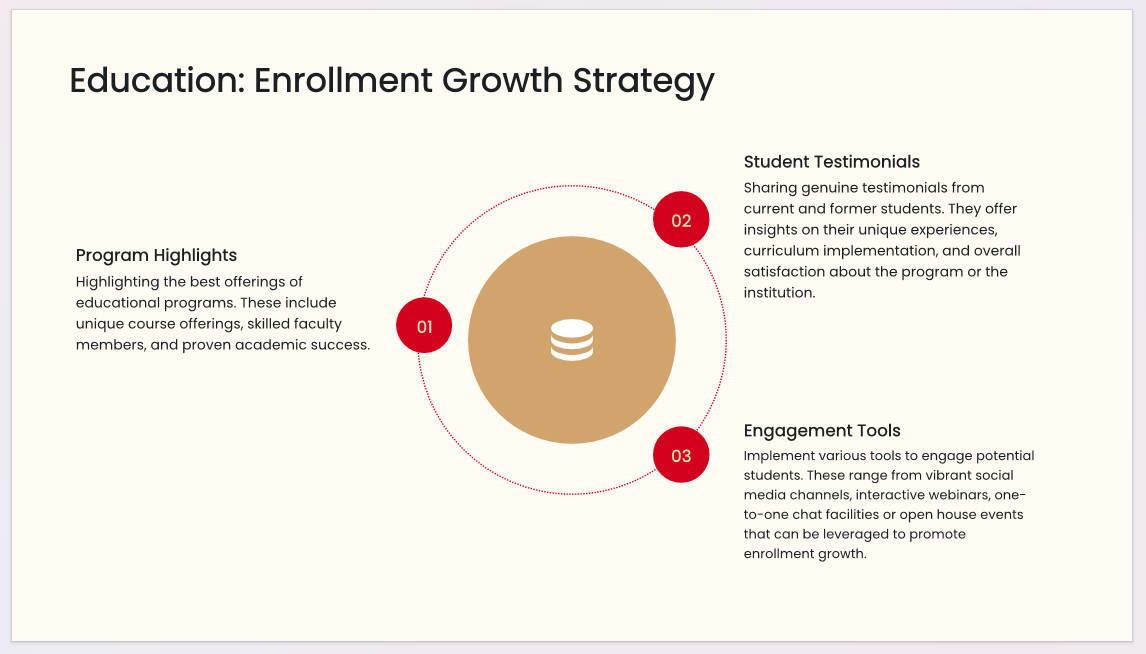
Example sequence: For a prospective-student event, organize the deck around program fit, entry requirements, learning experience, confirmed costs, and the application process. For an internal enrollment meeting, organize it around inquiry sources, applications, offers, and places accepted instead. Use real, permitted student quotations; a sample persona should not appear as a student testimonial.
5. Financial Services: Investor Pitch
In finance, presentations often aim to secure investment by demonstrating growth potential and return on investment (ROI). These presentations are data-driven and focus on the financial health and growth prospects of the company.
Essential Components:
- Financial Metrics: Present key metrics like revenue growth, profit margins, and future projections.
- Market Opportunity: Explain the market demand and how the company is positioned to capitalize on it.
- Clear Call to Action: End with a compelling invitation for investors to take the next step, whether it’s scheduling a follow-up or committing to funding.
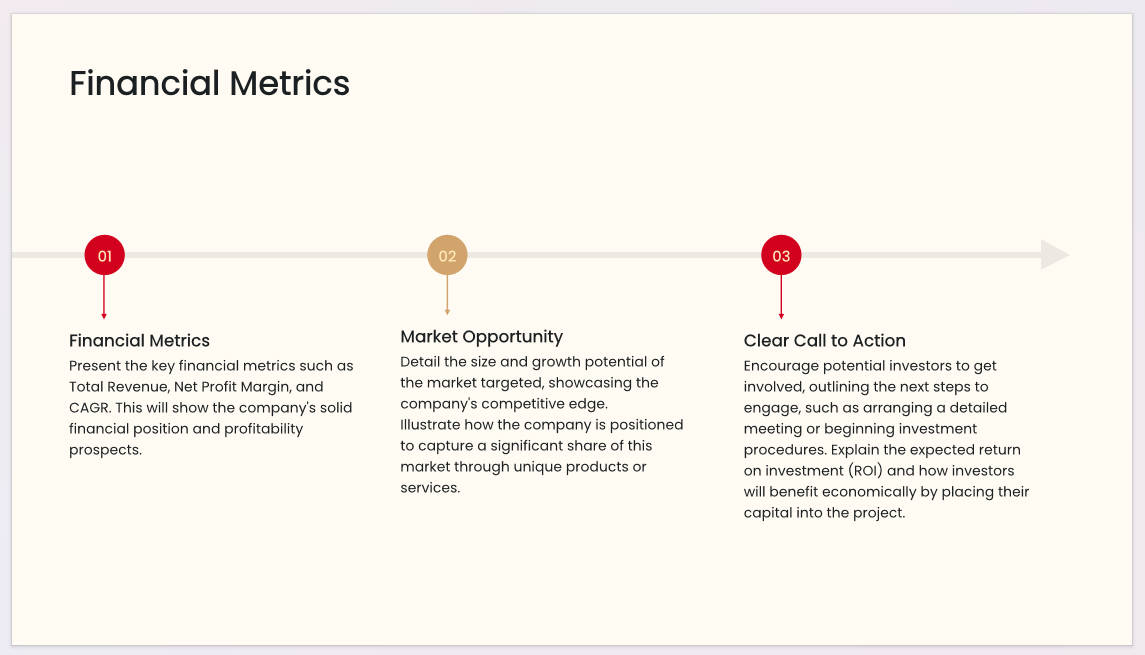
Example sequence: A fictional company's investor discussion might move from the customer problem to the business model, historical performance, funding requirement, and use of funds. Mark forecasts as assumptions, keep them separate from recorded results, and explain risks rather than presenting potential returns as promises. The next step can be a due-diligence conversation; a slide deck is not a substitute for the required investment documents.
These five examples ask for different decisions: try a product, understand approved information, approve a campaign, choose an education pathway, or examine an investment proposal. Choose the decision first, then include the evidence needed to discuss it.
Conclusion
Crafting a marketing presentation that engages and drives action requires a clear structure, strong visuals, and interactive elements. Presenti AI can help turn a campaign brief into a draft. Review the audience, evidence, and call to action before refining the visuals, and choose interaction that helps answer a real marketing question.