A product launch deck introduces your product and gives the audience a reason to take the next step. The presentation you create has to clearly showcase what your product does, why it’s unique, and how it addresses real market needs—all while maintaining an engaging flow. A well-structured product launch deck does this by focusing on core areas like problem-solving, standout features, and actionable next steps.
This guide will walk you through creating a memorable product launch deck. It covers the essential sections, design choices, and delivery techniques that help an audience understand the product. For the broader planning-to-slides workflow, see Presenti’s marketing presentation tools and adapt the draft to your audience.
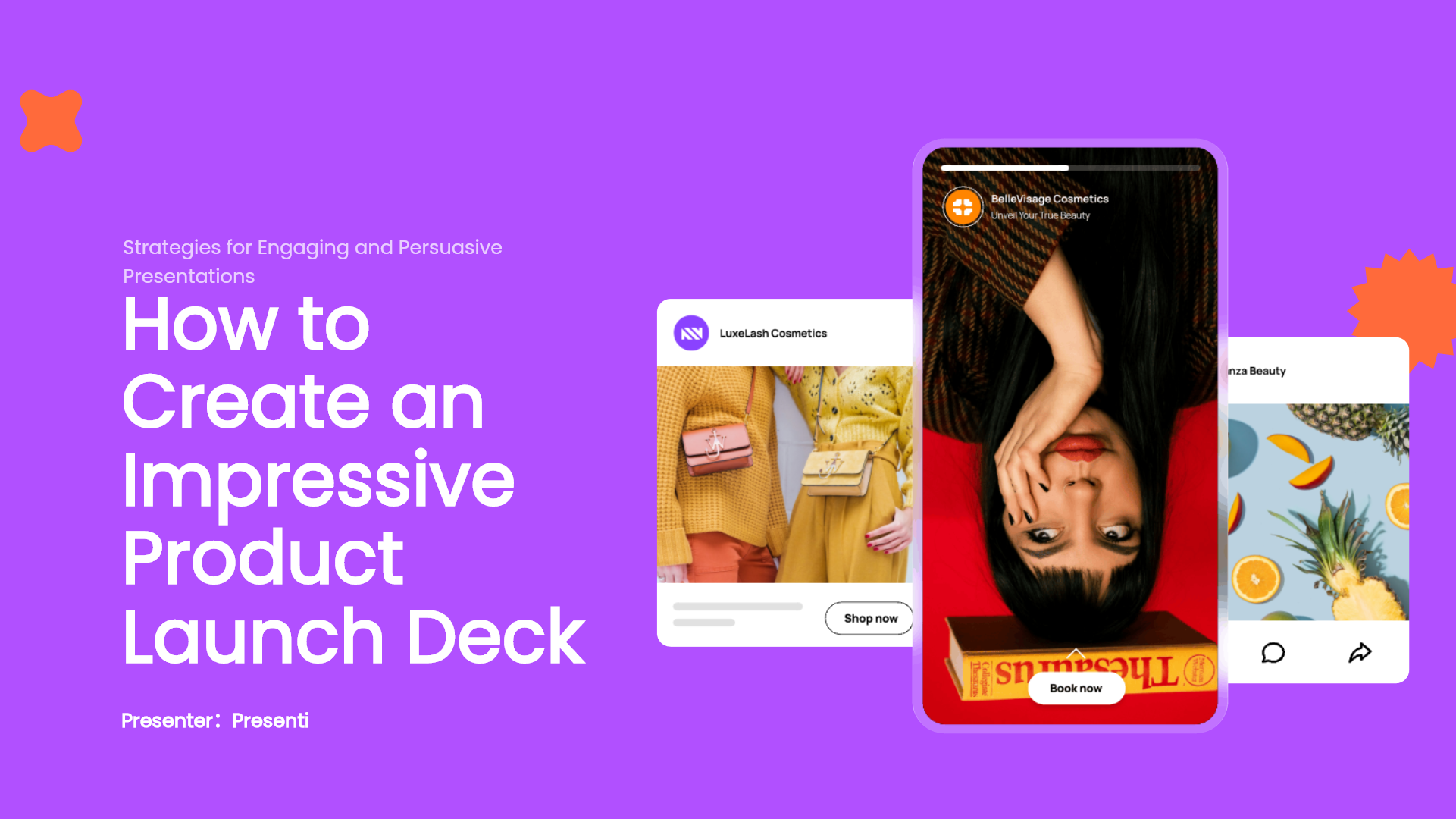
What Are the Essential Parts of a Product Launch Deck?
Creating a great product launch deck requires a blend of strategic storytelling and clear information. Each part plays a key role in building a compelling narrative that resonates with your audience. A complete product launch deck typically covers the following components:
- Introduction and Background: Start by setting the stage for your product. Briefly introduce the problem and how your product aims to solve it.
- Market Need and Pain Points: Identify the problem your audience faces and explain why it’s critical. Highlight the gap in the market and how your product addresses this need.
- Product Overview and Key Features: Showcase your product’s unique features. Explain what makes it different from competitors and focus on the benefits it offers.
- User Experience and Real-Life Applications: Include examples or use cases that demonstrate how your product works in real-life scenarios. This helps the audience visualize its practical value.
- Pricing, Availability, and Marketing Plan: Summarize your pricing strategy, launch date, and key promotional activities. This ensures your audience has a complete picture of your product’s release.
Keep each section clear and concise. Use these tips when drafting:
- Introduction and Background: Use storytelling to create a connection with the audience.
- Market Need: Rely on data and customer insights to emphasize the need for your product.
- Key Features: Avoid technical jargon. Instead, focus on benefits.
- User Experience: Provide a relatable scenario or an approved, attributable customer quotation. Label a hypothetical scenario as an example rather than presenting it as a testimonial.
- Pricing and Availability: Keep it brief and straightforward; include only relevant details.
How to Design a Clear Product Launch Deck
Making a product launch deck visually appealing is as important as its content. A well-designed deck helps maintain interest, clarify complex information, and create an overall professional look.
Design Elements that Can Make Your Deck Stand Out
Effective design doesn’t have to be complicated. Focus on these essentials:
- Strong Visuals: Use high-quality images, videos, and graphics to emphasize key points.
- Logical Flow: Organize the information in a way that guides the audience naturally from one point to the next.
- Text and Visual Balance: Avoid overcrowding slides with text. Instead, rely on short, impactful statements supported by visuals.
- Charts and Data Visualization: Represent data using charts or graphs to make insights easy to digest.
Why Use Presenti AI to Enhance Your Product Launch Deck?
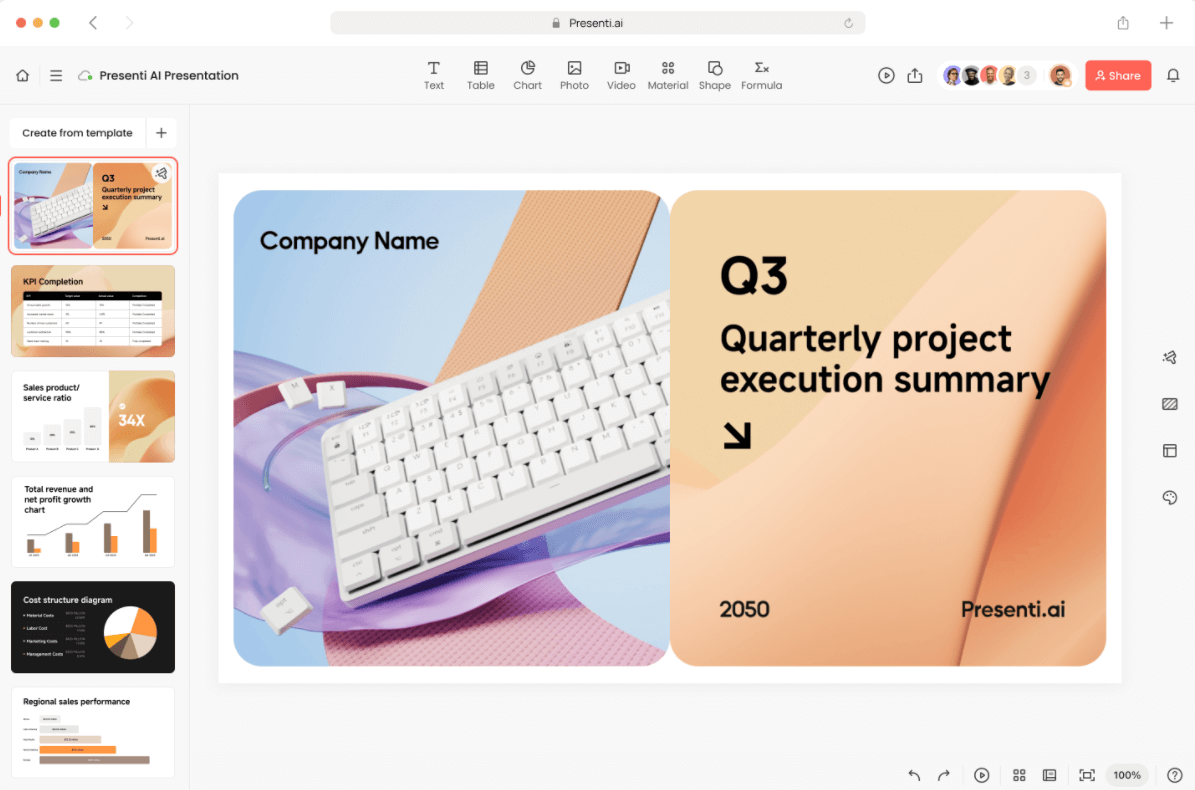
AI tools like Presenti AI can streamline the deck creation process by automating design elements and providing content ideas. This makes it easier to create a polished, engaging deck without needing advanced design skills.

How Does Presenti AI Simplify Deck Creation?
Presenti AI’s features can help you focus on content while it handles the design:
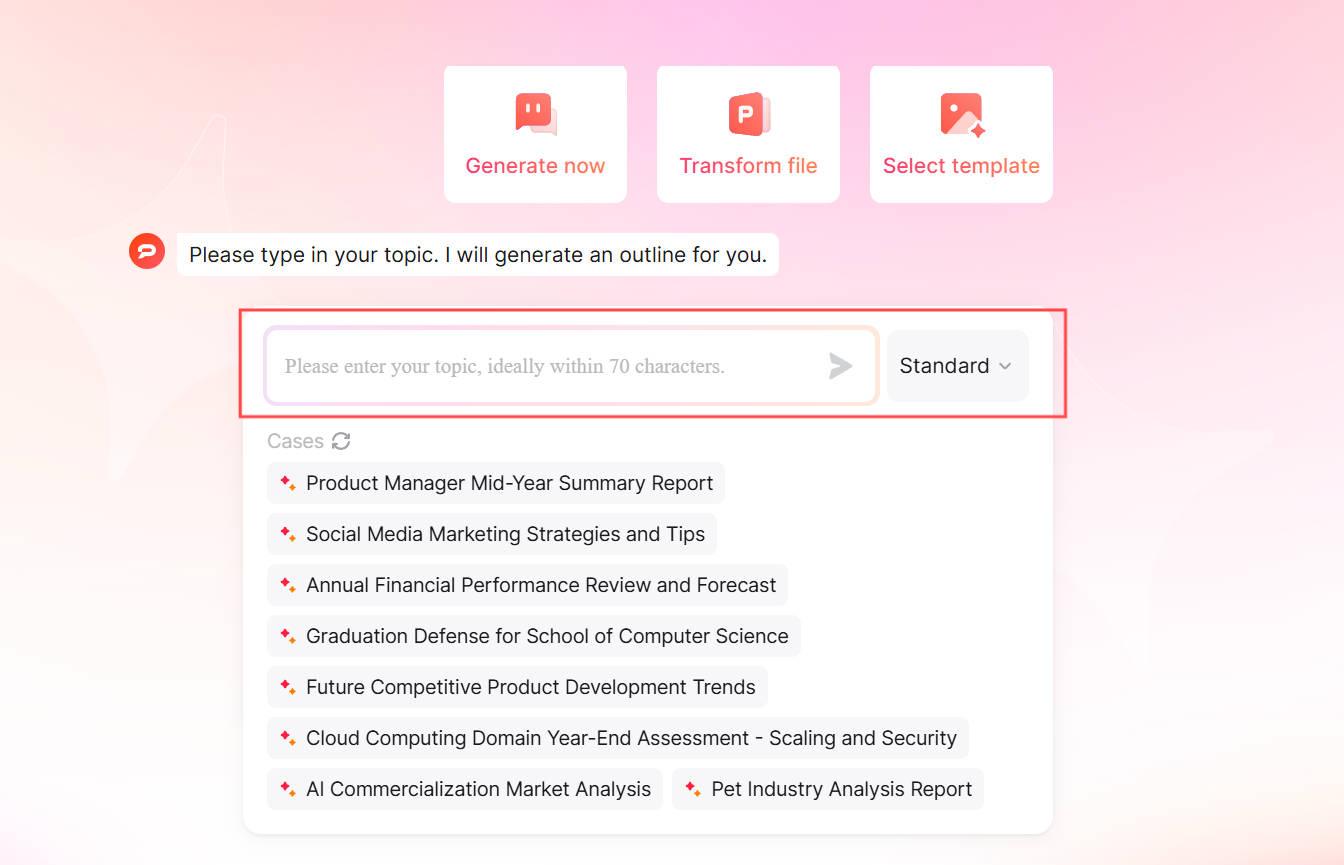
- Content generation: Provide your approved product brief and ask for an outline. Check all product claims and market figures against your source material.
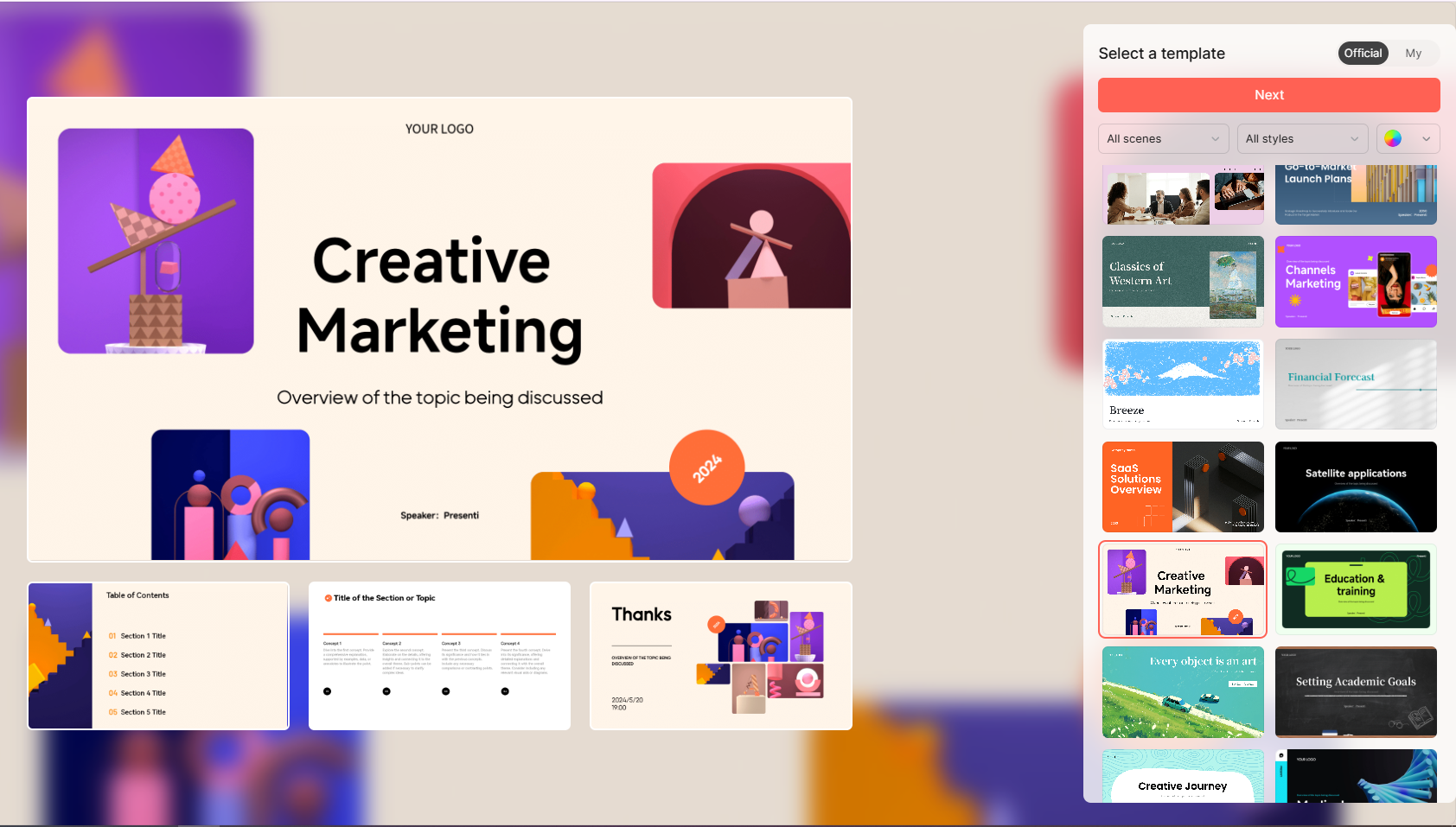
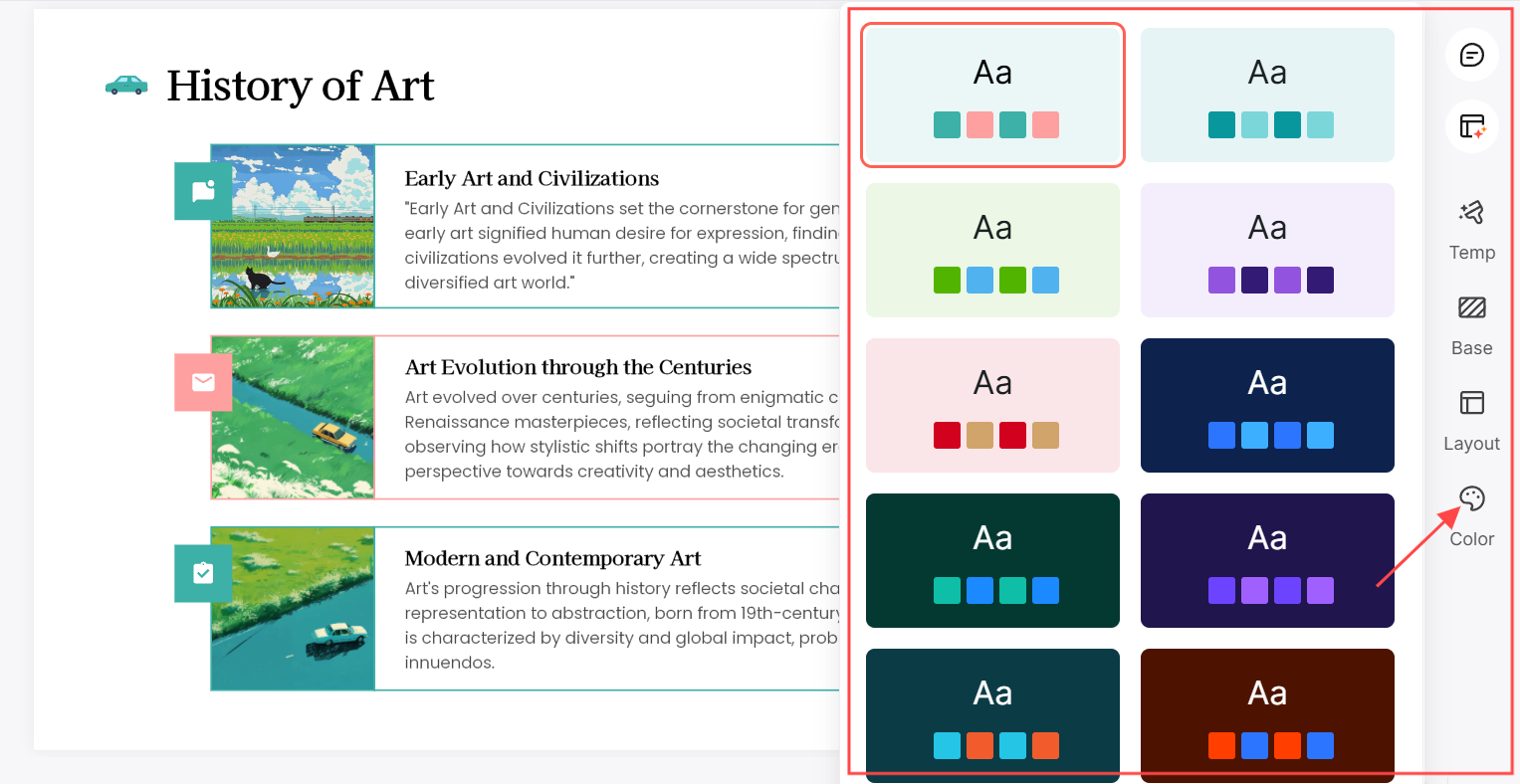
- Template Selection: Choose a template that gives your demonstration images, release details, and next step enough room. Check the draft against your audience and brand requirements.
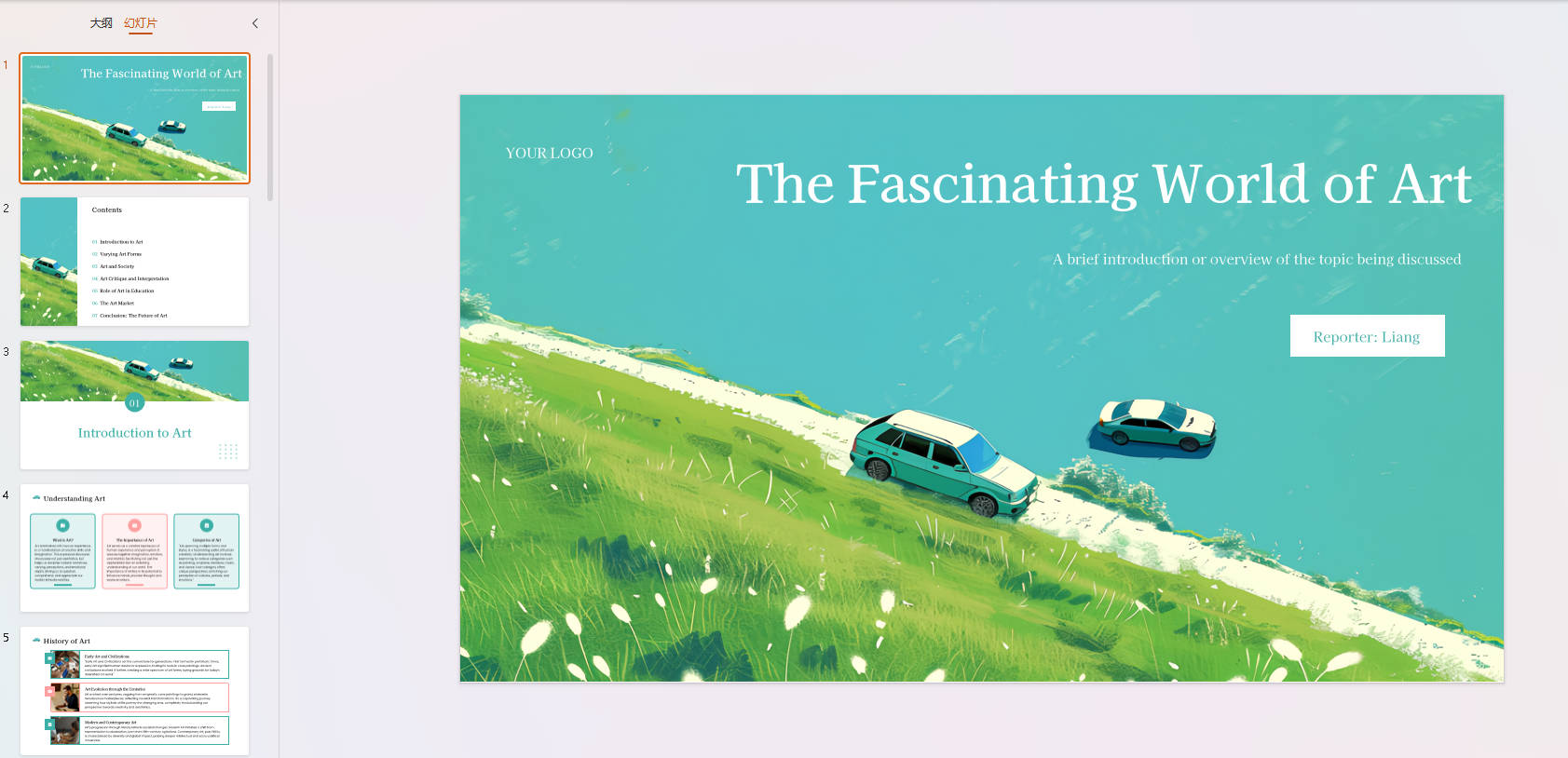
- Automatic Formatting: The AI suggests an arrangement of text and visuals. Adjust the draft so spacing and emphasis remain consistent across slides.
Examples of How Presenti AI Can Elevate Your Deck
Illustrative five-slide launch outline: Begin with the customer problem, show the product workflow, demonstrate one relevant use case, state confirmed availability and pricing, and finish with a clear next step. For example, imagine launching a shared equipment-booking tool for a small office. The example below is fictional; it shows how to turn a product brief into a deck, not a Presenti feature or customer result.
- Problem: “Two teams arrive for the same projector.” Show the current booking handoff rather than inventing a statistic about lost time.
- Workflow: “Check availability, request a slot, receive confirmation.” Use screenshots from the actual product to show those three states.
- Use case: Follow one employee booking equipment for a Monday workshop. Show what happens when the requested slot is unavailable, not just the successful path.
- Availability: State who can use the current release, any access restrictions, and the confirmed price. Put planned integrations in a clearly labeled roadmap note.
- Next step: Ask the audience to choose a pilot team or book a demonstration. Give one contact and explain what that person will arrange.
This sequence keeps the promise and its evidence together. A screenshot of a booking confirmation supports a claim about that workflow; it does not establish how much time all customers will save.
- Formatting support: Use layout suggestions to reduce repetitive formatting, then review spacing, alignment, and readability.
- Visual Enhancements: Add high-quality visuals and graphics to make your presentation more engaging.
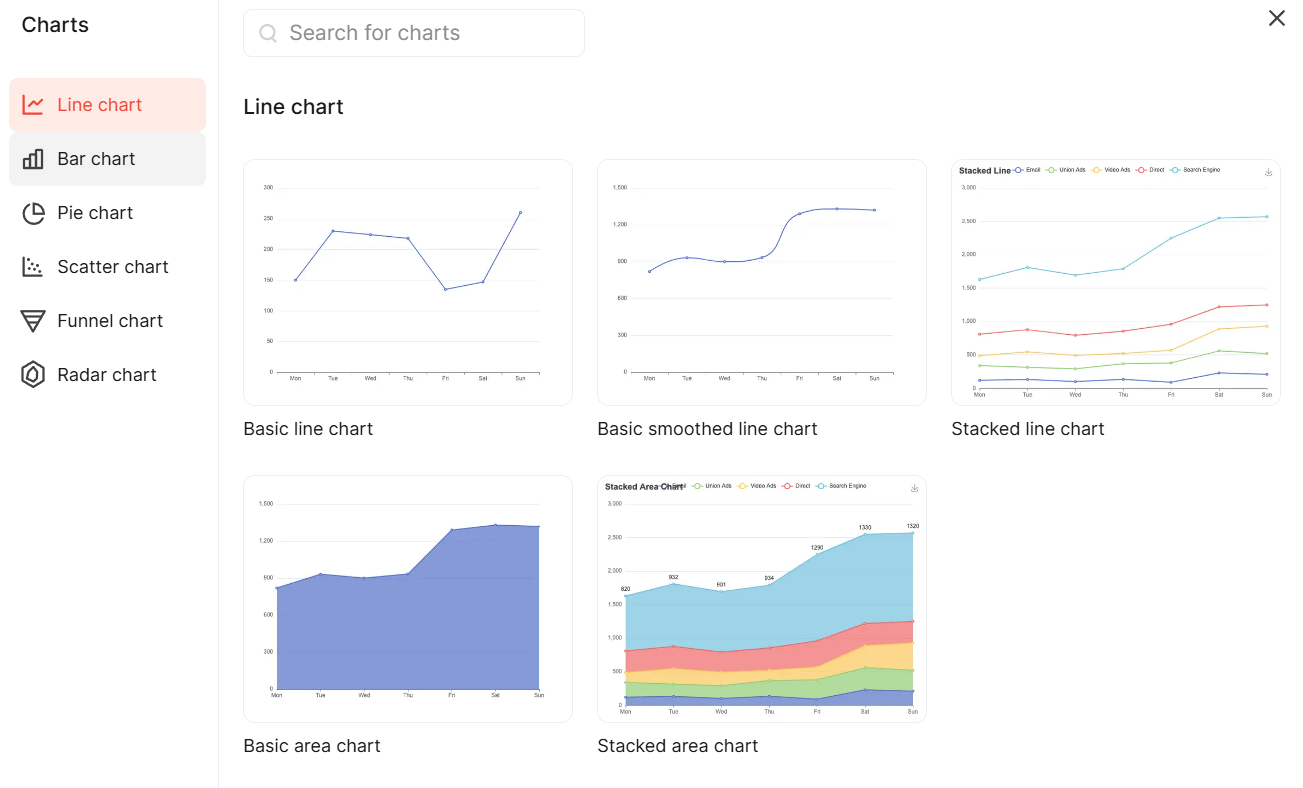
- On-Brand Customization: Easily adjust colors, fonts, and layouts to match your brand’s look and feel.
What Are the Best Practices for Presenting a Launch Deck?
Delivering a product launch presentation effectively requires a mix of storytelling, clear explanations, and audience engagement. Let’s cover some best practices.
How to Capture and Hold Your Audience’s Attention
Engaging your audience from the beginning is key to a successful presentation.
- Start with an Engaging Opener: Begin with a compelling story, relevant data, or a powerful question.
- Make It Personal: Share relatable scenarios or testimonials that show how your product solves real-life problems.
- Maintain Eye Contact and Energy: Keep eye contact with the audience, and don’t rush through slides.
Effective Ways to Showcase the Product
- Live Demos: If possible, demonstrate your product in action to show its real-world application. Prepare a short recording or a sequence of screenshots of the same workflow in case the connection fails. Tell the audience when you switch to the recording.
- Customer Success Stories: Share approved testimonials or case studies from beta users or early adopters. State the relevant context and avoid treating one user's result as a guarantee for everyone.
- Highlight Key Benefits: Focus on the primary benefits and outcomes your product provides.
How to Close Your Presentation
The conclusion is your chance to reinforce your message and encourage action:
- Summarize Key Points: Quickly recap the main benefits and standout features.
- Offer a Clear Call-to-Action: End with an invitation for the audience to take the next step, such as signing up for a trial or attending a demo.
- Open the Floor for Questions: Allow time for audience Q&A to address any remaining doubts.
Conclusion
Build your launch deck around the customer problem, a clear demonstration of the product, and the action you want the audience to take. Presenti AI can help create a draft, but the final presentation still needs your product knowledge: confirmed claims, relevant examples, and a realistic launch plan. Rehearse the demo and leave time for questions.