
Enhancing a presentation deck has always been a challenge for busy professionals, educators, and development teams. You may have solid content, but poor layout, inconsistent colors, and messy visuals can easily undermine your message. Nowadays, AI powered slide design tools eliminate the need for manual formatting, font adjustments, or endless template browsing. With the right workflow, you can create a polished, visually cohesive presentation in just a few clicks.
This guide walks you through a complete, action oriented process to redesign and optimize PowerPoint slides using AI, tailored for technical teams, project managers, educators, and developers in North America and Europe.
1. Upload Your PPTX File to the AI Design Platform
Start by navigating to an AI presentation enhancement tool such as Presenti AI, Beautiful.ai, or Canva Magic Design. After logging in, head to your workspace and select AI Enhance Presentation or AI Design.

Upload your existing PPTX file. Before uploading, keep in mind:
- Recommended file size: under 100 MB for smoother processing
- Supported content: text and images (tables and charts may be ignored depending on the platform)
- Clean structure helps: a well organized deck: cover slide, agenda, sections, summary, improves AI accuracy and generates better visual output
- Avoid excessive manual formatting: let AI handle typography and layout
Once uploaded, the platform will automatically import the content into an online slide editor.
2. Apply One Click AI Design: Choose a Modern Template Style
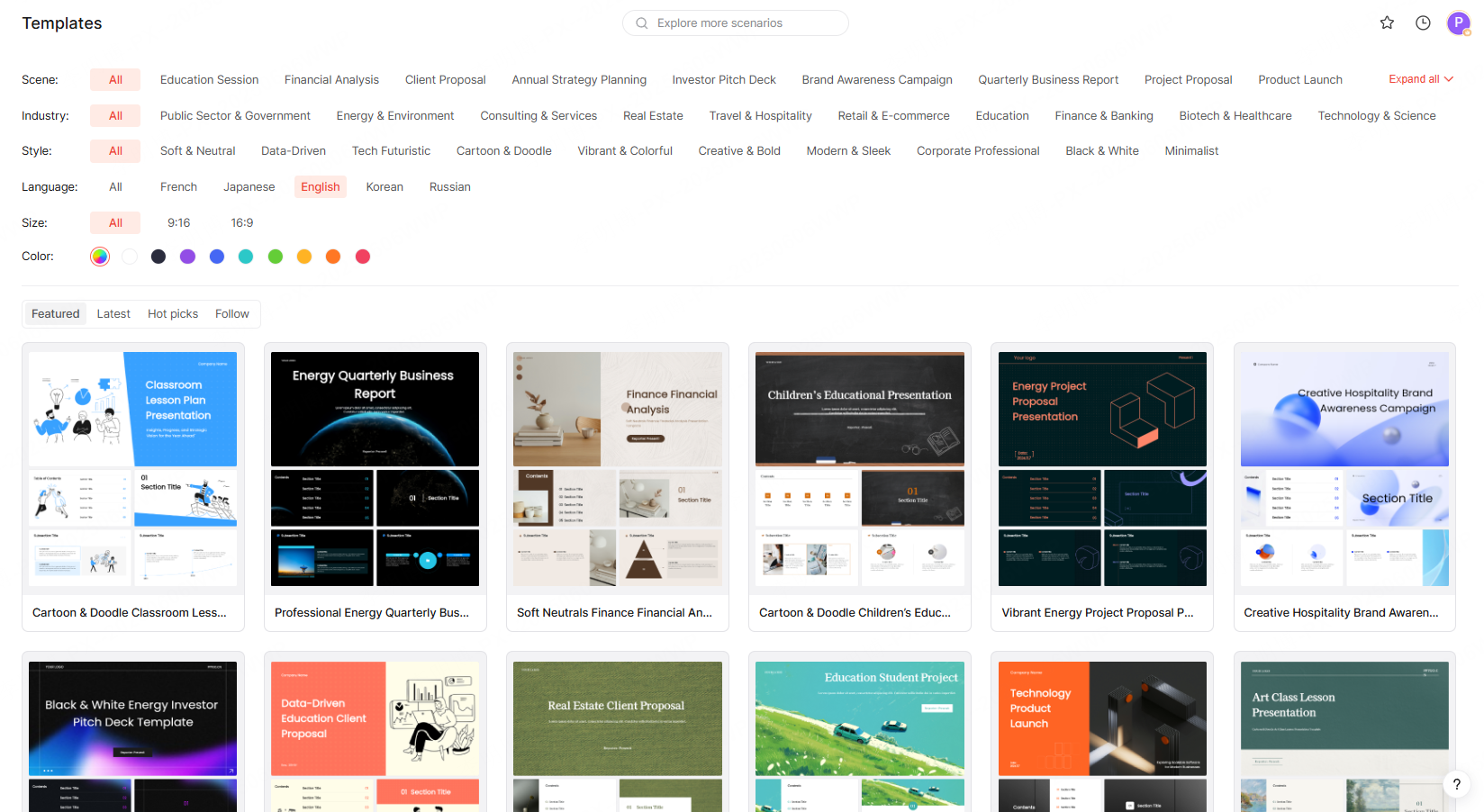
After the file loads, click AI Beautify or Apply AI Styling to launch the automated enhancement workflow. You’ll be able to choose from an extensive gallery of professional templates designed for business, education, and marketing scenarios.
Most platforms let you filter templates by:
By Use Case
- Business proposals
- Product launches
- Academic lectures
- Marketing campaigns
- Project reports
- Technical documentation
- Training and onboarding
By Industry
- Software & IT
- Finance
- Education
- Healthcare & biotech
- Retail & e-commerce
- Manufacturing
- Consulting
By Visual Style
- Minimalist
- Corporate
- Creative / modern
- Flat design
- Bold & colorful
- Illustration based
- Tech-inspired UI style
By Color Palette
Choose brand colors or select a palette aligned with your organization’s design guidelines.
AI will then auto apply the selected style to your entire deck, ensuring fully unified typography, grid spacing, and composition.
3. Configure Image Sources to Ensure Visual Consistency
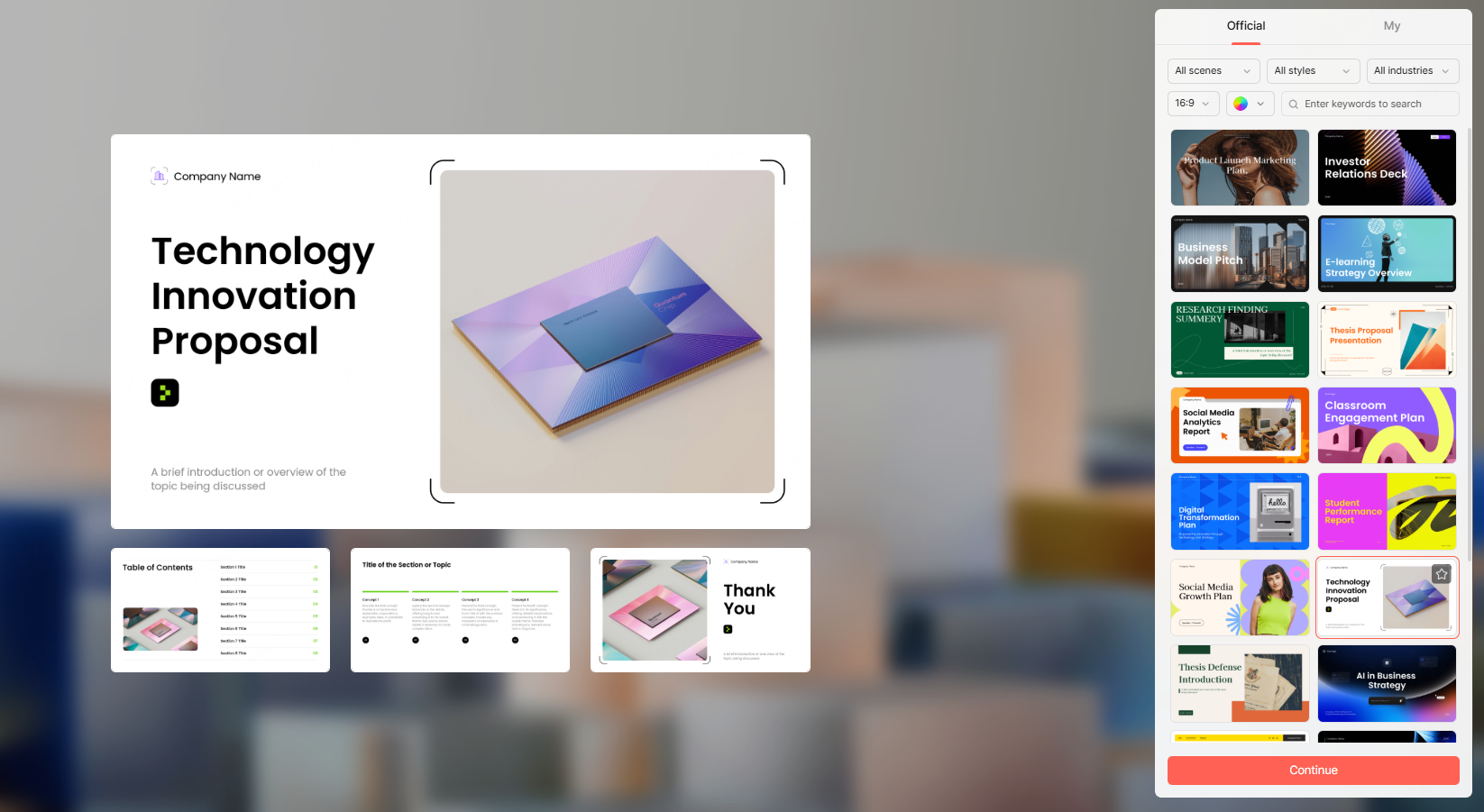
An often overlooked step in PPT enhancement is defining how images should be handled. Most AI platforms let you choose how visuals are sourced and displayed:
File Images
If your original deck already contains images or diagrams, simply keep them.
AI will analyze and reorganize the layout while preserving core visual content.
Template Images
Use the built in image resources provided by the template.
Recommended when you need a uniform visual theme across all slides.
AI Generated Images
Let AI generate images based on your slide text.
This works well for abstract topics such as cloud architecture, workflow design, data flows, or educational concepts.
This choice directly affects how coherent your final deck will look, so select the option that best matches your content strategy.
4. Generate the Final Deck: Get a Professional Presentation in Minutes
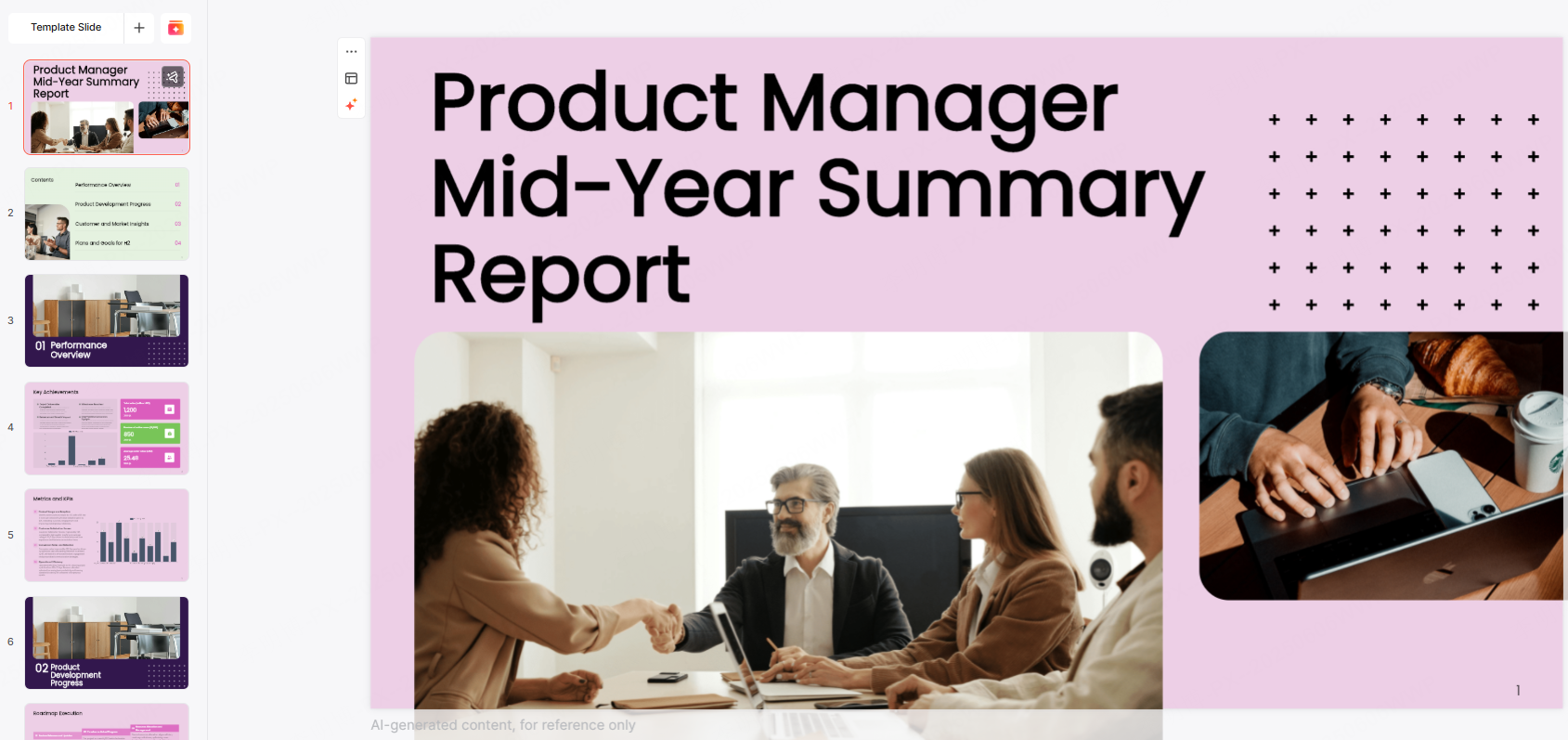
After setting the template and image preferences, click Generate or Apply Design. AI will complete a full visual optimization, typically within 1 to 3 minutes.
The automated enhancements include:
- Clean hierarchical layout
- Unified typography and consistent color usage
- Optimized spacing and visual balance
- Reorganized sections for readability
- Automatically inserted or updated images
- Sharper formatting of headings, highlights, and callouts
You’ll receive a polished, presentation ready deck, no tedious manual adjustments needed.
This saves hours of repetitive work and ensures that your slides maintain a professional, high impact visual standard.
5. Cloud Editing, Collaboration, and Custom Templates
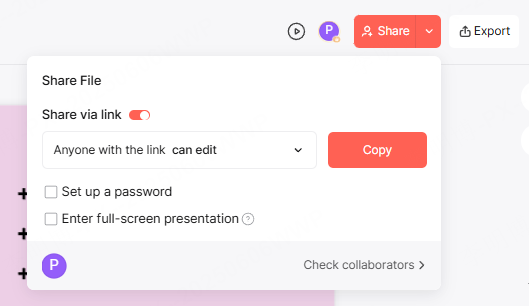
Modern AI presentation platforms aren’t just design tools, they're complete collaborative workspaces.
Cloud Storage for Instant Access
Uploaded presentations are saved in your cloud workspace.
You can edit, download, or share them from any device.
One Click Sharing
Generate a shareable link to send the deck to colleagues, clients, or students.
Set permissions such as view-only or collaborative editing.
Real Time Collaborative Editing
Multiple users can work on the same deck simultaneously.
Ideal for distributed teams, agile workflows, sprint reviews, and academic project groups.
Custom Brand Templates
Organizations can upload their brand guidelines and custom layouts.
AI will automatically apply brand colors, font rules, spacing standards, and iconography on every slide, ensuring consistent brand identity at scale.
Why AI Based PPT Enhancement Matters for Professionals
For technical teams, educators, and project managers, a well designed deck can significantly improve:
- Knowledge transfer and training efficiency
- Project reporting clarity during stakeholder briefings
- Customer facing presentations, product demos, and onboarding
- Internal documentation quality
- User trust in your brand’s professionalism
With AI, slide design becomes less of a bottleneck, allowing you to focus on delivering meaningful content instead of wrestling with formatting.









