
Creating a clean, professional looking presentation can be surprisingly difficult, even for experienced professionals. You may have solid content, but poor layout, cluttered slides, and inconsistent visuals can instantly weaken your message. If you're a developer, technical lead, educator, or project manager, using the right slide design tools can dramatically improve how you present ideas to colleagues, stakeholders, and clients.
This guide introduces five practical PPT beautification tools popular among users in North America and Europe. Whether you’re designing in PowerPoint, Google Slides, or within an AI driven workspace, these tools help you produce polished, audience ready decks in minutes.
1. Presenti AI (One Click AI Slide Beautification Tool)
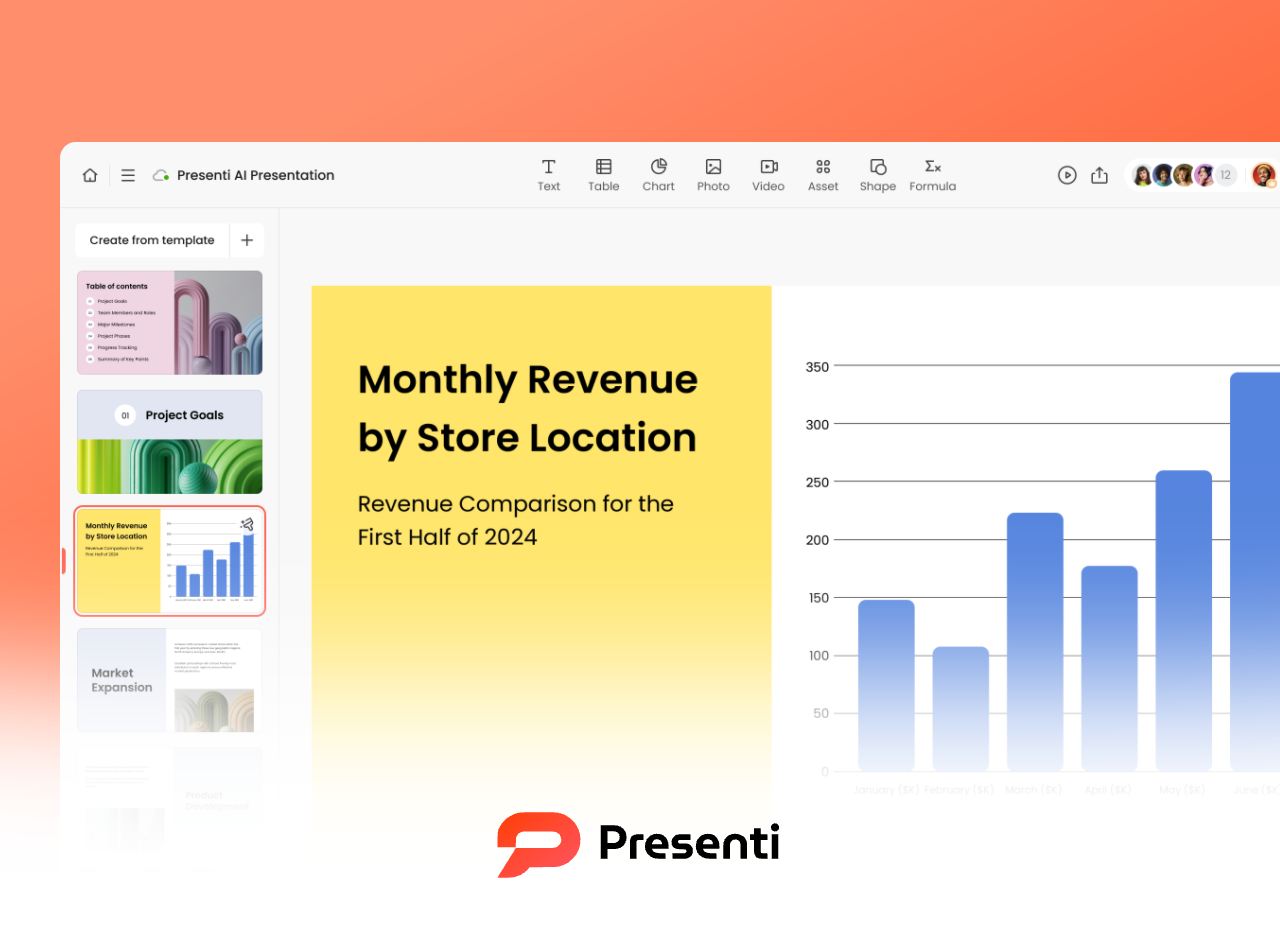
Presenti AI is a cloud based platform that helps you upload an existing PPTX file and instantly redesign it using AI generated layouts, images, and visual styles.
For teams working across different regions, Presenti AI also supports real time collaboration, cloud sync, and online presenting.
Key Features
- Upload your PPTX
Import any existing deck directly from your computer or shared drive. - AI structure detection
The system identifies slide types: title pages, outlines, content slides and restructures them using best practice presentation patterns. - One click beautify
In a few seconds, the platform generates a fully redesigned version of your entire slide deck. - Themes & Visuals
Choose templates by industry, color palette, presentation style, or use AI generated illustrations and photos.
Best For
- Professionals preparing performance reviews, project briefs, pitch decks, and technical reports
- Students working on academic presentations
- Instructors, trainers, and content creators
- Anyone who wants clean slides without deep design skills
Why It Works
- Fast: redesign a full deck in under 3 minutes
- Smart layouting: AI adapts to your content instead of forcing generic templates
- High quality visual library: hundreds of modern, global ready templates
- Beginner friendly: ideal for people who “don’t do design”
2. iSlide (Professional PowerPoint Add In for Technical Teams)
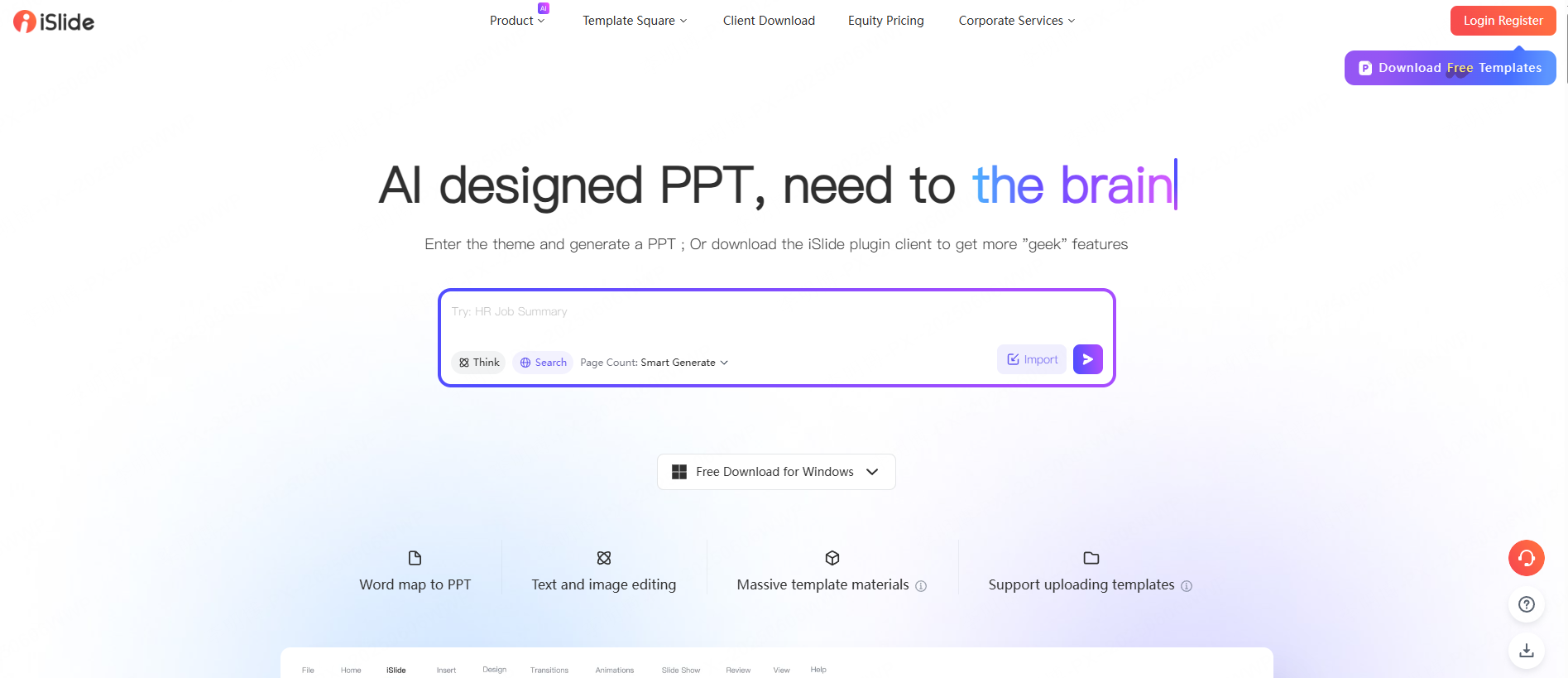
iSlide is a popular PowerPoint extension designed for users who want deeper control over layout, spacing, typography, and chart consistency.
Key Features
- One click formatting cleanup
Instantly standardizes margins, alignment, spacing, and fonts across all slides. - Charts & diagram library
Insert ready to use data visualizations, flowcharts, and smart diagrams. - Color theme presets
Apply consistent color palettes that follow visual accessibility guidelines. - Font & layout unification
Ideal for teams that maintain brand consistency across multiple departments.
Best For
- Heavy PowerPoint users in marketing, consulting, sales, project management
- Teams that maintain brand guidelines
- Users who need precise layout control
Why It Works
- Fully integrated into PowerPoint, no tab switching
- Professional formatting tools reduce manual adjustments
- Easy for non-designers while still powerful for advanced users
3. Tome AI (Story Driven Presentation Generator)
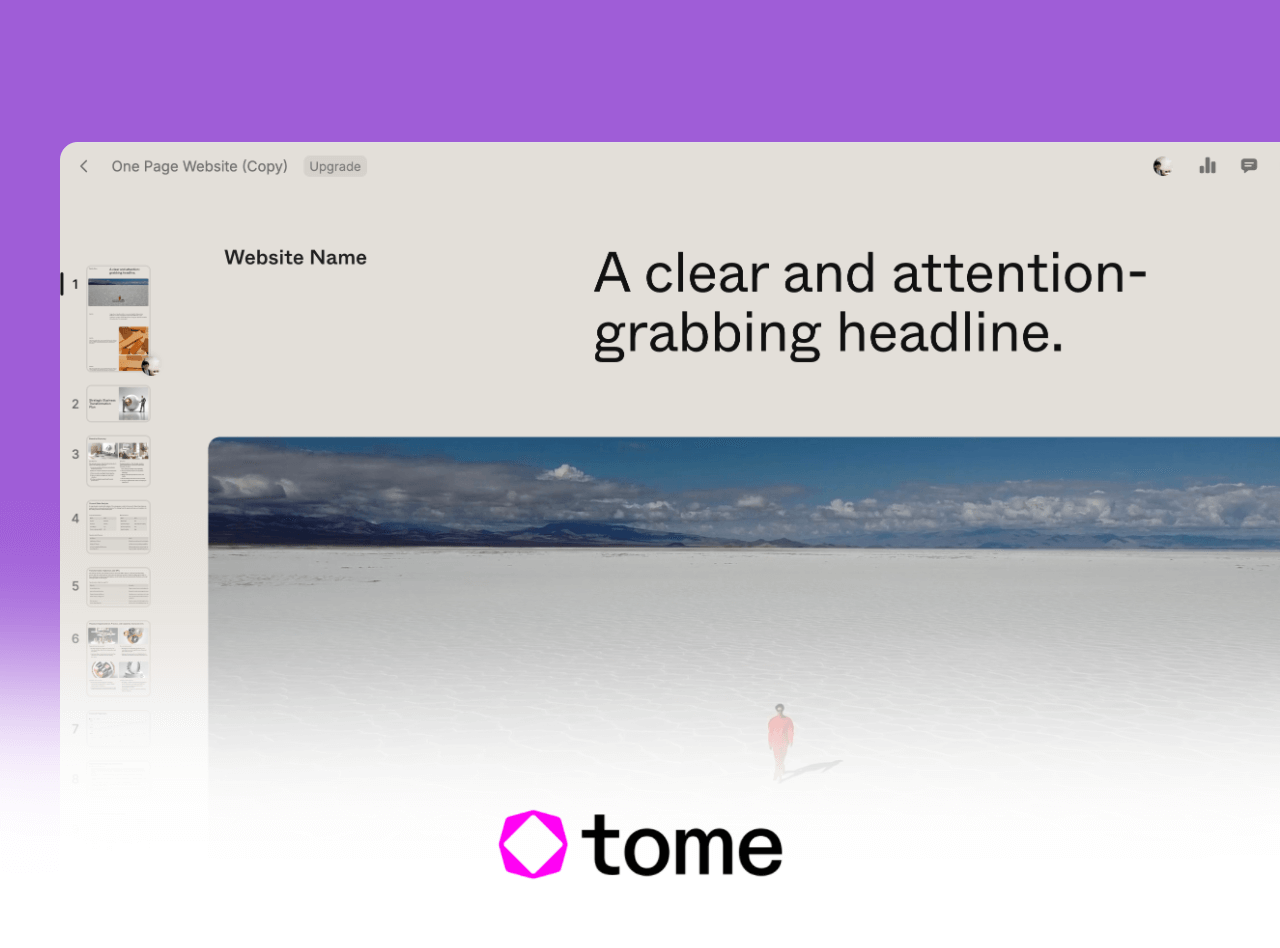
Tome AI is well known among product teams, startups, and designers for generating visually compelling, storytelling oriented slides.
Key Features
- Generate entire decks using natural language prompts
- Clean, modern templates suitable for product pitches and creative storytelling
- Support for multimedia: images, video, charts, and interactive embeds
- Cloud collaboration and shareable web links for remote presentations
Best For
- Startup founders, product managers, marketing teams
- Content creators and educators building narrative driven presentations
- Professionals needing fast, visually polished slides
Why It Works
- Zero manual formatting
- Modern visual style that avoids outdated corporate templates
- Great for concept demos, user journeys, and feature overviews
4. Slidesgo (Large Library of Polished PPT & Google Slides Templates)
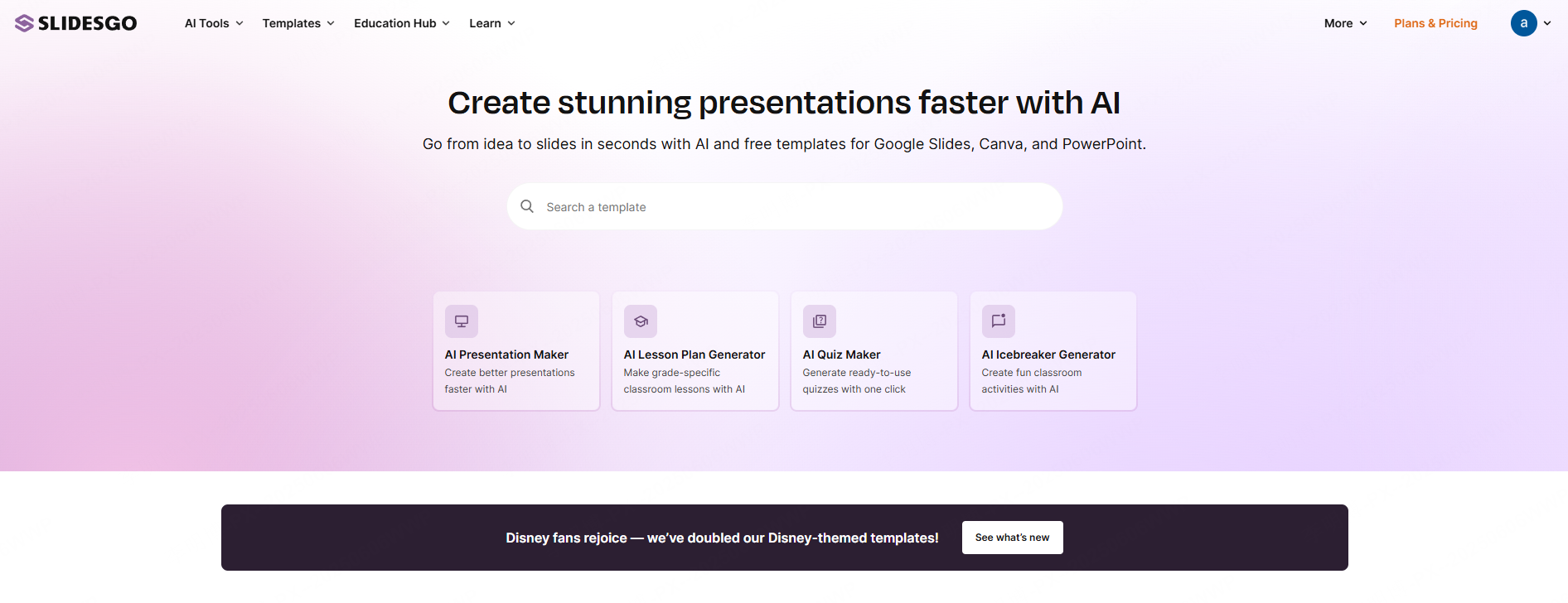
Slidesgo is one of the most popular free template libraries among educators and global teams who want modern aesthetics with minimal design work.
Key Features
- Pre-designed templates with complete layouts, icons, charts, and graphics
- Clean, European style aesthetics: minimalist, creative, highly visual
- Searchable categories for business, education, workshops, product demos
- Weekly template updates
Best For
- Teachers, students, instructional designers
- Freelancers and content creators
- Anyone who prefers Google Slides but also uses PowerPoint
Why It Works
- Free for commercial use
- Dual format downloads (Google Slides + PPTX)
- Quick customization, replace text and you're done
5. Pikbest (Creative Asset Library for Visual Enhancement)
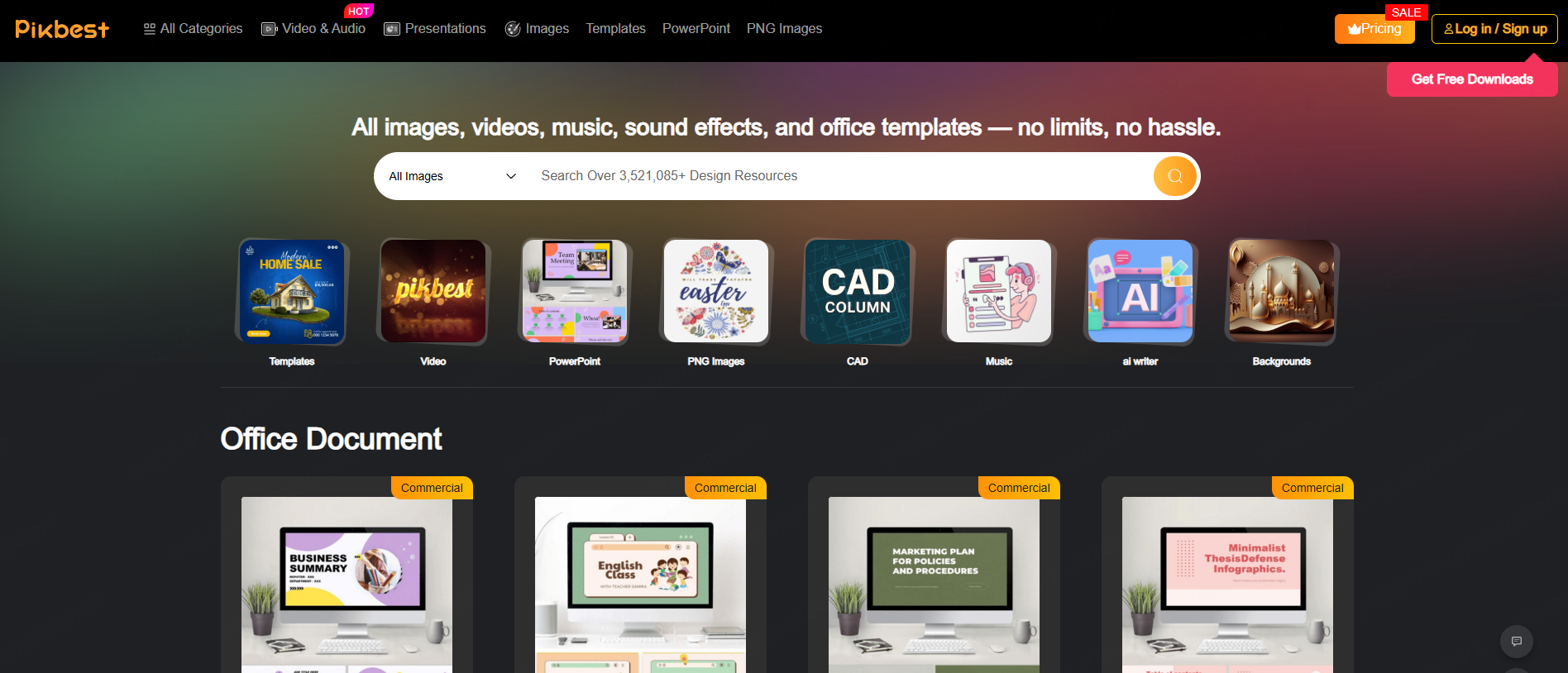
For users who want more than templates, Pikbest provides a large library of creative assets that can elevate the visual quality of any slide deck.
Key Features
- High quality PPT templates for business, education, and creative presentations
- Icons, charts, illustrations, background textures, and design packs
- Creative inspiration galleries
- Optional professional design services for enterprise teams
Best For
- Business professionals preparing high impact reports
- Designers searching for visual elements
- Creative teams building standout presentations
Why It Works
- Massive creative library for unique slide customization
- Easy navigation with clear resource categories
- Saves time while supporting high level brand identity work
Final Thoughts
With these five tools, you no longer need to struggle with slide layouts or outdated designs. If you want the simplest path to professional quality presentations, Presenti AI is one of the most efficient solutions: upload your PPTX or enter an outline, and AI generates a visually polished, fully structured presentation in minutes.
A well designed slide deck doesn’t just look good, it increases clarity, boosts engagement, and improves your effectiveness in technical discussions, client reviews, classroom teaching, and internal reporting.









