
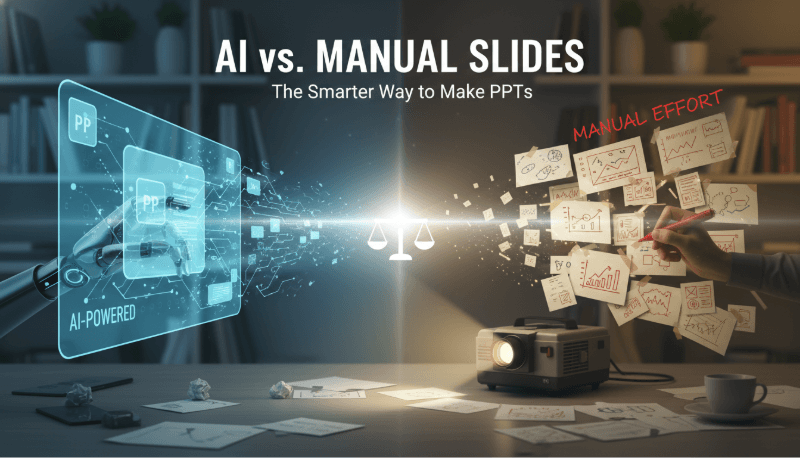
In the productivity driven digital workplace, creating a polished presentation no longer requires hours of manual formatting. Thanks to rapid advances in artificial intelligence, you can now generate professional quality slides simply by inputting your topic or uploading a document. Whether you want to build a pitch deck from scratch or convert a long Word report into a concise slideshow, AI powered PPT tools make the process faster, smarter, and far easier than traditional slide design.
1. How AI Generated PPTs Work
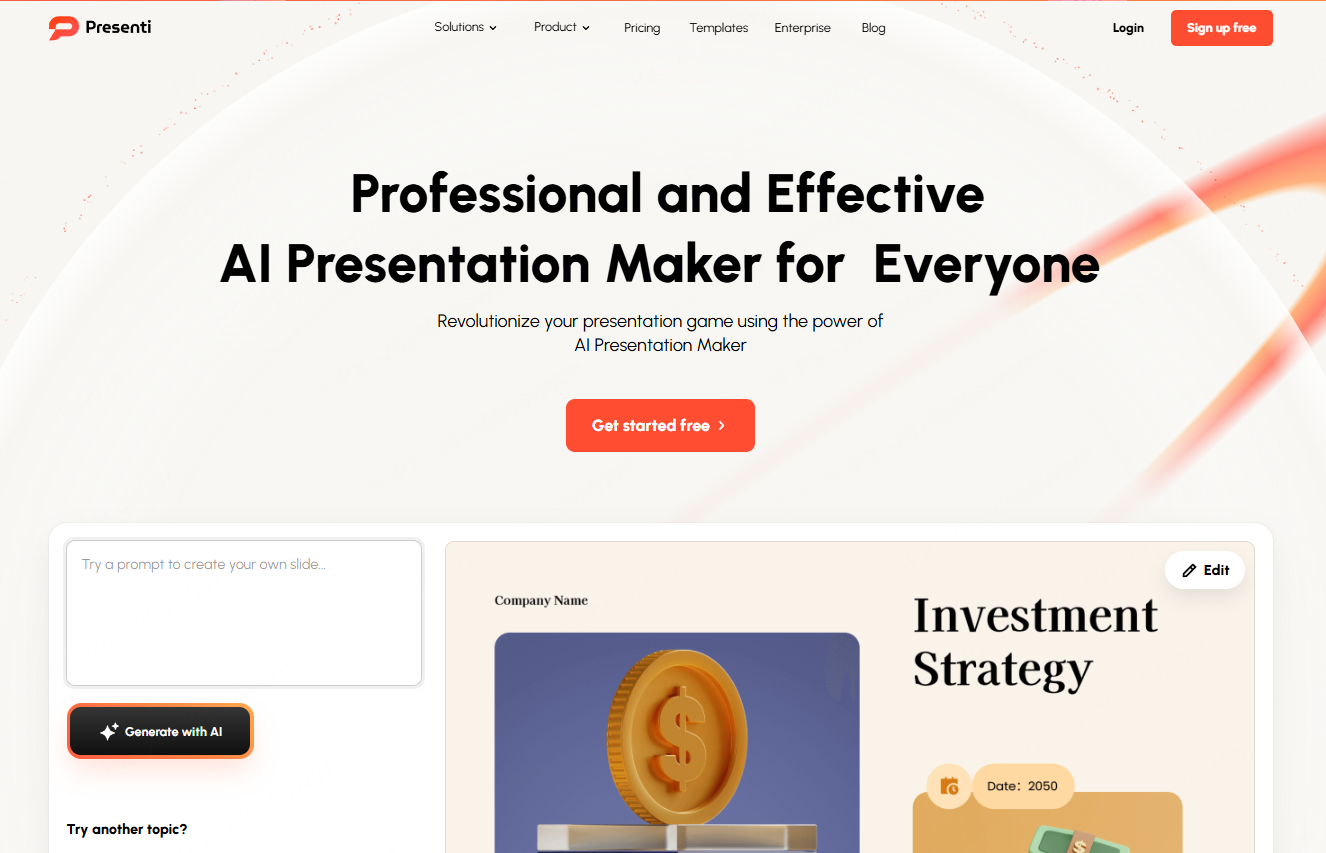
AI slide generation follows a streamlined workflow:
You provide your topic, key points, or a full document → the AI understands the intent → it structures the slide outline → chooses templates, colors, and visuals → and produces a complete presentation.
This automated pipeline saves enormous time and effort, especially for users who lack design experience.
Key Advantages of AI Generated PPTs
- Massive time savings: No more manual formatting, AI completes the task within minutes.
- Lower skill barrier: Even beginners can output professional decks.
- Flexible editing: Want to replace charts, add pages, or change templates? Just update your instructions and regenerate instantly.
- Creative inspiration: AI offers layout and style ideas you may not think of yourself.
2. What Is Text to PPT and Why It Matters
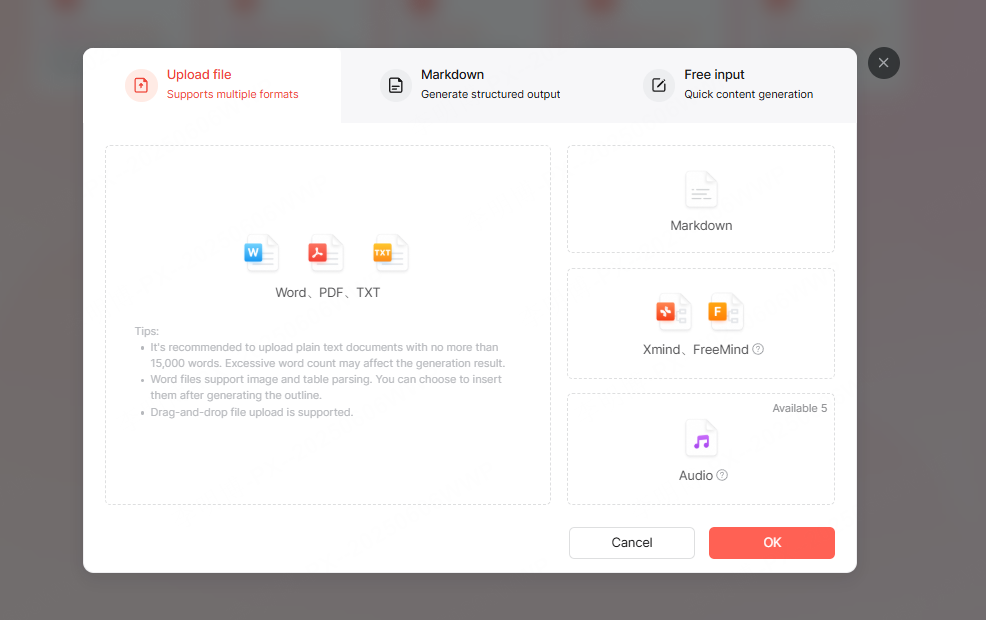
Text to PPT technology automatically converts written content, whether raw text, Word files, PDFs, or website content, into clean, visually structured slides. The system analyzes logical relationships, extracts key insights, and matches them with layouts, icons, tables, and graphics. This is ideal for reports, lectures, proposals, and research summaries.
Tips for More Effective Text to PPT Conversion
Optimize your input:
- For plain text, separate sections with line breaks and highlight key conclusions.
- For Word documents, apply Heading 1/Heading 2 styles, this dramatically improves structural accuracy.
- For PDFs, remove footers and ads; avoid screenshots for tables.
- For Markdown, use # headers and bold important numbers.
Use specialized AI PPT tools:
Platforms like Presenti AI can condense lengthy documents into well organized slides, automatically converting tables to charts and preserving key insights without manual edits.
3. How to Generate a PPT With AI (Step by Step)
Step 1: Provide a Clear Instruction
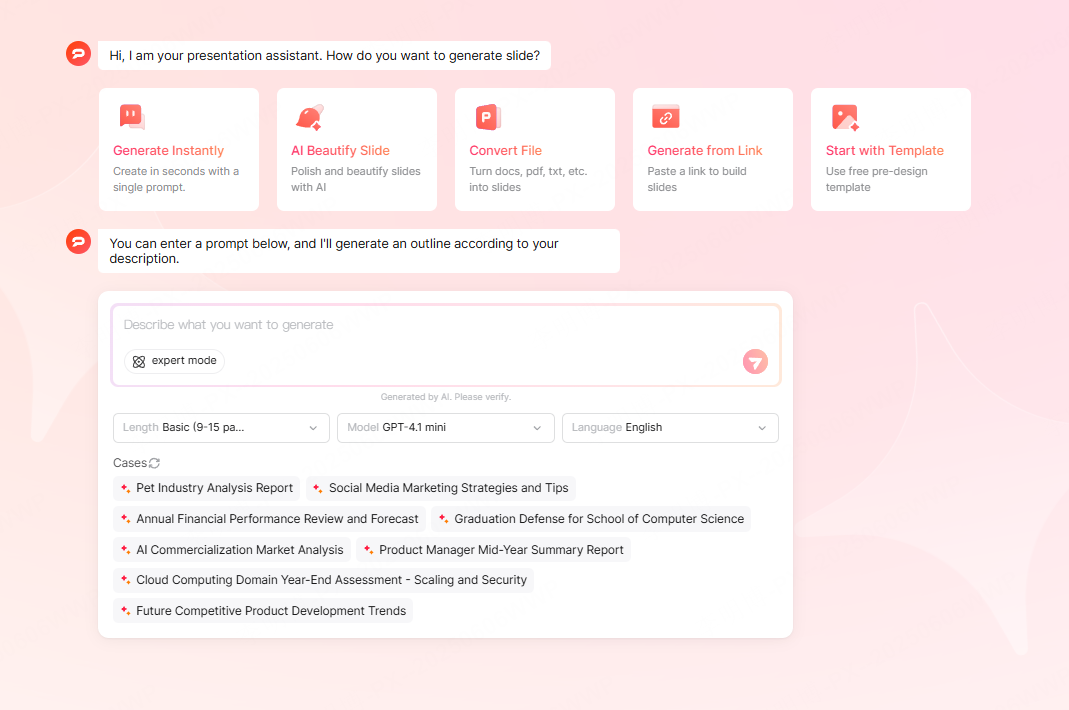
Describe your needs using a “topic + purpose” format, for example:
“Smart Home Industry Analysis for Investor Meeting”
This ensures the AI produces relevant depth, tone, and slide structure. If you’re using text to PPT, upload your Word or PDF file directly. Clearer inputs always produce more accurate slides.
Step 2: Configure the Output
Choose a template style, set content density, and enable options like “preserve tables and graphics” to avoid data loss. Click Generate and wait a few minutes.
Step 3: Refine and Polish
- Keep one main idea per slide.
- Reduce long paragraphs to 3-5 bullet points.
- Use built in beautification tools to improve layout and typography.
- Check logical flow and adjust transitions.
These refinement steps quickly upgrade the presentation’s clarity and professionalism.
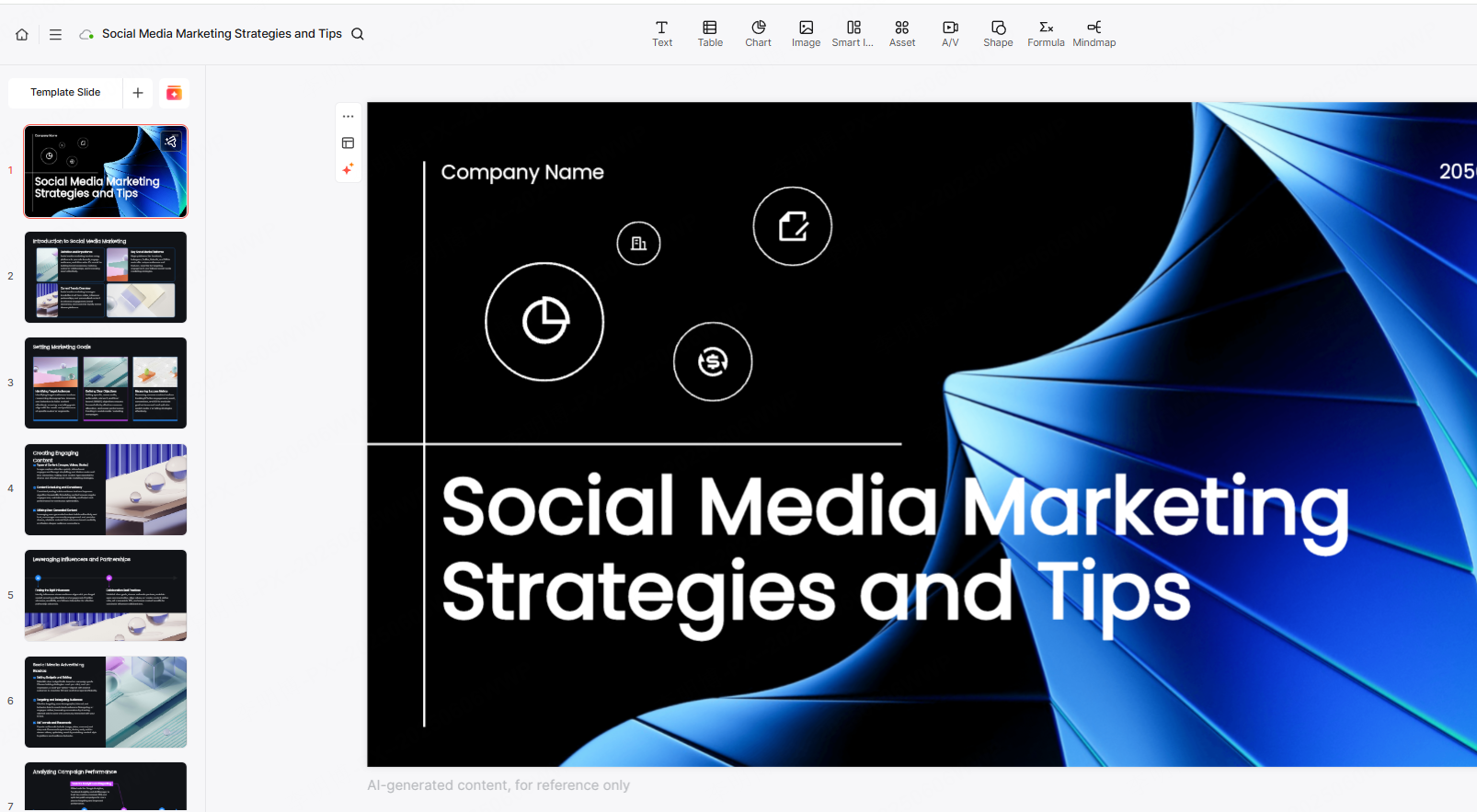
4. Best AI PPT Tools to Use in 2025
1) Presenti AI (Best Overall)
Rating: ★★★★★

An AI powered PPT generator that supports text input, file uploads, chart creation, and smart templates. Its free version already offers unlimited document length and strong slide generation performance, perfect for business reports, education, and corporate use.
2) Slidesgo (Best for Template Variety)
Rating: ★★★☆☆
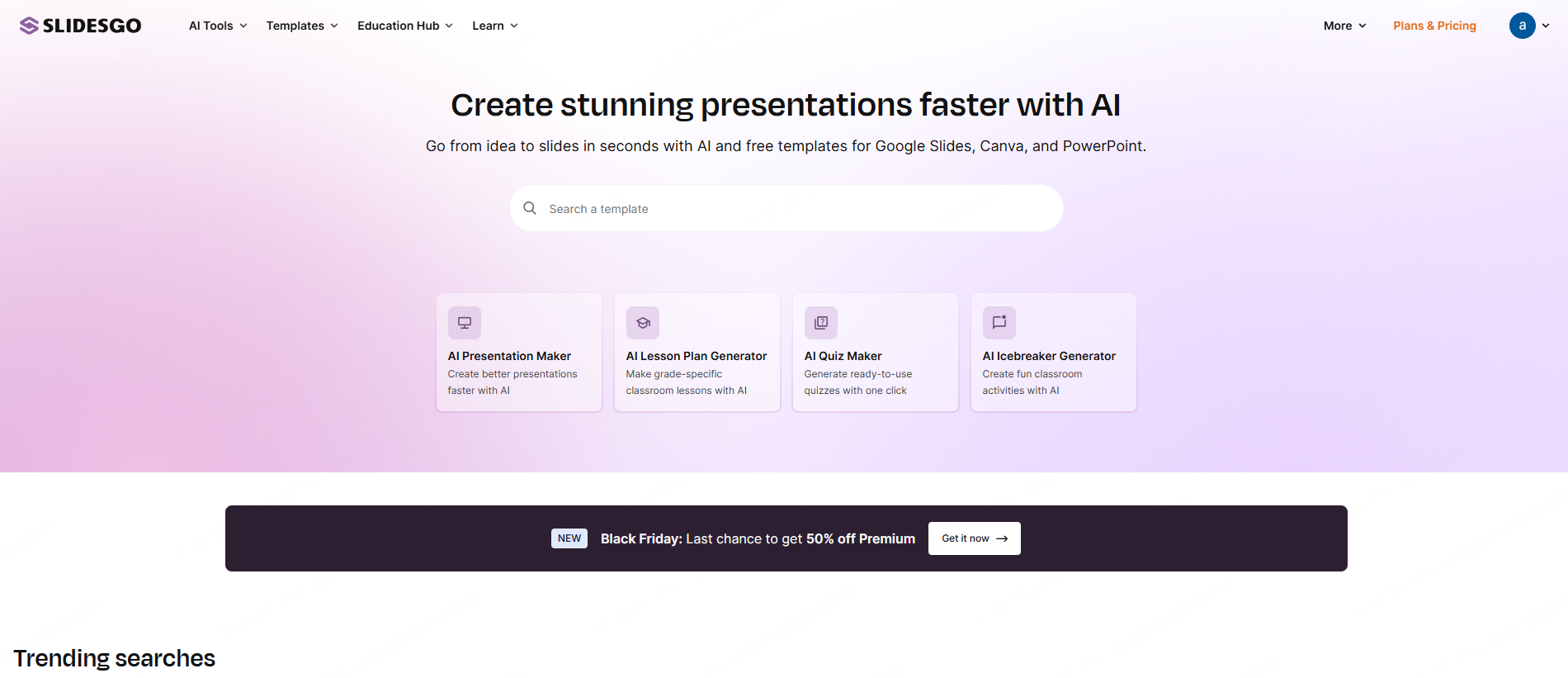
Slidesgo provides 100,000+ ready made templates and can automatically match themes to your topic. Its strength lies in fast visual styling and aesthetic flexibility.
3) Boardmix (Best for Collaboration)
Rating: ★★★☆☆
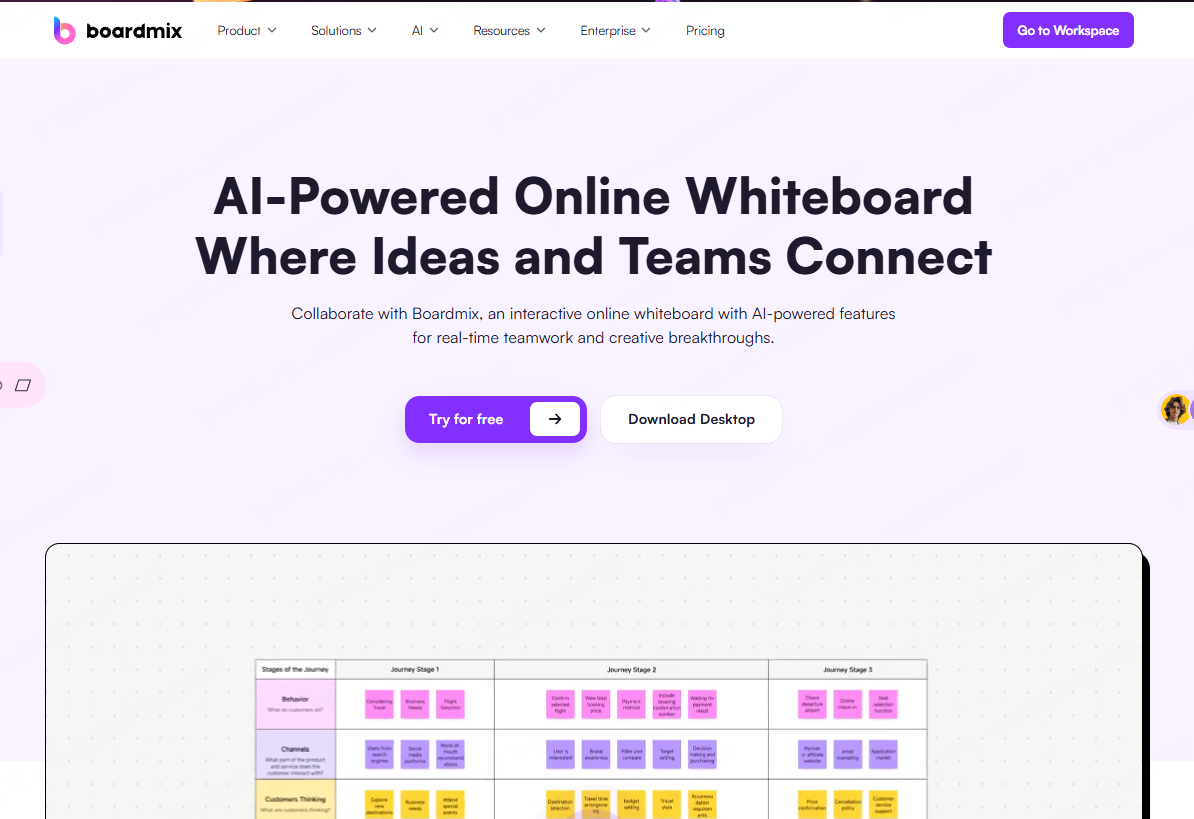
Beyond PPTs, Boardmix is a collaborative whiteboard tool that can generate mind maps, flowcharts, and slide decks. Ideal for brainstorming, cross team projects, and real time editing.
4) MagicSlides (Best for Education & Marketing)
Rating: ★★★★☆
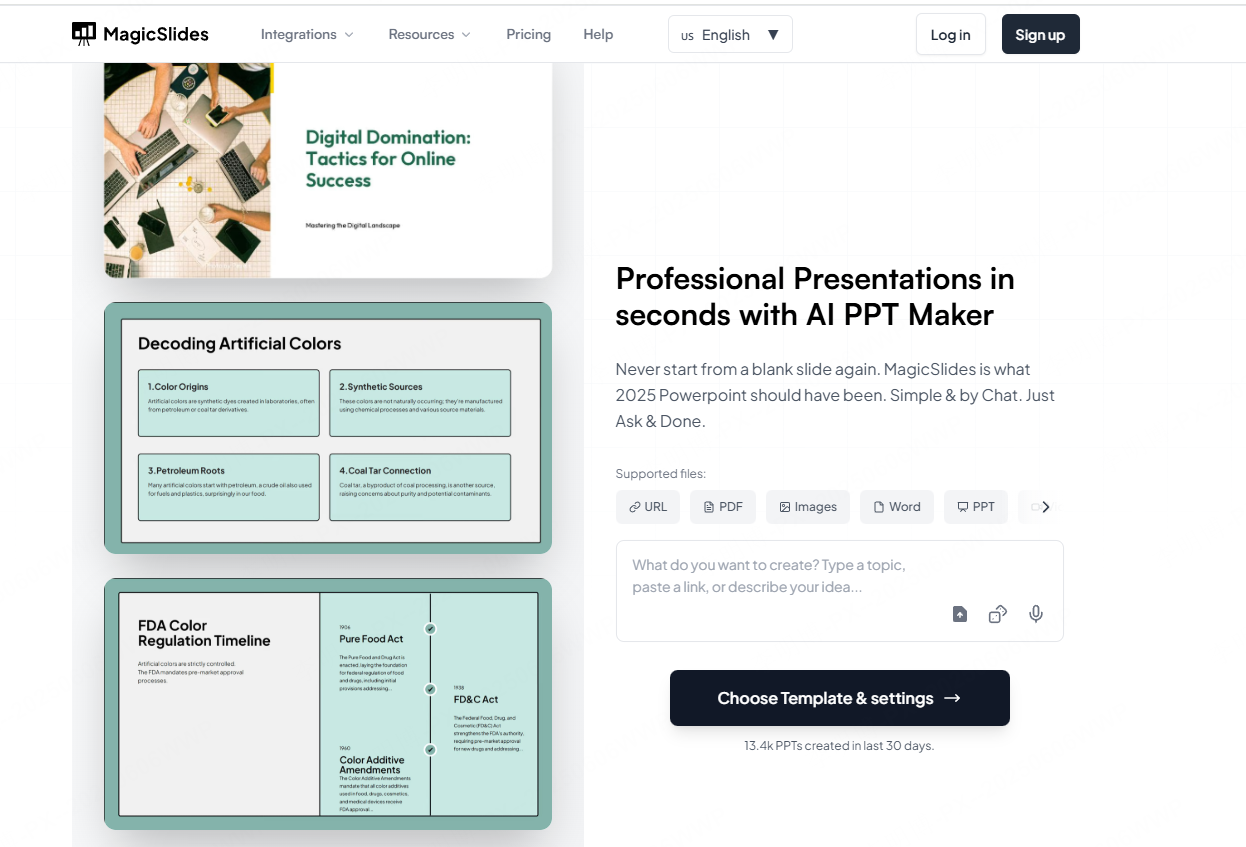
Integrated with Google Slides, MagicSlides works well for students, teachers, and marketers. It supports multilingual collaboration and customizable chart design.
5. How to Choose the Right PPT Generator
- Presenti AI → best all rounder for business, education, and fast document conversion
- Slidesgo → best for users who rely heavily on templates
- Boardmix → best for teams that need real time collaboration
- MagicSlides → best for Google users and education scenarios
Choose based on your workflow, required features, and collaboration needs.
Conclusion
Mastering AI powered PPT creation helps you eliminate repetitive slide building tasks and focus on ideas instead. Whether you’re producing brand new slides or converting long documents into presentations, AI tools dramatically improve speed, accuracy, and visual quality.
If you want an all in one generator for analysis → slide creation → design optimization, Presenti AI remains one of the most powerful choices in 2025.









