

In fast pace workplaces, a well structured project report presentation can significantly improve how your team communicates progress, insights, and deliverables. Whether you're preparing a sprint review, a quarterly update, or a pitch deck for stakeholders, using a professionally designed project report template can dramatically boost clarity and impact.
This guide highlights several highly practical project reporting PowerPoint templates, adapted for global teams, educators, project managers, and developers, shows how to choose the right style for different communication scenarios.
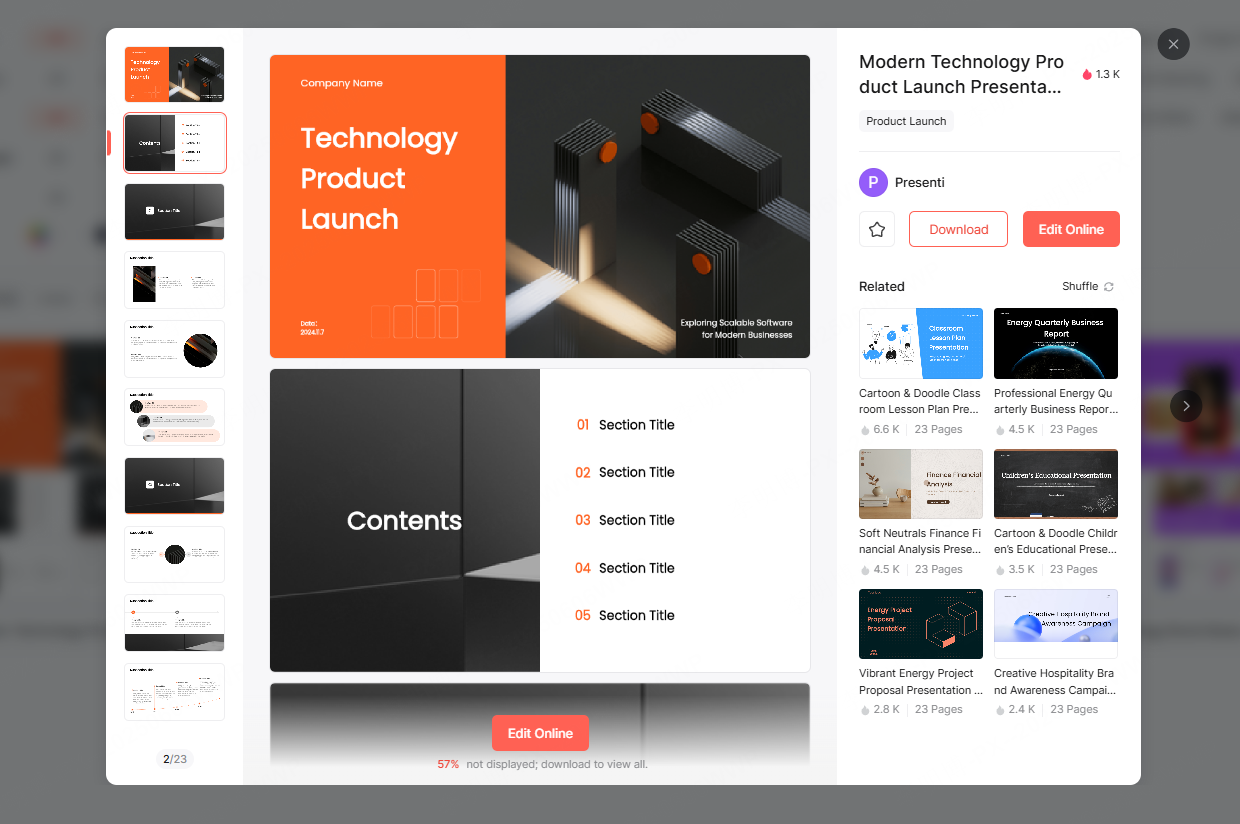
1. Business & Tech-Style Project Report Templates
Business-tech templates focus on clarity, structure, and professionalism. They are especially useful when presenting complex information or technical deliverables that require a high level of trust and accuracy.
Visual Style
The design combines clean layouts with a restrained modern aesthetic. Templates typically use deep blues, charcoal, and cobalt tones, paired with geometric lines, subtle gradients, and data friendly charts, creating a polished, high credibility look suitable for technical audiences.
Best Use Cases
Ideal for:
- System architecture reviews
- Software release updates
- Tech platform demos
- Product launch presentations
- Executive level status reports
These templates help convey technical rigor, structured thinking, and operational reliability, qualities appreciated in enterprise and engineering contexts.
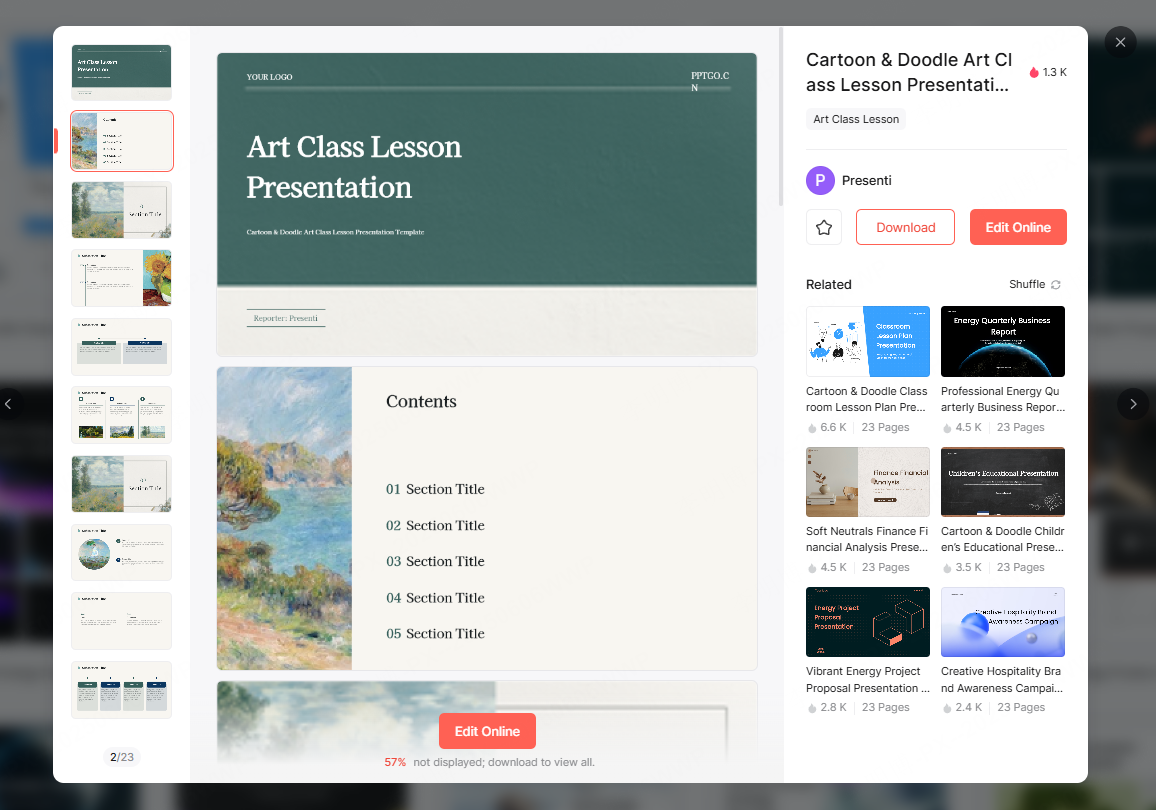
2. Flat Minimalist Project Report Templates
Flat design templates are simple, lightweight, and easy to customize. They are one of the safest options when you need a no frills structure that works for nearly any reporting task.
Visual Style
These templates favor soft color palettes, light blues, neutrals, and greens paired with block based layouts and intuitive iconography. The minimalist approach prevents visual clutter and keeps your content front and center.
Best Use Cases
Perfect for:
- Weekly team updates
- Department summaries
- Sprint retrospectives
- Internal project check ins
Even entry level presenters can quickly adapt these templates for clean, logical storytelling.
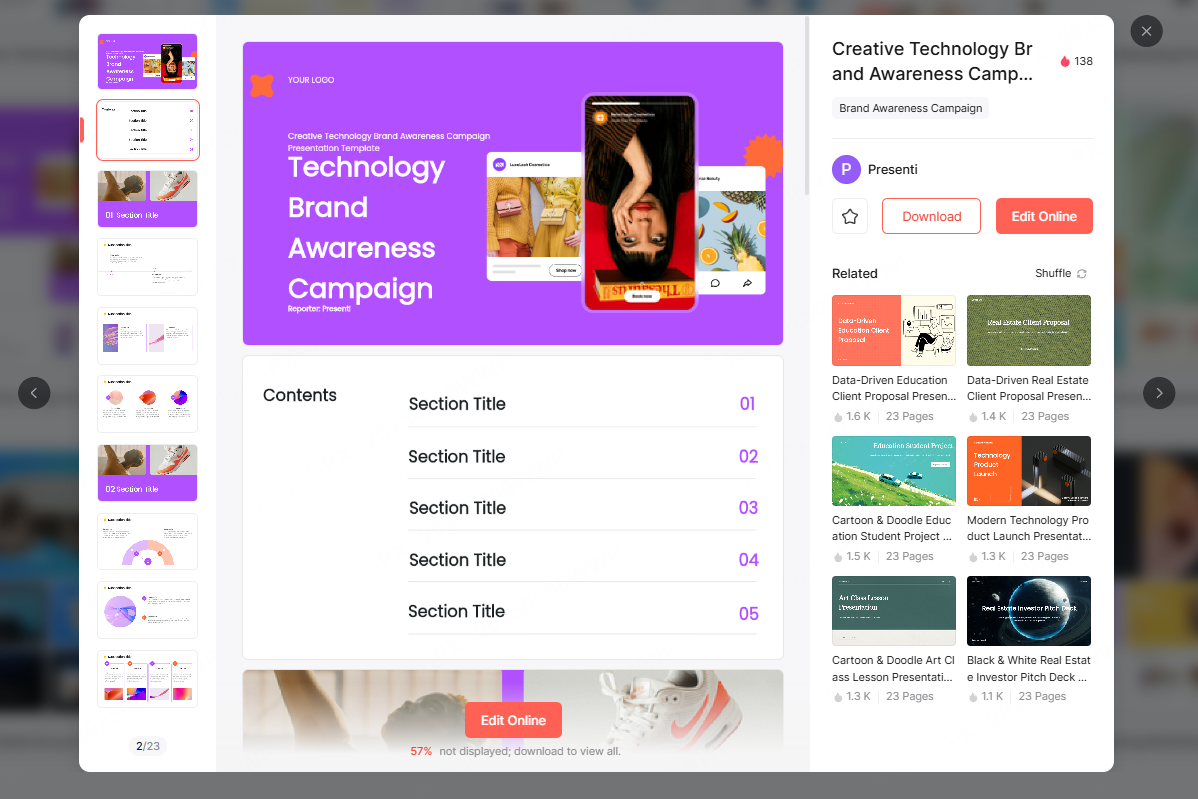
3. Creative & Modern Project Report Templates
Creative templates are designed for high impact presentations where visual storytelling matters. They work extremely well when pitching to clients, investors, or decision makers who expect differentiated branding and design forward thinking.
Visual Style
Expect bold imagery, dynamic typography, gradient overlays, accent color blocking, and stylish layouts. Many templates incorporate modern sans serif fonts, dramatic whitespace, and high contrast color pairs, capturing attention within seconds.
Best Use Cases
Recommended for:
- Marketing proposals
- Creative project pitches
- Product concept presentations
- Brand strategy decks
- Media or digital content planning
If your goal is to stand out and make your deck feel premium, this category delivers.
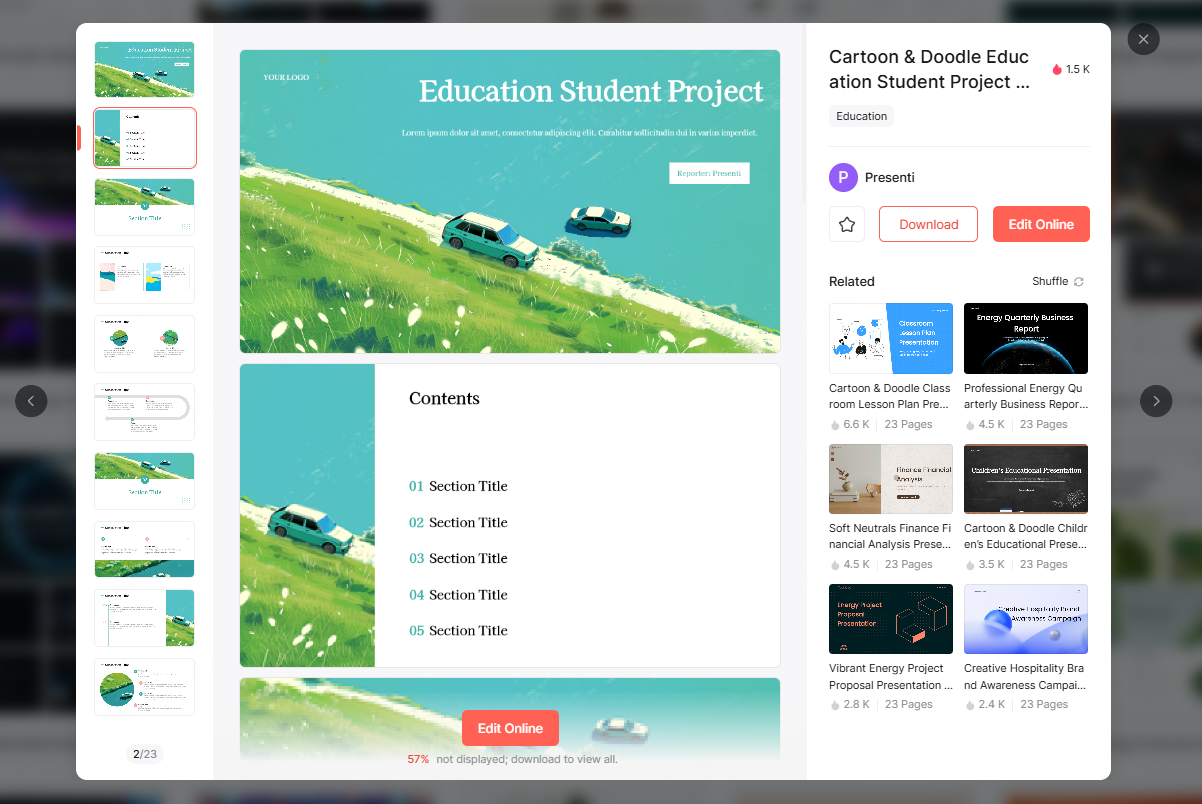
4. Clean & Aesthetic Project Report Templates
These templates emphasize a soft, friendly, and human centric visual style, making them excellent for educational settings or reports that benefit from emotional warmth and clarity.
Visual Style
Common elements include pastel tones, watercolor accents, hand drawn illustrations, nature inspired motifs, and open spacing. The layout aims for a calm and transparent communication style rather than corporate rigidity.
Best Use Cases
Great for:
- Classroom project presentations
- Student portfolio showcases
- Environmental or community projects
- Non-profit reports
- Light creative proposals
When the subject matter benefits from empathy, storytelling, or visual warmth, these templates feel more relatable than traditional business styles.
5. How to Access These Project Report Templates
All recommended templates are available on Presenti AI, a platform offering downloadable and customizable PPT templates optimized for businesses, educators, and cross functional teams.
Visit the Presenti AI workspace → “PPT Templates” to explore categories such as:
- Project reporting
- Training & education
- Business planning
- Academic defense
- Marketing & branding
- Corporate communication
Presenti AI also supports AI generated presentations, allowing teams to rapidly produce polished slides with one click styling and automated content formatting.
Final Thoughts
No matter what presentation style you prefer: structured, minimalist, creative, or aesthetic, a well chosen template helps transform raw information into a compelling narrative. With the customizable templates and AI driven tools from Presenti AI, teams can effortlessly build high impact presentations for project reviews, academic showcases, or enterprise grade reporting.









