A polished self introduction PowerPoint can instantly elevate your personal presentation, whether you are applying for a job, preparing for a school admission interview, joining a competition, or introducing a project. A clear, visually appealing PPT not only highlights your strengths but also helps you make a memorable first impression. However, designing one from scratch takes time. This guide explains how to quickly create professional self introduction PPT templates, along with recommended layouts for different scenarios.
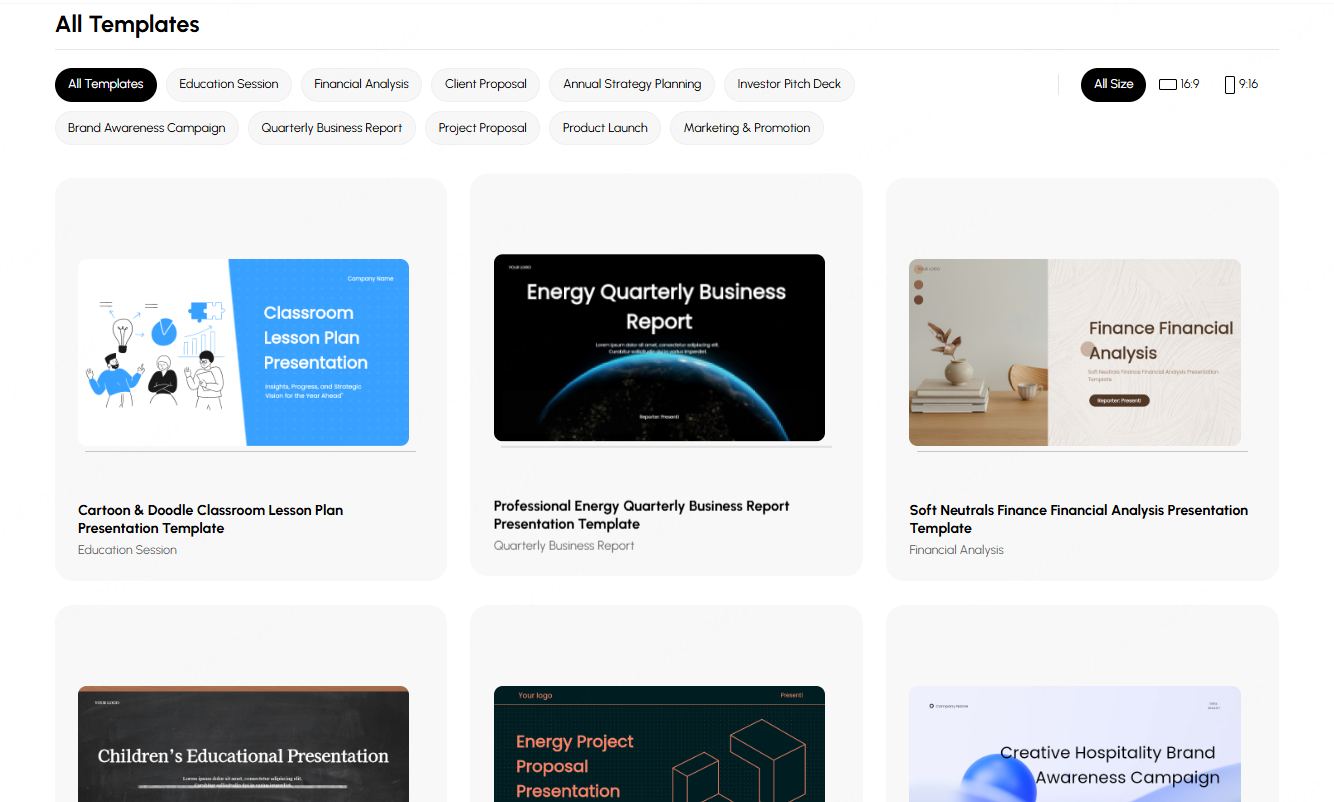
Recommended Self Introduction PPT Templates
A self introduction PPT is not one size fits all. Different purposes: job interviews, school applications, team presentations, or hosting events, require different structures and design styles. Below are six common use cases and the templates that work best for each.
1. Job Interviews & Position Applications
Best for: Graduates, job seekers, internal transfers, promotion candidates
Recommended style: Minimalist, business, or tech inspired themes
Suggested structure:
- Basic information: name, education, contact details
- Core skills & professional strengths
- Project or internship experience
- Achievements, awards, and measurable results
- Career goals and job fit
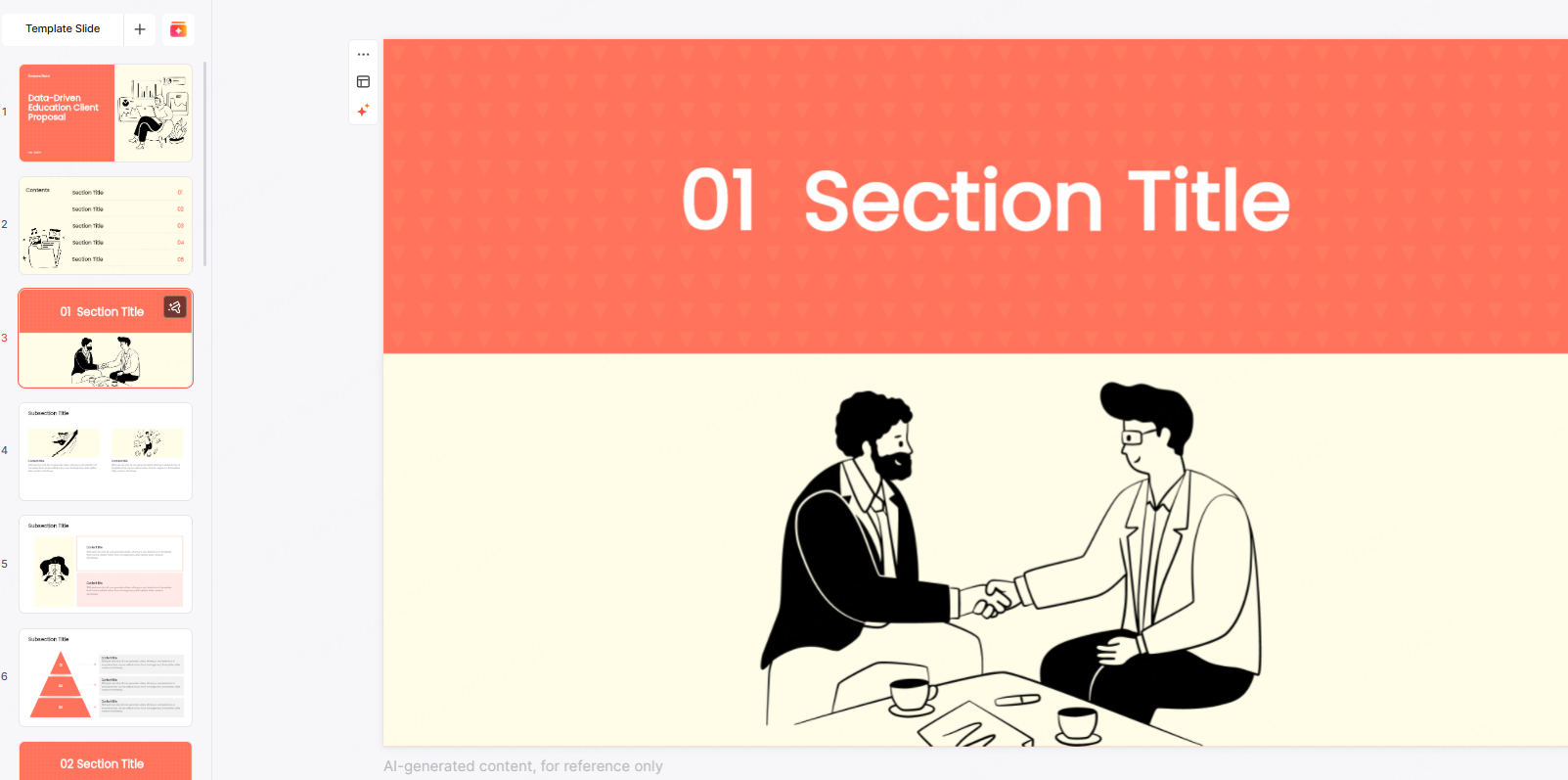
This layout allows recruiters to quickly understand your qualifications, capabilities, and suitability for the role.
2. School Admission, Academic Defense & Student Elections
Best for: Applicants for high school, university, graduate programs; class committee or student council candidates
Recommended style: Fresh, artistic, hand drawn, or education themed
Suggested structure:
- Self intro: name, major, personality traits
- Academic background, special skills, interests
- Awards, competitions, and extracurricular activities
- Personal vision & reasons you stand out
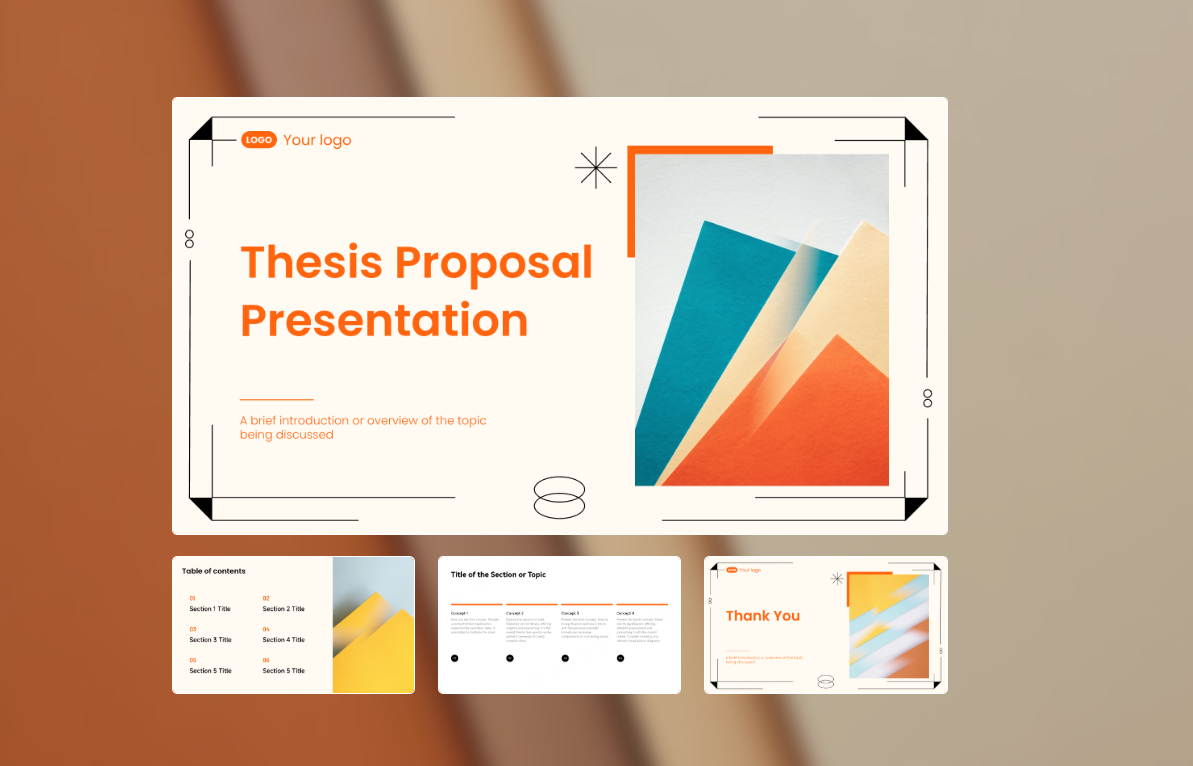
A more youthful, friendly design works well in educational settings and helps create approachability.
3. Team Introduction & Project Presentation
Best for: Corporate teams, project groups, internal briefings, external client presentations
Recommended style: Business, tech, clean flat layouts, or creative styles
Suggested structure:
- Team member profiles & roles
- Project background, goals, and purpose
- Key outcomes supported by charts and visuals
- Member contributions & future plans

This structure showcases teamwork and highlights your project’s professionalism.
4. Event Host & Stage Opening Introduction
Best for: Show hosts, event planners, performers, public speakers
Recommended style: Hand drawn, entertainment, cultural, or themed visual styles
Suggested structure:
- Fun self introduction with personality labels
- Hosting or event experience
- Links between yourself and the event
- A welcoming opening message
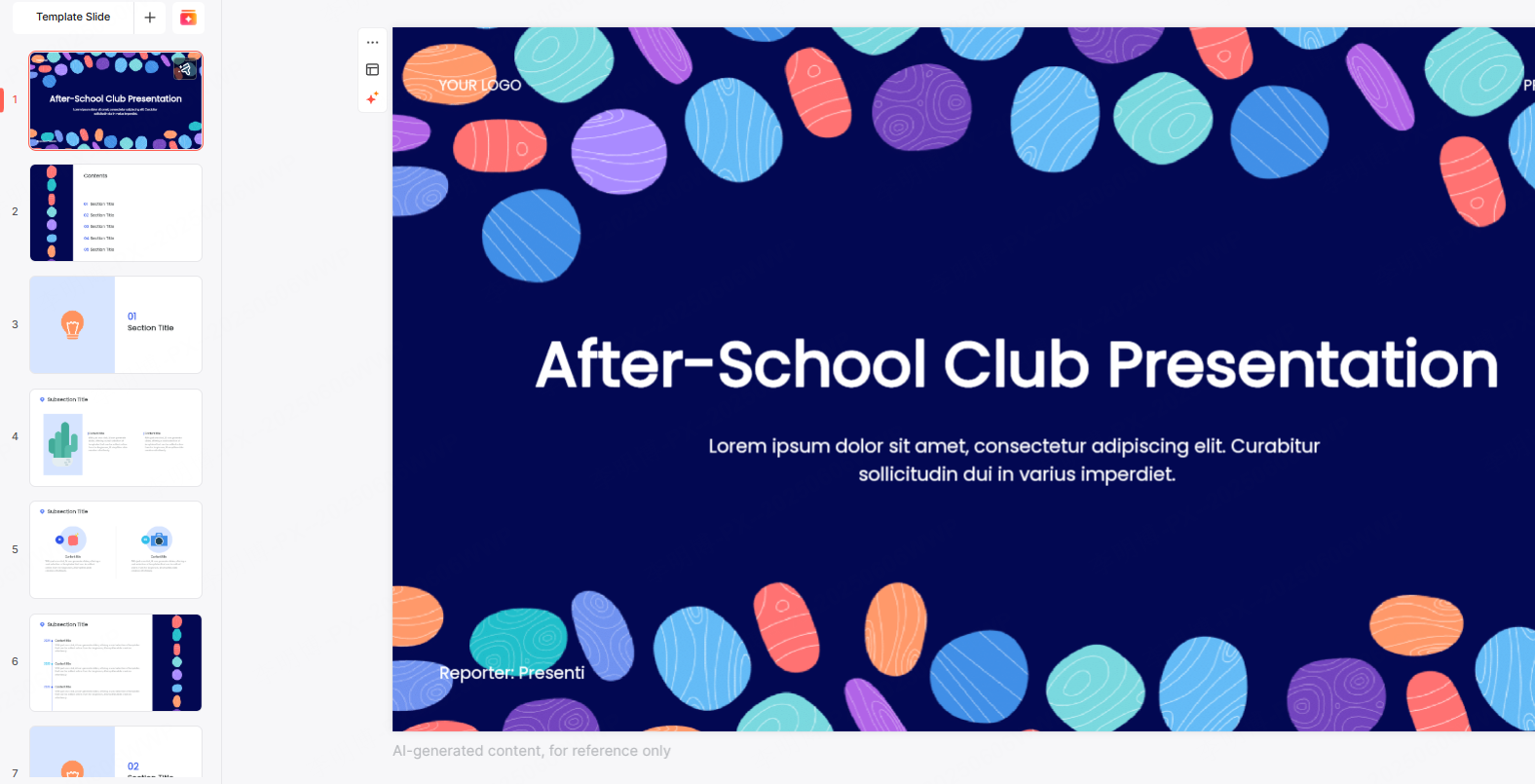
A lively design helps set the tone and engages the audience early on.
5. Teaching Slides & Speech Presentations
Best for: Teachers, trainers, lecturers, students, and competition speakers
Recommended style: Education, modern creative, or minimal presentation styles
Suggested structure:
- Self intro and teaching/speech background
- Agenda and content overview
- Interactive elements & learning objectives
- Conclusion and key takeaways
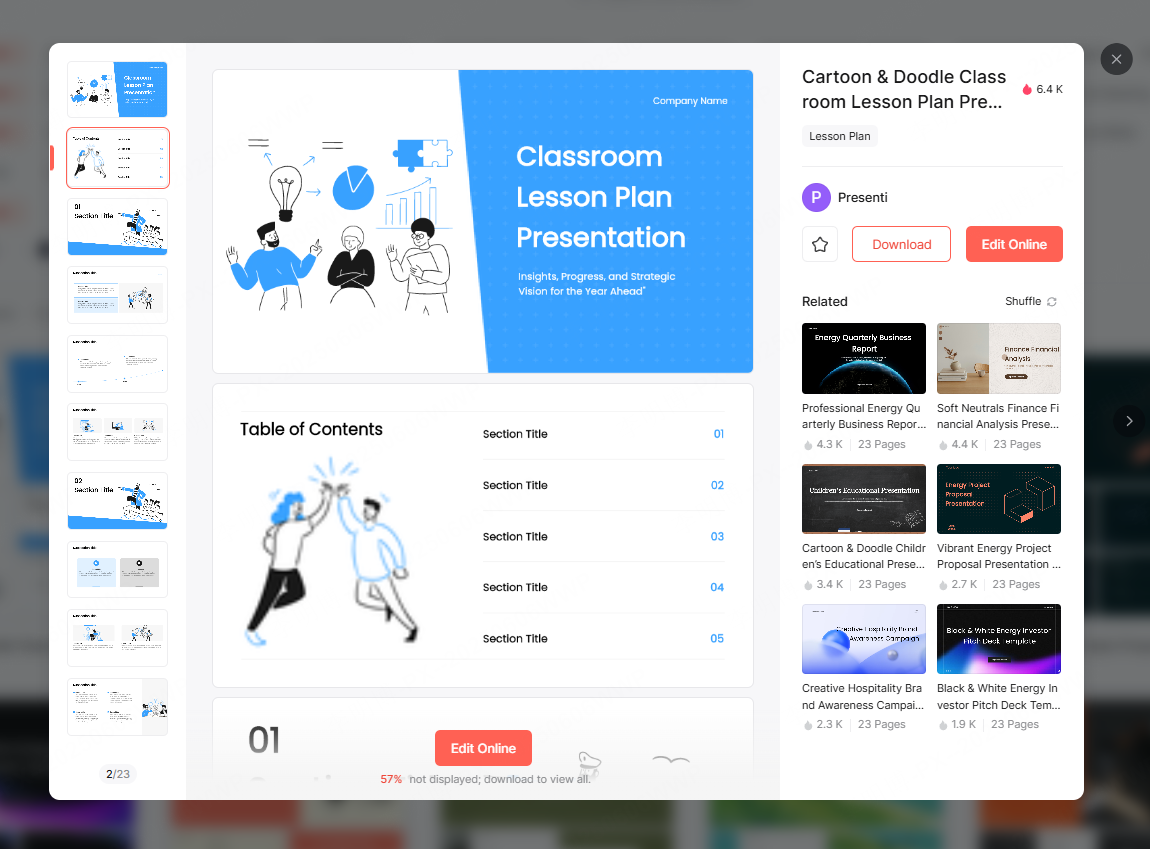
Clear structure and layout make the lesson or speech easier to follow.
How to Generate Self Introduction PPT Templates Automatically
Presenti AI is an intelligent PPT generation platform designed to streamline the entire presentation making process. With built in layouts, smart typography, and AI powered content suggestions, even users with zero design experience can create professional slides in seconds.
Here’s how it works:
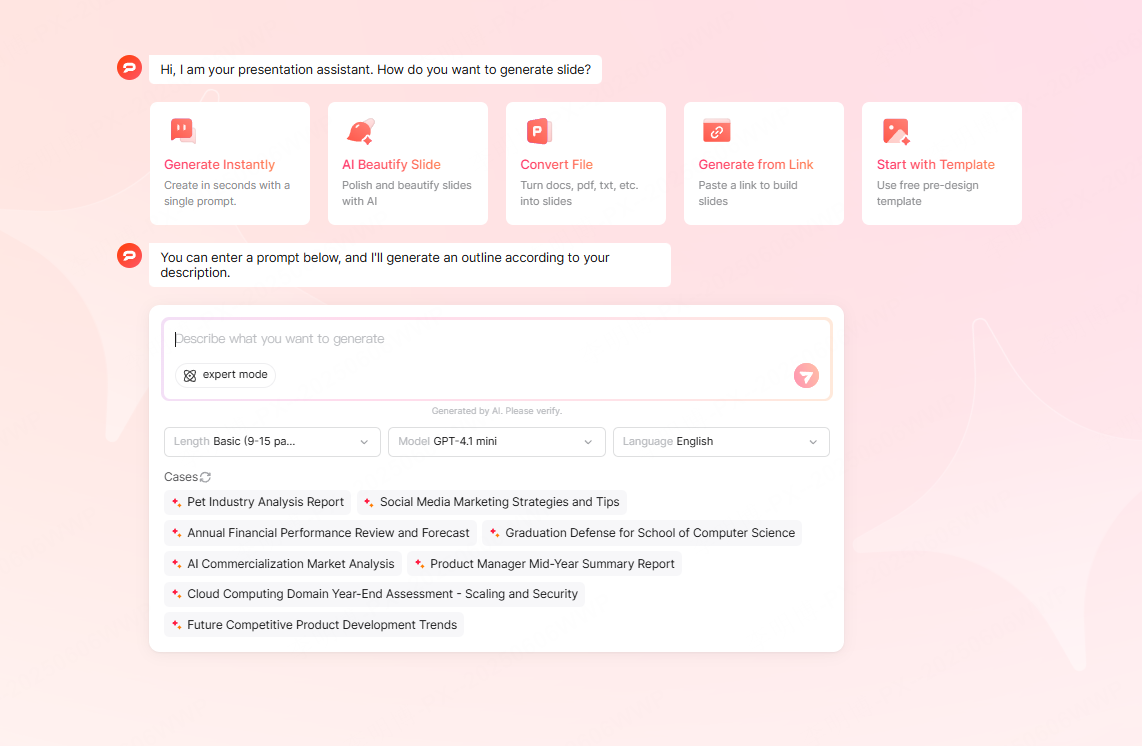
Step 1: Enter Your Content
You can provide your info in several ways:
- Paste your text directly: name, academic background, work experience, skills, strengths, etc.
- Upload documents: Word resumes, outlines, or notes
- Use keywords:g., job interview + designer position + 1 year experience, AI will auto generate a structured layout
Step 2: Choose Your Template
You can select templates by:
- Scene: job interview, academic defense, student election, project showcase
- Style: business, tech, creative, minimalist, hand drawn, Chinese style
- Industry: IT, education, medical, ecommerce, finance, and more
- Format: classic 16:9 or vertical 9:16 for mobile friendly displays
Step 3: Auto Generate & Customize
Within one minute, Presenti AI automatically:
- Arranges the layout
- Chooses matching colors and fonts
- Inserts visual elements and diagrams
You may also fine tune images, headings, or theme colors to match your personal branding.
Conclusion
A strong self introduction PPT allows you to communicate your personal value quickly and clearly. With AI powered tools like Presenti AI, anyone can create professional, well structured slides without spending hours on design. Simply select the right scenario, choose a template, and generate a polished PPT that enhances your presentation and boosts your confidence.