
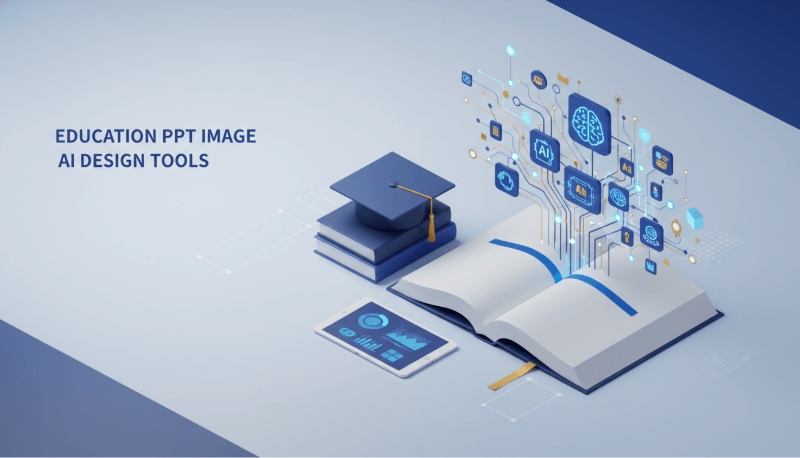
High quality PPT images play a critical role in education and training presentations. The right visuals improve clarity, strengthen engagement, and help instructors communicate ideas more effectively. Whether you are preparing a parent teacher meeting, designing classroom materials for early learners, or building internal training decks, well chosen images make your content easier to understand and more memorable.
This guide introduces practical types of PPT image resources for education and training scenarios. You will also find trusted image websites used by educators and corporate trainers in North America and Europe, plus a modern AI based approach to generating PPT visuals faster.

1. Common Types of PPT Images for Education and Training
Before selecting any images, clearly define your presentation scenario. Different education and training contexts require different visual styles. You can mix multiple image types in one deck, but the overall style should remain consistent. Mixing unrelated styles often distracts the audience and reduces professionalism.
Below are the most common scenarios and recommended image styles.
Parent Teacher Meeting PPT Images
For parent teacher meetings, the tone should feel warm, friendly, and trustworthy. Illustration style visuals, soft color palettes, and photos showing positive interaction between parents and children work well. These images help parents feel relaxed and confident in the learning environment.
Typical visuals include classroom illustrations, smiling students, teachers engaging with families, and school themed icons.
Preschool and Early Childhood PPT Images
Preschool presentations benefit from bright colors and playful designs. Cartoon style illustrations with animals, balloons, rainbows, and simple shapes capture children’s attention and create a fun classroom atmosphere.
These visuals are commonly used in kindergarten lessons, activity briefings, and early childhood learning reports.
Course Explanation and Lesson PPT Images
Lesson focused PPTs should prioritize clarity and structure. Simple icons, whiteboard style illustrations, diagrams, and classroom photos help students understand key concepts quickly.
This style is ideal for online courses, in person lectures, and blended learning environments where visual support improves comprehension.
Training and Reporting PPT Images
Training reports often appear in corporate or professional education settings. These decks typically require a clean, business oriented visual style. Use minimal backgrounds, charts, process diagrams, and structured layouts that emphasize logic and data.
This approach works well for employee training, instructor led workshops, and professional development sessions.
Academic Presentation and Classroom Showcase Images
For academic presentations or formal classroom showcases, simplicity matters most. Images should reinforce professionalism and credibility. Avoid heavy decoration and focus attention on the core message.
This style is commonly used for research presentations, academic defenses, and higher education teaching demos.
2. Recommended PPT Image Websites for Education and Training
Using reliable PPT image resource websites can dramatically improve efficiency. The platforms below are widely used by educators, trainers, and instructional designers in Western markets. They cover parent meetings, preschool teaching, course presentations, and professional training scenarios.
Freepik

Key features
Freepik offers a massive collection of illustration based educational visuals. You can easily find classroom scenes, teacher and student interactions, chalkboards, and school related graphics. The overall tone is friendly and approachable.
Best use cases
Parent teacher meetings, preschool presentations, education marketing decks, and learning center introductions.
Licensing notes
Many assets are free with attribution. Premium content requires a paid plan. Always review licensing terms carefully for commercial use.
Unsplash
Key features
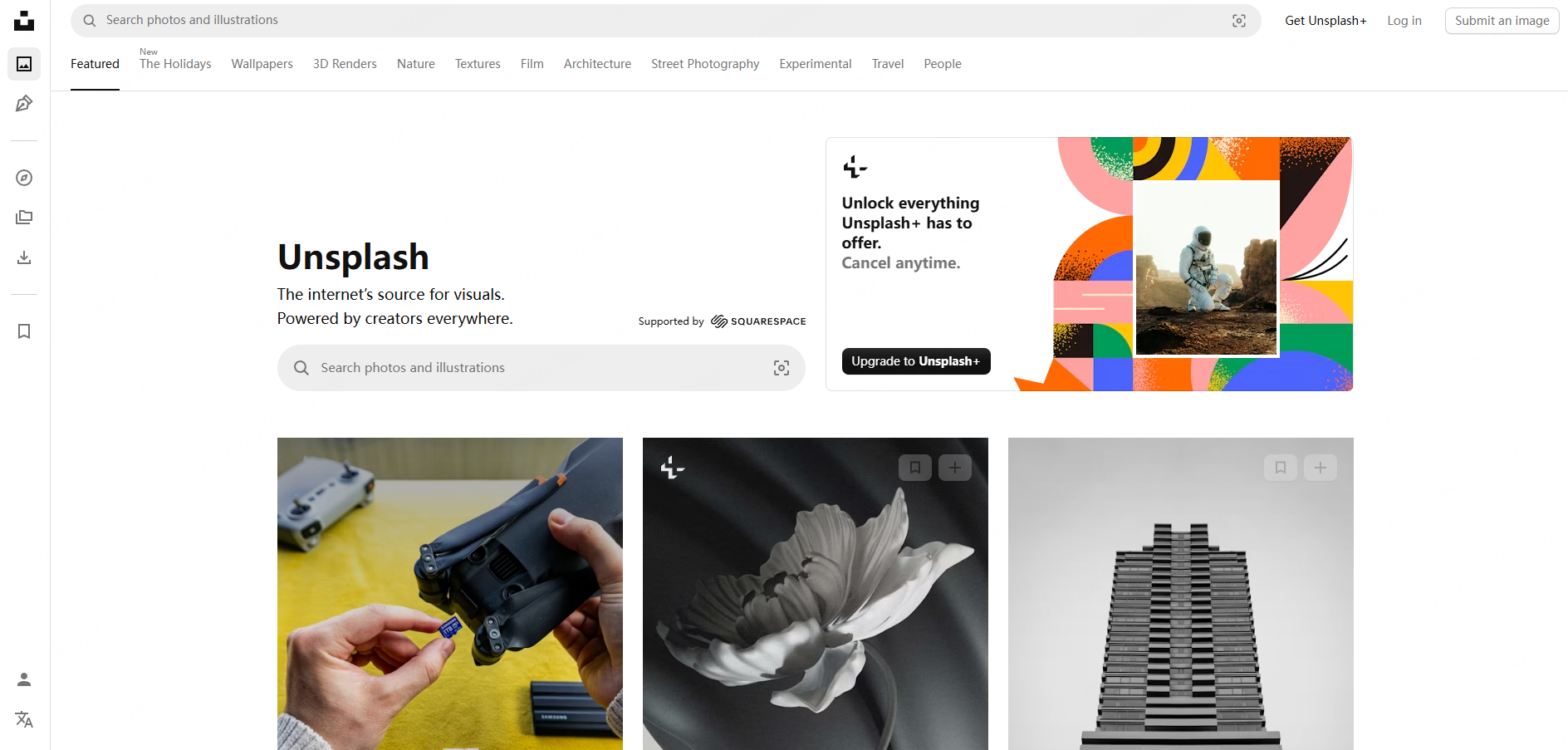
Unsplash focuses on high resolution photography with a natural and realistic feel. Images feel authentic rather than staged, which makes them ideal for professional education environments.
Best use cases
Lesson presentations, academic reports, research slides, and formal training decks.
Licensing notes
All images are free to use, including for commercial projects. No attribution is required, making Unsplash especially popular among educators and students.
Pngtree
Key features
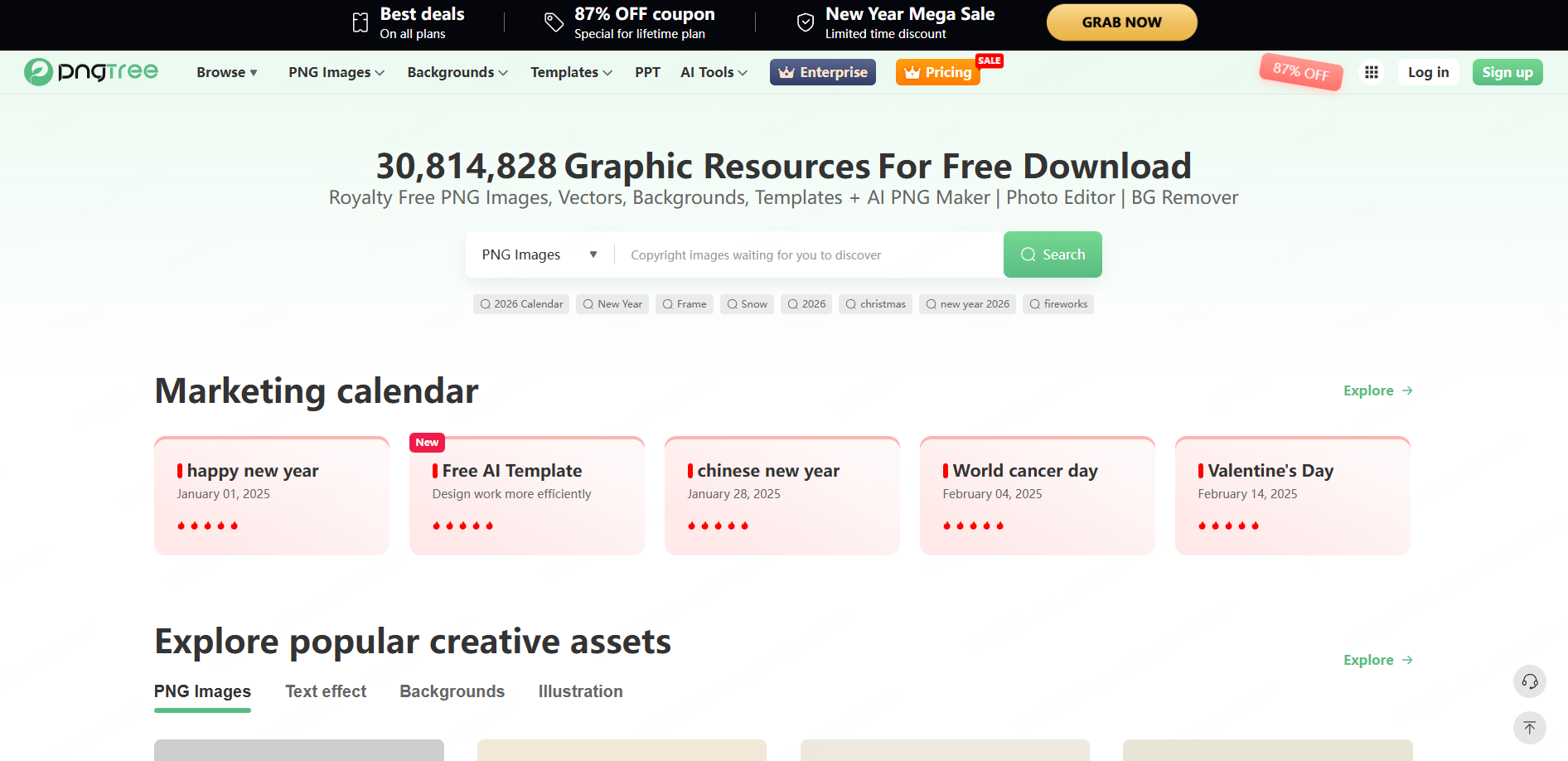
Pngtree specializes in transparent PNG elements. These assets can be inserted directly into PPT slides without background cleanup. Common items include chalk text, stationery, books, classroom tools, and educational icons.
Best use cases
Decorative accents for parent meetings, classroom handouts, language arts lessons, and creative teaching slides.
Licensing notes
Free downloads are limited per day. Heavy users may need a subscription. Best suited for occasional or targeted use.
Pixabay
Key features
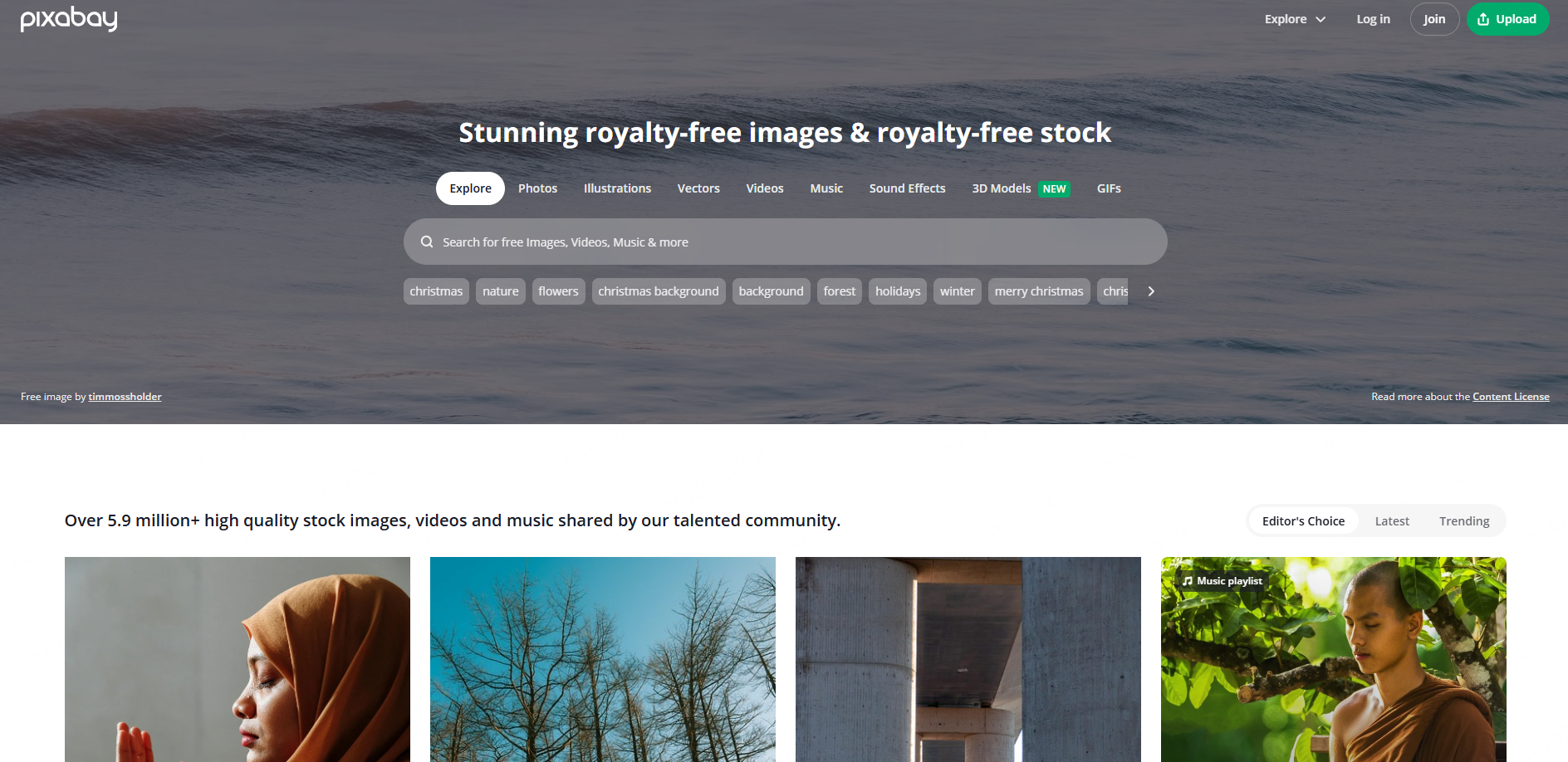
Pixabay offers a broad mix of photos, illustrations, and vector graphics. All searches are conducted in English, but the overall quality and global style make it highly versatile.
Best use cases
International courses, bilingual education, cross border training programs, and presentations requiring a neutral global aesthetic.
Licensing notes
All assets are free for commercial use. New content is added regularly, making it a strong long term resource.
3. Using AI Tools to Generate PPT Images Faster
Beyond traditional image libraries, AI powered presentation tools now offer a faster and more consistent way to generate PPT visuals. Tools like Presenti AI are designed to streamline both slide layout and image selection.
One Click Layout Generation
Instead of searching for images manually, AI can generate a complete slide structure based on your topic. Layouts remain visually consistent, which saves significant design time.
Built In Image Replacement
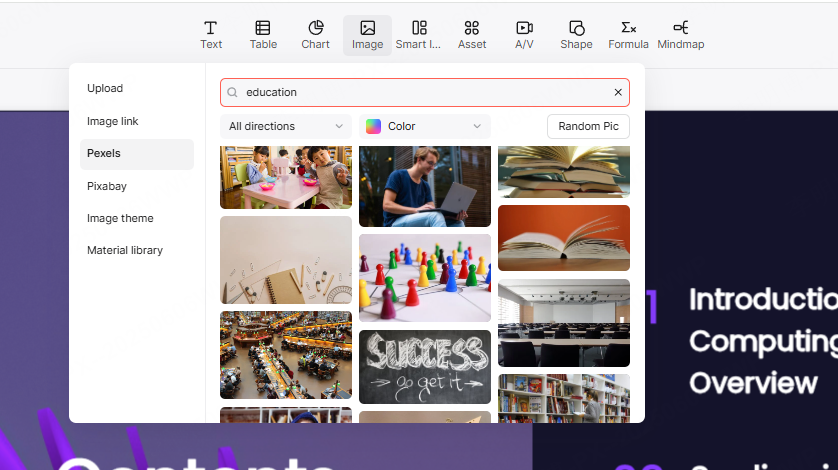
Presenti AI includes an internal image library covering education, training, business, and classroom scenarios. Whether you need parent meeting visuals or preschool illustrations, images can be swapped instantly without breaking slide design.
AI Image Creation
In addition to templates, Presenti AI supports prompt based image generation. You can describe the visual you need, choose a style and size, and generate custom PPT images on demand. This works well for warm family illustrations, clean education icons, or structured training visuals.
The result is faster production with consistent visual quality.
Conclusion
Choosing the right PPT images significantly improves the effectiveness of education and training presentations. The right visuals enhance classroom atmosphere, support understanding, and help instructors communicate more clearly. Whether you are preparing a parent teacher meeting, a preschool lesson, or a professional training session, strong visuals make a measurable difference.
If you want to further improve efficiency, consider using Presenti AI to generate high quality PPTs with intelligently matched images. AI powered workflows help you build professional, engaging presentations in far less time.









