Creating professional PowerPoint presentations has traditionally been a time consuming task that requires both content expertise and visual design skills. Nowadays, AI powered presentation tools are reshaping this workflow. By combining content generation, layout automation, and intelligent design suggestions, modern AI PPT tools help teams produce high quality slides faster and with less manual effort.
This guide introduces ten presentation tools and the workflows they may suit. Use it to shortlist options for a product roadmap, training deck, executive pitch, or other presentation, then evaluate your required features with representative content.
1. Presenti AI
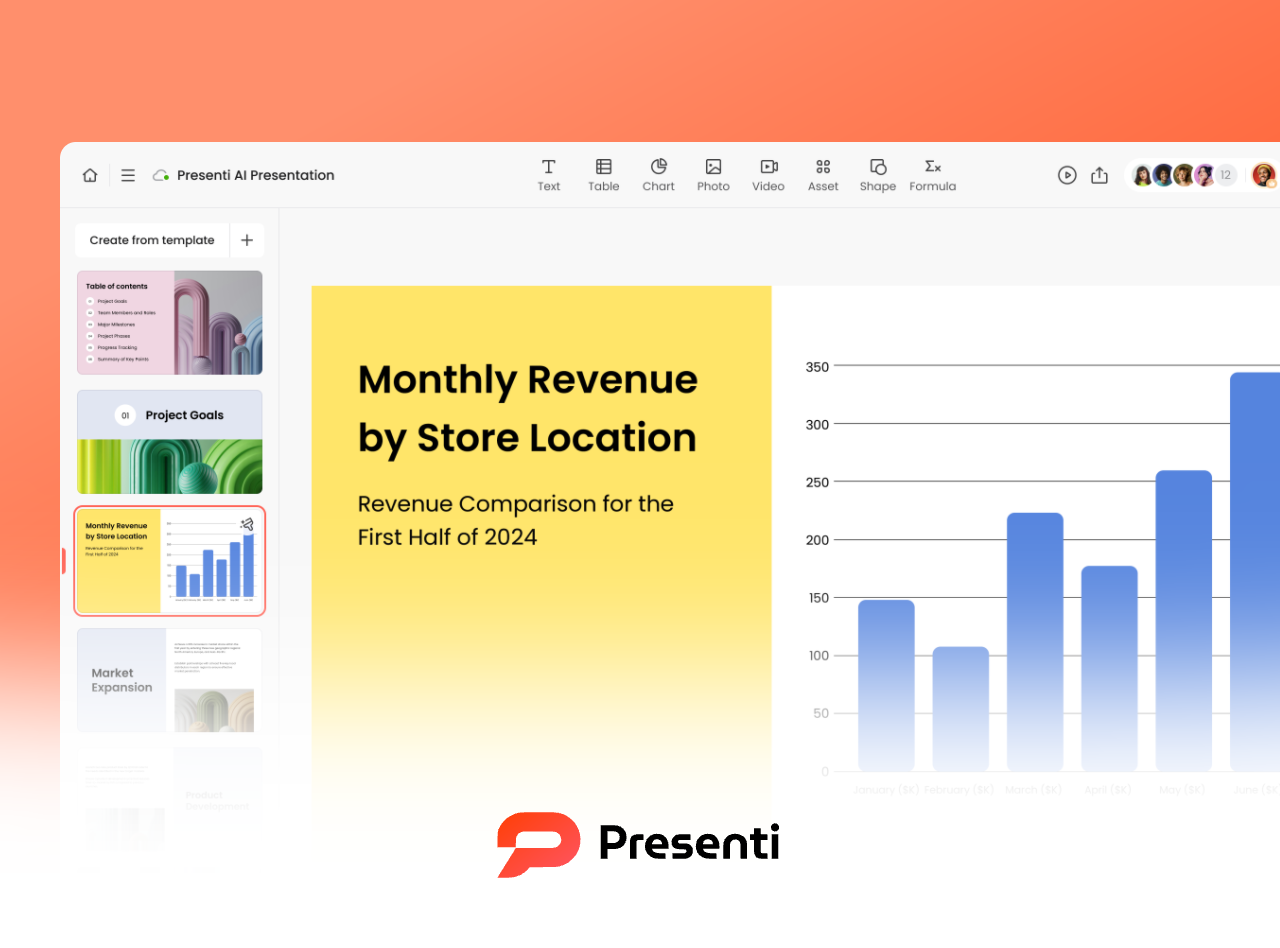
Presenti AI is a web based AI presentation tool designed to simplify slide creation from start to finish. It allows users to generate outlines, slide content, and visual themes automatically based on a short prompt or topic description.
Key features
AI driven content generation
Presenti AI transforms a topic or set of bullet points into a structured presentation. It generates slide titles, explanatory text, and visual placeholders that align with standard presentation logic.
Template variety across use cases
The platform offers templates tailored for business reports, technical documentation, education, and product demos. This makes it suitable for cross functional teams that need consistency without heavy design work.
One click visual optimization
Fonts, spacing, color palettes, and layouts are adjusted automatically to create a clean and professional appearance as a starting design to review.
Presenti offers browser access as well as Windows and macOS desktop apps. Its free plan includes limited AI credits; editable PPTX/PDF export is listed on paid plans. Check the exported deck in the application your team will use.
2. Boardmix
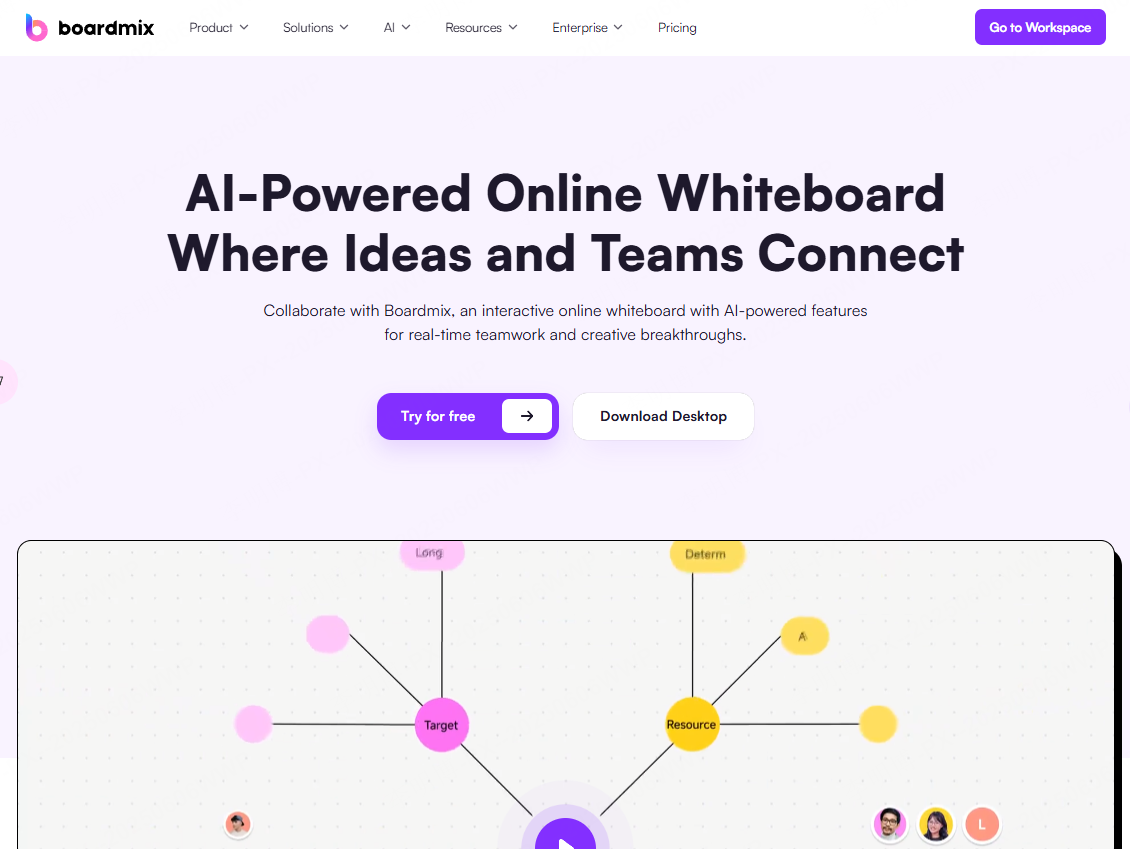
Boardmix is an online collaborative whiteboard platform that integrates AI powered presentation generation with real time teamwork.
Why teams choose Boardmix
Multiple generation workflows
Users can create presentations from a topic outline, raw text, imported documents, or structured notes. This flexibility supports diverse working styles.
Community driven templates
Boardmix provides access to a large library of templates created by its user community, covering planning, education, UX, and project management scenarios.
Infinite canvas collaboration
Unlike traditional slide based tools, Boardmix allows multiple presentations to coexist on a shared canvas. This is particularly effective for workshops, sprint planning, and collaborative reviews.
Beyond presentations, Boardmix supports AI generated diagrams, mind maps, flowcharts, and visual brainstorming tools. It is well suited for distributed teams, educators, and facilitators who value visual collaboration.
3. Gamma
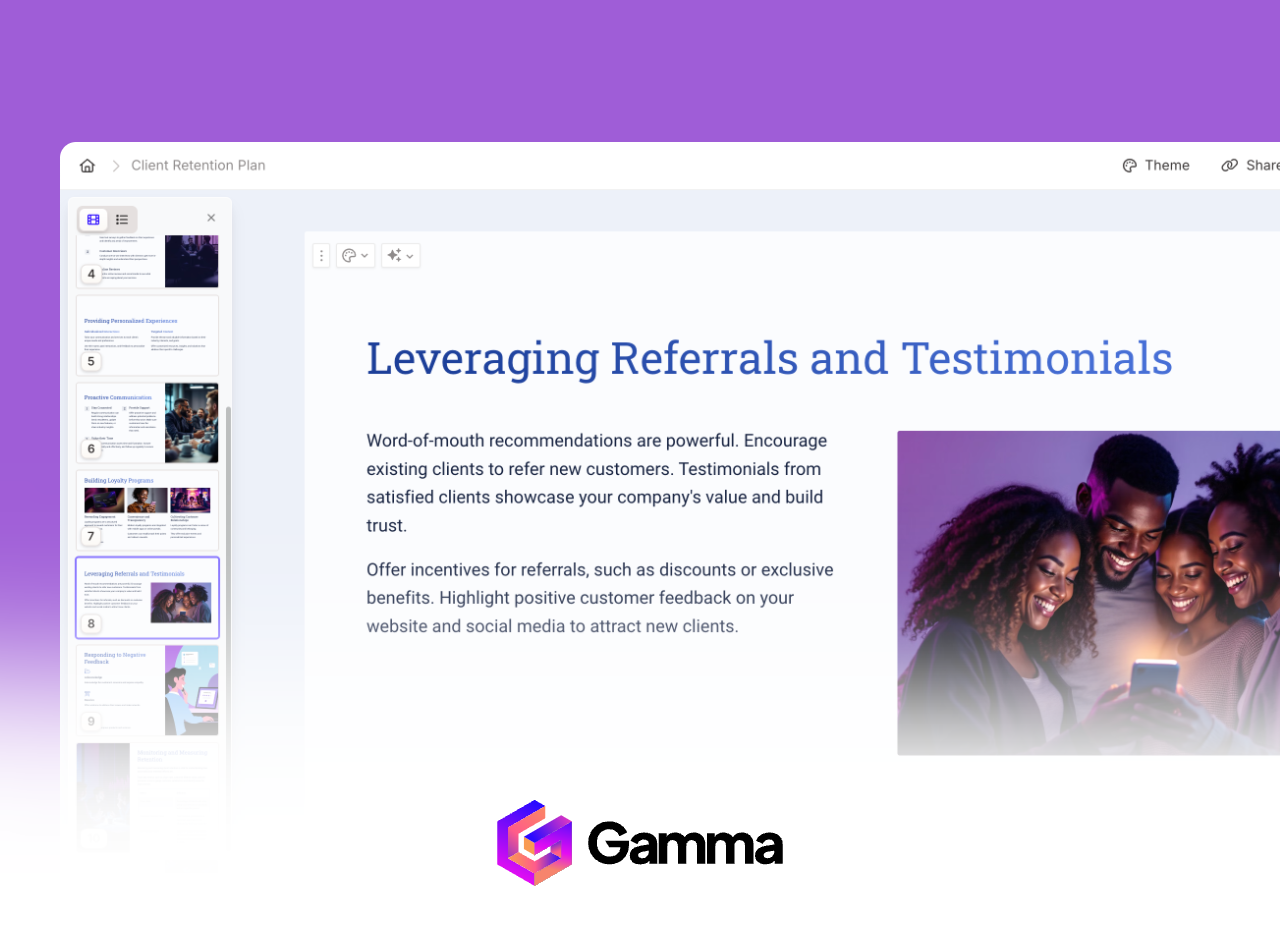
Gamma positions itself as a modern alternative to PowerPoint and Google Slides, focusing on flexible content delivery rather than slide only output.
Standout capabilities
Multiple output formats
Gamma can generate slide decks, documents, and web based presentations from the same source content, making it useful for multi channel communication.
Template led rapid creation
Professionally designed templates help users produce presentations quickly without sacrificing visual quality.
Built in interactivity
For audience interaction, check the features available in the presentation and sharing mode you intend to use. Do not assume a shared deck includes live polls or Q&A.
Engagement analytics
If you need analytics, confirm the metrics and access included in your Gamma plan. Distinguish views and engagement information from business conversion tracking.
Gamma works best for teams that want presentation content to live beyond a single meeting and integrate into broader communication workflows.
4. Plus AI
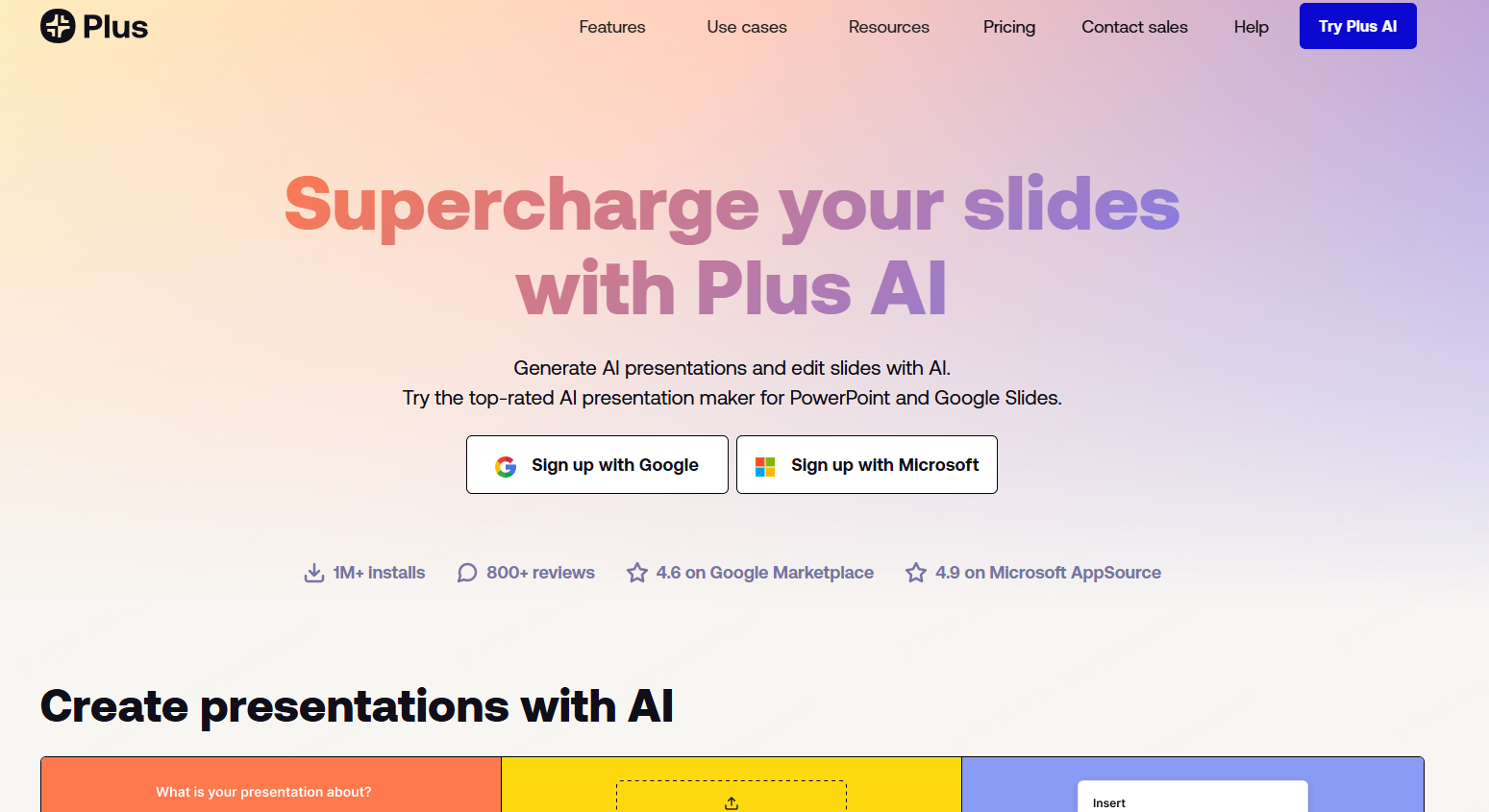
Plus AI is designed specifically for users who rely on Google Slides or Microsoft PowerPoint and want AI assistance without leaving their existing tools.
Core strengths
Slide aware content generation
Plus AI generates text that fits the intent and layout of each slide, with wording you can review for length and relevance.
AI powered rewriting and formatting
Users can refine tone, shorten text, or reformat slides automatically while keeping brand consistency.
Deep workflow integration
Because Plus AI operates inside familiar presentation software, it minimizes disruption to established team processes.
This makes Plus AI an excellent choice for organizations that want AI support while maintaining full control over their presentation environment.
5. Canva
Canva remains one of the most widely used design platforms and its AI features have significantly improved presentation creation.
What Canva does best
Smart layout adjustments
Canva automatically aligns and resizes elements to maintain visual balance as content changes.
Personalized design suggestions
The AI recommends colors, fonts, imagery, and layouts based on the presentation topic and user preferences.
Beginner friendly interface
Even users with no design background can produce polished presentations in minutes.
Canva is particularly effective for educators, marketers, and small teams that prioritize speed and visual appeal.
6. Beautiful.ai
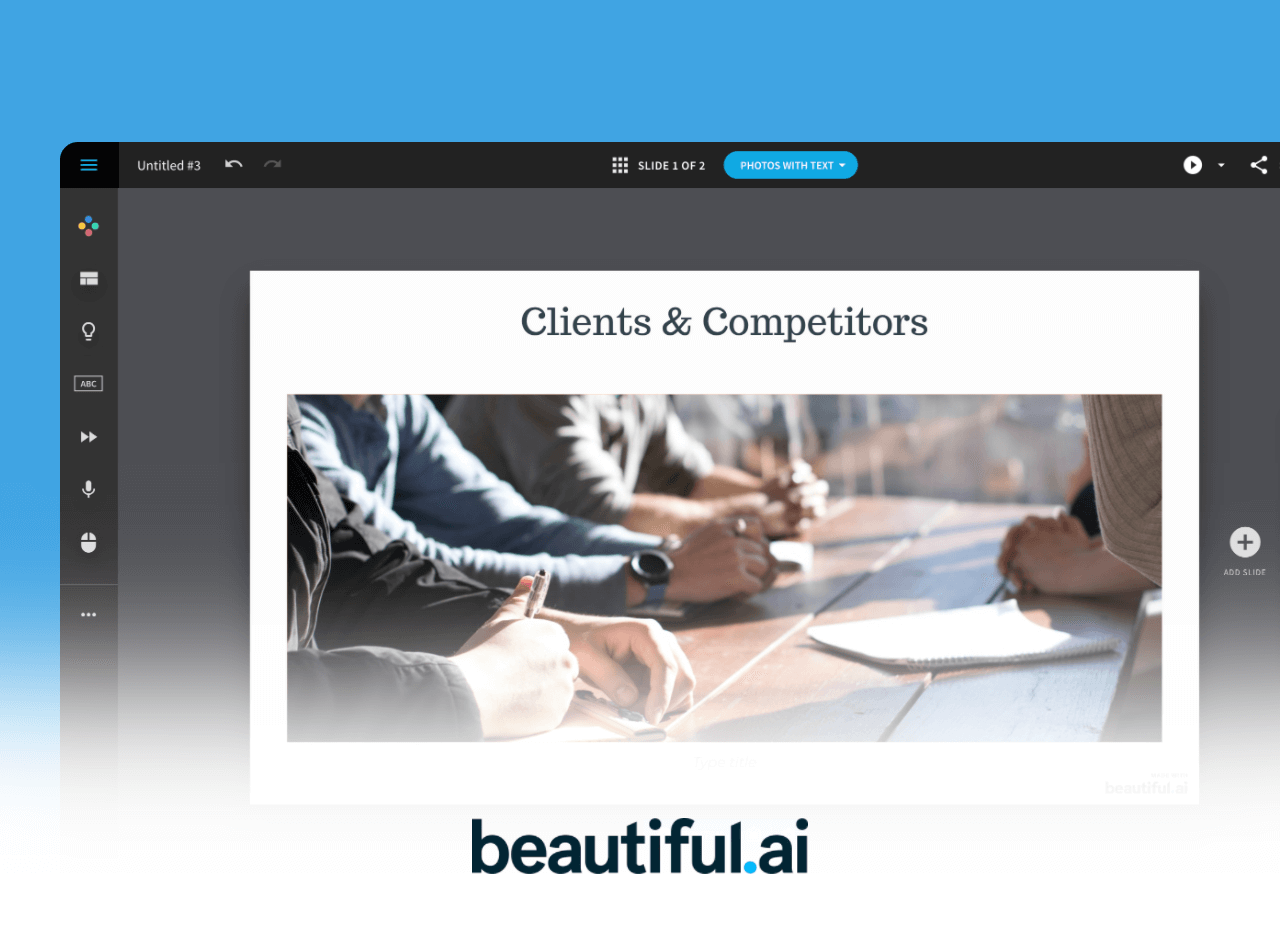
Beautiful.ai focuses on automating design decisions so users can concentrate on messaging rather than formatting.
Key advantages
Rapid visual content creation
Charts, diagrams, and visuals are generated and aligned automatically, maintaining consistency across slides.
Multilingual support
The platform supports drafting, summarizing, and tone adjustment across multiple languages.
AI image and text generation
Users can expand or condense content and generate visuals directly within the editor.
Beautiful.ai is ideal for professionals who want visually strong presentations without spending time on manual design.
7. Simplified
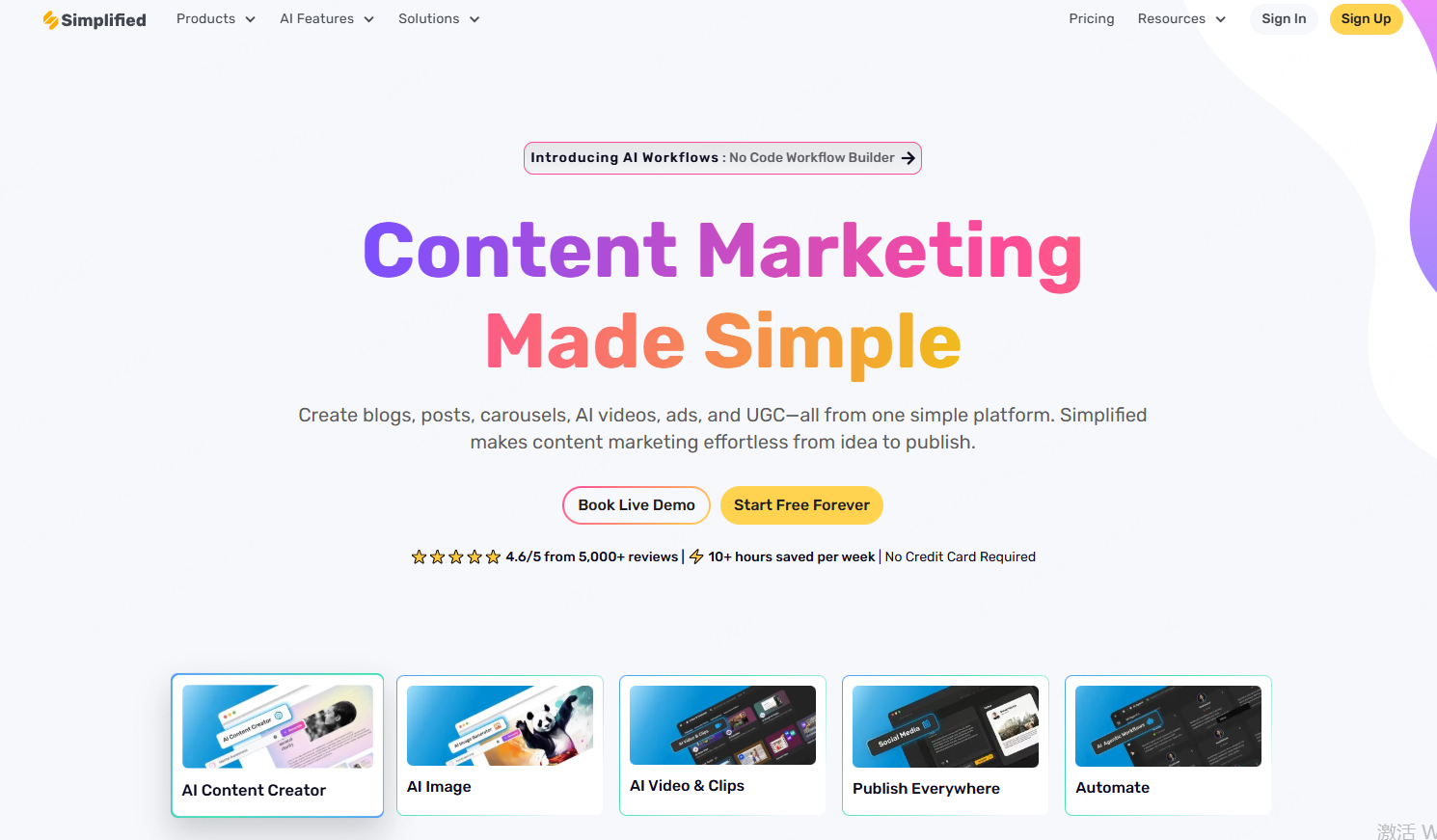
Simplified offers an AI powered presentation builder that creates complete decks including both text and visuals.
Highlights
End to end slide generation
From a single topic, Simplified can generate an entire presentation structure.
Broad template selection
Templates support a range of business, education, and creative use cases.
Built in collaboration
Team members can work together on the same presentation in real time.
Simplified works especially well for teams already using its broader content creation tools.
8. Mentimeter
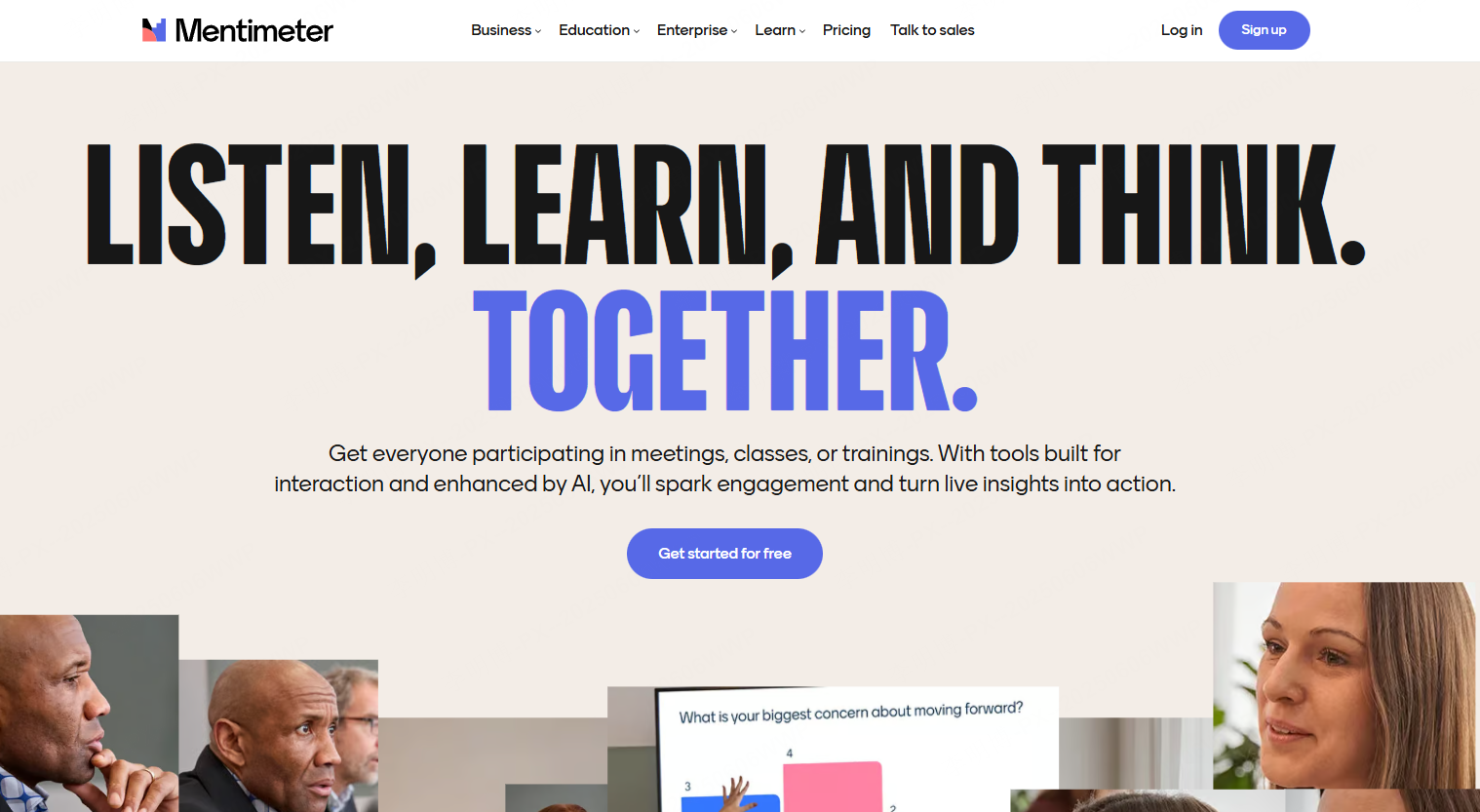
Mentimeter blends presentation creation with audience interaction, making it a strong choice for meetings, workshops, and education.
Notable features
Interactive slide generation
AI powered tools help create presentations optimized for engagement.
Live polls and quizzes
Built in feedback tools allow real time audience participation.
Professional templates
Designs balance clarity and interaction without overwhelming viewers.
Mentimeter excels when engagement and feedback are as important as content delivery.
9. Slidebean

Slidebean is a business focused AI presentation platform popular with startups and entrepreneurs.
Why it stands out
Startup oriented templates
Designed specifically for pitch decks, investor updates, and financial storytelling.
Website based content extraction
For website-based drafting, confirm the supported input workflow and compare every generated business claim with an approved source. Website content can be incomplete or out of date.
Analytics and collaboration
Teams can track engagement and collaborate efficiently.
Slidebean is well suited for founders, marketing teams, and educators looking for structured business presentations.
10. Prezi
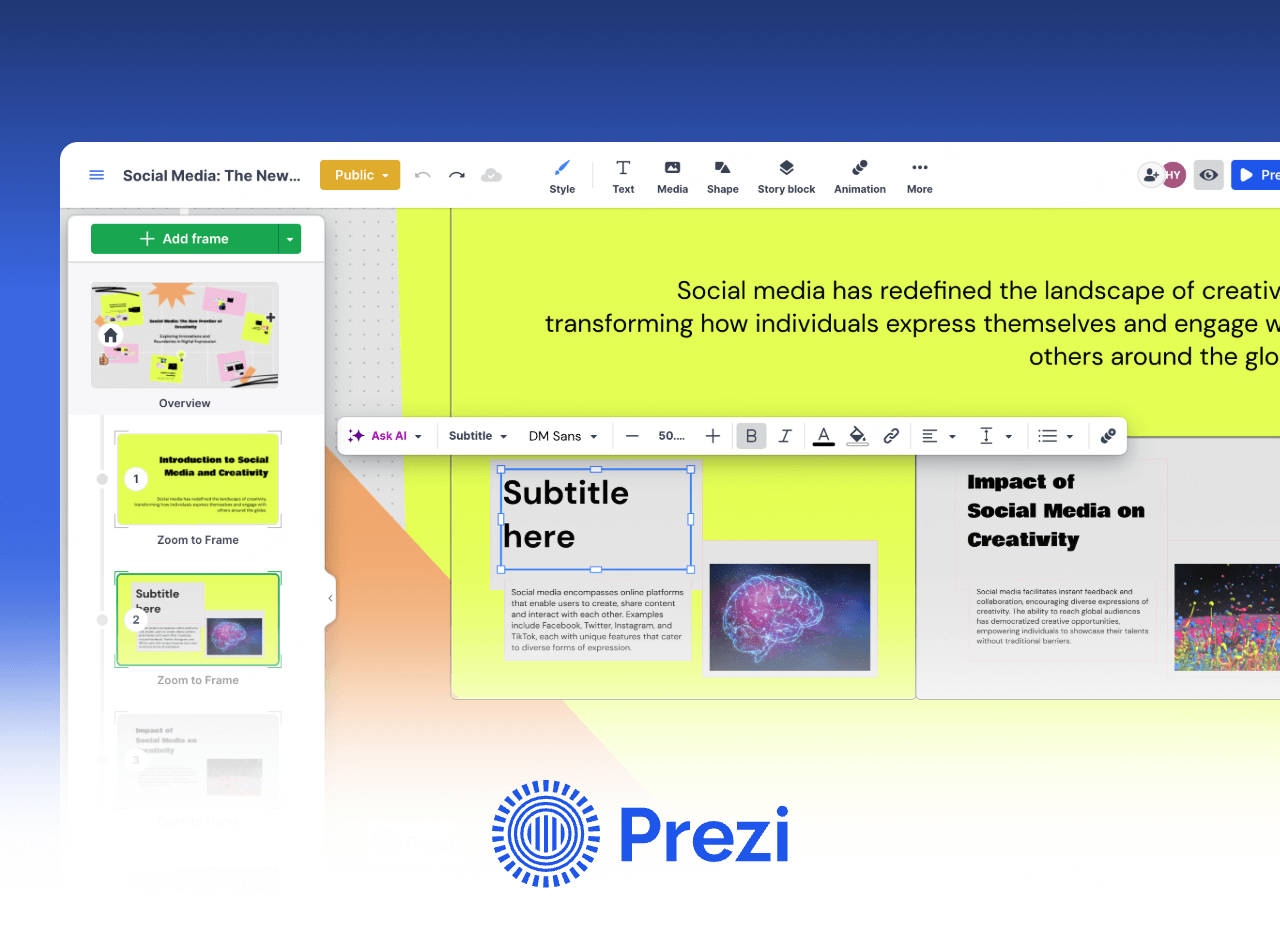
Prezi offers a non linear approach to presentations that emphasizes storytelling and visual flow.
Core benefits
Zoom based navigation
Presentations move dynamically between ideas rather than following a strict slide order.
High engagement potential
A zoomable structure can show how topics connect; rehearse the movement to keep it easy to follow.
Flexible storytelling
Information can be presented from multiple perspectives within a single canvas.
Prezi is ideal for educators, researchers, and presenters who want a more immersive experience.
Final Thoughts
AI presentation tools are no longer experimental. They are becoming essential productivity assets for modern teams. Whether you need fast content generation, collaborative design, or interactive delivery, the tools in this list cover a wide range of professional needs.
Among them, Presenti AI stands out as a balanced solution for users who want fast creation, minimal design overhead, and reliable export options. As AI capabilities continue to evolve, choosing the right presentation tool can significantly improve how ideas are communicated and understood.