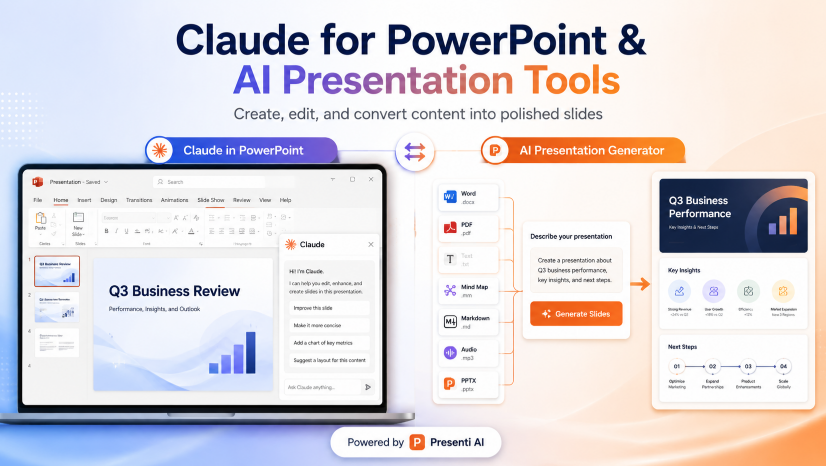
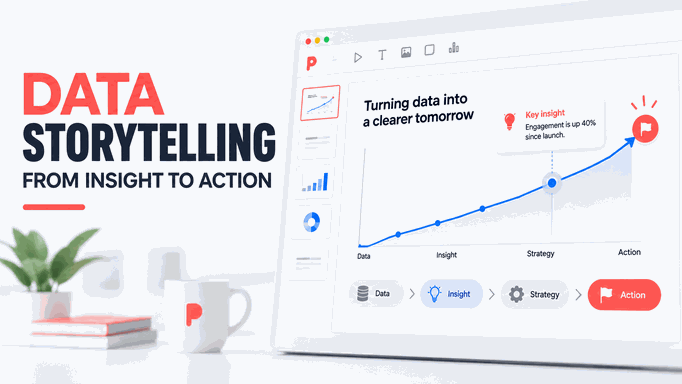
The right presentation tool depends on how you work: alone or with a team, online or offline, from a finished outline or an early idea. This guide compares ten PowerPoint alternatives and the features to check before moving a project to another tool.
The Need for PowerPoint Alternatives
PowerPoint supports many presentation styles, but another tool may suit your workflow better. You might prefer browser-based collaboration, a zoomable canvas, or a template-led design process. Consider the following when comparing options.
Enhanced Creativity
With more design options and flexibility, you can create presentations that truly reflect your style and message.
Improved Engagement
Interactive elements can support discussion or exploration when they suit the format. Check how they behave when sharing or exporting the presentation.
Visual Impact
Look for layouts and visual assets that help explain your material. A consistent, readable design matters more than decorative effects.

Features to Look for in PowerPoint Alternative Software
When searching for presentation software, it's essential to focus on features that enhance your presentation experience. Here are key aspects to consider when evaluating PowerPoint alternatives:
User-Friendly Interface
Choose software that is easy to navigate, allowing you to create presentations quickly and efficiently. A user-friendly interface means you can focus more on content rather than struggling with complex tools.
Customizable Templates
Look for PowerPoint alternative software that offers a library of prebuilt, customizable templates. This feature allows you to personalize your presentations easily while maintaining a professional look.
Collaboration Features
If you're working with a team, collaboration tools are crucial. Opt for programs that allow real-time co-editing, commenting, and annotations, enabling smooth teamwork on projects.
Integration Capabilities
Select software that integrates well with other tools and platforms you already use. This can streamline your workflow and make it easier to import existing presentations.
Design Assets
Presentation software should come with in-app graphics, shapes, and other design elements. These assets allow you to create visually appealing slides without needing external resources.
Data Visualization Tools
Effective presentations often rely on clear data representation. Choose tools that offer charts, graphs, and widgets to help convey information in an easily digestible format.
By keeping these features in mind, you can identify the presentation software that suits your needs and enhances your presentation style. Whether you prioritize design capabilities, collaboration, or interactivity, selecting the right PowerPoint alternatives can significantly improve your presentation experience.
PowerPoint Alternatives to Consider
Overview of the Tools
- 1. Presenti.ai
- 2. Google Slides
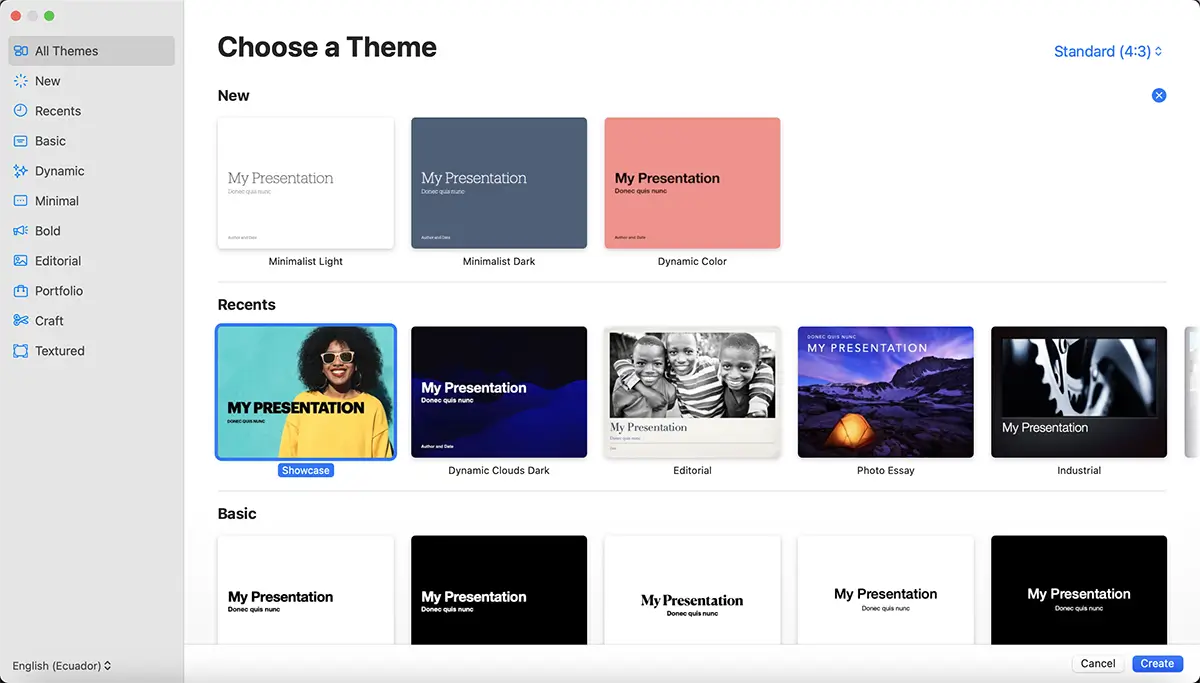
- 3. Keynote
- 4. Prezi
- 5. Canva
- 6. Slides
- 7. Visme
- 8. Zoho Show
- 9. Pitch
- 10. Microsoft Sway
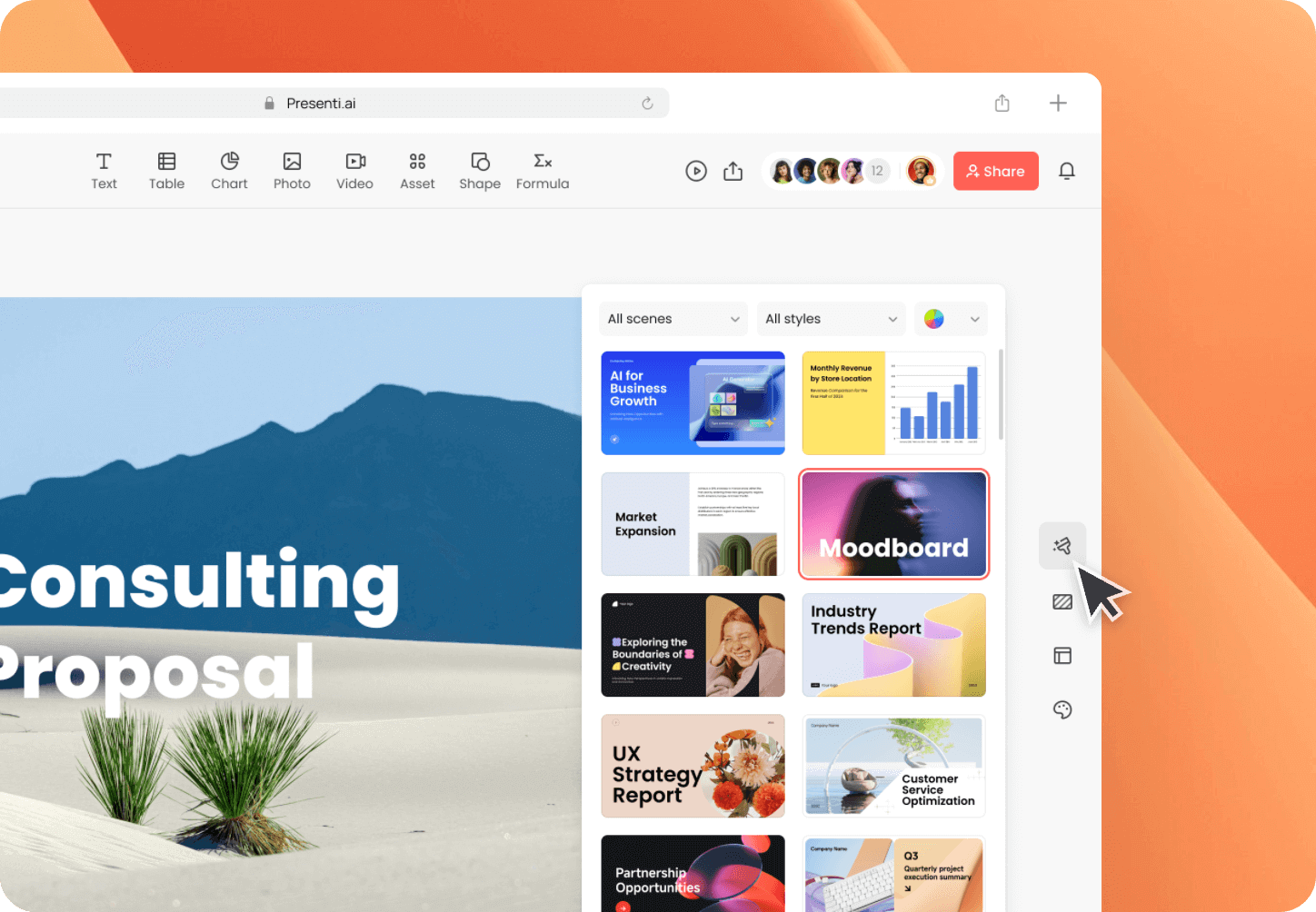

Presenti.ai
Ideal For: Quick, professional presentations.
Overview: Presenti.ai leverages AI to streamline the creation of polished slides.
Key Features: Automated design optimization, structured outline analysis, and extensive library of crafted templates.
Pros: Saves time with AI-driven features.
What to check: Test the editing controls and export quality with your own source material.
Pricing: Plans differ in AI allowances, slide limits, and export access. See current Presenti pricing.
Best For: Professionals needing to create impressive presentations rapidly.
Google Slides
Ideal For: Collaborative teams.
Overview: A web-based presentation tool that's part of Google Workspace.
Key Features: Real-time collaboration, device accessibility, diverse templates, and PowerPoint import capabilities.
Pros: Free to use and integrates seamlessly with Google Workspace.
What to check: Whether its layout, animation, and export controls cover your requirements.
Pricing: Free with a Google account.
Best For: Teams looking for an easy-to-use, collaborative presentation solution.
Keynote
Ideal For: Mac users.
Overview: Apple’s sleek alternative to PowerPoint, known for its intuitive interface.
Key Features: Cinematic effects, interactive charts, and seamless iCloud syncing across devices.
Pros: Compatible with PowerPoint files and offers high-quality visuals.
What to check: Test file compatibility and the workflow on the devices you intend to use.
Pricing: Free for Mac users.
Best For: Apple users wanting to create visually appealing presentations.
Prezi
Ideal For: Dynamic storytelling.
Overview: Cloud-based software that offers non-linear presentations on a zoomable canvas.
Key Features: Zoomable interface, collaboration tools, and Prezi Video integration.
Pros: Engaging, visually striking presentations.
Cons: Learning curve for new users and potential motion sickness from zooming.
Pricing: Check Prezi’s current plans, including the billing period and any applicable taxes.
Best For: Presentations that benefit from a dynamic and visual format.
Canva
Ideal For: Simple, quick presentations.
Overview: Primarily a graphic design tool with robust presentation capabilities.
Key Features: Ready-made templates, a vast library of images, and easy sharing options.
Pros: Fast, user-friendly, and offers a variety of design assets.
What to check: Confirm which templates, assets, and brand controls are included in your plan.
Pricing: Check Canva’s current plans and the licensing terms for any premium assets.
Best For: Users who need a straightforward way to create attractive presentations.
Slides
Ideal For: Startups and educators.
Overview: A cloud-based presentation tool with a focus on simplicity and collaboration.
What to evaluate: Editing controls, collaboration options, and presentation privacy settings.
Potential fit: A browser-based workflow for teams that want to share presentations online.
What to check: Whether the available templates and layout controls suit your project.
Pricing: Check Slides’ current pricing for plan features and billing terms.
Best For: Those who want a straightforward and collaborative presentation tool.
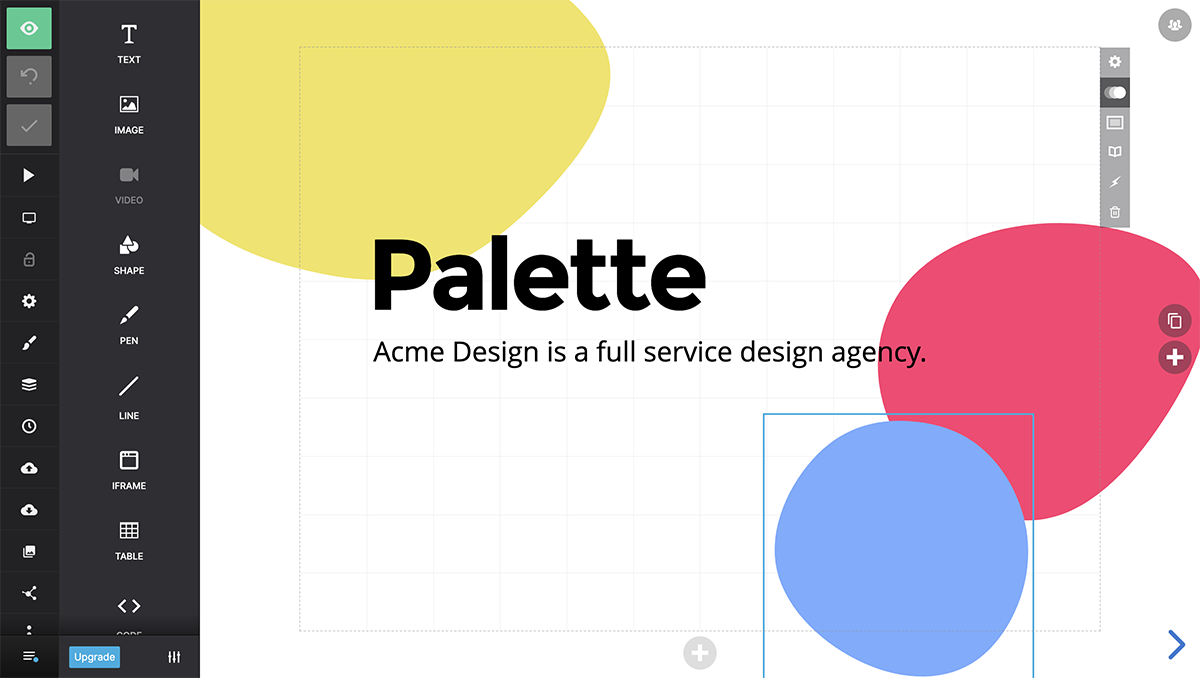
Visme
Ideal For: Businesses needing versatile content creation.
Overview: A tool for presentations, infographics, and reports, emphasizing design and interactivity.
Key Features: Customization options, interactive elements, and analytics tools.
Pros: Highly customizable and visually appealing.
Cons: Advanced features require a paid plan.
Pricing: Check Visme’s current plans for export and asset access.
Best For: Businesses looking for a comprehensive visual communication tool.
Zoho Show
Ideal For: Teams using Zoho products.
Overview: An online tool that allows for collaborative presentation creation.
Key Features: Real-time collaboration and a variety of templates.
Pros: Easy to use and integrates well with Zoho's suite.
What to check: Whether the tool supports your required media, file formats, and review process.
Pricing: Free with a Zoho account; additional features available in premium plans.
Best For: Users needing a simple, collaborative presentation tool.
Pitch
Ideal For: Teams focused on collaboration.
Overview: A modern tool designed for team-based presentations.
Key Features: Real-time collaboration, AI-assisted presentation creation, and a variety of templates.
Pros: Intuitive interface and strong team collaboration features.
What to check: Recording and sharing options for the type of presentation you plan to deliver.
Pricing: Check Pitch’s current plans for seat requirements, features, and billing terms.
Best For: Teams wanting to create interactive presentations together.
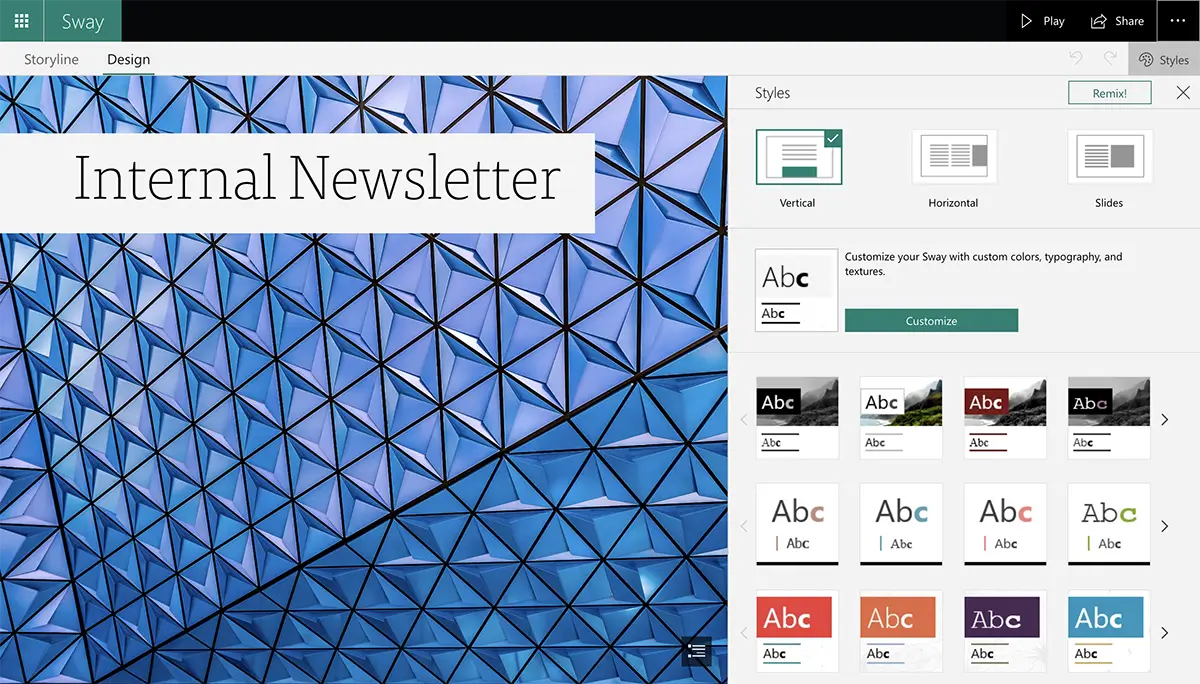
Microsoft Sway
Ideal For: Quick, narrative-driven presentations.
Overview: A distinctive alternative to PowerPoint that feels more like a webpage.
Key Features: Drag-and-drop functionality, flexible viewing options, and multimedia integration.
Pros: Fast and easy to create visually appealing presentations.
Cons: Limited customization and interactivity; requires internet access.
Pricing: Free with a Microsoft account.
Best For: Users needing to create polished presentations quickly with minimal effort.
These PowerPoint alternatives each offer unique features and strengths, catering to various presentation styles and user needs. Whether you prioritize collaboration, design, or ease of use, there's a tool here to enhance your presentation experience.
Final Thoughts
Try a short deck with your own text, images, and charts before choosing a tool. Check editing, sharing, and file export with the people who will use the result. If you want to start from an AI draft, Presenti.ai is one option in this comparison.