Nowadays, Gamma has become one of the most popular AI powered presentation generators. With its ability to create beautifully designed slides in one click, combined with powerful collaboration features, Gamma has gained strong traction among professionals, educators, and content creators worldwide. Compared with traditional tools like PowerPoint or Google Slides, Gamma offers greater speed, more intuitive workflows, and modern design aesthetics, making it ideal for anyone who needs to generate presentations quickly and professionally.
This guide explains what Gamma is, how to use it step by step, and the best practical tips to help beginners create polished slides with minimal effort. If you want to fully unlock Gamma’s capabilities, or you’re switching from traditional PPT making tools, this article will walk you through everything you need.

1. What Is Gamma?
Gamma is an AI powered online presentation tool that combines the strengths of slides, documents, and web pages into one platform. Users only need to enter a topic or paste existing content, and Gamma automatically generates a complete presentation with clear structure, optimized layout, and aesthetically pleasing design.
Gamma uses natural language processing to build the framework of your presentation, write content, and apply modern templates. Even users with no design background can easily produce visually appealing presentations for project proposals, product introductions, course lectures, training sessions, and more.
Other key advantages include responsive display, multimedia embedding, one click sharing, online collaboration, and automatic design consistency. For busy teams and individuals, the tool greatly enhances productivity while delivering high quality visuals.

2. Beginner Tutorial: How to Generate a PPT with Gamma
If you’re new to Gamma, creating your first AI generated PPT is surprisingly easy. Below is a full walkthrough, from registration to production, so you can start building professional slides in minutes.
Step 1: Register and Log In
Visit Gamma’s official website and sign up using your email, Google account, or Facebook account. Once logged in, explore the dashboard and familiarize yourself with the left navigation panel, AI generation tools, and template library.
Step 2: Three Ways to Create a PPT in Gamma

Gamma offers three powerful methods to generate presentations:
(1) Paste Text to Generate Slides
You can paste text directly from a Word file, meeting notes, or research reports. Gamma will automatically detect headings, bullet points, and data, then generate clean, structured slides.
(2) Generate Slides Using Keywords or Prompts
Simply input a topic such as “2025 New Energy Market Trends”, and Gamma will automatically create a complete deck with titles, page structure, and modern design.
(3) Create Slides by Importing Files or URLs
Upload a PDF, document, or paste a webpage link. Gamma will extract important data, summarize the content, and generate a visually coherent presentation, often including charts automatically.
Step 3: Editing and Customizing Your Slides
After generation, you can fine-tune your slides:
- Double click text to rewrite or expand content
- Drag and drop charts, images, and text blocks
- Apply new templates from Gamma’s library
- Replace fonts in batch
- Use AI recommended images such as illustrations or realistic photos
With just a few adjustments, your slides can reach a professional, polished level.
3. Practical Tips to Improve Gamma AI Generated Presentations
To get the most out of Gamma, here are expert level tips that dramatically improve efficiency and slide quality:
(1) Enhance Slides with Multimedia
Embed videos, dynamic charts, or web links to make your presentation interactive and engaging.
(2) Use AI Chat Commands
Tell Gamma to make changes using natural language, such as:
“Convert this data into a bar chart.”
This makes editing faster and more intuitive.
(3) Leverage AI Auto Beautify
Gamma can auto suggest better color palettes, typography, and layout restructuring. You can preview each version and select the one that best matches your style.
4. Collaboration & Exporting Strategies
Gamma is built for teamwork and flexible sharing.
Multi User Collaboration
Invite colleagues through a shareable link to co-edit the same presentation in real time.
Multiple Export Options
Export your presentation as:
- PowerPoint (.pptx)
- Web friendly interactive format
This ensures compatibility with business meetings, live lectures, and digital sharing.
5. Troubleshooting: Common Issues & Solutions
Here are solutions to the most frequent Gamma user concerns:
① Chinese Characters Display Incorrectly
Some file encodings may cause text glitches. If this issue occurs often, using Presenti AI, which are optimized for Chinese language processing, is a more reliable alternative.
② Generated Content Feels Too Generic
Enhance prompt precision by providing:
- Specific objectives
- Detailed structure
- Required tone and scenario
For Chinese users, Presenti AI can generate more accurate and structured results thanks to its Chinese native engine.
6. Best Alternative to Gamma for PPT Generation
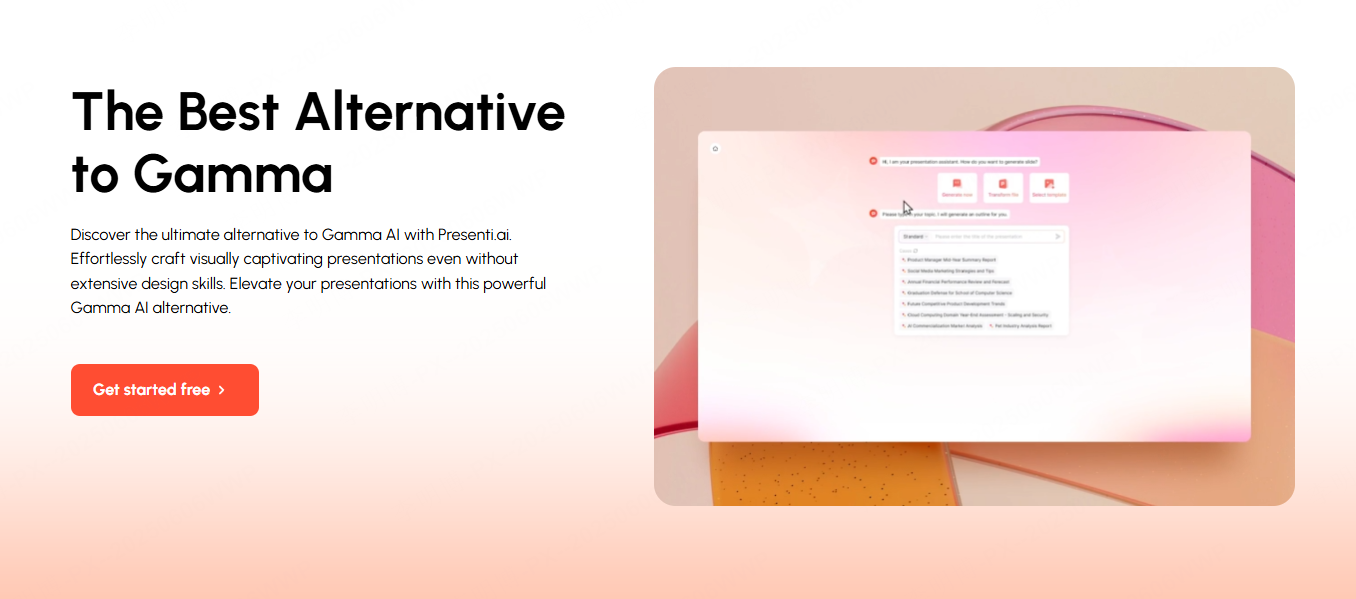
If Gamma feels too English focused or the webpage style layout doesn't match your needs, Presenti AI is a powerful alternative. It supports Chinese native content generation, multiple file formats, enterprise level customization, and more affordable pricing.
In short:
- Gamma → great for modern, creative, international scenarios
- Presenti AI → ideal for Chinese language business, corporate training, and precise content control
For users who need high accuracy Chinese content, stable team collaboration, and scalable enterprise use, Presenti AI offers superior performance.
Conclusion
Gamma is an excellent AI presentation generator that helps users quickly create modern, beautifully designed slides with minimal effort. Whether you’re a professional preparing reports, a student creating coursework, or a business team needing fast workflows, Gamma significantly boosts productivity. By combining best practices, AI prompts, and collaboration features, anyone can master real PPT creation with ease.