
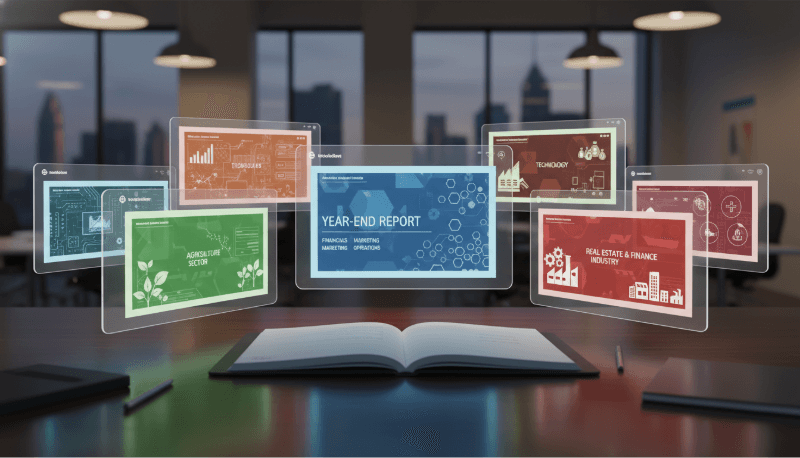
A year-end review PowerPoint is a critical communication tool for organizations across North America and Europe. It helps teams summarize annual achievements, analyze challenges, align stakeholders, and define strategic goals for the year ahead. Whether you’re a technology team, educator, project manager, or business leader, the quality of your year-end presentation directly affects how your work is perceived by executives, clients, and collaborators.
In this guide, we’ll explore industry specific year-end PPT templates and introduce Presenti AI, an intelligent presentation tool that significantly streamlines the creation process, without compromising professionalism or clarity.
Why Year-End Review PPTs Matter?
A well structured year-end presentation serves multiple purposes:
- Performance reporting for leadership and stakeholders
- Data driven reflection on progress and bottlenecks
- Strategic planning for the upcoming year
- Team alignment across departments and locations
In modern organizations, especially distributed or hybrid teams, slides are often shared asynchronously. That makes clarity, structure, and visual consistency more important than ever.
Choosing the right template and tools can reduce preparation time while improving message impact.
Industry Specific Year-End PPT Template Recommendations
Different industries require different storytelling approaches. Below are practical, real world template recommendations tailored for common professional use cases in Western markets.
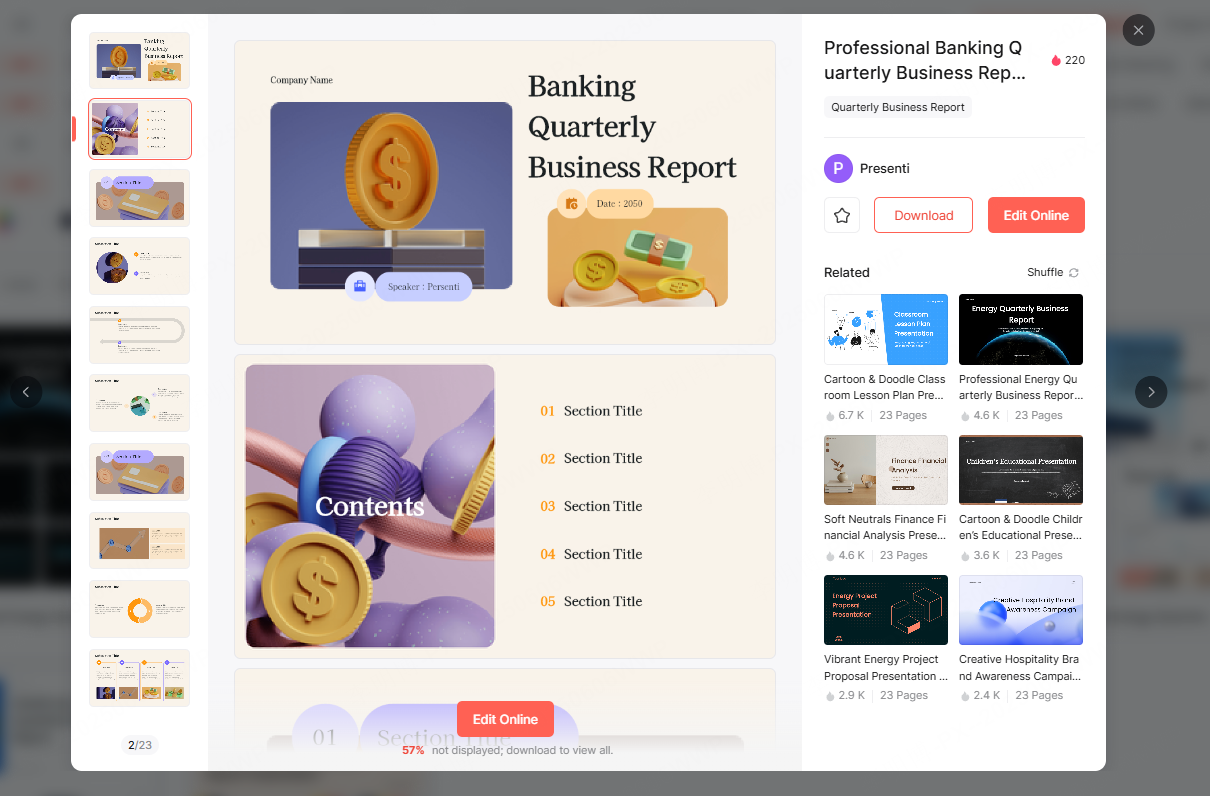
1. Business & Corporate Year-End PPT Templates
Business oriented year-end presentations typically focus on financial performance, operational efficiency, and market positioning. Design priorities include minimalism, clarity, and executive readability.
Recommended content structure:
- Annual Performance Overview
- Revenue growth
- Departmental contributions
- YoY comparisons
- Market & Competitive Analysis
- Market share visualization
- Industry trends
- Competitive benchmarks
- Financial Summary
- High level income statements
- Cost structure overview
- Cash flow highlights
Design tips:
Use clean layouts, neutral color palettes, and data focused visuals such as bar charts, line charts, and KPI dashboards.
2. Education & Training Year-End PPT Templates
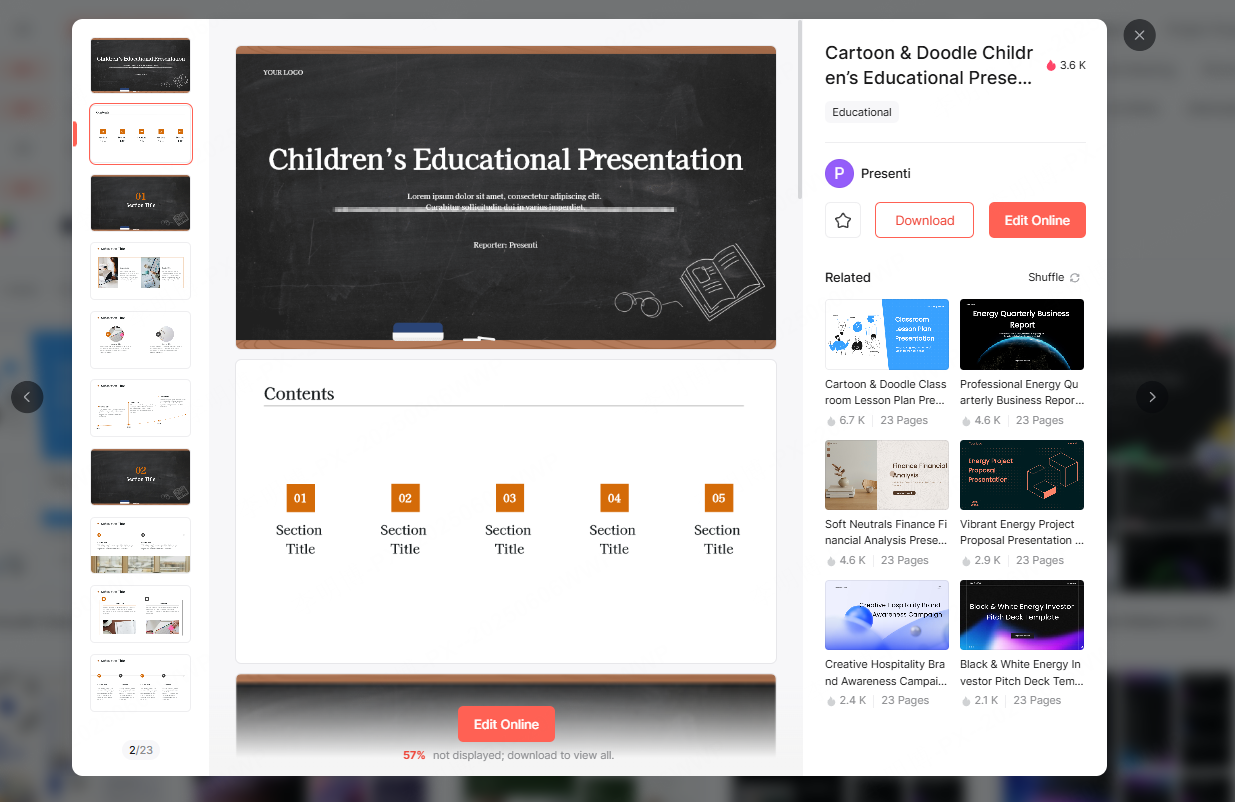
For schools, universities, and professional training providers, year-end presentations focus on learning outcomes, curriculum effectiveness, and feedback analysis.
Recommended content structure:
- Learner Performance Summary
- Progress trends over time
- Certification or completion rates
- Course & Program Review
- Curriculum coverage
- Teaching methodologies
- Engagement metrics
- Instructor & Learner Feedback
- Survey results
- Qualitative insights
- Improvement opportunities
Design tips:
Use clear charts, structured tables, and visual timelines. Prioritize accessibility and readability for diverse audiences.
3. Technology & Engineering Year-End PPT Templates
Technology companies and R&D teams need templates that emphasize innovation, delivery, and measurable technical outcomes.
Recommended content structure:
- Technical Achievements
- New features or systems launched
- Infrastructure upgrades
- Performance improvements
- Project Delivery Overview
- Roadmaps and timelines
- Gantt charts for milestones
- Dependency tracking
- Team Contributions & Innovation Highlights
- Engineering breakthroughs
- Patents or publications
- Process optimizations
Design tips:
Use diagrams, timelines, and architecture visuals. Avoid overdecorated slides, technical audiences value precision over flair.

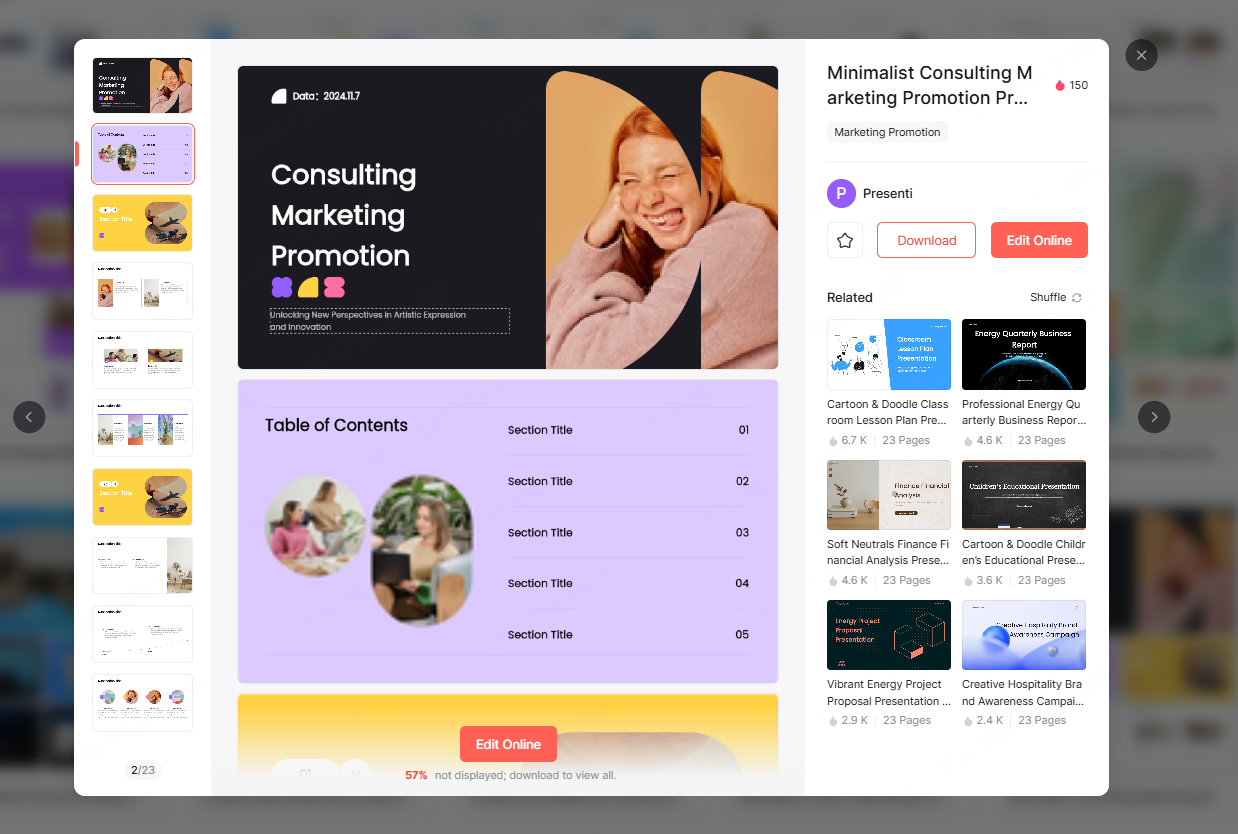
4. Sales & Marketing Year-End PPT Templates
Sales focused presentations are inherently results driven. They must clearly communicate performance, pipeline health, and market expansion.
Recommended content structure:
- Sales Performance Metrics
- Revenue by region or product
- Customer acquisition trends
- Customer Insights
- Retention and churn analysis
- Satisfaction metrics
- Market Expansion & Strategy Review
- Channel performance
- Campaign outcomes
- Strategic adjustments
Design tips:
Use bold data visuals, clear callouts, and performance comparisons. Dashboards work particularly well here.
5. Manufacturing & Operations Year-End PPT Templates
Manufacturing and operations teams focus on efficiency, quality, and execution.
Recommended content structure:
- Production Efficiency Analysis
- Output by production line
- Throughput and downtime metrics
- Quality Management Review
- Defect rates
- Compliance indicators
- Annual Goal Achievement
- Planned vs. actual outcomes
- Process improvements
Design tips:
Flowcharts, process diagrams, and structured data tables are highly effective for operational reporting.
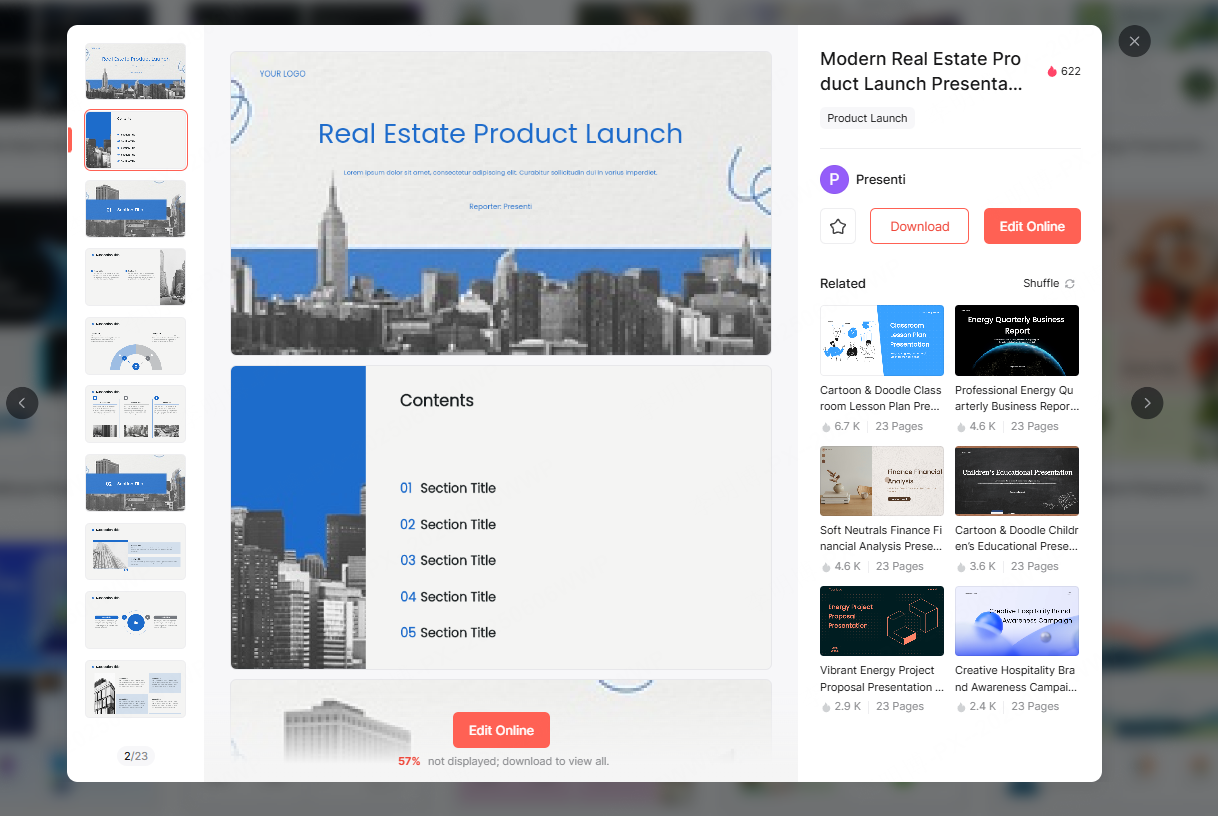
All of the above templates are available through the Presenti AI Template Community.
After registering or logging in, navigate to Dashboard → PPT Templates to explore industry ready designs.
What Is the Best Tool for Creating Year-End PPTs?
Selecting the right tool is just as important as choosing the right template. Traditional slide creation tools often require hours of manual formatting, layout adjustments, and content restructuring.
Presenti AI changes that workflow entirely.

Why Presenti AI Is Ideal for Year-End Presentations?
Presenti AI is a modern, web based AI powered presentation generator designed for professionals who value efficiency, consistency, and quality.
Key Features
1. AI One Click Presentation Generation
Simply enter a topic or paste structured content, and Presenti AI will:
- Analyze key themes and data points
- Select appropriate layouts and visual elements
- Generate a polished, professional slide deck
This is especially useful for recurring reports like annual reviews.
2. Import Documents and Convert to Slides
Presenti AI supports importing multiple file formats, including:
- Word documents
- PDFs
- TXT files
- Markdown files
The system intelligently extracts and summarizes content, transforming long documents into concise, presentation ready slides.
3. Extensive Template Library
With hundreds of high quality templates, Presenti AI covers:
- Business reports
- Technical reviews
- Educational presentations
- Sales and operations reporting
Templates are designed to align with Western corporate and academic presentation standards.
4. Smart Layout & Automatic Design Optimization
Presenti AI automatically handles:
- Slide layout balance
- Color scheme consistency
- Font pairing and hierarchy
Its AI driven formatting ensures that slides remain visually coherent, even when content changes.
Who Should Use Presenti AI?
Presenti AI is well suited for:
- Engineering and product teams preparing technical reviews
- Project managers summarizing delivery outcomes
- Educators and trainers reporting learning results
- Executives and analysts creating data driven summaries
Whether used individually or collaboratively, the platform supports efficient, professional presentation workflows.
Final Thoughts
Year-end review PPTs are more than a formality, they are strategic assets that influence decisions, budgets, and priorities.
By combining industry specific templates with an AI powered creation tool like Presenti AI, teams can:
- Reduce preparation time
- Improve message clarity
- Maintain consistent visual standards
- Focus on insights rather than slide formatting
If your goal is to deliver a clear, professional, and impactful year-end presentation, adopting the right templates and tools makes all the difference.









