An interactive presentation gives the audience something to do: answer a question, choose a path, inspect a chart, or discuss an example. The right tool depends on that activity and on whether the presentation is live or self-paced.
The good news: in 2026, genuinely capable interactive presentation software free options exist across multiple categories. Whether you need AI-generated slides, audience polling, animated content, or video embeds, there are tools that deliver these features without requiring a subscription.
This guide compares six of the best free interactive presentation tools available today, examines exactly what each one offers at no cost, and helps you identify which fits your specific use case.

What Makes a Presentation Truly Interactive?
Before comparing tools, it’s worth defining what “interactive” actually means in the context of presentations. The term gets applied loosely, so understanding the distinct types of interactivity helps you evaluate which tool actually matches your needs.
Audience engagement features include live polls, Q&A sessions, emoji reactions, and word clouds that audience members contribute to in real time using their phones or browsers. These features are most common in webinar and classroom settings.
Embedded media refers to videos, audio clips, GIFs, and external content that play directly within the presentation without switching tabs or applications. Even a well-timed video embed can transform a passive slide into an engaging moment.
Navigation interactivity covers clickable links, branching logic, and hotspots that let viewers jump between sections or explore content in a non-linear order. This type of interactivity is particularly valuable for self-paced or asynchronous presentations.
Animated and dynamic content includes entrance animations, scroll-triggered effects, and motion graphics that add energy to the presentation flow. While technically one-directional, these features significantly affect how audiences engage with the material.
The six tools below vary considerably in which of these interactivity types they support on their free plans.
Six Tools for Different Interactive Presentation Tasks
1. Presenti: Drafting Slides for an Interactive Session
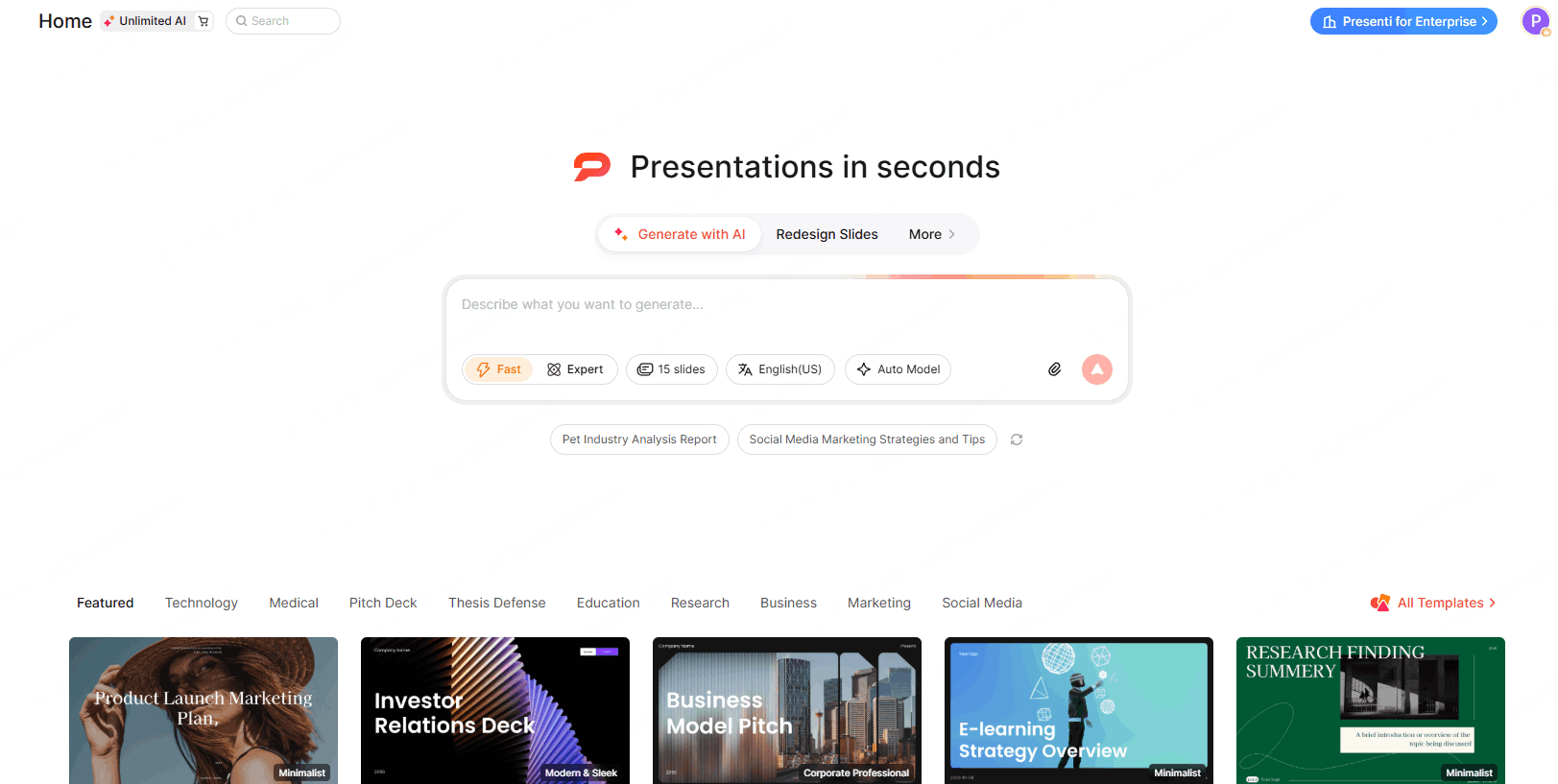
Presenti drafts slides from topics, outlines, and supported documents. Use it to prepare the content for a session, then add the audience activities or external polling workflow you need.
Features to check on your selected plan:
- Shareable web presentation links that viewers can navigate on any device
- Clickable embedded hyperlinks within slide content
- Smooth slide transitions and layout animations on presentation playback
- Paid editable PPTX export for further editing in PowerPoint
Where it fits: Use Presenti to organize the slide content and prepare prompts for discussion. Test the sharing and navigation experience on the devices your audience will use.
What the free plan doesn’t include: Real-time audience polling and live Q&A are not features of the core Presenti workflow. Presenti is optimized for creating and distributing high-quality slides rather than facilitating live audience participation events.
Free access: Limited AI credits let you try drafting. Editable PPTX/PDF export and some import features require an eligible paid plan.
Best for: Professionals who need to create polished, shareable presentations quickly and want AI to handle the design work. Ideal when the priority is content quality and presentation aesthetics rather than live audience engagement mechanics.
2. Canva — Best All-Around Free Interactive Presentation Maker
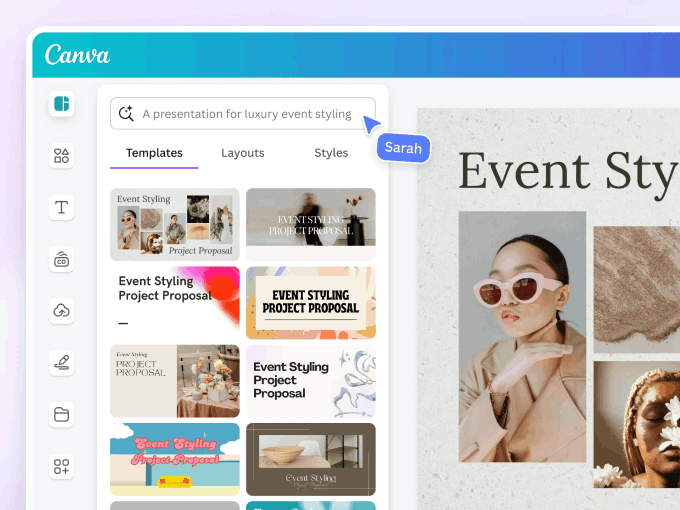
Canva sits in a category of its own as a general-purpose design platform with strong presentation capabilities. Its free plan includes a surprisingly deep set of interactive and multimedia features.
Features to check on your selected plan:
- Presenter view with speaker notes
- Embedded links within slides (clickable in presentation mode)
- Video and audio embed directly into slides
- GIF and animation support
- Presenter Q&A feature (basic, available on free plan)
- Publish as an interactive website
- Real-time collaboration and commenting
Where the interactivity stands out: Canva’s ability to embed video and audio directly into slides is one of the strongest in this list at the free tier. Publish-as-website functionality lets you share a presentation as a fully interactive web page with scroll navigation. The presenter Q&A feature, while limited compared to dedicated audience engagement platforms, does allow audiences to submit questions during a presentation.
What the free plan doesn’t include: Advanced audience polling, live voting, and deeper analytics behind each viewer interaction require Canva’s paid plans. Premium animated templates and brand kit features are also locked to Pro.
Free plan highlights: Thousands of templates, video and audio embed, shareable presentation links, basic Q&A, publish as website, collaboration subject to current account limits.
Best for: Marketing and communications teams, educators, and content creators who need visual richness and multimedia support. The best free presentation maker for teams that want both design control and basic interactivity in one platform.
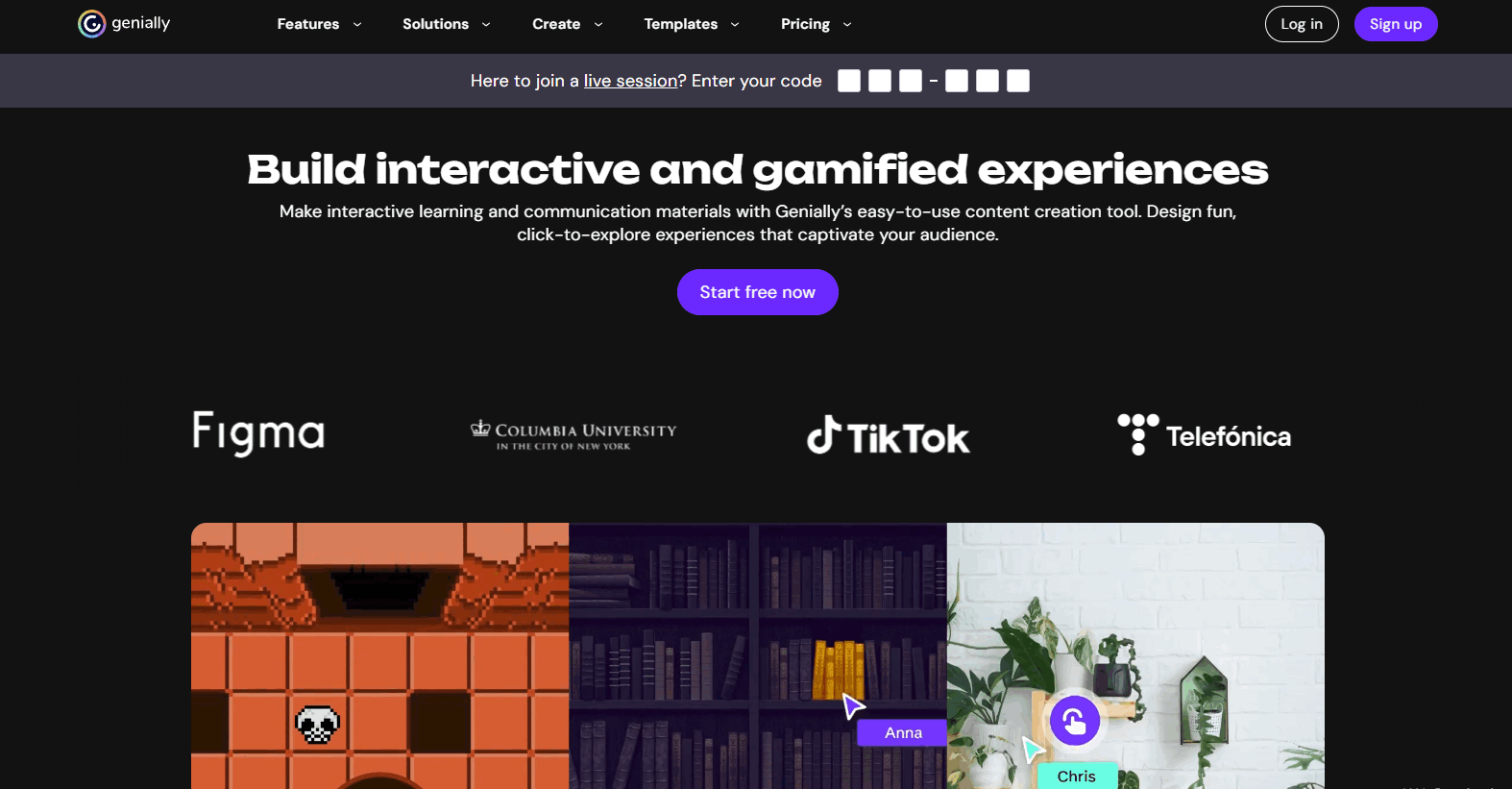
3. Genially: Best Free Tool for Deep Visual Interactivity
Genially is purpose-built for interactive content. Unlike most presentation tools that added interactivity as a secondary feature, Genially treats interactivity as its core value proposition. The result is a free plan that offers a level of click-through and embedded interactivity that dedicated presentation tools rarely match.
Features to check on your selected plan:
- Clickable hotspots and navigation buttons on any element
- Pop-up windows triggered by click or hover
- Embedded videos, maps, and external web content (iframes)
- Interactivity on individual elements (not just slide level)
- Animated entrances and transitions
- Shareable as a web link (no download required)
- Unlimited creations
Where the interactivity stands out: Genially’s element-level interactivity is genuinely distinctive. You can attach a click action to any image, icon, or text block on any slide, triggering pop-ups, navigation jumps, or embedded media. This enables presentation structures that function more like interactive infographics than traditional linear slide decks.
What the free plan doesn’t include: Genially branding appears on all free creations. Download options (PDF, PowerPoint) are not available on the free plan. Analytics on viewer interactions require paid tiers. The interface has a steeper learning curve than most tools on this list.
Free plan highlights: Unlimited interactive presentations, hotspots, pop-ups, iframes, video embeds, web link sharing.
Best for: Educators, trainers, and content creators who need deep visual interactivity. Outstanding for self-paced learning materials, interactive infographics, and presentations where non-linear navigation adds genuine value.
4. Pitch: Best Free Interactive Tool for Team Collaboration
Pitch is a modern presentation builder that combines collaborative editing features with clean design output. Its interactivity is oriented toward team workflows rather than live audience engagement.
Features to check on your selected plan:
- Shareable presentation links with viewer analytics (basic)
- Embedded videos within slides
- Commenting and feedback directly on slides
- Real-time collaborative editing
- Version history
- Presenter view
Where the interactivity stands out: Pitch’s collaborative interactivity is the best on this list for teams that build presentations together. Multiple people can edit the same deck simultaneously, leave comments on specific slides, and track changes through version history. For organizations where presentations are genuinely a team effort, this workflow interactivity is highly practical.
What the free plan doesn’t include: Live audience polling, Q&A features, and audience analytics beyond basic link views are not part of the free plan. Custom domains and advanced sharing controls require paid plans.
Free plan highlights: Unlimited presentations, real-time collaboration, video embeds, shareable links, commenting, version history.
Best for: Small teams and startups that build presentations collaboratively. The strongest online presentation tool on this list for teams where multiple contributors need to work on the same deck.

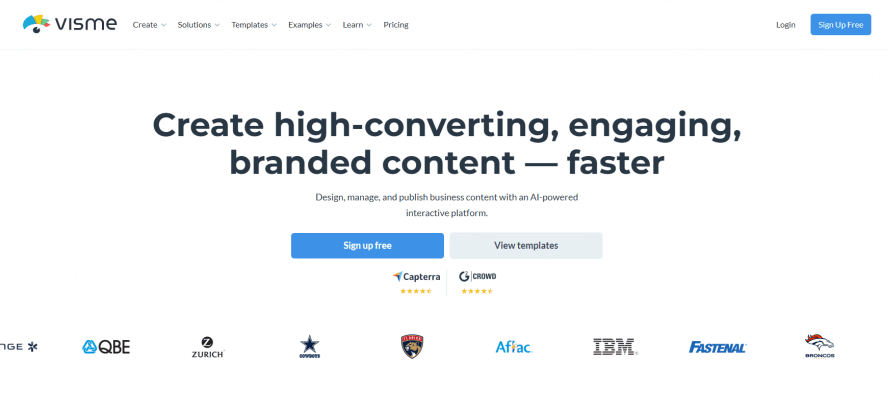
5. Visme: Best Free Tool for Data Interactivity and Infographics
Visme is a visual content platform that covers presentations, infographics, and data visualizations. Its interactive features skew toward data-driven content rather than live audience engagement.
Features to check on your selected plan:
- Clickable links within slides
- Basic animated charts and data visualizations
- Pop-up and hover interactivity on elements
- Shareable web link presentation
- Embed presentations on external websites
Where the interactivity stands out: Visme’s data visualization capabilities are the strongest on this list. Animated charts, interactive graphs, and clickable data elements make it the best choice for presentations that center on data storytelling. Embed functionality allows Visme presentations to live natively inside websites and blog posts, which is unusually useful for content marketing contexts.
What the free plan doesn’t include: The free plan includes Visme branding on all projects. Download options, advanced analytics, and premium templates require paid plans. The free plan also limits the number of projects you can create. Confirm whether your required polling or Q&A workflow needs a separate tool.
Free plan highlights: Basic interactive elements, animated charts, clickable hotspots, web embed capability, web link sharing.
Best for: Data analysts, marketers, and researchers who need interactive data visualizations and charts embedded in presentations. Also valuable for anyone who wants to embed presentations directly into websites.
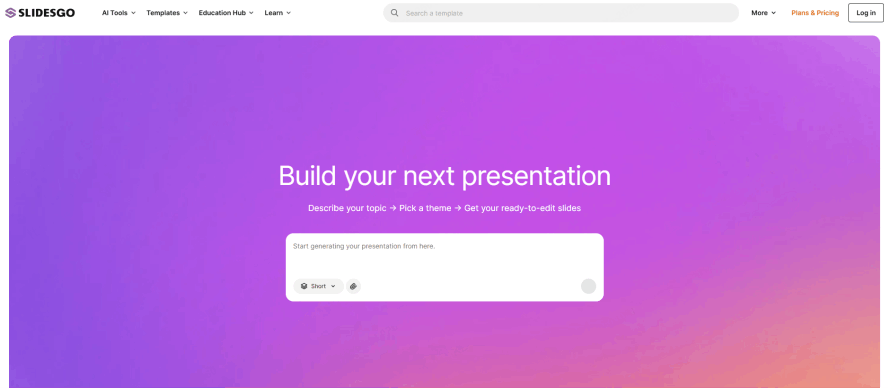
6. Slidesgo: Best Free Template Library for Interactive Starting Points
Slidesgo operates differently from the other tools on this list. Slidesgo provides templates for Google Slides and PowerPoint as well as an AI presentation maker. This section focuses on templates you customize in your preferred editor.
Interactive features available through templates:
- Templates designed with interactive navigation buttons pre-built
- Hyperlinked table of contents slides
- Clickable menu systems within presentations
- Templates for quiz and Q&A formats
- Templates compatible with Google Slides’ presenter Q&A mode
Where the interactivity stands out: Slidesgo’s value is in its template quality and variety. Many templates include pre-built interactive navigation structures that would take significant time to create from scratch. If you know your way around Google Slides or PowerPoint, Slidesgo templates give you a professional, interactive starting point without building the navigation system yourself.
What the free plan doesn’t include: Slidesgo itself doesn’t host or present the slides. All interactivity depends on the capabilities of the editor you use (Google Slides, PowerPoint). The free library is large but some premium templates require a Slidesgo Pro subscription.
Free plan highlights: Large library of free downloadable templates for Google Slides and PowerPoint, pre-built interactive navigation elements, regular new additions.
Best for: Users who are comfortable in Google Slides or PowerPoint and want professional templates with interactive elements pre-configured. Good for educators who want quiz-format or interactive lesson templates.
Interactive Features Comparison Table
| Tool | Workflow to evaluate | Check before sharing |
|---|---|---|
| Presenti | AI-assisted slide drafting | Sharing, navigation, and paid PPTX/PDF export |
| Canva | Multimedia slides and visual editing | Playback, audience features, and asset access |
| Genially | Hotspots and nonlinear content | Viewer controls, branding, and downloads |
| Pitch | Collaborative presentation creation | Team permissions, comments, and history limits |
| Visme | Visual data and web content | Interaction behavior and embed/download access |
| Slidesgo | Templates used in another editor | Navigation links, attribution, and editor compatibility |
Choosing the Right Tool for Your Scenario
You need a slide draft for a session. Presenti can help organize the content. Plan the questions and activities separately, and verify the delivery options on your account.
You want multimedia-rich slides with embedded video and basic audience Q&A. Canva covers the broadest range of interactive features on a free plan while maintaining high design quality. It’s the most versatile interactive presentation software free option for general-purpose use.
You need deep element-level interactivity for self-paced or educational content. Genially’s hotspot and pop-up system has no real equivalent on this list at the free tier. For interactive learning materials, product tours, or non-linear content, it’s the clear choice.
Your team builds presentations collaboratively and needs version control. Pitch is built around this workflow. Real-time co-editing, commenting, and version history make it the most team-friendly option among the six tools.
Your presentation centers on data visualization and you want to embed it on a website. Visme’s animated charts and embed functionality are distinctly suited to data-heavy content and content marketing applications.
You already use Google Slides or PowerPoint and want professionally designed interactive templates. Slidesgo provides the best free template library for interactive starting points in established editors.
Frequently Asked Questions
Q: Can I run a live poll during a presentation using any of these free tools?
Canva offers basic presenter Q&A on its free plan. None of the other tools on this list include full live polling at the free tier. For dedicated live audience polling, platforms like Mentimeter or Slido offer free tiers specifically built for that use case and can complement any presentation tool through a browser tab.
Q: Which tool is best for classroom or educational presentations?
Genially is the strongest choice for educators who need deep interactivity, branching navigation, and embedded content for self-paced learning. Canva is better for classroom presentations that need visual richness and basic Q&A. Slidesgo provides excellent ready-made templates for lesson structures.
Q: Does Presenti support interactive elements within the presentation?
Presenti presentations include clickable hyperlinks and smooth playback animations. The shareable web link format allows audiences to navigate presentations on any device. For users who need live polling or Q&A within a presentation event, combining Presenti with a free tool like Slido is a practical approach.
Q: Are there any truly free options with no branding on outputs?
Check branding and attribution for the exact output and assets you select. A free editor does not necessarily include unbranded downloads, and templates may require attribution.
Q: Which tools allow me to export to PowerPoint (.pptx) for free?
Canva and eligible Slidesgo templates provide PowerPoint workflows; confirm asset and download conditions. Presenti’s editable PPTX export requires an eligible paid plan. Check current download options for Genially, Pitch, and Visme.
Q: Can I embed a presentation from these tools on my website?
Visme and Genially both support direct website embed on free plans. Canva presentations published as websites can be shared via link and embedded with some configuration. Test whether your chosen presentation link and website platform support the embed you need.
The Right Interactive Tool Depends on What You Mean by “Interactive”
The term covers a wide range of features, and no single free tool dominates across every dimension. The six tools above represent genuinely different design philosophies and serve meaningfully different use cases.
Presenti supports slide drafting; Canva combines presentation and visual-design tools; Genially focuses on interactive content; Pitch supports collaborative deck creation; Visme includes visual-data workflows; and Slidesgo supplies templates and AI drafting. Choose by the activity you need and test it in the intended viewing mode.
Start with the tool that matches your primary interactivity need. Most of these tools integrate easily with each other’s outputs, so there’s no reason to limit yourself to one permanently.
Try drafting a short presentation in Presenti. Check sharing options and the paid PPTX/PDF export requirements before choosing how to deliver it. Start for free at presenti.ai