Creating high quality presentations has become a core skill for modern professionals. Product managers, developers, educators, and technical teams are expected to deliver clear, visually polished slides on a regular basis. However, building a well structured presentation from scratch is time consuming and often distracting from real work.
AI powered presentation tools change that workflow completely. Instead of manually designing layouts, aligning text, and searching for visuals, these tools use artificial intelligence to generate complete slide decks based on your content. With the right AI PPT tool, you can focus on ideas and communication rather than formatting.
In this guide, we review five powerful AI presentation tools that help you create professional slides quickly and efficiently. Each tool supports different use cases, from technical briefings and training materials to business reports and product demos.
1. Presenti AI: A Professional AI Presentation Tool for Work and Education
Presenti AI is a robust AI powered presentation tool designed for professionals and educators. You can start by entering a topic, uploading a document, or pasting a link. The system automatically extracts key points and generates a well structured slide deck with clean layouts and consistent visuals.
Even if you have no design background, you can produce professional grade presentations in minutes. This makes Presenti AI especially useful for technical teams, instructors, and project managers who need results fast.

AI Capabilities
- AI slide generation
Automatically creates a complete presentation including title slides, agenda, and content sections based on your input topic or outline. - Content restructuring and visual optimization
Improves layout, color balance, and text image alignment with one click. - AI text refinement
Polishes wording, corrects grammar, and improves sentence clarity to enhance professionalism and readability.
Key Highlights
- Extensive template library
Includes a wide range of professional templates for business, education, and technical use. After switching a template, inspect text fit, charts, and image crops. - From brainstorming to slides
Use an approved outline from your brainstorming session as the presentation’s source material. - Flexible import and export formats
Supports Word, PDF, TXT, and Markdown imports. Export options include PPTX and PDF. - Cloud storage and collaboration
Enables online saving, team editing, and easy sharing across departments or classrooms.
Pricing
Presenti AI offers a free version as well as multiple paid plans to support different usage levels.
2. MindShow: A Simple AI Tool for Fast Slide Creation
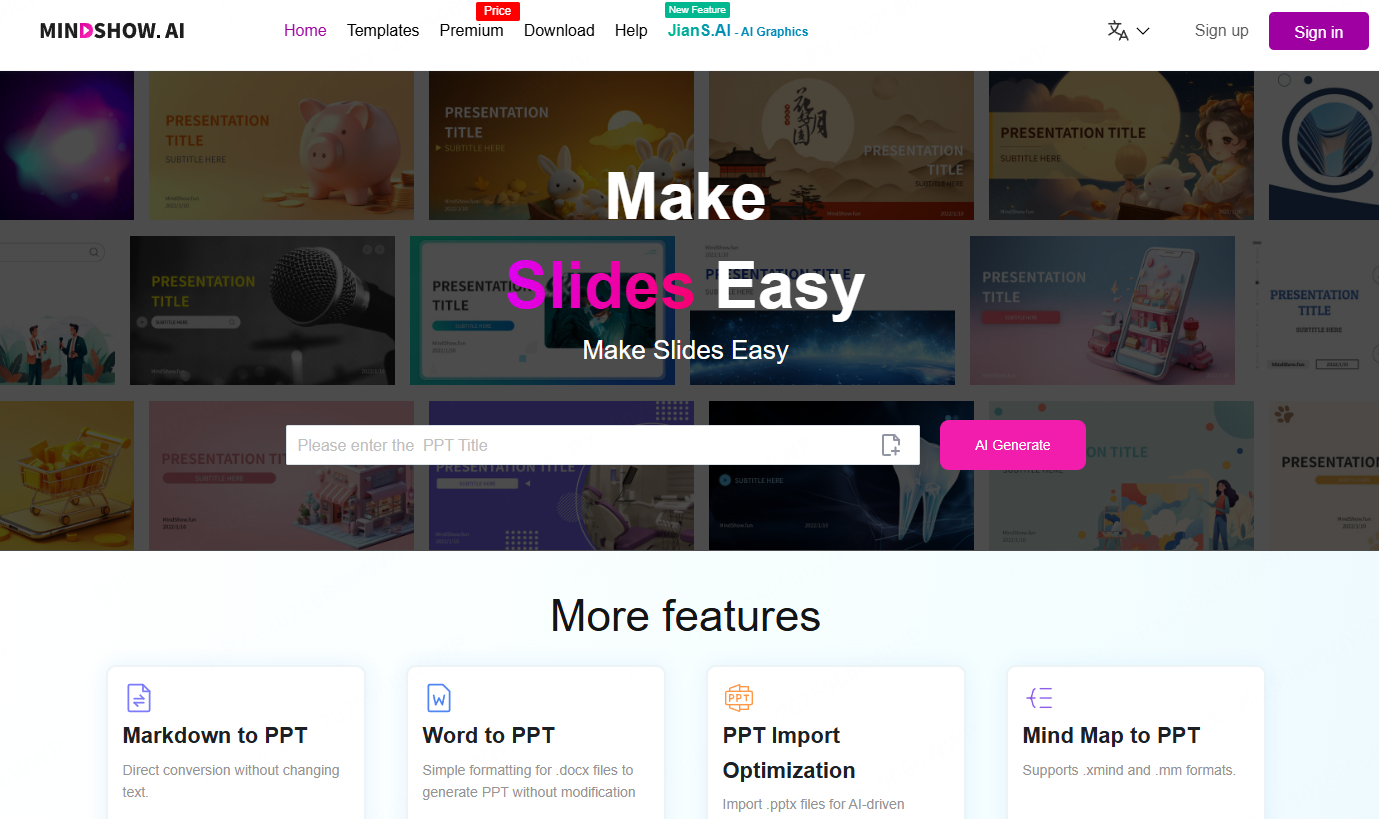
MindShow focuses on a straightforward idea: input content and get slides instantly. It supports Word documents, Markdown files, and even mind maps, converting them into structured presentations with minimal effort.
This tool is ideal for professionals who need to produce multiple presentations in a short time, such as trainers, lecturers, and corporate staff.
AI Capabilities
- Automatic structure recognition
Identifies sections and logical flow to generate slides with proper hierarchy. - Smart image generation and matching
Automatically adds relevant visuals based on slide content, reducing time spent searching for images. - Editable outlines and slide order
Allows full control over structure after generation. - One click layout optimization
Adjusts fonts, colors, and spacing to maintain visual consistency.
Key Highlights
- Multi language support
Supports English and other major languages, suitable for international teams. - Industry specific templates
Offers templates for business, education, marketing, and internal reporting. - High level customization
Edit content and design freely after AI generation. - Web based and offline compatibility
Create presentations in the browser and export them for local editing. - Developer-friendly deployment options
May support API access and enterprise deployment options; confirm availability, security, and limits with the vendor.
Pricing
Includes a basic free plan with limited generation. Advanced features and templates require a paid subscription.
3. Visme: AI Driven Presentation and Data Visualization Platform
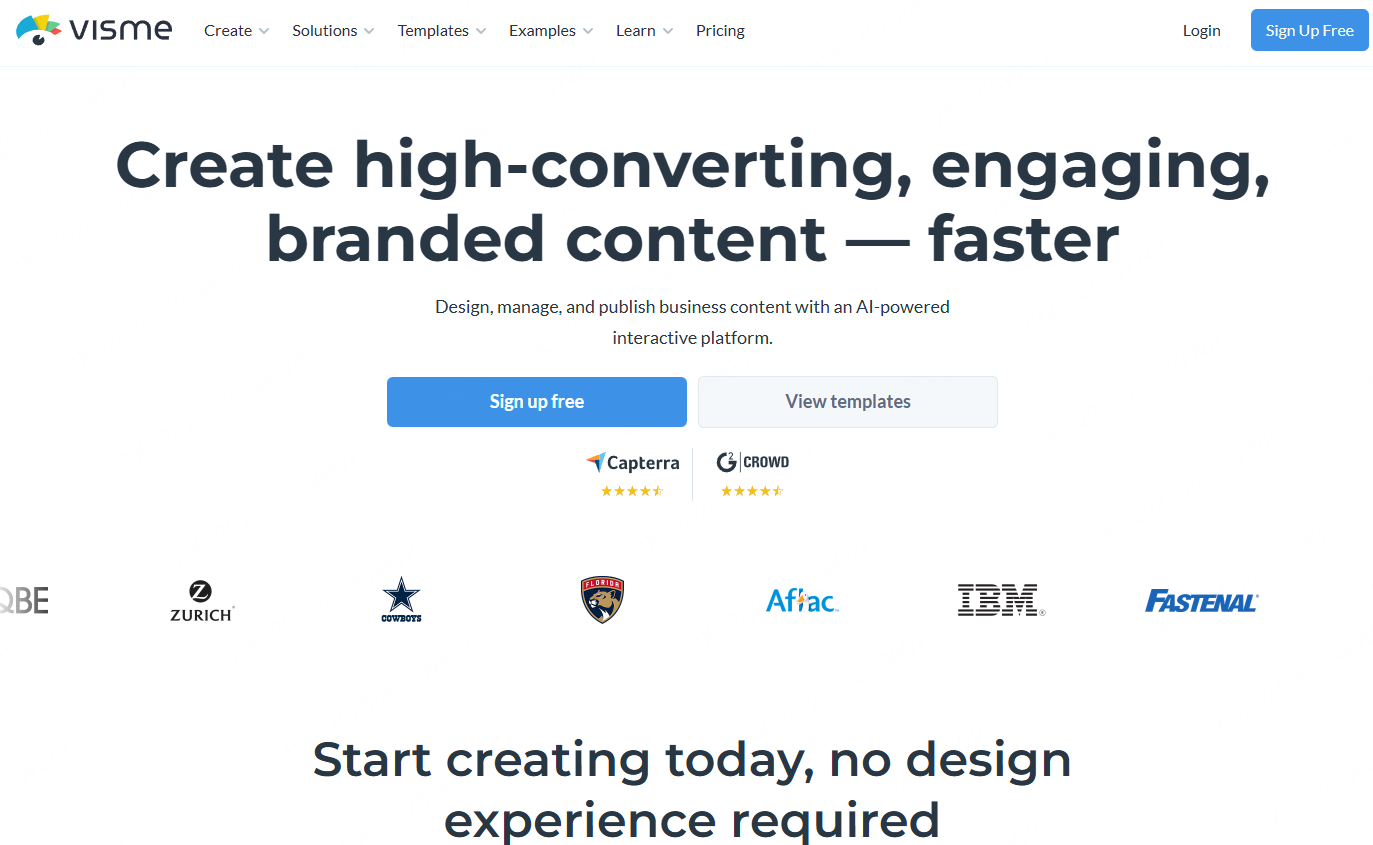
Visme is more than an AI presentation generator. It is a full visual communication platform that supports charts, infographics, reports, and interactive content. This makes it especially useful for marketing teams, analysts, and professionals working with data.
You can input content directly, and Visme generates slides with logical structure and visual balance.
AI Capabilities
- AI presentation generation
Creates a complete slide draft from short descriptions or keywords. - Smart chart recommendations
Automatically suggests suitable chart types such as bar charts, line charts, or pie charts based on your data. - AI design assistant
Recommends layouts, color schemes, and font combinations for consistent branding. - AI image editing tools
Includes background removal, smart cropping, and color adjustments.
Key Highlights
- Easy for non designers
Drag and drop interface with minimal learning curve. - Brand kit support
Upload logos, fonts, and brand colors to maintain consistency. - Multi purpose design platform
Create presentations, infographics, reports, and social media visuals in one tool. - Rich asset library
Includes icons, images, charts, and data visualization components. - Interactive and animated content
Supports animations, embedded videos, and clickable elements. - Team collaboration features
Enables role management, comments, and real time collaboration.
Pricing
A free version is available for individual use. Advanced plans are designed for teams and organizations.
4. Beautiful.ai: Automated Layout and Design Consistency
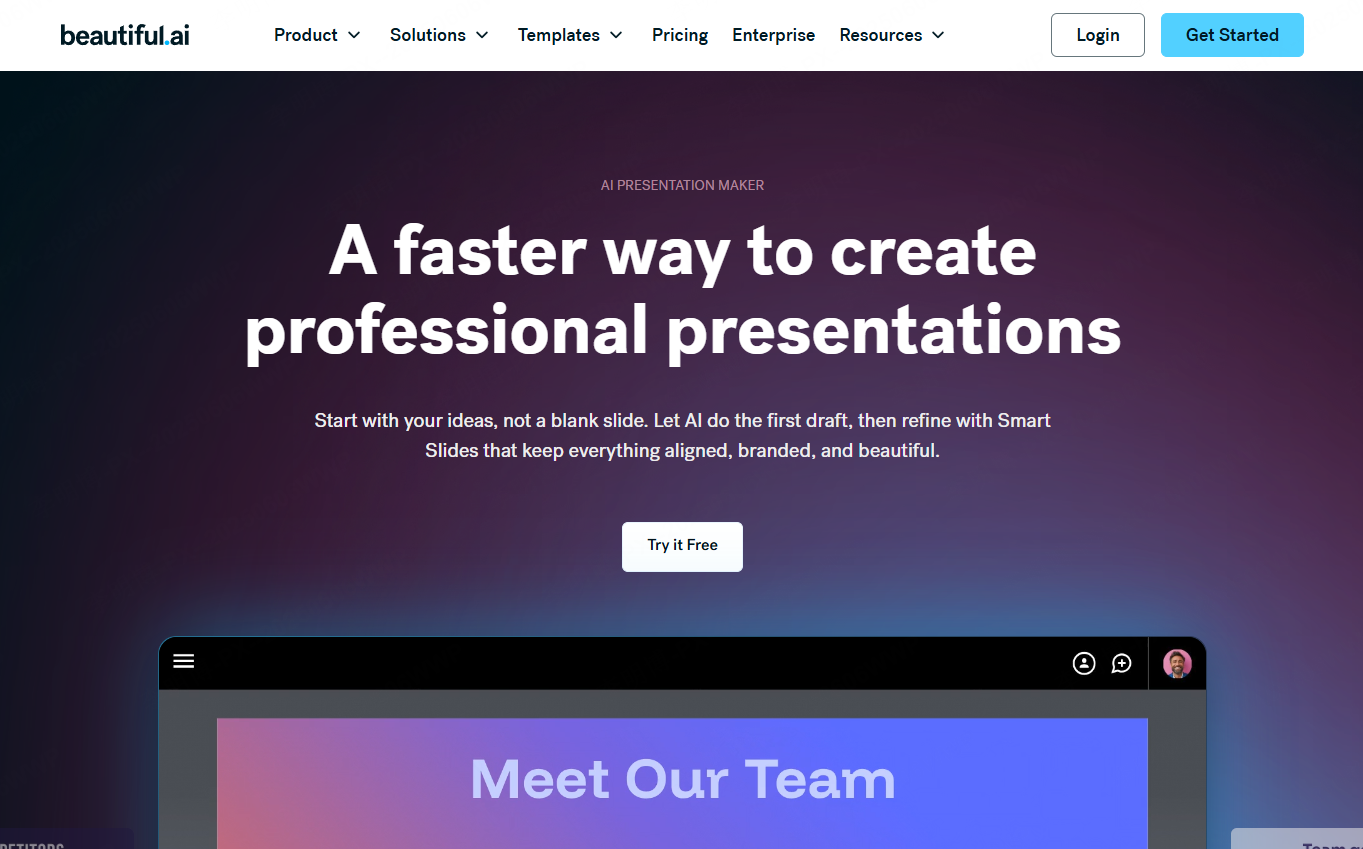
Beautiful.ai is built for users who want great design without manual formatting. The system automatically adjusts layout as you add content, ensuring visual consistency and clean presentation style.
It is popular among startup teams, consultants, and corporate departments that value speed and aesthetics.
AI Capabilities
- Automatic layout adjustment
Slides reorganize themselves as content changes, eliminating manual alignment. - AI content styling
Applies appropriate templates and visual styles based on input content. - Smart slide optimization
Imports existing PPT files and redesigns them with modern, consistent layouts.
Key Highlights
- Version history control
Check which versions can be restored under the account’s retention and access settings. - Real time collaboration and comments
Supports team editing, feedback, and approval workflows. - Modern minimalist templates
Clean and professional designs suitable for business presentations. - PowerPoint file handoff
Import and export PowerPoint files, then check the objects that must remain editable. - Viewer analytics
Track slide engagement and viewing time to improve presentation effectiveness.
Pricing
Offers a 14-day trial requiring a payment card. Paid renewal follows unless canceled before expiry; individual, team, and enterprise options have different features.
5. Gamma: Fast, Modern, Web Style Presentations
Gamma focuses on speed and storytelling. You can paste text or upload a document, and within seconds, Gamma generates a visually polished, scrollable presentation that feels more like a modern web page than a traditional slide deck.
This format works well for product showcases, project updates, and internal knowledge sharing.

AI Capabilities
- Instant presentation generation
Generates structure and design from a single sentence or paragraph. - AI outline expansion
Builds full presentation outlines from a topic prompt. - Card based content generation
Automatically fills text and images for each content card. - Smart rewriting and expansion
Rewrites content to be more concise, formal, or detailed as needed.
Key Highlights
- Clean and flexible editing interface
Card based drag and drop editing with responsive layouts. - Strong narrative focus
Designed for storytelling and explanation rather than static slides. - Web friendly presentation format
Scrollable layout optimized for online viewing and sharing. - Powerful collaboration tools
Supports real time editing, comments, and sharing for remote teams.
Final Thoughts
AI presentation tools remove many of the traditional barriers to creating professional slides. You no longer need to install heavy software or spend hours adjusting layouts. With a browser and the right tool, you can generate polished presentations quickly and focus on delivering your message.
Among the tools covered, Presenti AI stands out for its balance of automation, flexibility, and ease of use. It supports structured content generation, rich templates, and collaborative workflows that suit both education and professional environments.
If you want to improve both speed and quality in your presentation workflow, now is the right time to integrate AI powered slide creation into your daily work.