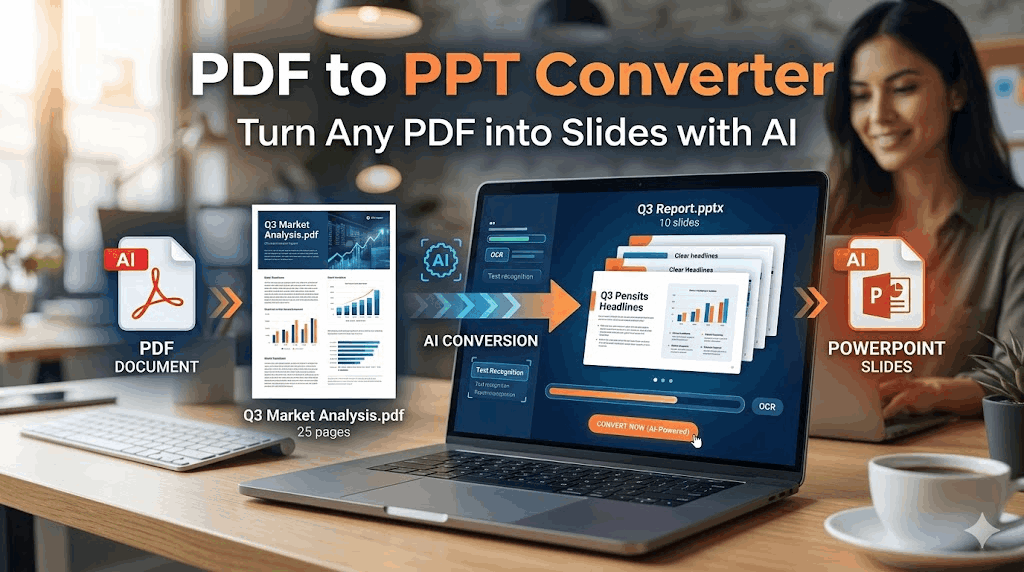
Creating a polished PowerPoint presentation can significantly improve the impact of an academic lecture, project update, or business pitch. However, building a high quality slide deck from scratch often takes far more time than expected. This is where free AI PowerPoint generators make a real difference.
Instead of spending hours organizing content, choosing layouts, and adjusting visual styles, these tools automate much of the process. With the right AI presentation software, you can turn text, documents, or even links into professional slides in minutes.
This guide covers seven current presentation tools and a historical note on Tome Slides. They differ in AI features, free access, and file export; compare the requirements for your task rather than assuming every option is a free AI PowerPoint generator.
1. Presenti AI
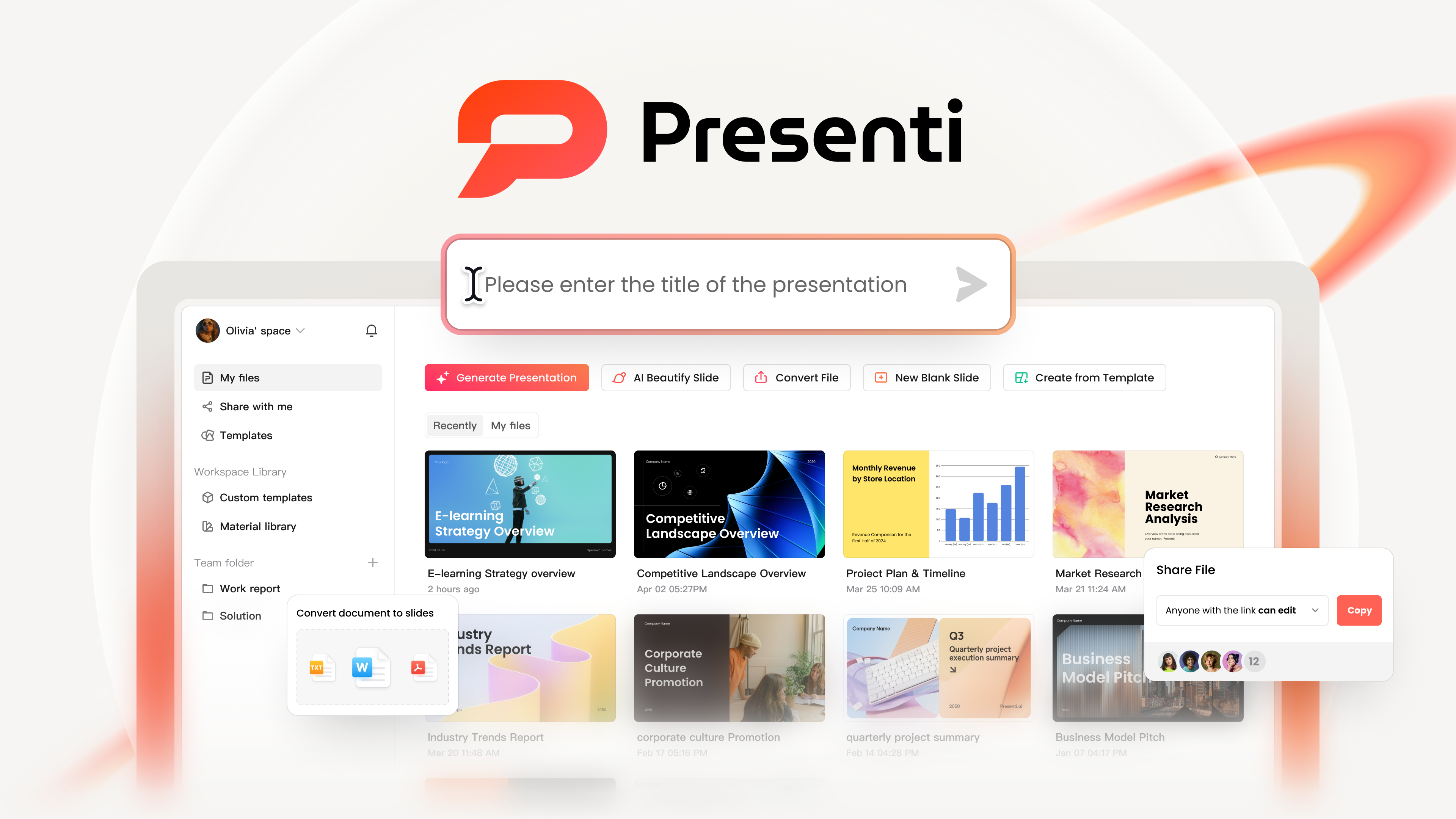
Presenti AI is a web based AI PowerPoint generator designed to streamline presentation creation from start to finish. It supports multiple input formats including short text prompts, uploaded documents, and web links.
This flexibility makes it ideal for professionals who want fast results without complex setup.
Key Features
AI generated slide structure and content
Presenti AI automatically creates slide outlines, written content, and visual styles based on your input. Content creation and layout design happen simultaneously, reducing manual work dramatically.
Extensive template and asset library
The platform offers a wide range of presentation templates with different visual themes. Users also gain access to icons, illustrations, stock images, backgrounds, and other design assets commonly used in business and education settings.
Team collaboration and cloud access
Presenti offers browser access, desktop apps, and documented workspace collaboration. Check the sharing options and device workflow for your project.
Free plan available
Presenti’s free plan has limited AI credits and Markdown/XMind input. Paid plans include Word/PDF/TXT input and editable PPTX/PDF export.
Best for
Educators, project managers, and teams looking for a fast and flexible AI driven presentation workflow.
2. MagicSlides
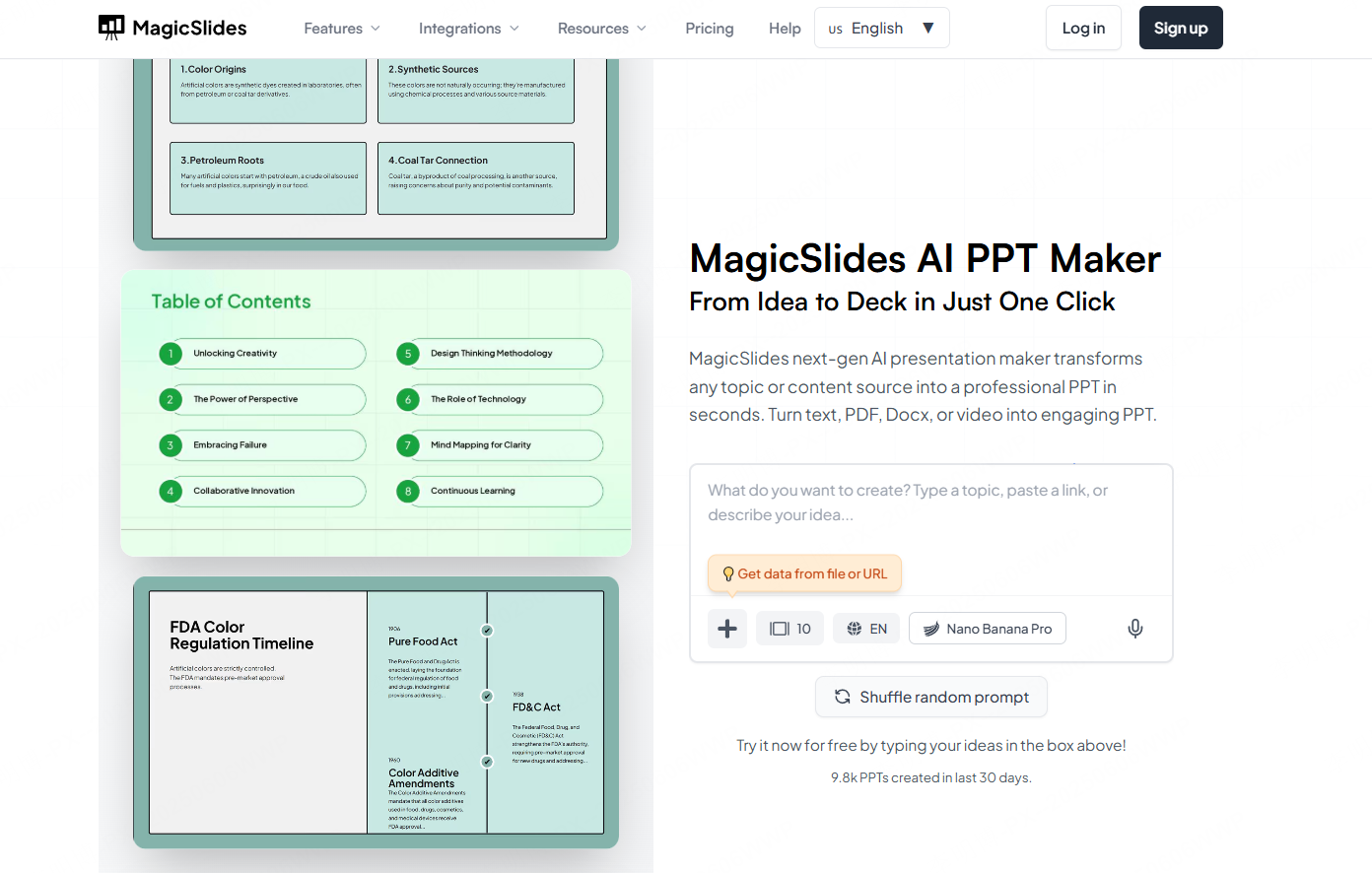
MagicSlides is a Google Slides add on that focuses on transforming long form content into clean, concise presentations. It integrates directly into Google Workspace, making it familiar to many users already working in Docs and Slides.
Key Features
Native Google Slides integration
No new platform to learn. MagicSlides works directly inside Google Slides, which simplifies onboarding for teams already using Google Workspace.
Content conversion from multiple sources
Users can generate slides from text, YouTube links, PDFs, and web pages. This is useful for turning existing materials into presentations quickly.
Built in stock images
The tool connects with free stock image libraries like Pexels to automatically enhance slides with relevant visuals.
Collaboration friendly
Because it runs inside Google Slides, all standard sharing and collaboration features remain available.
Limitations
Try the available templates and check MagicSlides’ current plan terms for generation limits and the features you need.
Best for
Teachers and teams already invested in Google Workspace who want simple AI assistance.
3. GitMind AI
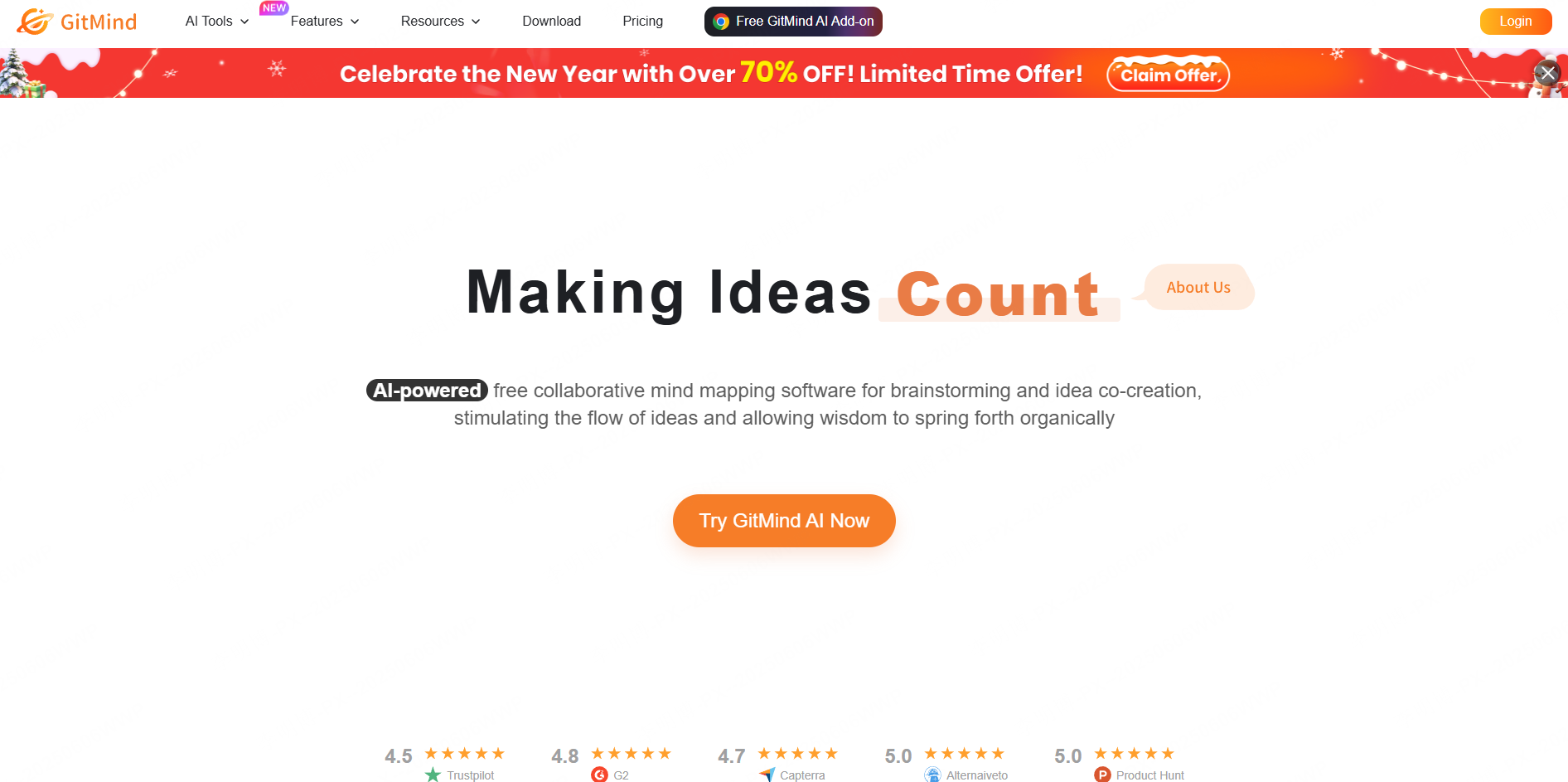
GitMind AI combines mind mapping and AI presentation generation into a single workflow. It converts text, links, images, and documents into structured mind maps, which can then be transformed into PowerPoint slides.
Key Features
Automatic structure recognition
GitMind AI identifies logical relationships in your content and builds a clear presentation structure without manual slide planning.
Clean and modern templates
The design style is minimal and professional, suitable for academic reports, technical briefings, and business updates.
Real time editing and syncing
Check how edits are saved and how the presentation updates when you revise the source map.
Free templates included
The free version includes several presentation templates that are sufficient for most basic use cases.
Best for
Users who prefer structured thinking and want to turn outlines into slides efficiently.
Tome Slides: discontinued presentation service
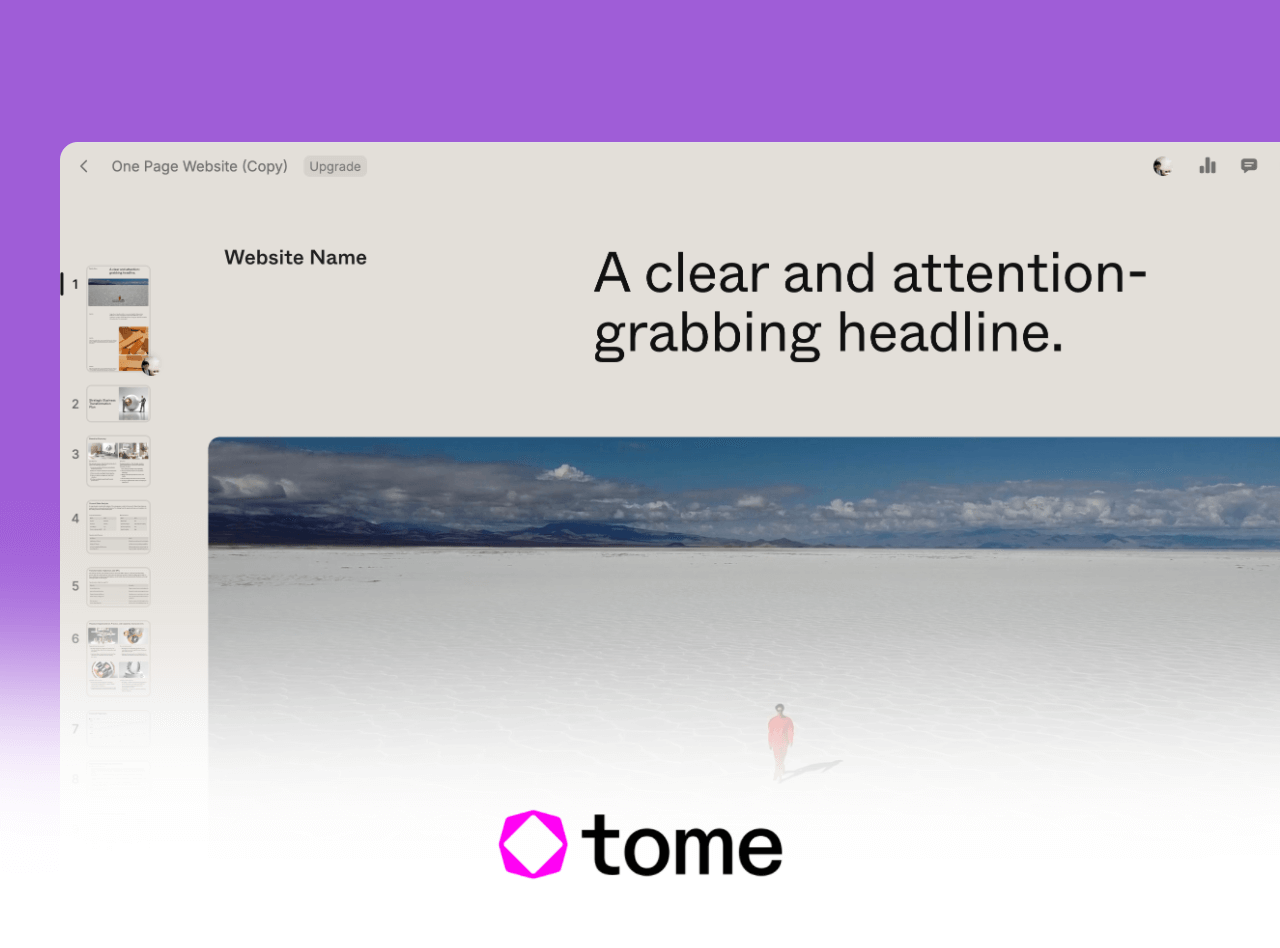
Tome Slides was discontinued on April 30, 2025 and is no longer available for new presentations. If you have saved PDFs, text, or images, use those materials to build a new deck in an available tool. This does not restore an inaccessible Tome project.
5. Prezi
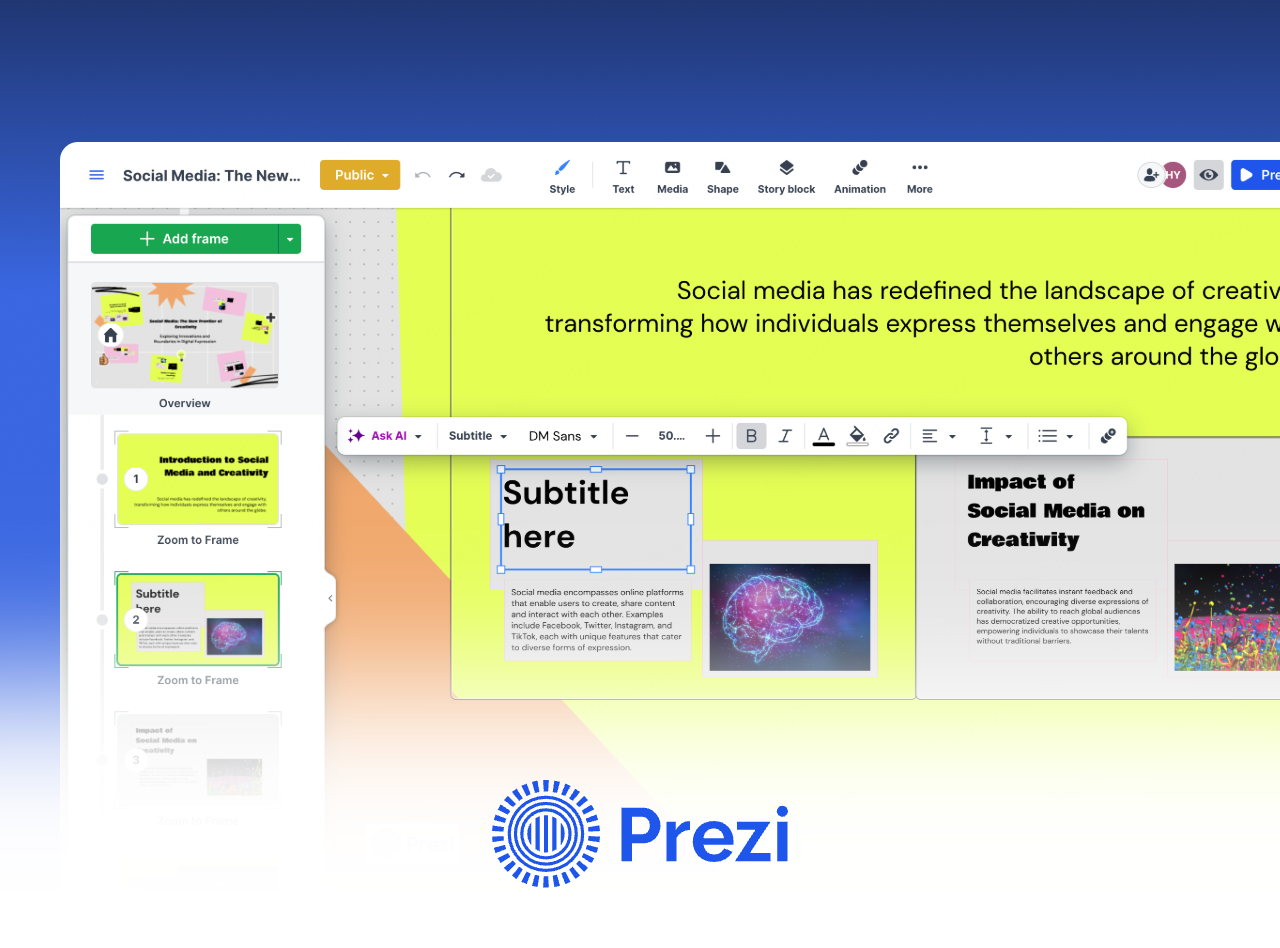
Prezi offers a different approach to presentations by replacing linear slides with dynamic, zoom based navigation. This makes it especially effective for engaging and interactive presentations.
Key Features
Non linear presentation flow
Instead of moving slide by slide, Prezi allows presenters to zoom in and out of topics, creating a more interactive experience.
Strong visual impact
This format works well for creative pitches, keynote talks, and educational storytelling.
Cross platform access
Prezi works on web and mobile devices, allowing presentations anywhere.
Free plan available
The free version supports basic interactive presentations.
Best for
Speakers who want to engage audiences visually rather than follow traditional slide formats.
6. Zoho Show
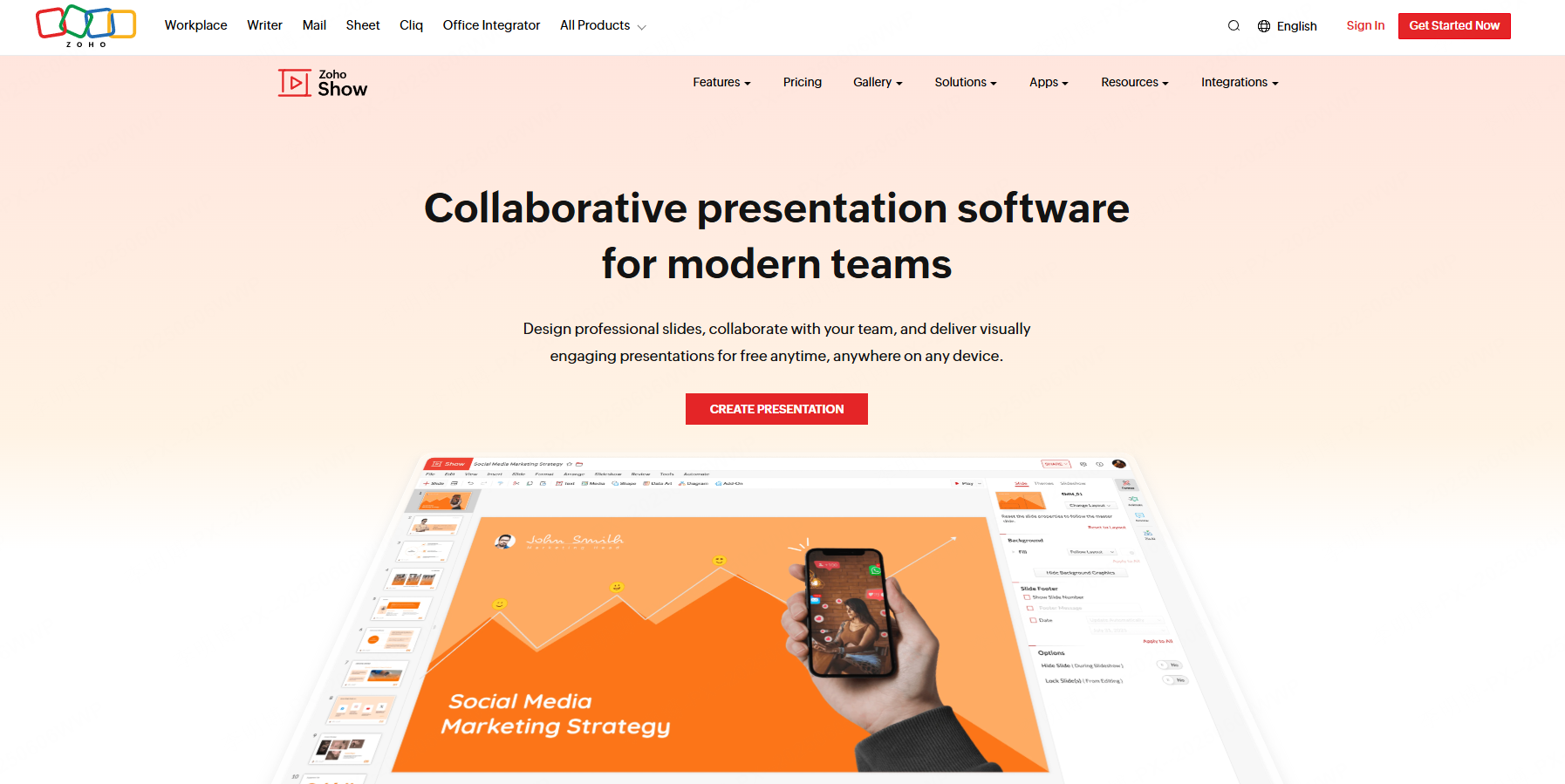
Zoho Show is a straightforward online presentation tool designed for simplicity and collaboration. It fits well into academic and small team environments.
Key Features
Clean and intuitive interface
Users can focus on content without being overwhelmed by complex design tools.
Cloud based collaboration
Team members can edit and comment in real time, which is ideal for group assignments or small projects.
Essential templates and tools
The platform includes basic templates and formatting features suitable for everyday presentations.
Completely free
Check Zoho Show’s current account requirements, features, and any connected services your team plans to use.
Best for
Students and small teams with simple presentation needs.
7. Visme
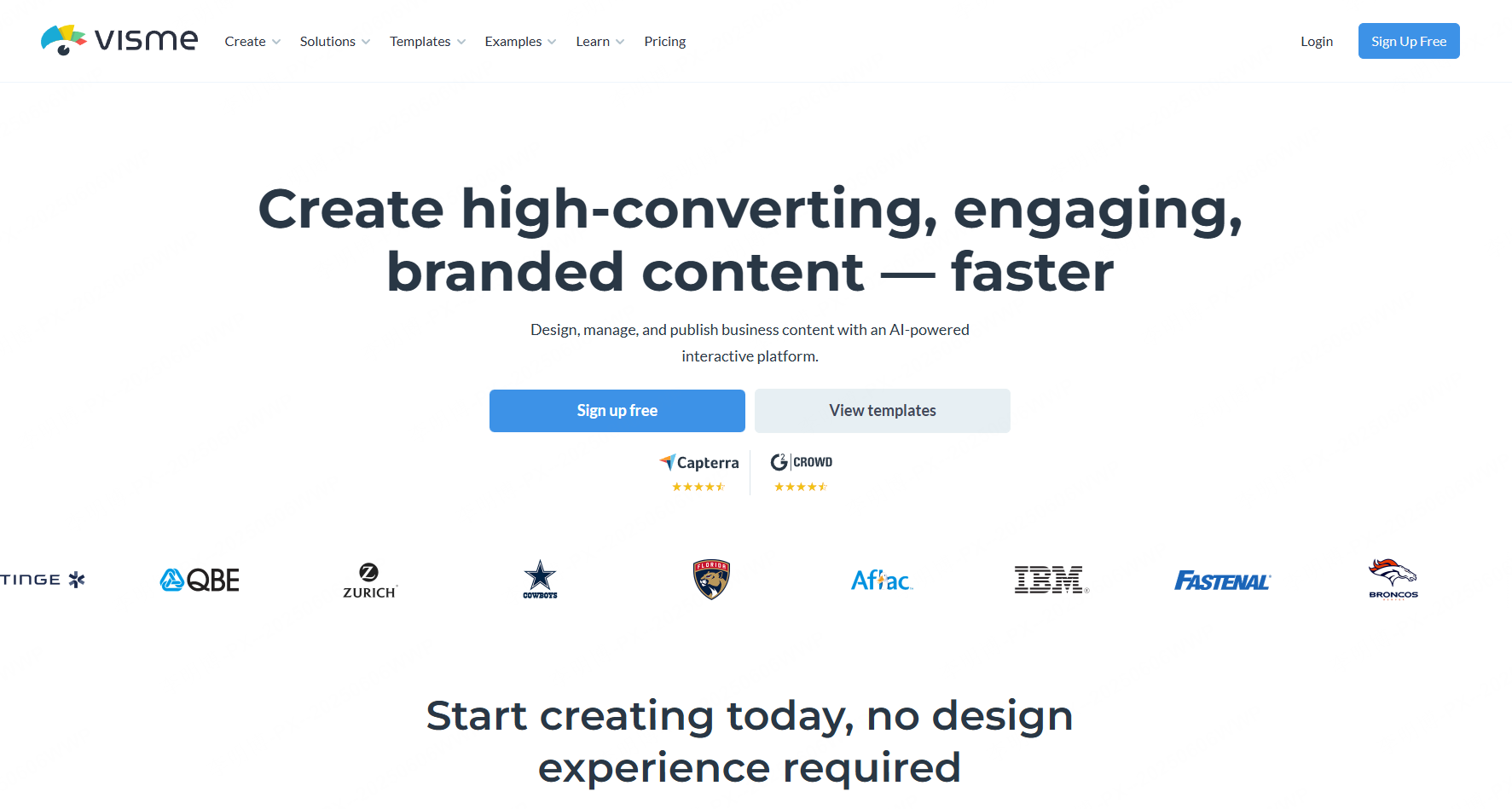
Visme is a professional grade presentation and visual content platform. It excels at data visualization and interactive elements.
Key Features
Advanced data visualization
Charts, graphs, data maps, and infographics are easy to create, making Visme ideal for data heavy presentations.
Highly customizable templates
Users can modify nearly every visual element to match branding or design requirements.
Interactive presentation elements
Animations and interactive components help make presentations more engaging.
Free version available
The free plan supports basic presentations and visual content creation.
Best for
Business analysts, marketers, and teams presenting complex data.
8. Google Slides
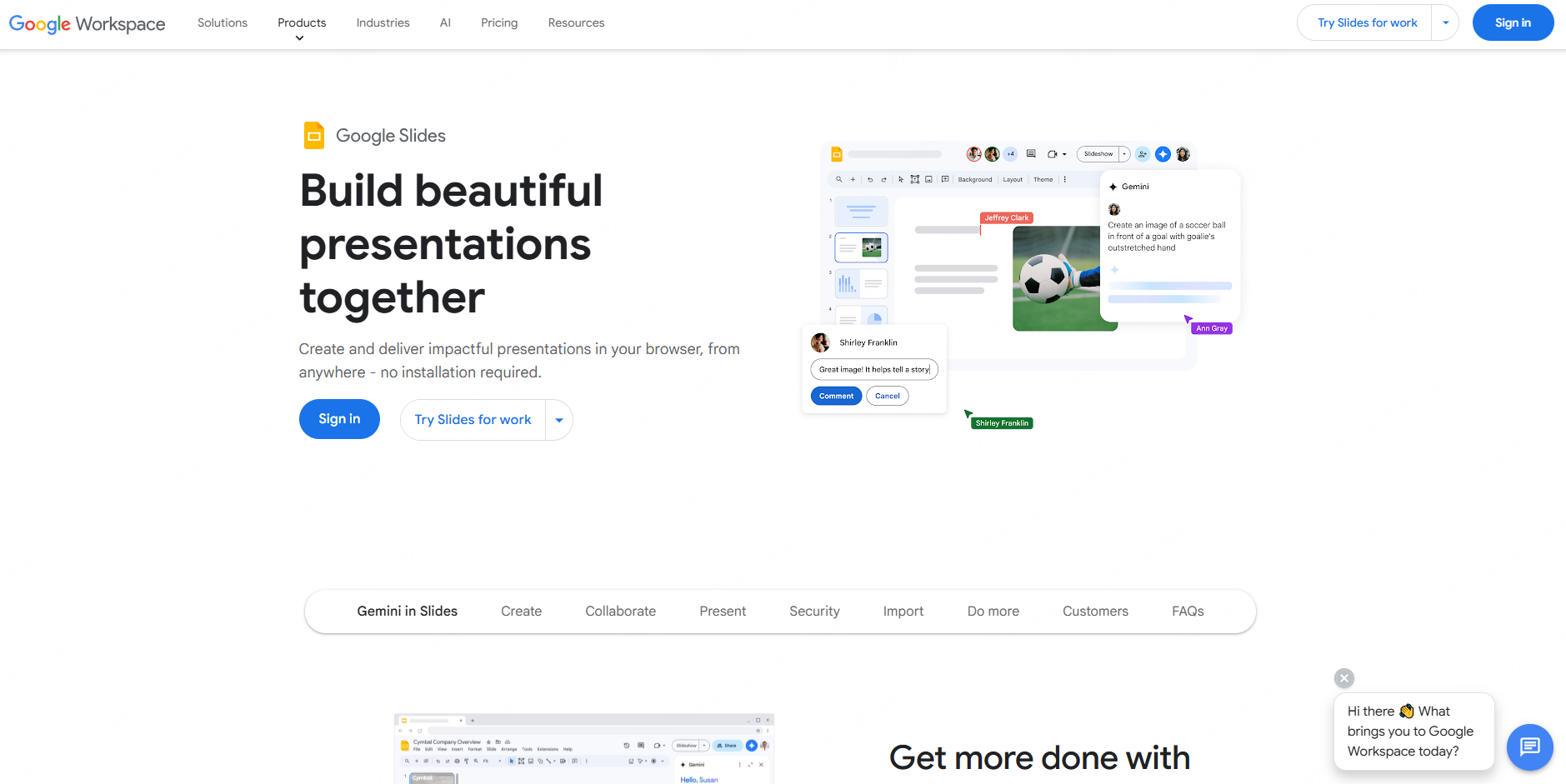
Google Slides remains one of the most widely used free presentation tools, especially for collaborative environments.
Key Features
Cloud based editing and storage
Presentations save automatically and can be accessed from any device.
Real time collaboration
Multiple users can edit the same presentation simultaneously.
Basic templates and tools
While design options are limited, they are sufficient for quick presentations.
Completely free
Google Slides is free with a Google account and shares the storage allowance of that account.
Best for
Teams and classrooms that prioritize collaboration over advanced design.
Final Thoughts
Each of these online presentation tools serves a different purpose. Some focus on speed and automation, while others prioritize creativity or collaboration.
If you want a tool that delivers full AI generated presentations with minimal effort, Presenti AI stands out. Beyond one click slide generation, it also includes an AI assistant for refining text, expanding content, simplifying complex ideas, and translating presentations for global audiences.
No matter your role, whether educator, developer, or project manager, the right AI presentation tool can save hours of work while improving presentation quality.