Gamma is worth considering when your presentation also needs to work as a document people read in their browser. It supports file imports and PowerPoint export, too. The useful question is whether its editing controls and final file suit your team—not whether it can make slides at all.
This review looks at Gamma's documented import, export, and credit rules. It is published by Presenti, a competing presentation tool; the sample below is a reusable evaluation brief, not a hands-on product test.

Quick verdict
Put Gamma on your shortlist if you want to start from existing material and share the result online. If colleagues need an editable PowerPoint file, include that handoff in your trial. A good-looking browser preview does not answer whether they can make the changes they need.
One documented limitation for a team that reuses corporate layouts is that Gamma's PowerPoint export does not include a slide master. That may matter more than small visual differences. It is not a reason to assume every exported deck is unsuitable.
What is Gamma?
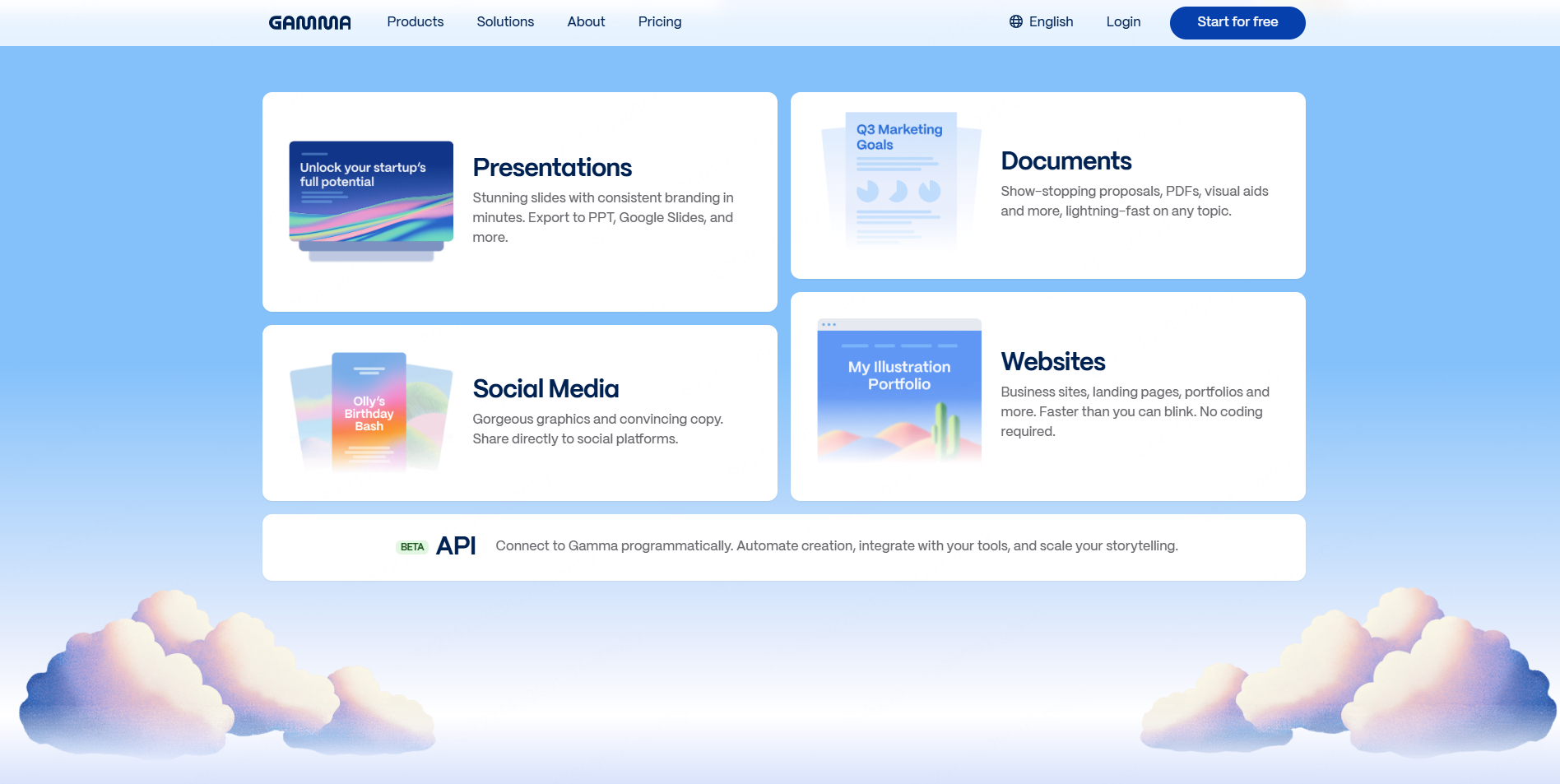
Gamma creates presentations and other visual documents. You can begin with a prompt, paste content, or bring in an existing file. Its flexible cards can be useful for material that needs more room than a conventional slide, while presentation and export options serve a different delivery need.
Choose the intended format before drafting. A five-minute talk needs concise slides; an update read without a presenter needs enough explanation to stand alone. Asking for both in one version often leaves the speaker with too much text or the reader with too little context.
Importing a document: preserve or rewrite?
Gamma's current import guide distinguishes importing a file as-is from using it to create something new. The documented inputs include PPTX, DOCX, PDF, webpages, and connected Google Drive content. The newer import workflow can preserve layouts; the classic generator handles content differently.
That distinction matters for a report. If your aim is a shorter explanation, ask for a summary. If a client has approved the wording, ask to keep it and inspect the resulting outline before generating. Do not leave the tool to guess which constraint matters.
A separate issue is editability. Gamma notes that some imported charts arrive as images. A chart can look correct and still be unusable for next month's update. If the figures will change, try editing one value rather than judging the chart only by its appearance.
A real-source brief you can try
Use our short brief based on NASA's January 10, 2025 announcement about 2024 temperatures. It has a defined source, two baselines, and a clear communication challenge: a temperature difference needs its comparison period beside it.
Download the source brief as Word, PDF, or Markdown. The five-slide reference deck is an editable editorial example, not an output from the tool reviewed here.
Ask Gamma for five slides for a general audience. State that it should keep each figure with its unit and baseline, retain the source date, and add no new measurements. This tests a specific editorial problem: shortening material without losing what the numbers mean.
For the second pass, shorten the title of the densest slide and move a source note without deleting it. Export a PPTX and try those same edits in PowerPoint. Record what needed correction. This gives you a useful account of your file; it does not establish a universal product score.
Gamma pricing and credits
The credit rules currently give new Free accounts 400 credits that do not automatically refresh. Paid subscriptions have monthly allowances. Generation and editing can consume credits, with usage affected by the action, model, and amount of content.
There is no sound way to turn a starting balance into a guaranteed number of finished presentations. A draft that needs extensive revision costs differently from one accepted after a small change. Note the balance before drafting and after the edits you normally make.
Use Gamma's plan page for the current price and billing cycle. Pay particular attention to branding removal, sharing controls, and any API requirement. Avoid choosing an annual subscription only because the first preview looks promising.
What PowerPoint export keeps—and what it changes
Gamma's export documentation lists editable tables, embedded theme fonts, and speaker notes in PPTX output. It also explains that exports do not include a slide master, some visual effects can change, and Google Slides can substitute fonts when opening the exported file.
For a one-off talk, a missing master may be acceptable. For a sales team that copies slides into a controlled corporate deck each week, it may create extra work. Make that decision using the file in the recipient's application, not a screenshot of the original.
Who should shortlist Gamma?
A consultant sending a readable project update and a teacher building an illustrated explanation have good reasons to try its document and presentation options. A team whose main requirement is maintaining an existing PowerPoint template should test that requirement early.
The same applies to charts and recurring data. If colleagues need to change values, labels, and sources every month, verify those operations on one representative slide before moving an entire reporting process.
Where Presenti fits in the comparison
Presenti also offers Word-to-presentation and PDF-to-presentation workflows. Use the same source brief and slide count in both products, then compare the outline, wording changes, and required edits.
Do not award either tool an advantage just because it describes itself as built for PowerPoint. The useful evidence is whether your source survives the process and whether the final file supports your next step.
Our recommendation
Evaluate Gamma on the work after the first draft. If its browser presentation and document format fit your audience, that is a meaningful strength. If PowerPoint handoff is central, the export and editing exercise above will tell you more than a speed claim or a star rating.
FAQ
Is Gamma free to use?
Gamma has a Free plan with a non-renewing initial AI credit allowance. The live plan page explains its current features and the conditions for removing Gamma branding.
Can Gamma import Word documents or PDFs?
Yes. Its import guide covers both, and distinguishes preserving an existing file from using the material to create a new draft. Choose the route that matches your goal.
Does Gamma export to PowerPoint?
Yes. PPTX is a supported export format. Inspect any objects your team must edit, and account for the documented limitations when the deck depends on master layouts or special visual effects.