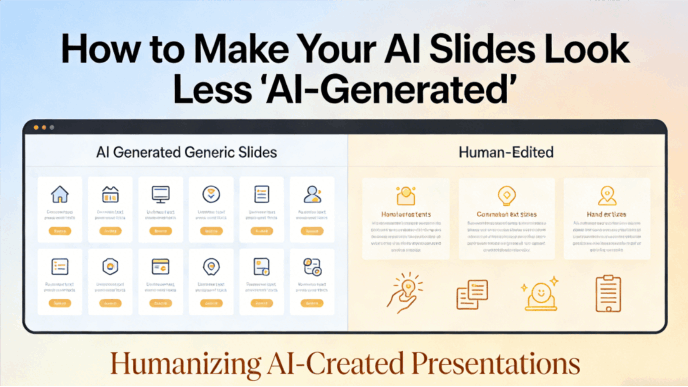
In today's digital age, creating engaging and professional presentations has become easier than ever, thanks to the advent of AI-powered tools. One such tool that has been making waves is the AI deck presentation creator in Presenti. In this blog post, we will explore how to make the most of this innovative feature.
What is an AI deck presentation creator?
- Understanding the Basics
The AI deck presentation creator is a revolutionary tool that uses artificial intelligence algorithms to assist users in generating high-quality presentations. It takes the hassle out of starting from scratch by providing pre-designed templates, relevant content suggestions, and intelligent layout options. The result is a draft: check its facts, slide order, text fit, and export before presenting. The guide to Presenti's creation and editing entry points distinguishes starting from an idea, a file, an outline, or an existing deck.
- Key Features
- Template Generation: It offers a wide range of templates tailored to various industries and presentation purposes, such as business pitches, educational lectures, and marketing reports. These templates are designed to look good and help your message come across clearly, which is something that sets it apart from other presentation creators.
- Content Suggestions: Once you input the topic, the AI springs into action. It suggests an outline and draft wording based on your input. Supply the evidence and figures you want included, then check that the draft represents them accurately.
- Automated Design: The system automatically optimizes your presentation's appearance. It adjusts font sizes for readability, coordinates colors, and spaces elements. This makes your slides look professional and refined, providing a starting layout for your review.
Why Presenti AI?
- A Consistent Starting Design
When you use the AI deck presentation creator in Presenti, you get presentations that look professional. The colors, fonts, and layouts are all chosen to make your slides easy to read and nice to look at. This is important because a good-looking presentation grabs people's attention. Check the result at presentation size and adjust any crowded slides.
- Time and Effort Savings
- The tool can provide an outline and initial layout, so you have something concrete to review. The time you save depends on your source material and the amount of rewriting, fact-checking, and formatting the draft needs.
- You can start from a template without designing every element yourself. Check the result at presentation size, especially long headings, chart labels, and slides with several competing points.
- Customizability
Despite the automated features, it also offers a high degree of customizability. You can easily modify the templates, add your own content, and adjust the design elements to match your brand or personal style. This flexibility ensures that your presentations are unique and tailored to your specific needs.
How to use AI creator in Presenti?
Step 1: Sign Up
Begin by signing up for an account on the platform or downloading the app. Once you've registered, you're all set to start crafting your presentations.
Step 2: Kick Off Your Presentation
Upon logging in, you'll be greeted with three convenient options to kickstart your presentation:
- Let AI create a presentation by simply entering a topic.
- Upload existing documents to transform them into a visual presentation.
Browse through a wide array of templates to find the perfect fit for your content.
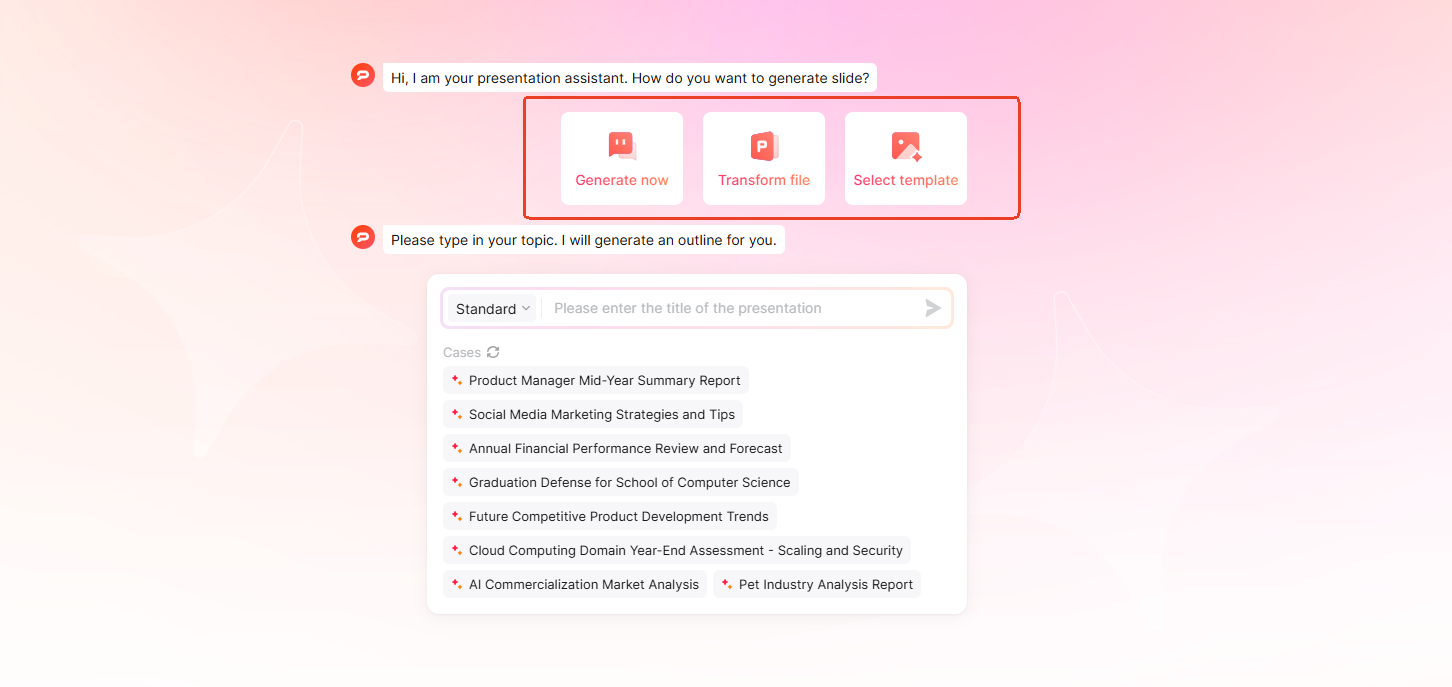
Before choosing a starting option, define the audience, decision, and source material. For a fictional project update, a useful brief is: “Prepare five slides for the project sponsor: current milestone, work completed, unresolved dependency, proposed next step, and decision needed. Use only the notes below. Leave missing dates and figures as unknown.” Add the actual project notes, then review the outline to ensure a proposed decision has not become an approved one.
Step 3: Pick and Tweak a Template
If you choose the third option “select template”, you can look through various presentation templates first and then input your topic. For topic or file input, review the outline before choosing a template.
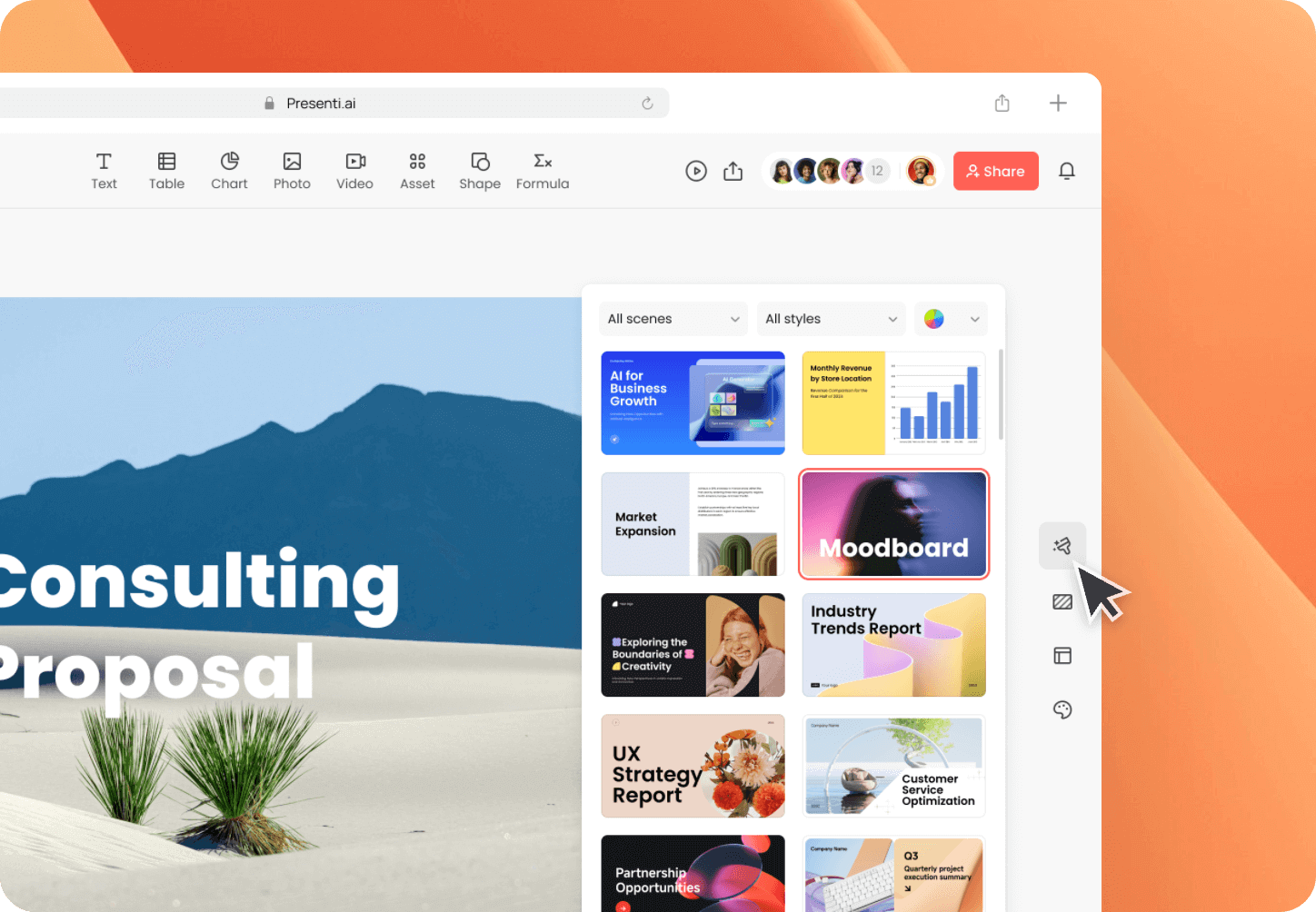
After you pick a template, you can start changing it to fit your needs. Add or remove sections, move things around, and make it unique. This is where you can be more creative than with a standard presentation creator.
Step 4: Personalize Your Slides
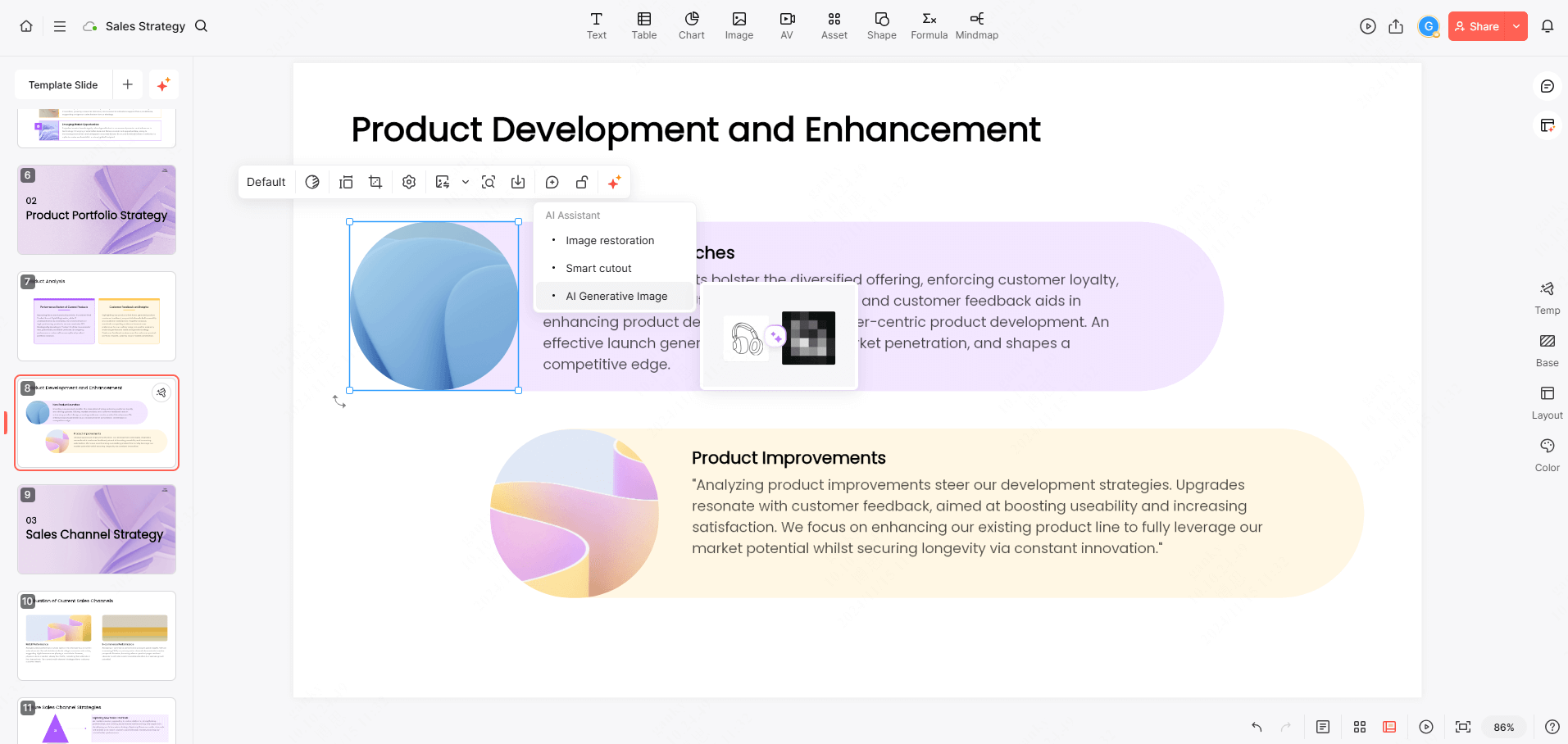
With your outline in place, you can now tweak the design elements such as the layout, color schemes, and backgrounds to match your style or the mood of your topic. The AI deck presentation creator in Presenti has lots of options to choose from, or you can use your own ideas. Add your own text, visuals, and data charts to make the presentation truly yours. Compare the edited wording and charts with the source notes before treating the deck as finished.
Step 5: Save, Share and Present
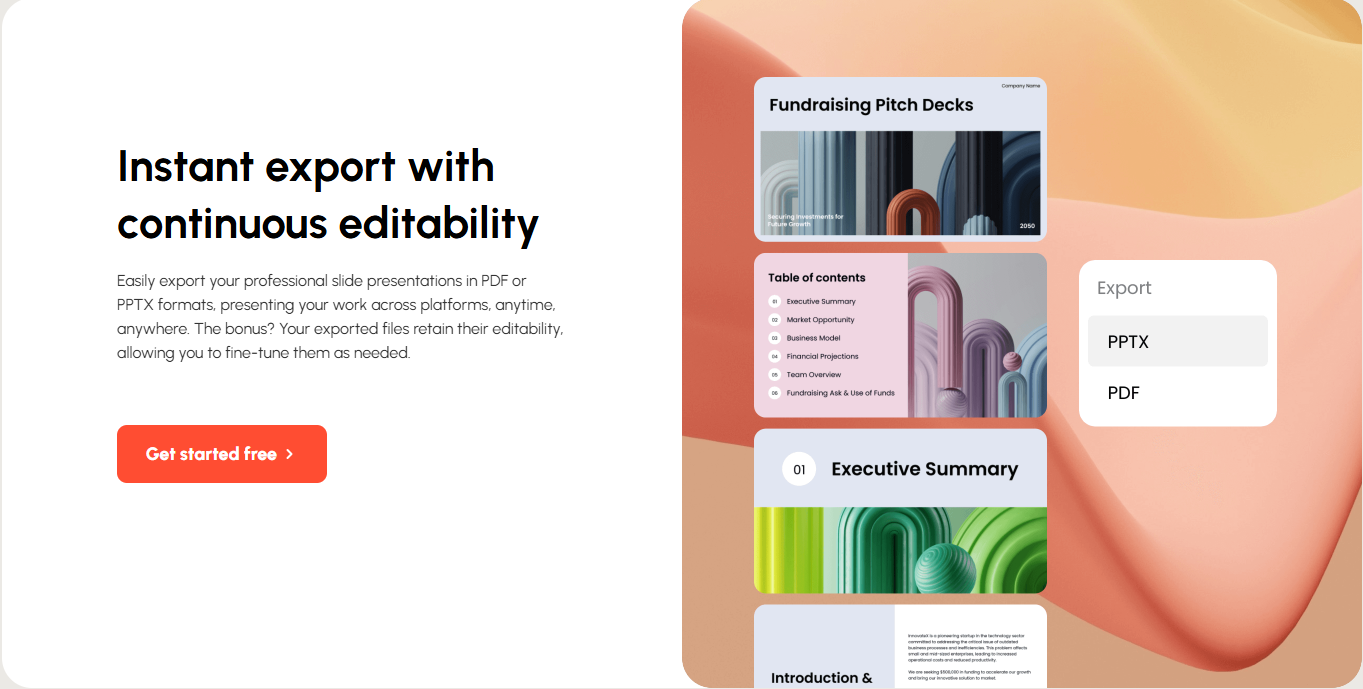
If your plan includes export, download your presentation in PPTX or PDF format. If you're working with a team, take advantage of real-time collaboration features for collective input and edits. Open the exported file in the software you will use to present. Check charts, fonts, links, and any animation you added there; an editable slide draft does not guarantee that every element behaves identically after export.
The last step is to present your brilliant slides. If you will present the exported file in PowerPoint, use its Presenter View to review your notes and slide order. Before the interview, meeting, or lesson, test the final file on the presentation device and rehearse the transitions between slides.
Final Thoughts
The AI deck presentation creator in Presenti is a game-changer for anyone who needs to create presentations regularly. It combines the power of artificial intelligence with user-friendly design and customization options to make the process efficient and enjoyable. By leveraging this tool, you can save time, enhance the quality of your presentations, and ultimately make a more significant impact on your audience. Whether you're a business professional, educator, or student, give it a try and take your presentations to the next level.