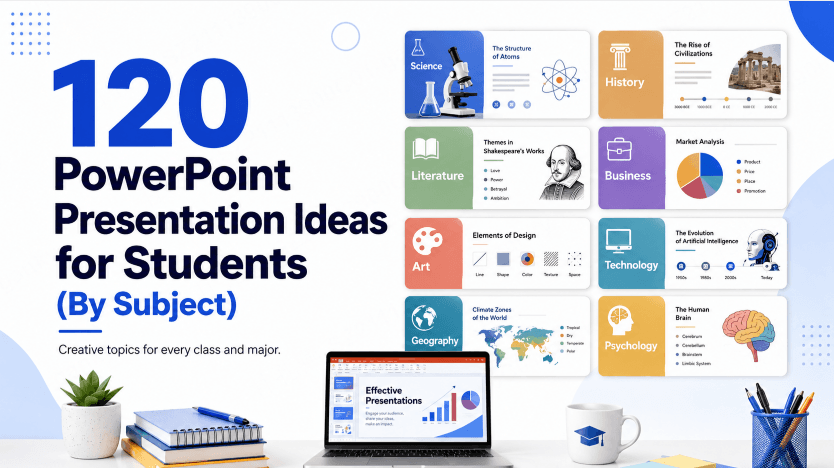
Presentation tools solve different problems: some help draft content, some automate layouts, and others focus on collaborative editing. This comparison introduces 10 options and the workflow each supports. Use it to choose a few tools to try with your own content and required export format.
Before choosing a plan, compare each provider’s current free or trial allowance, export options, and access to the features your project needs. Check these details on the provider’s official pricing page.
1. Presenti AI

Key Features
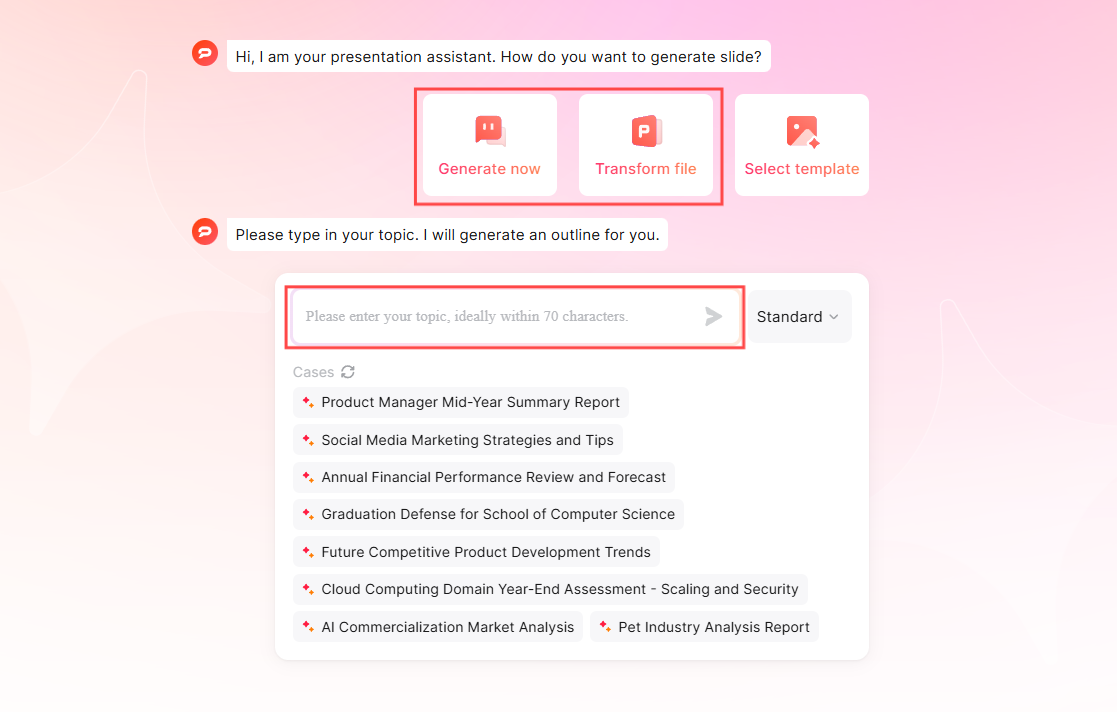
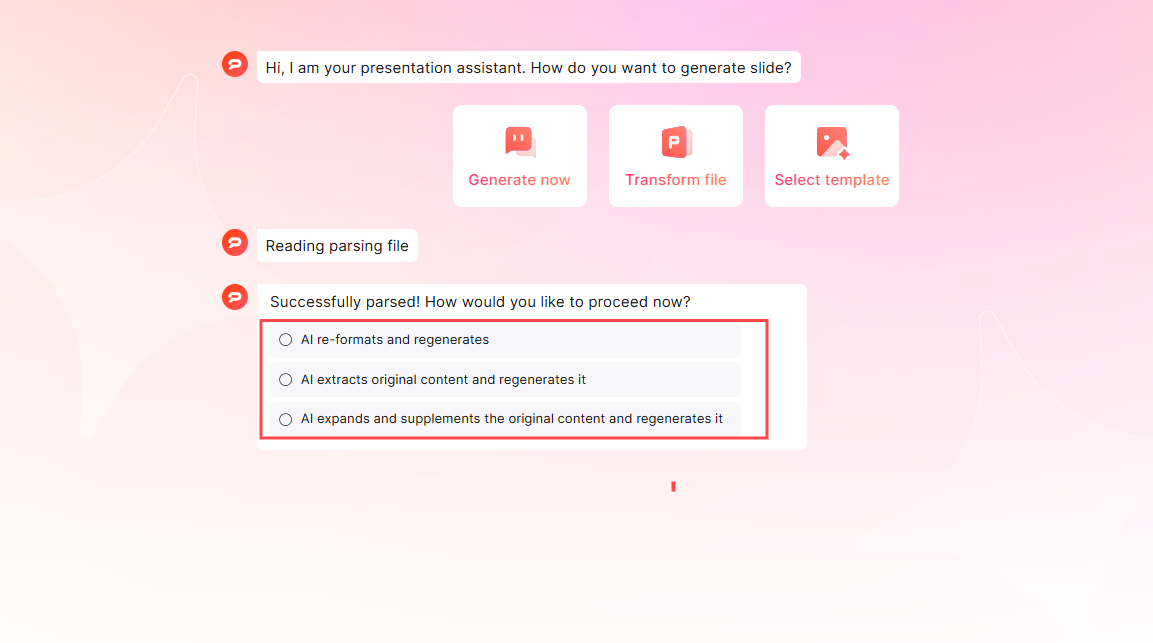
- AI-Powered Slide Creation: Presenti AI’s standout feature is the ability to generate entire presentations with just a single sentence or by uploading documents in various formats such as Markdown, TXT, Word, or PDF. This greatly simplifies the creation process, making it fast and efficient.
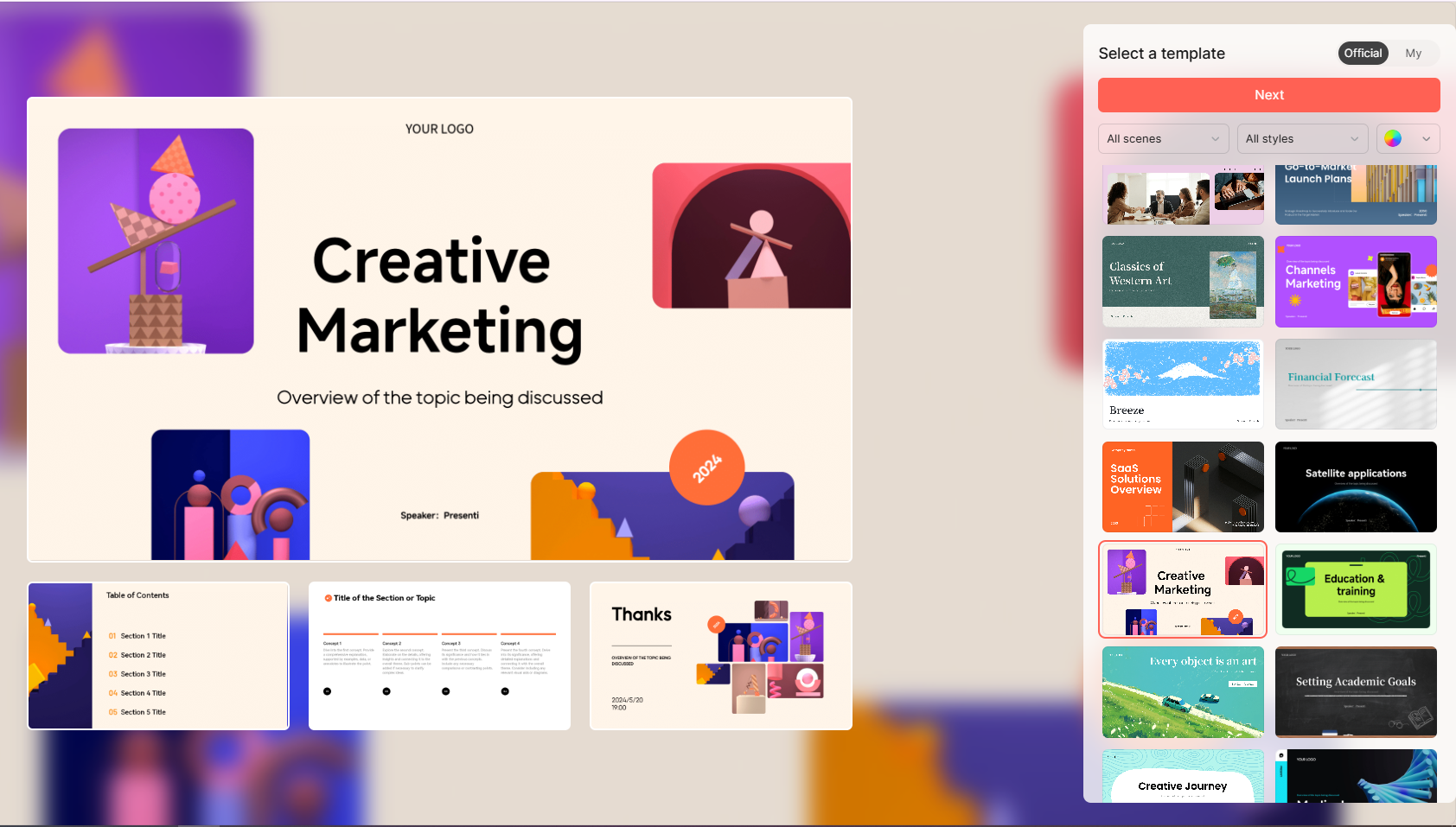
- Rich Templates and Assets: Presenti AI offers an extensive library of premium templates and assets. Users can easily choose and edit these templates or enhance presentations with the library’s vast selection of images, charts, and other elements.
- Smart Design Layouts: Presenti AI suggests layouts and applies coordinated fonts and colors. Review text fit, visual hierarchy, and contrast before presenting.
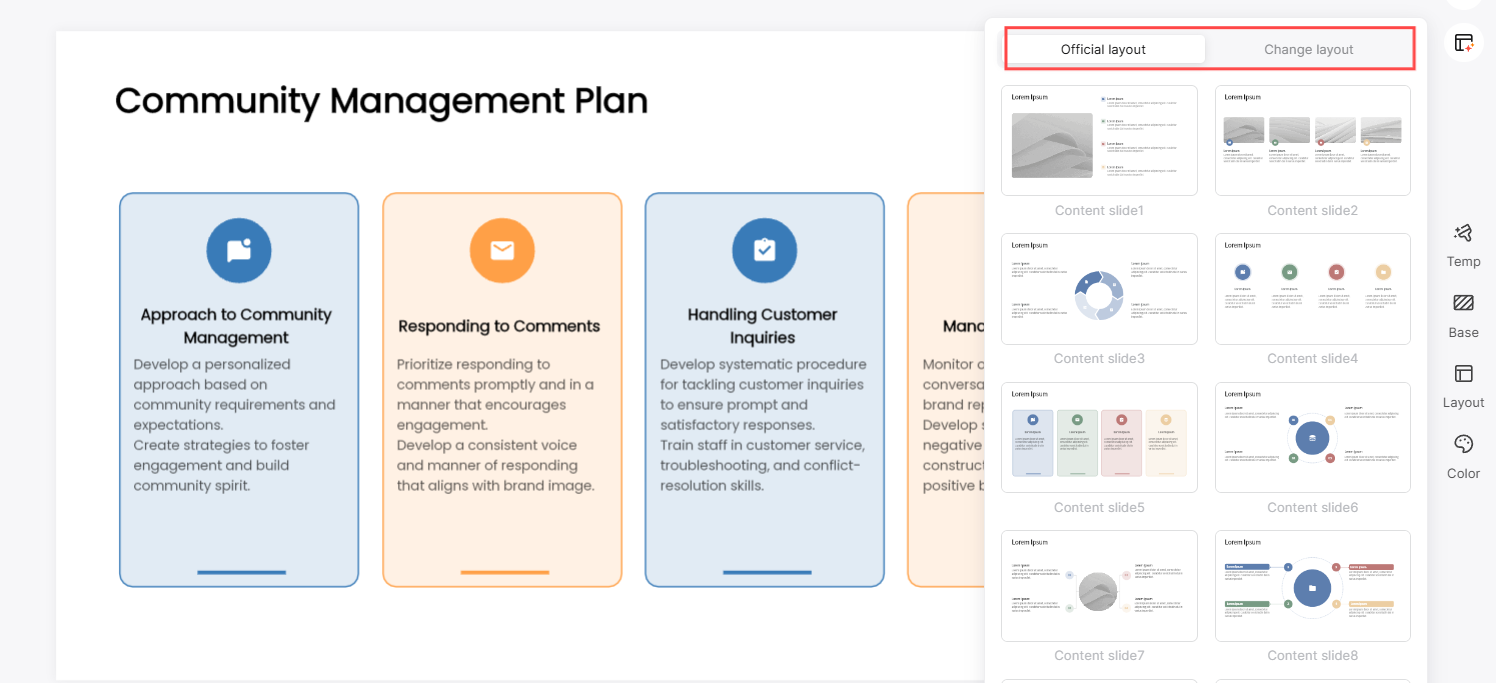
- AI-Enhanced Content: The AI-powered features include content rewriting, enhancement, grammar checks, translation, and more, helping users create polished and engaging presentations effortlessly.
- Cloud storage: Save presentations online and return to them through your account. Keep a separate copy of important source material and check that your latest changes have saved.
Pricing
Free access includes a limited AI allowance. Check the current limits shown in your account.
Paid plans offer different allowances and export options. See current Presenti plans before choosing.
2. Canva
Key Features
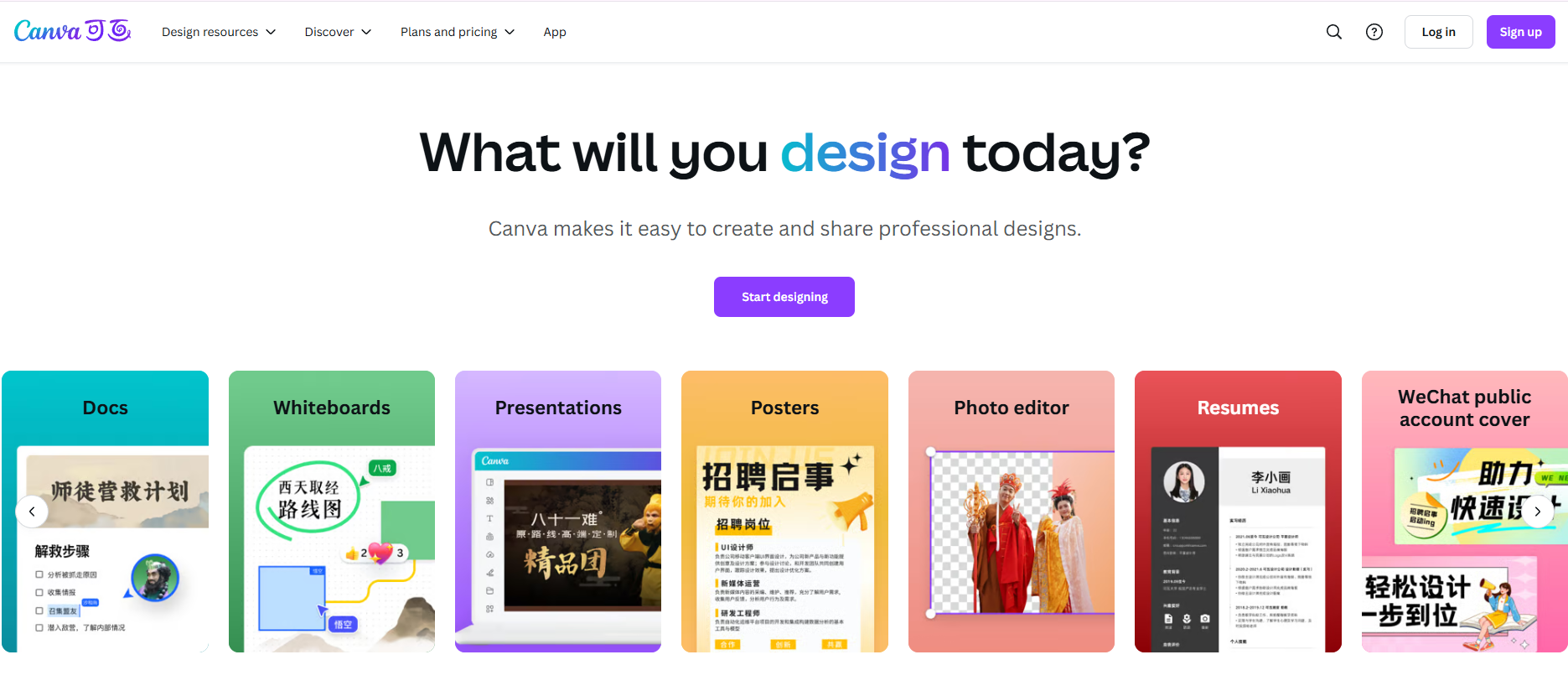
User-Friendly Interface: Canva is known for its drag-and-drop functionality, making it easy for anyone to create stunning presentations.
Diverse Template Selection: With thousands of templates, users can quickly find the perfect design for their presentation needs.
Collaboration Tools: Canva allows multiple users to collaborate in real-time, making it ideal for team projects.
Pricing
Plan names, limits, and export options can change. Check Canva’s official pricing page for current free and paid access before comparing.
3. Google Slides
Free with a Google account
Key Features
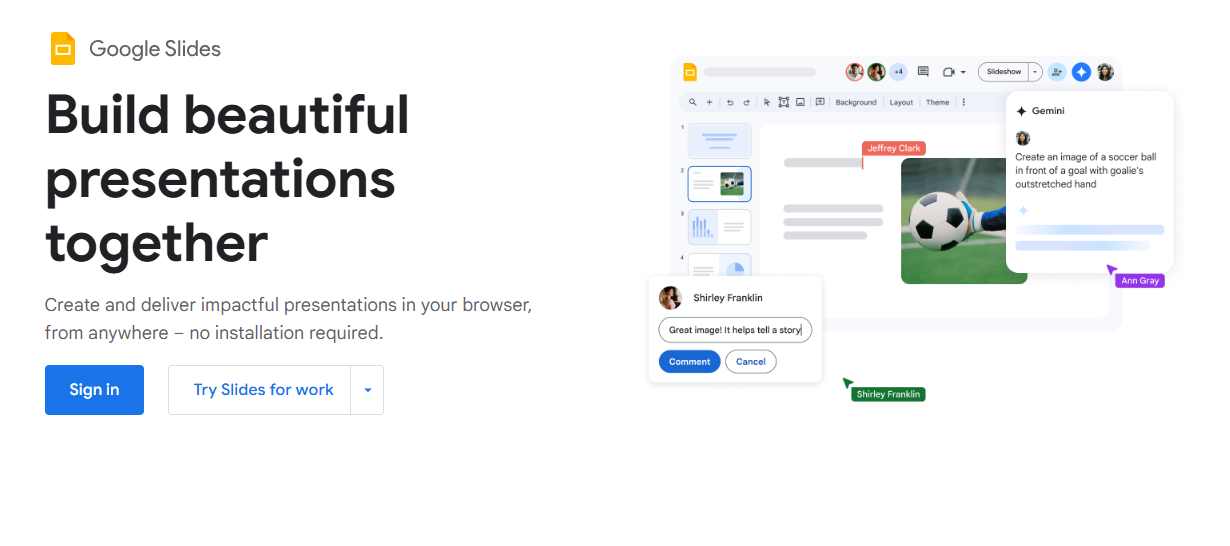
Cloud-Based Usage: Google Slides is accessible from anywhere, allowing users to work on their presentations from any device.
Real-Time Collaboration: Similar to Canva, Google Slides supports real-time collaboration, enabling teams to work together seamlessly.
Integration with Google Workspace: Easily integrates with other Google services like Docs, Sheets, and Drive for enhanced productivity.
Pricing
Free: Available with any Google account.
4. Prezi
Free with premium options
Key Features
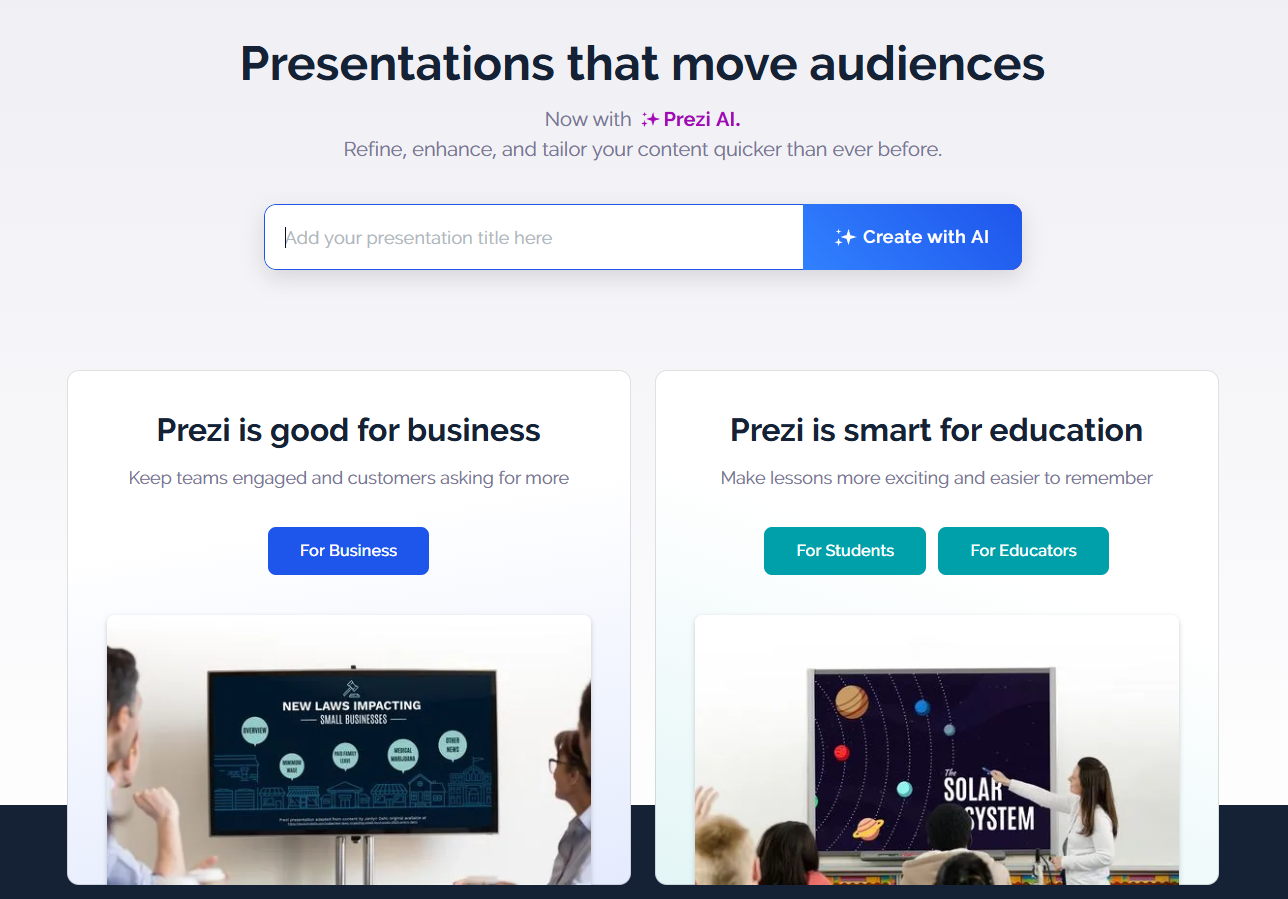
Dynamic Presentations: Prezi’s unique zooming interface allows for non-linear presentations that engage audiences in a new way.
Collaborative Editing: Teams can collaborate on presentations, making it easier to create cohesive content.
Analytics: Users can track how their presentations are performing and gather insights into audience engagement.
5. Microsoft PowerPoint
Part of Microsoft Office Suite
Key Features
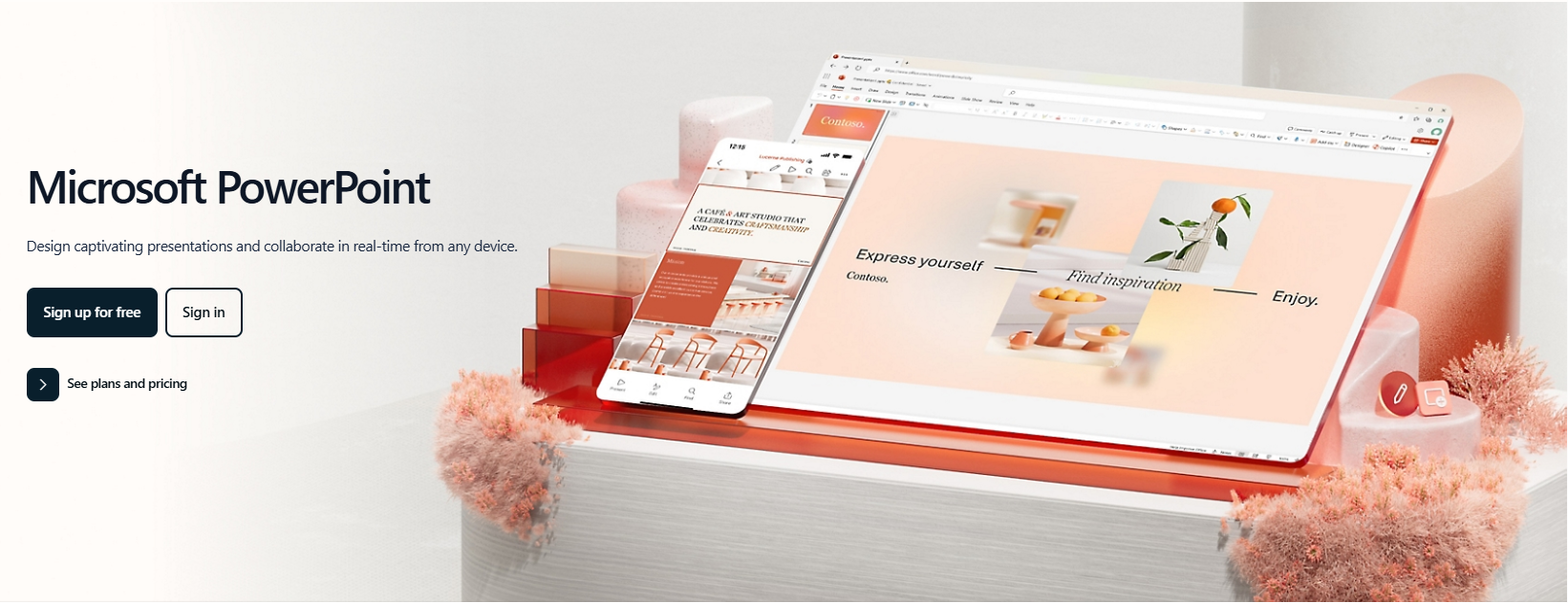
Classic Presentation Software: PowerPoint is a staple in the presentation world, offering robust features and extensive customization options.
Smart Design Ideas: New AI-powered design suggestions help create visually appealing slides quickly.
Integration with Microsoft Products: Seamless integration with other Microsoft Office applications enhances productivity.
Pricing
Subscription-Based: Available through Microsoft 365.
6. Slidebean
Free trial available
Key Features
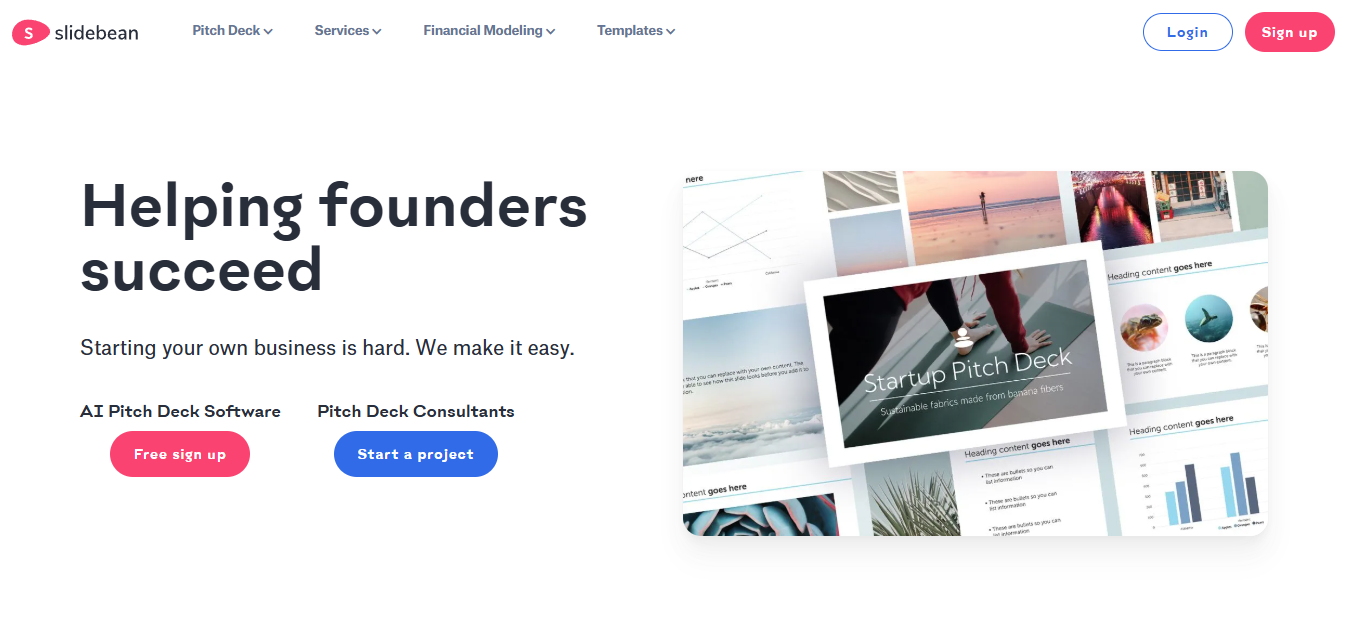
AI-Driven Design: Slidebean automates the design process, allowing users to focus on content creation.
Business Templates: Offers specialized templates for pitches and business plans.
Analytics: Provides insights into presentation engagement.
Pricing
Free Trial: Available with limited features.
Paid Plans: Unlock full capabilities for a subscription fee.
7. Visme
Free with premium options
Key Features
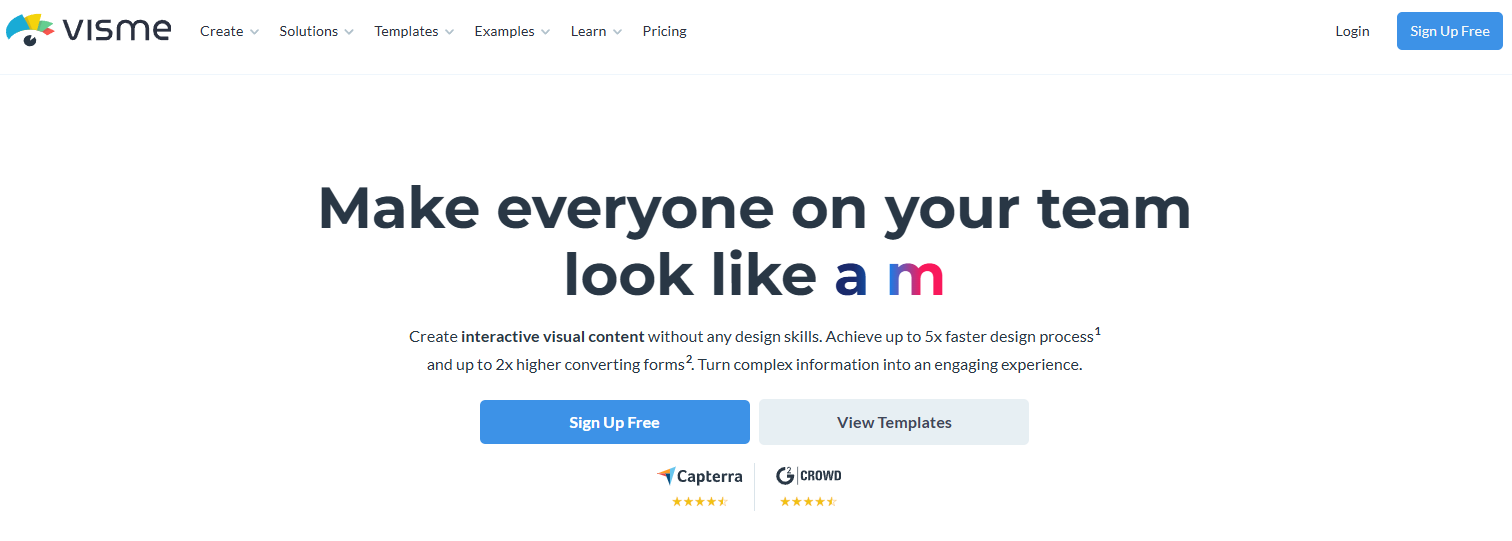
Versatile Design Tools: Visme offers a variety of tools for creating not just presentations but also infographics, reports, and more.
Interactive Elements: Users can add interactive features like clickable links and embedded videos to their presentations.
Collaboration Features: Teams can collaborate on projects in real-time.
8. Zoho Show
Free with premium options
Key Features
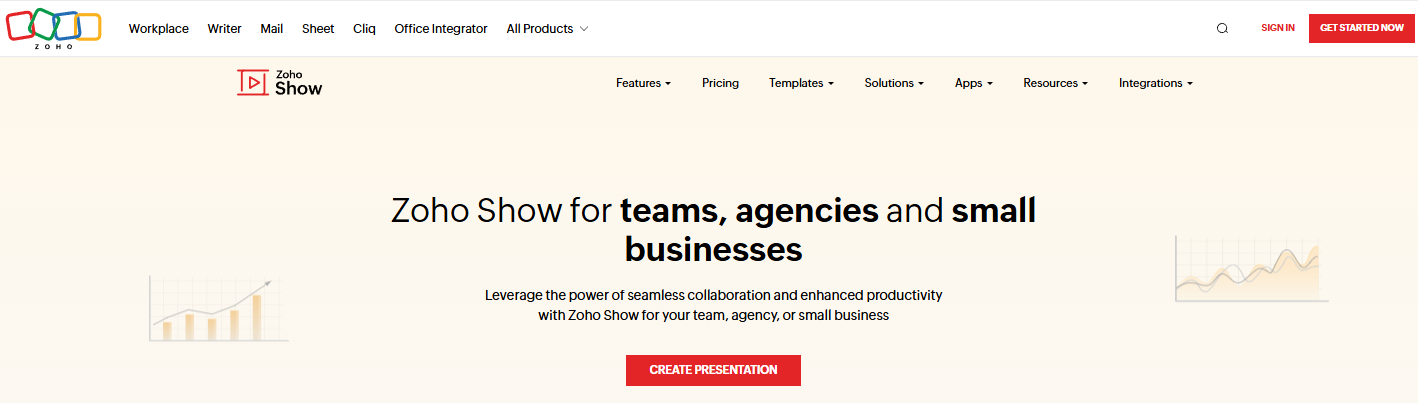
Cloud-Based Platform: Accessible from any device with internet access.
Seamless Collaboration: Real-time collaboration features for team projects.
Integration with Zoho Suite: Works well with other Zoho applications for enhanced functionality.
9. Ludus
Subscription-based
Key Features
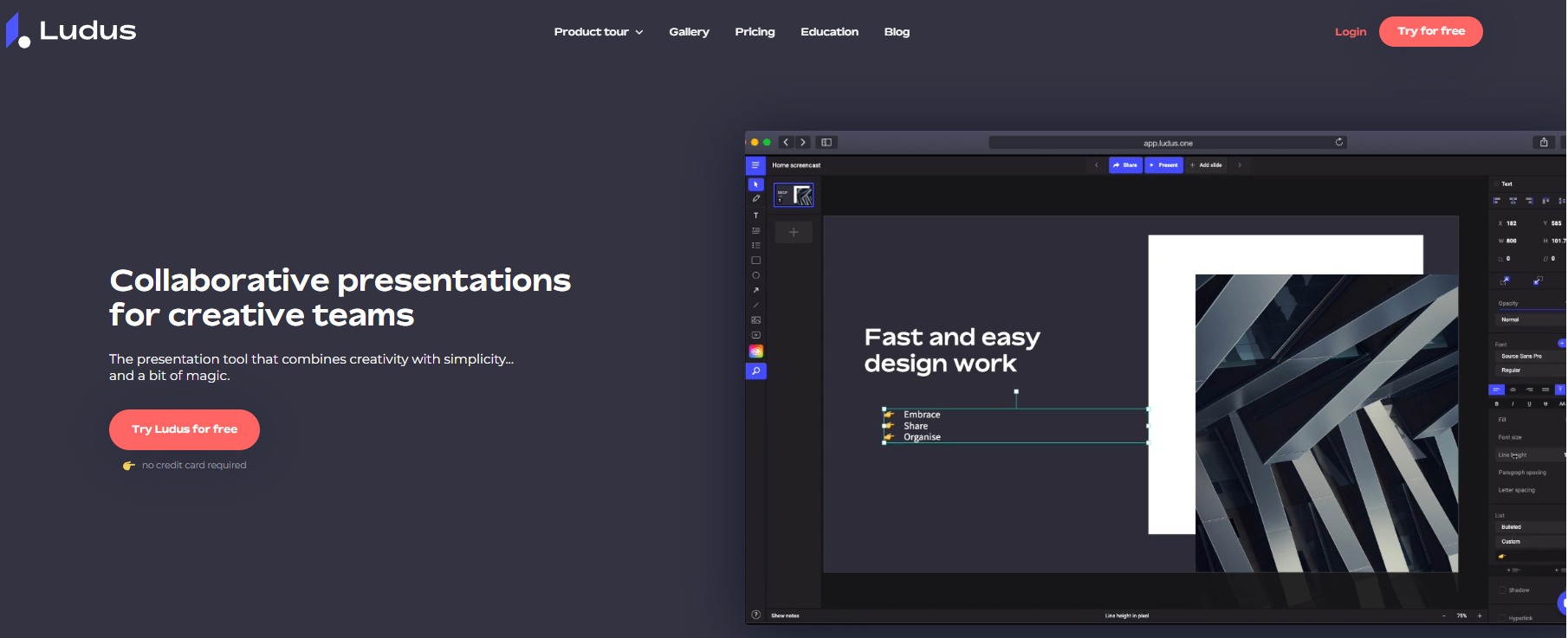
Creative Flexibility: Ludus allows for a highly customizable design experience, perfect for creative professionals.
Integration with Design Tools: Connects with tools like Figma and Sketch for advanced design capabilities.
Collaboration Features: Teams can collaborate seamlessly on presentations.
Pricing
Subscription-Based: Monthly fee for full access to features.
10. Haiku Deck
Free with premium options

Key Features
Simplicity and Elegance: Focuses on simplicity in design, making it easy to create beautiful presentations quickly.
Image Library: Provides access to a large library of images and templates.
Collaboration Options: Allows for easy sharing and collaboration with team members.
Conclusion
Having the right presentation tool can make a significant difference in how your ideas are communicated. Whether you prefer the AI-powered ease of Presenti AI, the collaborative features of Google Slides or Canva, or the robust design options of PowerPoint, there’s a presentation tool out there to meet your needs. Try a few of these tools and discover which one resonates best with your style and workflow!