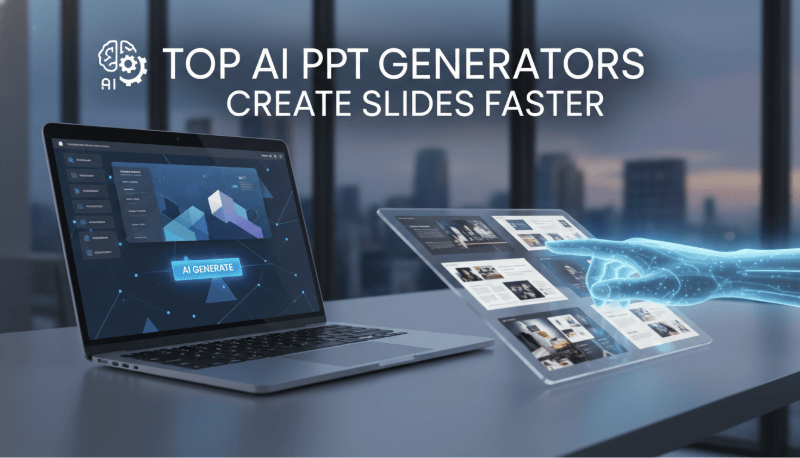
In the fast paced digital environment, creating visually appealing presentations has become a critical skill for students, educators, marketers, and business professionals. While traditional slide creation often requires hours of sourcing images, designing layouts, and maintaining visual consistency, a new wave of AI powered presentation tools is changing the game. Among the most transformative capabilities is automatic image generation and intelligent image matching, which allows users to turn plain text into visually rich slides with minimal effort.
These tools can analyze textual content, generate or match relevant visuals instantly, and apply professional layouts and color themes. Whether you’re preparing a class presentation, a corporate report, a pitch deck, or content for social media, AI slide generators can significantly improve efficiency and elevate the quality of your presentation. If you already have a draft, AI slide design tools can help with the layout stage; the content still needs your review.
The tools below take different approaches to generating, selecting, or arranging visuals. The Tome section is a historical note because that presentation service has closed.
1. Presenti AI
A High Efficiency AI Presentation Tool with Automatic Image Generation & Intelligent Layout
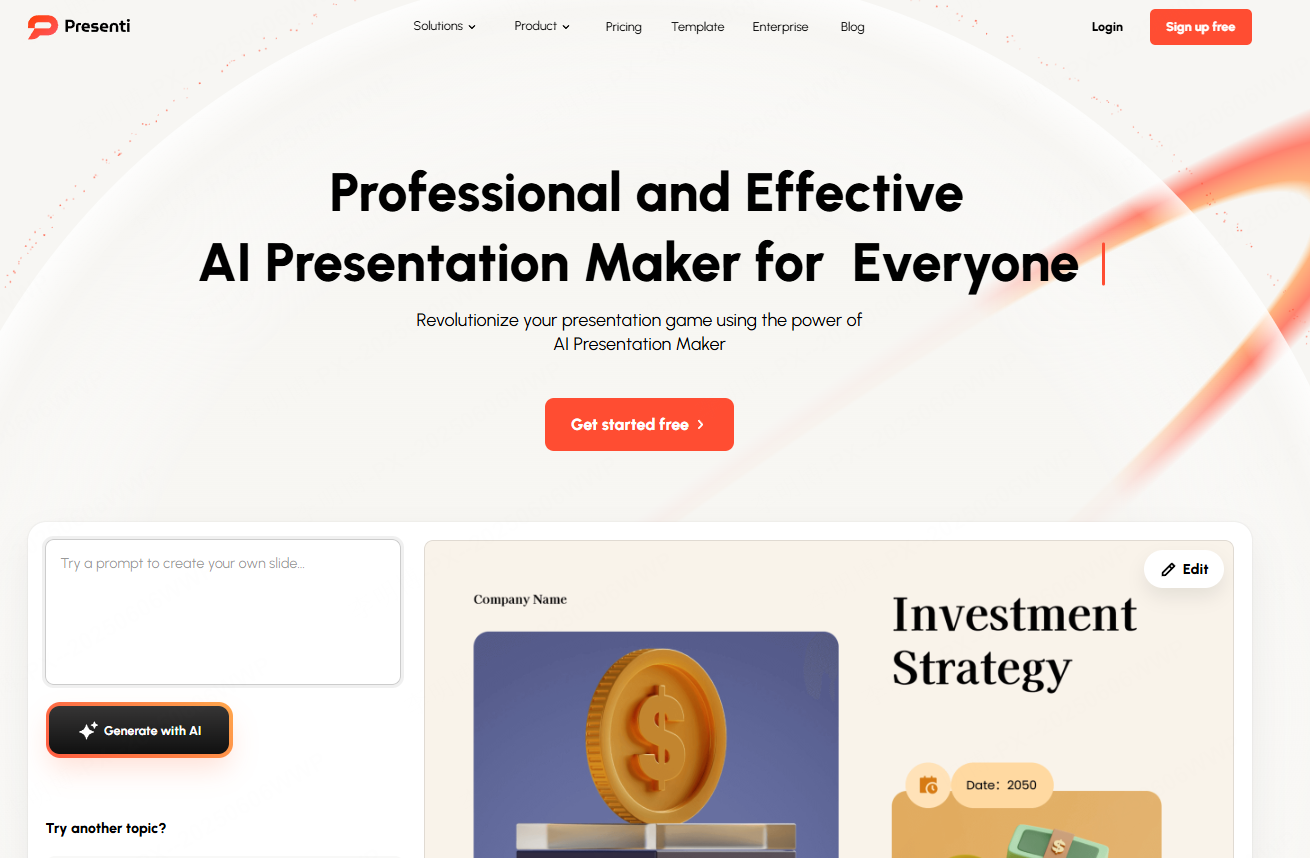
Image Generation Capabilities
Presenti AI automatically pulls high quality visuals from its image library based on the text you provide. The system intelligently analyzes your theme and selects images that match both content and presentation style. It also supports AI color harmonization, ensuring consistent visual tone across all slides, even if you’re not a designer.
How It Works
- Input your content (text, script, outline, or Word document).
- Select a template based on your scenario, pitch, report, marketing, defense, job interview, etc.
- Presenti AI auto generates a clear structure with well matched visuals and cohesive color palettes.
- Edit text, replace images, and fine tune details directly online.
Best For
- Students preparing thesis defenses
- Job candidates creating self introductions
- Corporate professionals making weekly or monthly reports
- Brand presentations and marketing materials
Presenti AI is especially useful for people with no design experience, helping them quickly create presentations that look polished and professional.
Tome Slides: discontinued presentation service
Tome Slides was discontinued on April 30, 2025 and is no longer available for new presentations. If you have saved PDFs, text, or images, use those materials to build a new deck in an available tool. This does not restore an inaccessible Tome project.
3. Gamma
Conversational Slide Creation + Smart Visual Matching

Image Generation Capabilities
Gamma uses a combination of stock libraries and AI illustration models to automatically provide images that blend naturally with your content. Review its suggestions against the point of each slide and replace visuals that merely match the topic without explaining it.
How It Works
- Enter your topic in a chat box, for example, “Urban planning in future cities.”
- Gamma generates a complete presentation structure with image suggestions.
- Export your slides as a traditional PowerPoint file or interactive web based format.
Best For
- Fast corporate presentations
- Content creators
- Non design professionals who still want polished visuals
Gamma is ideal if you want a smooth blend of visuals and text without spending time editing layouts.
4. Designs.ai: Presentations
A Strong Visual Engine with Automatic Image, Icon, and Video Matching
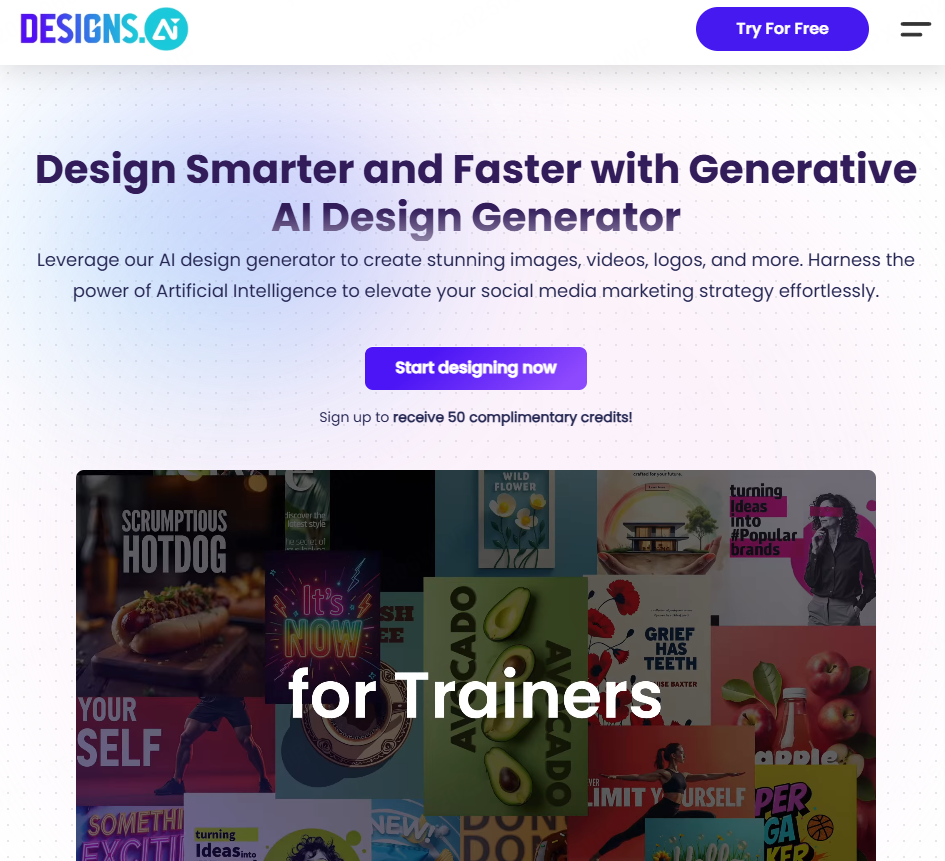
Image Generation Capabilities
Designs.ai excels in visual content. Based on keywords, it pulls images, icons, videos, and graphic elements from a massive asset library. Its Slides Agent is described as turning ideas into presentation decks, while the Image Agent generates images. Check whether the resulting assets fit your presentation’s delivery format.
How It Works
- Input your text or choose a ready made template.
- Review the generated deck or visual assets and choose the elements that support your message.
- Check the output options for the specific Designs.ai agent you use; deck creation, image generation, and video production are separate workflows.
Best For
- Marketing content creators
- Corporate promotional materials
- Video slide hybrid presentations
- Users seeking strong visual impact
If you need motion graphics and promotional style visuals, Designs.ai offers one of the most dynamic outputs.
5. Beautiful.ai
Business Oriented Presentation Tool Focused on Design Logic & Visual Consistency

Image Generation Capabilities
Beautiful.ai automatically recommends icons, illustrations, and photos based on your slide content. Every template incorporates strict design principles, ensuring balanced layouts and unified color schemes. This makes your final presentation look highly professional with minimal manual tweaking.
How It Works
- Enter your content in blocks, headlines, numbers, or charts.
- The system applies optimized layouts, color themes, and image suggestions automatically.
- Replace visuals or adjust spacing and alignment for greater control.
Best For
- Business reports
- Corporate pitches
- Global team communication
- Users who want clean, modern, professional designs
Beautiful.ai is popular among business professionals who value clarity, consistency, and a polished aesthetic.
Final Thoughts: Which AI PPT Tool Should You Choose?
If you struggle with image sourcing, layout design, or color matching, these AI tools can dramatically simplify your workflow.
- For fast creation + unified design, choose Presenti AI.
- For an illustration-led deck, compare generated images using the same brief and style instructions.
- For balanced visuals + text, choose Gamma.
- For marketing visuals, evaluate Designs.ai as part of your asset-creation workflow.
- For structured business layouts, evaluate Beautiful.ai.
Among them, Presenti AI stands out for users who want automatic image generation + consistent color styling, making it one of the most efficient tools for both beginners and professionals.
Try Presenti AI now, let the system handle your visuals while you focus on delivering great ideas.