Creating high quality presentations no longer needs to be time consuming or design heavy. With modern AI presentation generators, professionals can transform simple prompts or documents into polished slide decks in minutes.
Whether you’re a project manager preparing stakeholder updates, an educator building course materials, or a developer pitching a new product, AI powered PPT tools can dramatically improve both speed and quality.
In this guide, we compare six presentation tools with different drafting and design workflows and explain how to choose the right one for your workflow.
Why AI Presentation Tools Matter
Traditional slide creation involves outlining, copywriting, layout design, color selection, and formatting, often across multiple tools. AI presentation software automates much of this process by:
- Extracting key ideas from text or documents
- Structuring slides with logical flow
- Applying professional layouts and color schemes
- Ensuring consistency across the entire deck
The result: less manual work, fewer design bottlenecks, and faster delivery.
1. Presenti AI (The All in One AI Presentation Generator)
Best for: Business teams, educators, and non-designers who want professional results fast
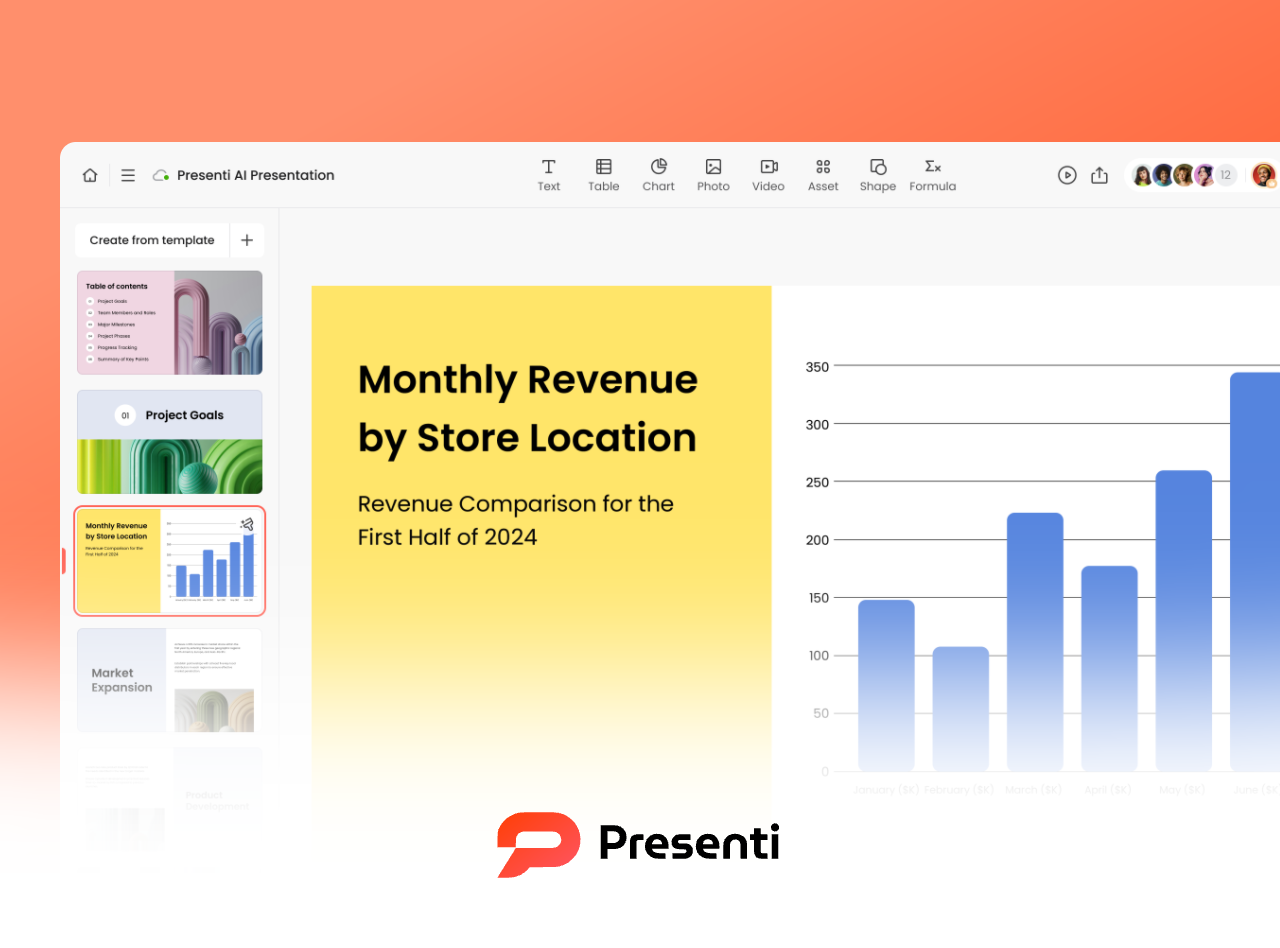
Presenti AI is a full featured AI presentation generator designed to simplify the entire slide creation workflow. Users can start with a topic prompt, upload documents, or paste links, and the AI instantly generates a well structured, visually polished presentation draft.
Even without any design experience, users can rely on one click content optimization, smart color matching, and automatic layout adjustments. With a large template library and broad import/export support, Presenti AI fits seamlessly into modern workflows.
Key Features
- AI Generated Presentations
Automatically extracts key insights, builds slide structure, and refines copy logic. - Real Time Team Collaboration
Multiple users can edit simultaneously in a shared workspace, ideal for distributed teams. - AI Layout & Design Optimization
Instantly improves spacing, typography, color balance, and visual hierarchy. - Scenario Based Template Library
Templates for business reports, training decks, product demos, and more. - Cross Platform Compatibility
Works in browser on Windows, macOS, and mobile; offers PPTX export to review in PowerPoint.
Why It Stands Out
Presenti combines drafting, templates, editing, and documented workspace collaboration. Try a representative outline and check the amount of revision required. The free plan has limited AI credits; paid plans provide editable PPTX/PDF export.
Common Use Cases
- Quarterly business reviews
- Project proposals
- Training materials and lectures
- Remote team presentations
- Last minute or high urgency slide requests
2. Boardmix (Collaboration First AI Presentation Tool)
Best for: Remote teams, workshops, agile projects
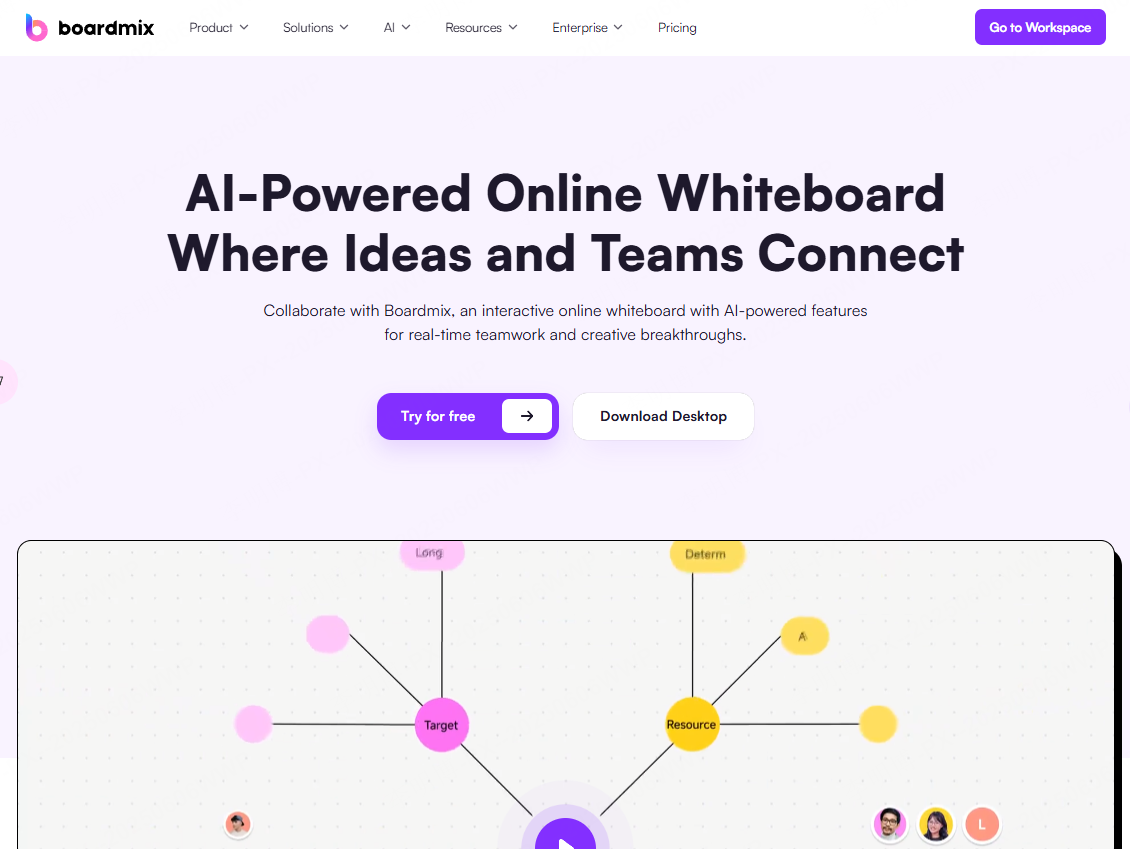
Boardmix combines AI presentation generation with a collaborative online whiteboard. Users can create slides from text prompts, brainstorm visually, and convert whiteboard content directly into presentation format.
Key Features
- Multi content canvas (PPT, PDFs, diagrams, notes, images, video)
- Real time multi user editing with cursor tracking
- AI generated outlines, mind maps, and user flows
- One click whiteboard to presentation conversion
Best Use Scenarios
Ideal for remote brainstorming sessions, sprint planning, product ideation, and collaborative teaching environments where flexibility matters more than rigid slide structure.
3. Decktopus AI (Fast Draft Presentation Generator)
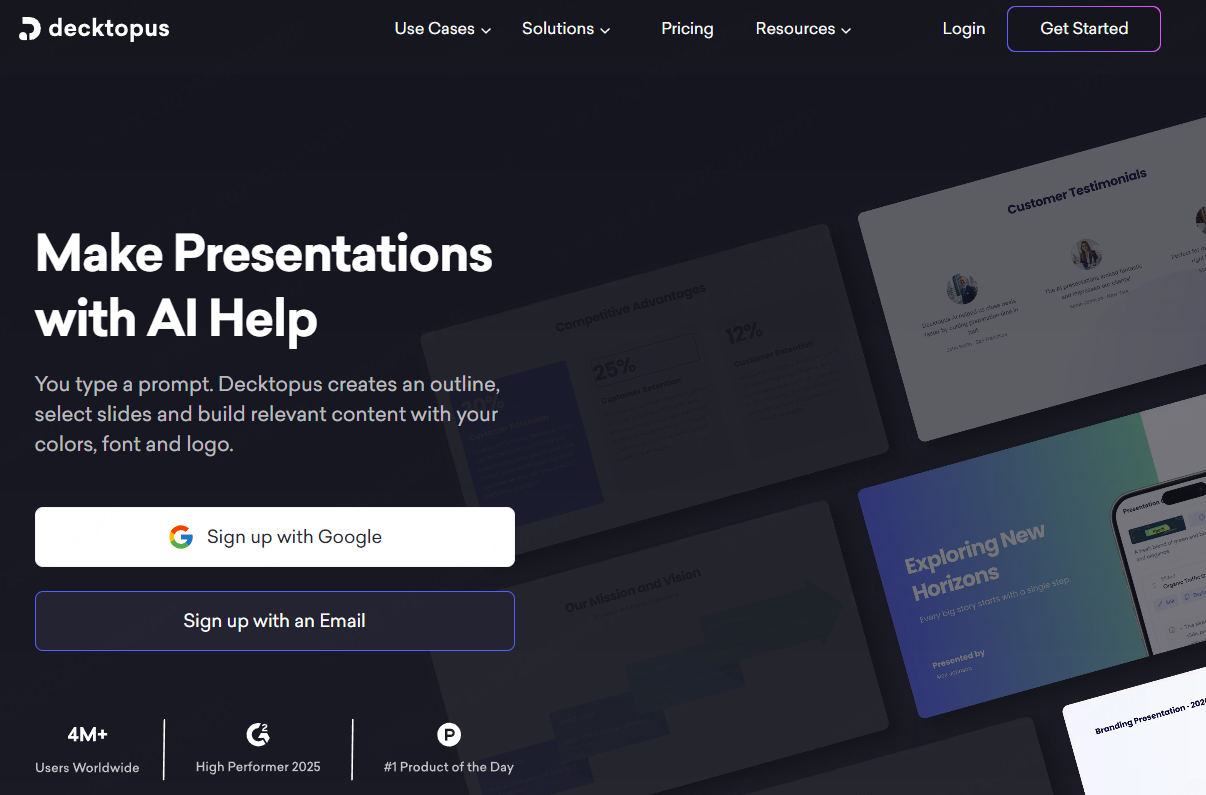
Best for: Rapid first drafts and time sensitive presentations
Decktopus AI focuses on speed. After entering a topic or bullet points, it quickly generates a complete slide outline with ready to use copy and layouts.
Strengths
- Instant slide structure generation
- Automatic template matching
- Simple editing interface
Limitations
Check whether the layout controls and generated content meet your needs. A quick first draft is useful only if you can revise it into the deck you intend to deliver.
4. Visme (AI Driven Visual Presentation Builder)

Best for: Users with no design background who still want polished results
Visme integrates AI content generation with strong visual design automation. It creates slides that align with business, education, or marketing contexts while offering customization options.
Key Features
- AI generated outlines and slide copy
- Intelligent design and layout matching
- Built in animations and interactive elements
- AI suggestions for clarity and visual improvement
Visme excels at combining content and design, producing slides that look professional without manual styling effort.
5. SlideModel (Template Focused Presentation Platform)
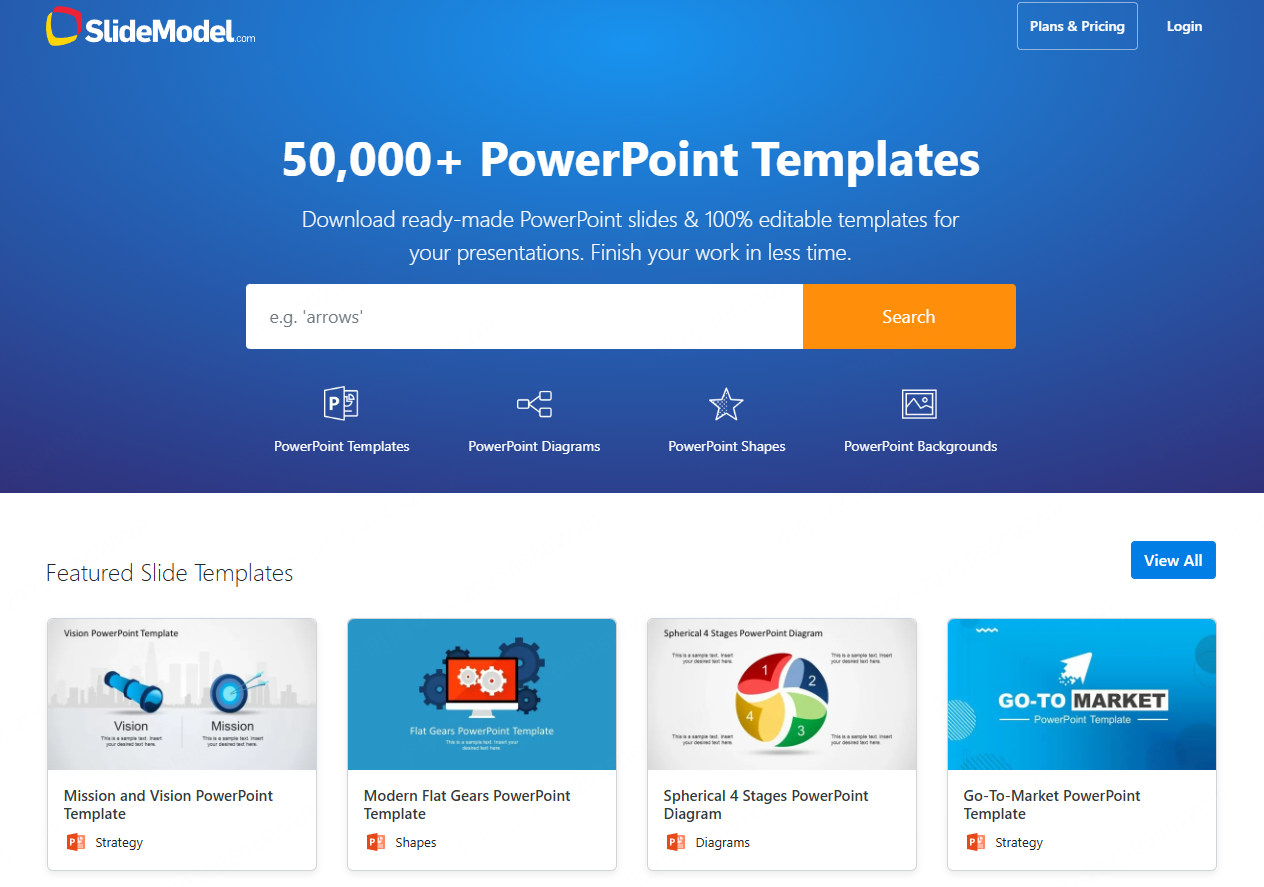
Best for: Corporate and industry standard presentations
SlideModel offers a library of presentation templates. Evaluate the specific template and creation features you plan to use. Users select industry specific templates and customize them manually.
Strengths
- Thousands of business ready templates
- Editable charts, diagrams, and frameworks
- Check the chosen template in PowerPoint or Google Slides
Trade Offs
Compare template selection and editing effort with the other workflows.
6. Ludus (Advanced Presentation Tool for Designers)
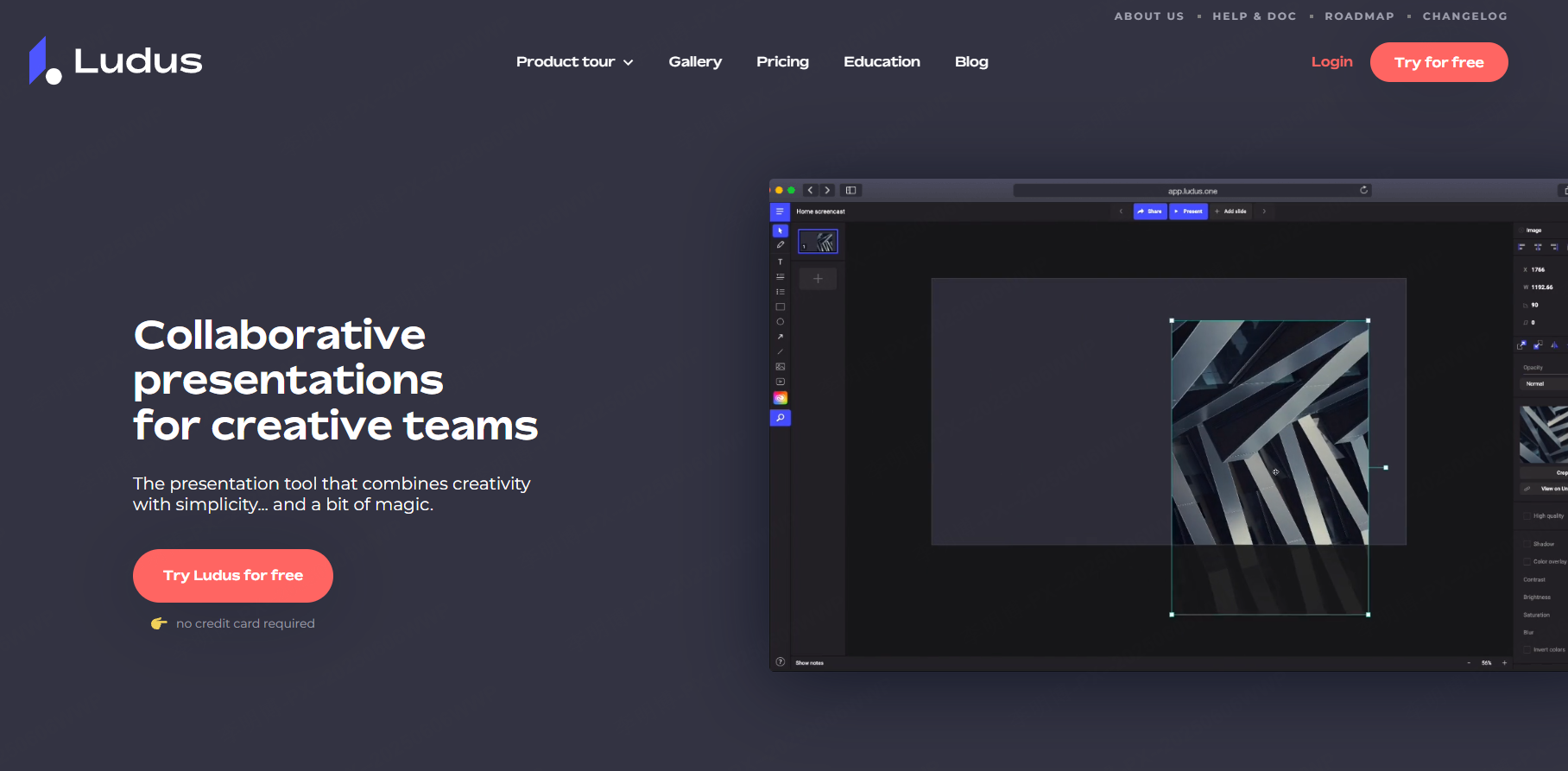
Best for: Creative professionals and design led presentations
Ludus is a presentation-design option to evaluate when visual control is a priority. Check its current availability, supported media, and output formats before building your workflow around it.
Key Features
- Check the available structure and layout controls
- Assess the space and layout model for your content
- Verify required motion and interaction features
While powerful, Ludus has a higher learning curve and is best suited for branding projects, creative pitches, and visually rich storytelling.
How to Choose the Right AI Presentation Tool
When selecting an AI presentation generator, consider:
- Speed vs. flexibility
- Collaboration requirements
- Design experience level
- Industry or compliance needs
- Export and compatibility formats
Quick Recommendations
- Topic or document drafting: Presenti AI
- First-draft workflow: Decktopus AI
- Design automation without experience: Visme
- Team collaboration: Boardmix
- Industry templates: SlideModel
- Creative freedom: Ludus
Final Thoughts
AI presentation tools have fundamentally changed how professionals build slides. Instead of spending hours formatting and redesigning, you can now focus on ideas, storytelling, and decision making.
Use a typical project to compare the tools that fit your workflow. Include editing, team review, and export in that comparison; generation speed alone does not tell you how quickly you can finish a usable deck.