Converting HTML to PPT sounds simple until you actually try it. Styles break. Images float to the wrong place. The logical flow you built across a landing page collapses into a wall of unformatted text. If you’ve ever tried to turn a web page into a presentation deck — for a product demo, a sales brief, or an internal report — you already know the frustration.
This guide covers everything: when HTML-to-PPT conversion makes sense, why most methods fail, and how to do it in a way that actually produces slides you can present.
When Does Converting HTML to PPT Actually Make Sense?
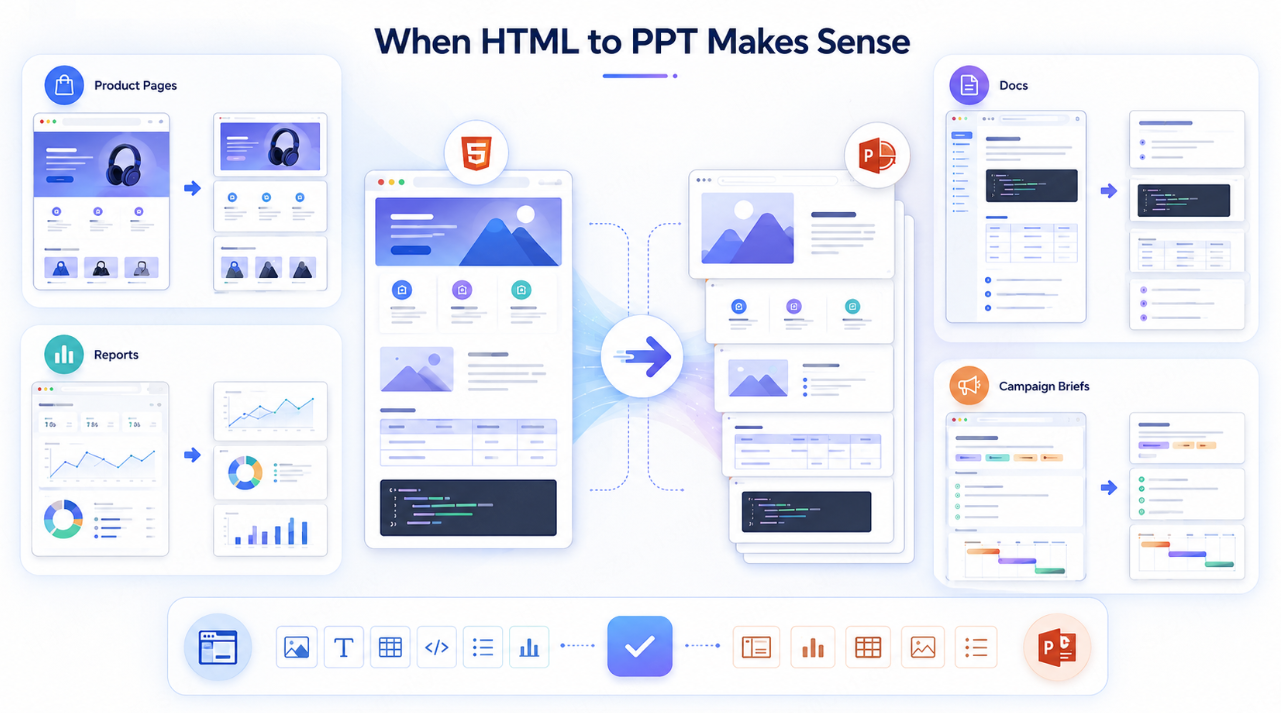
Not every web page needs to become a slide deck. But there are specific scenarios where the conversion is not just convenient — it’s the smartest workflow choice.
Product pages and landing pages. Your marketing team spent weeks crafting a product narrative with sections, visuals, and a clear value hierarchy. Recreating that manually in PowerPoint is redundant. Converting it preserves the work already done.
Knowledge base and documentation pages. Technical documentation often contains structured content — headings, tables, code references, step-by-step flows — that maps naturally to slides. A presales engineer shouldn’t have to rebuild that from scratch before every client call.
Research and report pages. If your data team publishes findings as HTML reports or dashboards, converting those pages into slides lets you take that content directly into a boardroom or stakeholder meeting.
Campaign and content briefs. Operations and marketing teams often build detailed campaign pages internally. Turning those into a shareable, presentable format saves hours of reformatting.
The common thread: you already have well-structured content. You just need it in a different format — one that’s built for presenting, not scrolling.
The 4 Biggest Pain Points When You Convert HTML to PPT
Most tools that claim to handle HTML-to-PPT conversion disappoint in the same four ways.
1. Style loss. Colors, fonts, and layout logic that look clean in a browser get stripped or scrambled during export. You end up with black-on-white text blocks that look nothing like the original.
2. Hierarchy confusion. Web pages use heading levels (H1 through H4), section dividers, and visual spacing to create structure. Generic converters flatten all of this into a single undifferentiated layer. What reads as a clear argument online becomes a jumbled sequence of bullet points.
3. Image misalignment. Inline images, background images, SVG icons — these rarely survive the conversion intact. They either disappear or land in random positions that break the slide layout entirely.
4. Content that isn’t presentation-ready. This is the deepest problem. A web page is designed to be read at the reader’s own pace, with infinite scroll and expandable sections. A presentation is designed to be spoken to, one idea at a time. Simply copying content across doesn’t solve this mismatch.
How Presenti AI Converts HTML Content into Editable Presentations
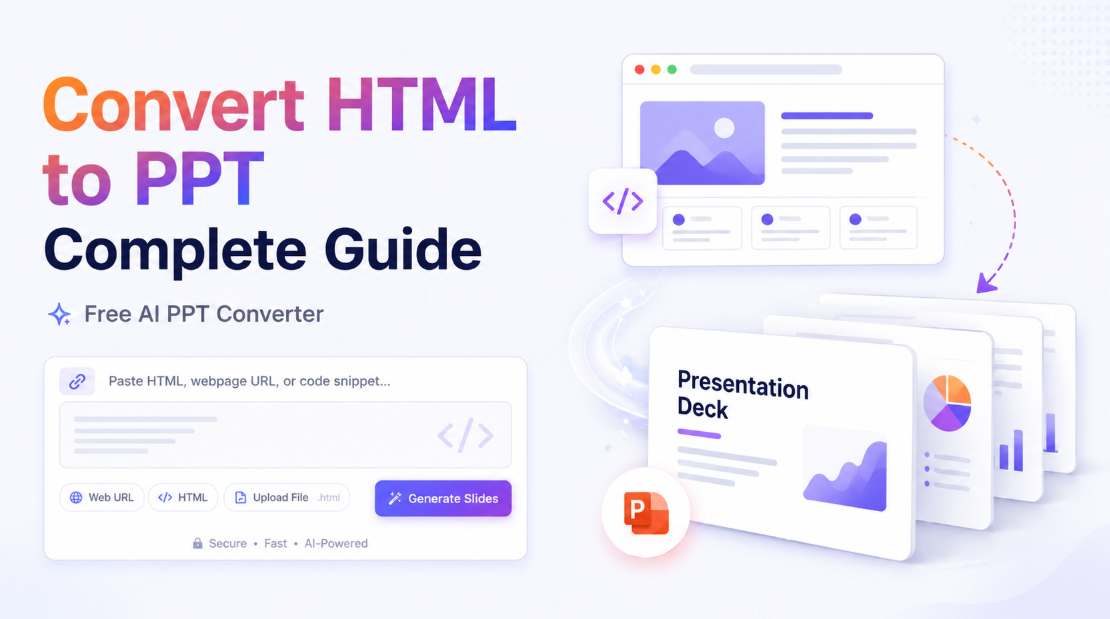
Presenti AI is an AI presentation maker built specifically for this kind of structured content transformation. Rather than screenshotting a page or dumping raw text into a blank slide, Presenti reads your content semantically and generates a formatted, editable presentation draft. Here’s exactly what the workflow looks like from start to finish.
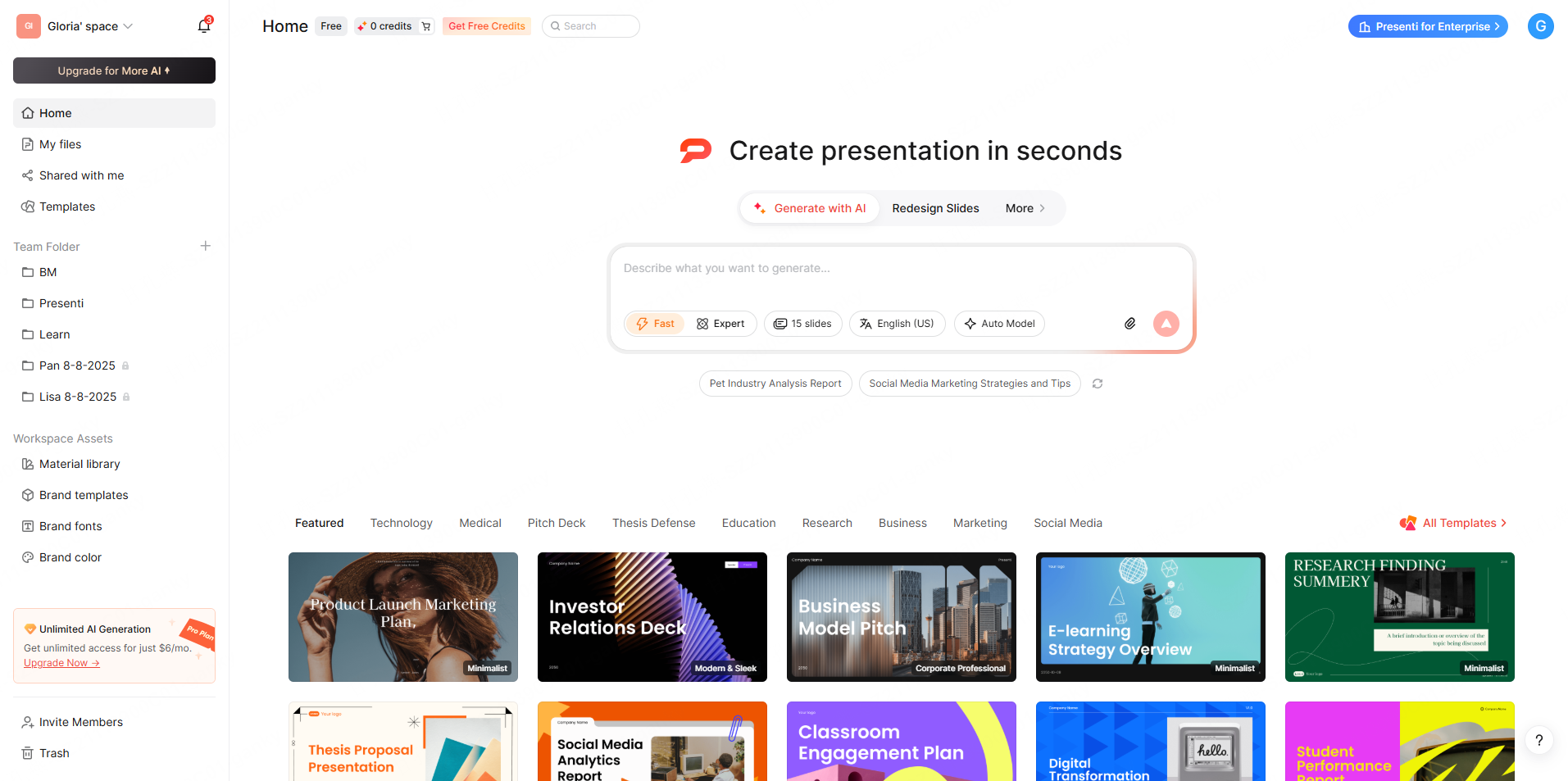
Step 1: Create an account and check the current allowance. Free access includes limited AI credits. Review input and export conditions before building the full deck.
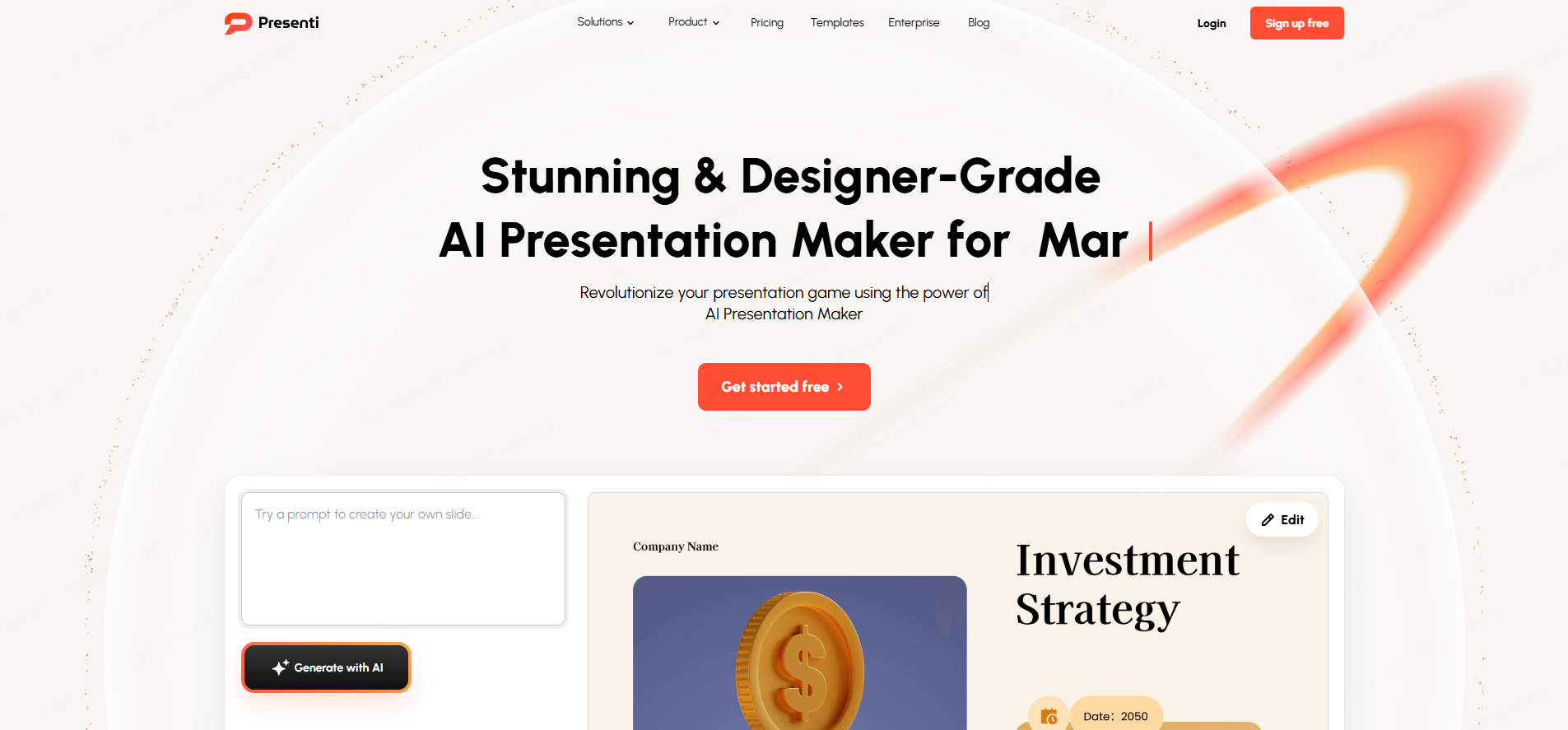
Step 2: Paste a supported URL or the page text. Use a supported page URL or paste its readable text. Check the generated outline against the page, especially tables, figures, and material loaded dynamically.
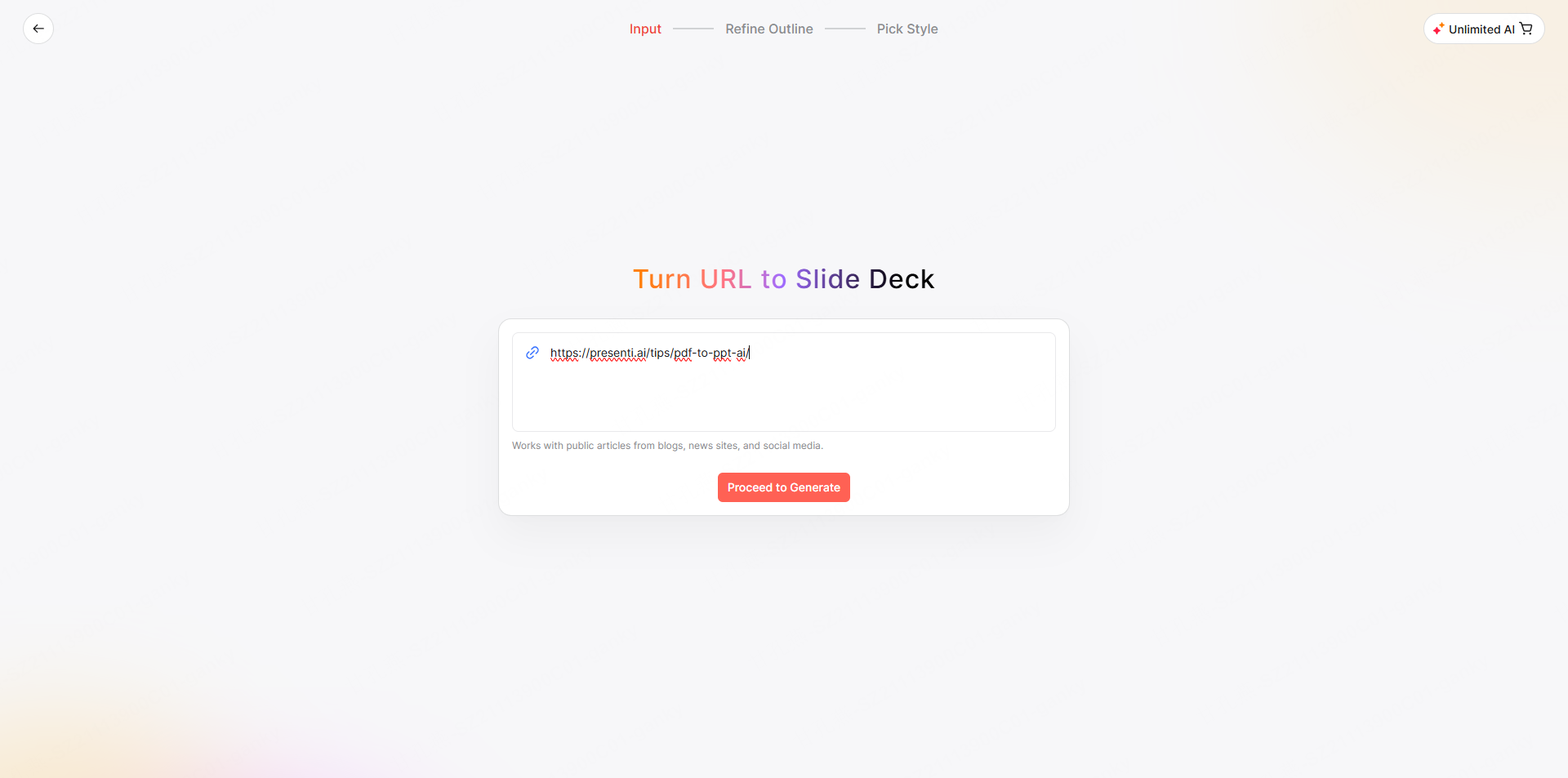
Step 3: Review and refine the AI-generated outline. Before a single slide is built, Presenti surfaces a full presentation outline for your review. This is your chance to reorder sections, cut what doesn’t belong, or add context the source page didn’t cover. The final structure is yours to control.
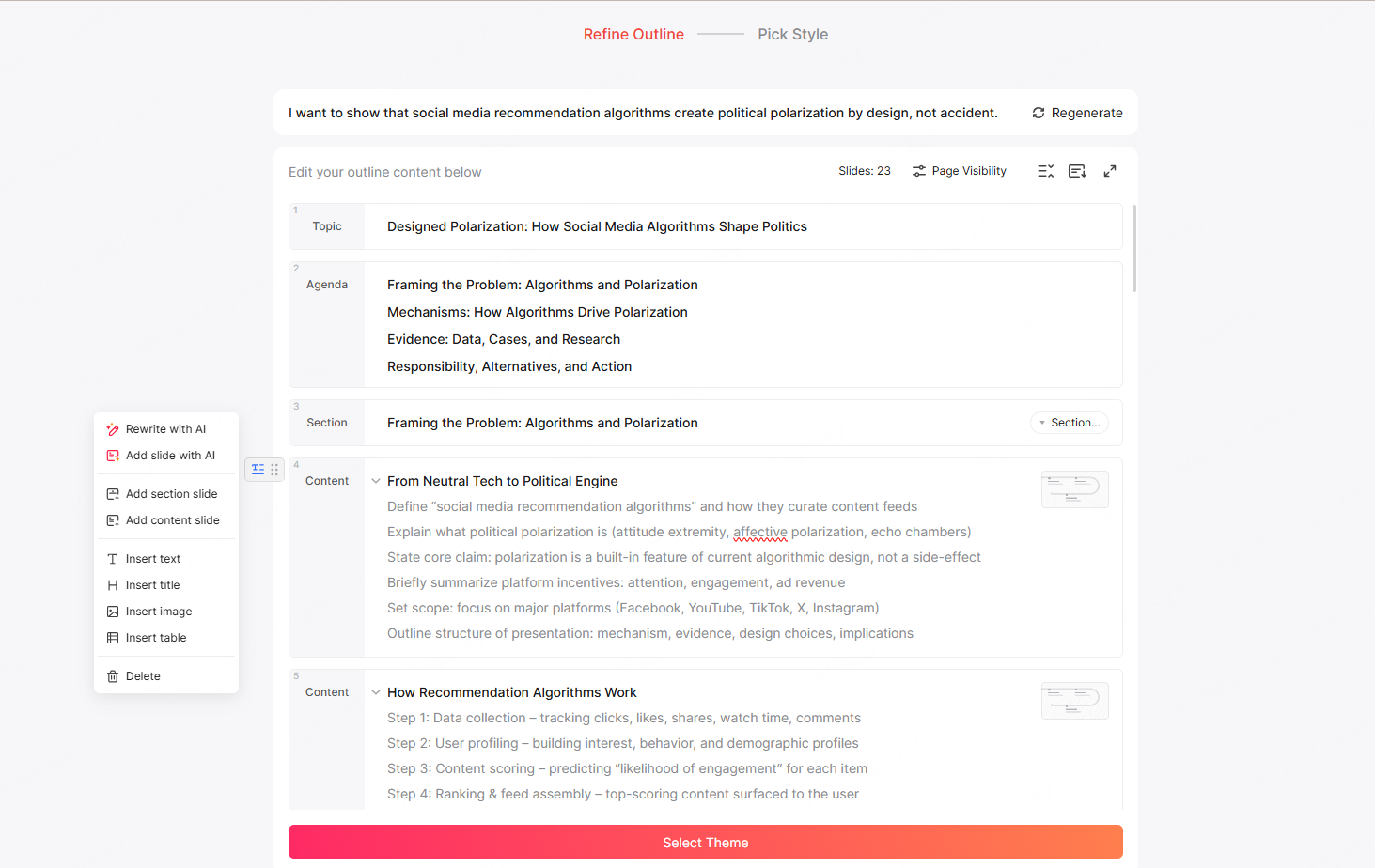
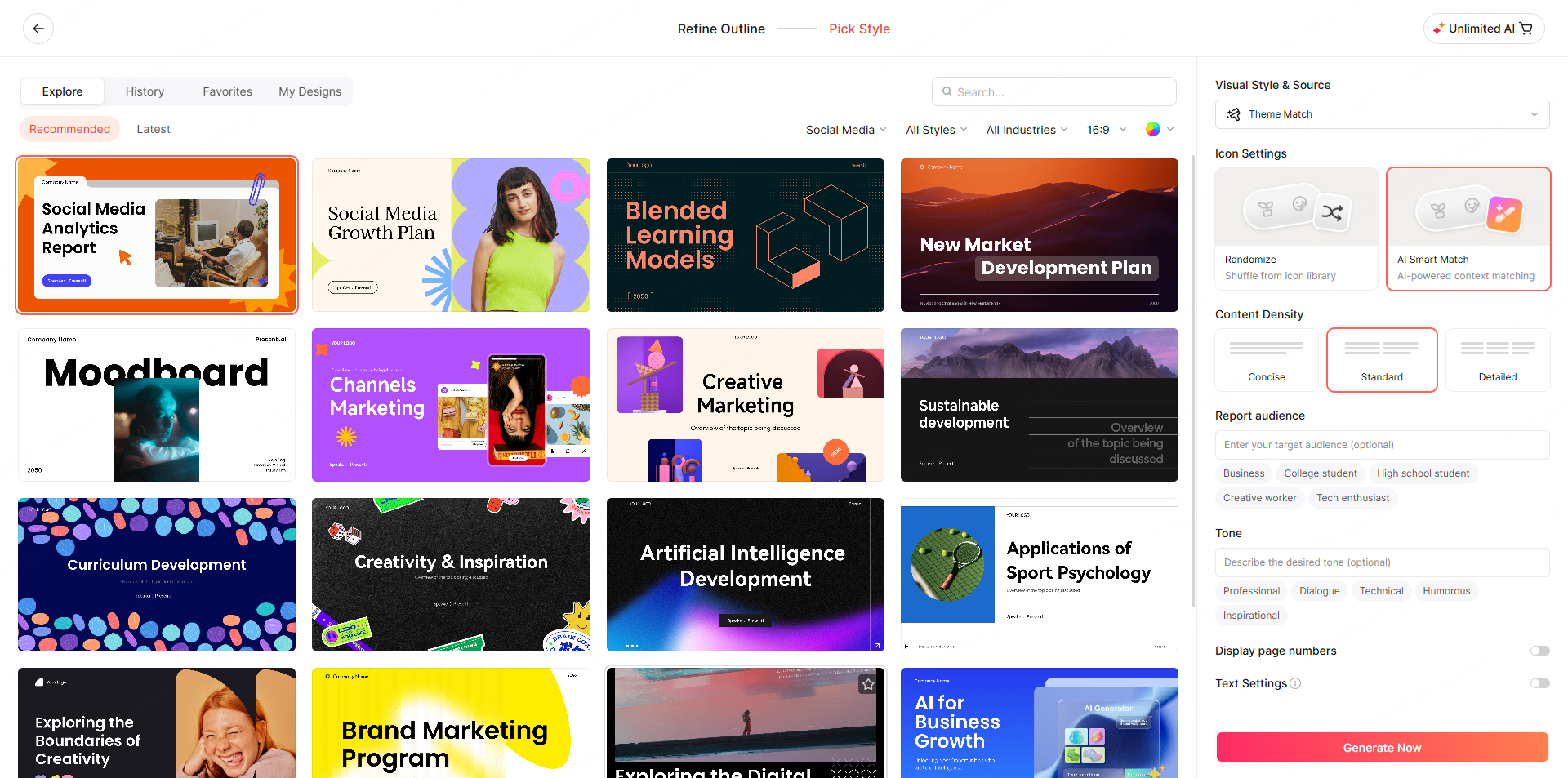
Step 4: Choose a template that fits your context. Select from a library of professionally designed templates — by use case, industry, or visual style. A client pitch looks different from an internal update. Pick the one that matches where this deck is actually going.
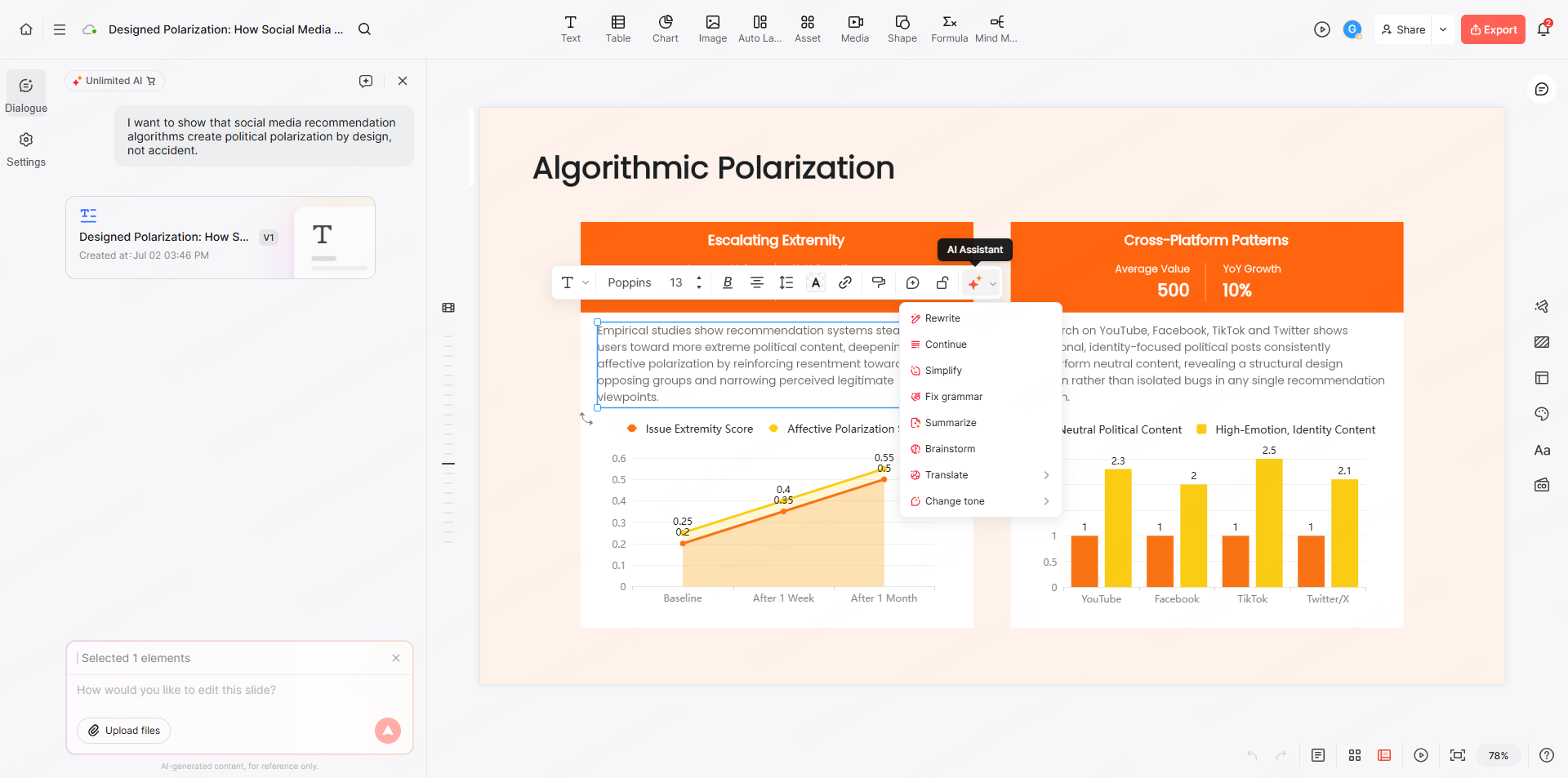
Step 5: Generate, edit, and refine with AI chat. Presenti produces a fully editable presentation — every headline, body block, and layout is live text you can modify directly. Not happy with a slide’s wording? Use the built-in AI chat to rewrite, expand, or simplify any section in plain language. No prompt engineering required.
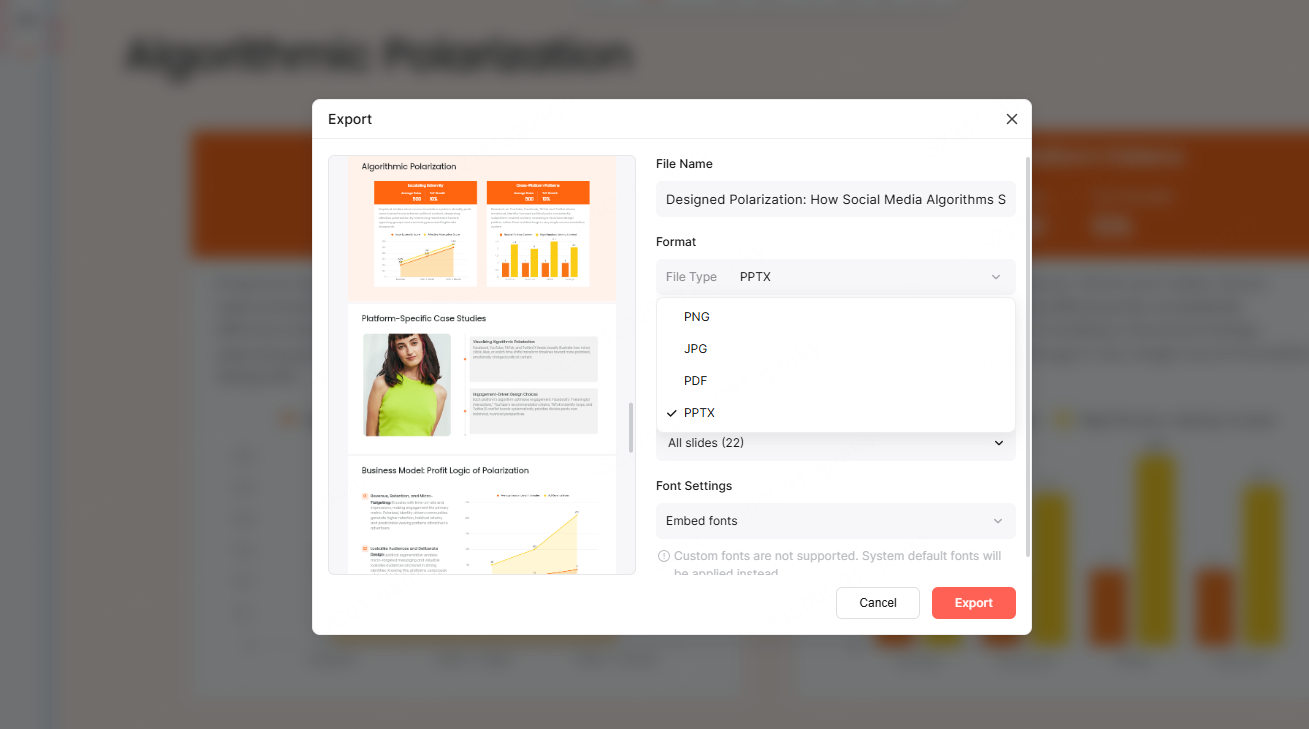
Step 6: Present online or export to PPTX or PDF. When the deck is ready, you have three paths: present directly from Presenti in the browser, use an eligible paid plan to export editable PPTX for PowerPoint or PDF for sharing and archiving.
A generated slide draft reorganizes content for presentation, so compare it with the source instead of expecting a visual copy of the web page.
How AI Turns Web Page Elements into Slide Narratives
The key to a good HTML-to-PPT conversion isn’t just extraction — it’s translation. Here’s how the major web page components should map to slide content.
| Web Page Element | Slide Equivalent |
|---|---|
| H1 / Page Title | Cover slide headline |
| H2 Section Headers | Section divider slides or slide titles |
| H3 Subheadings | Slide subheadings or callout text |
| Paragraph text | Body copy (condensed for slide format) |
| Bulleted or numbered lists | Slide bullet points or icon lists |
| Tables | Data slides or comparison layouts |
| Inline images | Full-bleed or inset slide visuals |
| CTA blocks | Closing slide with action statement |
The critical step is condensing, not copying. Shorten the web copy to the explanation the audience needs, preserving qualifications and source details. The headline carries the argument; the body text supports it. A well-structured web page already tells you what each slide should communicate — you just have to extract the signal from the surrounding prose.
Screenshot Conversion vs. Structured Presentation Generation
There’s a fundamental difference between taking a picture of a web page and actually generating a presentation from it.
Screenshot-based conversion treats the web page as a visual artifact. It captures what the page looks like and pastes it as an image into a slide. The result is technically “a PPT file,” but the content is locked inside flat images — not editable as separate text or chart objects; resizing the image does not restore those elements.
Structured presentation generation reads the content semantically. It understands that an H2 heading is a section title, that a table contains comparative data, that a bulleted list represents parallel points. It then maps each element to the appropriate slide component — headline, body text, data visualization, supporting image — and builds a deck you can actually edit.
The difference isn’t cosmetic. One gives you a frozen screenshot. The other gives you a working draft.
For a product page, identify the main benefits and the evidence supporting each one. Check whether the outline gives each point enough space and whether important caveats have survived the conversion.
Conclusion: Stop Rebuilding What You’ve Already Built
The goal of converting HTML to PPT isn’t to create a copy of a web page in slide format. It’s to take content that already communicates value and adapt it for a context where someone is standing in front of a room, running a screen share, or sending a deck to a client who will give it 90 seconds.
That requires structure. It requires condensing. And it requires output that’s editable — because no AI-generated draft is the final draft.
Presenti AI gives you a working starting point — not a screenshot, not a wall of unstyled text, but a real presentation draft with proper headings, clean layouts, and the narrative logic your web content already contains.
Ready to convert HTML to PPT without the formatting headache? Upload your web content to Presenti AI and generate an editable, presentation-ready draft in minutes.